

KYY X90D Triple Laptop Screen Extender, Dual 15.6-inch FHD IPS Displays
Product description
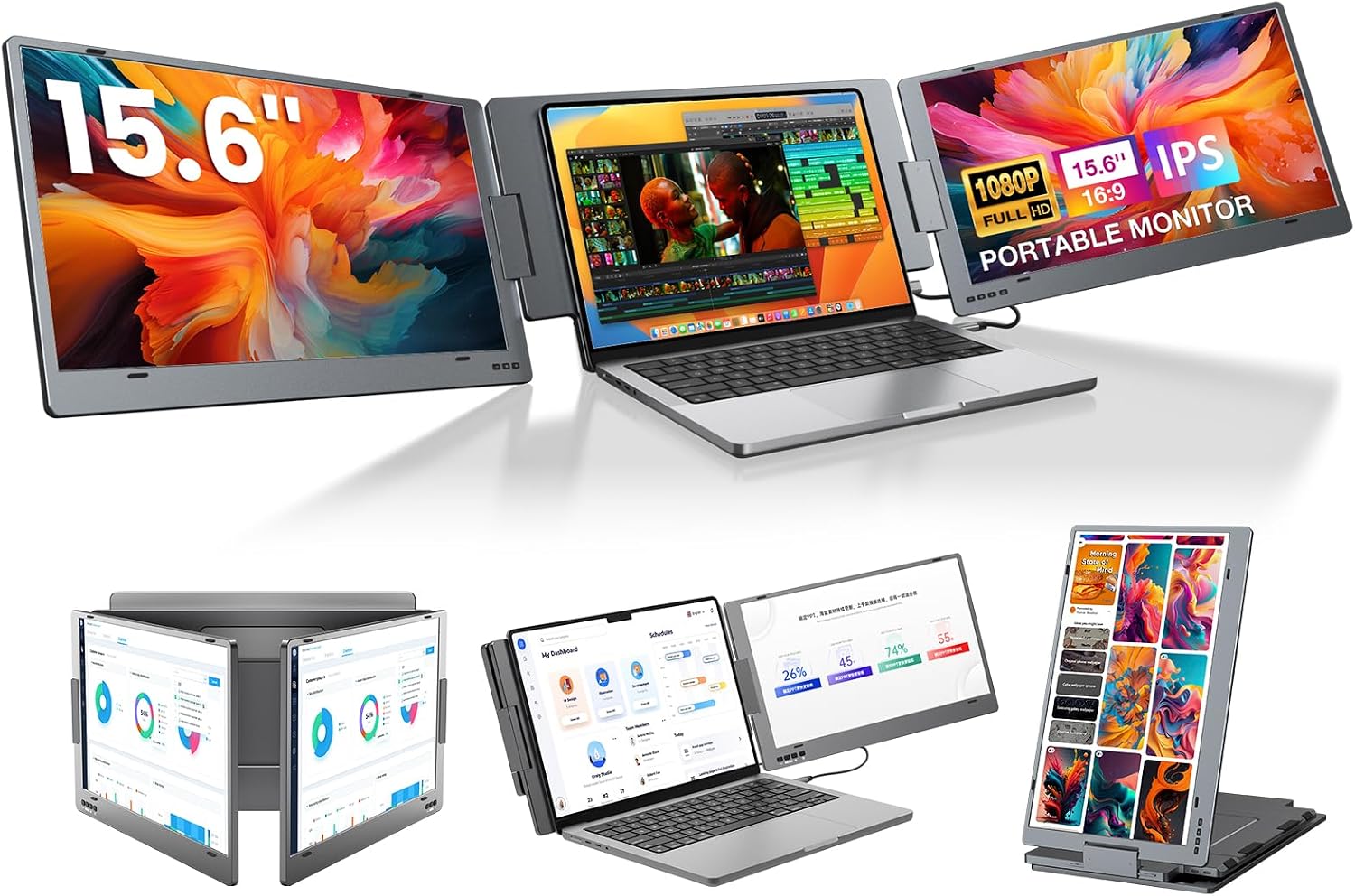
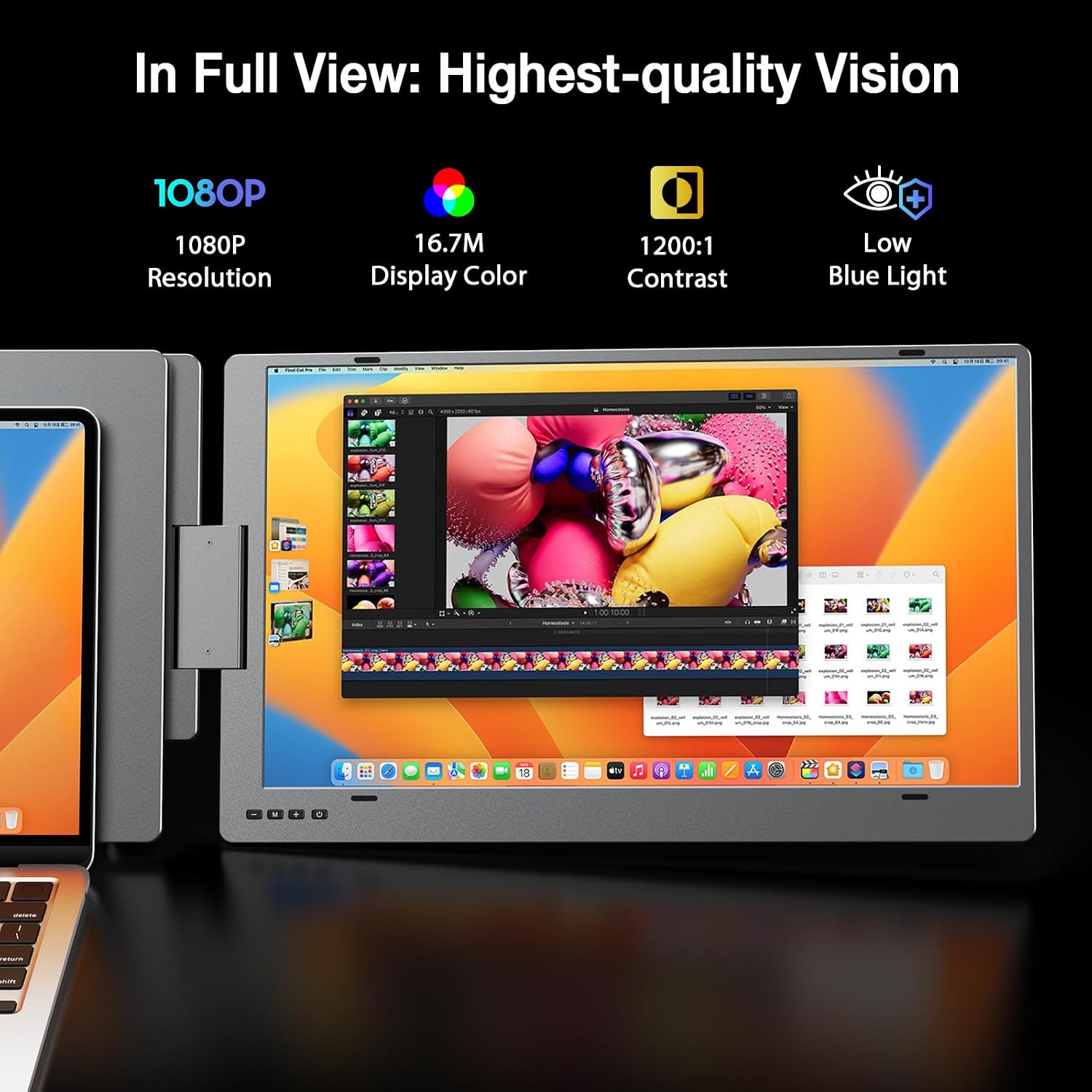
A laptop-only workspace can work well for focused tasks, while multitasking often calls for more room to keep documents, calls, and reference material visible. The KYY X90D adds two 15.6-inch Full HD IPS displays to a compatible laptop, creating a portable three-screen setup with adjustable viewing positions.
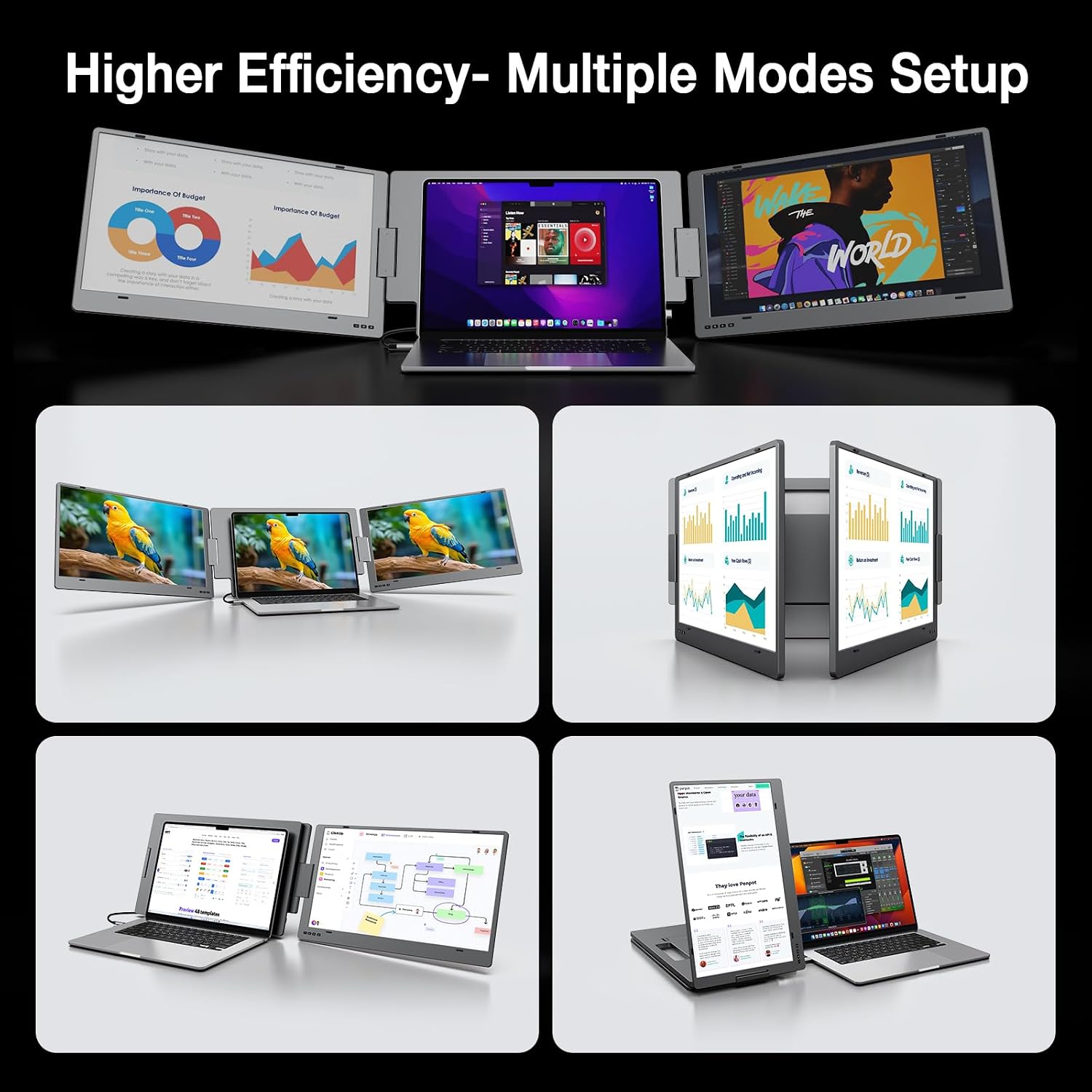
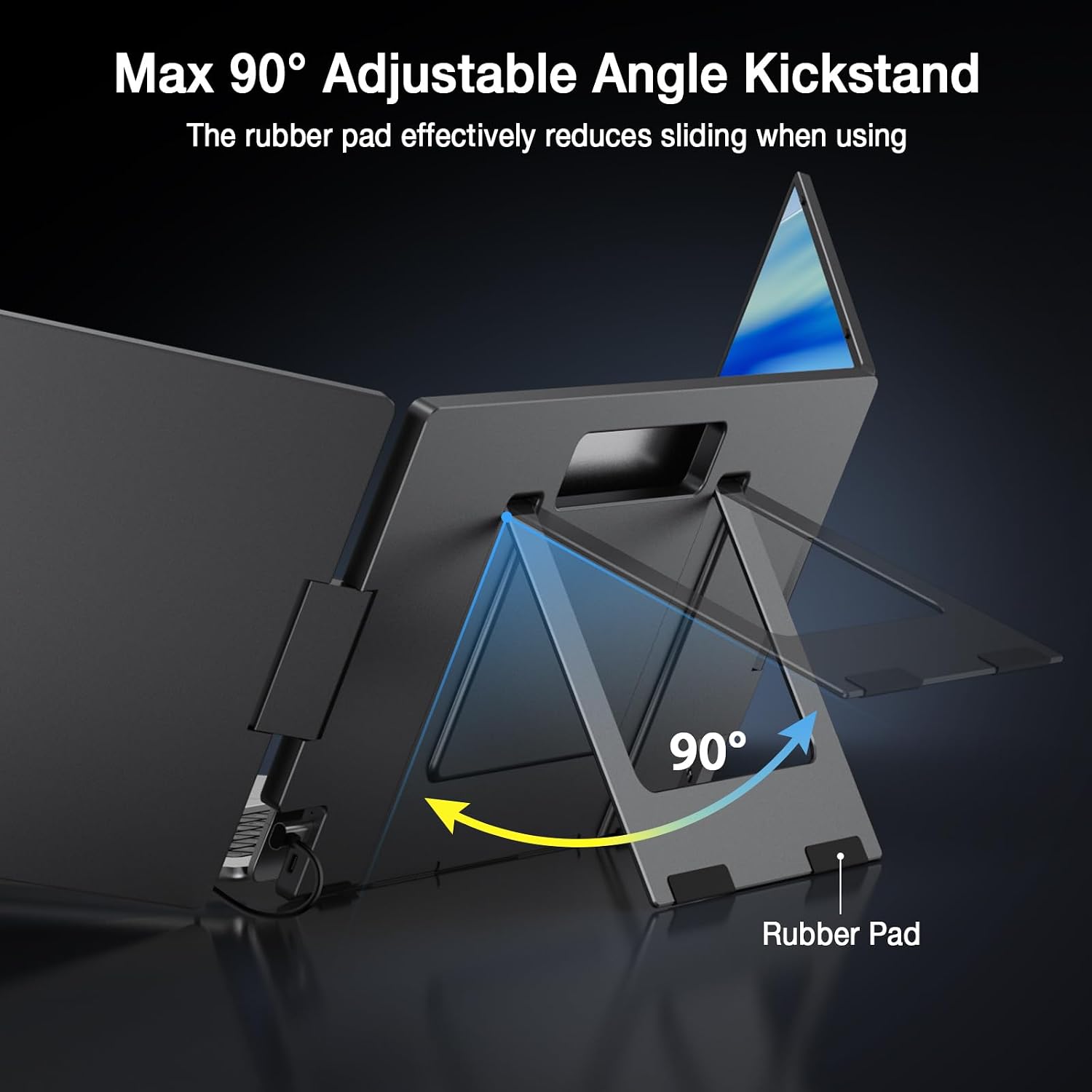
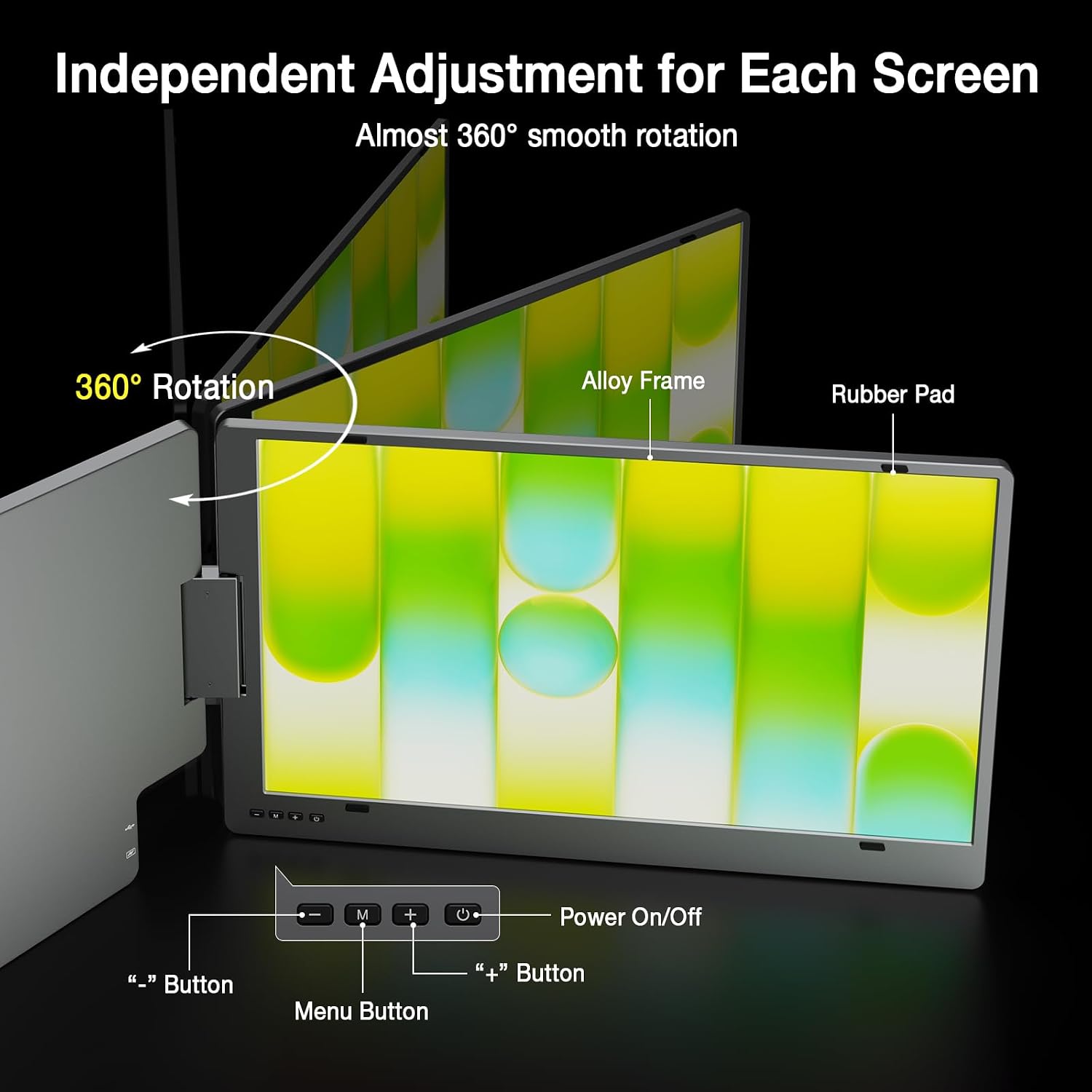
Its alloy design and built-in kickstand make it suited to moving between a home office, shared workspace, and meetings. Each screen rotates up to 360 degrees, so you can adapt the layout for your work or share a view with someone nearby.
Product specs
- Name: KYY X90D Triple Laptop Screen Extender
- Display: Two 15.6-inch IPS LCD screens
- Resolution: 1920 x 1080 pixels per screen
- Refresh rate: 60 Hz
- Viewing angle: 178 degrees
- Screen finish: Glossy
- Material: Aluminum alloy exterior
- Color: Gray
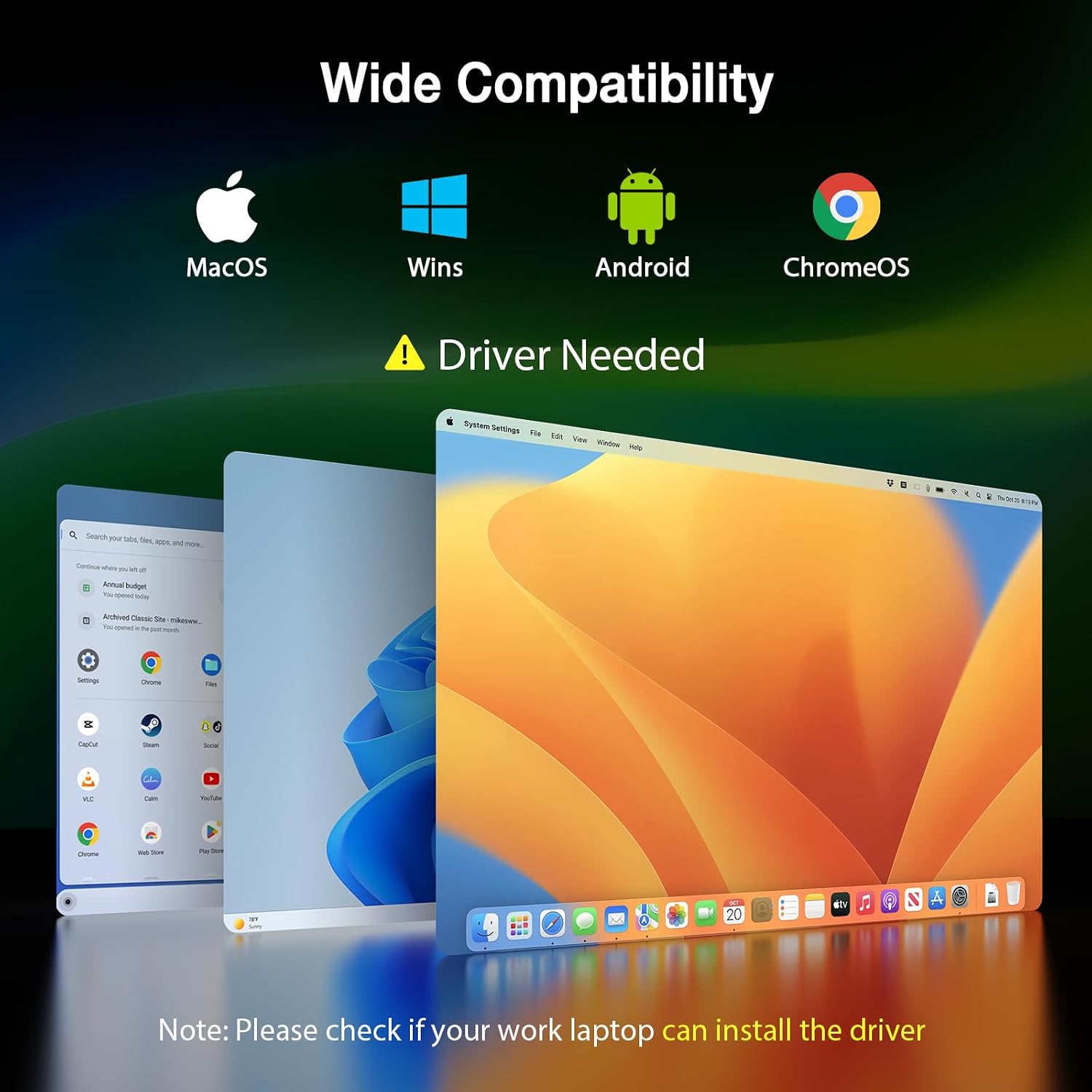
- Compatibility: Windows, macOS, Chrome OS, Android, and Linux, driver installation required
- Connectivity: USB-C video connection, laptop must support video output through its port
- Warranty: 1 year
The two Full HD displays give you separate areas for active tasks—for example, keeping a video meeting on one screen while viewing notes or documents on another. IPS panels and 178-degree viewing angles help make the screens practical for shared viewing in a meeting. Rather than adding a single stationary monitor to a desk, this extender brings two adjustable displays along with the laptop. Is a more flexible screen layout useful for the way you work? The X90D’s rotating panels let you set up for individual work or turn a display toward a colleague.
Tips for day-to-day use
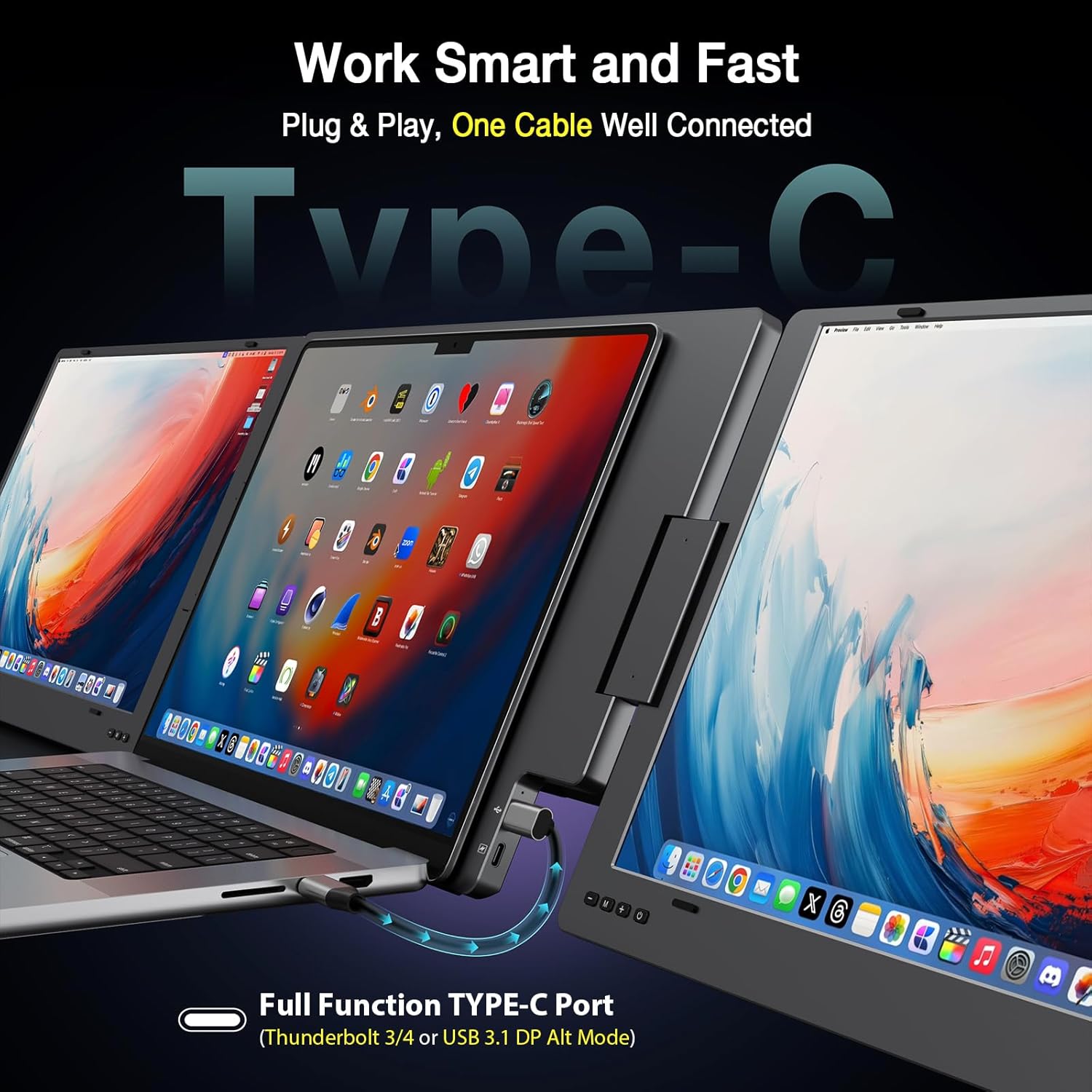
For a simpler setup, connect the extender to a laptop using a USB-C cable when the laptop’s port supports video output. The laptop must support video output through its USB port, such as USB-A 3.2, Thunderbolt 3 or 4, or USB 3.1 with DP Alt Mode. Install the required driver before use. The product lists compatibility with Windows, macOS, Chrome OS, Android, and Linux.
Set the built-in stand at an angle that works for your desk, then rotate each screen to suit the task. Landscape and portrait modes support different kinds of content, while the 360-degree rotation makes it easier to reposition a panel for screen sharing. The control wheel on each display provides access to its settings.
Buyers often praise the setup process, portability, build, and connectivity. Feedback on display quality and compatibility is more mixed, and some find the unit heavy. These perspectives can help set expectations for a travel-oriented workstation while the laptop’s video-output support and driver setup remain key parts of the connection.
Included in the package
The package includes the monitor extender, cables, and a power adapter. Its alloy exterior and built-in stand bring the screens and support together in one portable workstation, and each display has its own menu control wheel. For a changing workday, that means the panels can be positioned for desk work, a video call, or a shared view without relying on a fixed screen arrangement.
Practical questions
Can I connect it to any USB-C port on my laptop? The laptop port must support video output. The product identifies USB-C full-function video, Thunderbolt 3 or 4, and USB 3.1 with DP Alt Mode as examples, a driver is also required.
Which operating systems are listed as compatible? Windows, macOS, Chrome OS, Android, and Linux are listed. Install the required driver before using the extender.
Can I adjust the screens for different viewing positions? Yes. Each screen supports rotation from 0 to 360 degrees, and the built-in stand adjusts up to 90 degrees. The displays also support landscape and portrait orientations.
Is it worth it?
The KYY X90D is a practical fit for laptop users who want two additional displays in a portable format rather than a single fixed screen. Its dual 15.6-inch FHD IPS panels, rotating design, and built-in stand support a flexible workspace for multitasking, meetings, and screen sharing. Check that your laptop supports video output through its USB port and install the driver to use the expanded setup.