

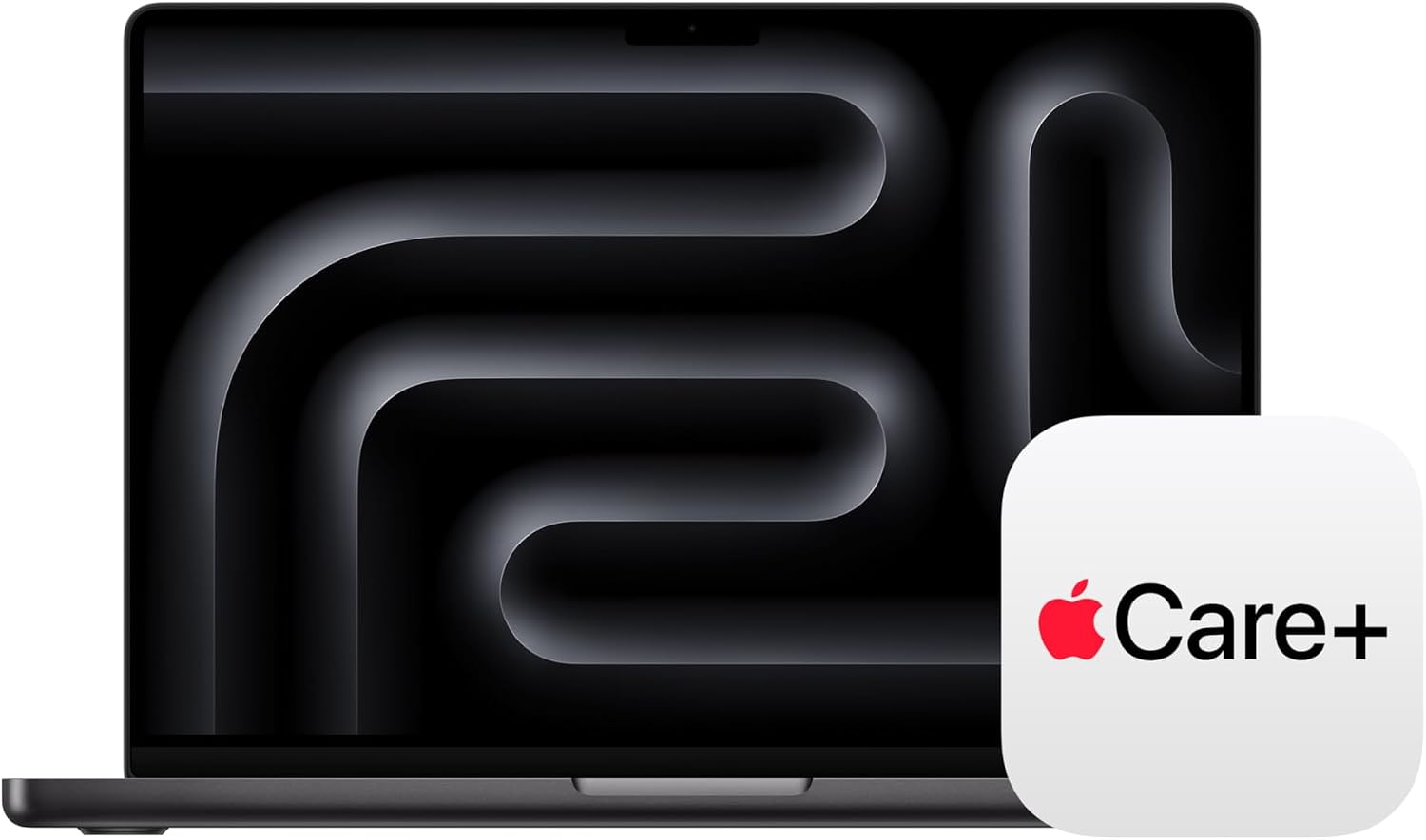
Apple 2026 MacBook Pro with M5 Pro — 14.2-inch, 24GB RAM, 1TB SSD
Product description
What it is
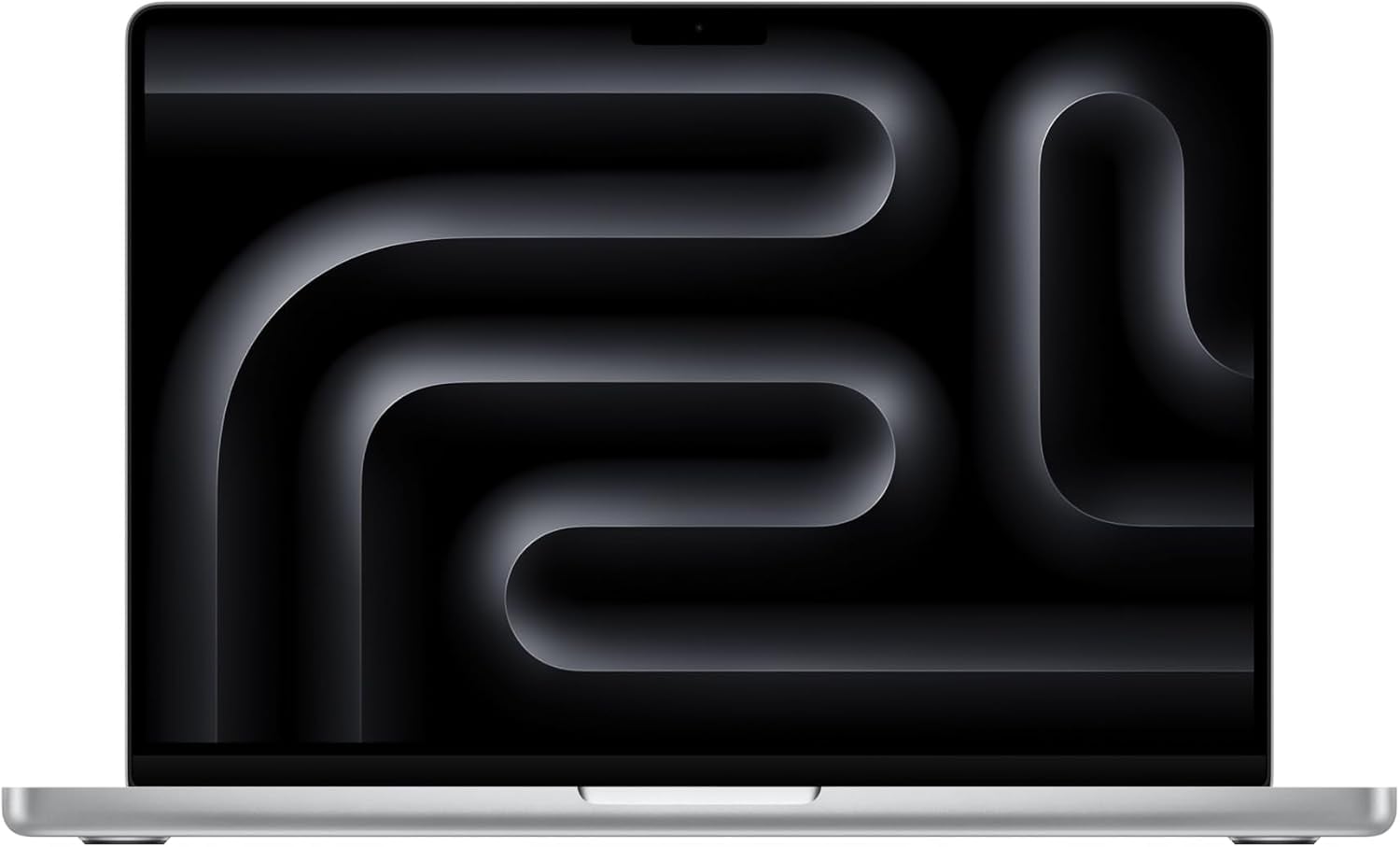
The Apple 2026 MacBook Pro pairs a new M5 Pro chip with a 14.2-inch Liquid Retina XDR display and a substantial memory/SSD configuration. It's designed for on-device AI tasks alongside everyday professional workflows, with a focus on high-speed performance and robust on-the-go capability.
What matters most
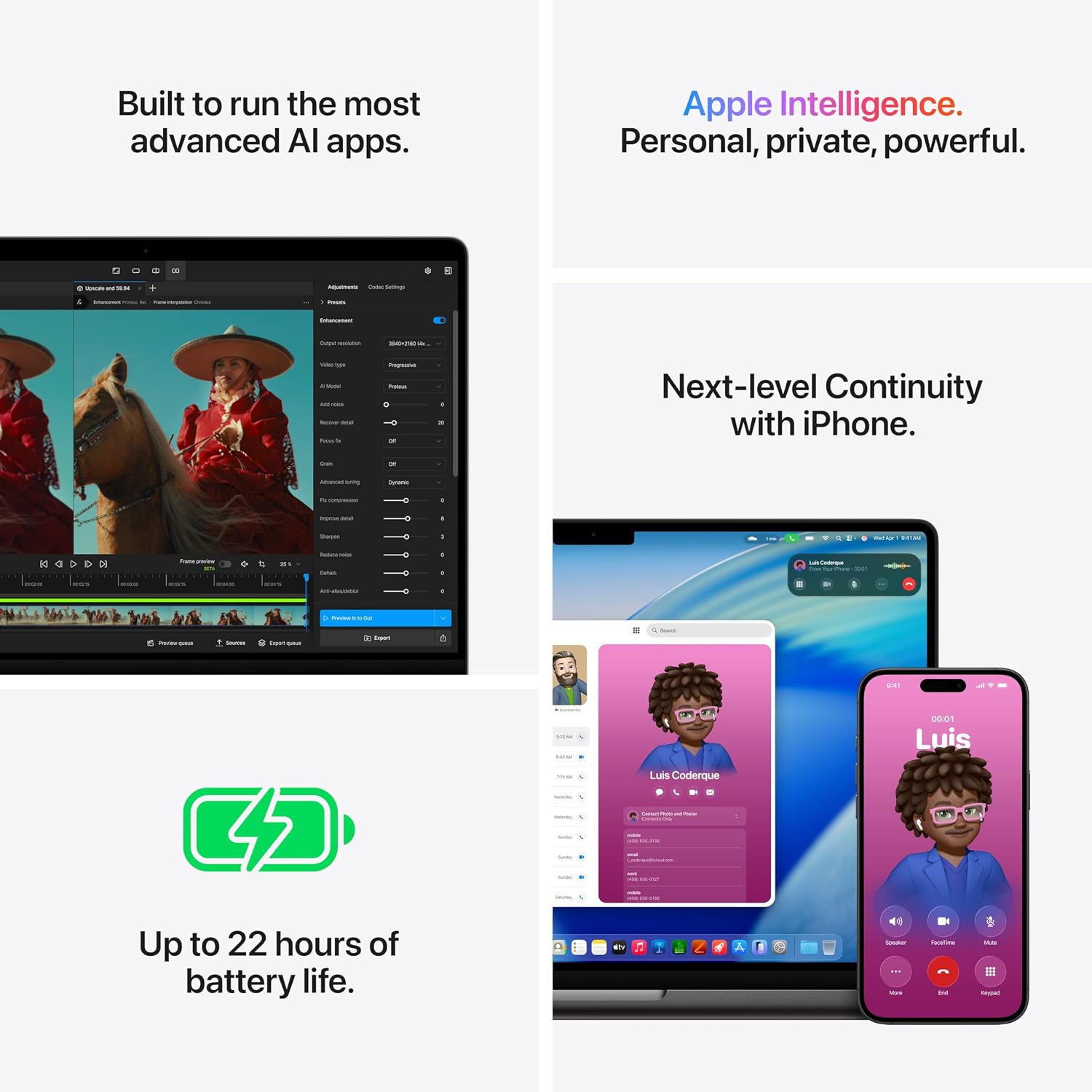
On paper, the M5 Pro powers faster CPU, GPU, and Neural Accelerator capabilities, which translates to quicker AI tasks and smoother handling of demanding workloads. The built-in 24GB unified memory and 1TB SSD target users who run multiple apps, large files, or creative software without frequent storage juggling. The display promises strong brightness and contrast, which can help with color-critical work and media consumption.
Who it’s for
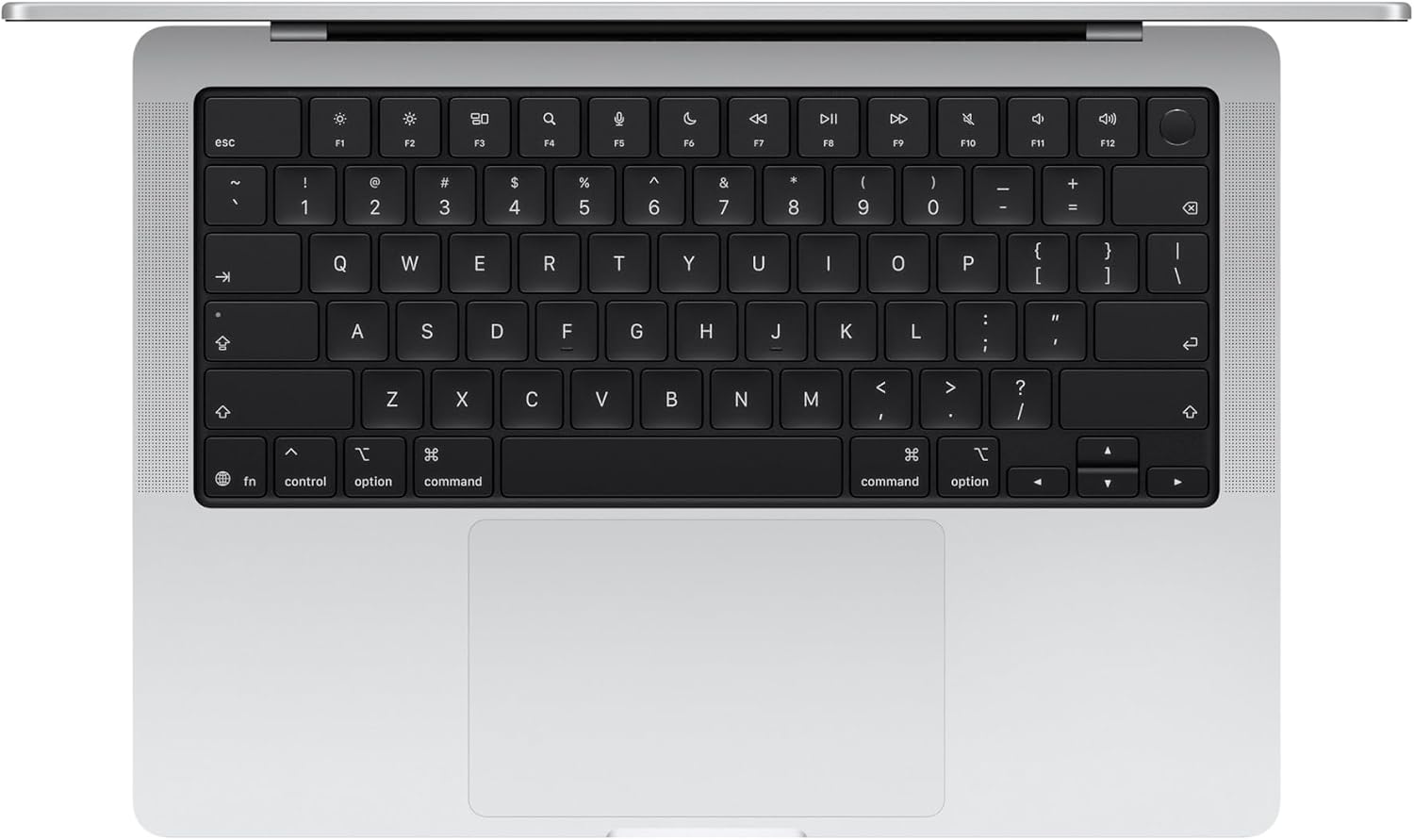
This model seems aimed at professionals and professionals-in-progress who want top-tier on-device AI performance, sizable local storage, and a portable workstation for video editing, software development, or content creation in a macOS environment.
What stands out day to day
- All-day battery life keeps you productive away from outlets.
- The 14.2-inch screen with high brightness and deep contrast supports detailed work and media viewing.
- Multiple ports (Thunderbolt 5, MagSafe, HDMI, SDXC, headphone) reduce dongle dependence and enable easy external display setups.
- Tight integration with macOS and iPhone ecosystem can streamline workflows like copying/pasting between devices or using Continuity features.

Where it may fall short
If you don’t need frequent on-device AI or the very highest graphics throughput, the cost and size may feel excessive for lighter use cases. The claim of battery life and performance will depend on workload and software optimization, and some pros may find the GPU/CPU advantage less visible in routine tasks.
How it compares to similar approaches
In real-world terms, this kind of MacBook Pro sits between ultra-portable laptops and workstation-class machines. If your work relies heavily on AI on device, local model training, or large-scale media projects, the M5 Pro setup can be compelling. If your workflow is more browser-based or strictly office tasks, a lighter configuration could offer a better price/performance balance.
What to check before buying
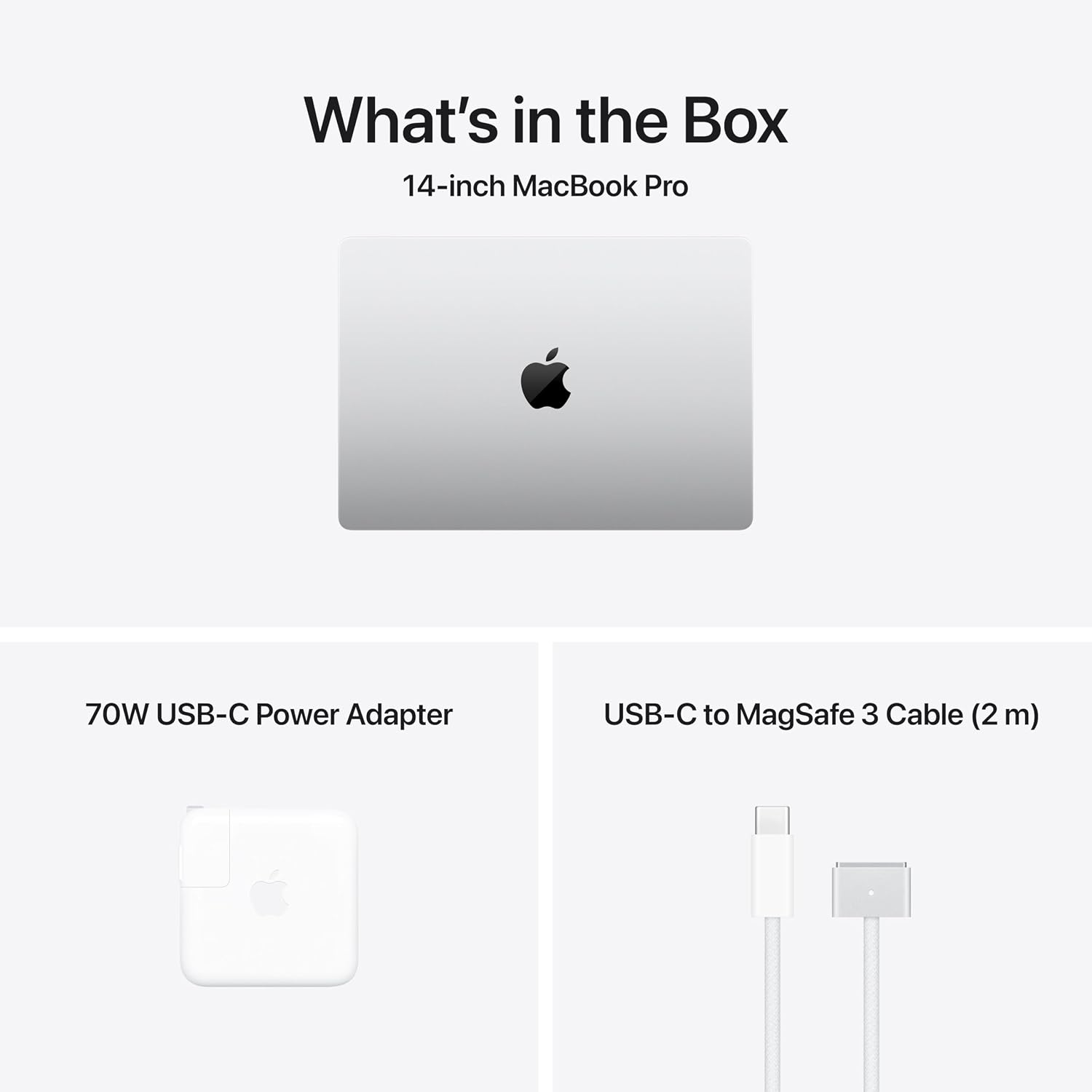
- Confirm you’re comfortable with the 14.2-inch form factor and weight for your typical travel or commute.
- Consider whether 24GB RAM and 1TB SSD align with your typical file sizes and project timelines.
- Review how your essential software runs on macOS with Apple silicon and whether any critical tools have optimized builds for the M5 Pro architecture.
- Think about your external monitor needs and ensure the available ports cover your setup (HDMI, USB-C/Thunderbolt, SD card).
Practical use case
Imagine editing a 4K video project while rendering AI-assisted effects in real time, with several apps open and a few cloud tasks queued. The MacBook Pro should manage these smoothly on battery or plugged in, while the display delivers precise color and brightness for accurate grading.
FAQ
- How does the M5 Pro affect AI tasks on-device? It includes a Neural Accelerator per core, designed to speed up AI inference and training locally.
- Is 24GB of memory sufficient for professional workloads? For many creative and development tasks, 24GB provides headroom for multitasking, but heavy multi-project timelines or very large datasets may benefit from additional storage or memory considerations.
- Can I connect multiple external displays easily? The model lists up to three external displays with M5 Pro, or four with M5 Max, via Thunderbolt 5 ports and HDMI.
Should you buy it?
Is it worth it? If you prioritize on-device AI performance, generous local storage, and a modern display within the macOS ecosystem, this MacBook Pro aligns with those needs. It may be less appealing if your work seldom uses AI acceleration, or if you prefer a lighter, more affordable setup for basic tasks.