

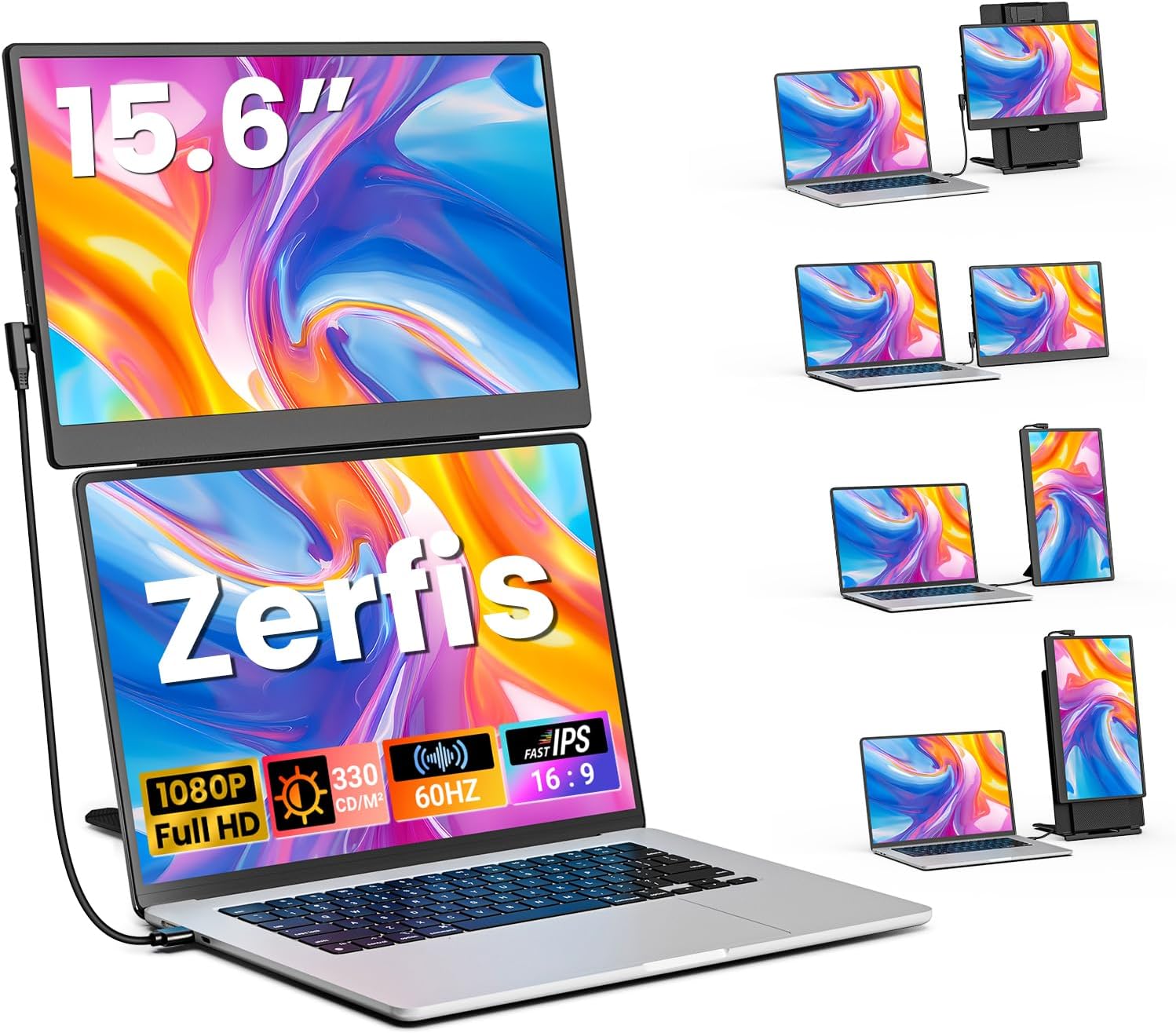
Zerfis S13 15.6-Inch Portable Monitor, 1080p FHD IPS, 360° Rotation
Product description
What you’ll notice day to day
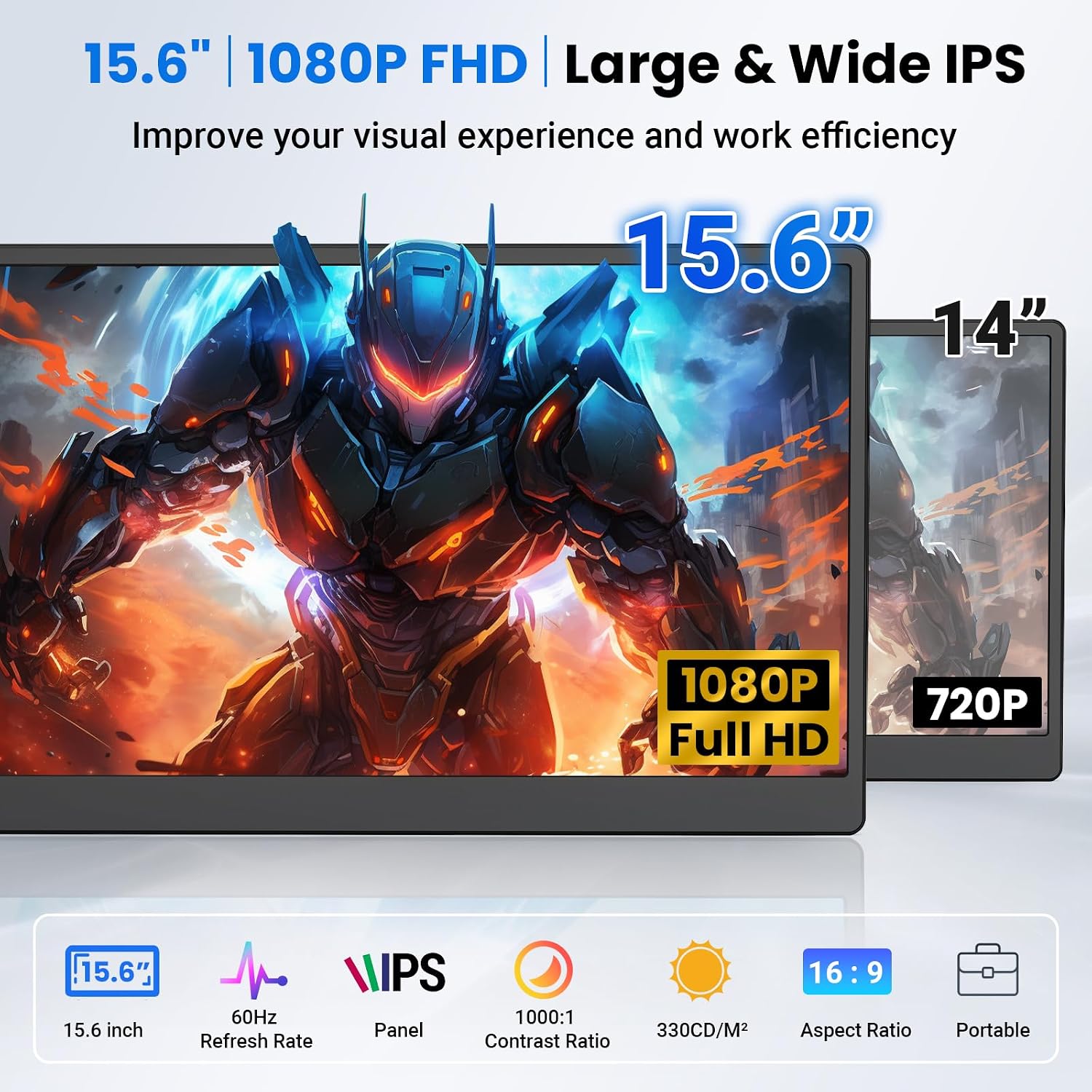
For anyone who needs more room to work on a 13–17-inch laptop, the Zerfis S13 adds a 15.6-inch display that can serve as a second screen for office tasks, studying, or gaming. Its 1920 x 1080 FHD resolution, IPS display, and 16:9 format give you a familiar widescreen workspace for viewing documents, keeping a reference open, or moving between tasks without relying on one laptop display.
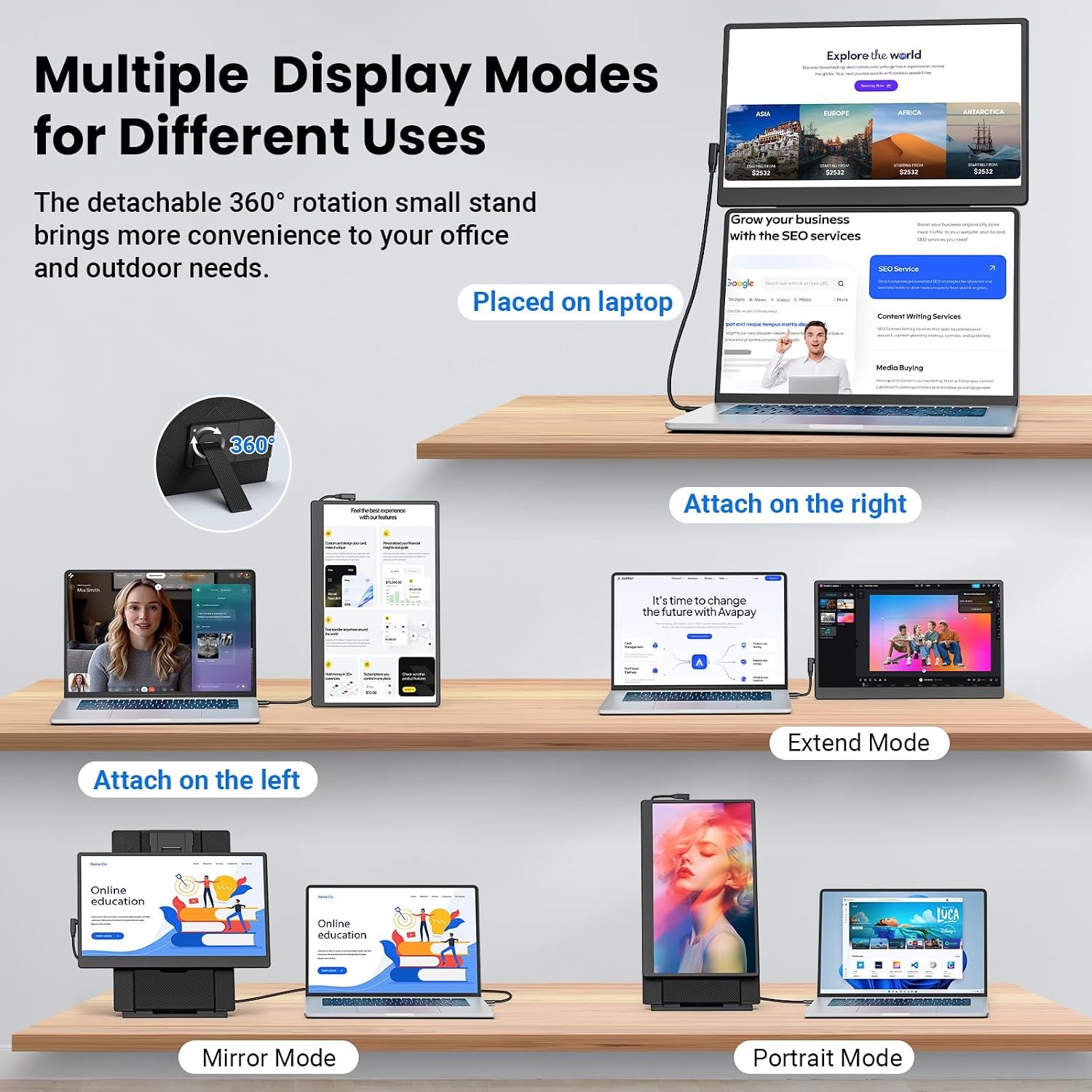
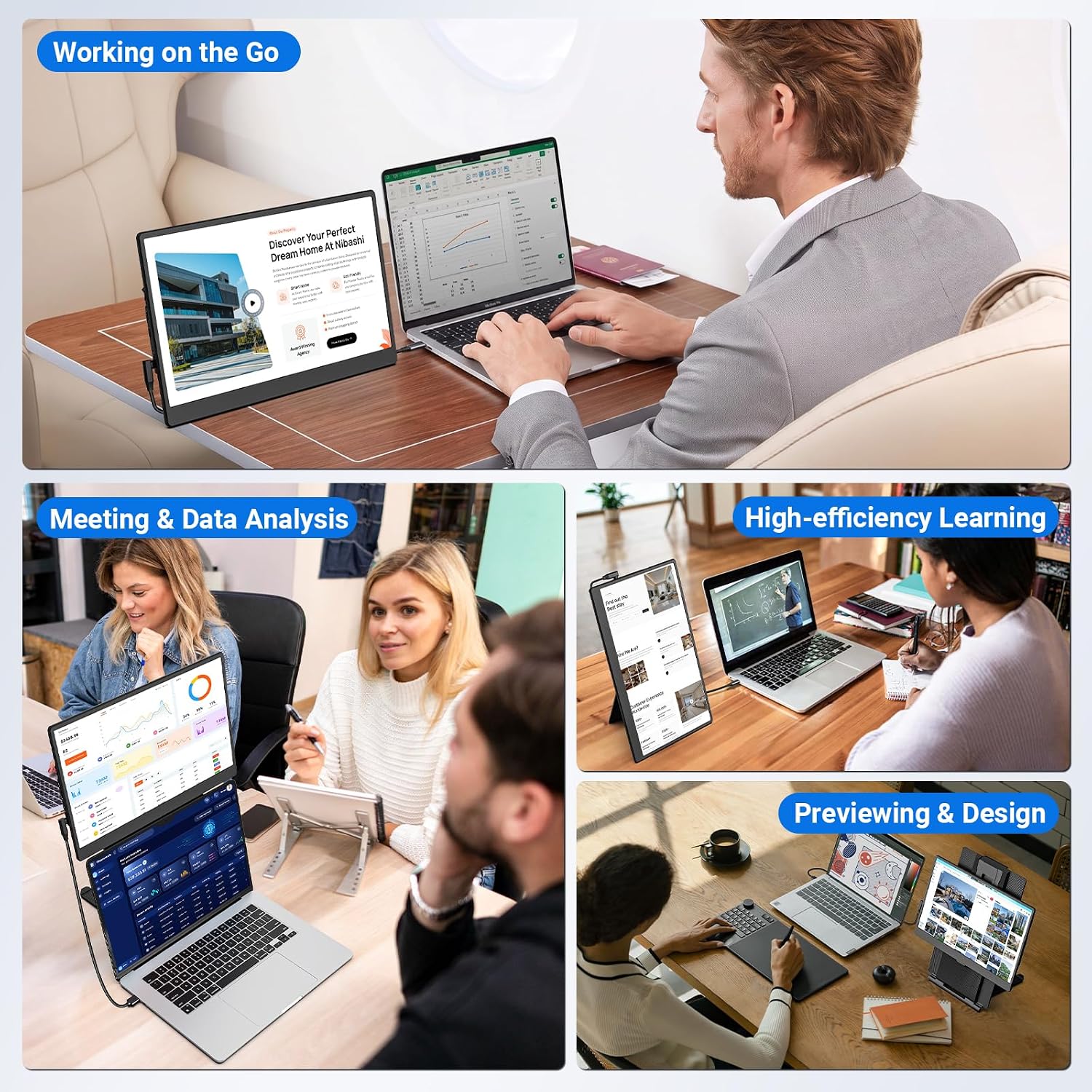
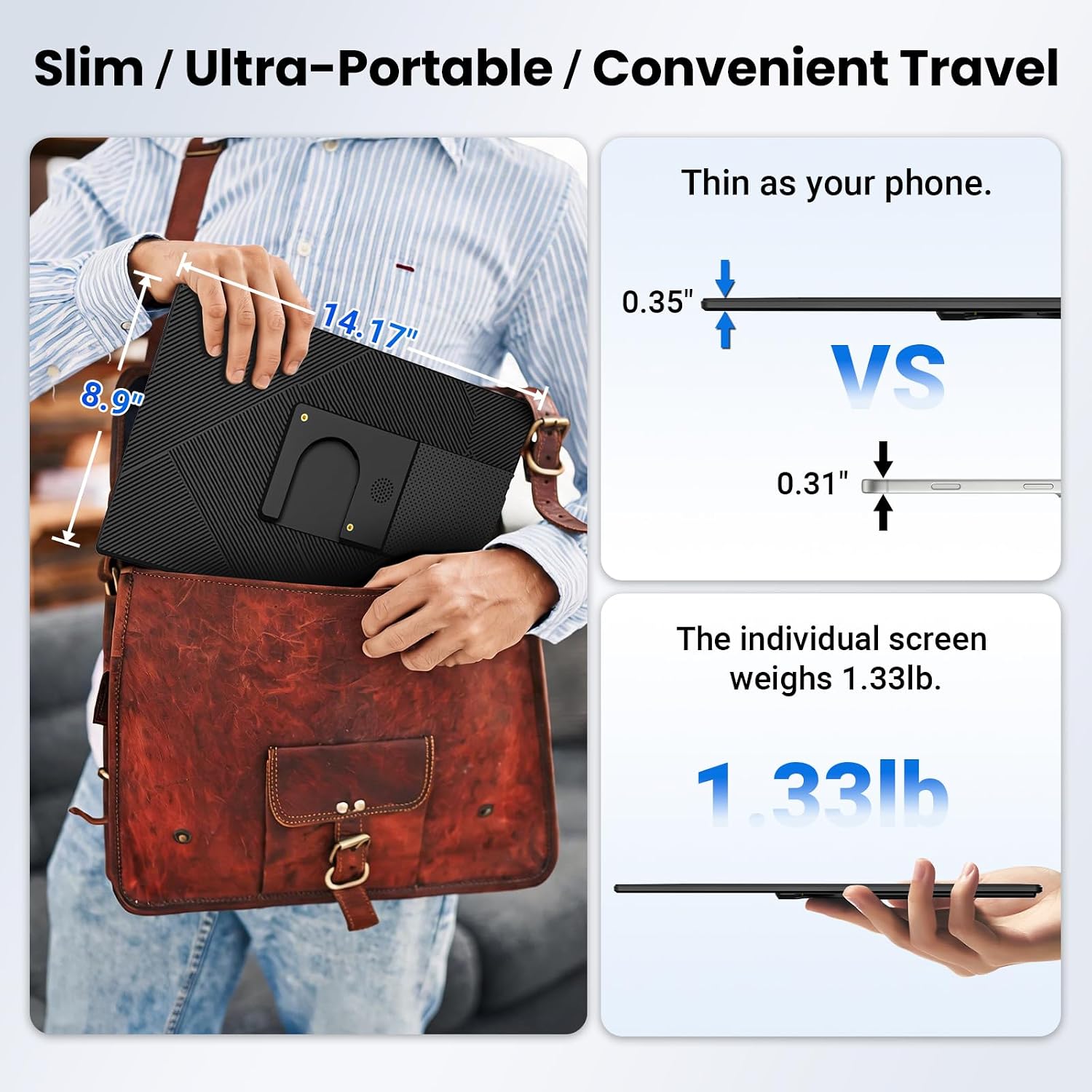
The portable extender supports landscape, portrait, extended, and mirrored display modes, with 360° rotation and height adjustment for different setups. Place it above the laptop screen or use the included brackets to position it as needed. When you’re working away from a fixed desk, that flexibility makes it easier to set up a larger workspace around your laptop.
The essentials
The S13 connects through USB-C or HDMI, with plug-and-play setup. A single full-featured USB-C connection is an option when the laptop’s USB-C port supports it, alternatively, the HDMI connection can be paired with USB-A or USB-C. The monitor has a mini HDMI input, and the package includes USB-A to USB-C, USB-C to USB-C, and HDMI to mini HDMI cables, along with a small bracket and a support bracket.
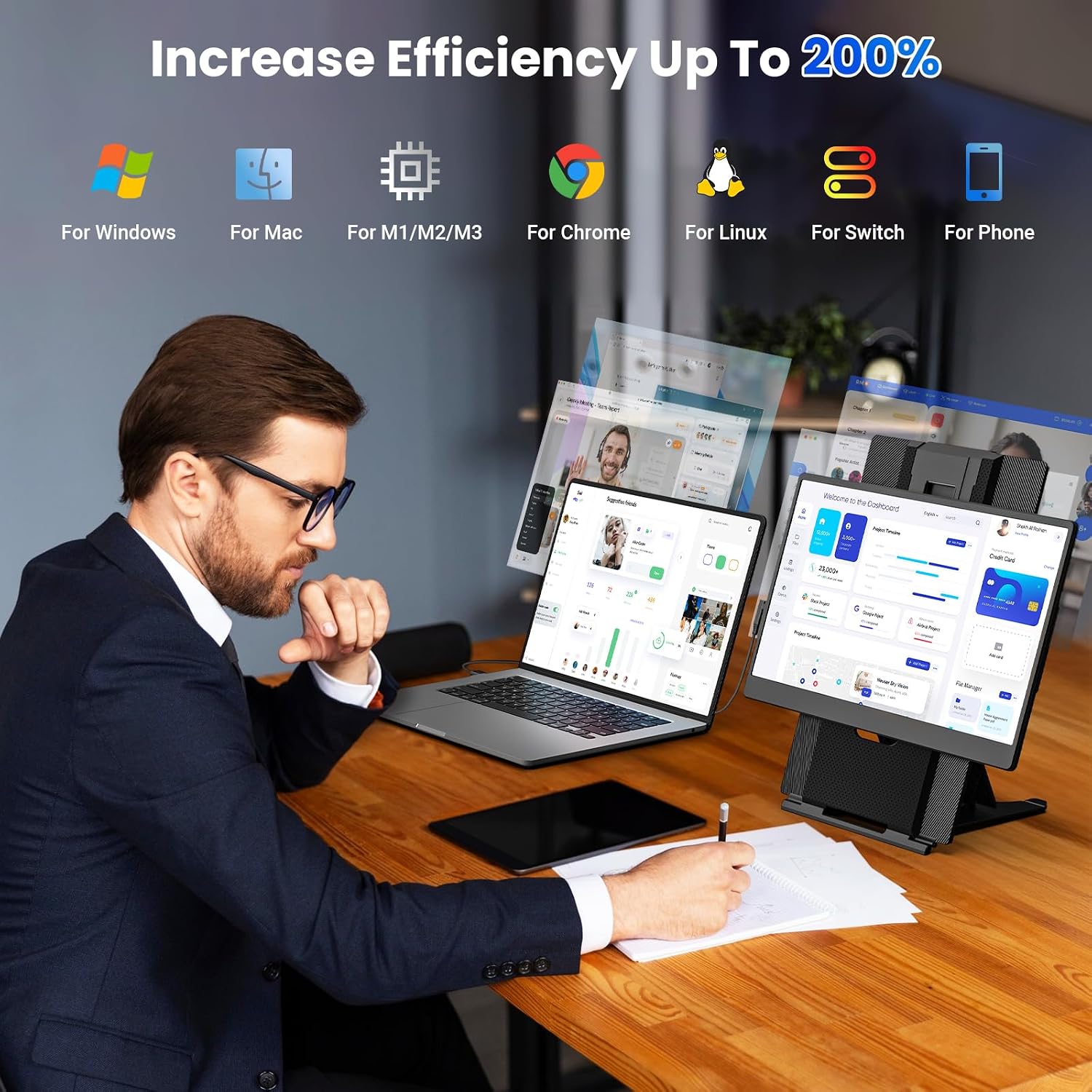
Compatibility includes Windows, macOS, Android, and Chrome, as well as laptops, desktops, smartphones, and game consoles. For laptop use, the stated fit is 13–17 inches. The 60 Hz IPS panel and 1080p resolution make it a practical match for everyday work and entertainment where adding screen space matters more than setting up a permanent desktop monitor. A 75 x 75 mm VESA mounting hole also gives you another way to configure a stationary workspace.
What helps most when switching between tasks: another window on the same display, or a separate screen you can position independently? The S13’s extend and mirror modes let you choose how to use the extra display, while portrait and landscape options adapt the layout to the task.
Getting the most from it
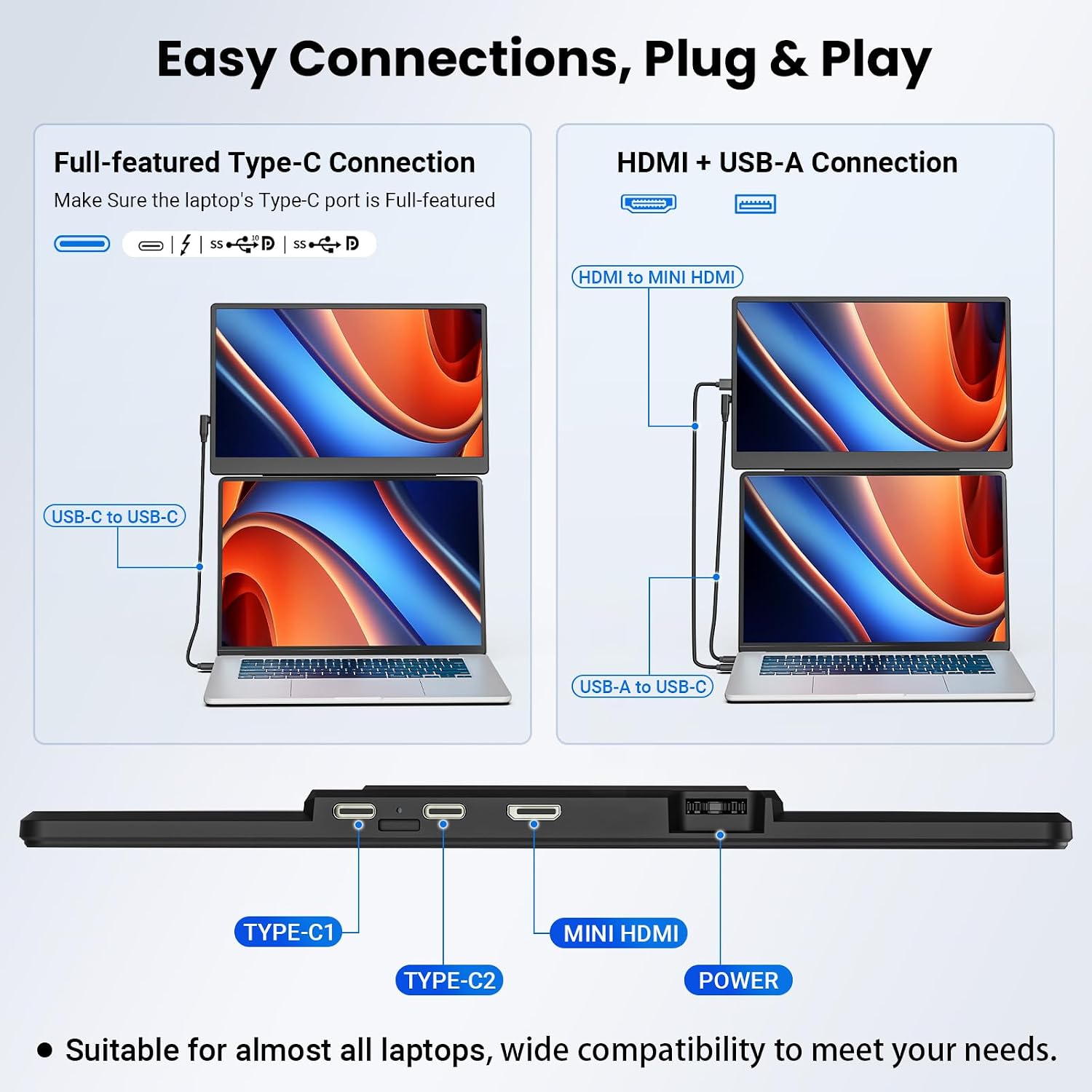
Choose the connection that suits your device: use USB-C for a one-cable setup when the port supports full-featured video, or connect through HDMI and provide the USB connection as described for that setup. Once connected, select the display mode that suits your work. An extended desktop can keep reference material separate from the active task, mirroring can show the same content on both screens. Portrait orientation may be useful when a taller screen layout suits the material, while landscape provides a widescreen view.
Buyers commonly highlight the straightforward setup, clear 1080p picture, portability, and rotation as useful parts of the experience. Some also describe it as helpful for multitasking and as a portable second display for Chromebooks. These are user impressions, while the practical draw is the combination of a Full HD IPS screen and multiple positioning and display options.
What to clarify
Which laptop sizes does the extender fit? It is specified for laptops from 13 to 17 inches, making it suitable for adding a portable companion display to laptops in that range.
Can it connect with one USB-C cable? Yes, if the device’s USB-C port supports full-featured video. The alternative connection method uses HDMI with USB-A or USB-C.
What comes in the package? The listed contents include the screen extender, a small bracket, a support bracket, USB-A to USB-C and USB-C to USB-C cables, an HDMI to mini HDMI cable, and a user manual.
Buying verdict
The Zerfis S13 is designed for people who want a portable second screen without building their workflow around a fixed monitor. Its 15.6-inch 1080p IPS display, adjustable positioning, rotation, and multiple viewing modes make it especially useful for laptop-based work, study, and gaming across different locations.