

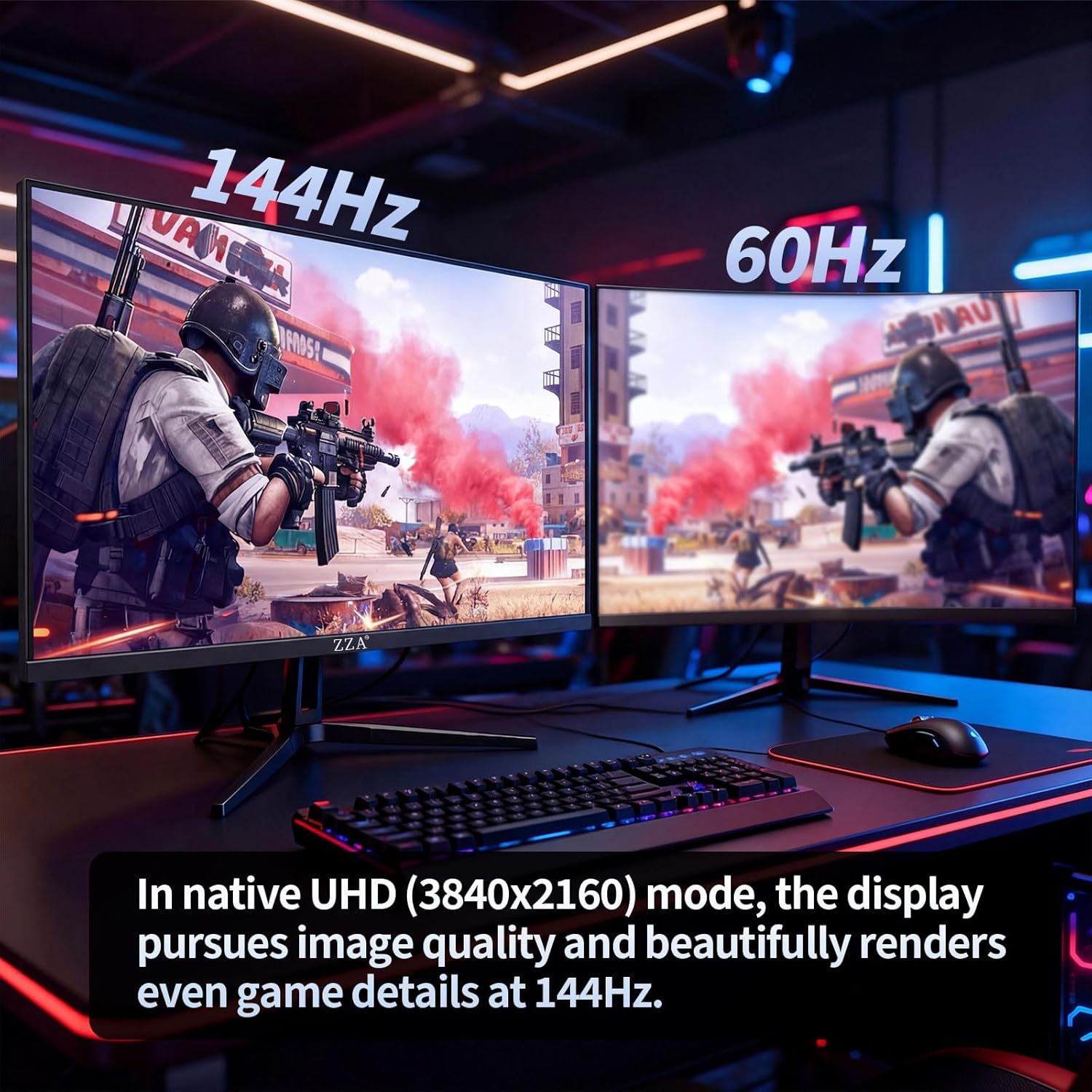
ZZA 27-Inch 4K Gaming Monitor (UHD 3840×2160, 144Hz) with HDMI 2.1 & DP 1.4
Reviews
Price
Product description
If you want a 27-inch 4K gaming monitor that also works for creative work, the ZZA 27 Inch 4K Gaming Monitor is built around one clear idea: sharp UHD visuals plus fast refresh. On paper, that combination (3840×2160 at up to 144Hz, plus Adaptive Sync) is aimed at people who care about both clarity and smoother motion—whether you’re gaming, editing, or streaming from a home office.
That said, there are a couple of “read the fine print” moments worth mentioning. It’s a flat panel with tilt adjustment (not height or swivel), and it does not include built-in speakers. If you’re expecting an all-in-one desk setup, you’ll likely need separate audio.
The essentials
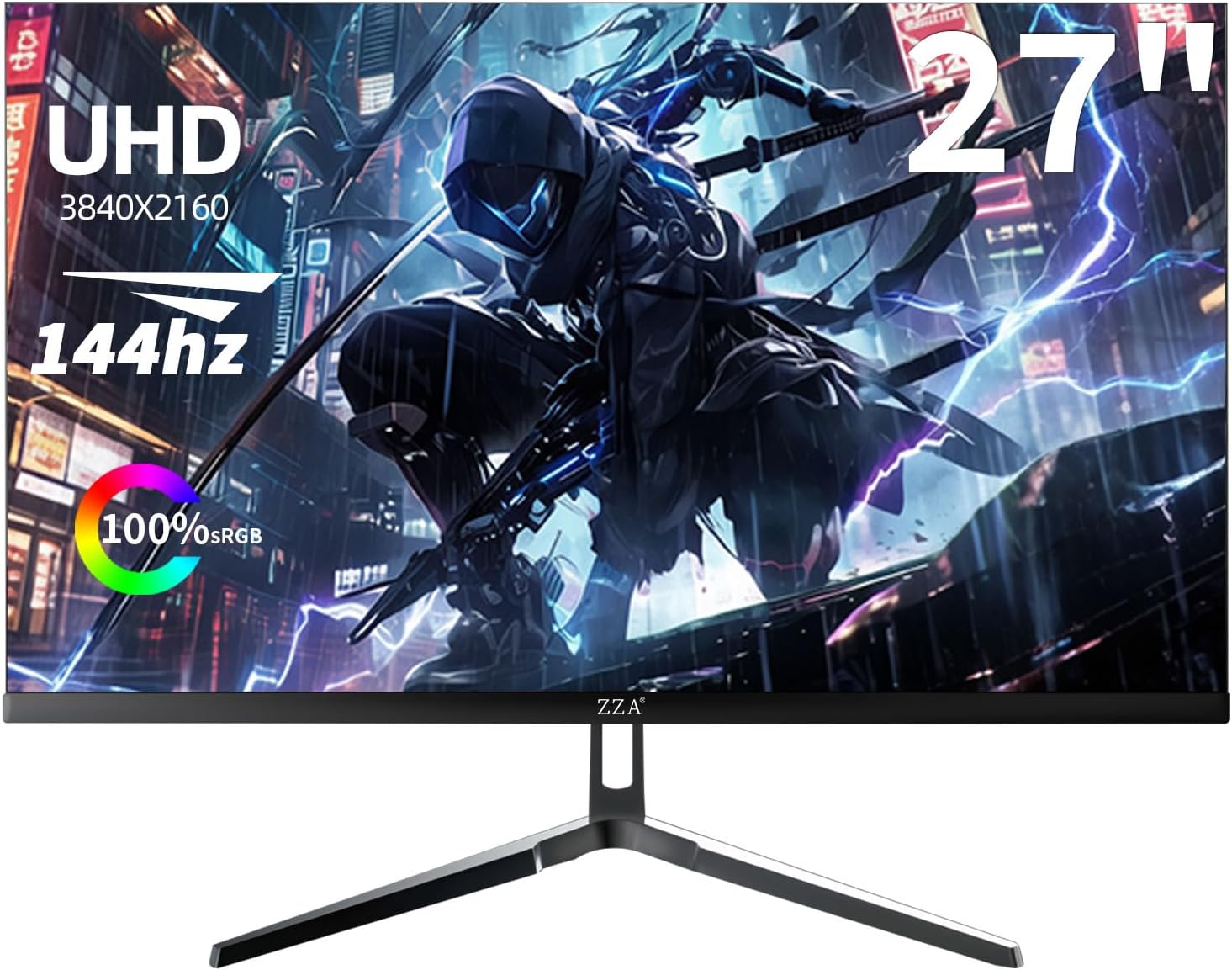
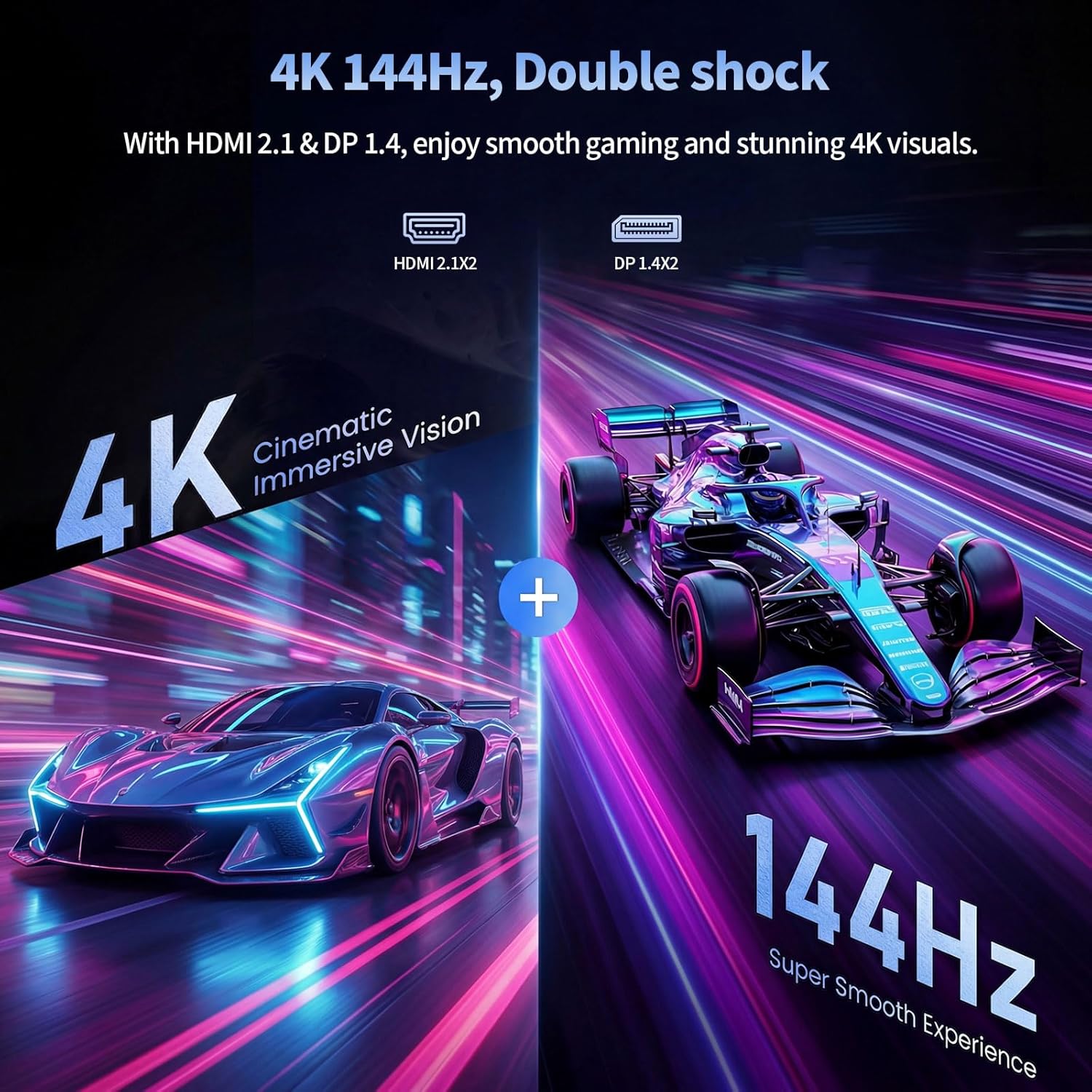
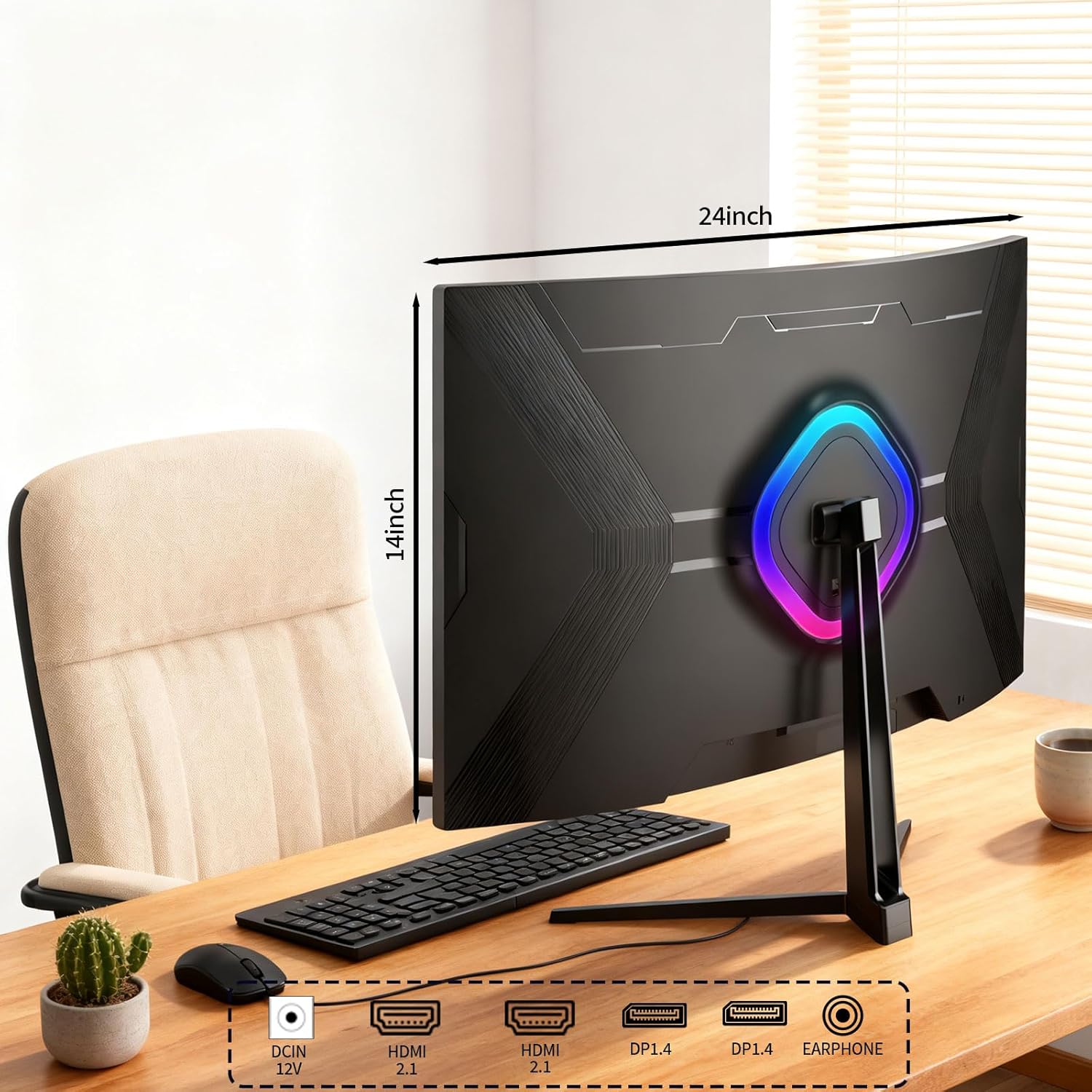
This ZZA monitor is a 27-inch flat display designed for UHD viewing at 3840×2160. The spec sheet emphasis is on 4K gaming at up to 144Hz, along with Adaptive Sync for smoother frame pacing. Connectivity is flexible for modern setups thanks to HDMI 2.1 and DisplayPort 1.4, which helps if you’re switching between a PC and a console, or running a workstation plus streaming gear.
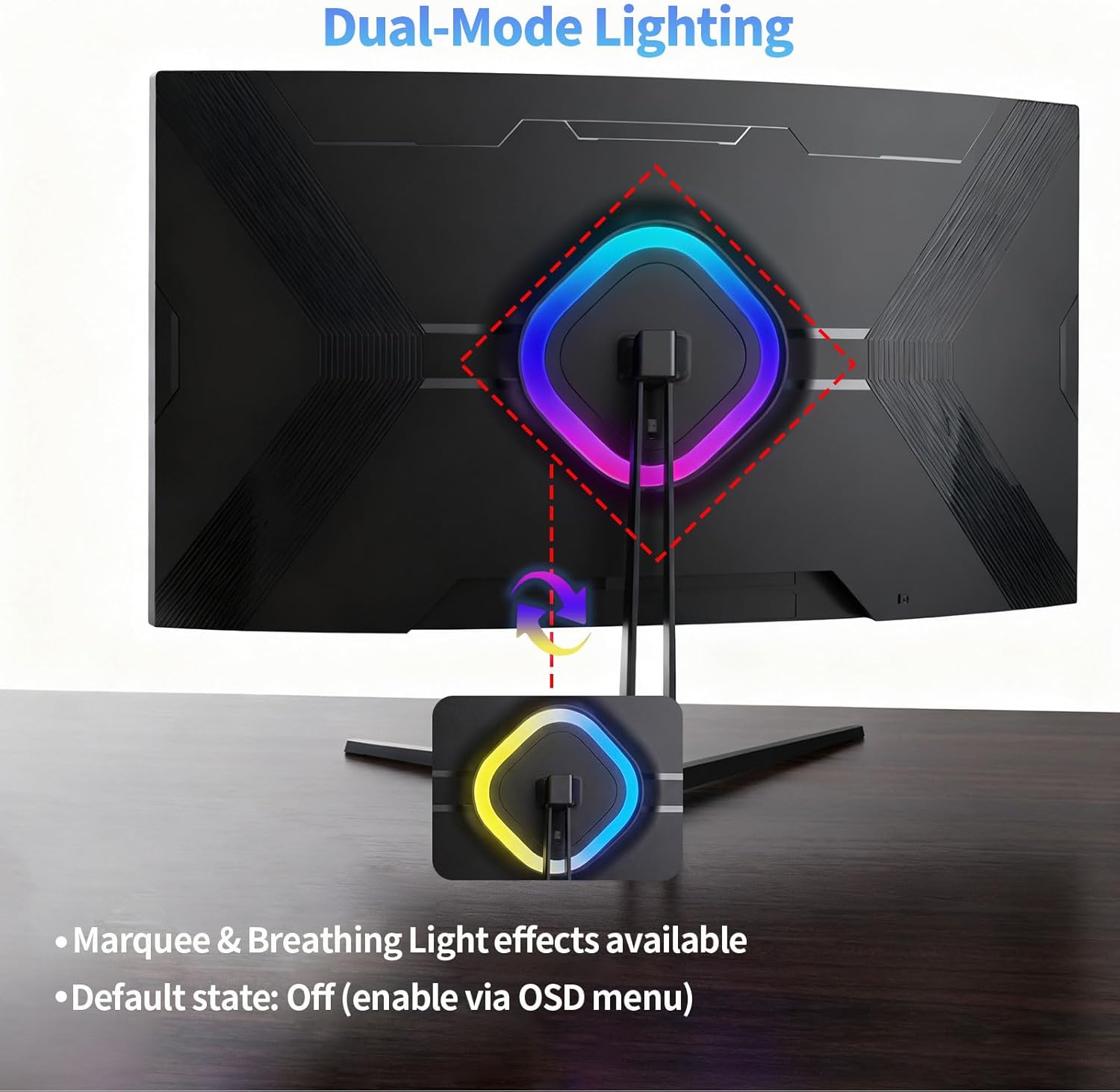
A standout “setup” feature is the dynamic lighting on the rear cover, described as a running horse effect with breathing lighting. It’s not going to change image quality, but if you like your desk to look intentional, it can add a little personality.
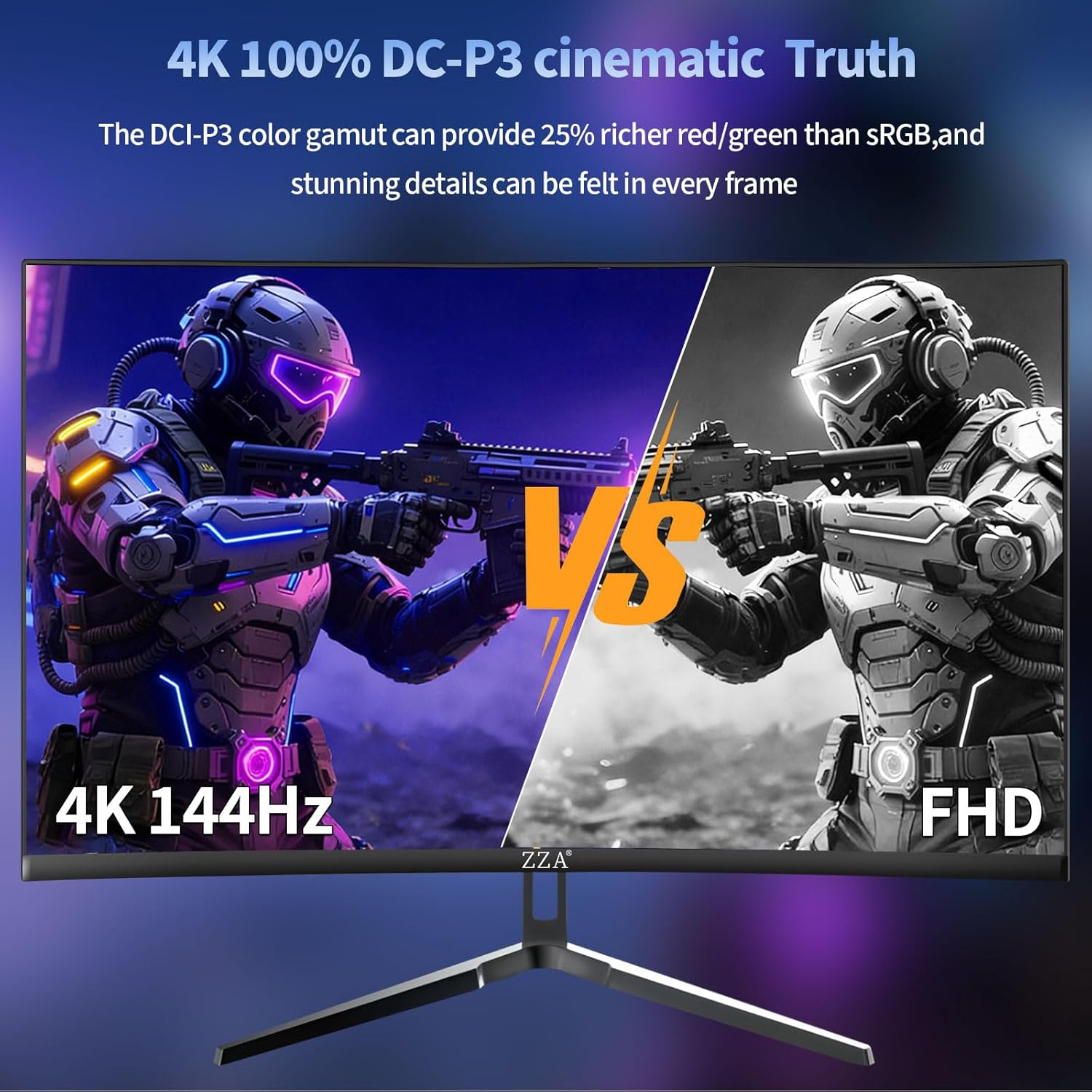
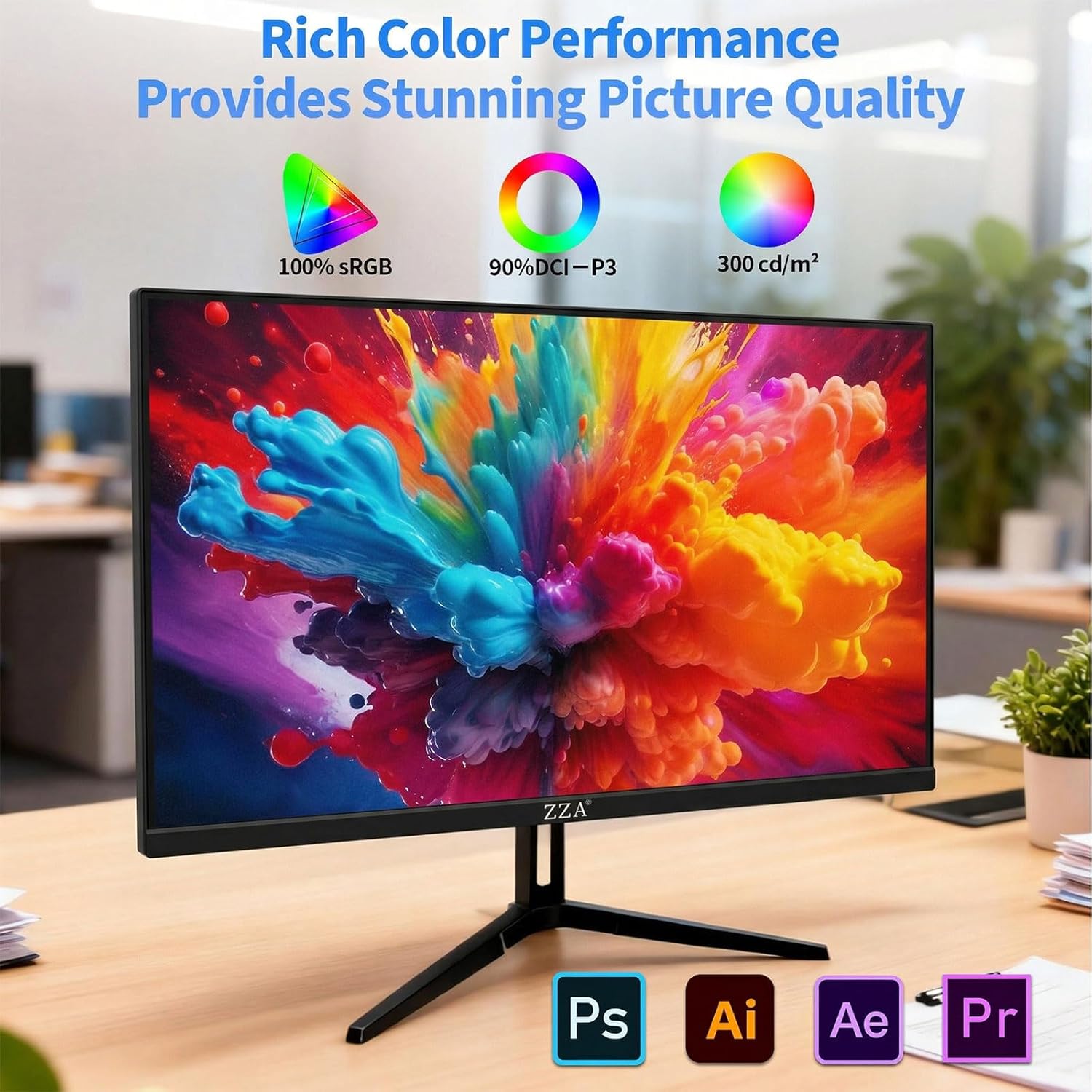
For work and creative tasks, the listing highlights 100% sRGB and “Eye-Care Tech” aimed at reducing fatigue during long sessions. That’s the kind of claim that matters more for heavy editing days than for quick gaming sessions, especially when you’re staring at timelines, gradients, or fine details.
What matters most for buying decisions
If you’re shopping in the 27-inch 4K range, you’re usually deciding between two priorities: higher-resolution work (text clarity, sharper UI, more workspace) versus pure gaming smoothness. This ZZA tries to cover both by pairing UHD (3840×2160) with a 144Hz refresh and Adaptive Sync.
Where it makes the most sense is when your use mix is real. For example: you fire up a shooter at night, then in the morning you edit video or adjust color for a creative project. In that kind of day-to-day workflow, having HDMI 2.1 and DP 1.4 can reduce cable/adapter headaches, and 100% sRGB is there to support more predictable color for creators.
Still, it may not be the best fit if you expect premium ergonomic control. There’s only tilt adjustment listed, so if you rely on a specific viewing height, you may need to plan your monitor arm or desk layout.
Tech specs (key details)
- Name: ZZA 27 Inch 4K Gaming Monitor
- Type: Flat gaming monitor
- Display: 27-inch UHD (3840×2160)
- Refresh rate: 144Hz
- Contrast ratio: 4000:1
- Adaptive sync: Supported
- Ports: HDMI 2.1 and DP 1.4
- Color coverage: 100% sRGB
- Adjustment: Tilt adjustment
- Mounting: VESA wall mountable
- Audio: No built-in speakers
Where it shines (and where it can fall short)
What stands out: - UHD clarity at a gaming-minded refresh rate. If you want crisp desktop text and sharp game visuals, this is designed around that. - Adaptive Sync support. That’s a practical feature for reducing stutter/tearing vibes during fast gameplay. - Creator-friendly angle. The 100% sRGB + eye-care framing targets long editing or design sessions. - Desk-friendly flexibility. Tilt adjustment plus VESA compatibility for wall mounting or monitor arms can help you dial in your setup.
What to be careful about: - No built-in speakers. If you want sound from the monitor itself, you’ll need external speakers or a headset. - Ergonomics are limited to tilt. It’s fine for many people, but if you need height/stance-specific positioning, you may find tilt alone restrictive.
Who it’s for (and who should skip it)
It’s a solid pick if you’re building a home office that also pulls double duty for gaming and creative work, and you want a 27-inch 4K display that supports both HDMI 2.1 and DisplayPort 1.4. You’ll likely appreciate it if you care about color consistency (100% sRGB is called out) and you spend long hours in front of the screen.
It might not be for you if your priority is a fully featured ergonomic stand (beyond tilt) or if you want speakers integrated into the monitor. Also, if you only care about basic screen use and don’t need 4K or the higher refresh focus, you could end up paying for features you won’t use.
Is it worth it?
Buy the ZZA 27-Inch 4K Gaming Monitor if you want one screen that can handle UHD clarity, up to 144Hz gaming performance, and creator-friendly color coverage—plus the convenience of HDMI 2.1 and DP 1.4. It’s especially compelling if your day-to-day includes both gaming and long creative sessions.
Skip it if you need more advanced ergonomics than tilt adjustment, or if you want built-in speakers with no extra audio setup. In those cases, you may prefer a different approach that matches how you actually use your desk.
Mini FAQ
Does this monitor include built-in speakers? No. The listing explicitly notes no built-in speakers.
What connections does it support? It includes HDMI 2.1 and DisplayPort 1.4.
Is it designed for gaming or just general use? It’s positioned as a gaming monitor with 144Hz support and Adaptive Sync, while also being aimed at work/creative use with 100% sRGB and eye-care tech.
Can it be wall-mounted? Yes—it's listed as VESA wall mountable.
What kind of color performance can you expect? The listing highlights 100% sRGB, which is a helpful baseline for designers and color-sensitive work.