

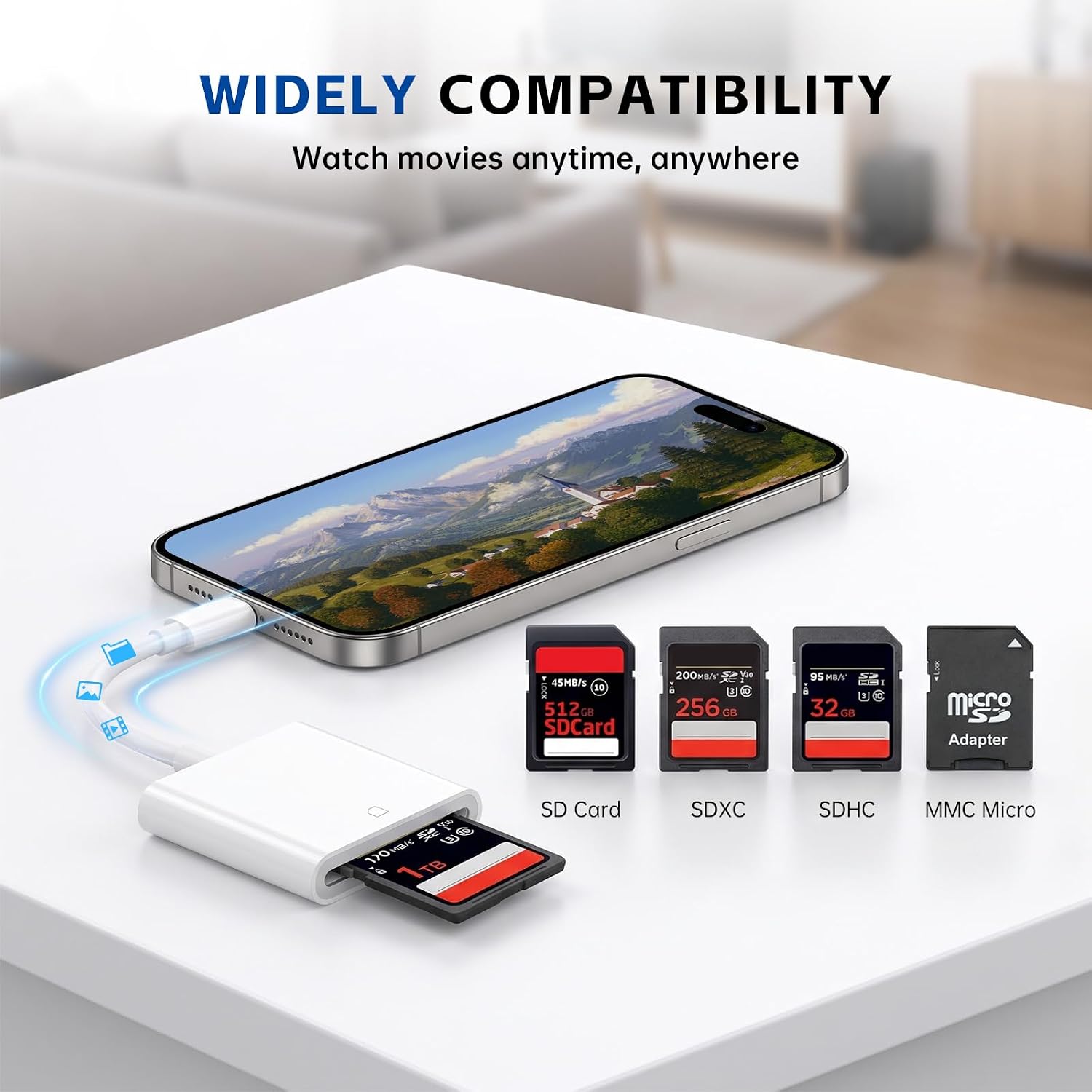
iPhone USB-C SD Card Reader: USB C Adapter for iPhone, iPad, MacBook, Galaxy & Android
Product description
The essentials
If you shoot photos or record video with an SD card camera (including trail cams and other action devices), you probably know the hassle: transferring files the “old way” can mean cables, apps you don’t want, or waiting around until you’re back at home. This iPhone SD card reader is designed to make that moment smoother—plug the reader into a USB-C device and move images over without fuss.
On paper, it’s a straightforward USB-C SD card reader built for USB Type-C ports. It’s also positioned as a travel-friendly adapter: compact, no internet required, and meant to behave like a simple plug-and-play bridge between your SD card and your phone, tablet, or laptop.
Key takeaways (what it’s actually for)
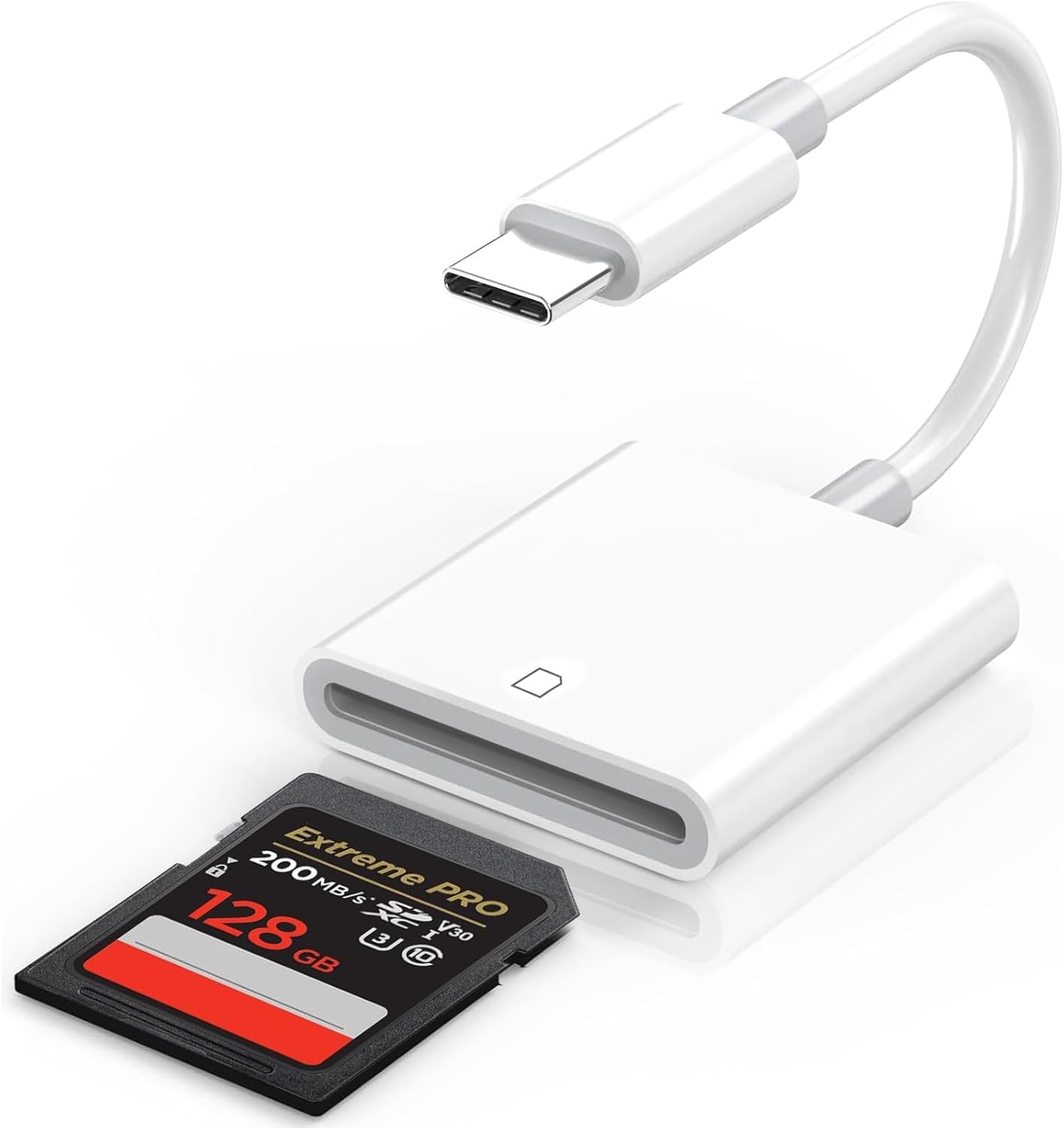
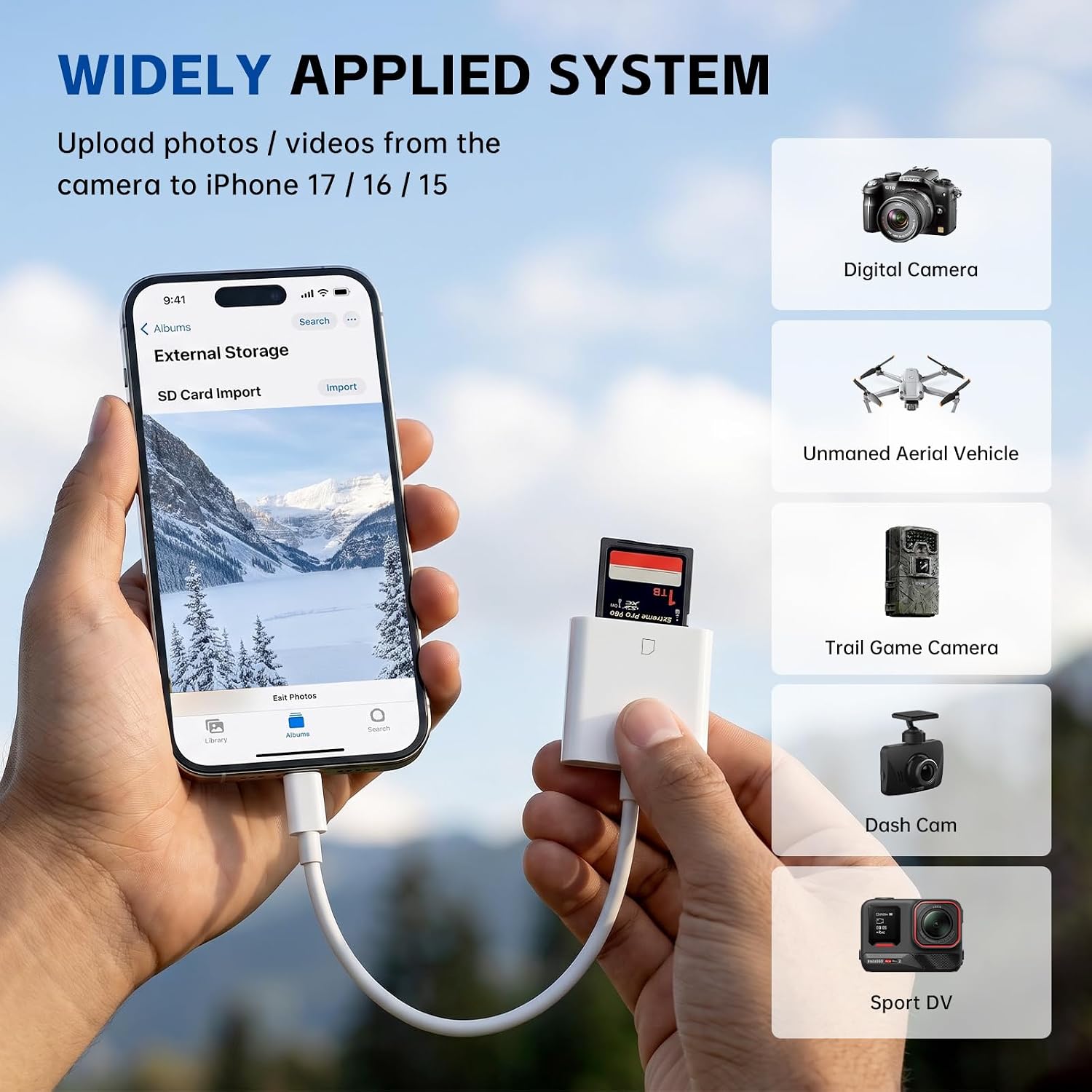
This reader is meant for one main job: taking SD/HD media off an SD card and bringing it to USB-C devices. The listing also calls out compatibility with SD cards used in digital cameras, sports cameras, drones, and trail game cameras, which is a pretty specific use case. If your workflow includes “capture with an SD card camera” and “view/edit on your iPhone/iPad/USB-C laptop,” it matches that path.
Formats supported include JPEG and RAW for photos, and H.264 and MPEG-4 for SD/HD video (so it’s not just for images). Where it may feel a little limited is that the description focuses on common formats rather than saying it supports everything—if your camera uses more unusual codecs, it’s worth double-checking before you rely on it.
What stands out in everyday use
The most practical benefit here is the plug-and-play approach. The reader is described as requiring no third-party connection apps and no internet connection. You’re supposed to connect it, wait a few seconds (3–5 seconds mentioned), and then transfer.
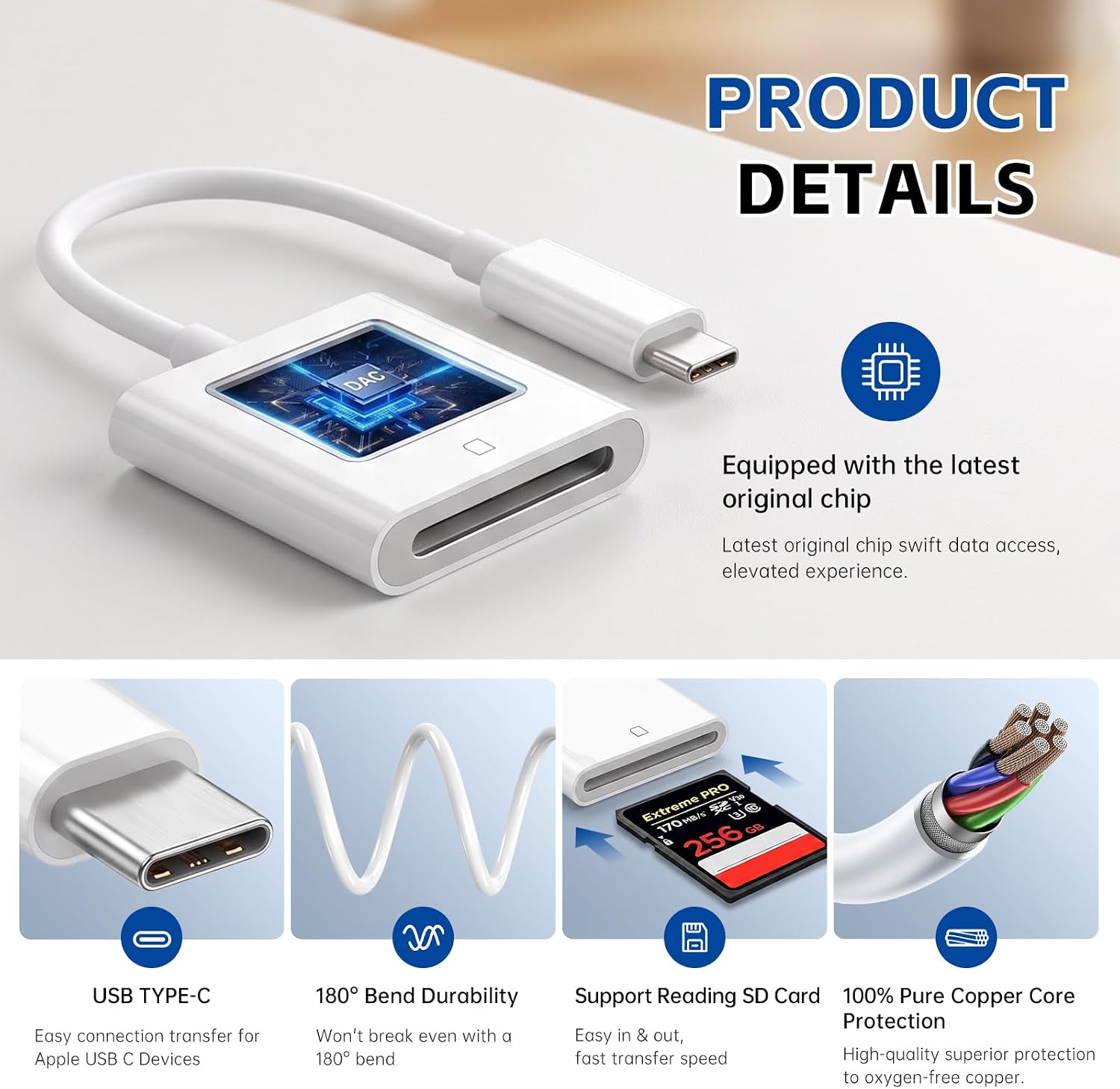
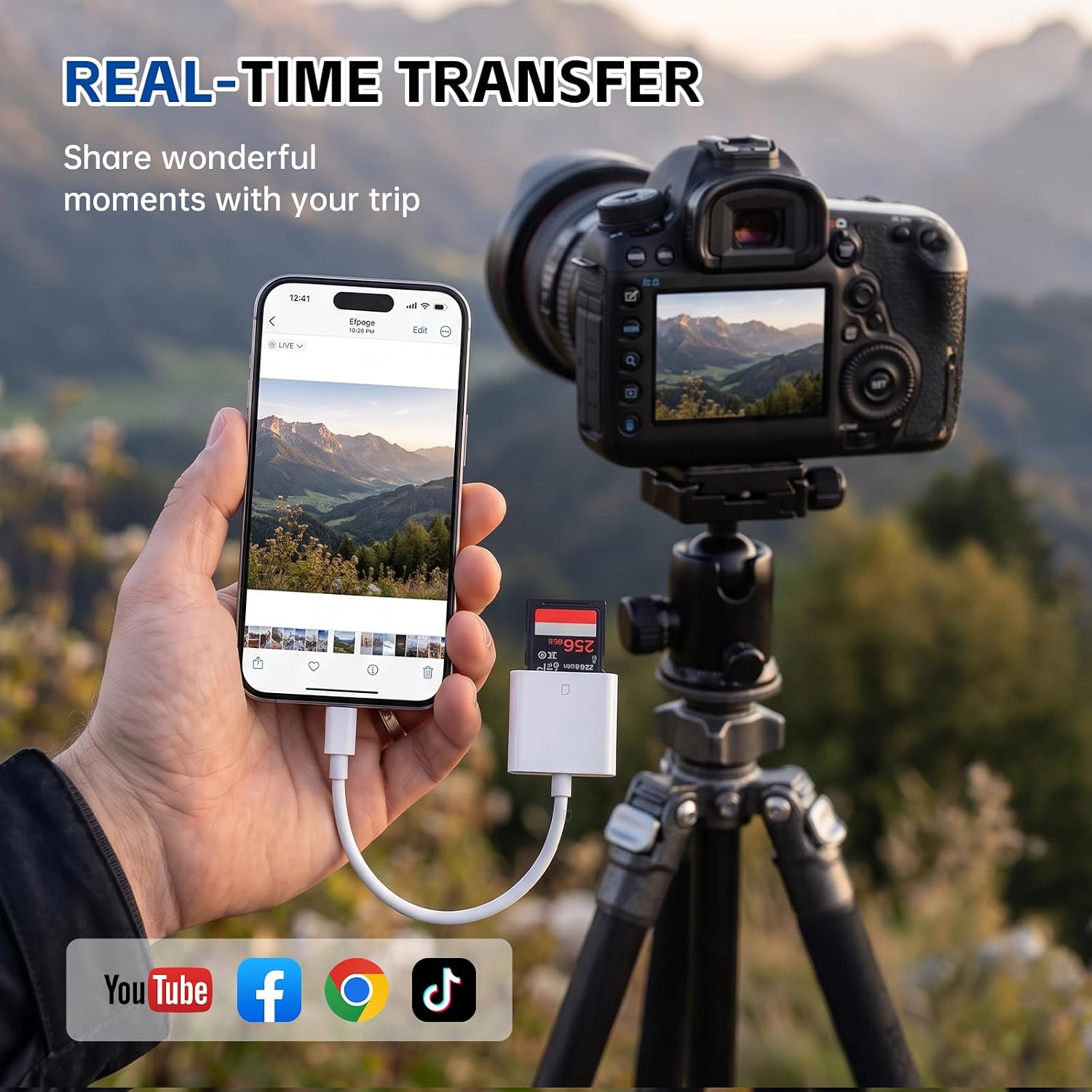
A small “real life” example: imagine you’re out hiking, your trail camera captures a few shots on an SD card, and you want to quickly move them to your iPhone while you’re still there. With this type of USB-C SD card reader, the workflow is essentially “remove card → insert card into the reader → plug into your USB-C iPhone/iPad → transfer.” That speed is the whole point.
It’s also said to include a built-in chip intended to help with smooth transfer and “transfer safety.” That’s a nice promise, though it’s still best to treat it as a general claim rather than something you can verify from the listing alone.
Speed & performance: good to know, but watch expectations
The product listing claims high-speed data transmission via USB Type-C, stating a transfer speed up to 60MB/s and support for USB 2.0 speed. The important nuance: “up to” numbers depend on the device and the card you’re using, so your real-world speeds may land below that ceiling.
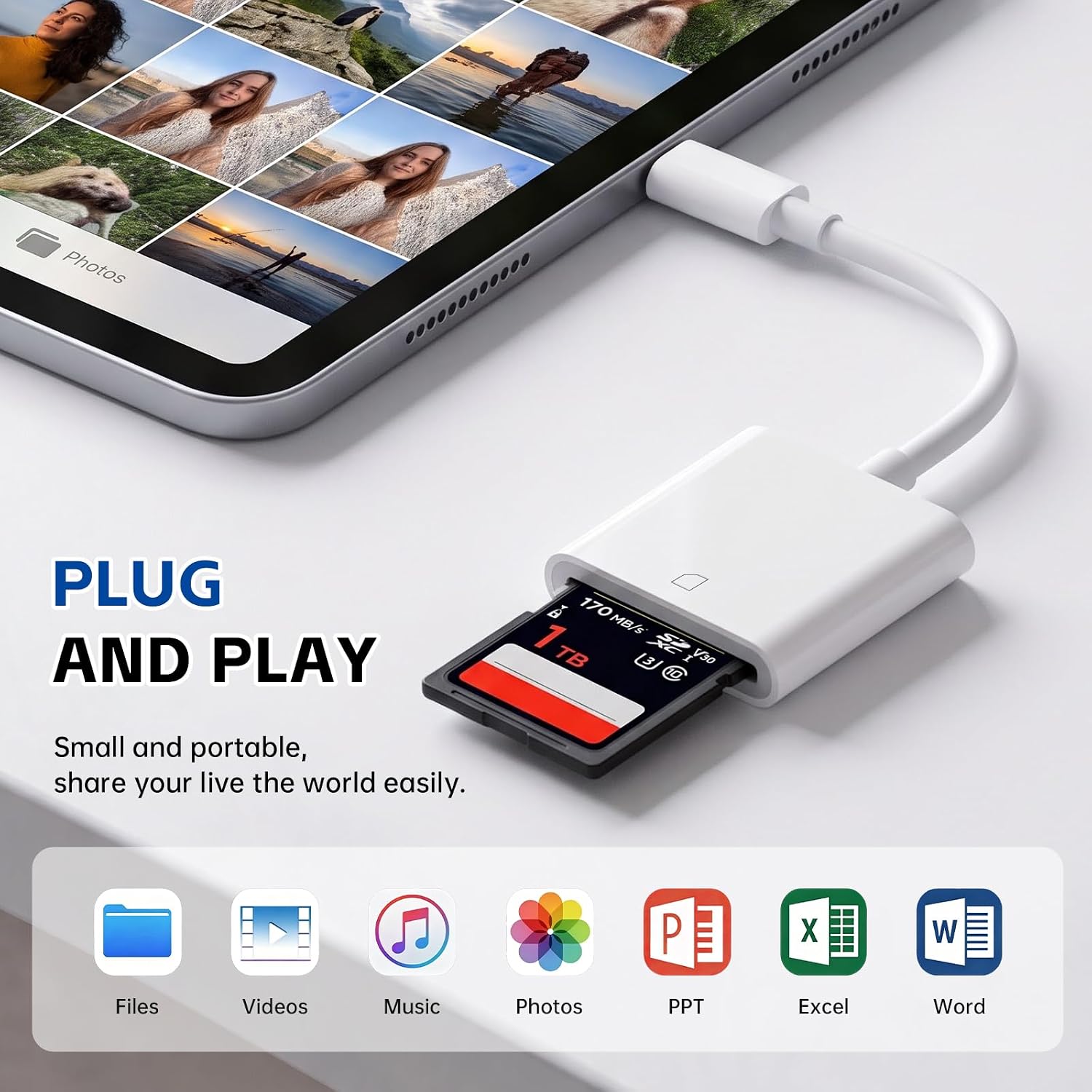
Still, if you’re moving photo batches or short clips, a USB 2.0-level connection is usually enough for quick viewing and basic transfer, especially compared with slower or more complicated workflows.
Compatibility & requirements (where people get tripped up)
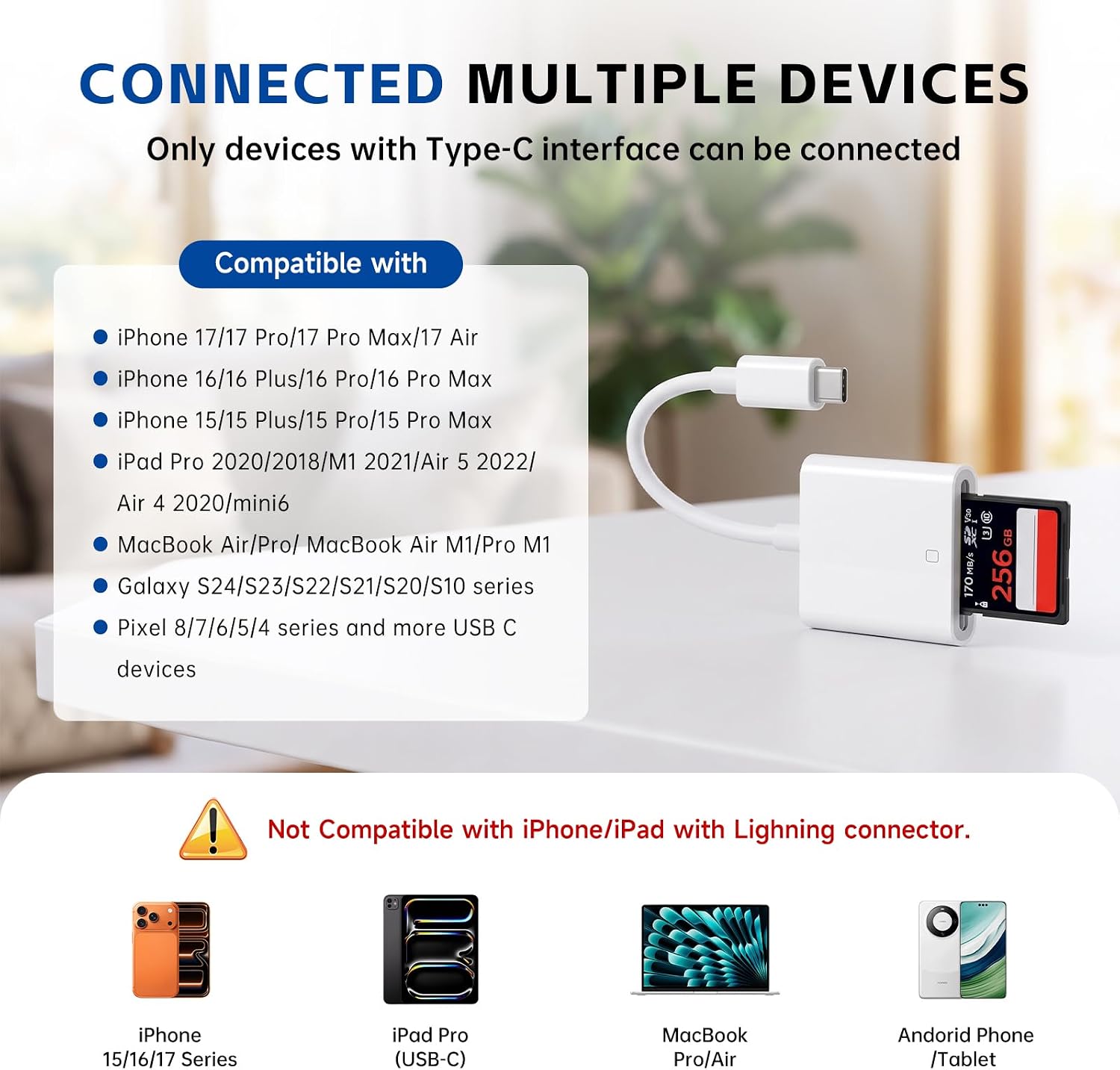
This is not a reader for Lightning iPhones. The listing explicitly notes it’s only compatible with USB-C ports and not with Lightning.
That’s the big deciding factor. If your iPhone/iPad has a USB-C port (the listing references iPhone 17/16/15 series, multiple iPad models, and USB-C MacBook Air/Pro M1), you’re in the target zone. The compatibility list also includes several Galaxy models and Android devices that have a USB-C port.
Worth noting: the listing is broad, but it’s still smart to confirm your exact device port type before buying—USB-C is the requirement here.
Tech specs
- Type: USB-C SD card reader
- Port requirement: USB Type-C only (not Lightning)
- Claimed transfer speed: up to 60MB/s
- Transfer standard: USB 2.0 speed support
- Photo formats: JPEG, RAW
- Video formats: H.264, MPEG-4 (SD/HD)
What might not be the best fit
It may not suit you if: - You need it for a Lightning iPhone (the listing says it’s not compatible). - Your camera workflow relies on formats or codecs that aren’t covered by the stated JPEG/RAW and H.264/MPEG-4 support. - You expect the “up to” speed to always show up in your transfers—real performance depends on your SD card and the device.
Mini FAQ
Frequently asked questions
Does this work with Lightning iPhones?
No. The listing states it’s only compatible with USB-C devices and not compatible with a Lightning port.
Will it work with USB-C iPads and MacBooks?
The listing says it’s compatible with various USB-C iPad models and MacBook Air M1/Pro M1, as long as the device has a USB Type-C port.
What file types does it support?
Photos: JPEG and RAW. Video: H.264 and MPEG-4 (SD/HD), per the listing.
Do I need an app or internet connection?
According to the description, it’s plug-and-play and does not require third-party connection apps or an internet connection.
Is it worth it?
Buy it if your main goal is simple, quick SD card transfers to a USB-C iPhone/iPad or other USB-C devices—especially if you shoot with an SD card camera, sports cam, drone, or trail camera and want to get photos and supported video formats onto your phone without extra steps.
Skip it if you have a Lightning iPhone, or if you’re depending on media types outside the stated format support. Also, keep expectations realistic on speed: the listing gives an “up to” figure, so your results will depend on the SD card and the device you plug into.