

KikoSaka Lightning to HDMI Cable for iPhone – 1080P HD Video Adapter, 6.6ft
Product description
What this is and what it solves
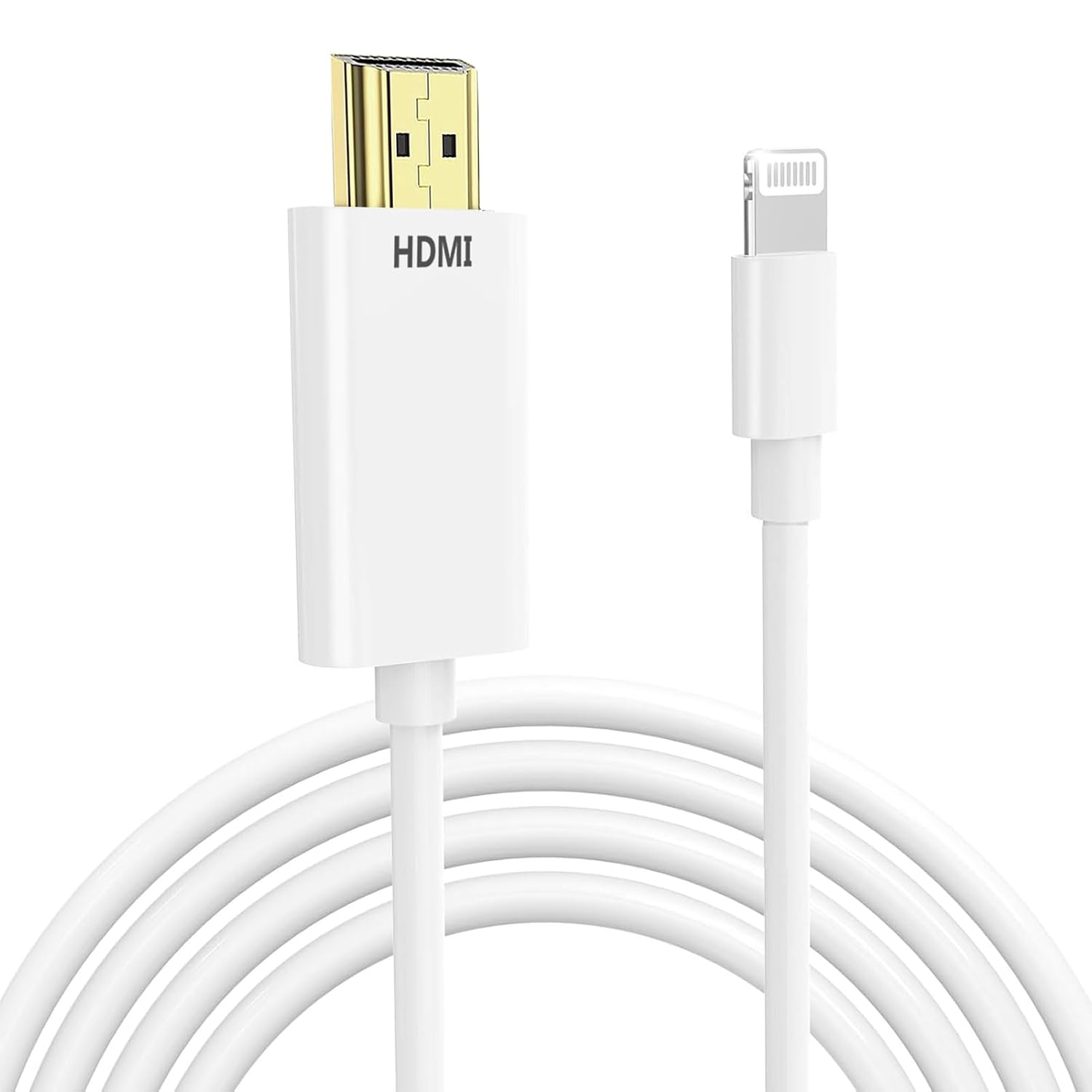
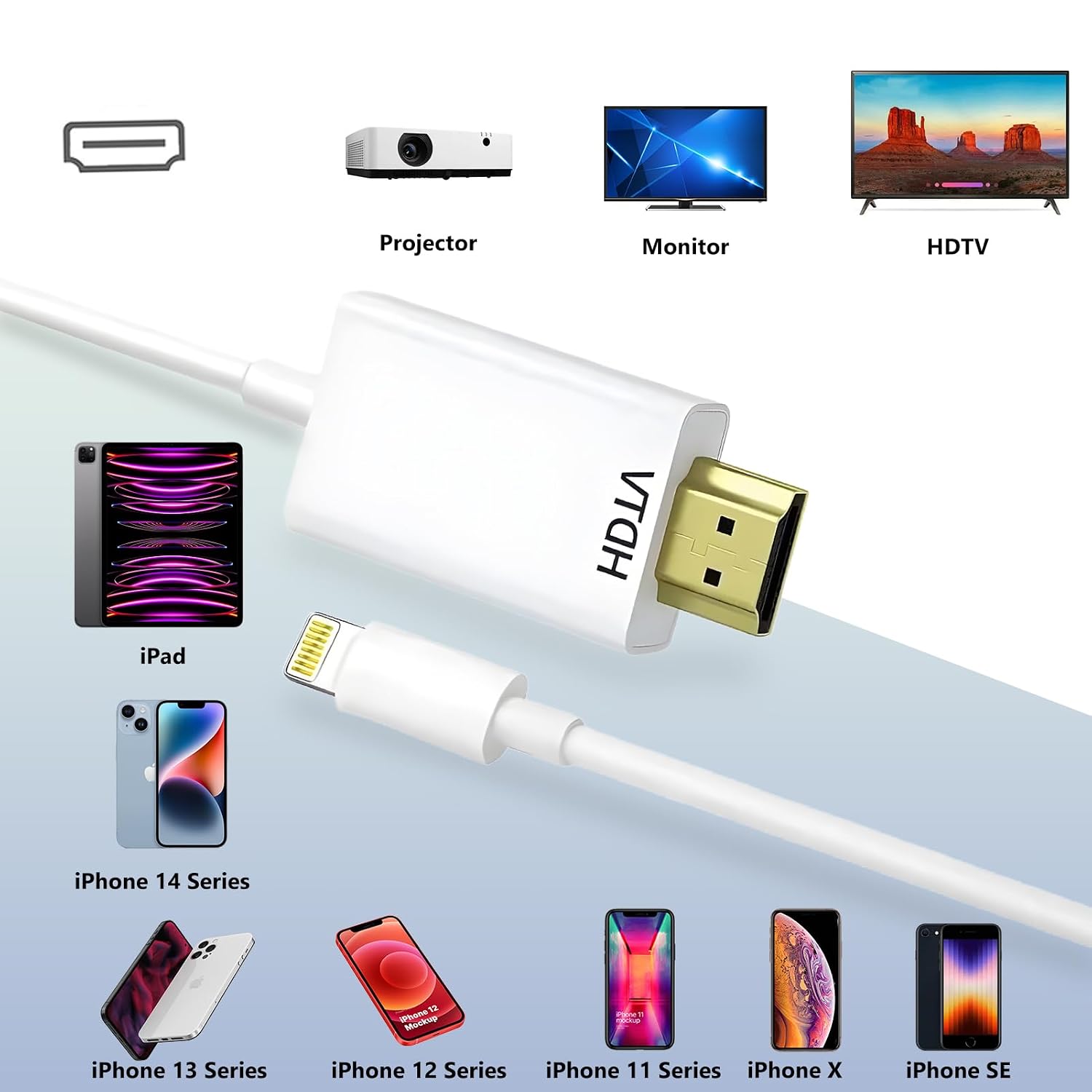
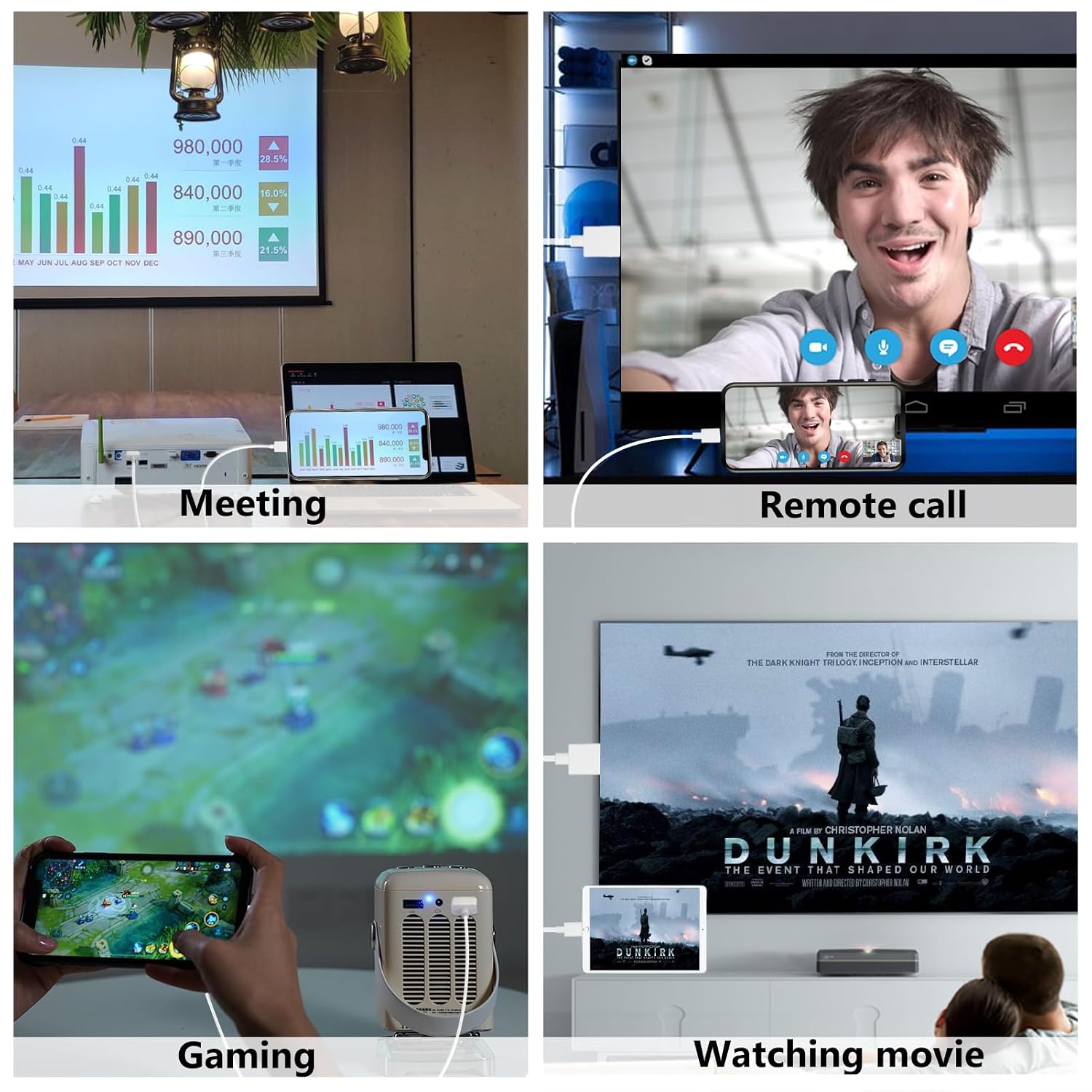
The KikoSaka Lightning to HDMI Cable is a plug-and-play adapter that mirrors your iPhone or iPad screen to an HDMI-equipped TV, display, projector, or monitor at up to 1080P. If you want to share photos, videos, apps, presentations, or web content on a bigger screen without fuss, this cable aims to deliver a simple wired solution with minimal setup.
How it performs on paper
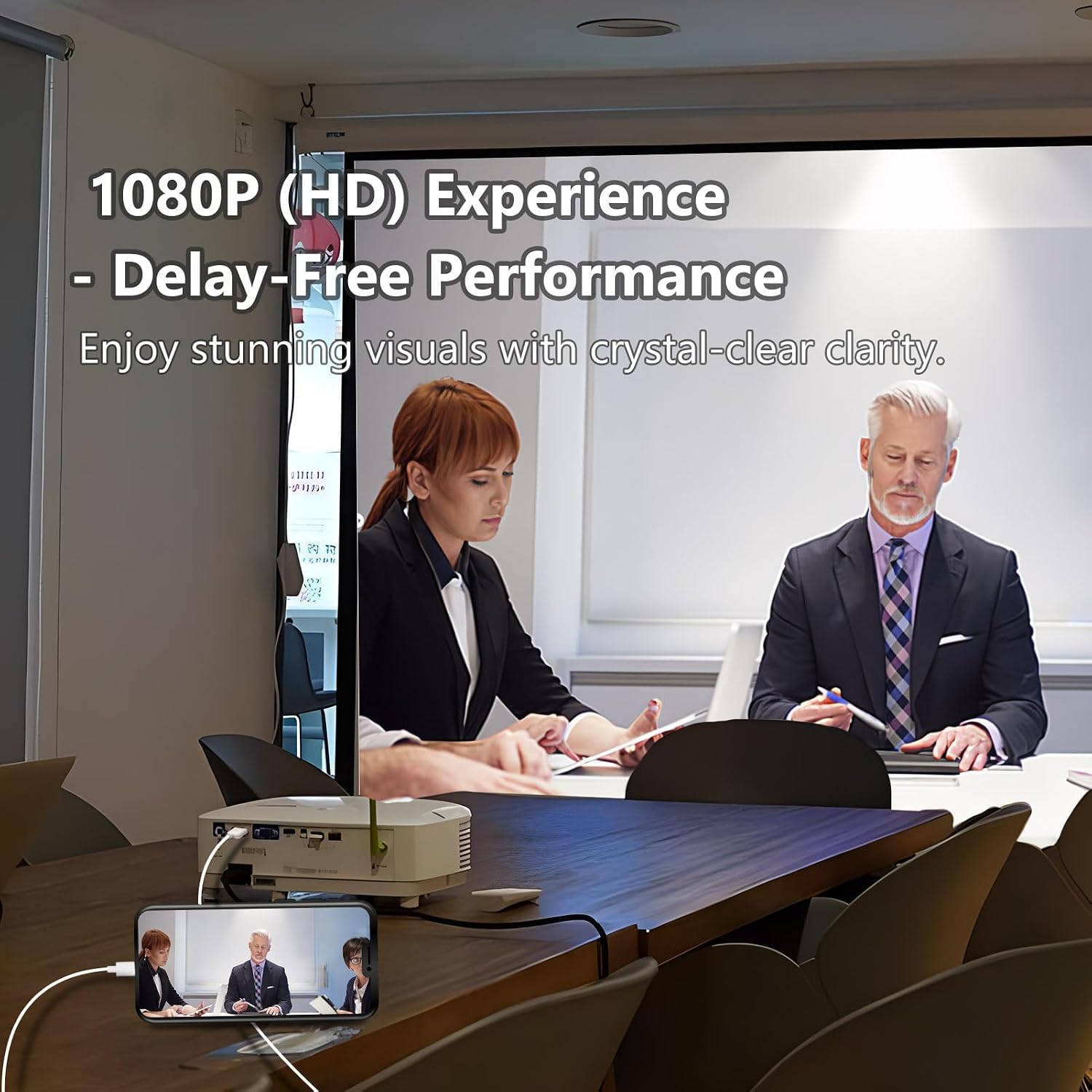
On paper, the cable uses an MFi certified chip to support stable video output and lag-free viewing for activities like presentations, casual gaming, or streaming local content. It’s designed to work without requiring additional HDMI cables for linking the device to the display. If you prioritize quick, direct connections and a longer reach with a 6.6ft length, this model claims to cover that need.
What stands out in everyday use
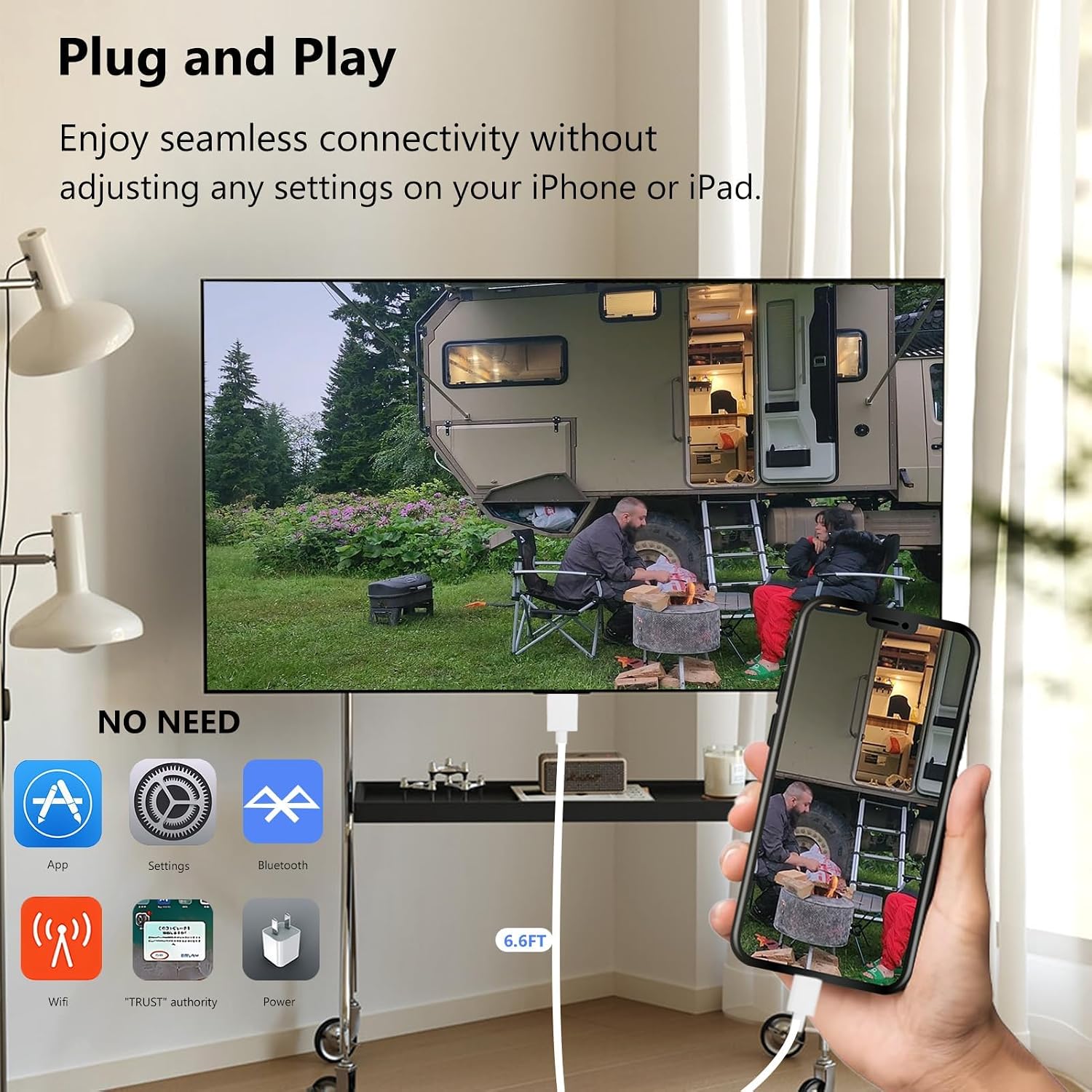
In real-world use, the main benefit is straightforward: you can mirror the iPhone or iPad screen to a larger display with decent clarity for 1080P content. It supports a broad range of apps and content, including YouTube, Hulu Plus, IMDb, and local videos. However, some apps with HDCP protections (like Netflix, Prime Video, amazon Video, HBO Go, Hulu, etc.) may not play through this setup. That’s a meaningful caveat for anyone counting on streaming services.
The best fit: who should consider this
It makes sense for users who want to share slides, photos, or local video on a TV or projector without buying a wireless streaming box. It’s particularly appealing if you value a wired connection for stability, and you have an iPhone or iPad with a Lightning port. If your use case involves frequent streaming from HDCP-protected apps, you may feel the limitation more acutely.
Where it may fall short
If you depend on services that enforce HDCP or want 4K resolution, this setup won’t satisfy those needs since it targets 1080P and may be blocked by certain apps. The absence of fixed brightness or color controls means you’re relying on your display to handle any tuning. Also, the lack of details on included accessories means you should confirm you have a suitable HDMI-equipped screen to pair with.
Practical usage tips
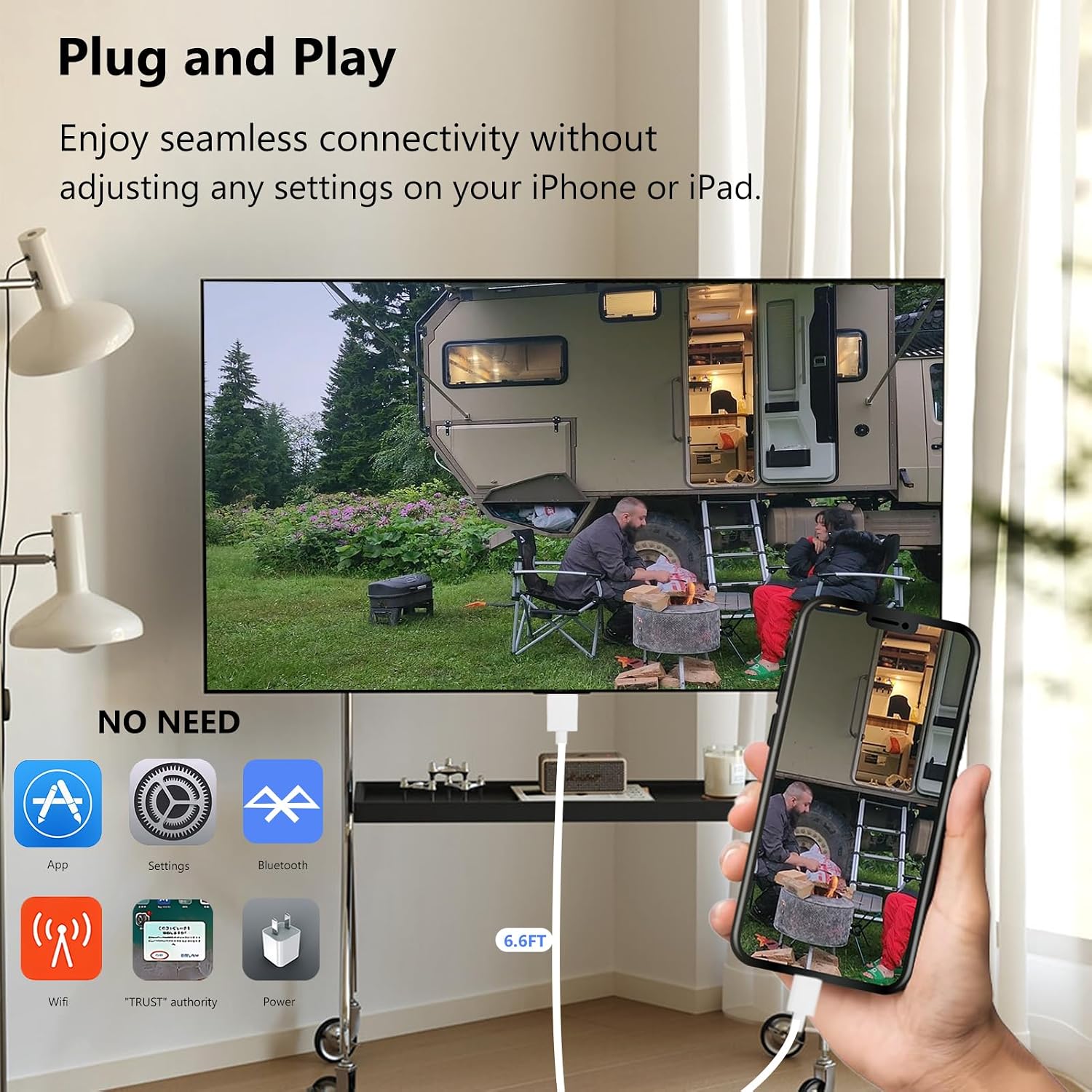
To get going, connect your iPhone via Lightning, then attach the other end to your display’s HDMI port. Be mindful that you might need to adjust your display source to the correct HDMI input. If you’re presenting, try a short test run first to ensure the content mirrors smoothly and there’s no noticeable lag in the sections you care about.
Technical snapshot (brief)
- Resolution: up to 1080P HD
- Interface: Lightning to HDMI
- Length: 6.6 feet
- Compatibility: Works with a wide range of iPhones and iPads with Lightning, plus various iOS versions
- App compatibility caveat: not compatible with certain HDCP-protected apps
FAQ (selected practical questions)
- Does it require a separate HDMI cable? No, it plugs directly to the HDMI display.
- Will it work with my iPad or iPhone? It’s designed for Lightning-enabled Apple devices and supports a broad lineup of iPhone models.
- Can I use this for streaming services like Netflix? Not reliably for HDCP-protected apps, local videos and non-protected apps may work.
- Is 1080P good enough for a big screen? For most casual viewing and presentations, yes, but not 4K or ultra-high-fidelity needs.
Is it worth it?
Worth considering if you want a straightforward wired mirroring solution for iPhone to HDMI on a budget and you don’t rely on HDCP-protected streaming.