

Acer USB-C to HDMI Adapter 4K@60Hz
Product description
How to use it
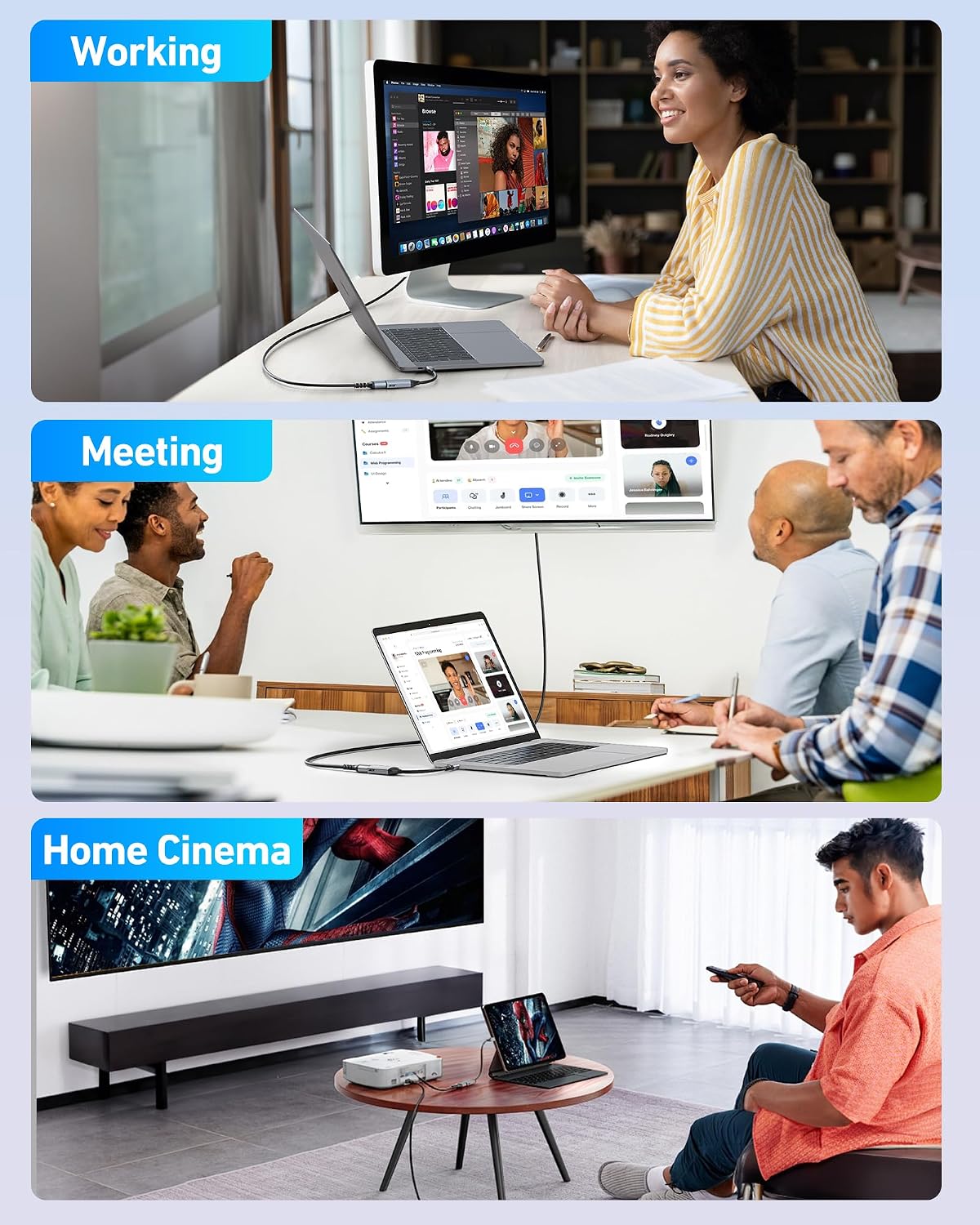
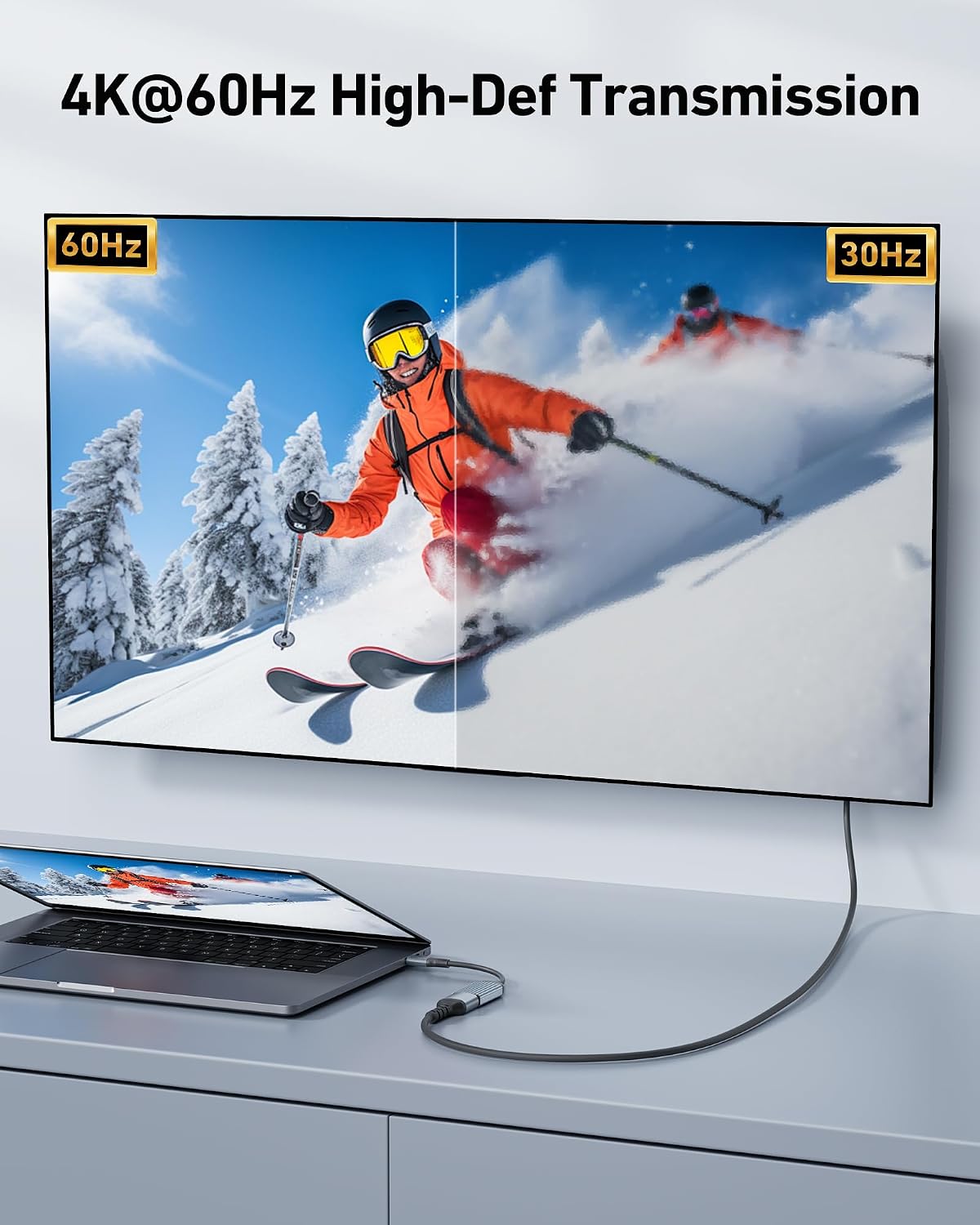
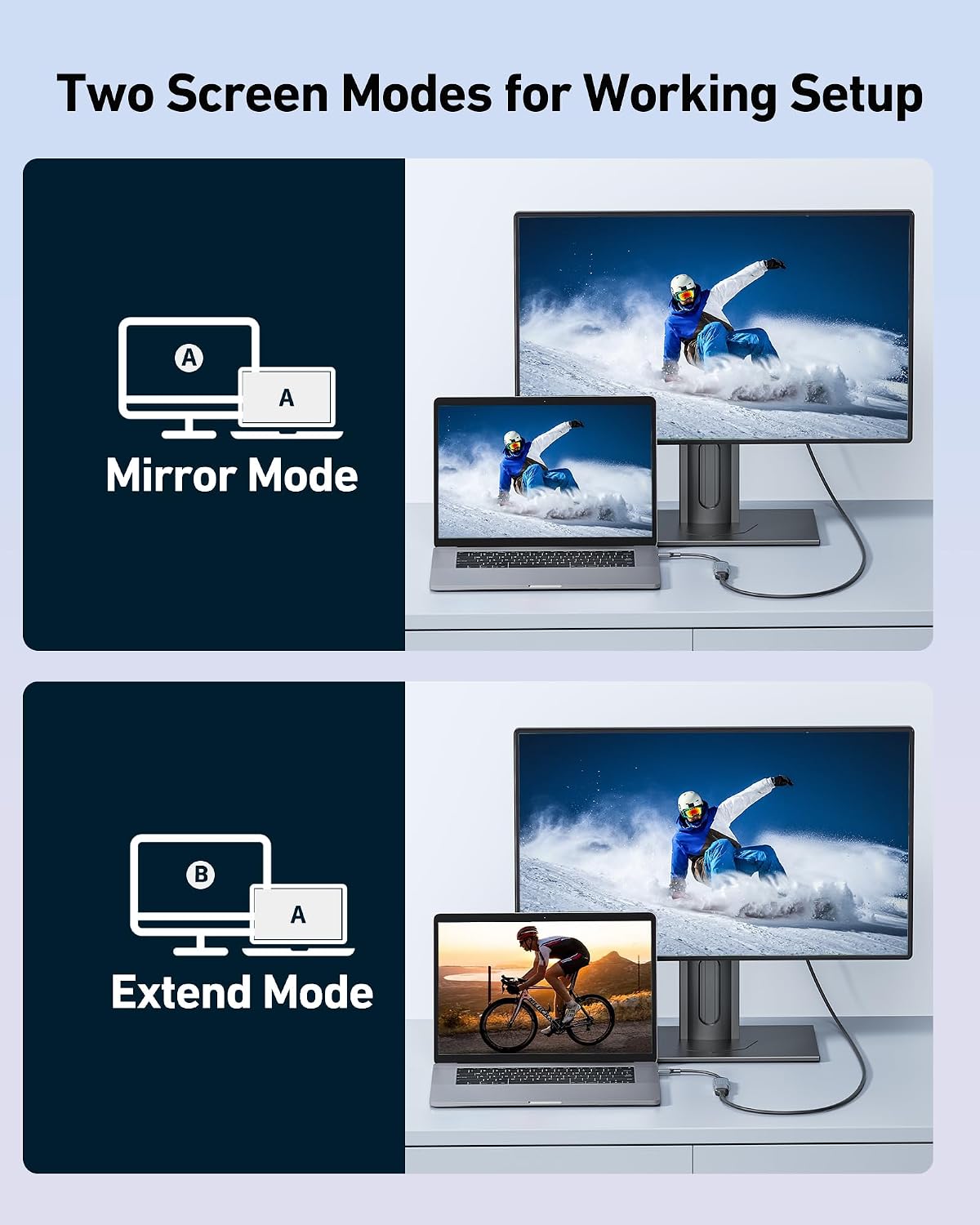
If you mainly need to send video from a USB-C device to an HDMI screen, this adapter keeps the setup simple, if you also need charging or several connection types, a hub is a different kind of purchase. Plug the adapter into a compatible USB-C host and connect an HDMI display to mirror or extend your desktop, with no extra driver or software required. It supports resolutions up to 4K at 60Hz and is also listed for 2K at 144Hz or 60Hz. Picture a laptop at a desk connected to a larger monitor for editing or a TV for a presentation: the adapter handles the video link, while the display and host device still determine what you can actually use.
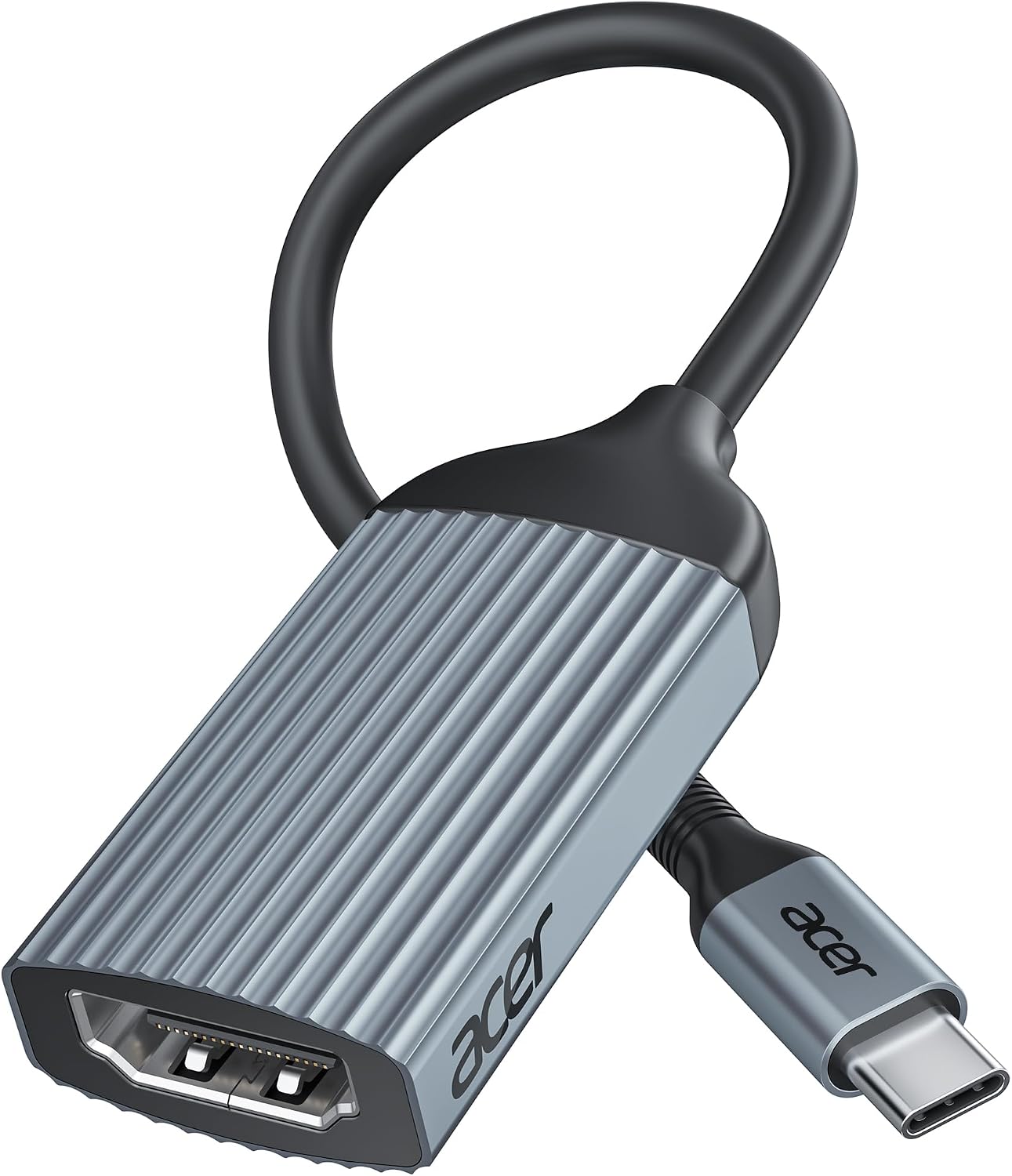
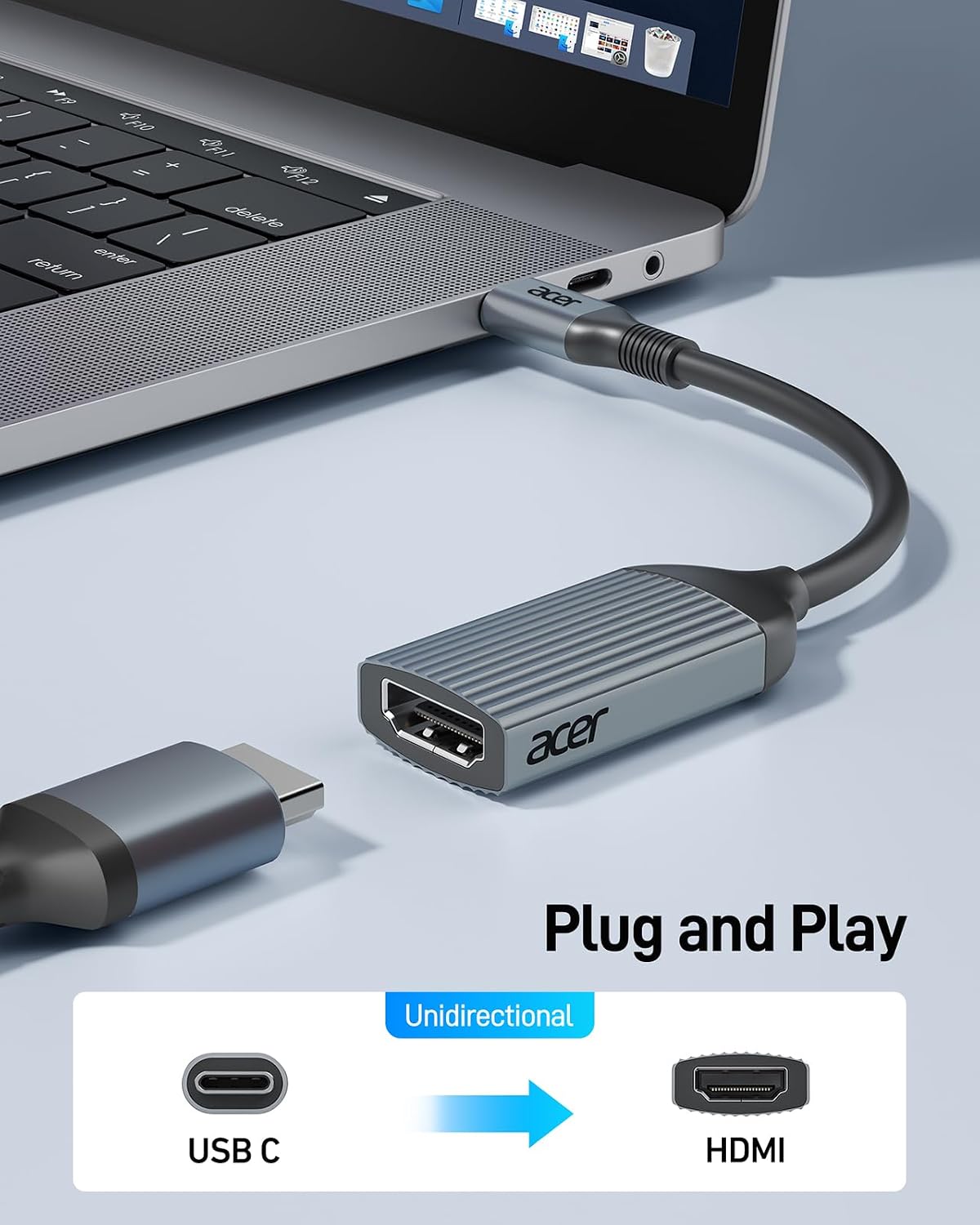
One detail matters before buying: the USB-C port must support DisplayPort Alt Mode for video output. USB-C describes the connector, not a guarantee that every port sends video. The connection is one-way, from the host device to an HDMI display, and the adapter does not support charging. So, do you want a focused display connection or a single accessory to replace a whole set of ports? This Acer model is aimed at the first need. It’s a great fit if your laptop, tablet, or phone has compatible video output and you want a compact way to connect an HDMI monitor, TV, or projector.
Pros
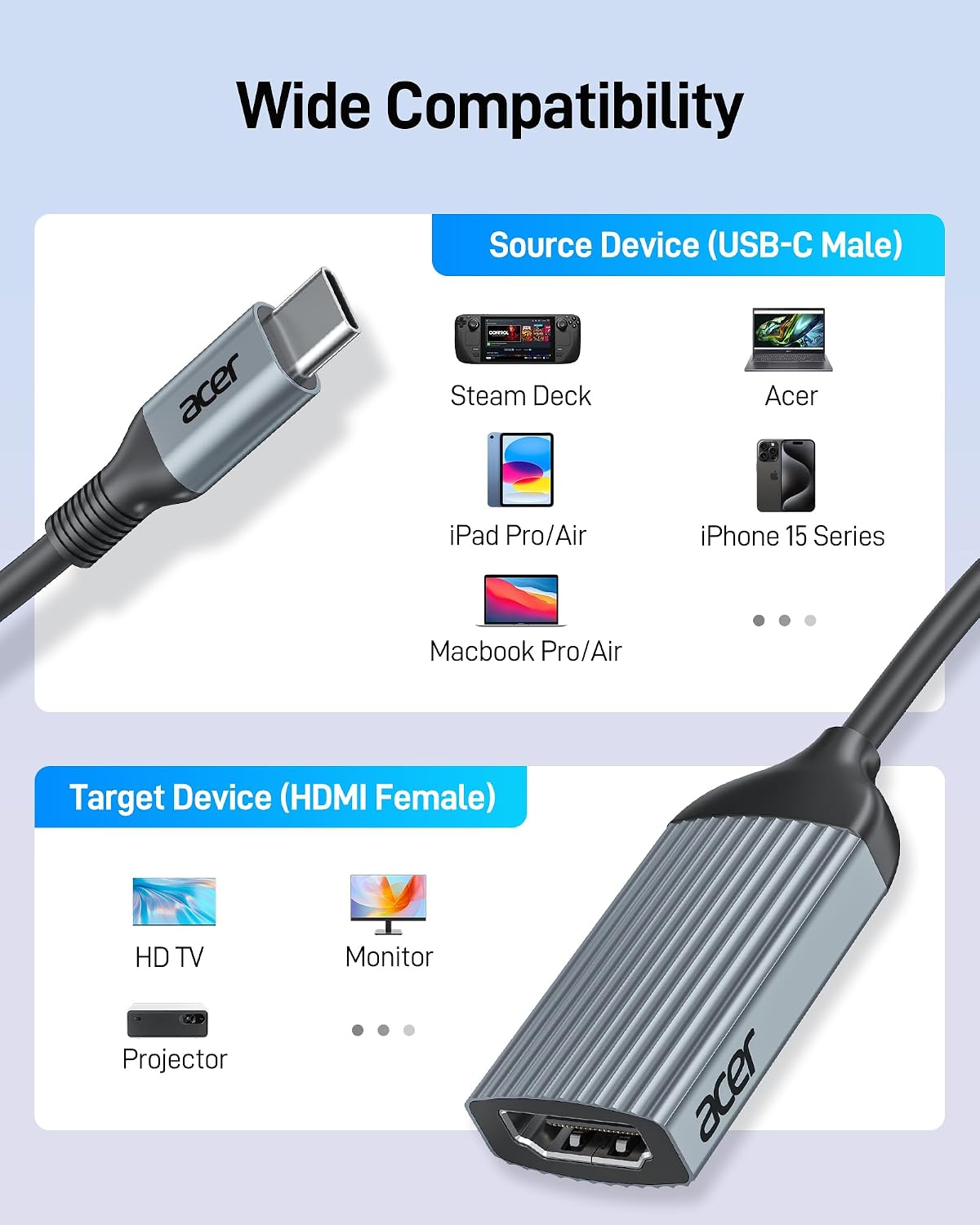
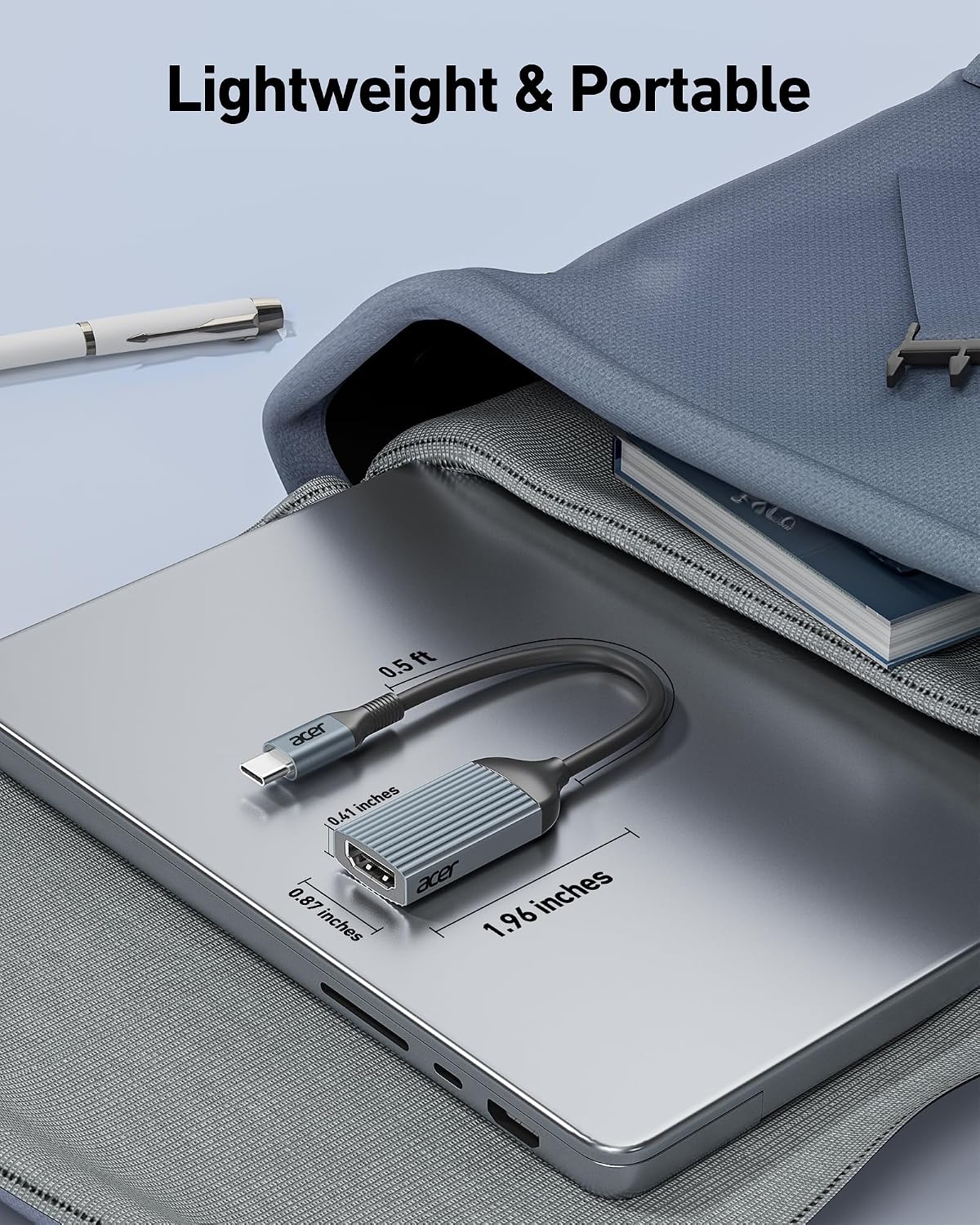
The main advantage is a straightforward connection without setup software, plus support for up to 4K at 60Hz. Its compact 0.64-ft design is intended to take up little room in a laptop bag, and the aluminum casing is described as helping with heat dissipation and wear resistance. The listing includes Thunderbolt 3 and 4, USB4, and systems such as Windows, macOS, iPadOS, and Linux, as well as devices including MacBook, iPad, Surface, Dell XPS, Chromebook, and Steam Deck models. Compatibility still depends on the specific device having USB-C video output.
Compared with a multiport hub, this is a more focused choice when the job is simply connecting one USB-C source to an HDMI screen. That simplicity also means fewer functions: it won’t charge the host, and it doesn’t provide additional ports. It’s not for you if you need power delivery through the adapter, a reverse HDMI-to-USB-C connection, or a way to make a non-video-capable USB-C port output a picture.
Spec sheet
- Connection: USB-C to HDMI, one-way video transmission
- Maximum listed resolution: 4K at 60Hz
- Backward-compatible modes: 2K at 144Hz or 60Hz
- Host requirement: USB-C with DisplayPort Alt Mode video support
- Charging: Not supported
- Design: Compact, 0.64-ft size with aluminum casing
- Setup: Plug and play, no driver or software required
Buying verdict
This adapter makes sense when you already have a USB-C device that supports video and need a direct HDMI connection for a monitor, TV, or projector. Its 4K-at-60Hz support and simple setup are useful for everyday desk work, presentations, and a laptop-to-screen connection at home. The key trade-off is functional: it carries video in one direction but won’t charge your device or expand its other ports. The maker lists broad device and operating-system compatibility, but the decisive check is the host’s USB-C video support. If that requirement is met and HDMI is the only connection you need, the focused design fits the job, if not, a charging-capable hub or another connection type is the more suitable route.