

Anker 310 USB-C to HDMI Adapter (4K@60Hz) — USB-C to HDMI for MacBook Pro/Air, iPad Pro, Thunderbolt 3
Reviews
Price
Product description
What it is
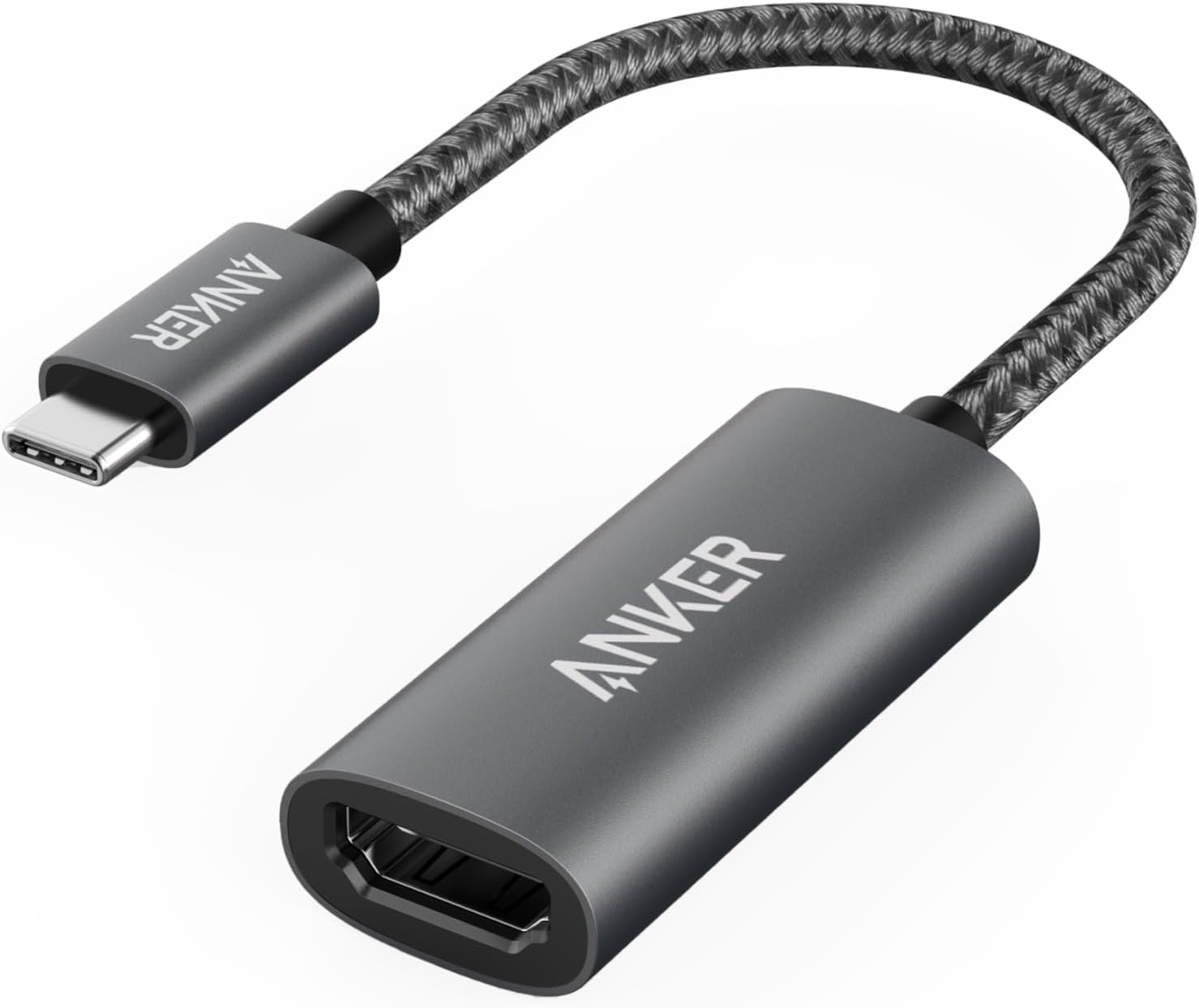
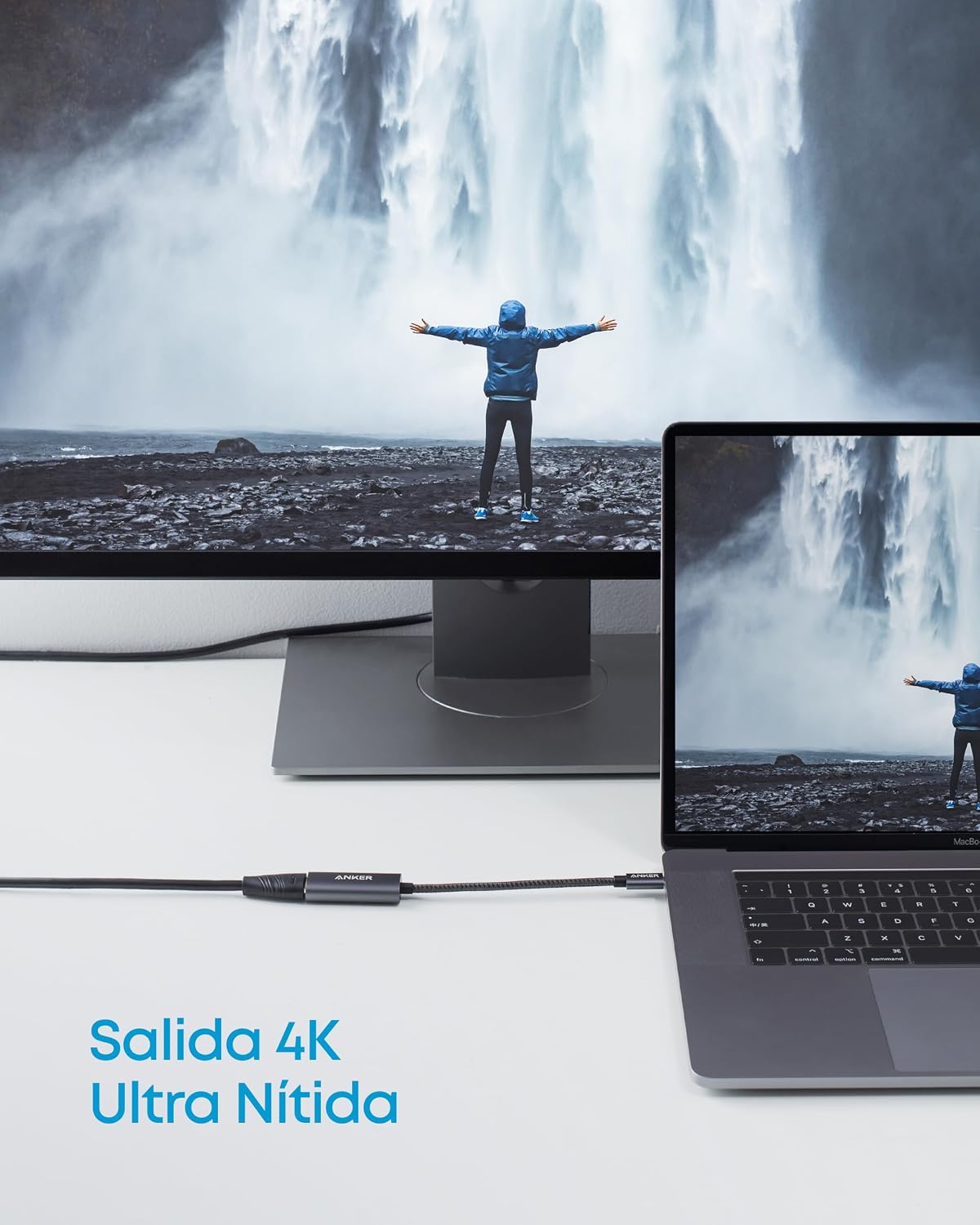
The Anker 310 USB-C Adapter (4K HDMI) is a compact USB-C to HDMI solution that turns a compatible laptop or device into a capable HDMI display port. It supports up to 4K at 60Hz, making it suitable for tasks like presentations, streaming, or extending your desktop to a larger screen without installing any drivers.
Who it’s for
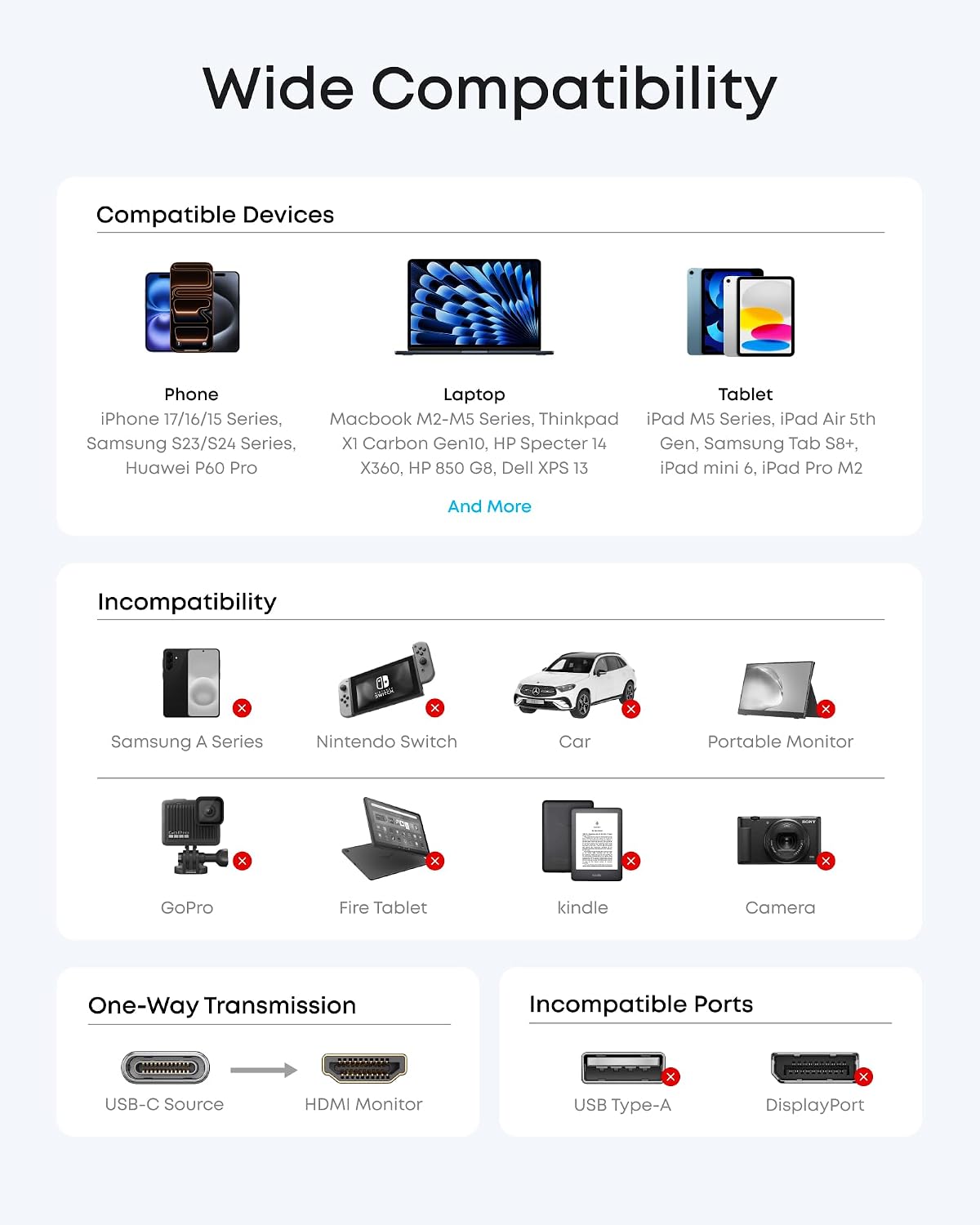
If you rely on a modern USB-C computer or tablet with DP Alt mode, USB4, or Thunderbolt ports and want a simple, plug-and-play way to connect to TVs, projectors, or external displays, this adapter aims to be a practical option. It’s especially handy for MacBook Pro/Air users, iPad Pro, or devices in the USB-C/Thunderbolt ecosystem that need a reliable HDMI output.
Pros and cons
Pros: plug-and-play setup with no software required, supports 4K at 60Hz for crisp video, lightweight aluminum housing helps with heat dissipation, reinforced braided-nylon cable stands up to daily use, broad compatibility with USB-C DP Alt mode, USB4, and Thunderbolt connections. Cons: the product description doesn’t specify extra features like audio return channel or USB passthrough, if your display or setup relies on HDMI 2.1 features beyond 4K60, this adapter may not cover those newer specs, it relies on the host device’s USB-C capabilities for power and video, so some setups may need an external power source depending on the device.
What to know before you buy
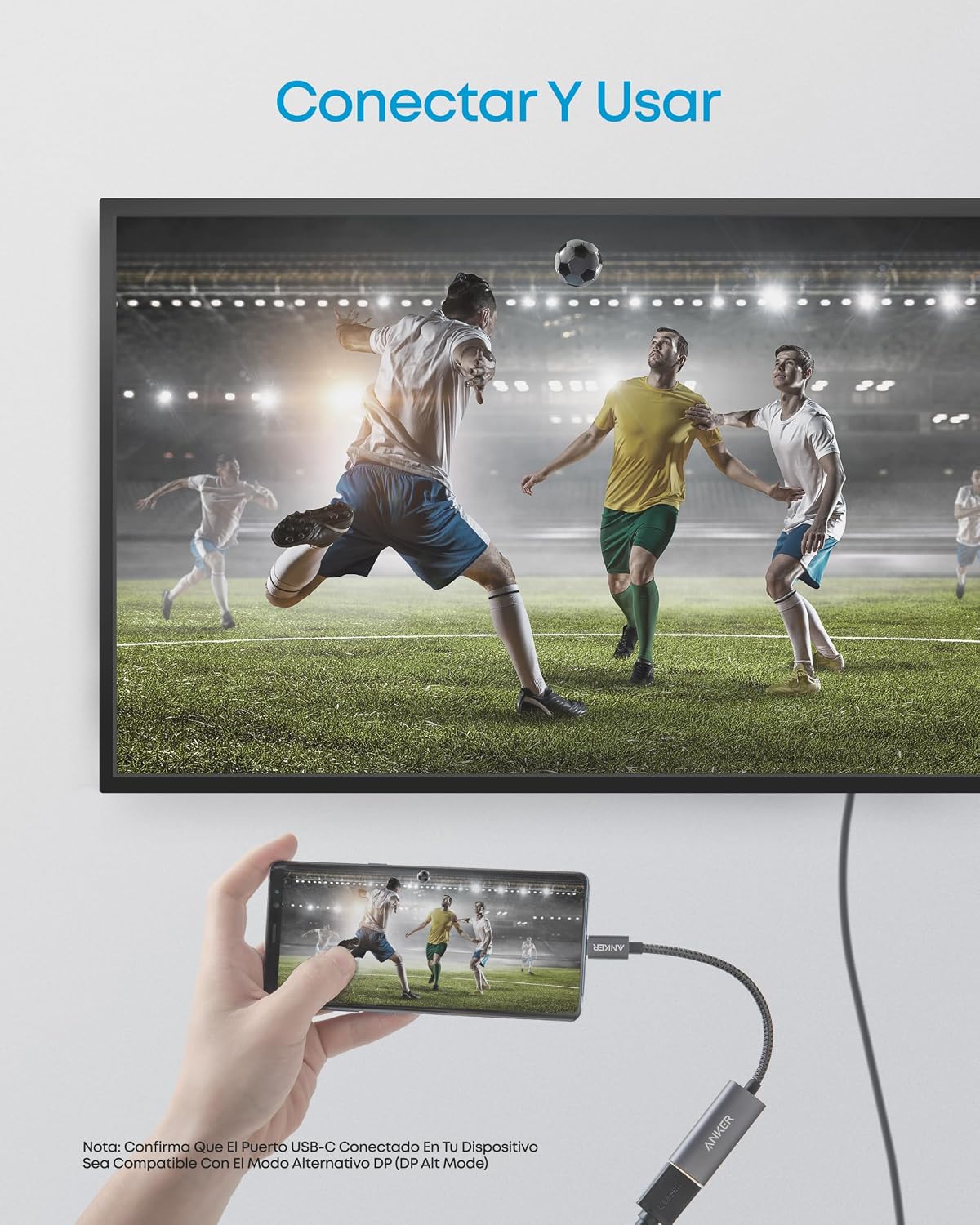
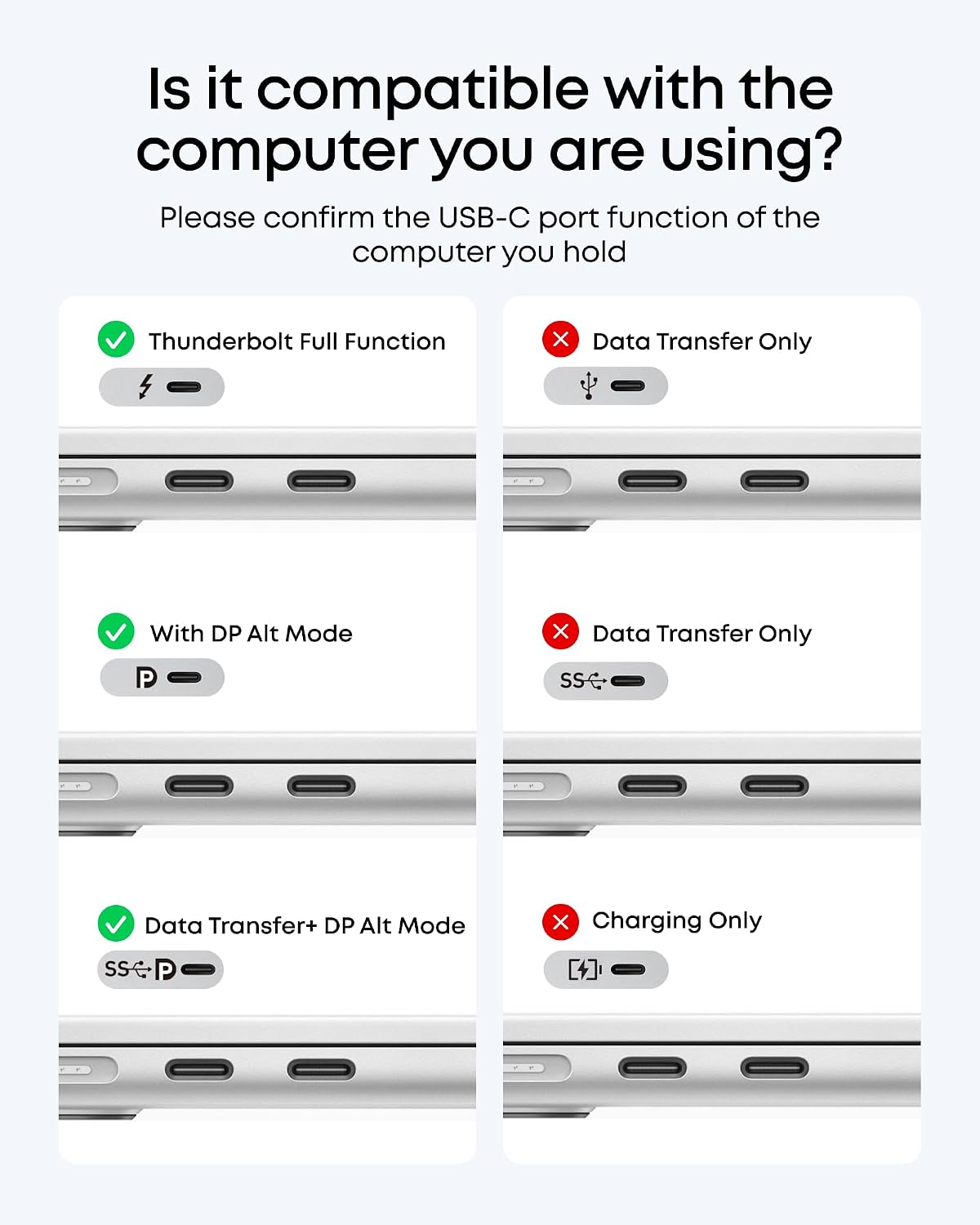
- It’s intended for devices with USB-C video output (DP Alt mode, USB4, or Thunderbolt). If your device doesn’t support these, performance may vary.
- While 4K at 60Hz is ideal for many use cases, some budget displays or long cable runs can struggle to maintain stable 4K60. Consider shorter cables or a tested HDMI cable length for reliability.
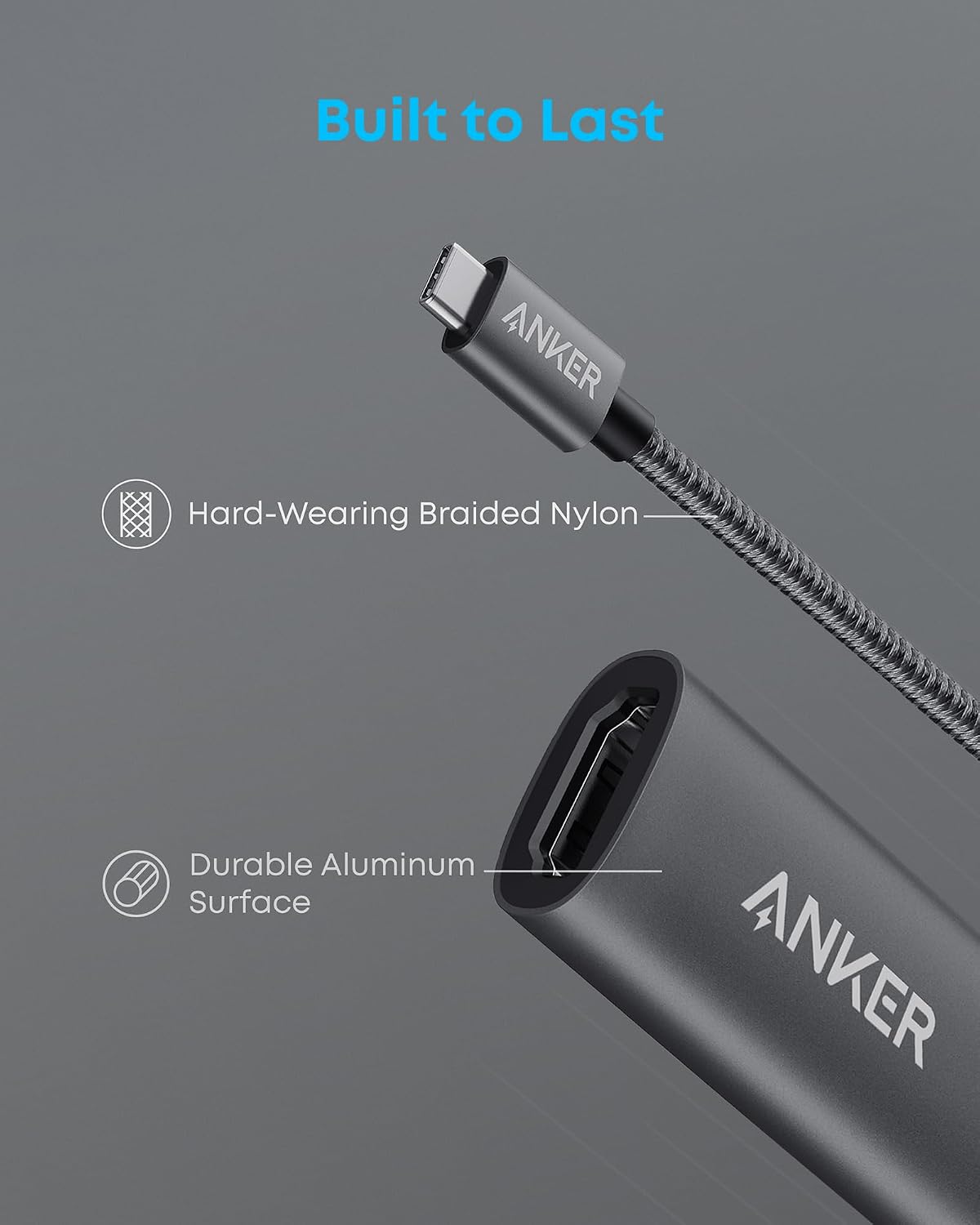
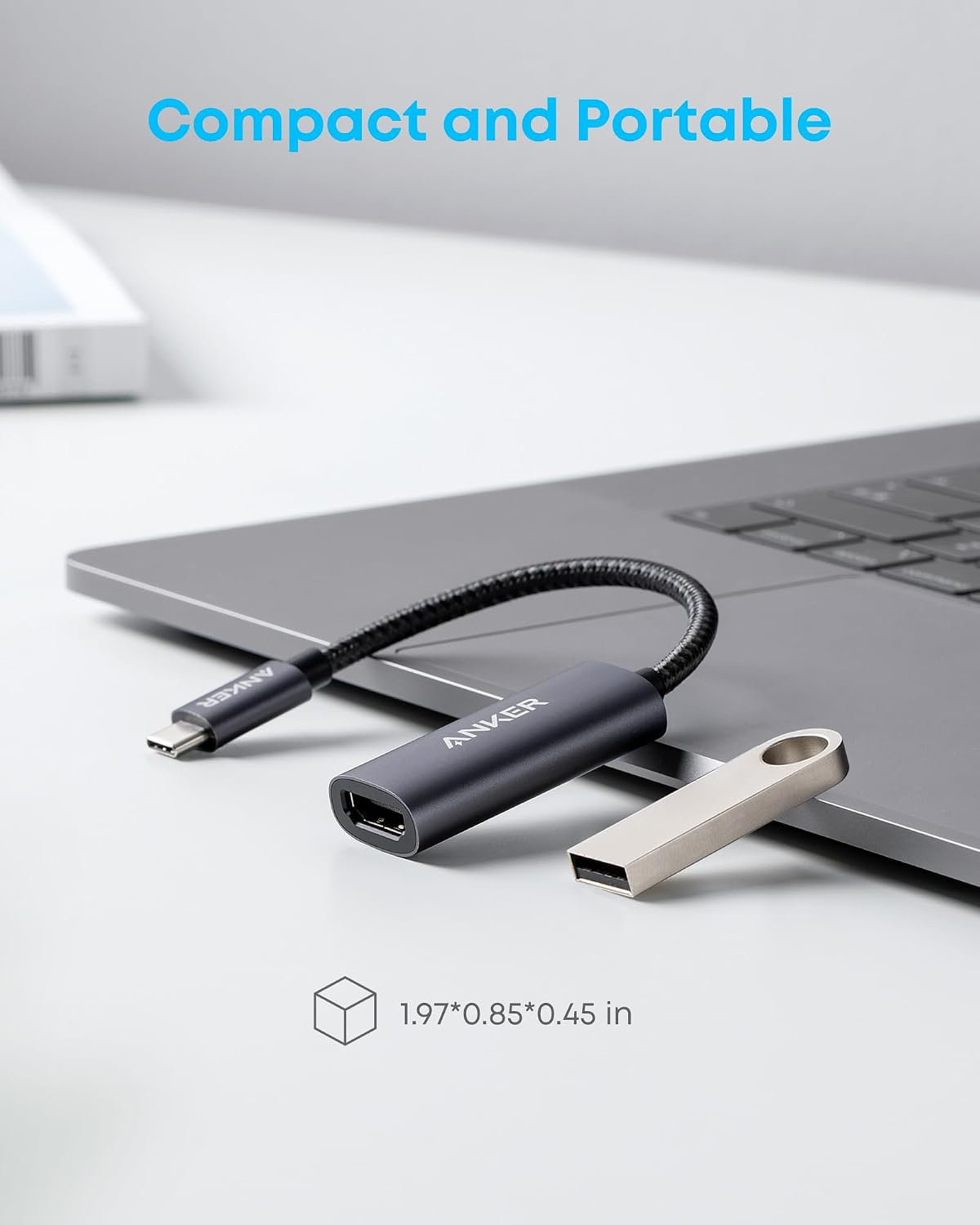
- The housing is aluminum and the cable is braided nylon, which generally withstands regular handling better than flimsy plastics, but real-world wear depends on usage patterns.
How it compares to common approaches
Compared with dongles lacking full 4K support, this adapter targets higher-resolution output with a straightforward setup. If you primarily need screen mirroring for casual videos or a basic extended display, this option hits a balance between simplicity and performance. If you expect advanced HDMI features or USB passthrough, you may want to review whether your use case truly benefits from 4K60 without extra ports.
Practical usage example
You’re giving a quick presentation from a MacBook Pro to a conference room projector. You plug this adapter into the MacBook’s USB-C port, connect an HDMI cable to the projector, and you’re ready to present with sharp 4K content. No driver installation, no fuss—just a clean setup that keeps your workspace uncluttered.
Final decision: Is it worth it?
Worth considering if you value a simple, sturdy USB-C to HDMI solution that delivers true 4K60 and broad compatibility with modern USB-C hosts. It’s not the best option if you need USB passthrough or HDMI features beyond 4K60, or if you require niche compatibility beyond USB-C DP Alt mode and Thunderbolt.
FAQ
- Does it require any software? No, it’s plug-and-play.
- Will it work with a non-Thunderbolt USB-C port? Yes, if the port supports DP Alt mode or USB4, otherwise performance may vary.
- Can I use it with a 4K60 monitor long-term? It should handle typical 4K60 usage, but always verify cable length and display compatibility for your setup.