

BENFEI 4K DisplayPort to HDMI 6ft cable 🔌
Reviews
Price
Product description
This DisplayPort to HDMI cable from BENFEI lets a computer with a DisplayPort output connect to an HDMI monitor or projector for video and audio playback, making it useful for presentations, secondary screens, or home setups. The DisplayPort to HDMI cable 6 feet provides a straightforward link that supports Full HD at 60 Hz and transfers digital audio without extra adapters.
Key Points
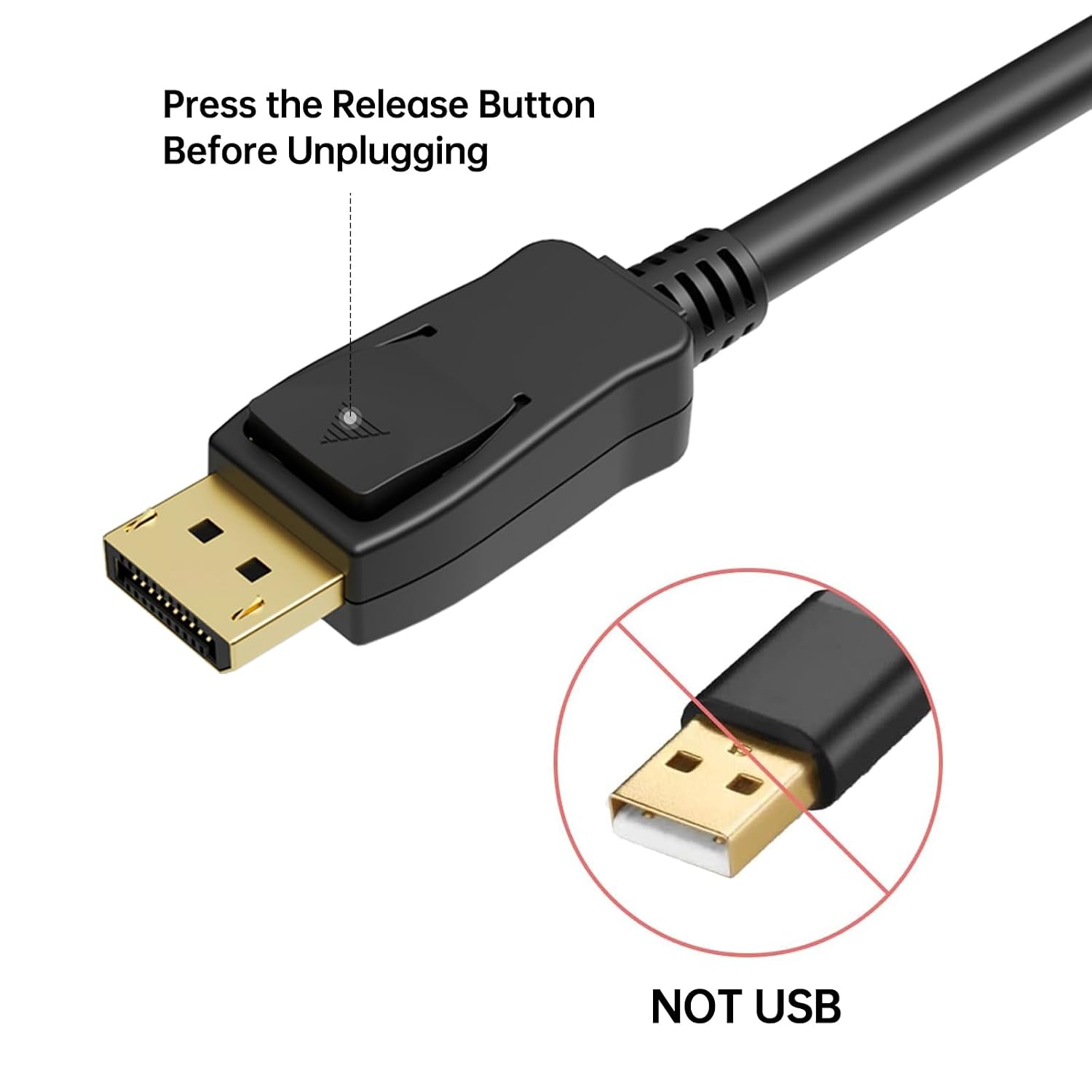
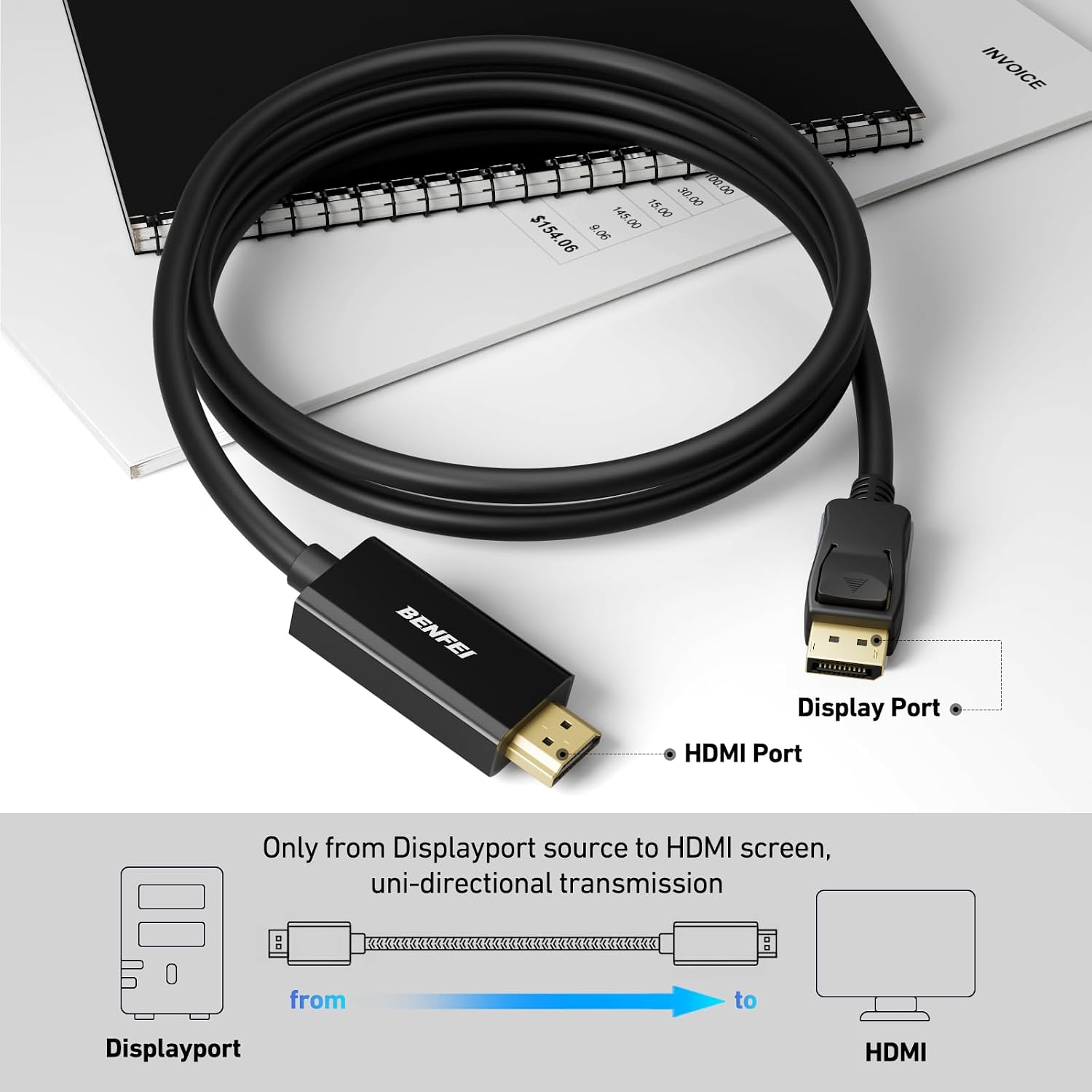
The cable uses an advanced IC chip and multi-layer shielding to maintain stable data transmission and reduce interference during use. The DisplayPort connector includes a latch mechanism that helps keep the connection secure, and the latch can be released with a press of the button for easy removal. Note that the cable is uni-directional and converts DisplayPort output to HDMI input only, so it cannot pass HDMI signals back to a DisplayPort monitor. According to the manufacturer, the cable supports uncompressed digital audio in 7.1, 5.1, or 2-channel configurations which is helpful when sending sound to TVs or AV receivers 🎧.
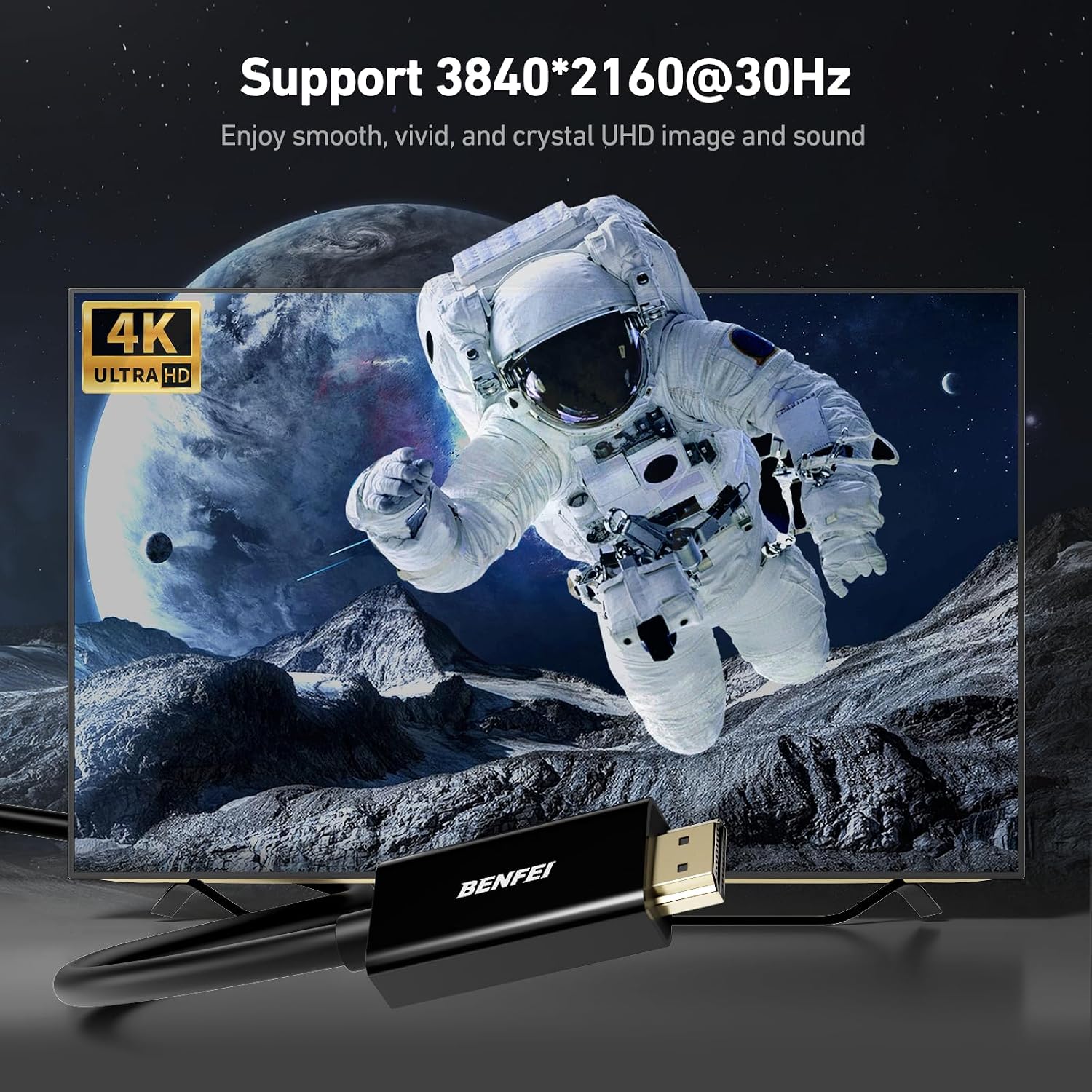
Technical Specifications
- Name: BENFEI 4K DisplayPort to HDMI 6 Feet Cable, Uni-Directional
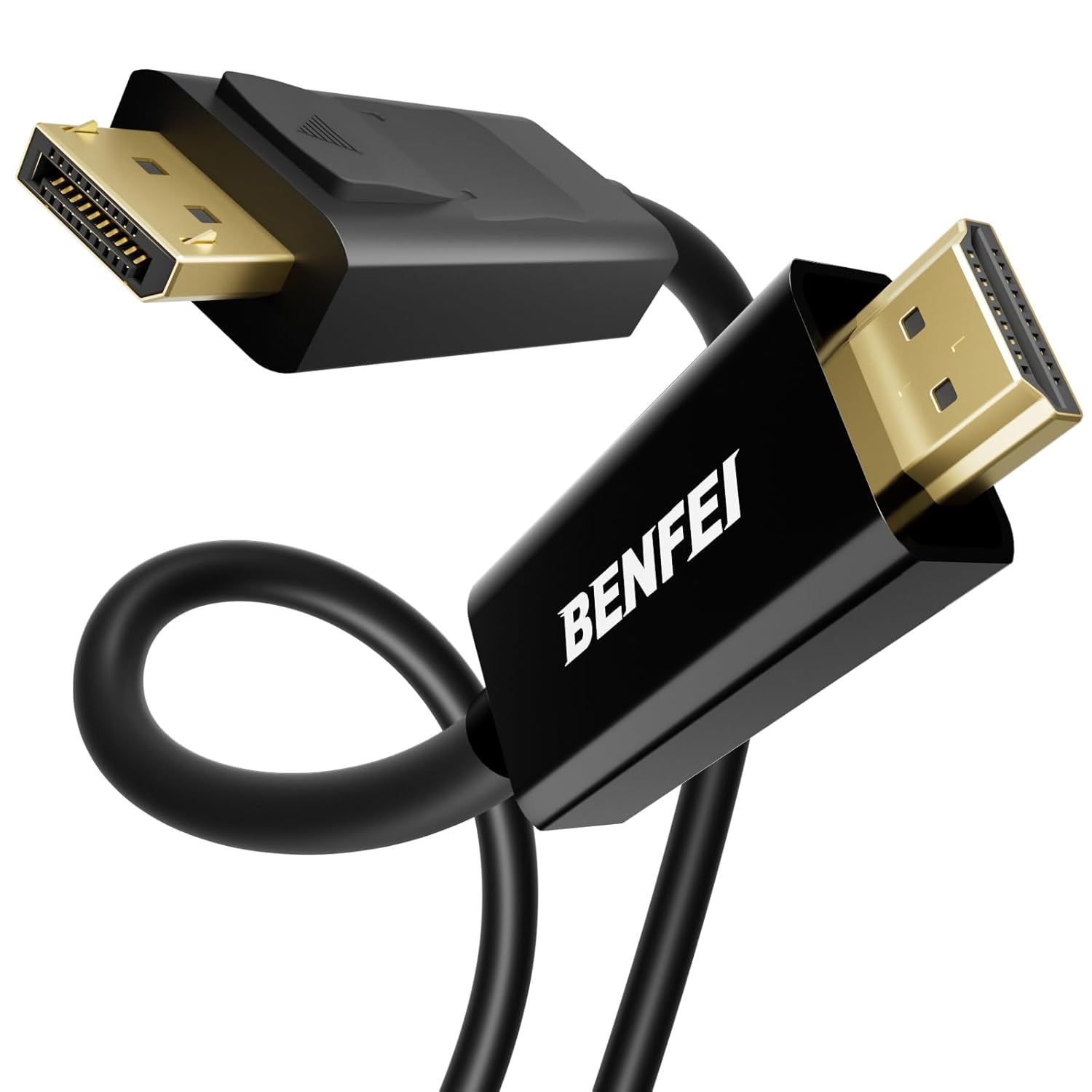
- Connector type: DisplayPort male to HDMI male
- Length: 6 feet
- Supported resolution: 1920x1080 at 60 Hz (1080p Full HD)
- Audio support: Digital uncompressed audio, up to 7.1 channels
- Directionality: Uni-directional (DisplayPort source to HDMI display only)
Usage Recommendations
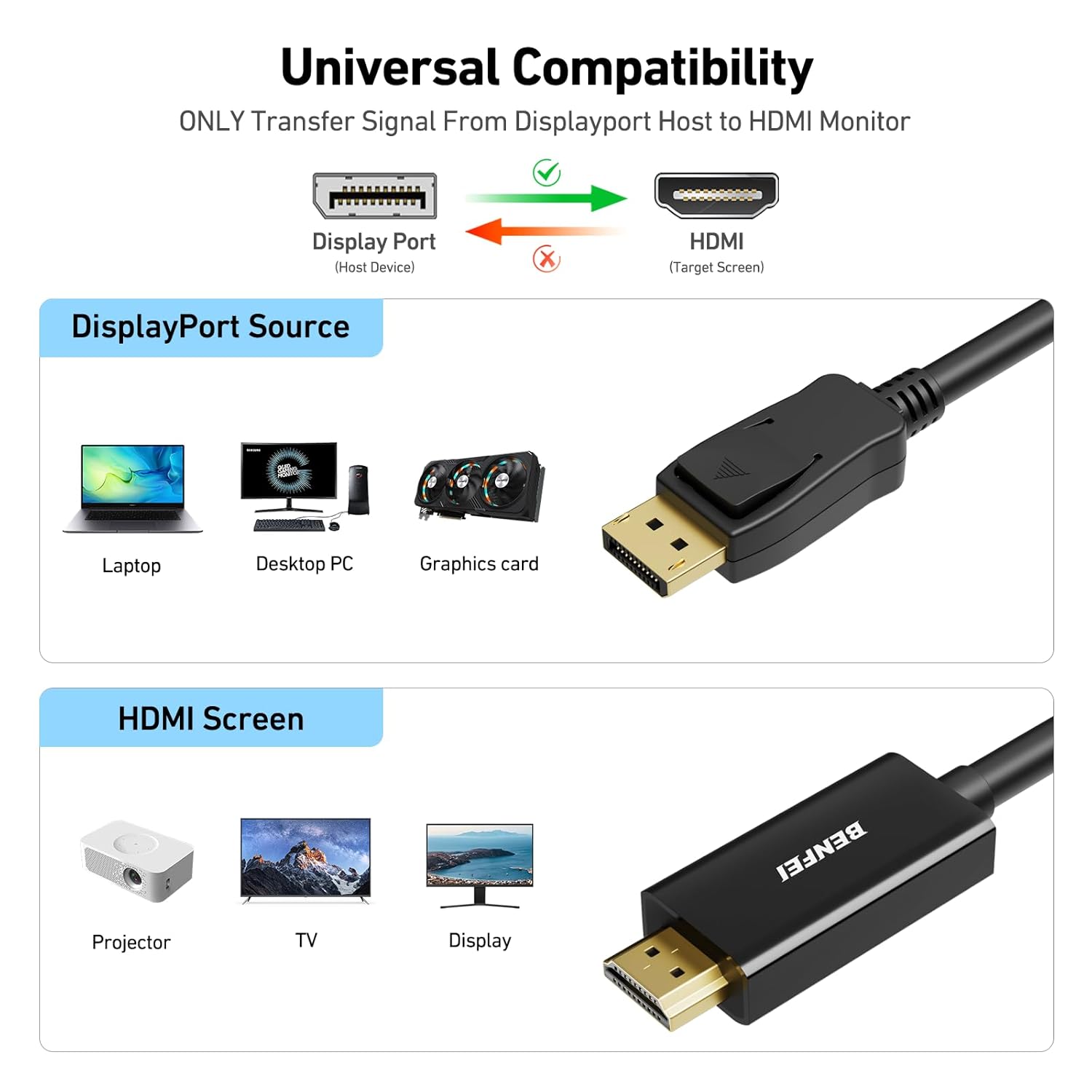
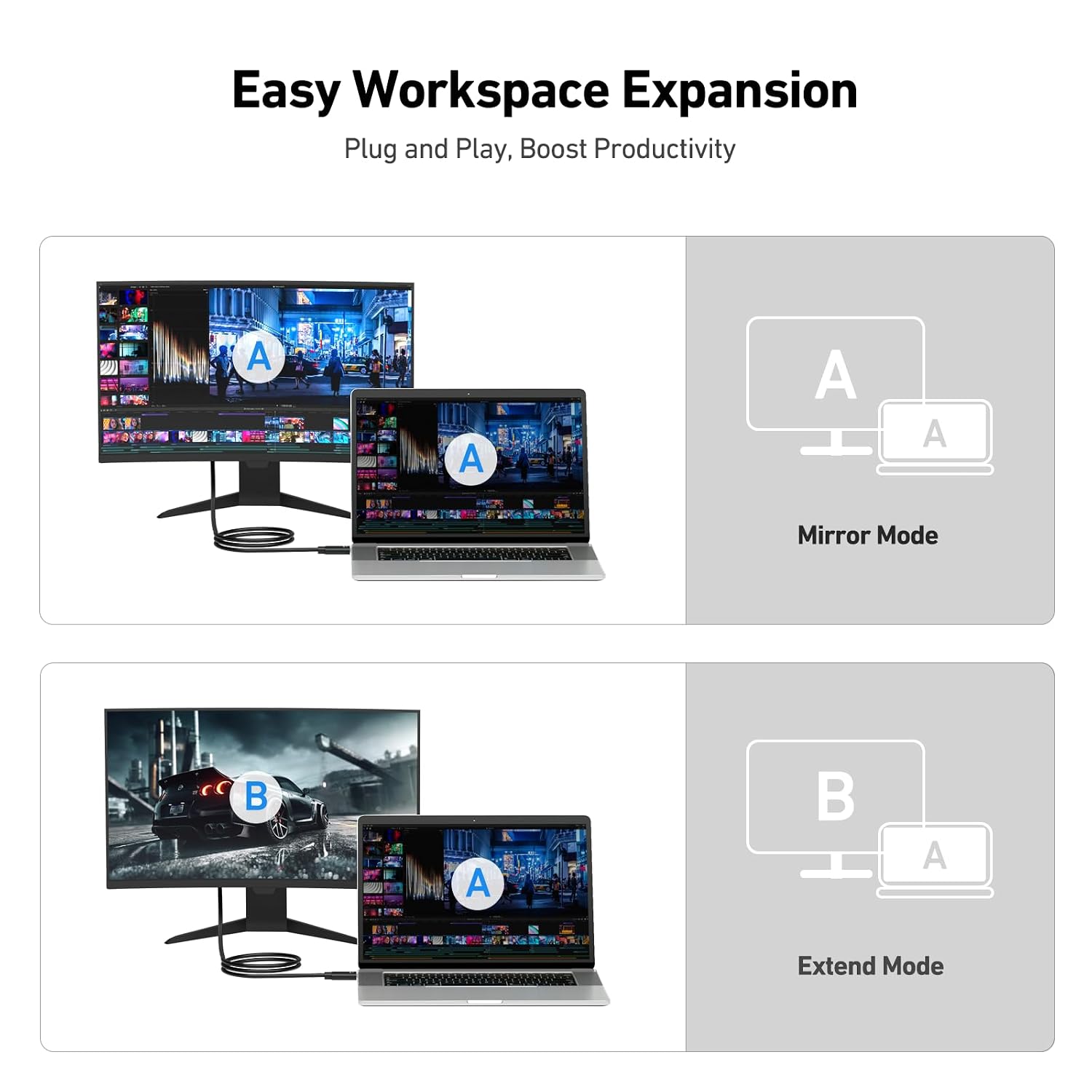
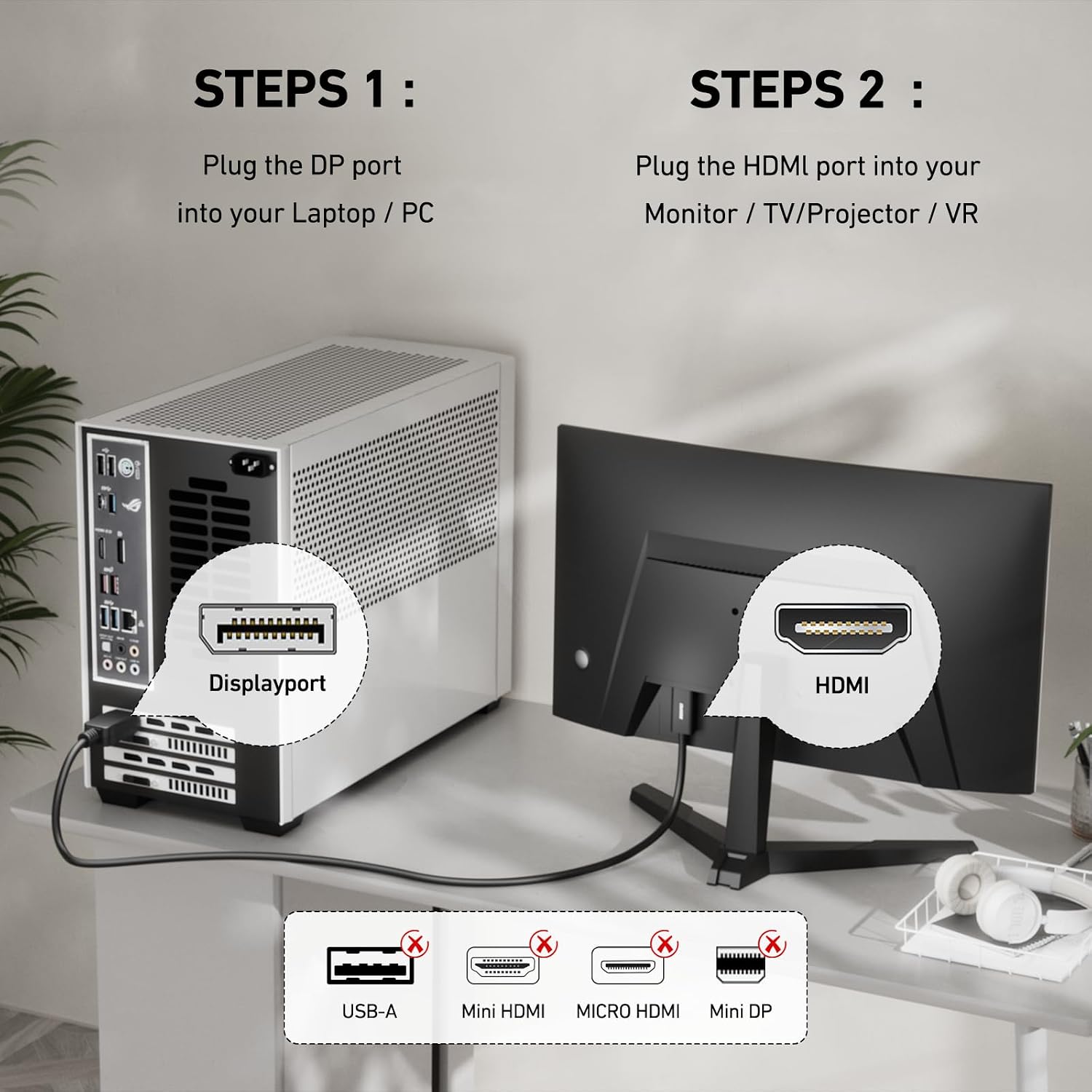
For best results, connect the DisplayPort end to your computer or laptop and the HDMI end to the display before powering devices on. If your system does not detect the monitor right away, try restarting the computer or toggling the display input. The latch on the DisplayPort plug helps prevent accidental disconnection during movement or cable tension, which is convenient for mobile workstations and conference room setups. 💻
Consider that this cable does not function as a bi-directional adapter, and it does not increase a device’s native resolution beyond the supported 1080p at 60 Hz. If you plan to drive 4K displays or require higher refresh rates, check the display and source specifications to ensure compatibility with DP 1.2 and HDMI standards. 🔌
Practical Tips
Keep the cable away from high-power electrical sources to minimize possible interference. When routing behind desks or through cable channels, avoid sharp bends near the connector ends to preserve the shielding and latch mechanism. For installations where frequent plug and unplug cycles occur, handle the latch button gently to maintain its locking function over time.