

Gawfolk 28-Inch 4K IPS Monitor with 3:2 Aspect and Built-In Speakers
Product description
What it is and who it's for
The Gawfolk 28 Inch 4K Monitor is a 28-inch IPS display featuring a 3840x2560 resolution in a 3:2 aspect ratio. It’s aimed at users who handle long documents, code, or creative work and want a bit more vertical room than a traditional 16:9 screen provides. If you routinely edit documents, crunch spreadsheets, or draft content, this panel promises to minimize scrolling and keep more content in view at once.
Why the 3:2 aspect matters
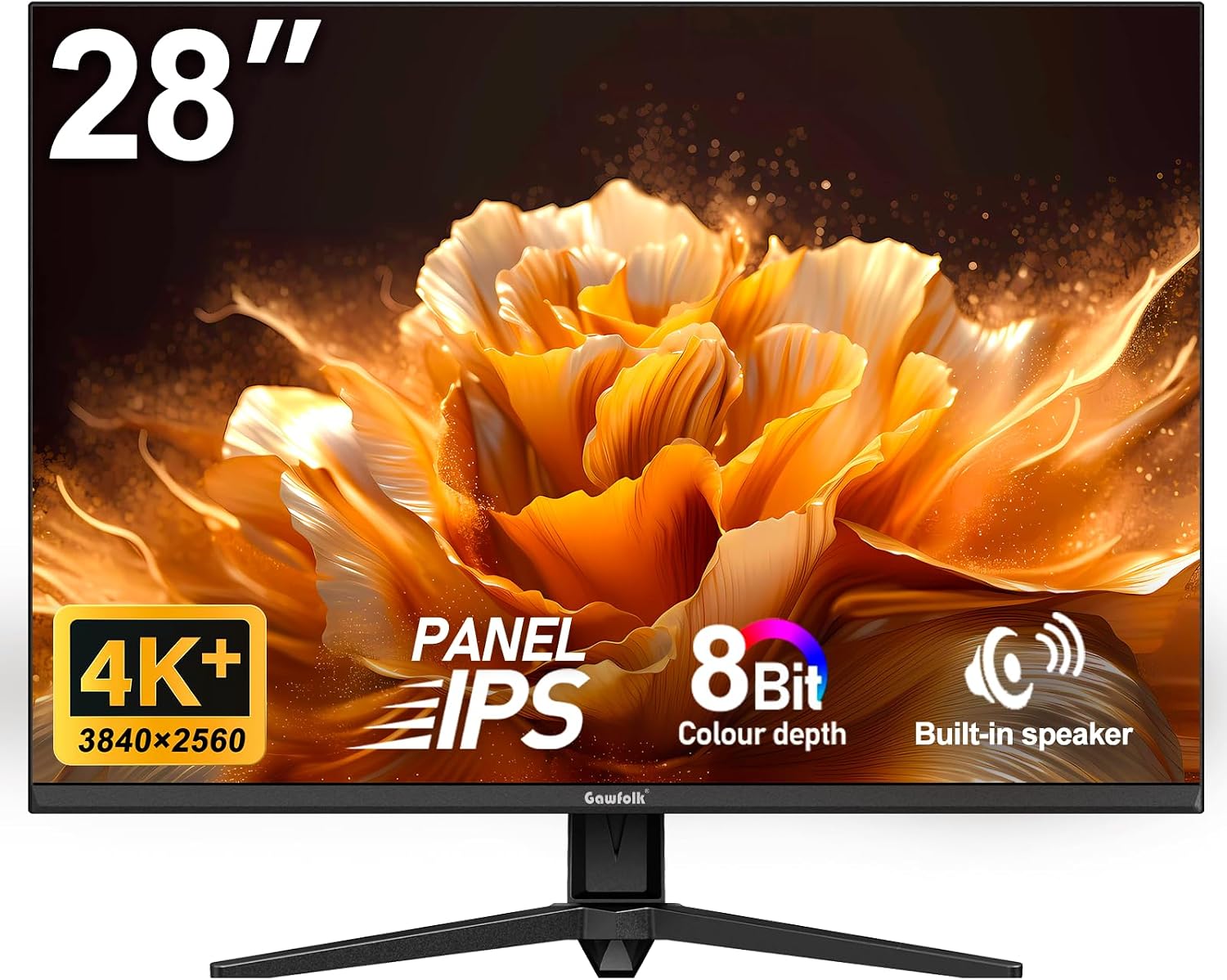
The 3:2 format increases vertical real estate, which can improve your workflow for office tasks and certain creative projects. Do note that when using standard 16:9 resolutions, you may see black bars on the top and bottom or a slight stretch to fit the screen. That behavior is normal for non-native aspect ratios, so it’s worth considering how you’ll primarily use the monitor.
Visual quality and color accuracy
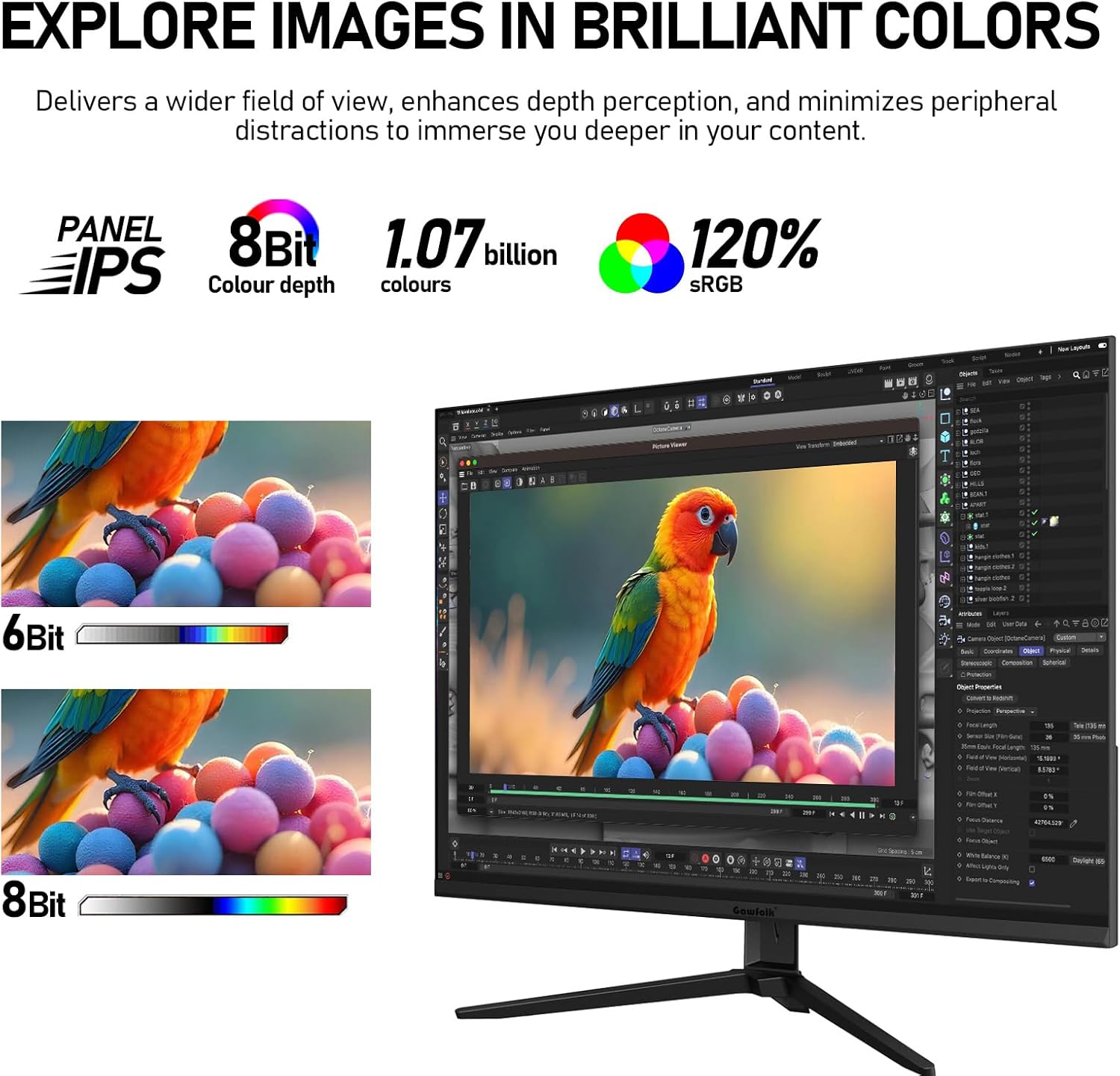
This model uses a 10-bit color depth with 1.07 billion colors and covers about 120% of the sRGB spectrum. In practice, you can expect smooth color transitions and vibrant visuals—advantageous for photo editing, video work, and graphic design. However, if ultra-critical color accuracy is essential for your job, you may want to verify color profiles on your own workflow and viewing conditions.
Comfort and smoothness for daily use
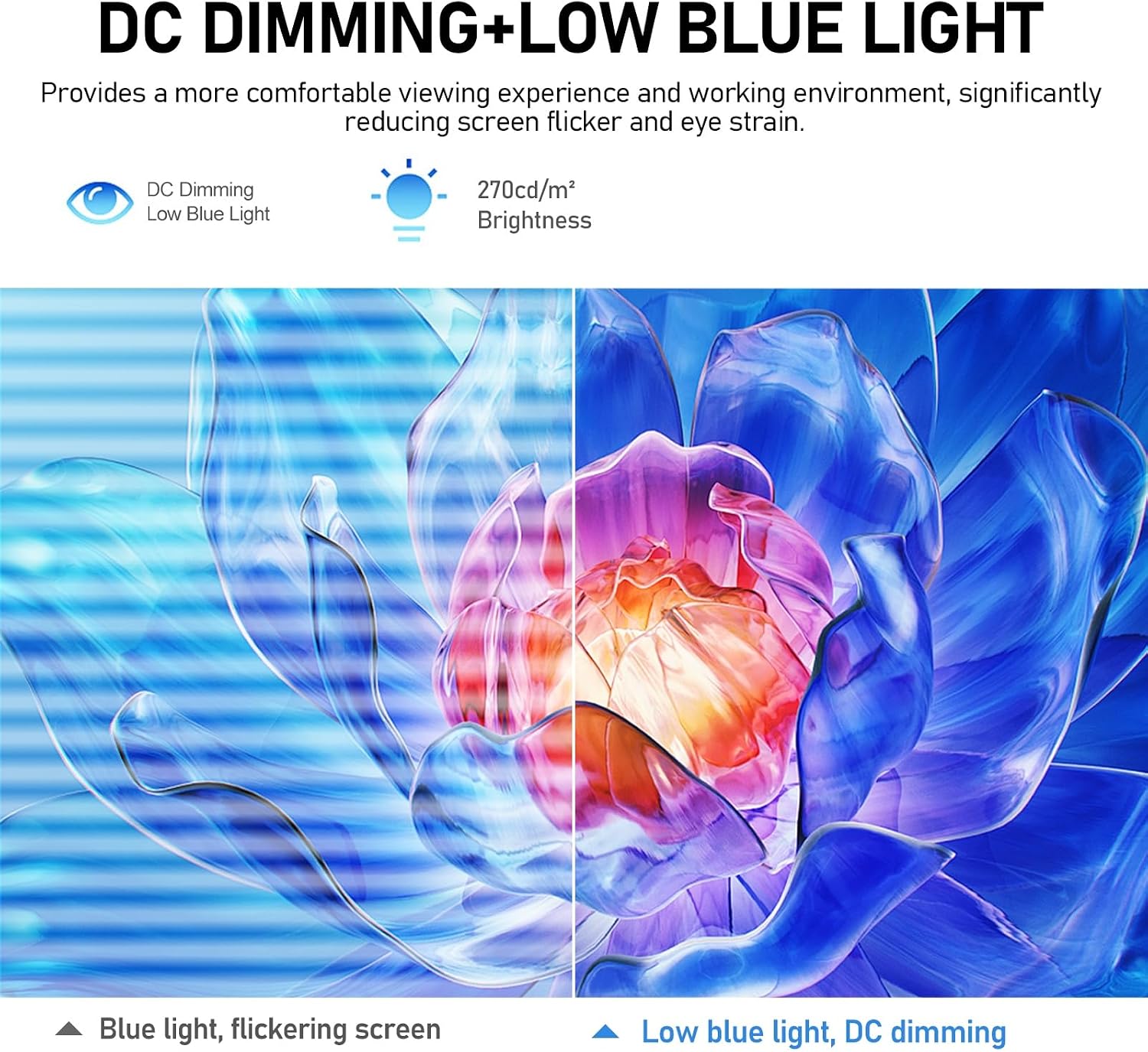
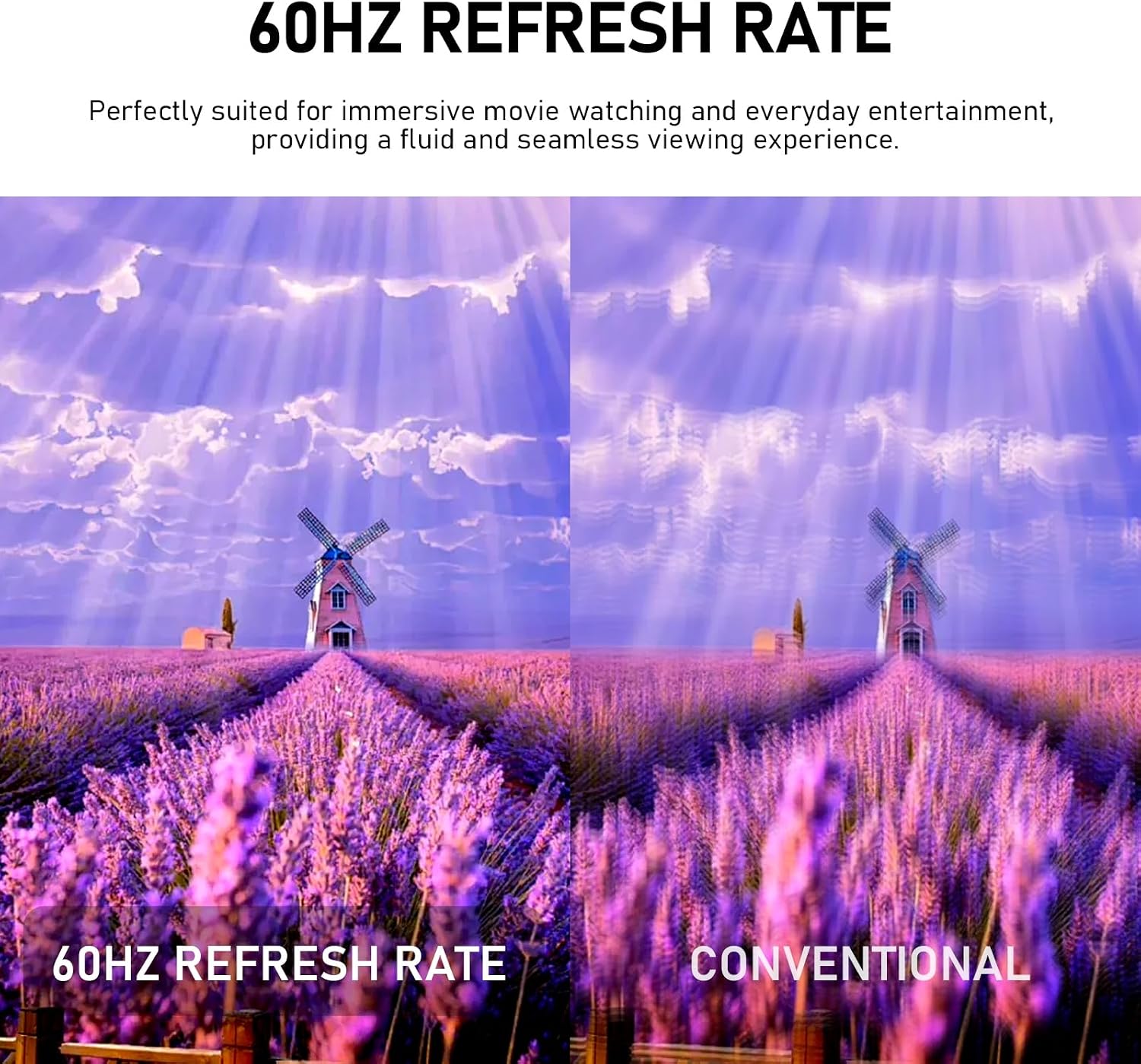
The panel employs DC dimming and low blue light to reduce eye strain during long sessions. With adaptive sync, the display can match the graphics card's refresh rate to minimize tearing, while a steady 60 Hz refresh helps with predictable playback and office tasks. While it isn’t a high-refresh gaming monitor, the combination is practical for a mixed-use desk setup across work and media.
Connectivity and expandability
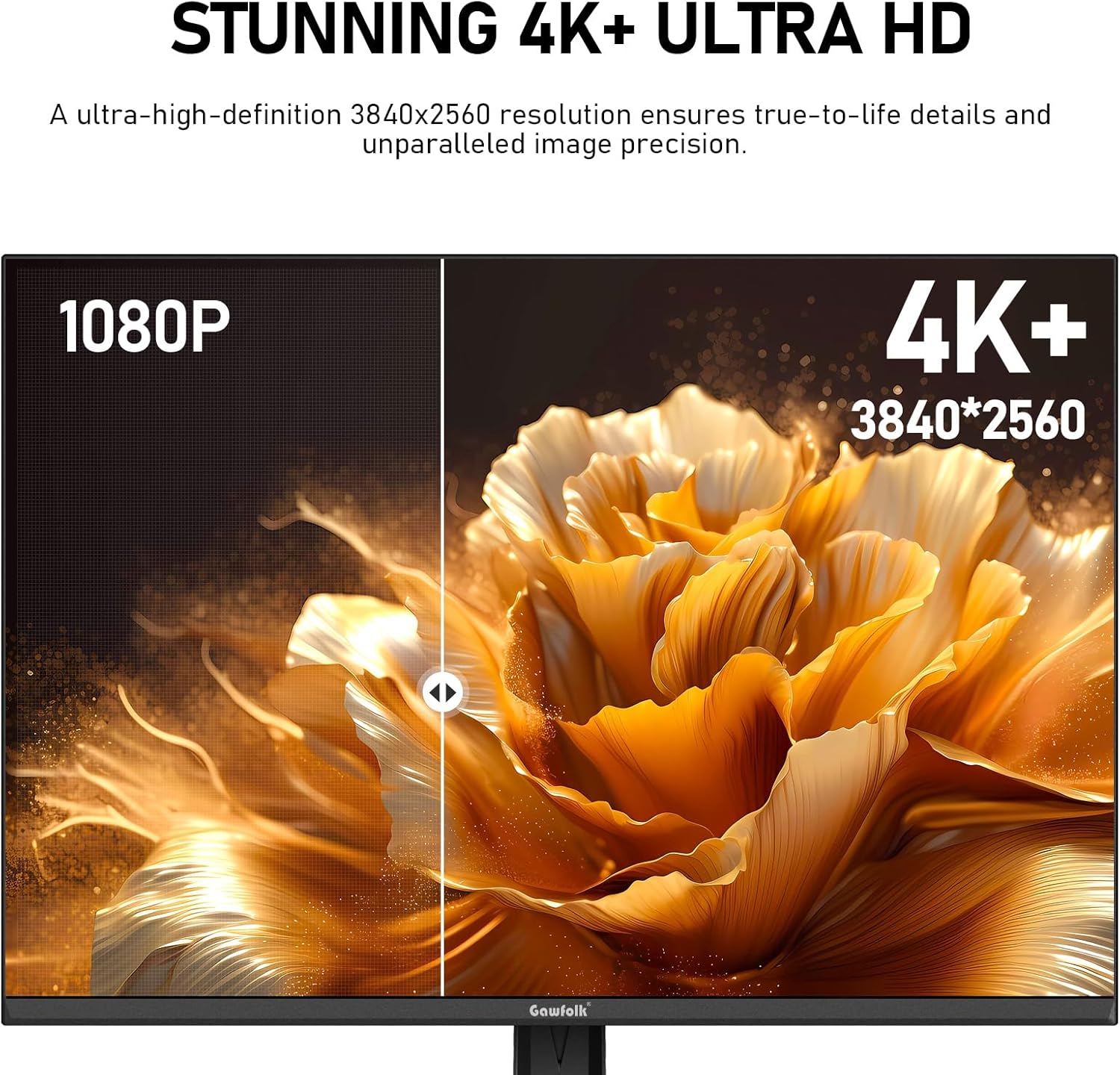
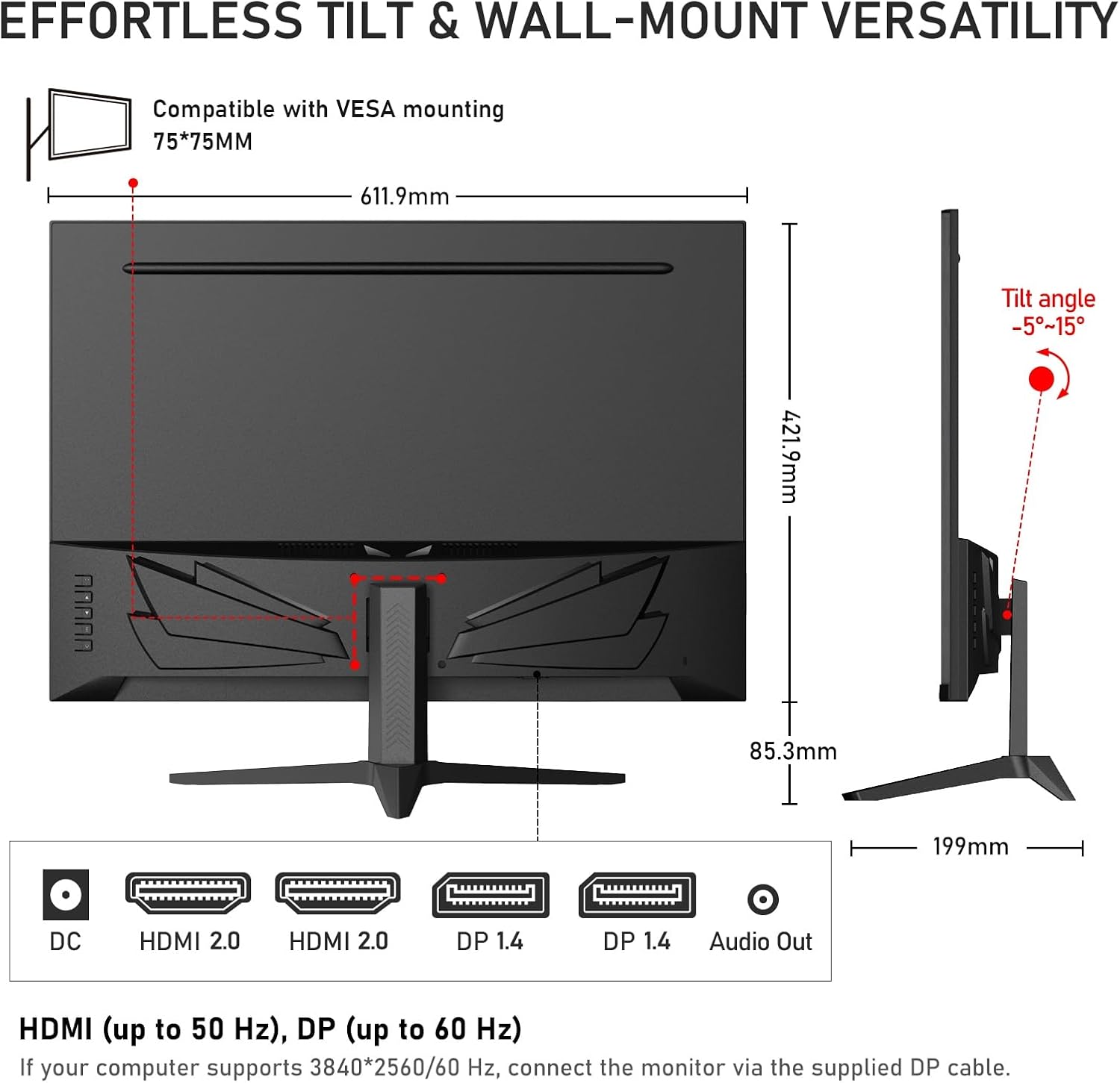
You get two HDMI 2.0 ports and two DisplayPort 1.4 ports, which allows you to connect up to four devices at once and switch between them without constantly swapping cables. The native 3840x2560 at 60 Hz is best realized via DisplayPort, while HDMI output may behave differently to accommodate the screen’s unique format. For a clutter-free desk, the monitor also includes built-in speakers and a 75x75 mm VESA mount pattern for wall mounting or monitor arms.
Practical pros and cons
Pros: generous vertical space, strong color depth, built-in speakers for quick video calls or media playback, multiple input options, and VESA compatibility. Cons: non-native 16:9 content may show letterboxing or stretch, and the 60 Hz refresh rate isn’t aimed at high-end gaming or fast-paced workloads.
Who this is for—and who it isn’t
This monitor fits professionals who work with long documents, code, spreadsheets, or multi-panel workflows and want a compact 4K display with more vertical space. It also suits creators who value color range and a built-in audio solution in a single package. It may not be the best pick if your primary need is a high-refresh gaming screen or if you require perfect color precision for professional photo or video work without calibration.
When it makes sense to buy
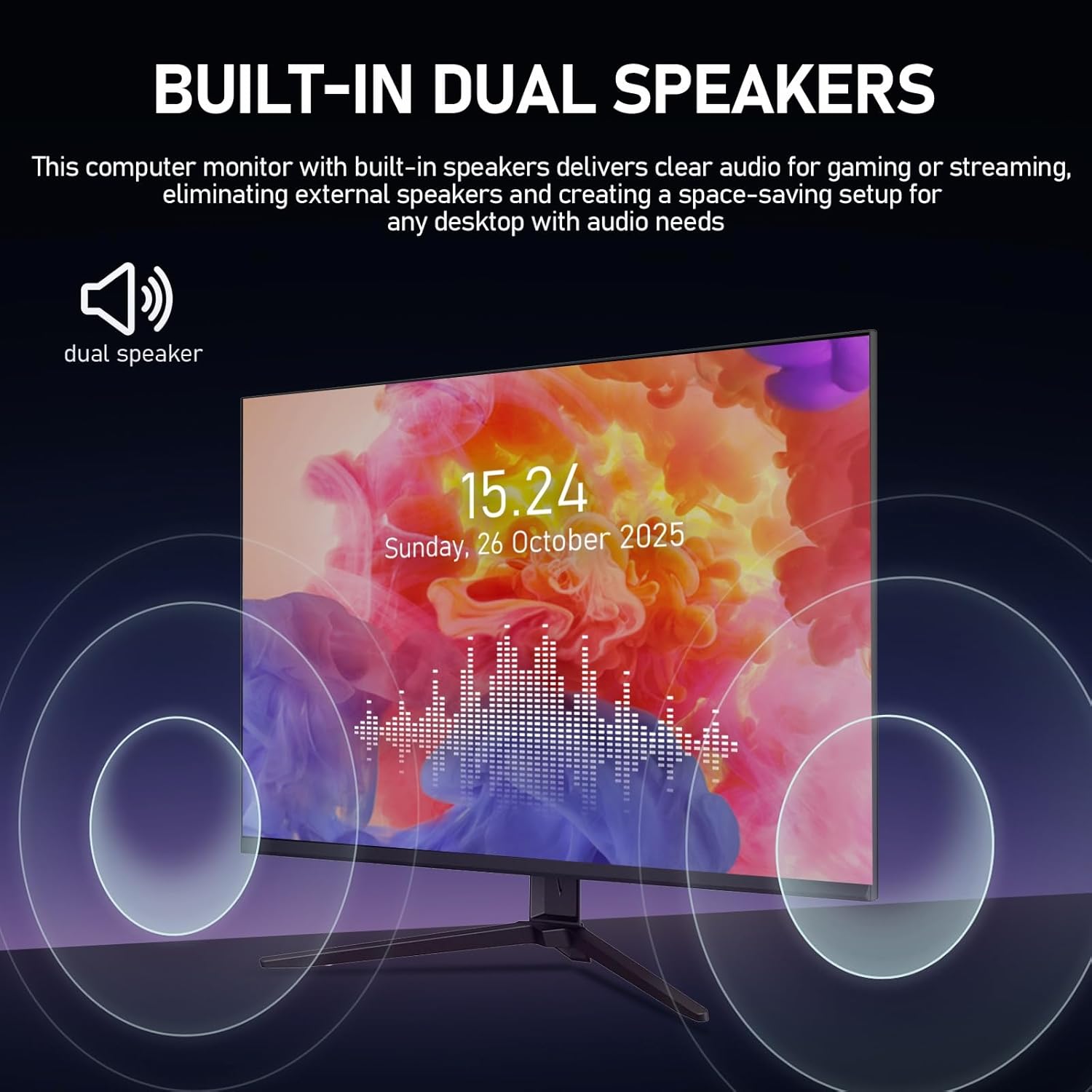
Consider this model if you want a single-display setup that blends office productivity with creative tasks, and you value a compact 4K panel that can integrate smoothly into desks with mounting options. The built-in speakers are a convenience for conferencing or quick media, and the multi-device connectivity helps reduce cable clutter in a home or small office.
What to review before purchasing
- Confirm your primary use case aligns with a 3:2 aspect ratio and 60 Hz refresh rate.
- Plan your connectivity: DisplayPort 1.4 is ideal for the native resolution at 60 Hz, HDMI may present different output behavior.
- Check your color workflow to ensure the 10-bit color depth and 120% sRGB coverage meet your needs, and be prepared to calibrate as part of your pipeline.
- If wall mounting or a monitor arm is important, verify your workspace supports a 75x75 mm pattern.
Practical usage example
A designer who spends hours drafting in a large spreadsheet and assembling reference images will notice less scrolling and more context on screen. For video calls, the built-in speakers eliminate the need for extra desktop speakers, simplifying a compact home office setup.
What stands out in use
The key differentiator here is the 3:2 panel with UHD resolution on a 28-inch screen, delivering substantial vertical space without sacrificing overall sharpness. You also gain flexible connectivity and the convenience of built-in audio, which can streamline a smaller workspace.
Should you buy it?
Buyer's verdict
Is it worth it? If you prioritize vertical real estate, solid color performance, and space-saving features in a single monitor, this model makes sense. It isn’t the best choice if you need the highest gaming performance or ultra-tight color calibration for critical work. For many office and creative tasks, it represents a balanced, practical option that aligns with a mid-range or entry-to-mid-tier setup.
FAQ
- Does the monitor support wall mounting? Yes, it offers 75x75 mm VESA compatibility for wall mount or monitor arms.
- What resolution and aspect ratio does it optimize for best output? Native resolution is 3840x2560 at 60 Hz with a 3:2 aspect ratio, non-native 16:9 content may show bars or stretching.
- Are there any caveats with HDMI vs. DisplayPort output? For the native 3840x2560 at 60 Hz, DisplayPort is recommended, HDMI output can behave differently to accommodate the screen’s format.