

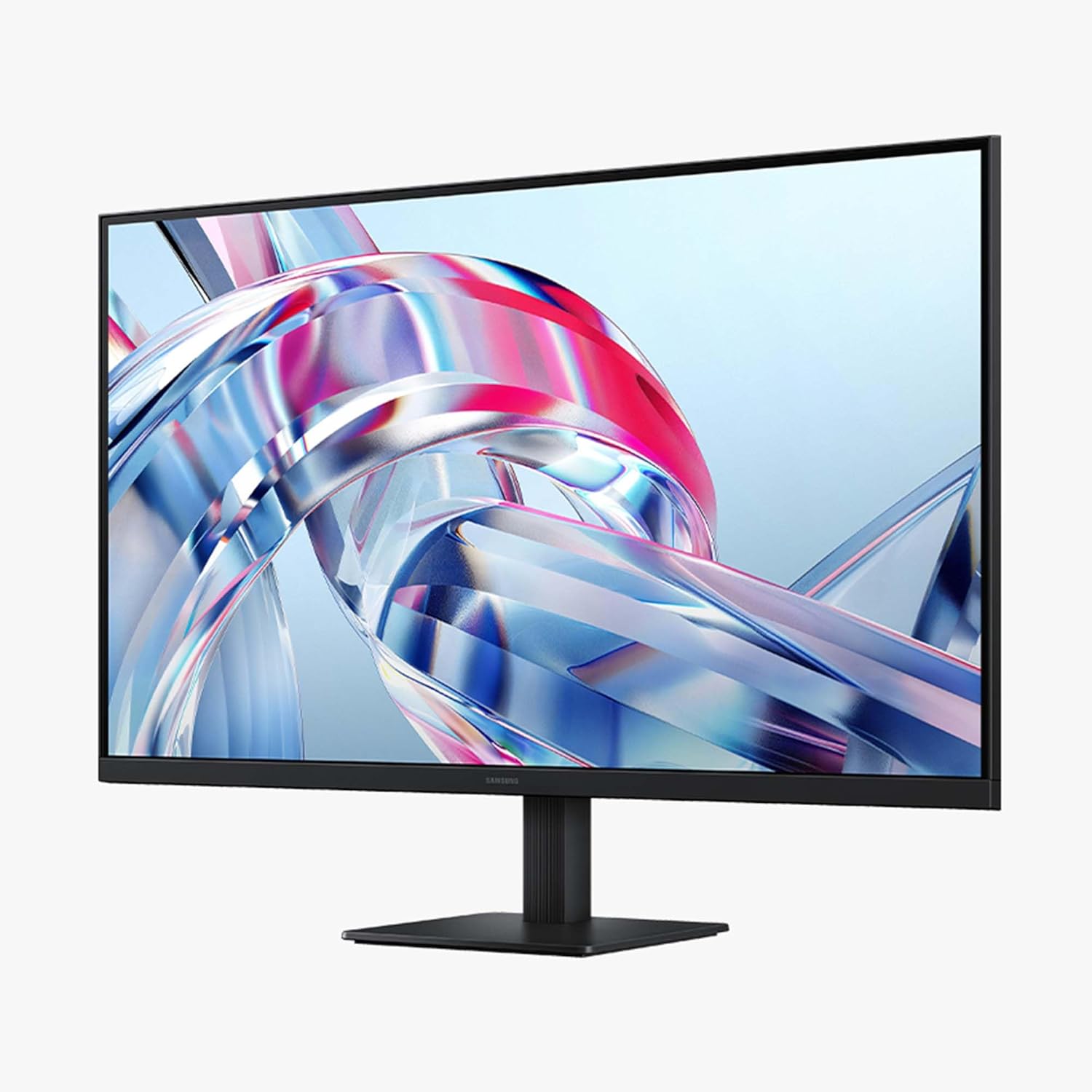
Samsung 32" ViewFinity S7 (S70H) 4K UHD Monitor (LS32H704EANXZA)
Product description
What it is
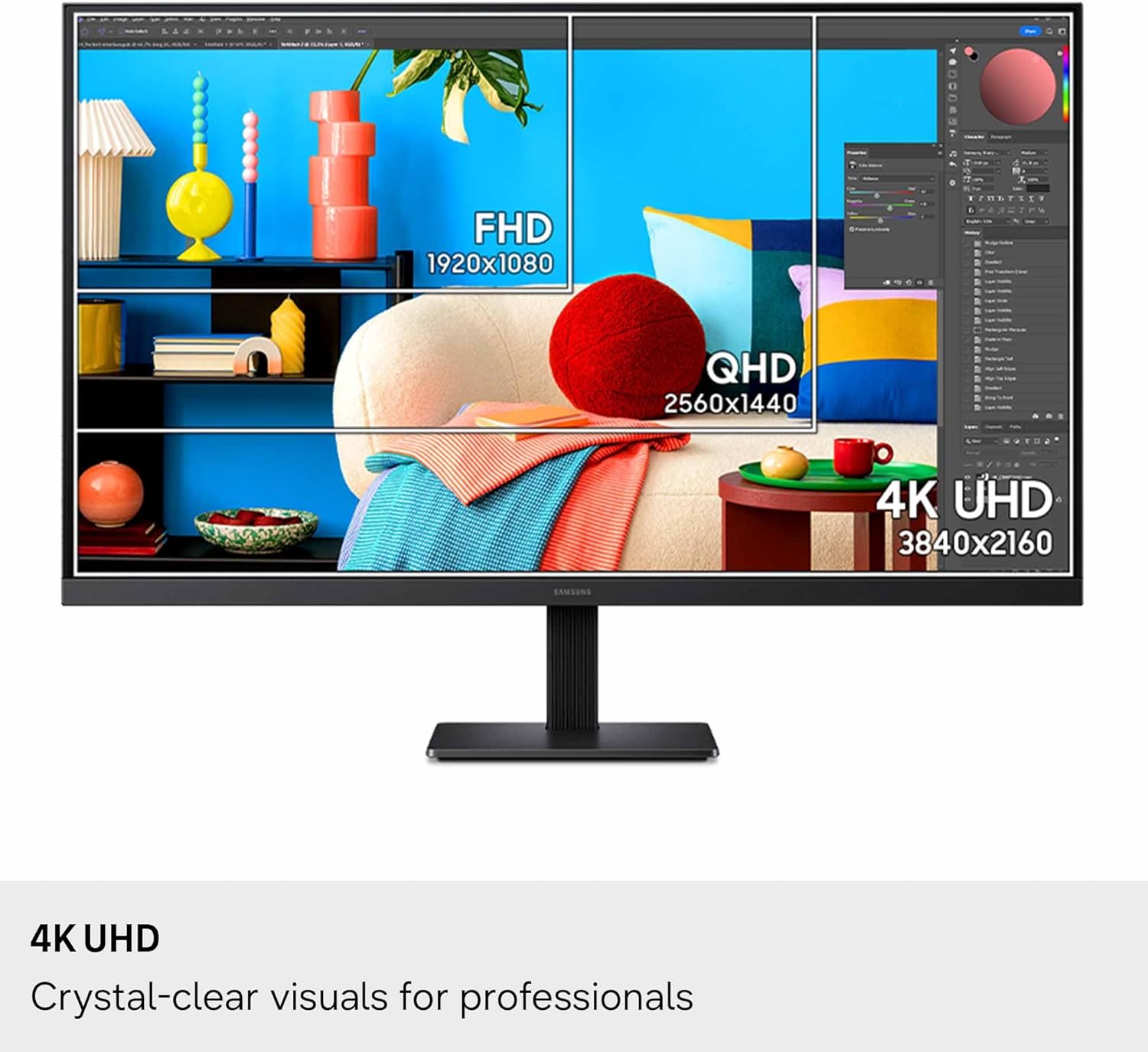
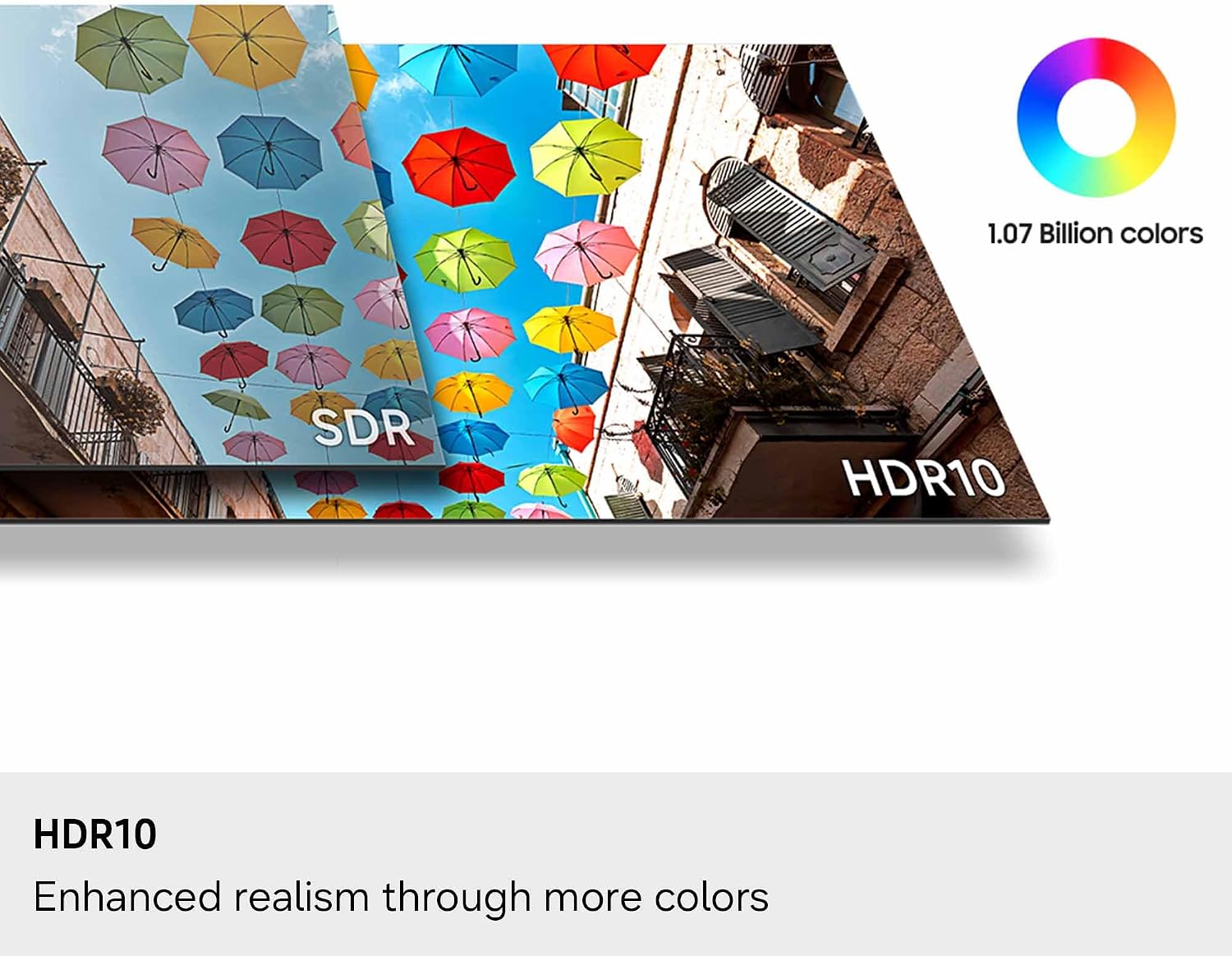
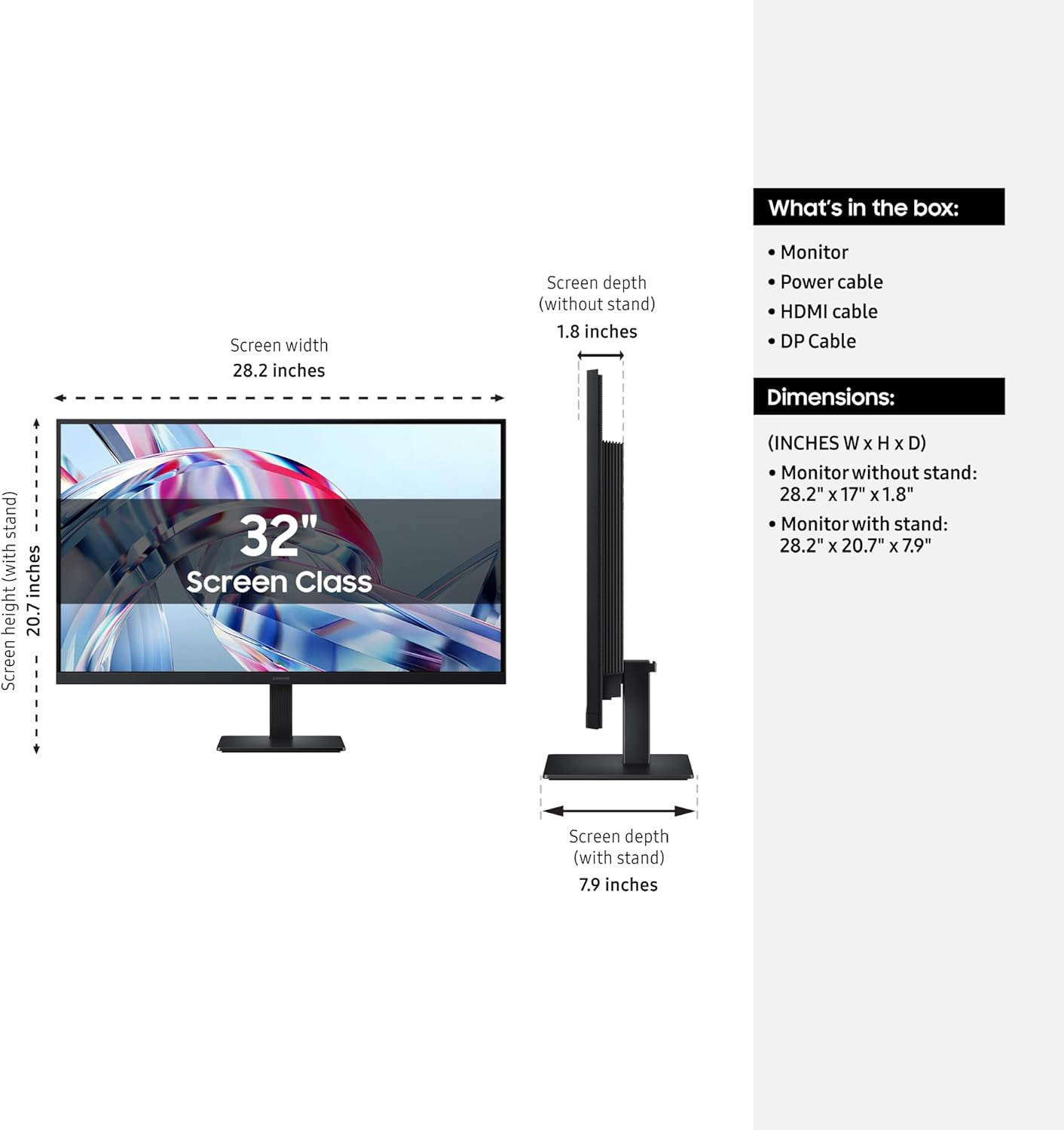
The Samsung 32" ViewFinity S7 (S70H) is a 32-inch high-resolution monitor designed for productivity and content work. It delivers 4K UHD resolution (3840x2160) with HDR10, aiming to show more detail, better contrast and richer colors for tasks like editing, design and multi-document workflows.
Why it matters
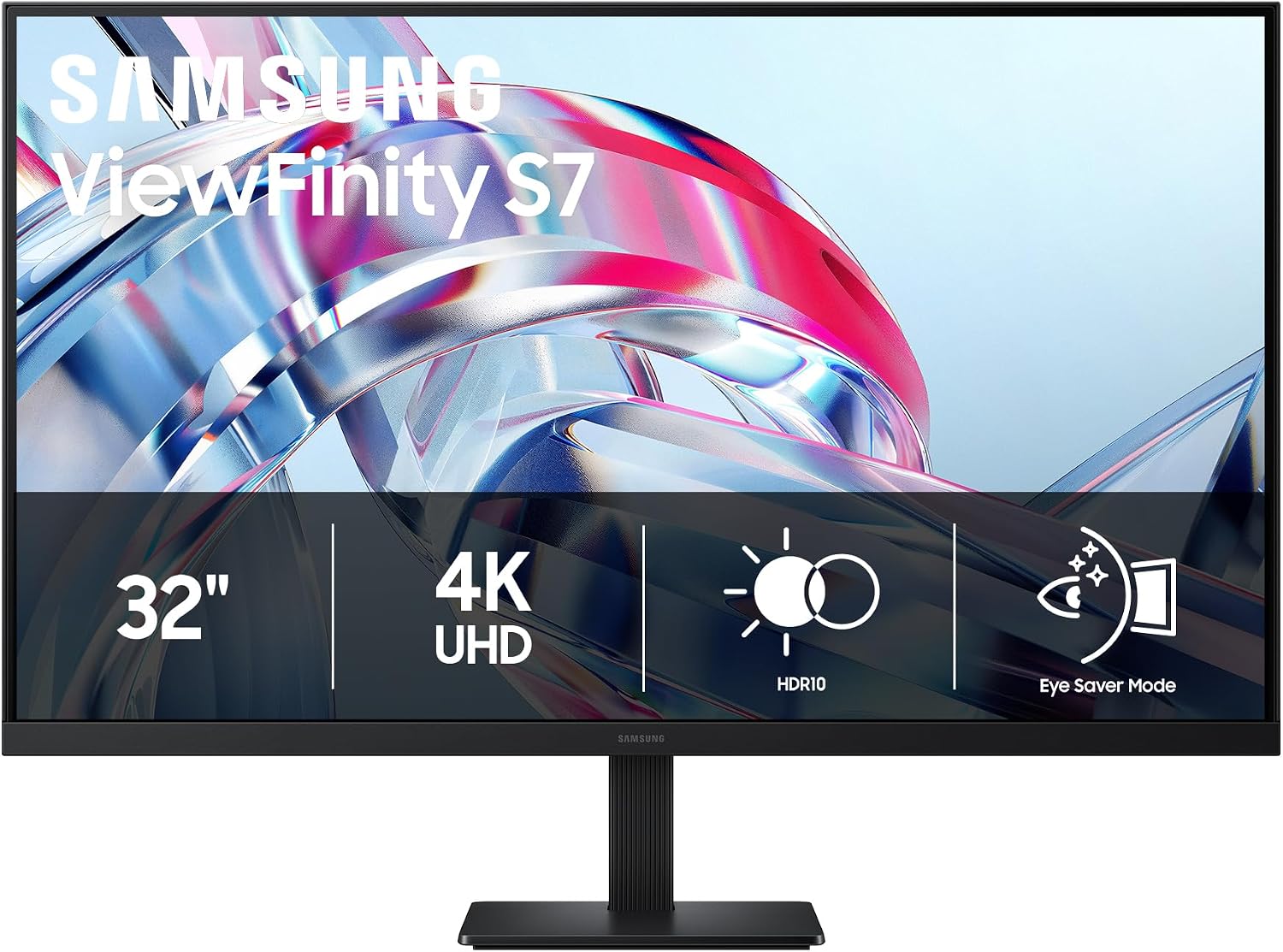
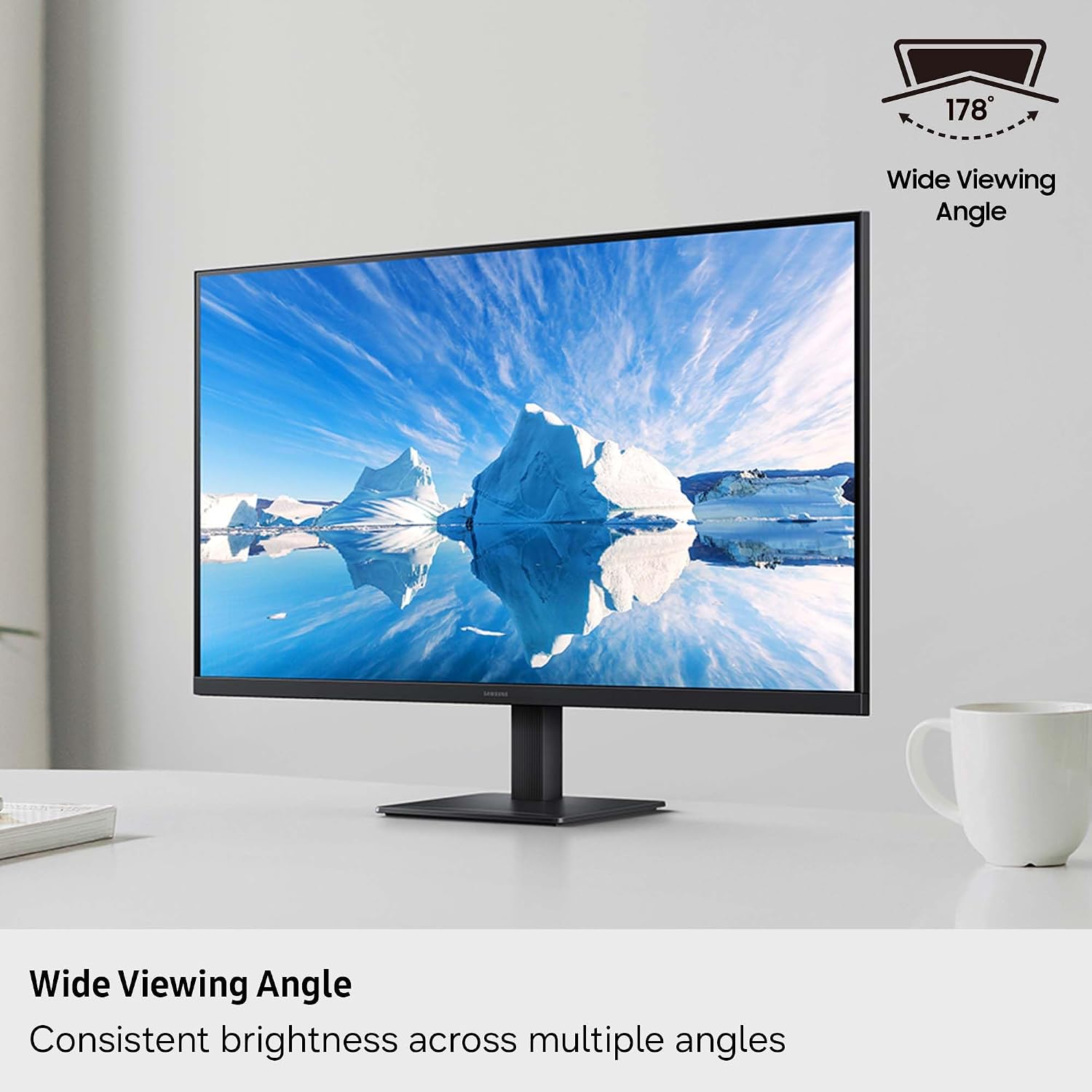
On paper, the key benefits are a sharp image with accurate color reproduction and a wide viewing angle, which helps teams collaborate or view content from different positions. The 178° wide viewing angle is meant to keep brightness and color consistent whether you’re sitting front and center or off to the side. For those who juggle multiple apps, the HDR10 support can enhance HDR-capable content with deeper blacks and brighter highlights, though the effect depends on content and calibration.
What stands out in use
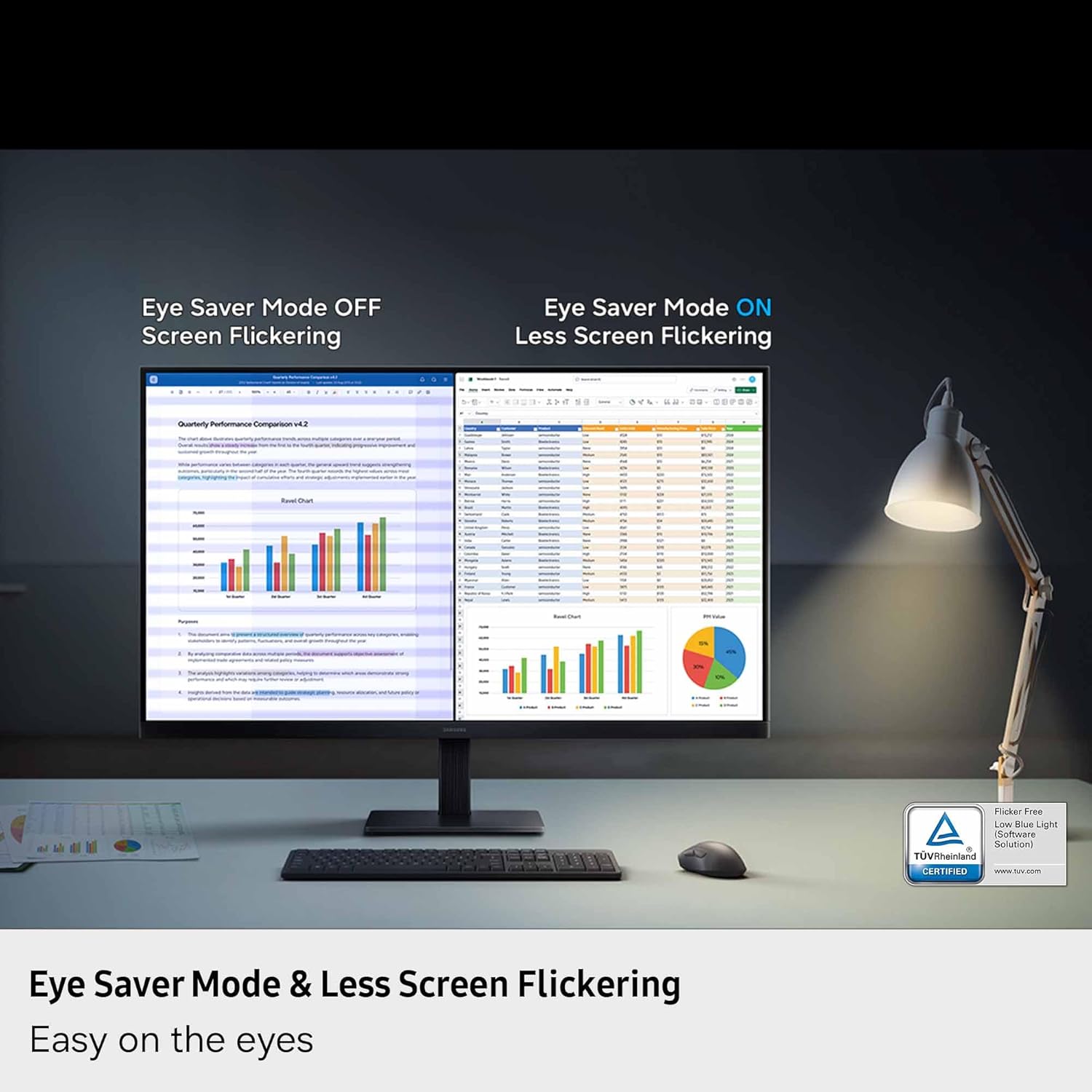
A clean set of connectivity options includes HDMI and DisplayPort, making it straightforward to hook up most laptops, desktops or workstations. The Eye Comfort technology, certified by TÜV, includes an Eye Saver Mode to reduce blue light and minimize flicker, which can be a meaningful factor for long work sessions.
The software angle
Samsung Display Manager is part of the experience, offering practical controls like split screen setup, brightness adjustments, KVM, and PIP/PBP plus calibration options. This can help you manage a multi-app workspace more efficiently without swapping devices or losing focus.
What it’s not (and why that matters)
The description doesn’t enumerate color gamut specifics, speaker options, or exact color accuracy targets. If you’re working on color-critical tasks, you’ll want to verify coverage and calibration tools beyond the base features. Also, no mention is made of built-in USB hubs or mounting compatibility beyond the display ports, so you may need external peripherals for a full workstation setup.
Who it’s for
This monitor is a reasonable pick for professionals who value high resolution and a large work surface—think designers, video editors, data analysts, and software developers who benefit from multitasking and crisp visuals. If you primarily need basic office text tasks or budget-conscious setup, there may be lighter options that fit those needs with fewer features.
Who it isn’t for
If your workflow hinges on exact color-critical work, you’ll want to confirm color accuracy specs and potential calibration support beyond HDR10, since the entry here focuses on general high-resolution, HDR and productivity features rather than professional-grade color workflows.
When it makes sense to buy
Consider this model if you want a sizable 4K display with strong multitasking features and a streamlined, software-supported workflow via Samsung Display Manager. It’s particularly useful when you need a larger canvas for multiple windows, plus eye comfort features for longer sessions.
What to check before buying
- Confirm your GPU/PC supports 4K at the desired refresh rate and has DisplayPort or HDMI outputs compatible with the monitor.
- Consider whether you’ll benefit from KVM and PIP/PBP features in your setup.
- If color-critical work is part of your job, plan for a separate color accuracy check or calibration path beyond what’s listed.
Practical usage example
Imagine having two code editors side by side while reviewing design references in another window, all on one screen. The 4K resolution enables clear readability of small text, while the split-screen or PIP/PBP features help you keep reference material in view without juggling multiple monitors.
Quick FAQ
- How does HDR10 affect everyday use? HDR10 can improve contrast and color for compatible content, but its impact depends on content and display calibration.
- Is Eye Saver Mode noticeable? It helps reduce eye strain by limiting blue light and flicker, which can matter on long workdays.
- Can I use it for color-critical work? The data provided doesn’t specify exact color gamut or calibration tools, so verify those specs if color accuracy is essential.
Buying decision
Is it worth it? Worth considering if you need a 32-inch 4K workspace with built-in productivity features and eye comfort options, and you value a centralized management experience via Display Manager. If your priority is absolute color accuracy or a compact budget, this may not be the strongest fit.