

KOORUI 27 Inch 144Hz Gaming Office Monitor with VA Panel and Eye Care
Product description
What it is
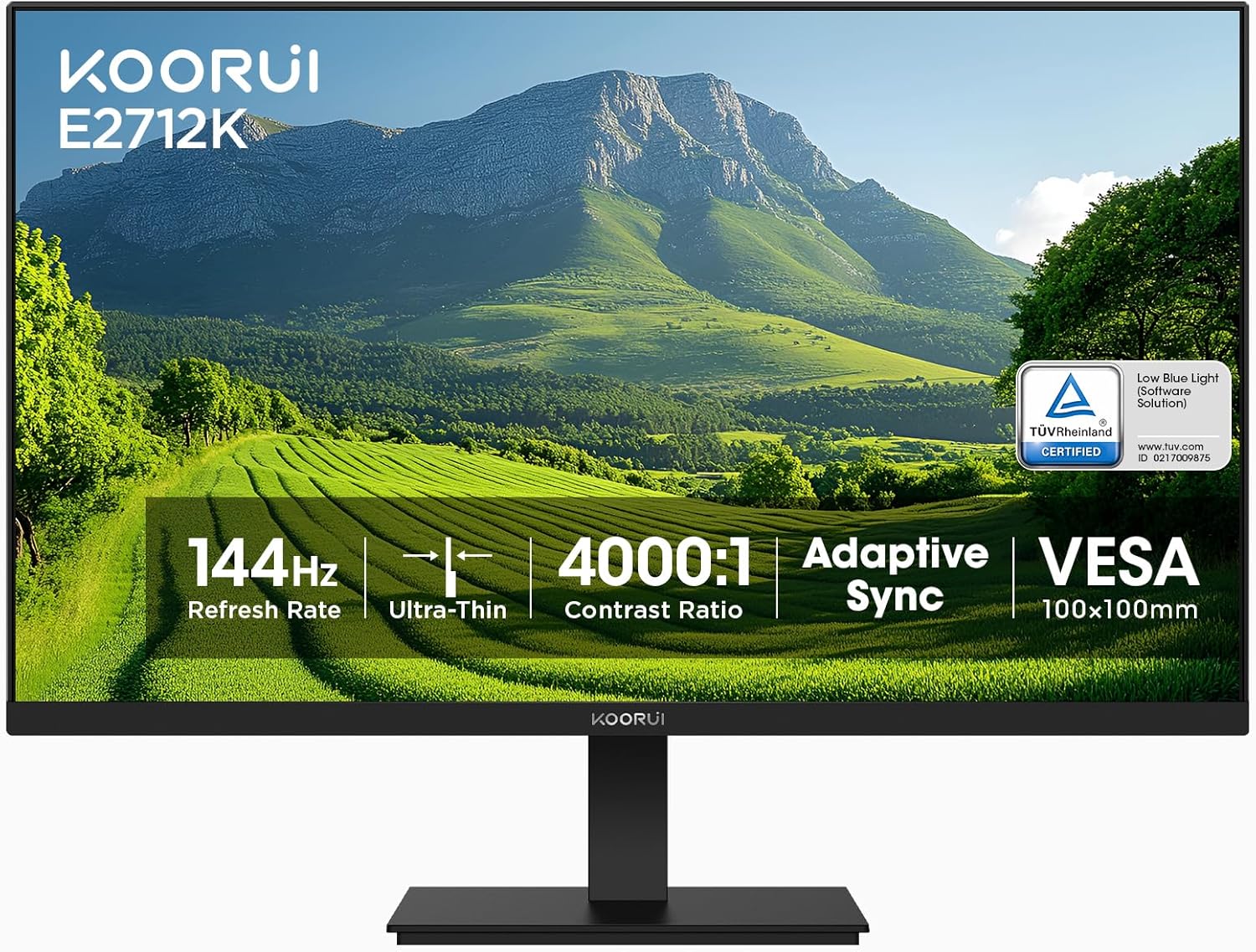
The KOORUI 27 Inch Gaming Office Monitor is a 1080p (1920 x 1080) display designed for both work and play. It uses a VA panel with a strong native contrast and a 144 Hz refresh rate, along with FreeSync support, aiming to deliver smooth visuals for gaming and fluid performance for everyday tasks.
What it solves
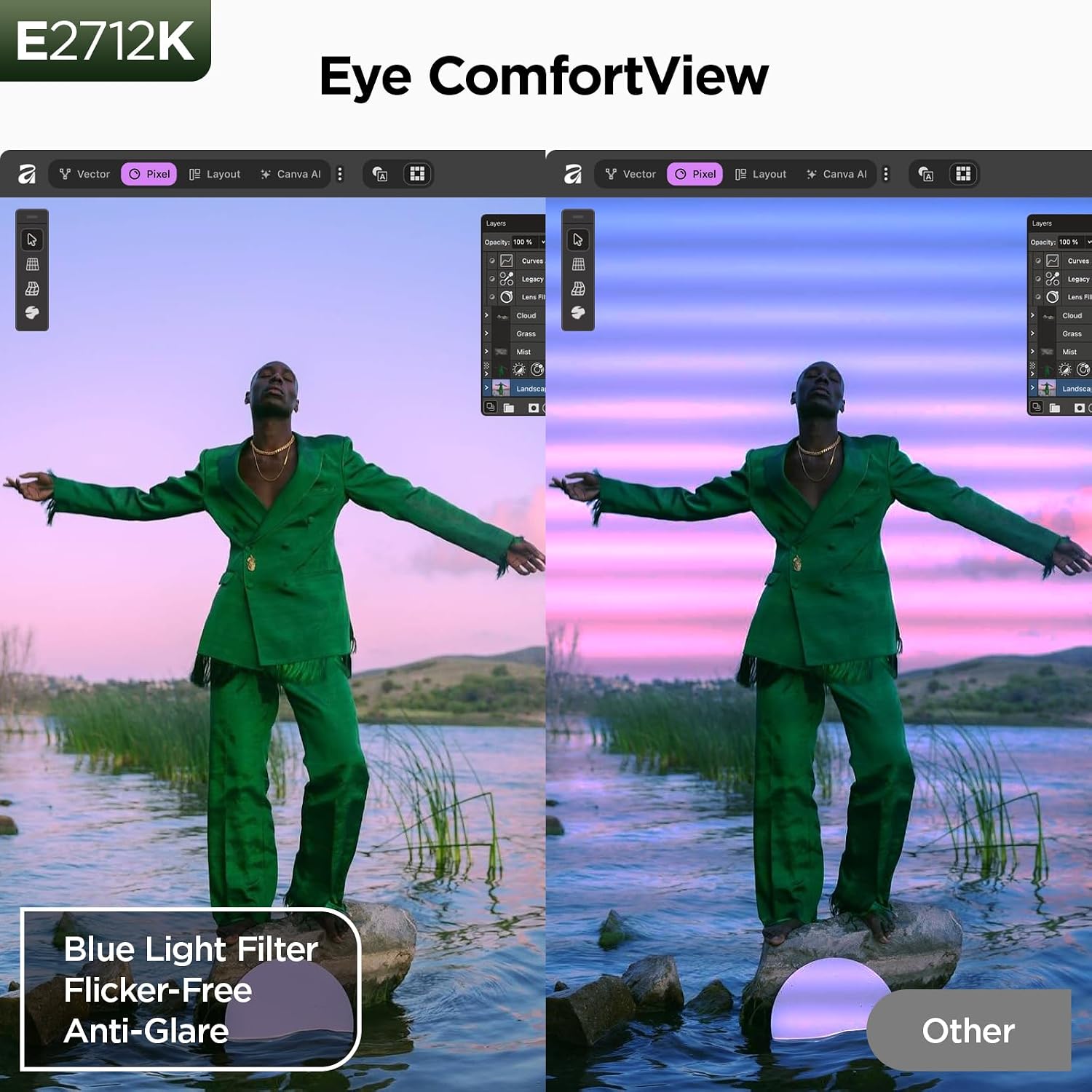
If you’re balancing gaming sessions with productivity, this monitor attempts to offer a single screen that can handle fast-paced games and crisp office work without switching displays. It also targets eye comfort with flicker-free operation, blue light filtration, and anti-glare tech, which can help during long sessions.
How it stands out in use
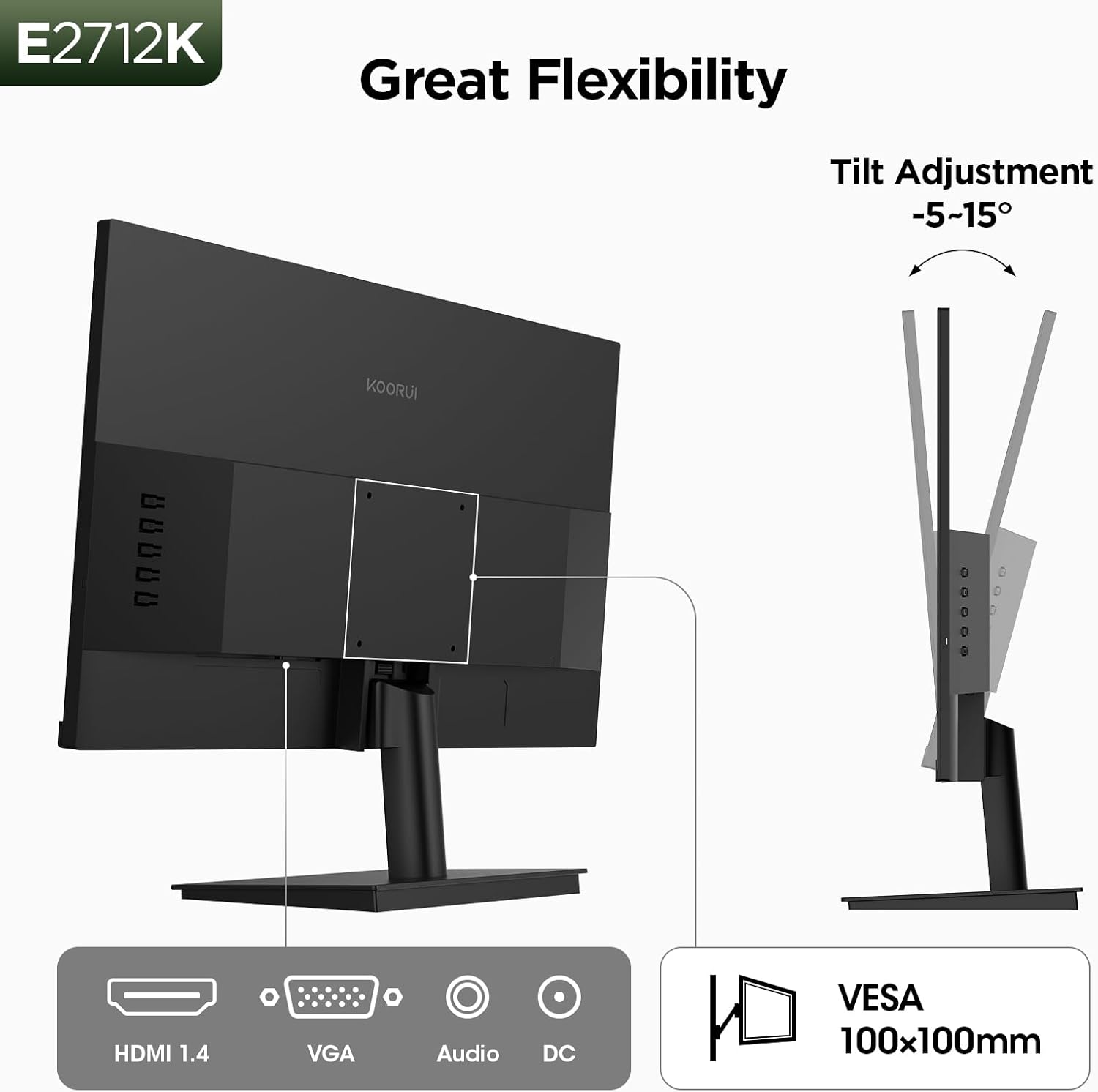
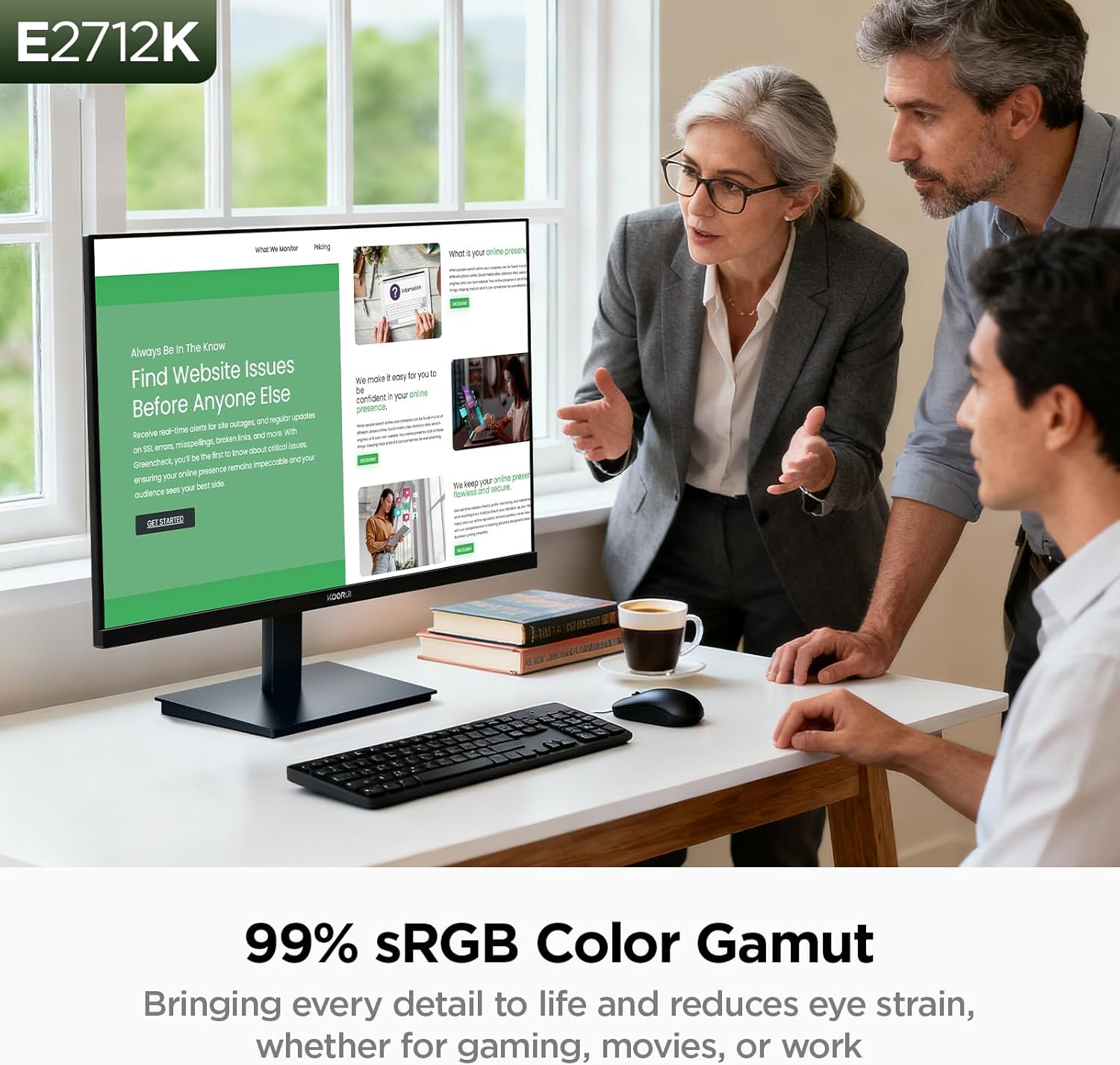
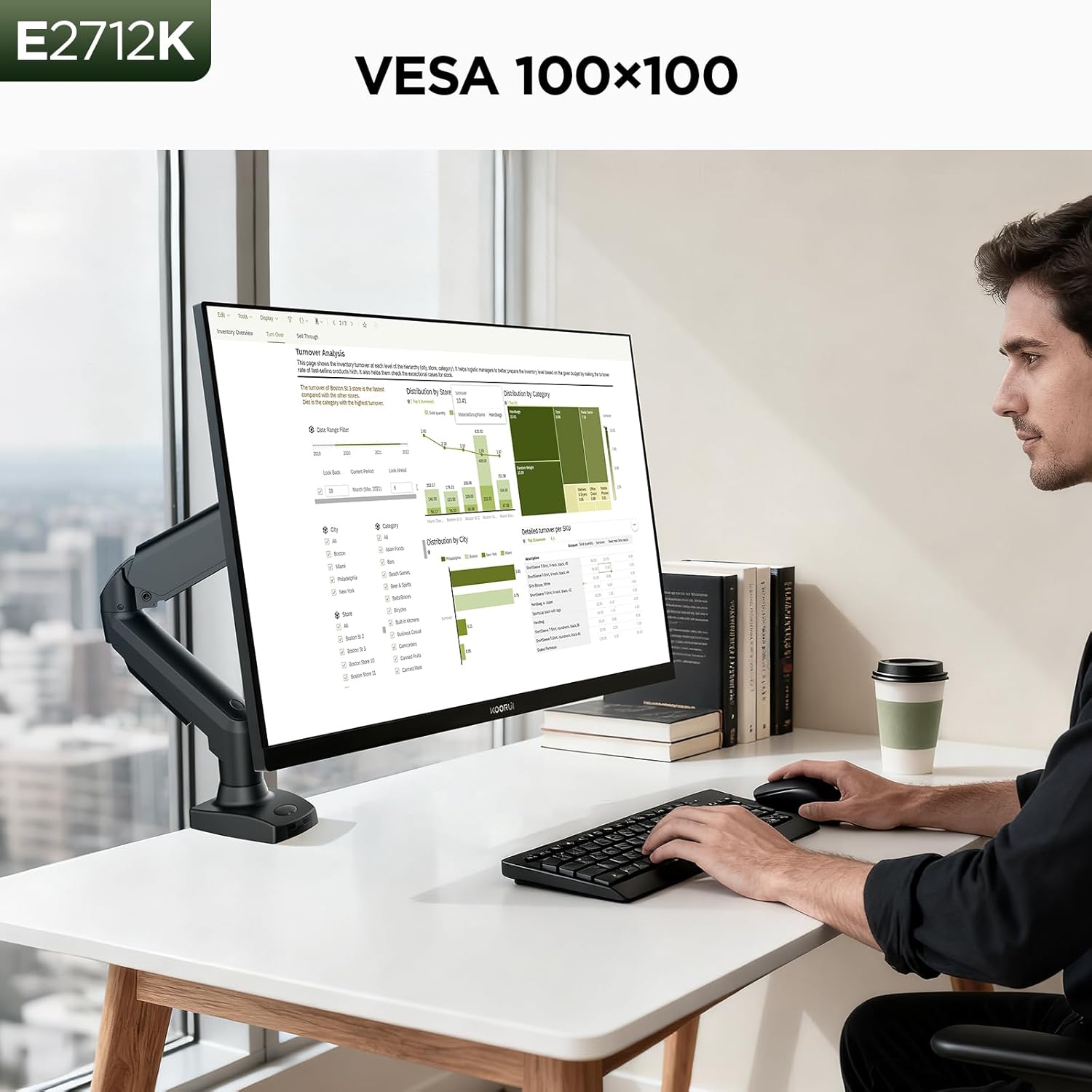
On paper, the 4000:1 contrast promises deeper blacks and brighter whites for richer images, while HDR10 support is meant to enhance video content. The 178° viewing angle and slim three-sided bezels maximize the perceived screen real estate. Connectivity includes HDMI and VGA with a built-in audio output, plus VESA mounting for flexible setups.
Practical strengths
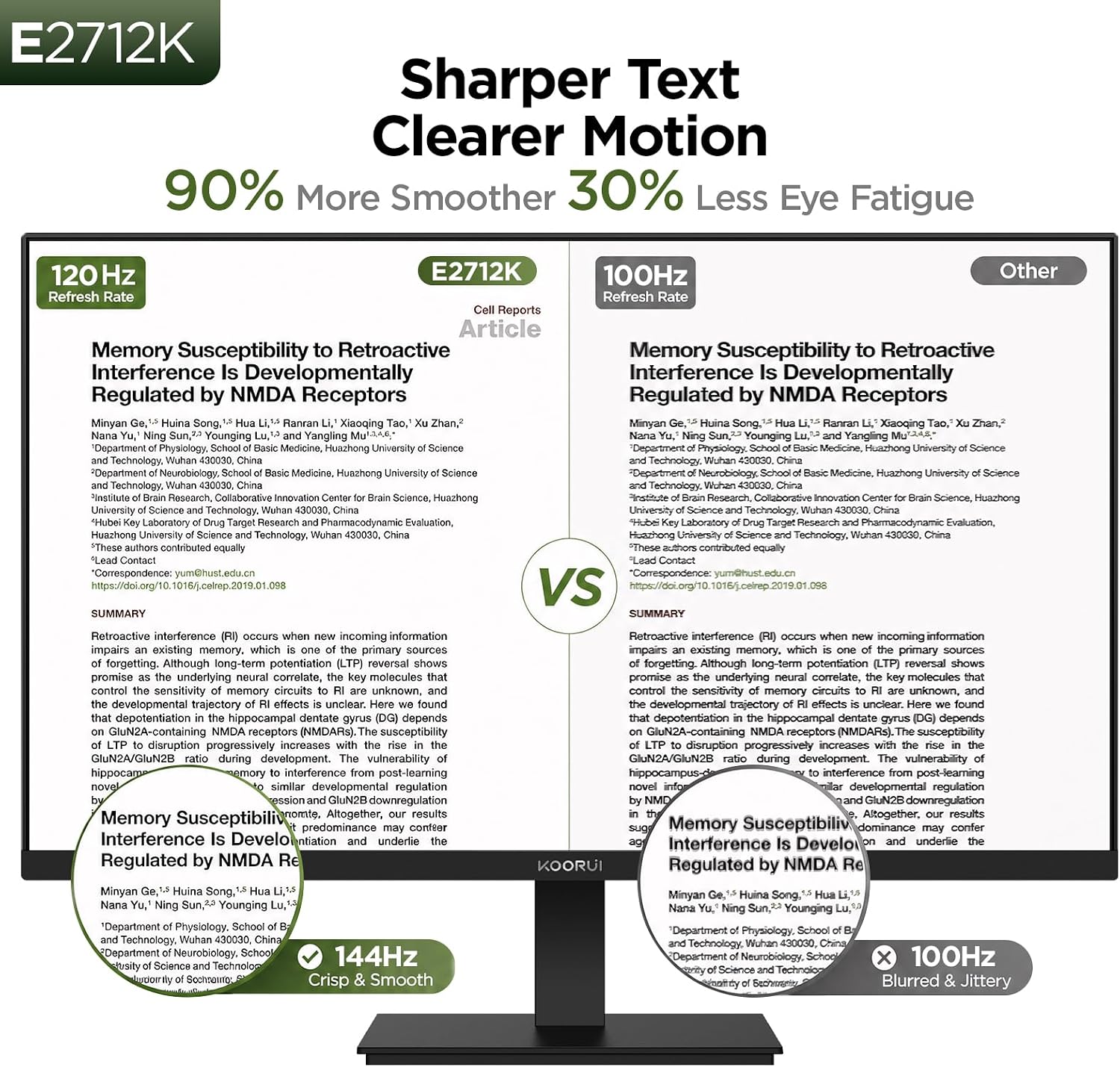
- High refresh rate of 144 Hz supports smoother motion in games and responsive scrolling in everyday tasks.
- Eye care features (flicker-free, blue light filter) can reduce eye strain during long sessions.
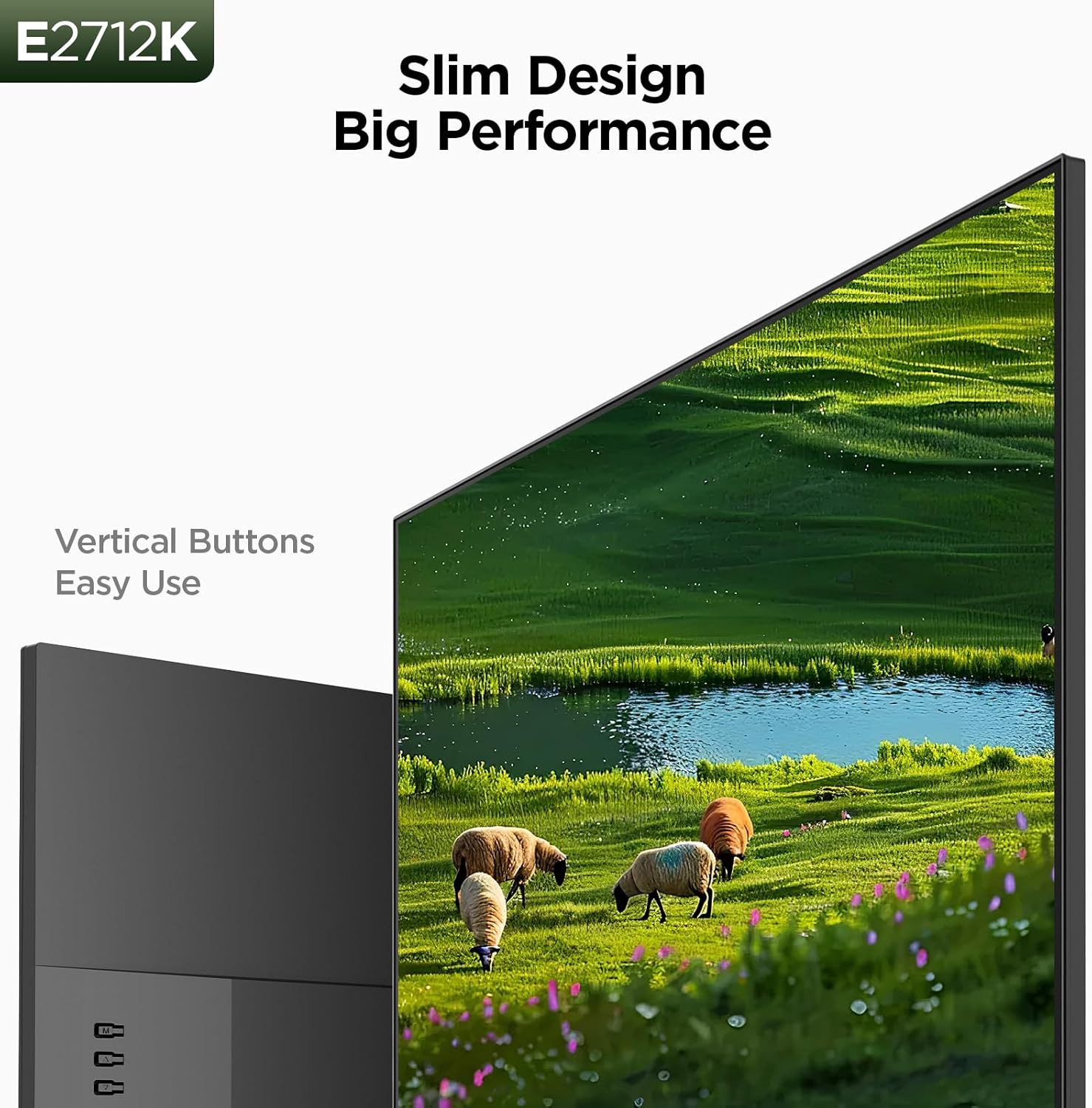
- Slim bezels and a compact footprint help it fit on smaller desks while preserving a large screen feel.
- Versatile ports (HDMI, VGA) and VESA mount add flexibility to connect to consoles, PCs, or laptops.
Potential limitations
- The native resolution is Full HD (1080p). If you’re used to 1440p or 4K, you may notice pixel density differences on a 27-inch screen.
- VA panels typically have strong contrast but may have slower response times and limited viewing angles compared to IPS, depending on your sensitivity to color shift and off-axis viewing, it might be less ideal for certain color-critical tasks.
- HDR support is present, but the overall brightness and HDR performance depend on the panel’s implementation, which may not match high-end HDR monitors.
Who it’s for
- Gamers seeking a single screen that can double for desk work and casual gaming at a reasonable price.
- Home office users who want a larger display with comfortable eye care features and flexible mounting options.
- Setup builders who value slim bezels and straightforward connectivity for a tidy desk.
Who it’s not for
- If you require high-resolution text clarity or want a pixel-dense experience for productivity, you might prefer a 1440p or 4K panel.
- If color-critical work is a priority, consider that the combination of VA technology and 1080p may not meet professional photo/video standards.
When to buy
- When you want a budget-friendly monitor with a fast refresh rate for games and general use.
- If you value eye comfort features for long sessions and need flexible mounting options.
What to check before buying
- Ensure your computer or console can output at or near 1080p with enough bandwidth for 144 Hz.
- If desk space is tight, measure the monitor footprint and confirm VESA compatibility for your stand or wall mount.
- Consider whether you’ll primarily game in 1080p or if you might upgrade to a higher-resolution display later.
How it compares to the alternatives
- In the realm of budget 27-inch gaming monitors, this model offers a strong combination of 144 Hz, FreeSync, and eye care features at a reasonable price, with the caveat that it’s 1080p and uses a VA panel. For users prioritizing resolution or color accuracy, a higher-resolution IPS or a higher-end VA panel might be a better fit, albeit at a higher cost.
Final decision
Is it worth it?
Worth considering if you’re after a balanced 27-inch screen that blends gaming comfort with everyday productivity, and you don’t require top-tier color accuracy or ultra-high pixel density. It makes sense for budget-conscious buyers who want a flexible display with eye care features and easy mounting options. If you need sharper text or more precise color for design work, you may want to explore higher-resolution or color-accurate alternatives.
FAQ (quick hits)
- Does it support HDR content? Yes, HDR10 is mentioned, but real-world HDR performance will depend on brightness and panel behavior.
- Can I use it with a laptop? Yes, via HDMI or VGA, compatibility depends on the laptop’s output capabilities.
- Is it suitable for competitive gaming at 1080p? The 144 Hz refresh rate helps with smoothness, but response times and color shifts typical of VA panels could influence fast-taction dynamics.