

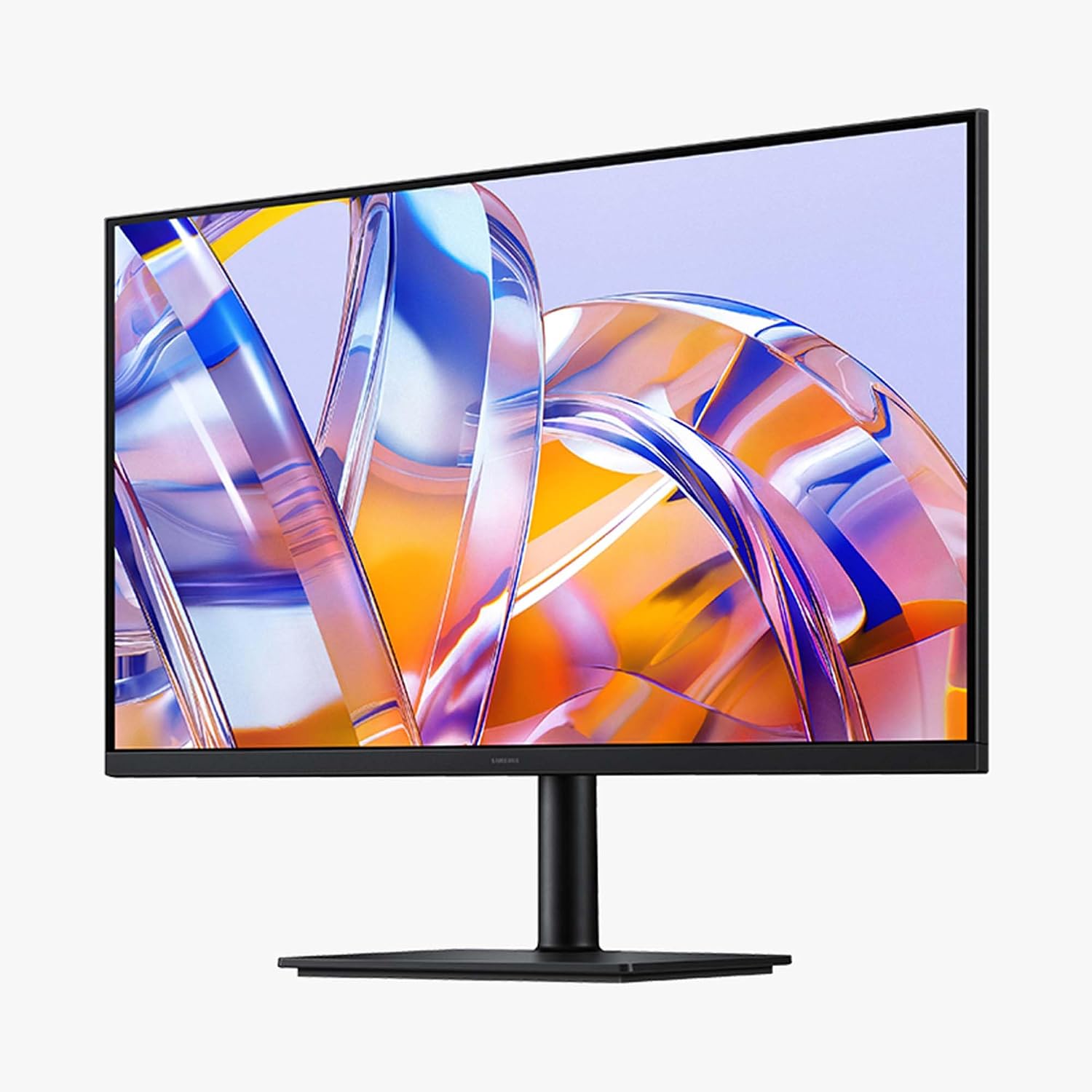
Samsung 32" ViewFinity S8 (S80UH): 4K UHD Performance with USB-C and Ergonomic Design
Product description
What matters most
The Samsung 32" ViewFinity S8 (S80UH) targets professionals who want a sharp, reliable 4K workspace. It balances high pixel density with practical connectivity to support multitasking, content creation, and spread-out desktop workflows without a cluttered setup. On paper, the combination of 4K resolution, USB-C charging, and an ergonomic stand addresses common pain points like screen real estate, cable chaos, and long-hours comfort. Whether you’re editing photos, running multiple apps side-by-side, or presenting to a team, this monitor aims to keep details crisp and colors accurate.
Tech specs
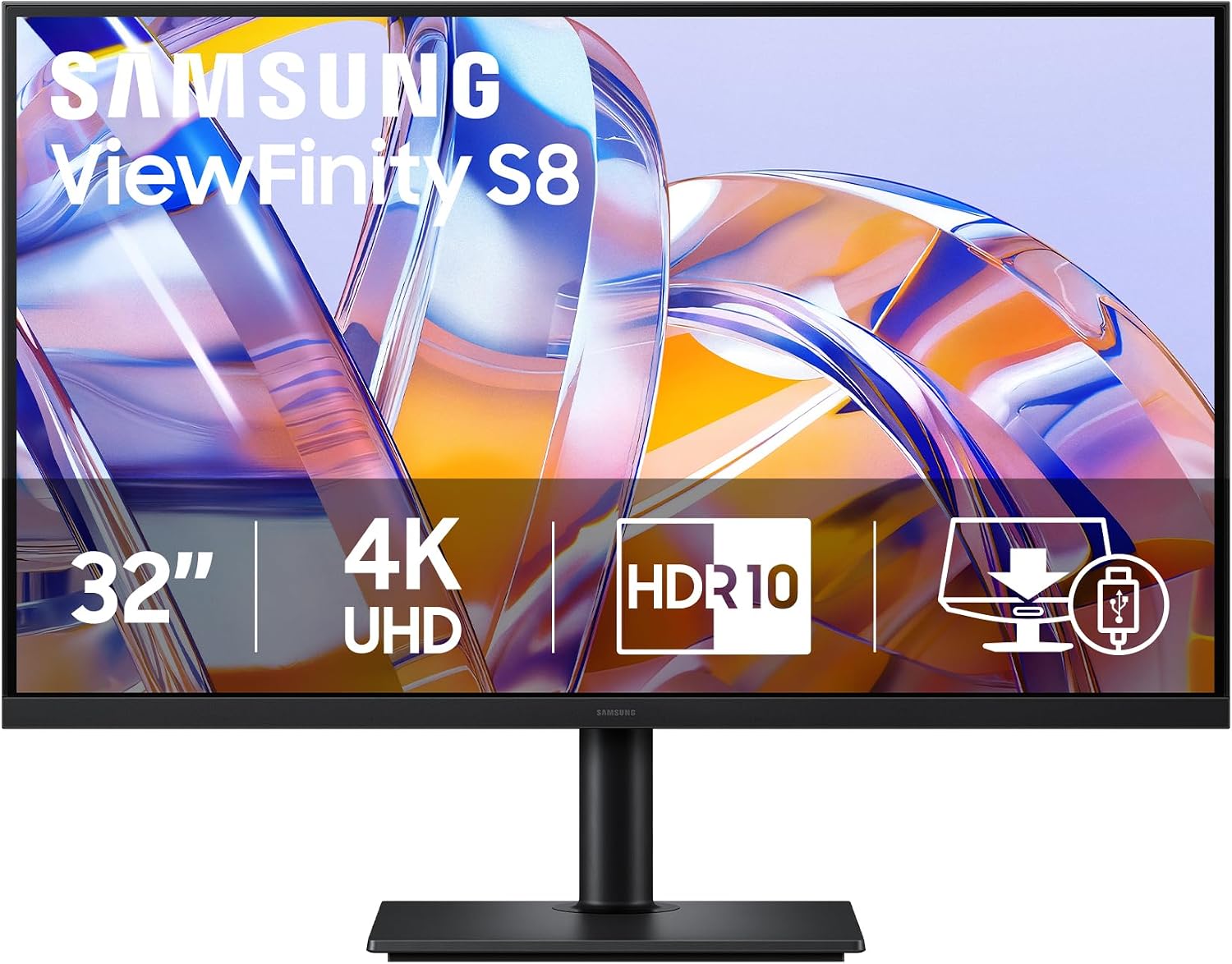
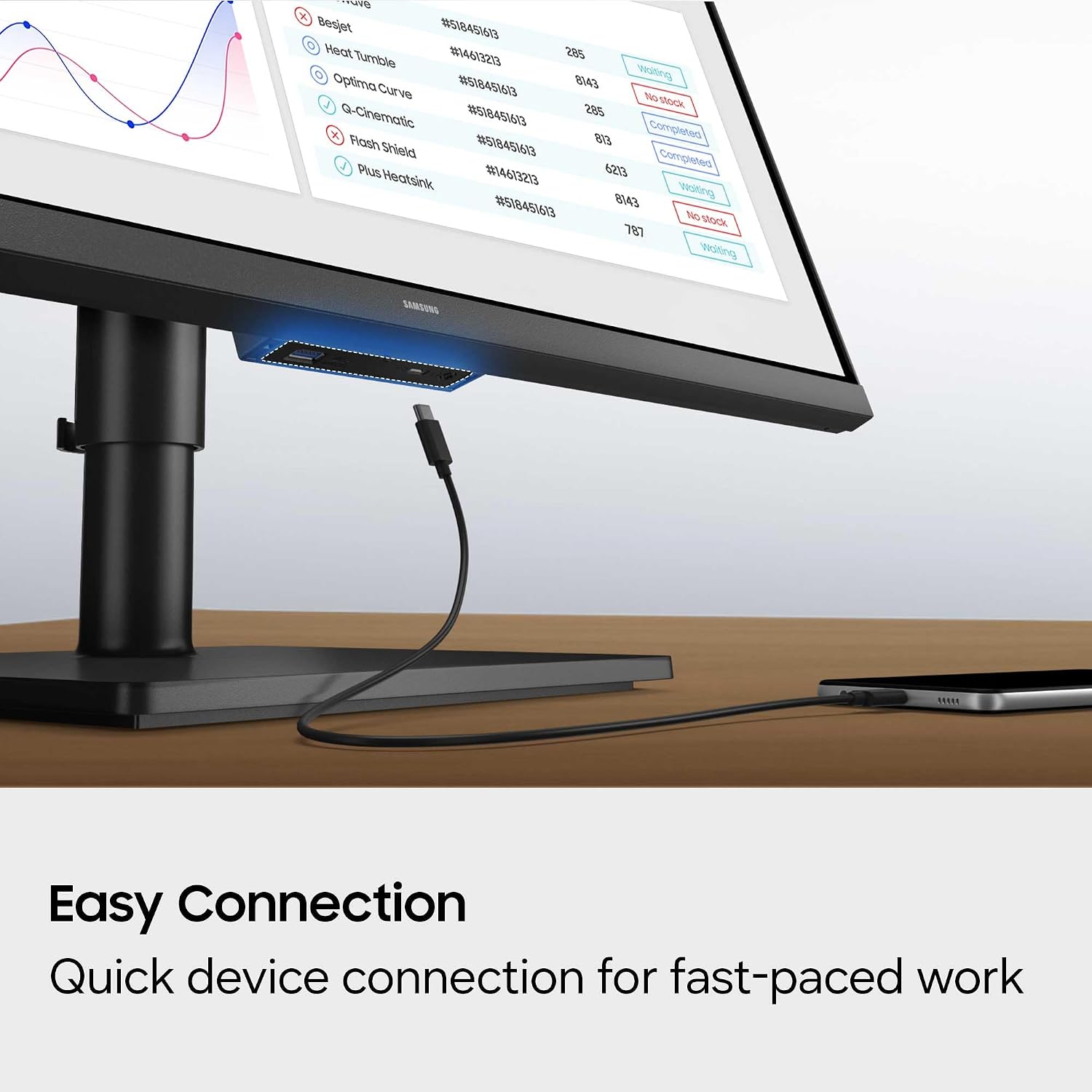
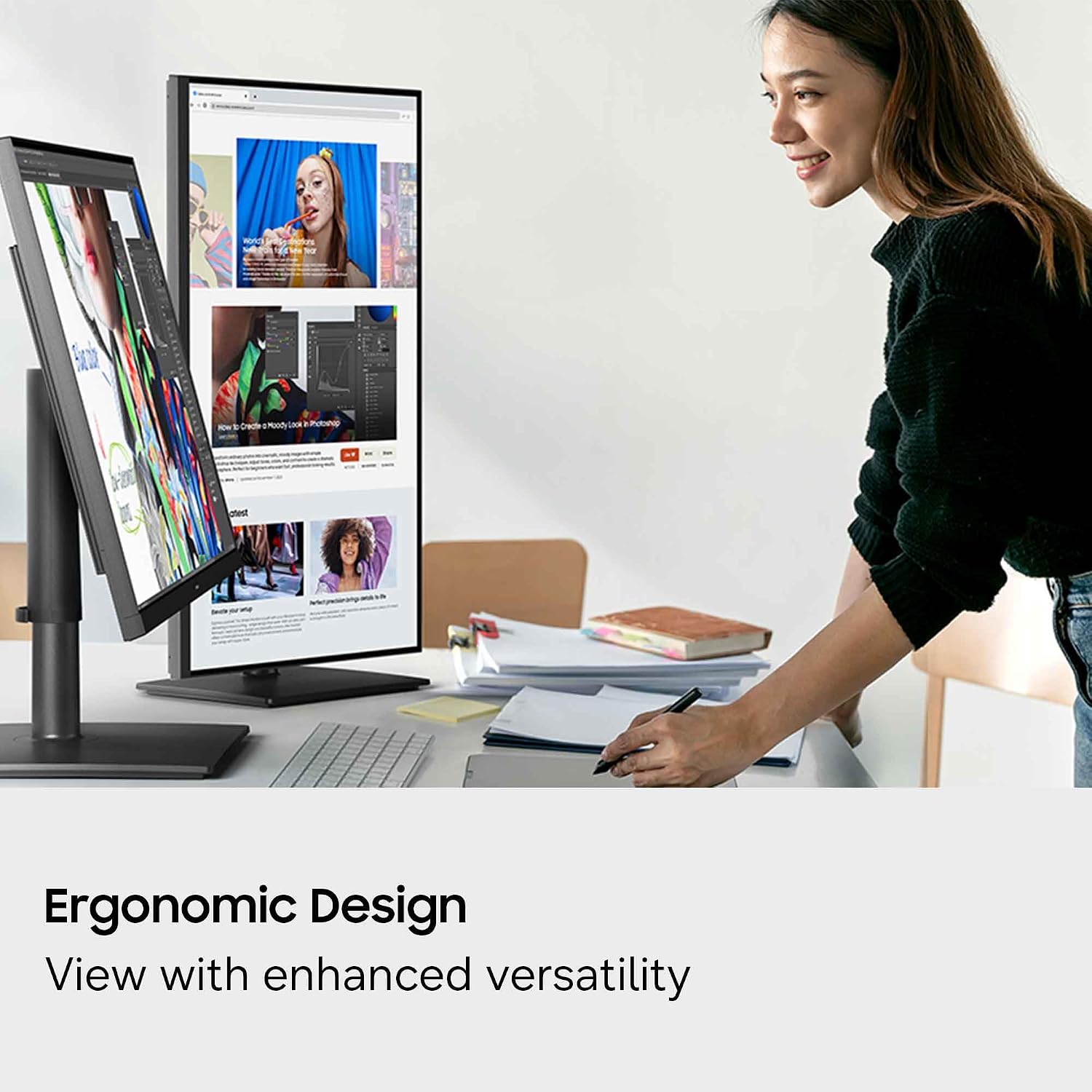
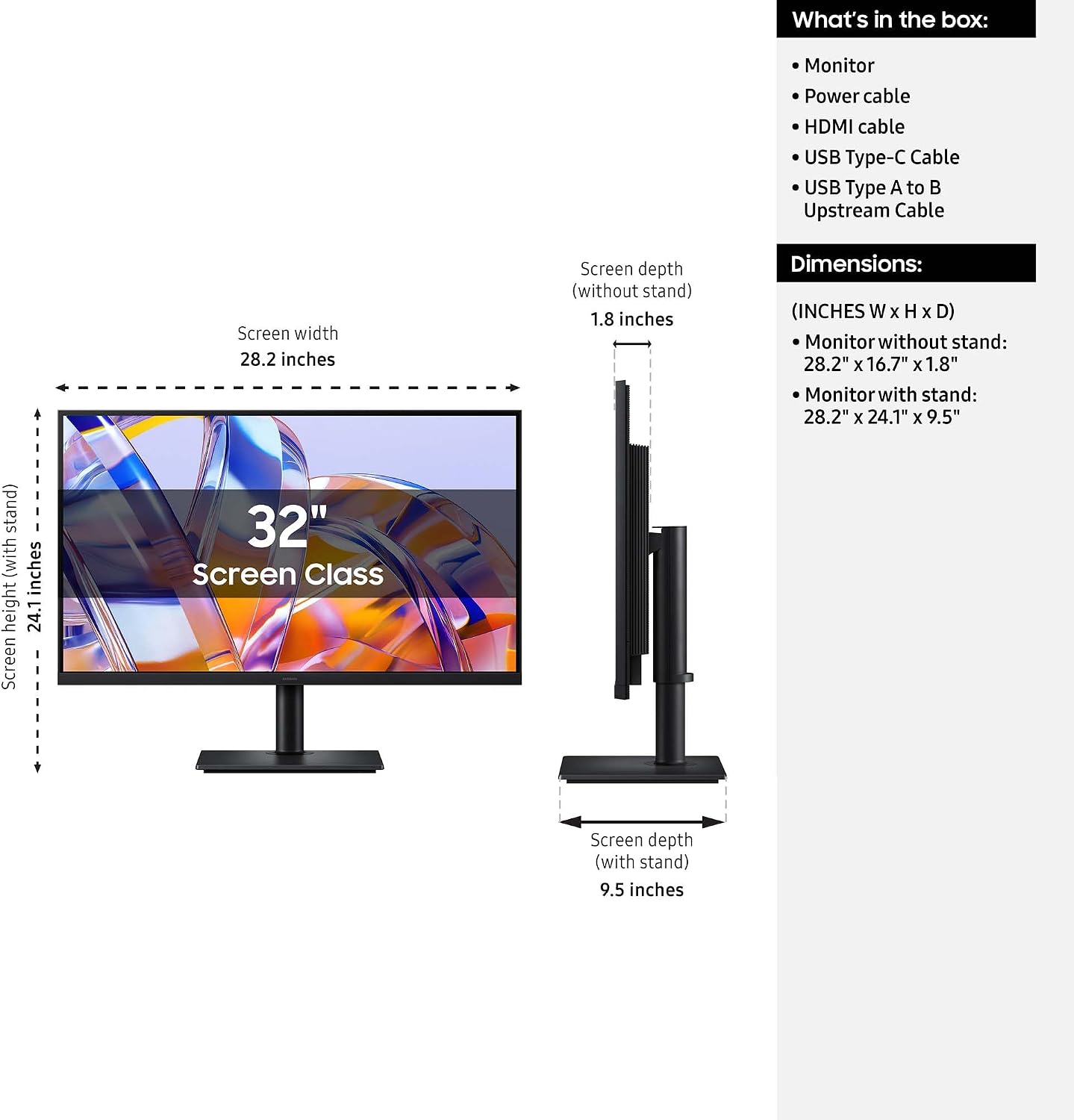
Name: Samsung 32" ViewFinity S8 (S80UH) Type: High-resolution monitor Resolution: 3840x2160 (4K UHD) Size: 32 inches Connectivity: USB-C with 90W charging, built-in LAN port Special features: Built-in KVM switch, Picture-in-Picture, Picture-by-Picture, HDR10+ Stand: Ergonomic (tilt and swivel) Eye comfort: Eye Saver Mode certified by TÜV Management: Samsung Display Manager for split screen, brightness, and calibration
What stands out
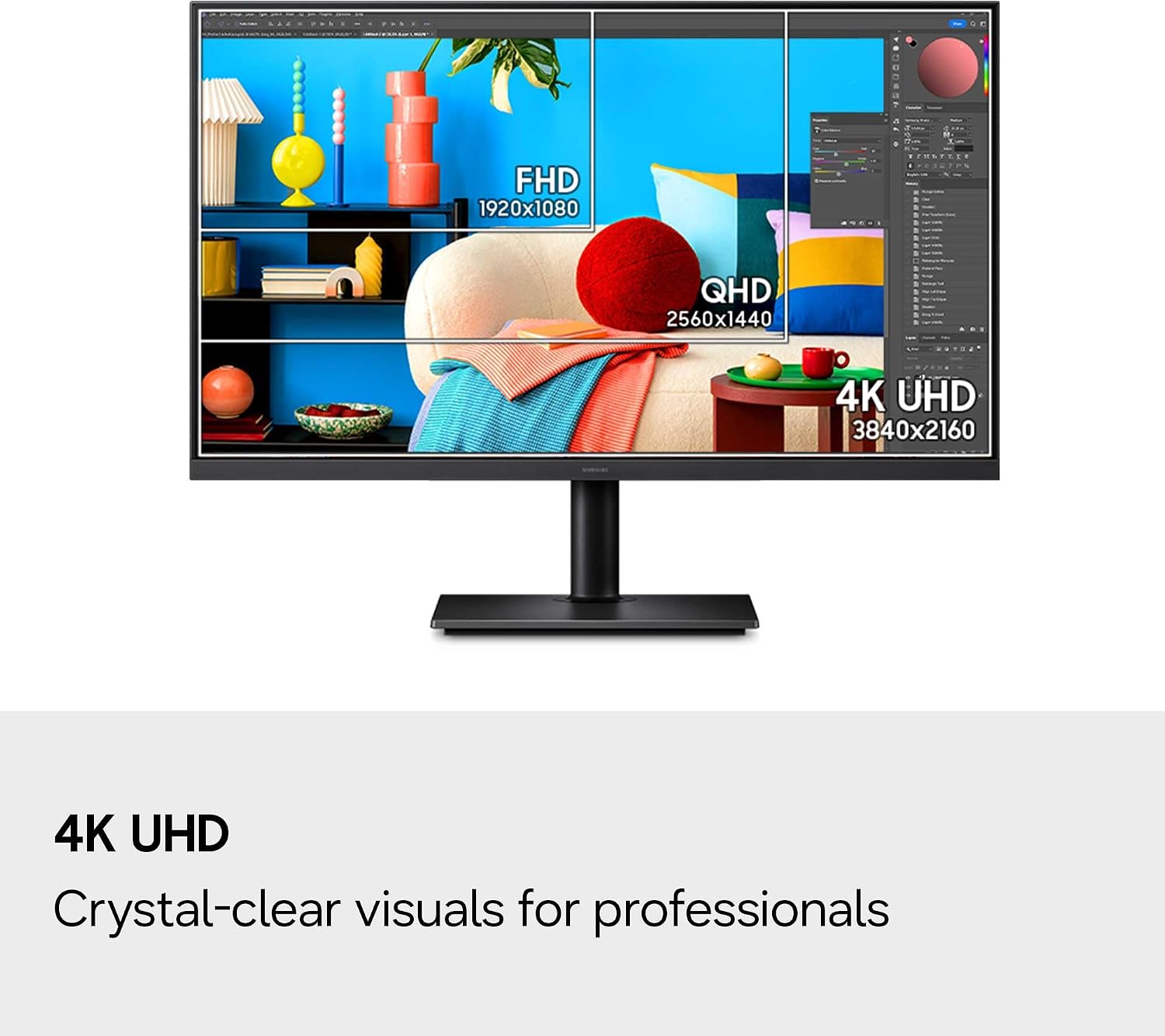
On the surface, the key benefits are clear: a 4K panel with high pixel density for detail work, a USB-C port that can charge devices while data transfers happen, and an ergonomic stand to adapt to your desk setup. The inclusion of a built-in KVM switch and multi-display management features can simplify workflows when you’re juggling several sources. HDR10+ promises more dynamic contrast, which helps with darks and highlights in design tasks or content viewing. The built-in LAN port adds a stable, wired connection when Wi-Fi isn’t ideal.
Practical use tips
If you rely on multiple devices, use the USB-C port to keep a laptop charged while you drive data to the monitor. The KVM switch can help when you’re switching between a PC and a laptop without swapping cables. For extended sessions, tilt and swivel the screen to reduce neck strain and align with your eye level. Enable Eye Saver Mode during late-night work to minimize blue light exposure. In practice, you’ll likely set up your primary workstation on one side of the desk and route daily apps via Picture-in-Picture to monitor references without losing focus on your main window.
Who it’s for
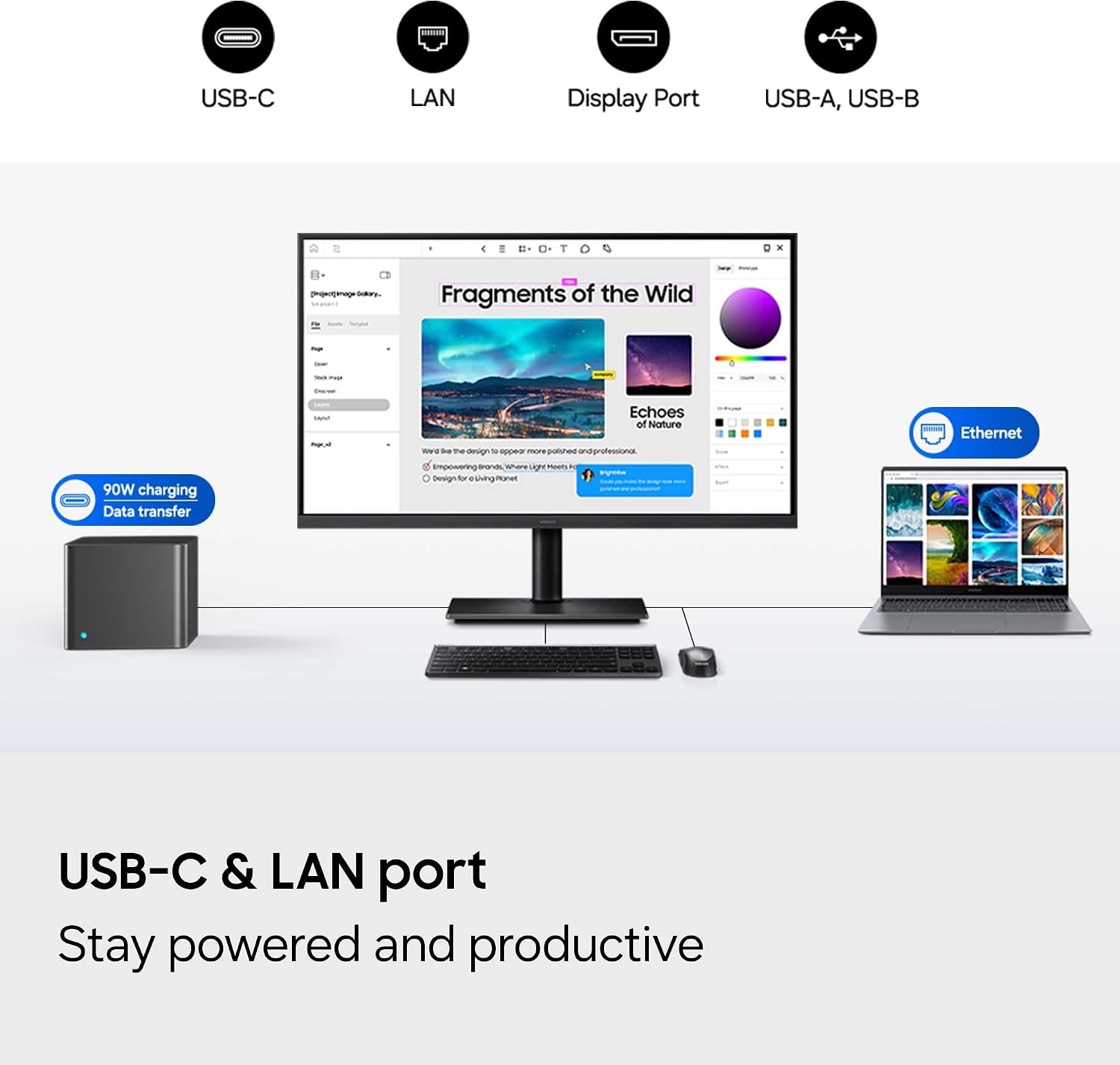
This monitor fits professionals who need high detail, robust connectivity, and a comfortable viewing experience. It’s particularly appealing if you manage several inputs and appreciate a clear, color-accurate display for design, analytics, or content review. If your setup counts on wired networking for stability or you value built-in device control, the S80UH checks notable boxes.
Who it may not be for
If you prioritize ultrafast gaming response times or ultra-wide color gamuts beyond HDR10+ for gaming enthusiasts, this model may not align with those needs. Also, if you don’t plan to use USB-C charging or KVM capabilities regularly, you might consider whether those features justify the footprint and price in your specific workflow.
What to check before buying
- Confirm desk space aligns with a 32" panel and ergonomic stand.
- Ensure your accessories and devices can take advantage of USB-C 90W charging and data transfer.
- Consider how often you’ll use Picture-in-Picture or Picture-by-Picture to gauge value from those features.
- Review color workflows and whether HDR10+ output meets your content creation or review standards.
How it compares (implicit)
Compared with standard 4K displays, the ViewFinity S8 emphasizes workflow enhancements (KVM, PiP/PbP, USB-C charging) rather than only panel specs. If your priority is pure color accuracy and a wide color gamut, this model offers practical tools to streamline day-to-day tasks without needing separate docking solutions.
Final decision
Is it worth it?
Consider this if you need a 32" 4K display with capable peripheral management, flexible connectivity, and ergonomic adjustability for extended work sessions. It’s a reasonable choice for professionals who value integrated features that reduce desk clutter and improve multi-source workflows. They might not be the strongest option if your priority is gaming latency or if you don’t plan to leverage the KVM or USB-C charging regularly.
FAQ
- Does the monitor support multiple inputs natively? Yes, with Picture-in-Picture and Picture-by-Picture features.
- Can USB-C power my laptop while connected? Yes, USB-C supports up to 90W charging.
- Is the stand adjustable for height? The stand is ergonomic with tilt and swivel, height adjustability is limited in the provided description.