

Wireless Keyboard and Mouse Combo (Backlit Round Keycaps) in Glowing Blue
Product description
The essentials
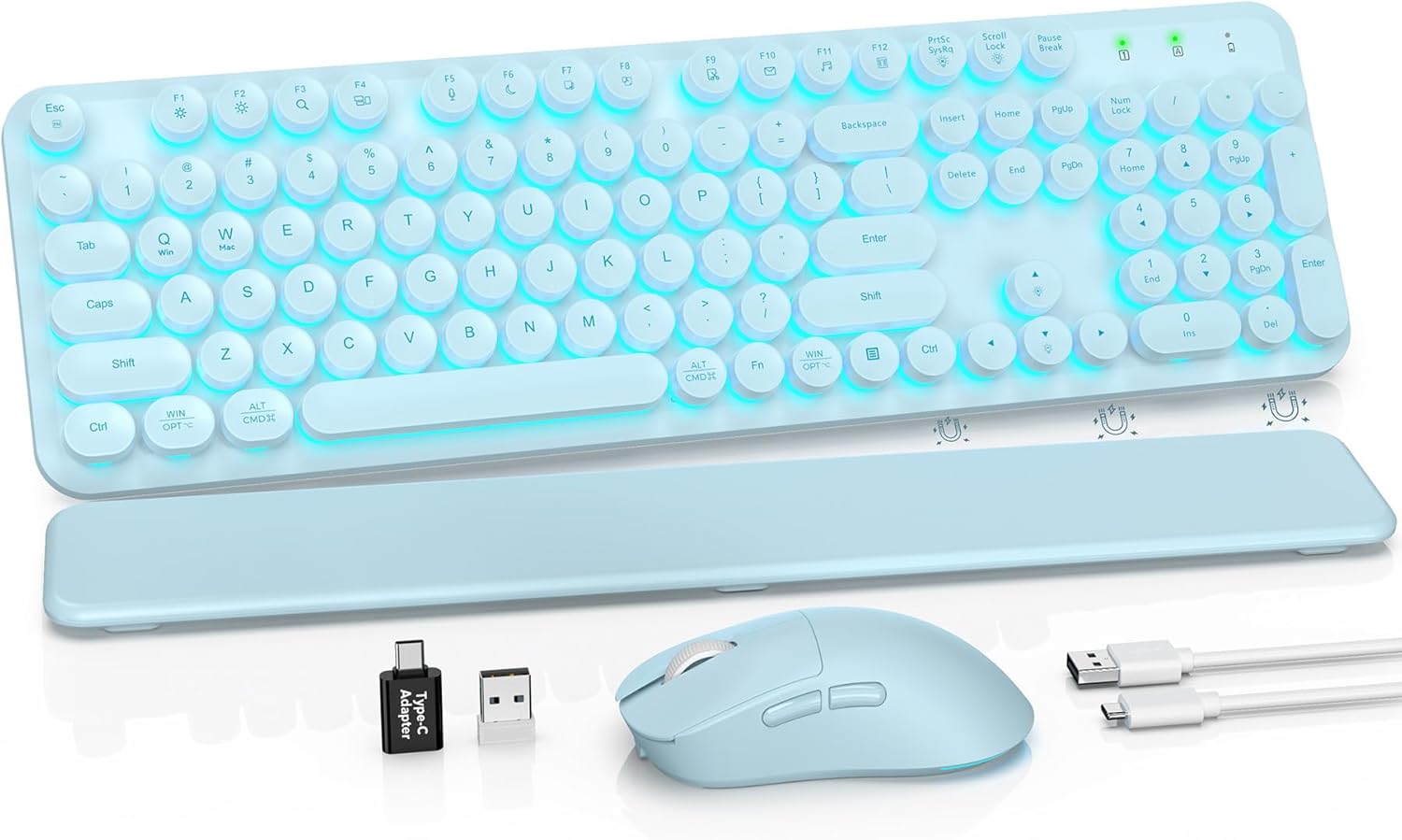
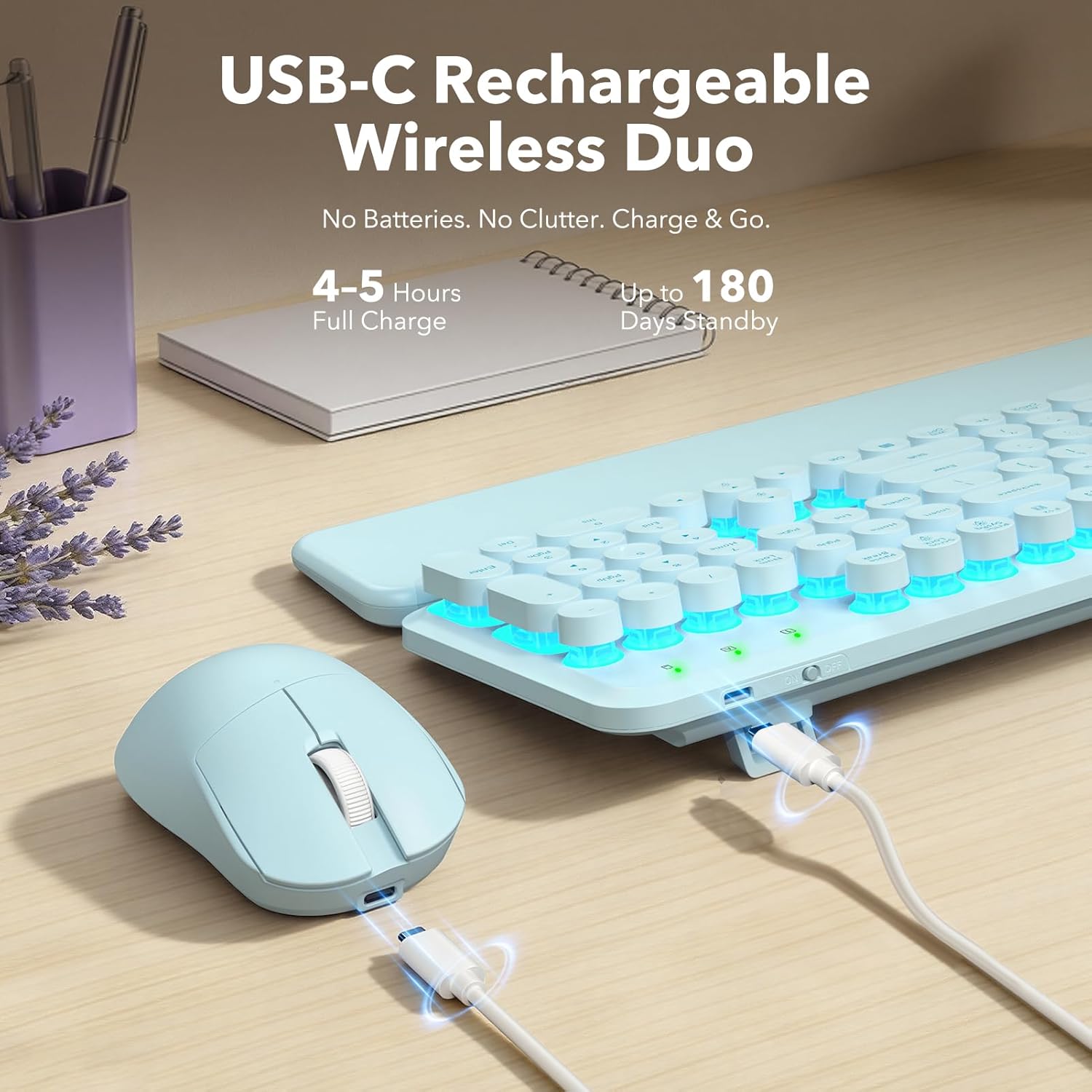
If you want a keyboard-and-mouse setup that looks fun on your desk and still feels practical for everyday work, this Wireless Keyboard and Mouse Combo is designed for exactly that. The retro “typewriter” style and round backlit keycaps bring a blue aesthetic, while the included mouse also gets its own glowing look.
On paper, the appeal is the mix: 7 switchable backlight colors on the keyboard, plus 2.4GHz cordless connection for PC via a single USB receiver. It’s the kind of bundle that’s easier to live with day to day than separate devices you have to configure one by one. Still, keep expectations realistic—this is a combo meant for comfort and convenience, not for anyone who’s hunting for the most advanced custom keyboard feel.
What you’ll notice day to day
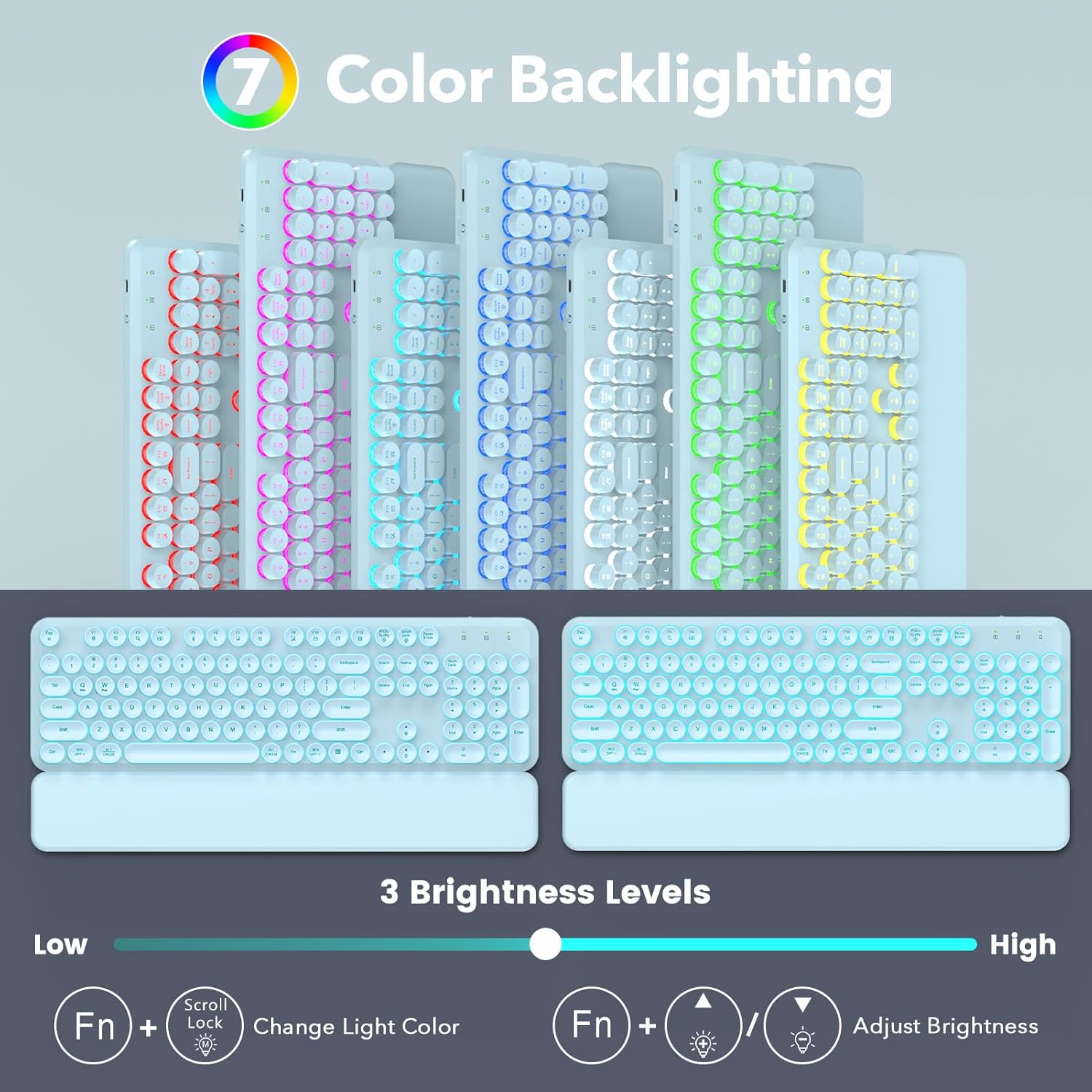
The backlighting is one of the main reasons this set makes sense for evening use. Being able to switch between 7 colors helps you match a mood or reduce glare compared to always-on RGB, especially when you’re working in lower light. The round keycaps also give a distinct look, not the typical flat modern key profile.
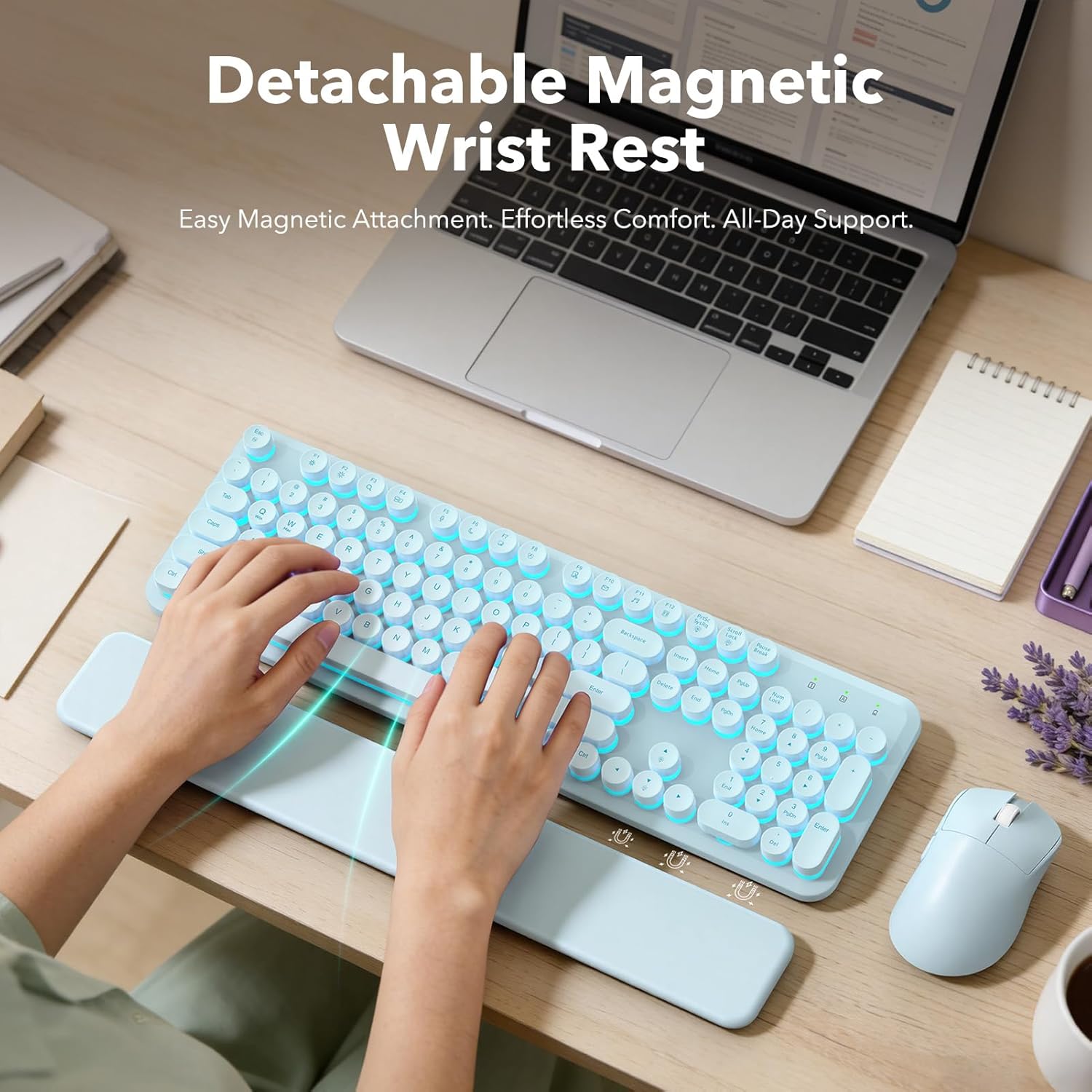
Typing comfort is addressed in a couple of places. There’s a detachable magnetic wrist rest with a smooth, wipe-clean surface, so your wrists have support without permanently taking up space. And the keyboard includes 2-stage foldable tilt legs, which let you adjust the angle a bit to find a posture that feels better during longer sessions.
One small limitation to consider: while the wrist rest and tilt adjustment can help with comfort, they can’t replace better ergonomic habits if you’re already dealing with workstation setup issues (like desk height or chair support). It can help, but it’s not magic.
Key points
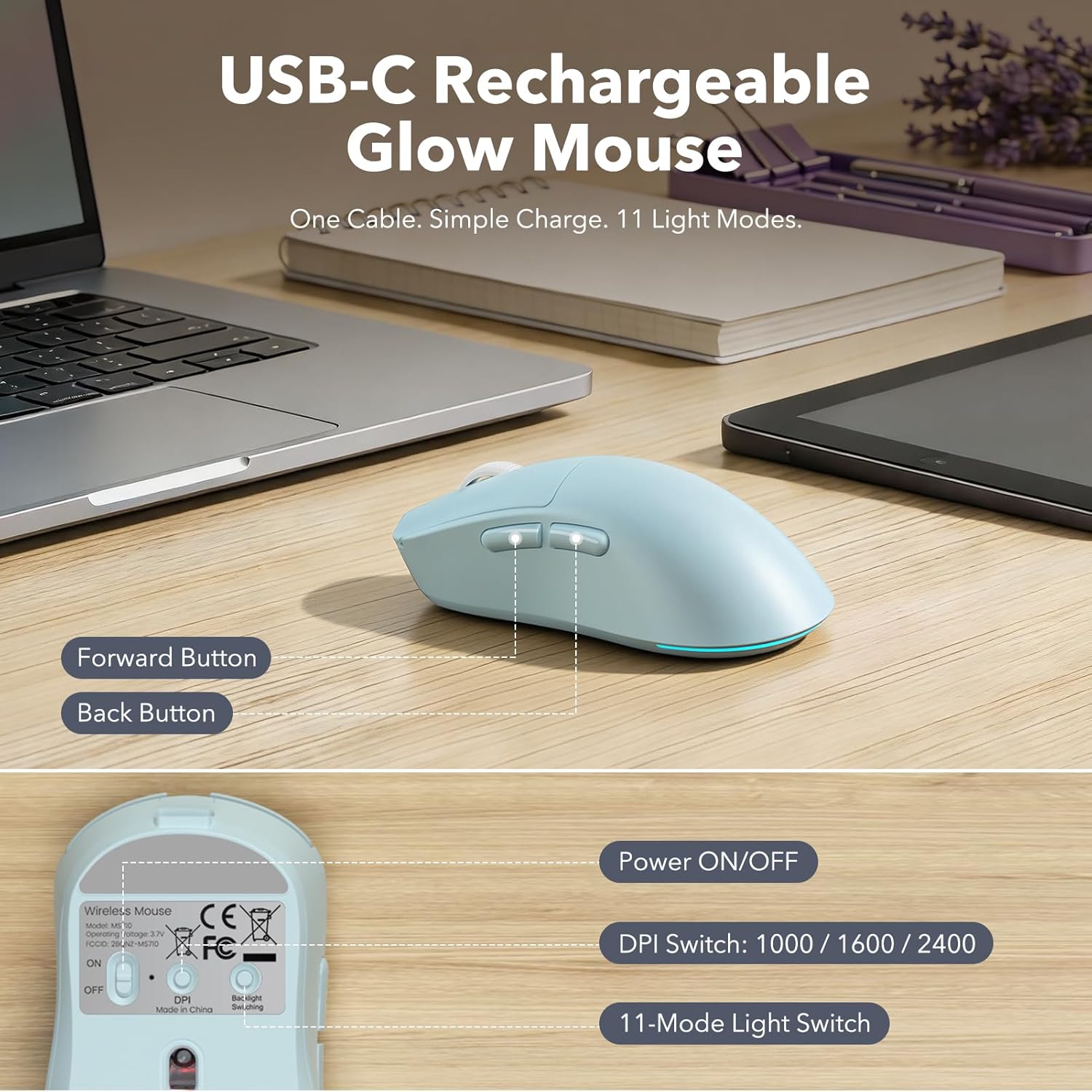
The keyboard offers 7 switchable backlight colors, while the mouse shows vibrant lighting effects. You get a detachable magnetic wrist rest and 2-stage foldable tilt legs for comfort. Setup uses a single 2.4GHz USB receiver for a cordless connection with a stated range up to 33 ft. It supports Windows/PC and includes smart power features like auto sleep for idle times.
Tech summary
- Name: Wireless Keyboard and Mouse Combo with Backlit Round Keycaps
- Type: Cordless keyboard + mouse bundle
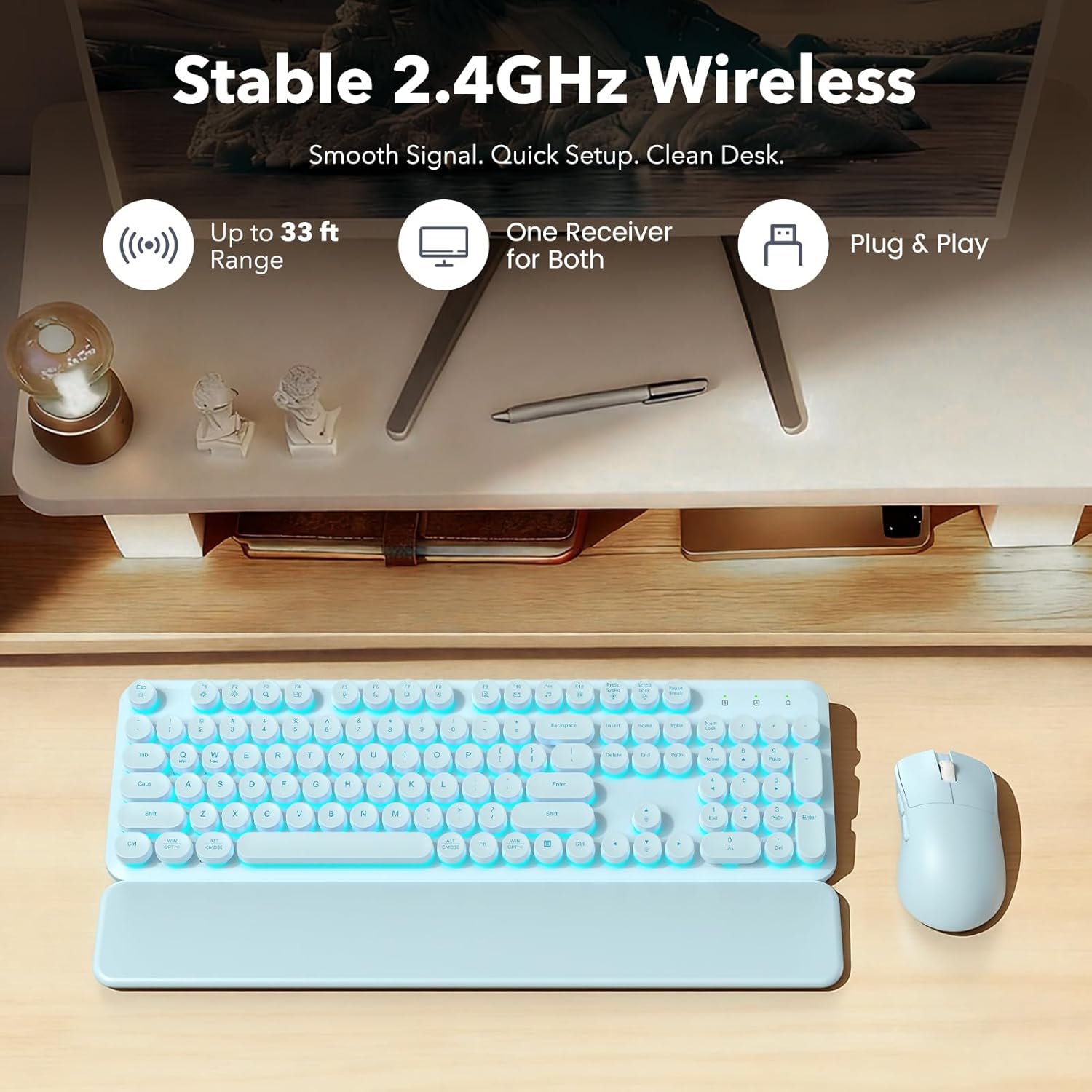
- Connection: 2.4GHz plug & play via included USB receiver
- Backlighting: 7-color switchable backlight on the keyboard
- Wrist rest: Detachable magnetic wrist rest
- Keyboard positioning: 2-stage foldable tilt legs
- Power behavior: Smart power with auto sleep
- Compatibility: Windows/PC
Who it’s for (and who should skip it)
It makes sense if you’re buying for school, home office, or an everyday workstation where you want an attractive “desk setup” look and you don’t want a complicated setup process. If you study or work after dark, the glowing keys are likely to feel more useful than you’d expect—visibility matters when you’re tired.
A solid pick if you like the retro typewriter vibe but still want a clean, modern desk presentation thanks to the blue aesthetic and backlit effects.
It might not be your best match if you’re the kind of buyer who cares a lot about premium keyboard engineering details (like specialized switch feel or deep customization). The combo approach is convenient, but it usually won’t satisfy people who want to fine-tune every aspect.
It may also not suit you if you strongly prefer wired peripherals for maximum consistency, even though this one is positioned as stable and lag-free within its stated range.

Practical tips for better results
- When you first set it up, plug in the single USB receiver, then test the keyboard and mouse right away. It’s the fastest way to confirm everything is detected correctly on your Windows/PC.
- If you notice your wrists getting tired, try the detachable wrist rest first, then adjust the tilt legs. Small angle changes can matter more than you think during longer typing stretches.
- In darker rooms, start with a lighter backlight color so you can actually read the keys comfortably. Switching colors is helpful when lighting conditions change.
Is it worth it?
This Wireless Keyboard and Mouse Combo is worth buying if you want an easy cordless setup, a retro typewriter look with glowing round keycaps, and comfort features like a detachable magnetic wrist rest and adjustable tilt legs. It fits best for daily typing, studying, and desk work where the backlighting and simple 2.4GHz setup will genuinely get used.
Skip it if you’re chasing a highly specialized mechanical/enthusiast keyboard experience or if you already have an ergonomic setup that makes wrist rest and tilt features unnecessary. It’s a practical bundle with style, not a platform designed to be endlessly customized.
Mini FAQ
Does it require separate wireless connections for keyboard and mouse?
No. The combo uses a single included USB receiver for both the keyboard and mouse over a 2.4GHz connection.
Can you change the keyboard backlight color?
Yes. The keyboard backlighting supports 7 switchable colors.
Will the wrist rest stay aligned while typing?
It’s designed to attach securely with built-in magnets, so it stays in place while you type.
Is it meant for Windows PCs?
Yes, it’s stated for Windows/PC.
Is the auto sleep feature useful?
It’s designed to conserve power when idle and wake quickly when you’re ready to use it, which can reduce hassle during busy workdays or study sessions.