

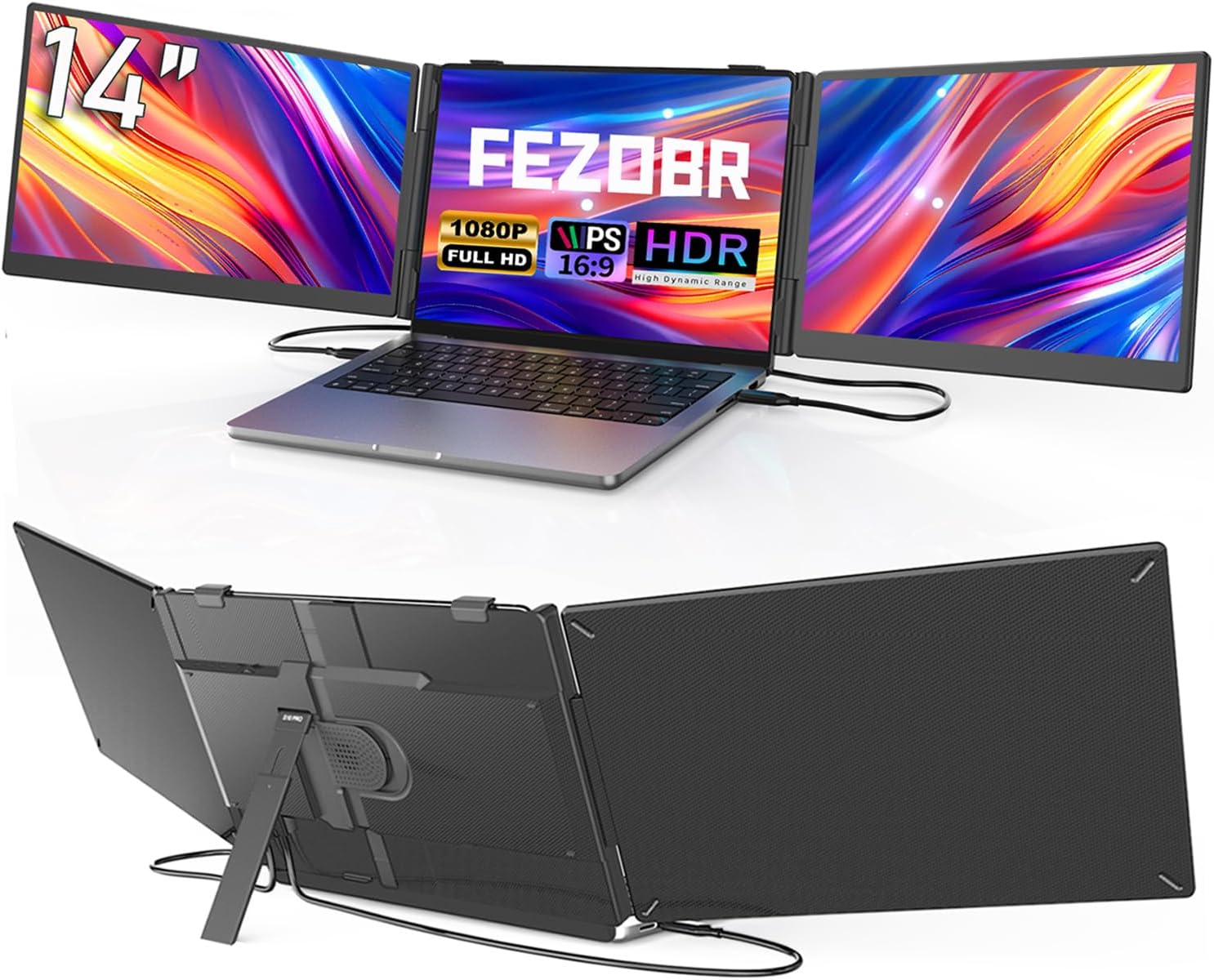
FEZOBR Laptop Screen Extender 14" Ultrathin Triple Monitor – 1080P FHD IPS, Plug & Play
Product description
What problem does it solve
If you juggle multiple apps, tabs, and documents on a 13"–17.3" laptop, this FEZOBR 14" screen extender aims to expand your workspace without hauling a full dock. On paper, it promises up to 3× productivity with a two-cable setup and a lightweight form factor. It’s designed for remote workers, students, programmers, and traders who want to reduce tab chaos while keeping a single laptop footprint.
What it is and how it feels in use
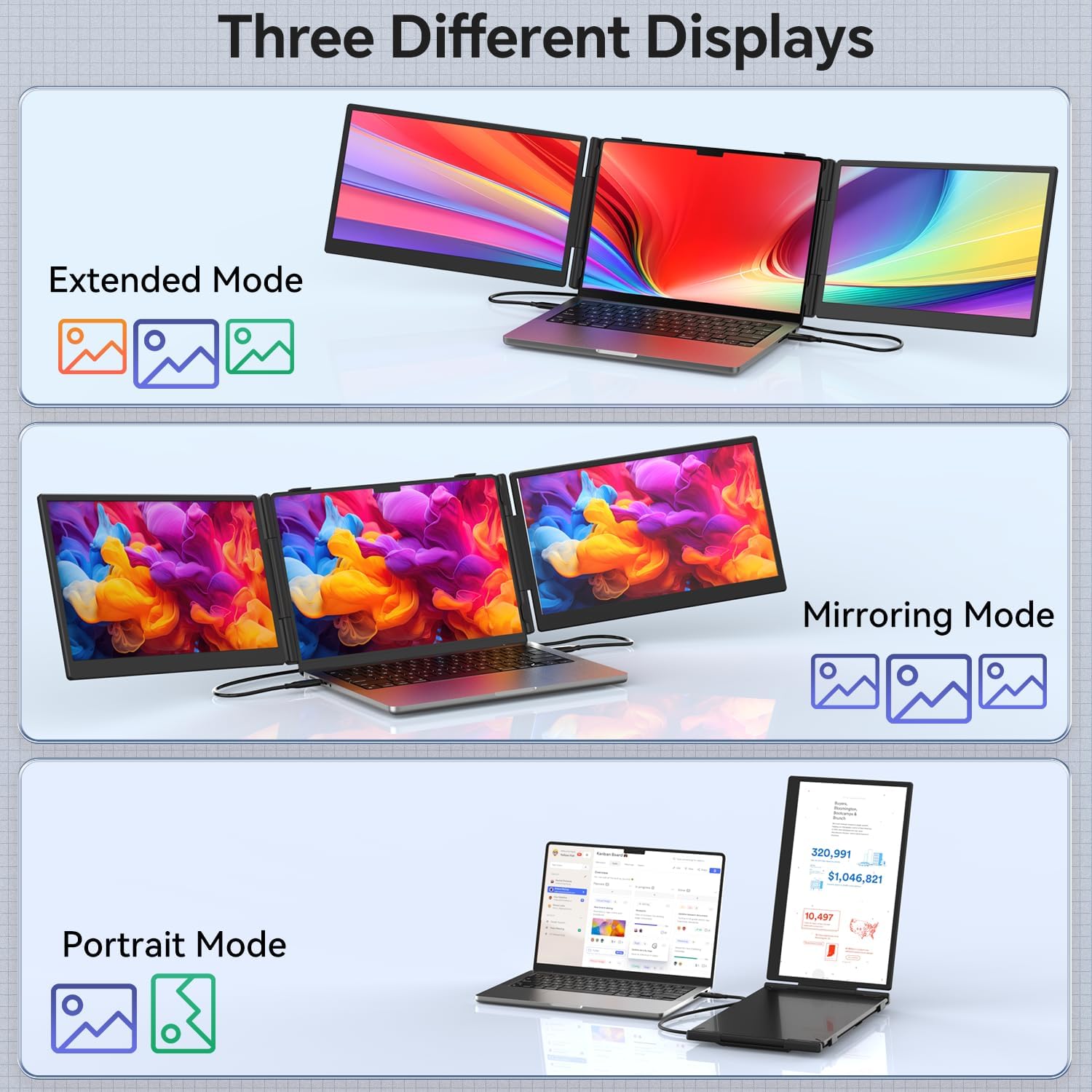
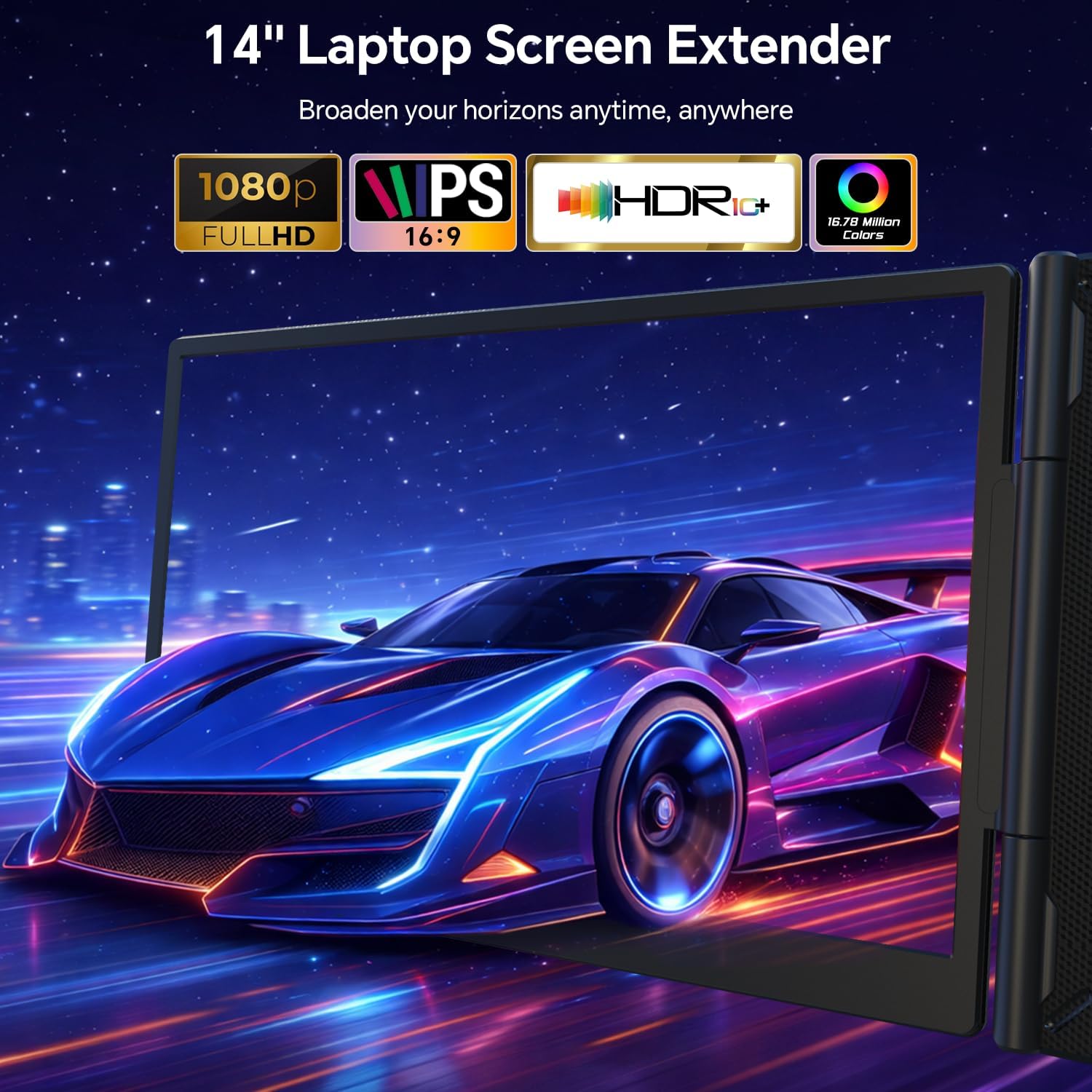
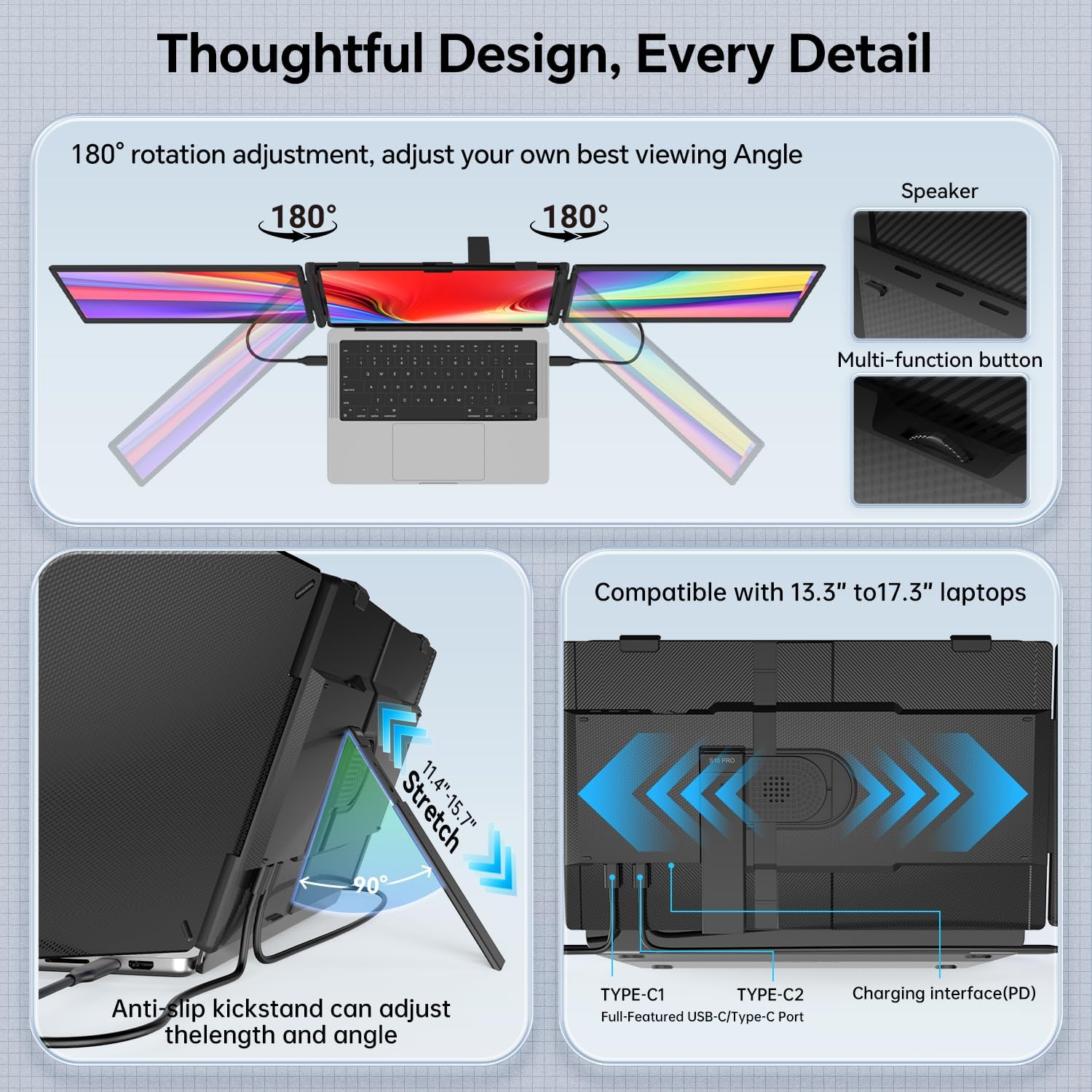
This is a 14" portable monitor that attaches as an extension to your laptop screen. It offers three modes—Extend, Mirror, and Portrait—so you can tailor visuals to your current task, whether you’re editing spreadsheets, reviewing emails, or analyzing data streams. The IPS panel promises wide 178° viewing and color clarity for comfortable long sessions, and the ultra-slim body (0.2" thick, 3.3 lbs) is built for travel and quick setup.
How you connect and what to expect
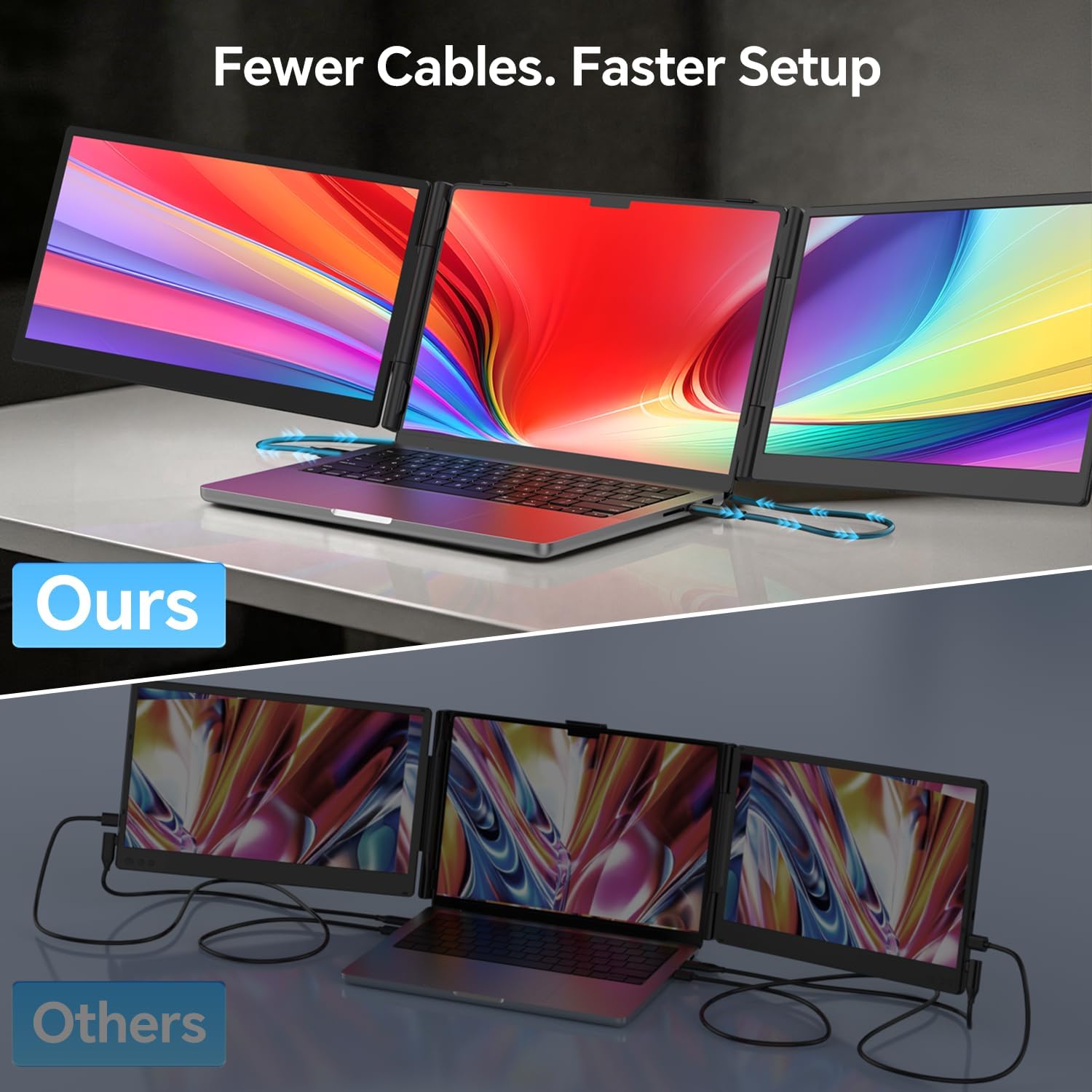
Setup is meant to be straightforward: two cables power and display the two screens—no driver installs required. That plug-and-play promise is appealing if you dislike fiddling with drivers, but be aware you may still need a compatibility check if you’re on niche configurations. The vendor notes a 12-month warranty and responsive support, which can matter if you’re choosing a device to travel with or use in a mixed OS environment.
Who it’s for and who might skip it
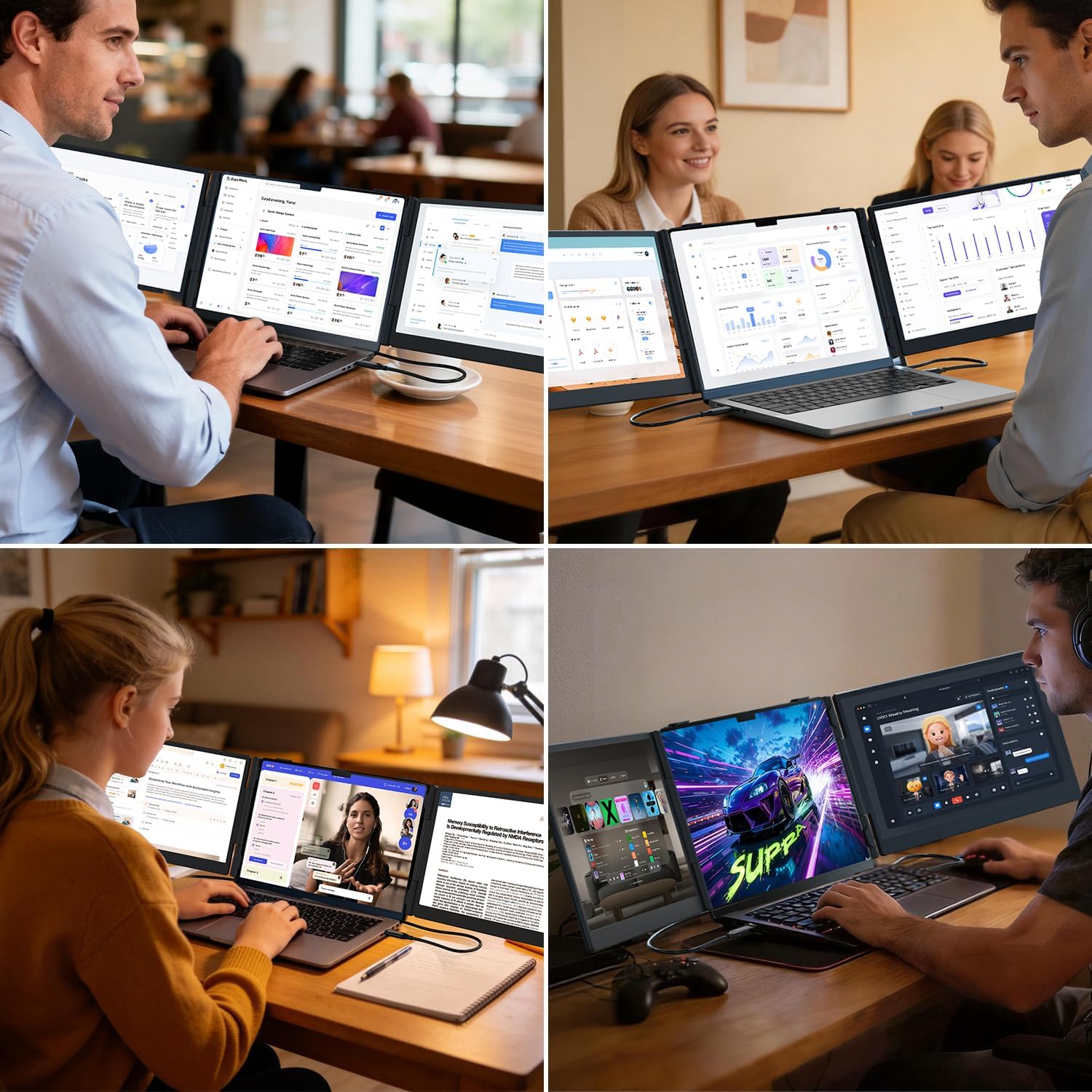
It suits people who work across multiple apps at once, study with multiple sources open, or need to reference data while in a video call. If you frequently run high-performance tasks that benefit from dedicated GPUs or require very color-critical studio work, you might want to test how the display rendering holds up in your typical workflow. It’s not the lightest or most compact ultrabook accessory, but its travel-friendly profile makes sense for frequent travelers or remote workers who want a larger workspace without a second full monitor.
What’s strong and where it might fall short
The strongest point is the two-cable, plug-and-play design paired with a 14" FHD IPS panel and flexible mode options. The 178° viewing angle helps with shared viewing, though on a portable monitor you may notice brightness and color depth don’t quite reach premium desktop panels, especially in bright environments. A potential limiter is compatibility nuance: MacBooks with newer chips may require an extra adapter (H5-T) to ensure compatibility, so you’ll want to confirm your exact model before buying.
How to decide before you buy
If your goal is to create a compact, multi-screen setup for daily multitasking, this FEZOBR model offers a clear workflow improvement over juggling windows on a single screen. It’s especially practical if you travel or work in shared spaces where a full docking station would be overkill. If you mostly need a static display for video watching or require top-tier color accuracy, you may want to compare panel specs or consider dedicated color-accurate monitors.
What to check before purchasing
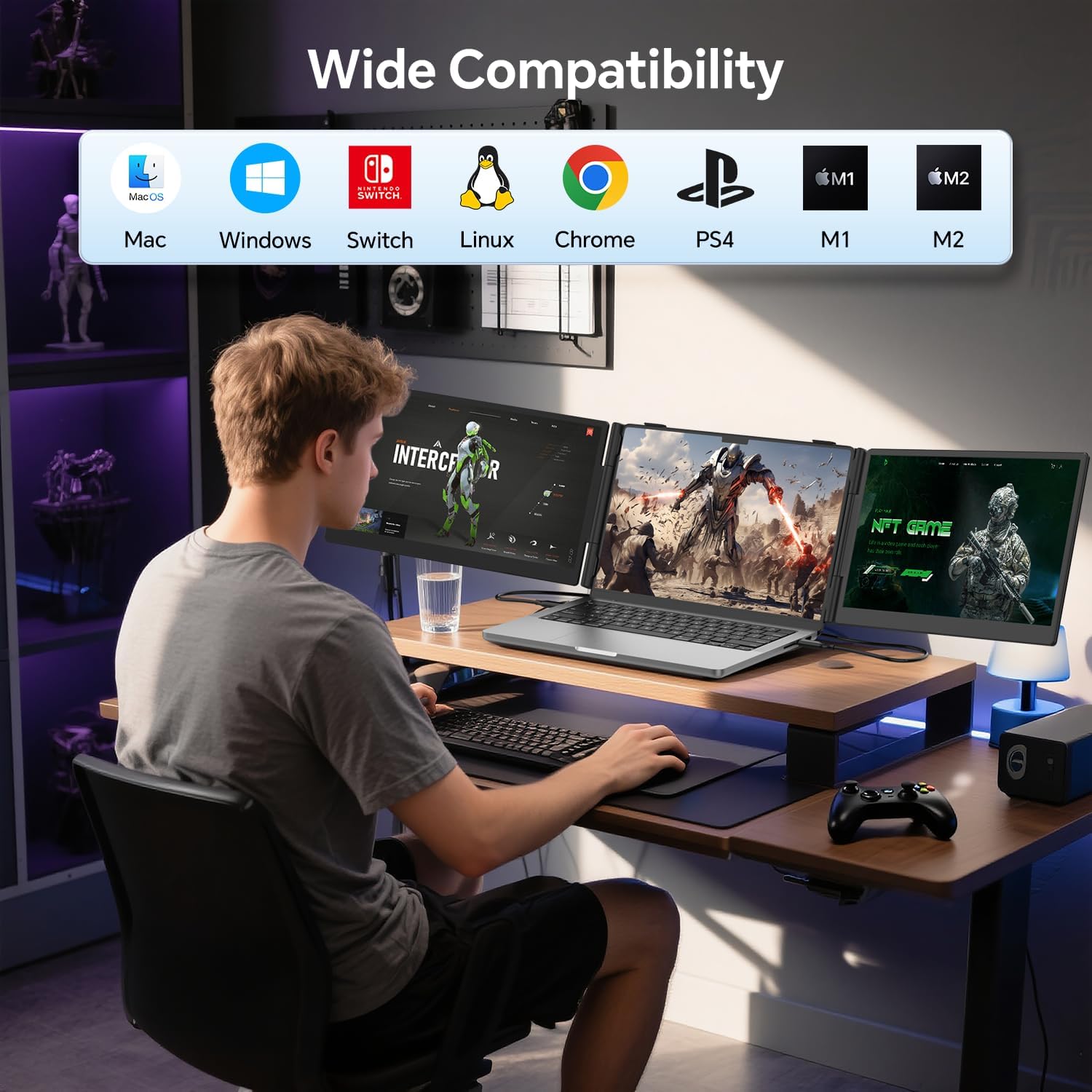
- Confirm your laptop size falls within 13"–17.3" and that your OS is supported (Windows, macOS, ChromeOS, Linux).
- If you use a MacBook with M1–M4 chips, check whether you need the H5-T adapter for compatibility.
- Assess your typical lighting, portable displays can look less vivid in bright settings.
- Consider the two-cable setup vs. potential clutter and ensure your bag space accommodates 3.3 lb additional gear.
Practical use case
Imagine editing a report while cross-referencing a dataset on the FEZOBR extender, with a video call on the laptop screen. You have emails open on the main screen, a research tab on the extender, and a chat window on the laptop. This layout reduces window switching and can help you stay focused on the task at hand rather than hunting for the right tab.
FAQ snapshot
- Do I need drivers to use it? Generally no driver installation is required, it’s plug & play.
- Will it work with my MacBook Air? Most 13"–17.3" laptops are supported, but check compatibility for M1–M4 chips with the H5-T adapter if needed.
- How is the image quality? The 1080P FHD IPS panel delivers wide viewing angles, but it may not match high-end desktop displays in color accuracy or brightness.
Final decision: Is it worth it?
Worth considering if you prioritize a portable, simple multi-screen setup for on-the-go productivity and you’re willing to verify compatibility with your exact laptop model. It’s a practical upgrade for those who want more screen real estate without a heavy dock or extra power bricks, yet it may fall short for users needing premium color accuracy or ultra-bright panels.