

Fender Studio Pro Perpetual License by PreSonus Audio Electronics
Product description
What it is and what it solves
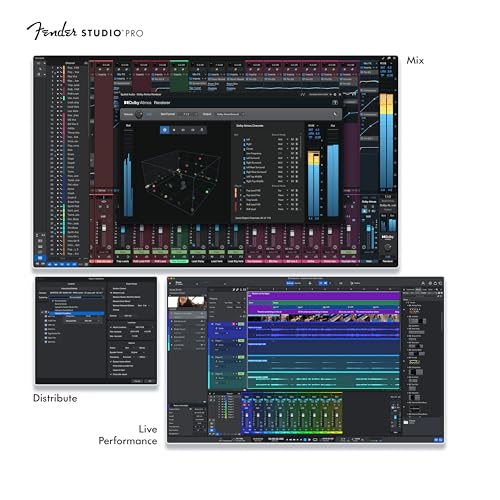
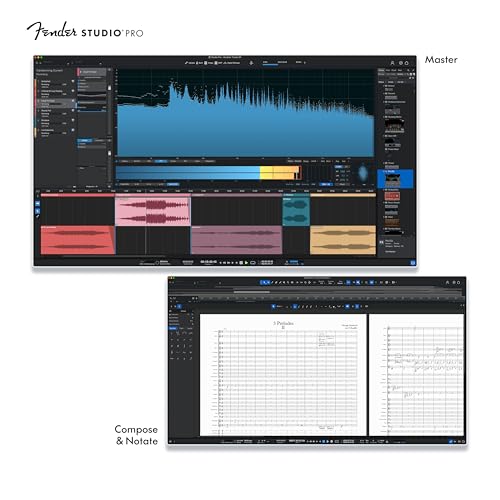
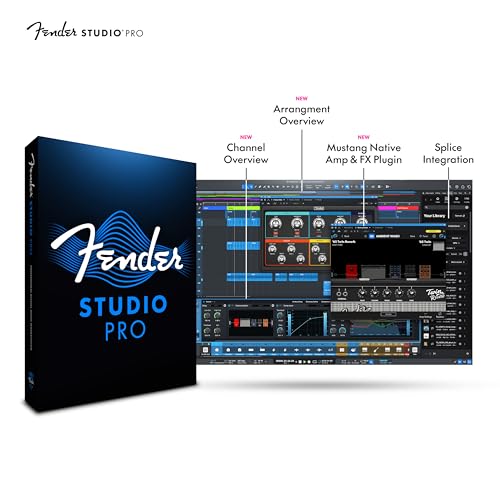
Fender Studio Pro Perpetual License is a full, non-subscription music production DAW from PreSonus, designed to cover recording, producing, mixing, and mastering in a single, drag-and-drop environment. It aims to streamline workflows for creators who want a powerful, professional setup without ongoing fees, with a focus on guitar-centric tones and comprehensive editing tools.
Who it’s for
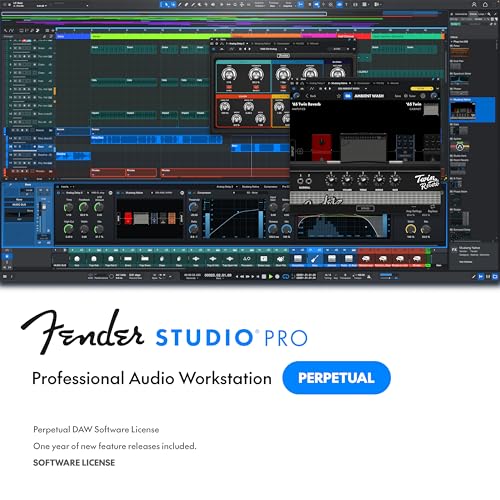
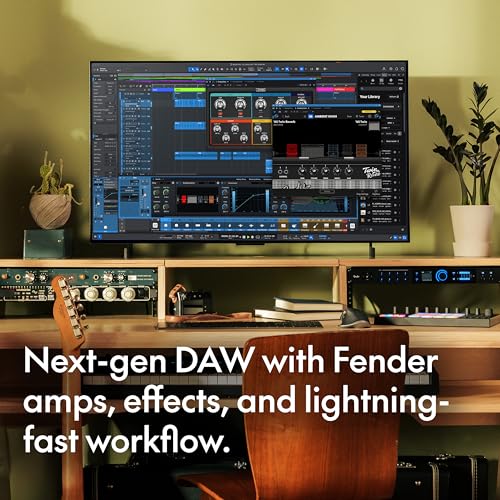
If you’re a guitarist, producer, beatmaker, or podcaster seeking a complete studio in one app, this could align with you. The built-in Mustang Guitar and Rumble Bass amp models, 100+ FX pedals, cabinets, and ready-made presets promise an immediate starting point. It’s positioned for users who value an all-in-one solution—from idea capture on mobile to full mix on desktop—and who prefer a perpetual license over a recurring subscription.
What stands out day to day
On paper, Fender Studio Pro blends several desirable capabilities: authentic amp modeling, a broad FX suite, AI-powered tools to convert audio to MIDI, chord and tempo detection, stem separation, and a modernized interface meant to keep sessions organized. You’ll also find professional mixing and mastering features like Studio Verb and 45+ native effects, plus unlimited tracks and advanced editing tools for takes, timestretching, and comping.
Strengths you’ll notice in use
- Perpetual license means you own the complete version with no ongoing fees, which can simplify budgeting.
- A dedicated Fender-inspired tone palette (amps, cabinets, presets) can reduce start-up time for guitar-focused projects.
- AI-driven tools (audio-to-MIDI, chord/tempo detection, stem separation) may speed up workflow and creative exploration.
- A robust mix/master toolset with professional effects and a finetuned interface can support release-ready work.
- Mobile-to-desktop integration lets you capture ideas on the go and expand them later.
Limitations and caveats
- The value hinges on how well the included Fender models and presets align with your genre, if you don’t rely heavily on built-in amp modeling, you may underutilize a core set of features.
- Being a feature-rich environment, it can have a learning curve, the “drag-and-drop” workflow helps, but mastering advanced tools will take time.
- Since the description emphasizes an all-in-one approach, users expecting ultra-light or highly specialized software might find it heavier than leaner alternatives.
- Some users may prefer ongoing updates and cloud-based collaboration, a perpetual license doesn’t inherently guarantee future feature additions beyond the included version.
Before you buy: what to review
- Confirm that the included amp models and FX align with your guitar and style preferences.
- Think about your current setup: does your mobile-to-desktop flow complement Fender Studio Pro’s mobile app integration?
- Assess your need for unlimited tracks and advanced editing vs. a more modular or lighter DAW solution.
- Consider how often you’ll rely on AI-assisted features like audio-to-MIDI and stem separation, these can be time-savers but may not replace all manual editing.
How it compares to other approaches
If your priority is a flexible, feature-dense environment with strong guitar-centric tools, Fender Studio Pro’s all-in-one approach can be compelling. If you prefer ultra-fast, minimal setups or frequent collaboration, you might lean toward lighter or cloud-enabled workflows. The decision often comes down to whether you value a robust, self-contained desktop solution with a one-time purchase over a subscription that may offer more frequent updates.
Usage snapshot: a practical scenario
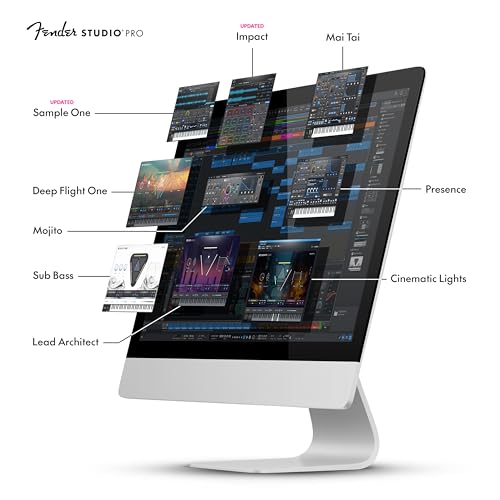
Imagine recording a guitar-and-bass jam, applying amp and cabinet models in real time, layering a few virtual instruments, and then quickly converting a chorus idea into MIDI for further arrangement. You can mix with a choice of 45+ effects, shape the room with Studio Verb, and export a mastering-ready stereo file—all within one app. The workflow is designed to move from capture to release with fewer handoffs between programs.
Is it worth it?
- If you prioritize ownership with a single purchase and want a comprehensive environment tailored to guitar-centric production, this is a solid option to consider.
- If you expect frequent updates, cloud collaboration, or a selection of third-party integrations that evolve rapidly, weigh whether a subscription model might better fit your needs.
- It suits creators who value an integrated mobile-to-desktop path and an expansive built-in toolbox for immediate tone-shaping and arrangement.
Final tips before purchasing
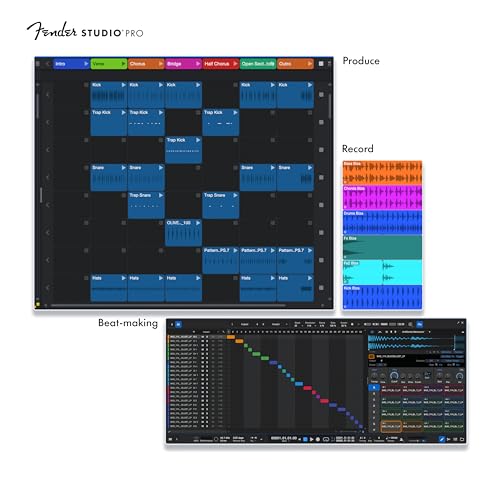
- Try to map your typical session flow to Fender Studio Pro’s key features: recording, amp modeling, MIDI conversion, and mastering.
- Check whether your current plugins or virtual instruments would complement rather than duplicate the included tools.
- Consider the potential long-term cost of ownership versus subscription models—and how that aligns with your budget and project cadence.
FAQ
- How many tracks can I use simultaneously? The product advertises unlimited tracks, but actual performance depends on system resources and project complexity.
- Do the AI tools require an internet connection? The base description highlights AI-powered features as part of the suite, specifics about online requirements aren’t stated, so plan assuming on-device processing for core tasks.
- Can I open existing projects from other DAWs? Portability isn’t specified, so expect best results within Fender Studio Pro and plan for potential export/import workflows as needed.
Decision section
Is it worth it?