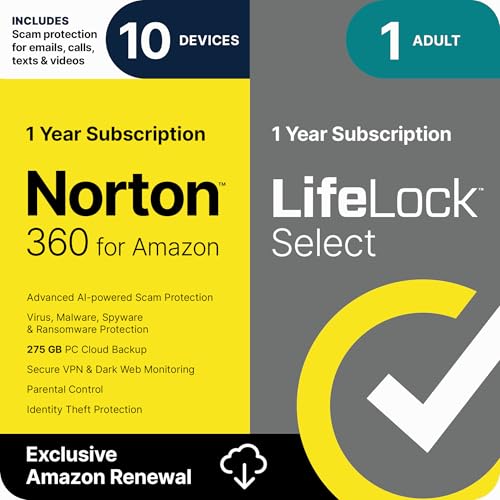
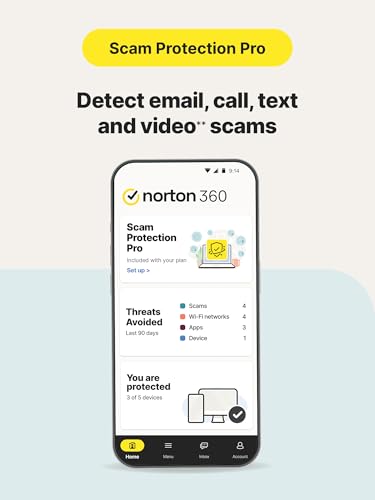
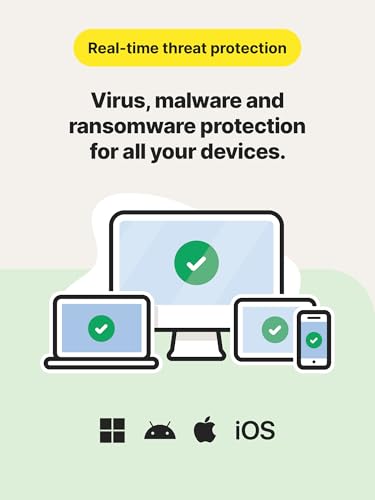
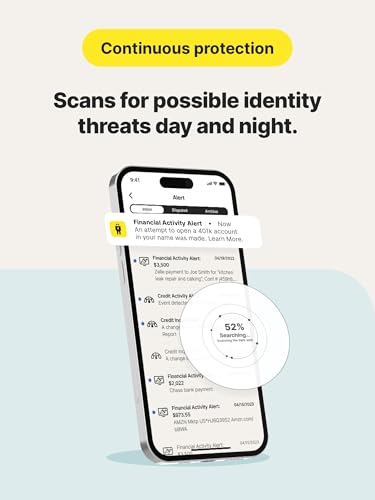
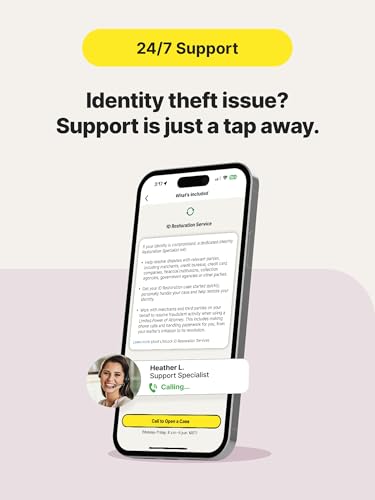
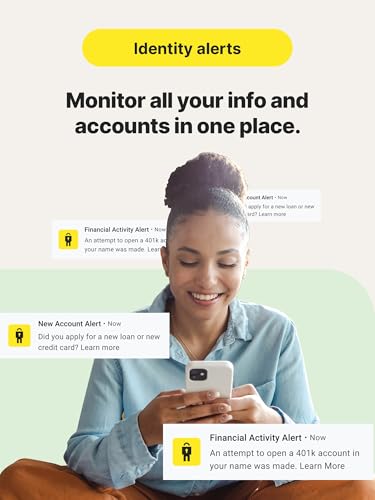
What this product is and what it solves\nThe Norton 360 with LifeLock Select Bundle is a one-year subscription designed to protect up to 10 devices (PCs, Macs, smartphones or tablets) with comprehensive malware protection, cloud backup, VPN, and identity protection features. It aims to reduce digital risk across devices and online activity by combining device security with identity theft monitoring and restoration support. Activation is required after purchase to set up your Norton account and enable protection.\n\n## Core protections and features\nOn the technical side, you get malware protection for multiple devices plus 275GB of secure cloud backup and a Secure VPN for all connected devices. A standout area is AI-powered scam protection that scans across emails, calls, texts, videos, and web browsing to flag suspicious activity. LifeLock Select adds identity protection layers, including alerts for identity threats and access to credit reports and scores monthly.\n\n## What stands out and where it may fall short\nOn paper, the bundle combines several strong layers: cross-device security, cloud backup, VPN, and identity protection with restoration support. It’s not a flawless fit for every user, though. If you don’t need 10-device coverage or don’t value ongoing credit monitoring, you may find value in lighter plans. The efficacy of AI scam detection and the strength of restoration services depend on real-world usage and account setup, so expect some initial configuration to get the most out of it.\n\n## Who it’s for\nThis bundle suits households or small teams with multiple devices who want an all-in-one approach to security and identity protection. It’s also useful for anyone who wants proactive identity alerts, access to credit monitoring, and upper-tier protection with restoration help in case of an incident.\n\n## Who it isn’t the best fit for\nIf you only need protection on a single device, or if you prefer a cheaper, more lightweight solution, this bundle may feel excessive. Also, if you’re uncomfortable with cloud backup or VPN features being bundled, you may opt for more focused options.\n\n## Practical considerations before buying\n- Confirm you want protection across up to 10 devices and value 275GB of cloud backup.\n- Plan for activation after purchase to ensure the subscription starts correctly.\n- Consider how you’ll use credit monitoring and restoration services in the event of identity risk.\n- Review whether AI-powered scam protection covers the channels you interact with most (email, calls, texts, web).\n\n## How it compares to other approaches\nIf you’re weighing options, you might compare an all-in-one bundle like this to separate tools (device antivirus, VPN, cloud backup, and identity protection). Bundling can simplify management and potentially save time, but it’s worth checking whether you’ll actually use all components across all devices. If you prefer modular control or have specific needs (e.g., larger cloud backup or non-Windows devices), a targeted approach could be more cost-efficient.\n\n## FAQ (quick answers you’ll find useful)\n- How many devices are protected? Up to 10 PCs, Macs, smartphones, or tablets.\n- Is activation required? Yes, activation is required after ordering.\n- What does the LifeLock Select part cover? Identity protection, alerts for identity threats, credit monitoring, restoration support, and a restoration specialist if needed.\n- Is there a money-back guarantee mentioned? The base description doesn’t specify, so verify terms at purchase.\n- Can I see the credit reports every month? Yes, monthly access to credit reports and scores is included.\n\n## Is it worth it?\nGiven a need for broad device protection plus identity safeguards in one package, this bundle can be compelling for multi-device households or small teams. It’s not perfect for every scenario—if you only need basic antivirus or don’t value credit monitoring, you may want to reassess the fit. You’ll likely benefit most if you want an all-in-one solution with restoration support in case of identity incidents.