

Webroot Antivirus Software 2026 for 3 Devices — 1 Year Download for PC/Mac by Webroot
Product description
What it is and what it aims to solve
Webroot Antivirus Software 2026 is a cloud-powered security solution designed to protect PC and Mac devices from viruses and malware with lightning-fast scans. The core idea is to guard your devices in real time by identifying and blocking threats, while keeping system resources usage low. If you’re balancing performance with protection, this might be a practical option to consider.
How it protects your data in real life
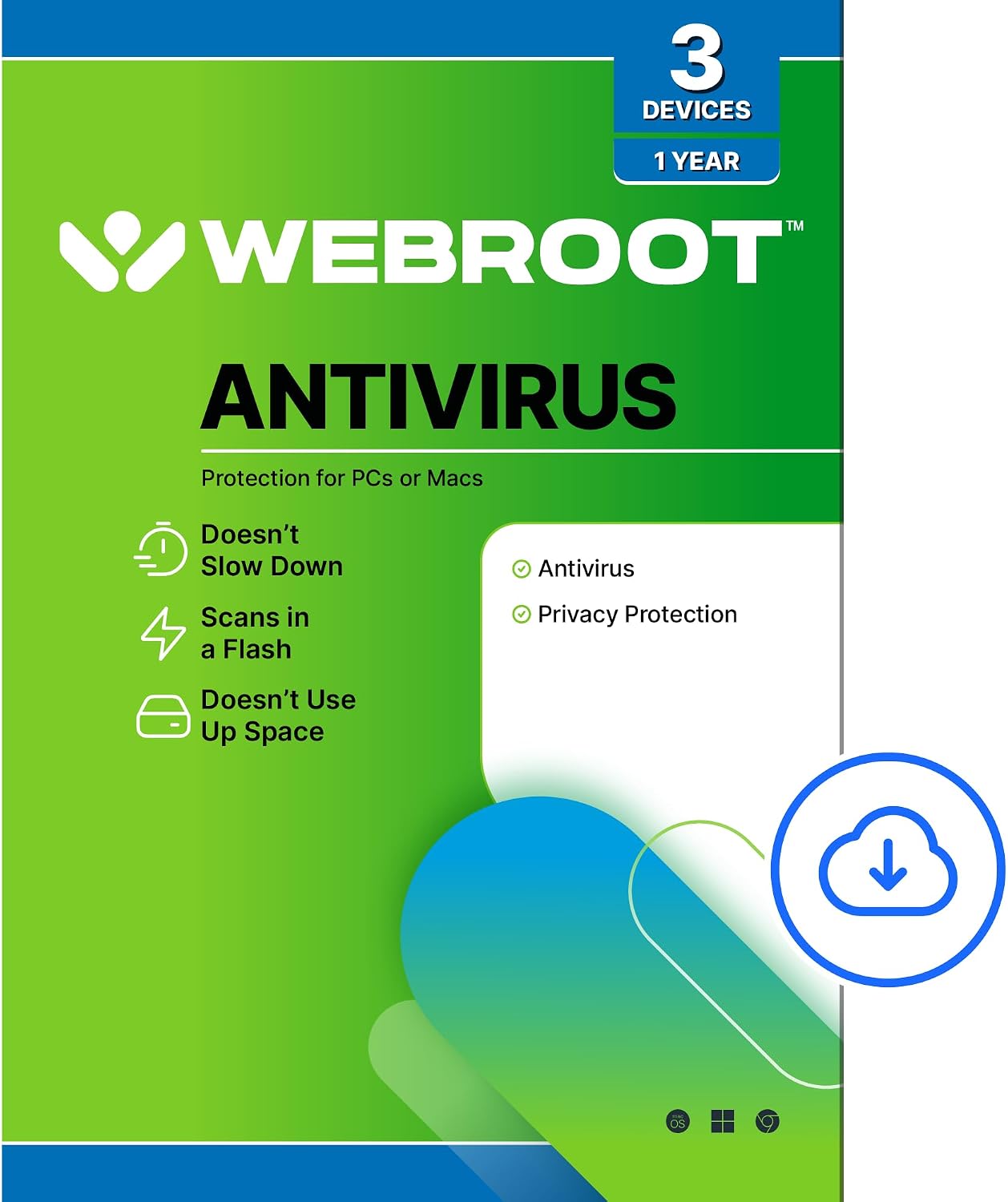
The product emphasizes cloud-based protection to reduce the load on your computer. It advertises identity theft protection that targets sensitive data like usernames and account numbers, aiming to prevent keyloggers, spyware, and other online threats from gaining access to personal information. A real-time anti-phishing component is highlighted to warn you about dangerous websites, emails, and other communications before you click. If you frequently browse, log into accounts, or handle sensitive details, this layer of protection could be meaningful from day one.
What stands out on paper, and what may feel different in practice
On the positive side, the cloud-driven approach is marketed as fast scans and low system impact, which matters when you’re multitasking or using older hardware. The real-time anti-phishing and identity protection components address common attack vectors that show up in everyday online activity. The promise of constant updates—scanning a vast slice of the Internet several times per day to determine what’s safe—aims to keep protection current without manual updating.
However, there are natural caveats to consider. The description relies on capabilities like “protects your usernames … against keyloggers” and “scours 95% of the Internet three times per day” without independent testing data in this context. For some users, a cloud-first approach can feel reassuring, but others may want more transparency on how threats are detected and how false positives are handled. If you’re new to cloud-based antivirus, there may be a learning curve around settings and what counts as a legitimate warning.
Who this is best for
This offering is framed for users who want protection across up to 3 devices for a year, with an emphasis on real-time protection and privacy-focused features. It can be appealing if you value a lightweight footprint on your computer, and you’re comfortable relying on cloud processing rather than heavy local scanning. It’s also a fit if you’re concerned about phishing and basic identity protection while browsing, banking online, or handling personal information.
Who might want to skip it or look for alternatives
If you prioritize deep, locally installed scanning with explicit, vendor-verified performance tests, or if you need highly granular control over security rules, you might want to compare with other solutions that emphasize different detection methods or user interfaces. If your devices are outside the 3-device limit or you require multi-year coverage, you’d want to review licensing carefully.
When it makes sense to buy

Buying makes sense if you want a lightweight, cloud-backed antivirus with anti-phishing and identity protection for everyday online activity, across up to 3 devices, for a year. It could be a convenient entry point for users who don’t want to tinker with complex security settings and prefer a straightforward protective layer that runs mostly in the background.
When you might hesitate
If you’re seeking a security setup with a long-term commitment beyond a year, or if you need explicit details about data handling, detection rates, and independent performance verification, you may want to explore additional information or options.
What to check before you buy
- Confirm the 3-device, 1-year scope and download method for PC and Mac.
- Look for how identity protection and anti-phishing are implemented in your typical usage scenarios (email, banking, social sites).
- Consider how cloud-based protection may affect your network usage and privacy expectations.
- Review any available setup guidance or onboarding steps to minimize initial friction.
- Think about your typical software footprint, a lighter antivirus can help keep system resources available for other tasks.
Practical usage example
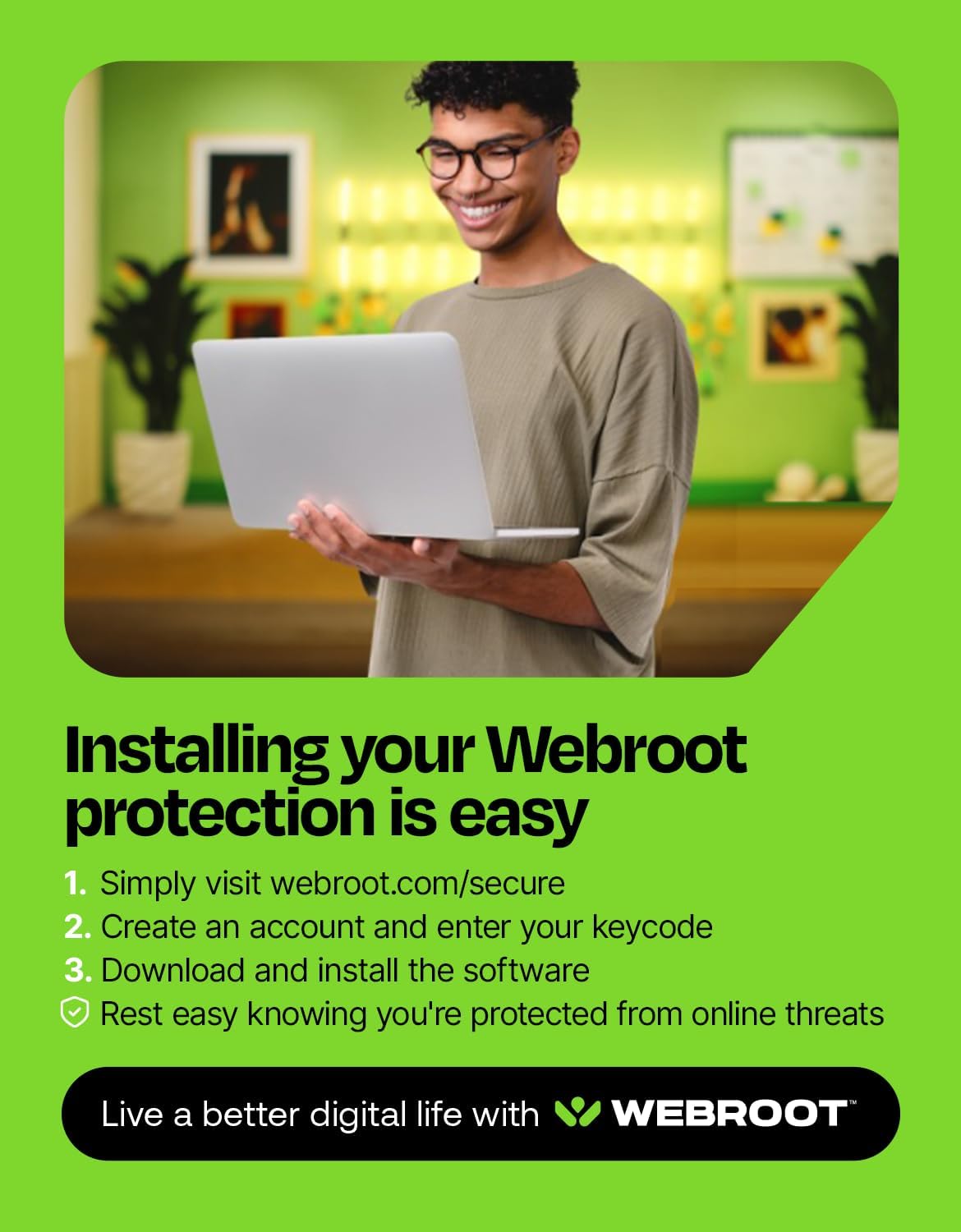
Imagine you’re browsing for groceries online after work, switching between a banking portal and a streaming tab. Webroot’s real-time protection would scan pages and alerts for suspicious sites as you click, while its anti-phishing feature could warn you before you enter credentials. On a light system, this approach aims to avoid sluggish performance while providing ongoing protection in the background.
How this compares to other approaches
If you’re used to heavier, locally resident security, this cloud-first approach trades some granular control for speed and low resource use. It may be preferable for users who want minimal impact on daily tasks, or for families needing protection across multiple devices without complex setup. If your priority is deep on-device scanning or a longer-term, feature-rich suite, you might explore alternatives that emphasize broader feature sets or higher customization.
What stands out in use
- Lightweight performance with cloud-assisted scanning.
- Real-time anti-phishing to curb risky clicks.
- Identity protection features aimed at personal data during online activity.
- Regular automatic updates that don’t require manual intervention.
Final decision: Is it worth it?
Is it worth it? It depends on your priorities. If you want straightforward, cross-device protection with minimal impact on your computer’s performance and you value phishing protection, this Webroot option could be worth considering for a 1-year window on up to 3 devices. If you need deeper control over security rules or multi-year licensing, you may want to assess alternatives.
FAQ
- How many devices does it cover? Up to 3 devices for 1 year.
- Does it protect against phishing? Yes, real-time anti-phishing is included.
- Is it cloud-based or local? Protection is described as cloud-powered, with real-time scanning.
- Can it run on both PC and Mac? Yes, download for PC/Mac is supported.
- What happens after the year ends? You’d need to renew or assess other plans to maintain protection.