

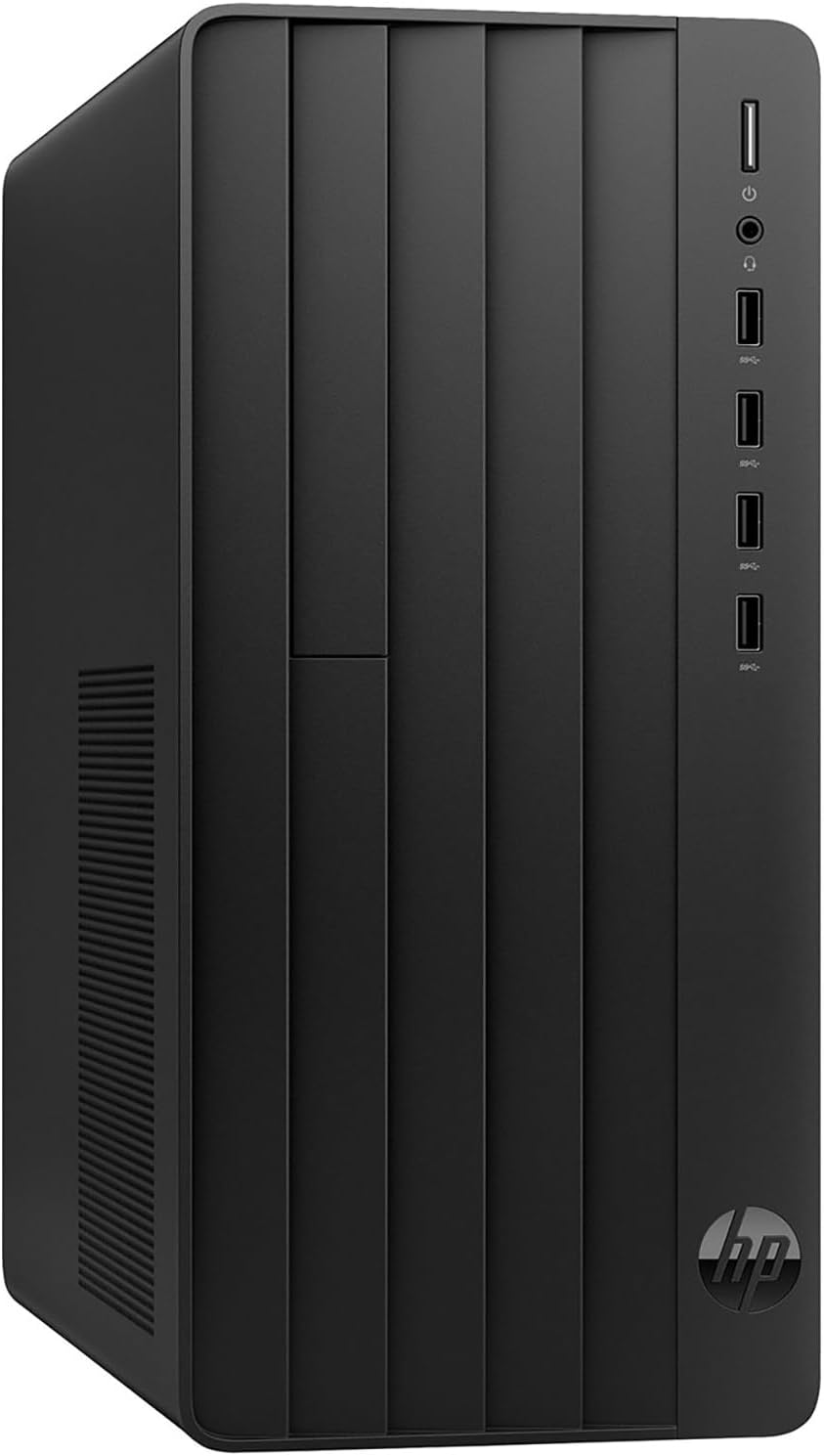
HP Desktop Tower PC Intel Core i3-13100
Product description
For home-office workers, students, and small-business users who mainly need a desktop for everyday productivity, this HP tower brings together an Intel Core i3-13100, 16GB of DDR4 memory, and a 512GB PCIe SSD. That setup is aimed at common workloads such as documents, browser research, video calls, and productivity software rather than demanding graphics work. It comes with Windows 11 Home, a wired keyboard and mouse, and a USB Wi-Fi adapter, so several basic setup pieces are included. If you’re comparing it with a bare-bones desktop, the included peripherals and wireless adapter are useful, a more graphics-focused system would suit different needs.
What to know
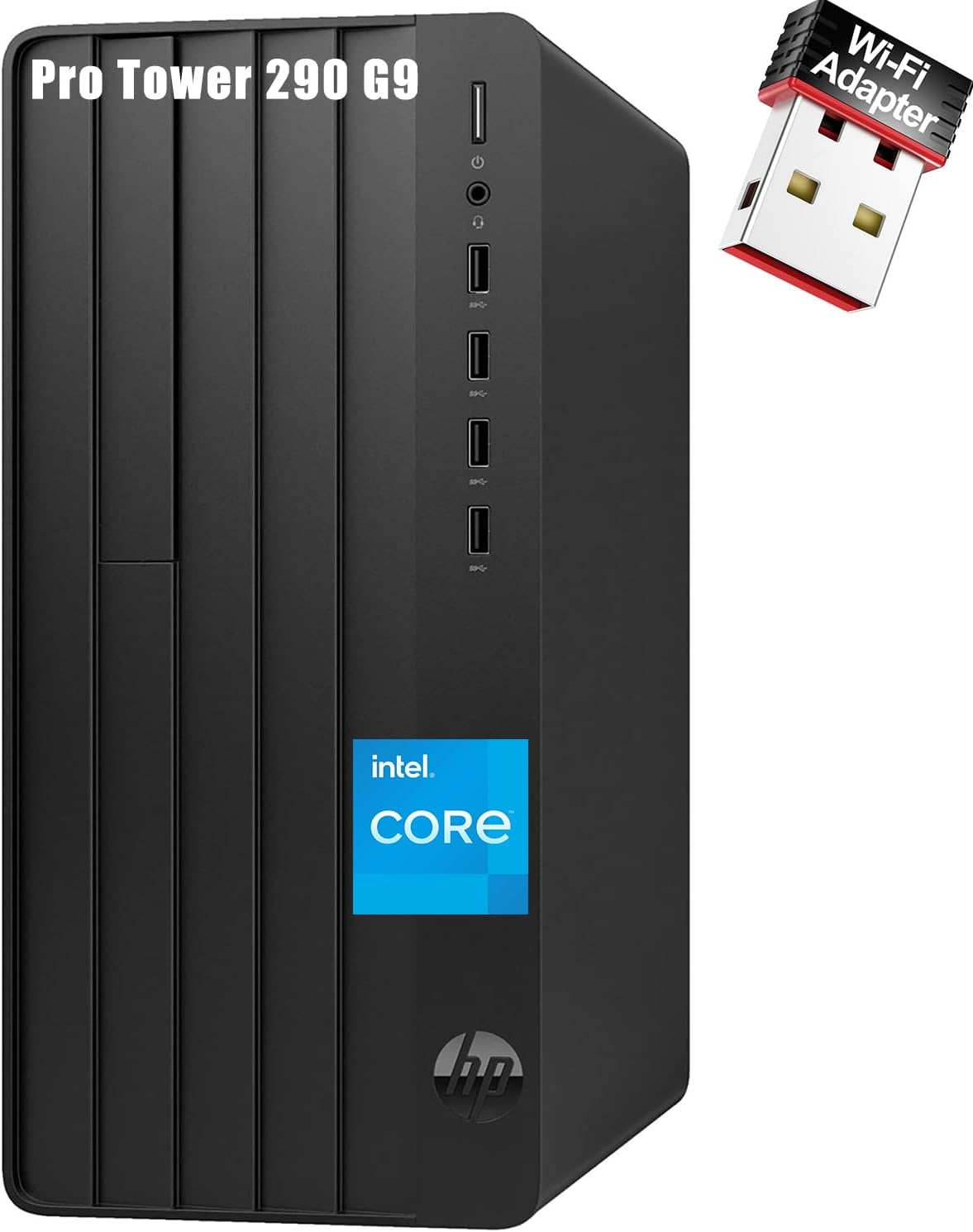
The processor has four cores and eight threads, with a listed top speed of 4.5GHz. Paired with 16GB of RAM, it is positioned for switching among ordinary work tasks: for example, keeping a video meeting open while editing a document and searching reference pages. The 512GB SSD gives the system solid-state storage for apps and files, though how much room remains will depend on what you install and save.
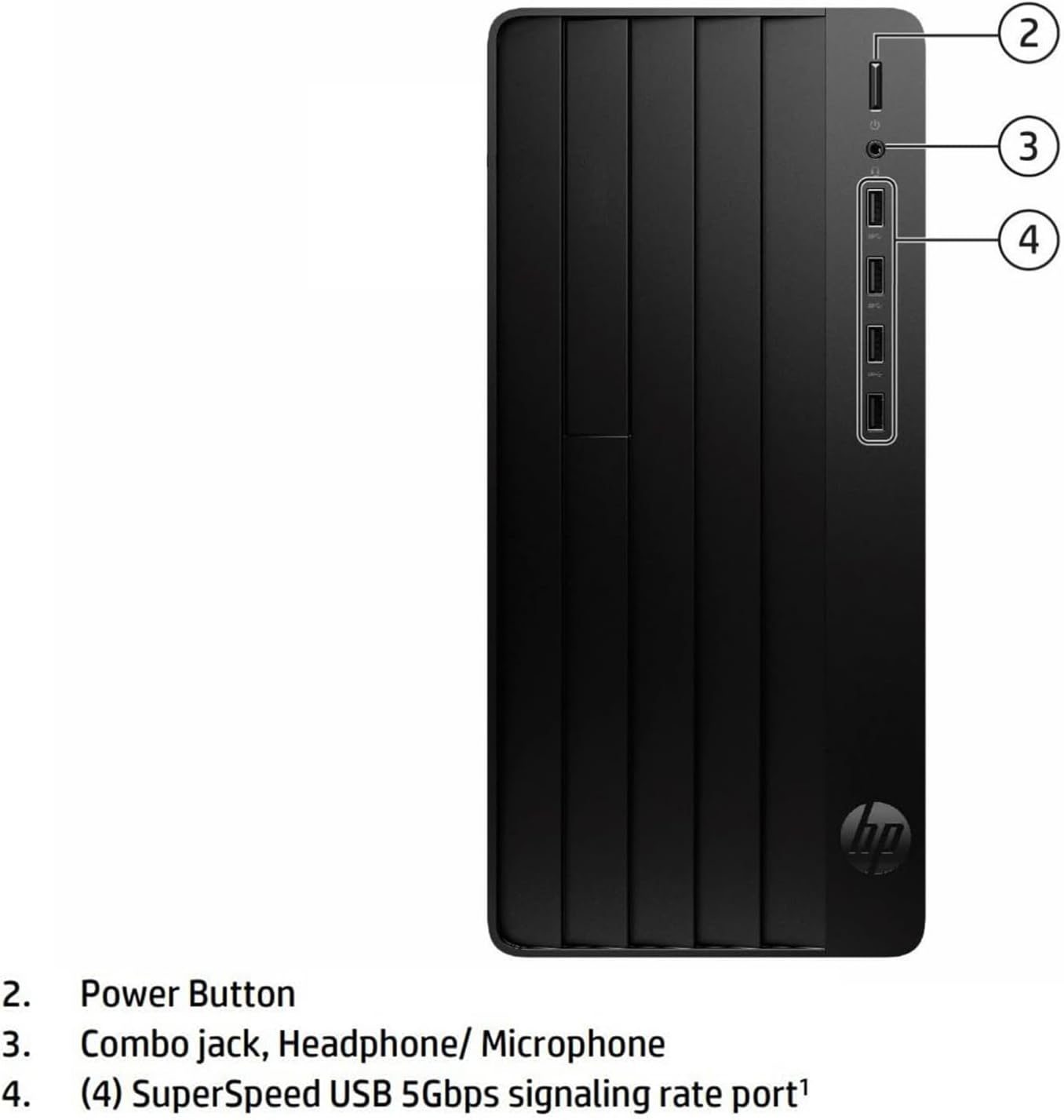
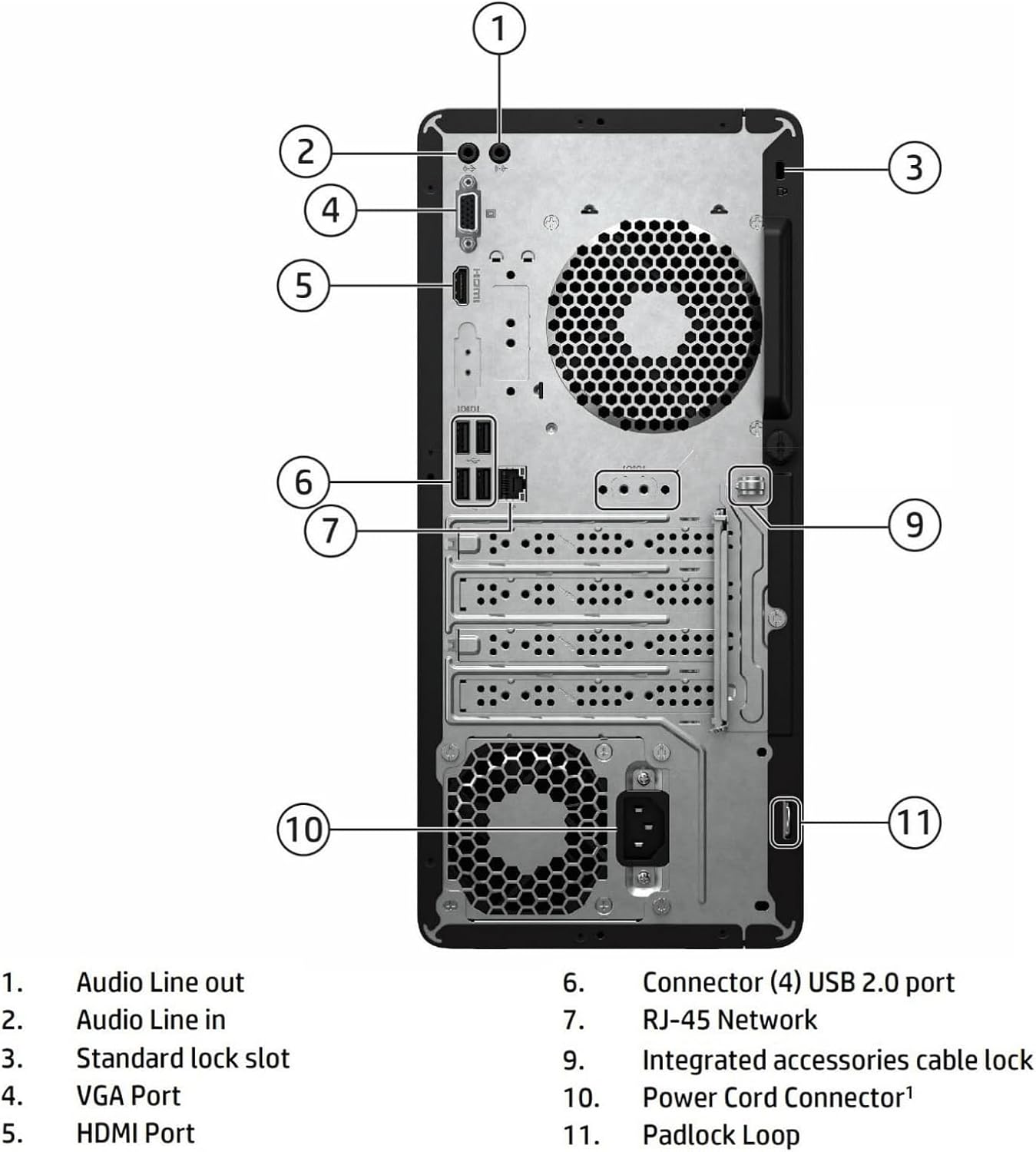
For displays and accessories, the tower lists HDMI and VGA video outputs, an RJ-45 Gigabit Ethernet port, four front USB ports, and four rear USB 2.0 ports. It also includes a USB Wi-Fi adapter. Keep in mind that the listing does not specify graphics hardware or display capabilities beyond those connections, so don’t treat the port list as evidence that it’s suited to demanding visual workloads. A monitor is not listed among the included items.
How to use it
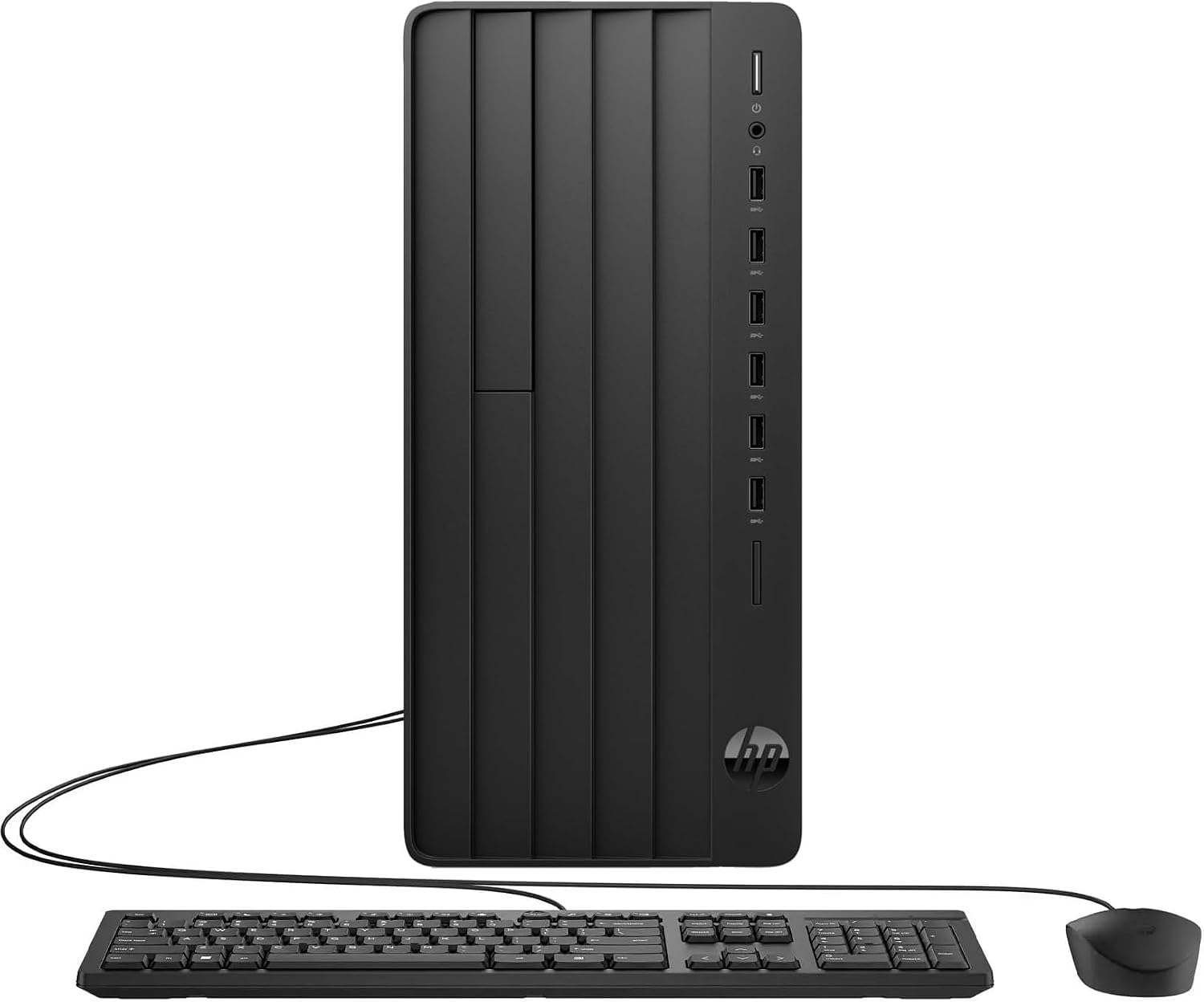
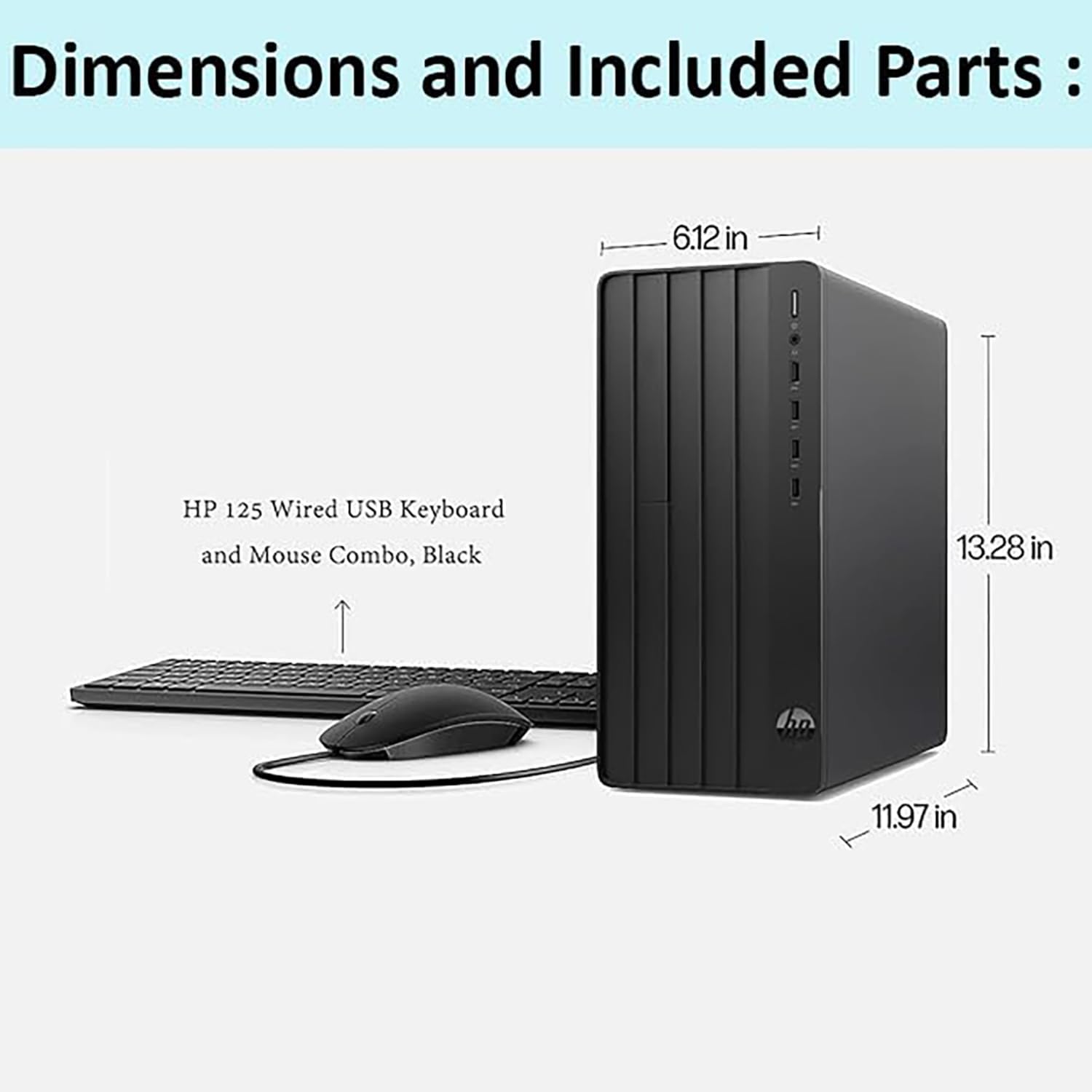
Set it up as a conventional desktop workstation with the included HP 125 wired keyboard and mouse, then connect to the internet through the Wi-Fi adapter or the Ethernet port. For a study session, you could work through research in a browser, write coursework, and join an online class, for office use, the same general setup can handle documents, email, and video meetings. Windows 11 Home is preinstalled, so the computer arrives with an operating system rather than requiring you to install one first.
Practical tips
Choose a wired Ethernet connection if your desk is near a network connection and you prefer a cable, use the adapter when wireless access fits your room better. Before planning a multi-display setup, confirm that your specific monitors have connections that work with the tower’s HDMI and VGA outputs. The listing does not provide display resolution details, and those two ports do not by themselves establish what every monitor combination will support.
It makes sense if you want a ready-to-use desktop for routine work or school and value having a keyboard, mouse, and Wi-Fi adapter in the box. You may want to skip it if your main priority is graphics-heavy creation or gaming, since the provided information does not identify a dedicated graphics card. On the spec sheet, this is a practical productivity configuration, not a claim of specialized performance.
Questions before you buy
Does it include a keyboard and mouse? Yes. The listing names an HP 125 wired keyboard and mouse.
Can it connect to Wi-Fi? A USB Wi-Fi adapter is included. It also has an RJ-45 Gigabit Ethernet connection for wired networking.
How much memory and storage does it have? It is listed with 16GB of DDR4 RAM and a 512GB PCIe SSD.
Should you buy it?
Choose this HP if your day is mostly documents, online classes, browsing, and video calls, and you want the basic desktop accessories included. Its processor, memory, and SSD are a reasonable match for that kind of workload. Pass if you need clearly specified graphics performance, detailed monitor support, or a more specialized workstation: those capabilities aren’t established by the available product details.