

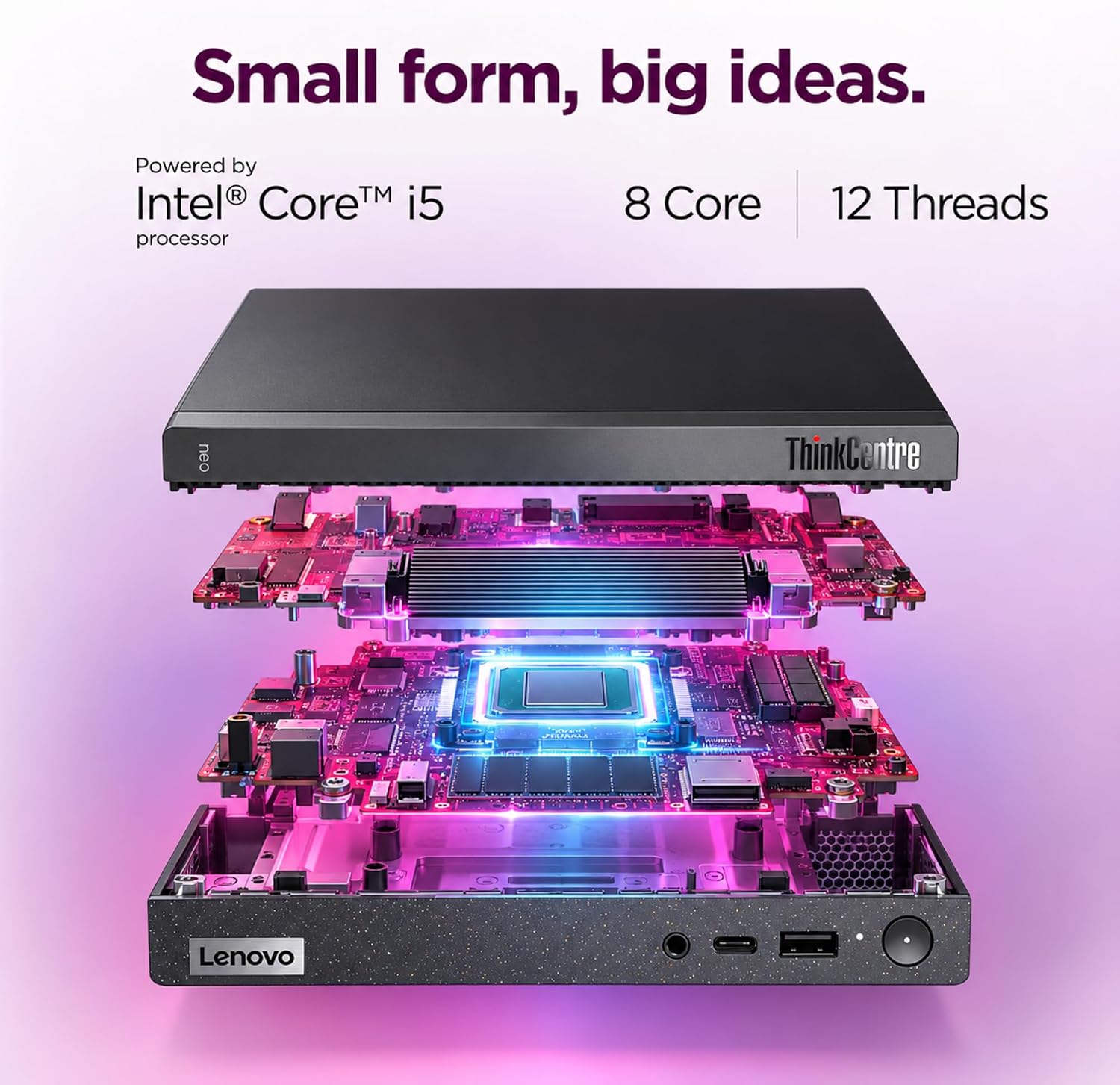
Lenovo Mini Desktop 512GB SSD
Product description
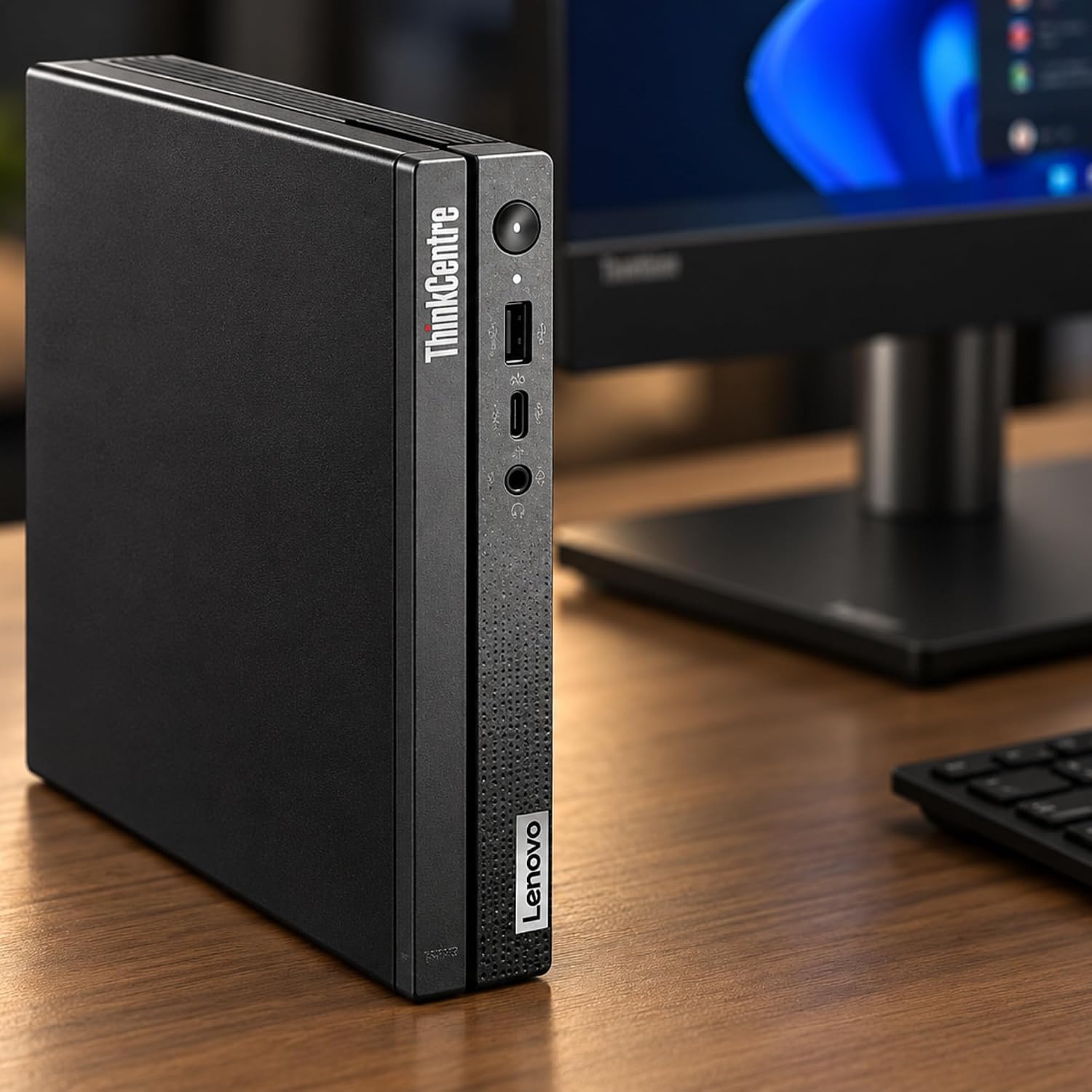
A conventional desktop gives you more room on the desk, while a tiny PC asks you to trade some flexibility for a smaller footprint. The Lenovo ThinkCentre Neo 50q takes the compact route: it’s a 1L mini desktop listed with an 8-core Intel Core i5, 16GB of RAM, a 512GB SSD, and Windows 11 Pro. If you prioritize a clear, uncluttered workstation, its size is the main draw, if you prefer room for hardware changes or expansion, the available details don’t establish how much flexibility it offers.
It’s built around everyday office work, not a long list of extras.
Where it shines
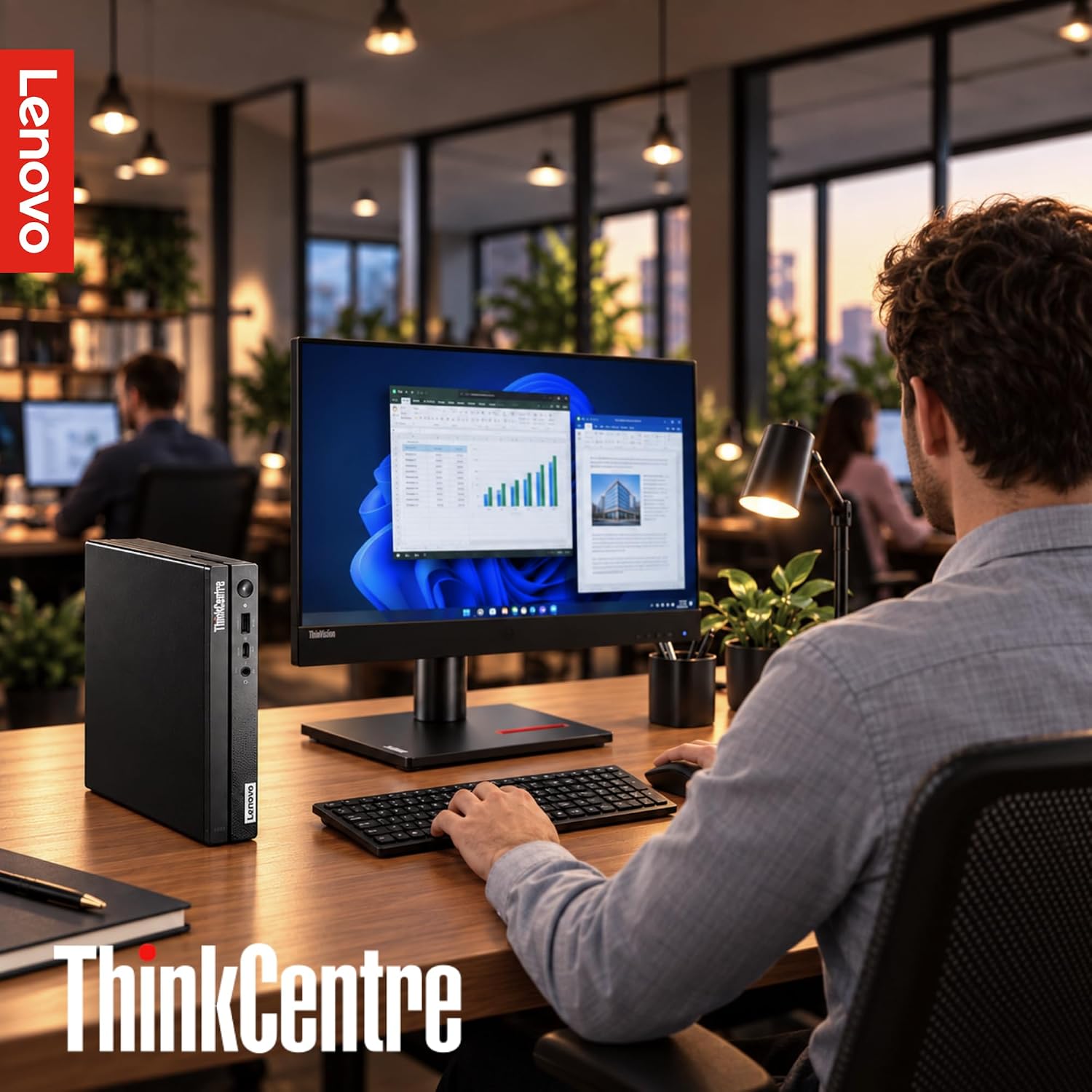
The small enclosure can help when a full-size computer would dominate a shallow desk or crowded counter. Picture a work setup with two monitors, a keyboard, and a few papers: the Neo 50q can keep the computer itself from taking up much of that surface. Dual-display support also makes it relevant for people who keep email or reference material open alongside their main work. That can be useful for spreadsheets, admin tasks, and browser-based workflows, though the listing doesn’t specify performance results for particular applications.
Its 16GB of RAM and 512GB SSD give you a clear starting configuration to judge against your own workload. Windows 11 Pro is included, and the described connections include USB-C and RJ-45, HDMI and DisplayPort are also named in the product information. Check the ports you actually use before choosing, especially if your desk depends on a particular monitor connection or wired network.
Key points
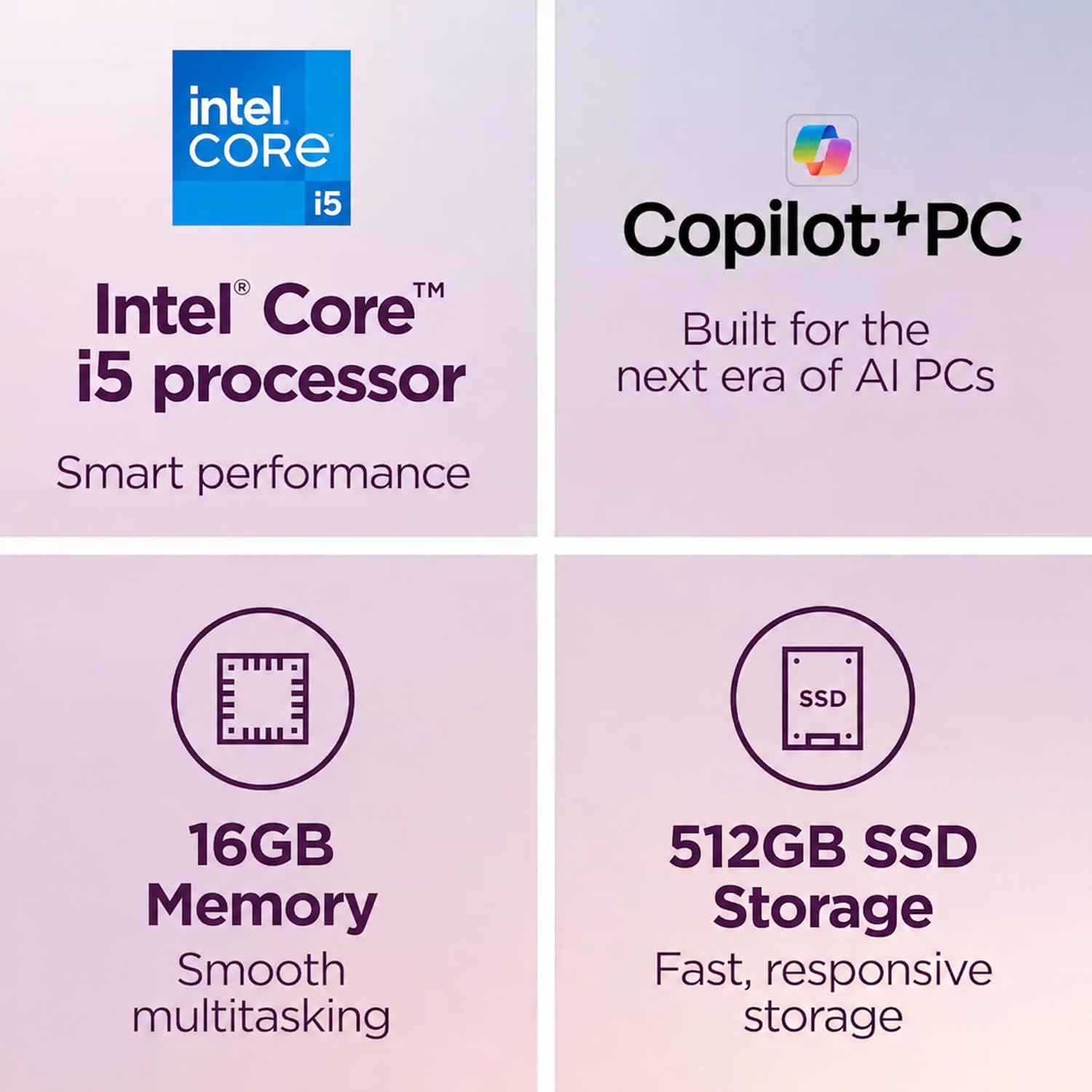
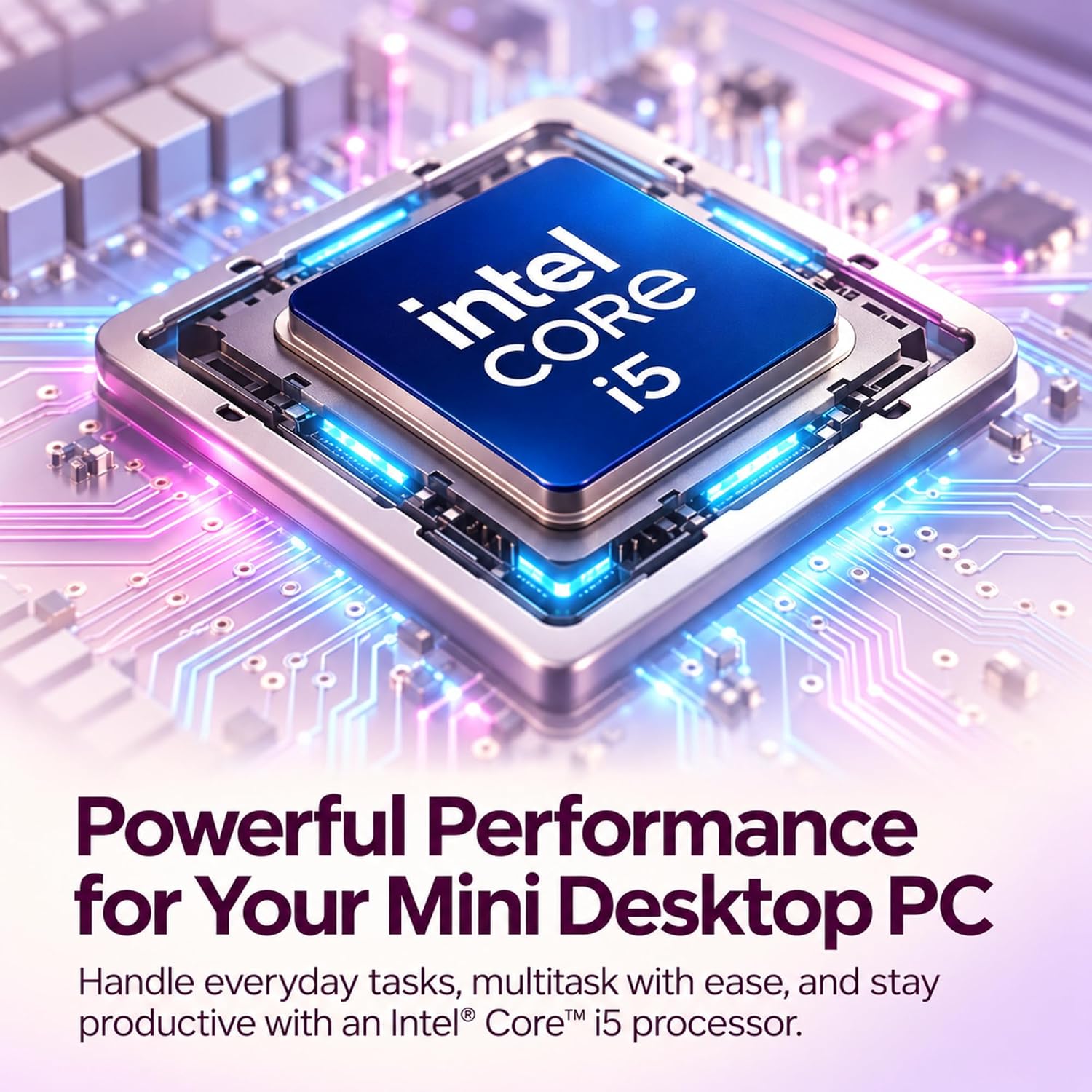
The product is described as a 1L desktop with an 8-core Intel Core i5, 16GB RAM, and a 512GB SSD. Its compact format is the headline advantage, while dual-display support and the listed ports help it fit into a more involved desk setup than a basic single-screen arrangement. Windows 11 Pro may also suit users who specifically need that edition for their work environment.
There are gaps worth weighing. The provided details don’t spell out upgrade options, the full range of connections, or the exact mounting requirements. If the PC needs to attach behind a monitor or fit a specific shelf, confirm the complete dimensions and mounting arrangement before planning the setup, don’t assume it will fit without that measurement. It’s a great fit if you want a small Windows desktop for a tidy office or a dual-monitor workstation. Better avoided if your decision depends on confirmed internal expansion or a precise mounting match.
Best use cases
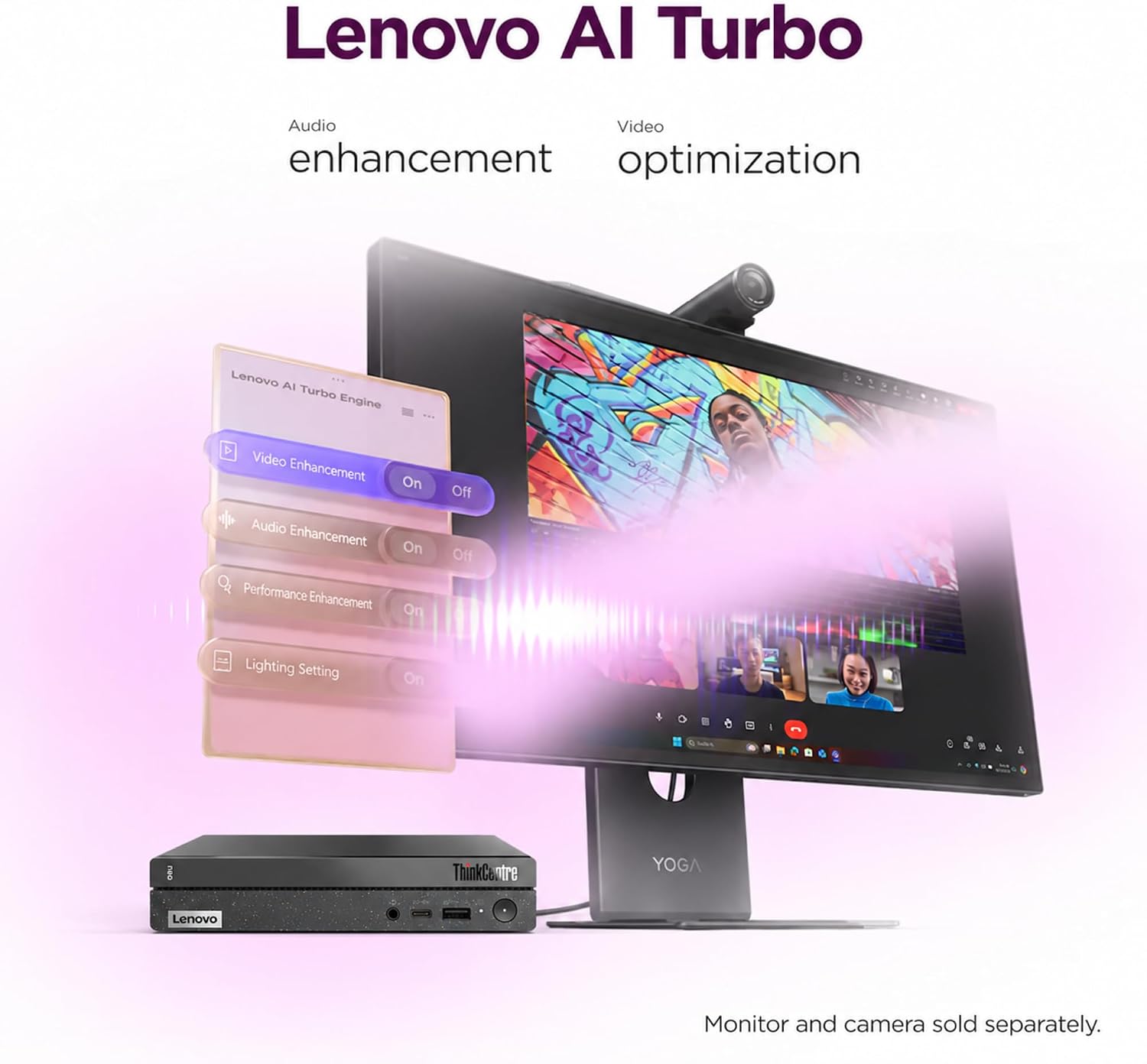
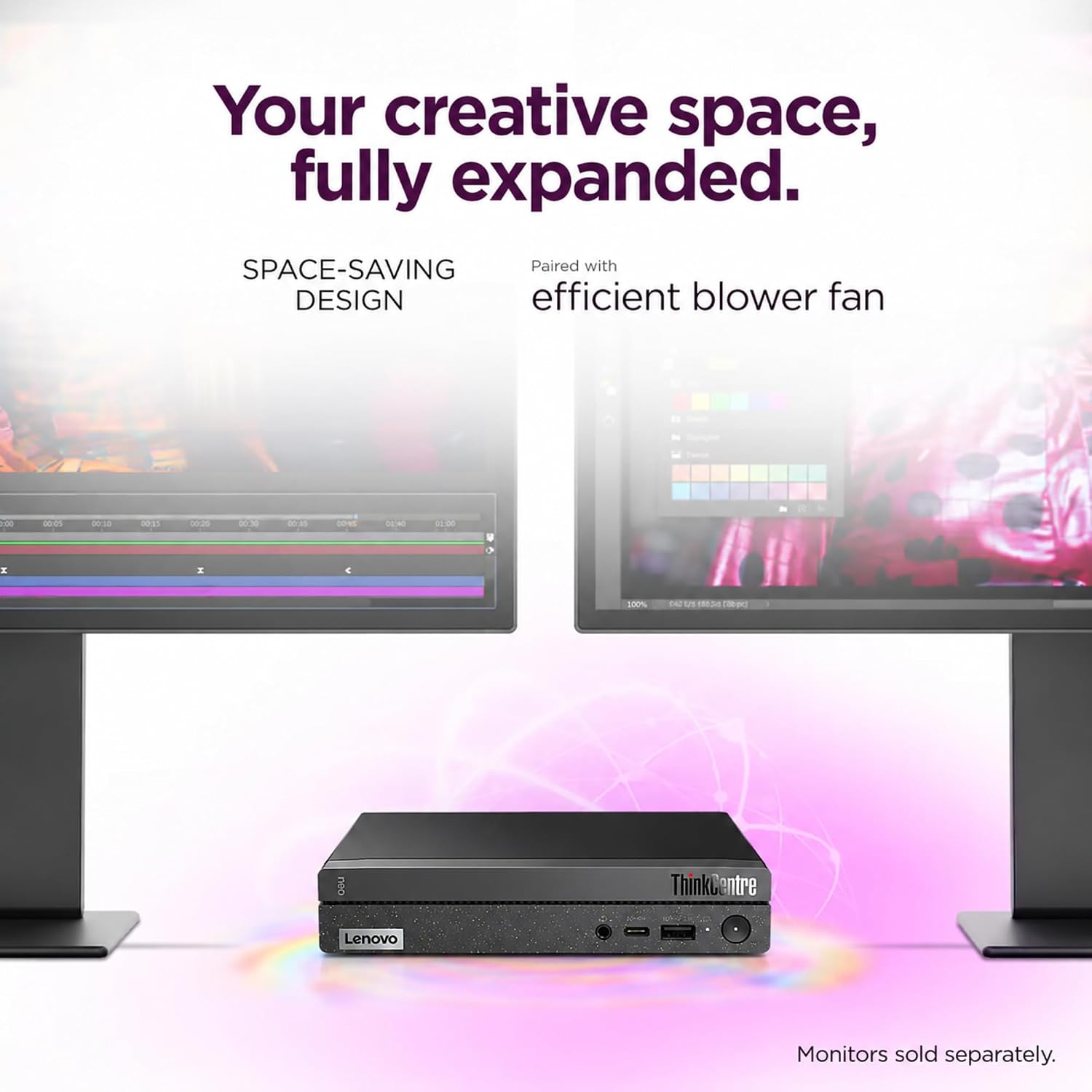
This format makes most sense for a desk where the computer needs to stay out of the way: a compact home office, a shared workspace, or a business station with two displays. For example, you could place it beside a monitor stand and use the available desk space for notes and a laptop. The RJ-45 connection is relevant if your setup uses wired networking, while USB-C gives you a named option for a compatible peripheral.
Compared with a larger desktop, the Neo 50q emphasizes footprint over proven expansion room. Compared with a more basic small PC, its listed 8-core processor, 16GB of RAM, and dual-display support may be more appealing for multitasking across screens. The product information doesn’t establish how it handles demanding creative or compute-heavy workloads, so buyers with those needs should look for workload-specific details rather than assume the compact size tells the whole story.
When it makes sense
Choose it when a small physical footprint, Windows 11 Pro, and a defined 16GB/512GB configuration line up with the way you work. It’s a practical direction for routine office tasks and a dual-screen desk, especially when keeping the computer itself unobtrusive matters more than having a large tower. Skip it if you need documented upgrade headroom, a confirmed fit for a particular mount, or clearer evidence for specialized workloads. Those details could change whether this compact setup is the right one for your space.