

Lenovo Mini Desktop 512GB SSD
Product description
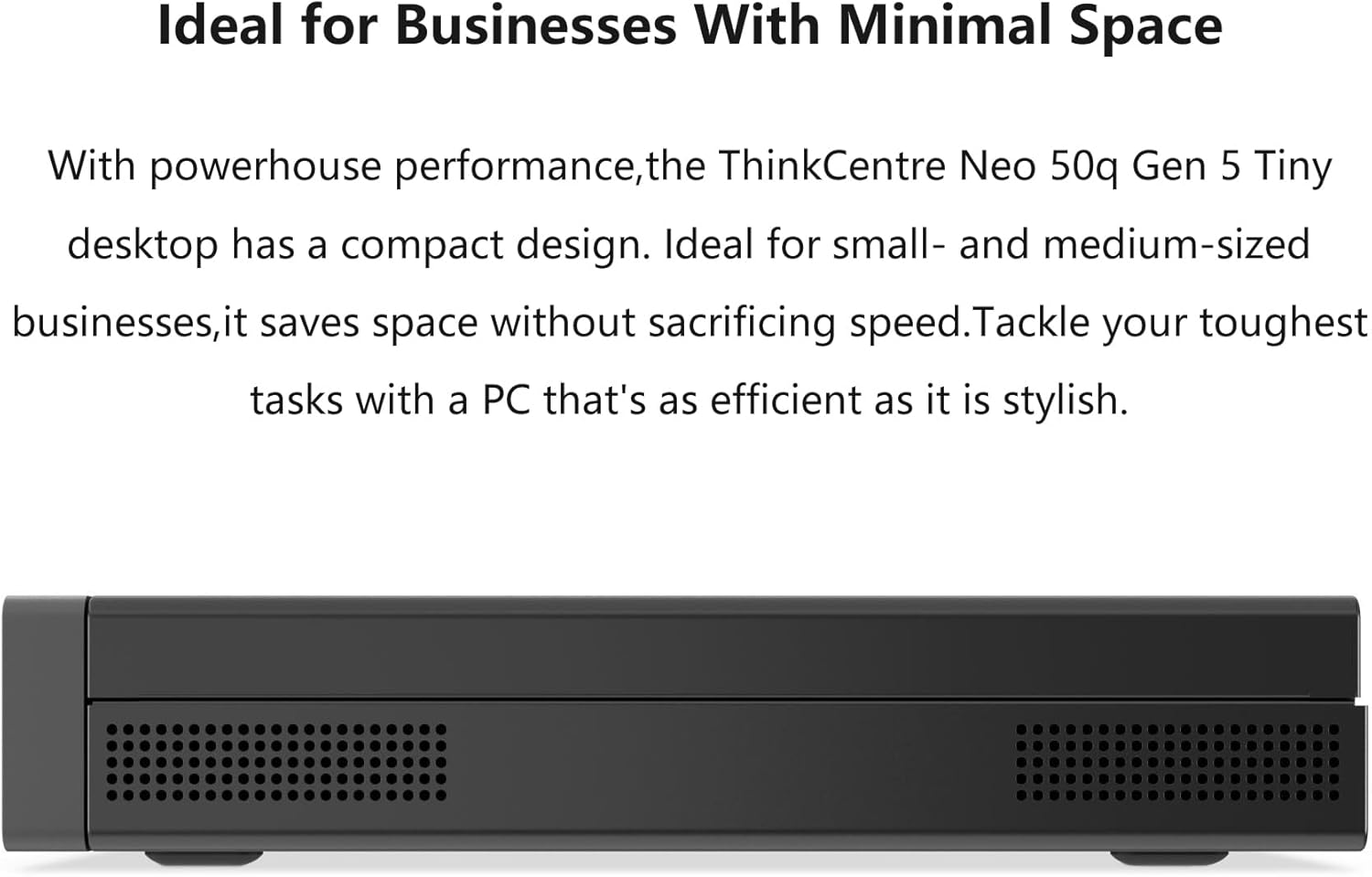
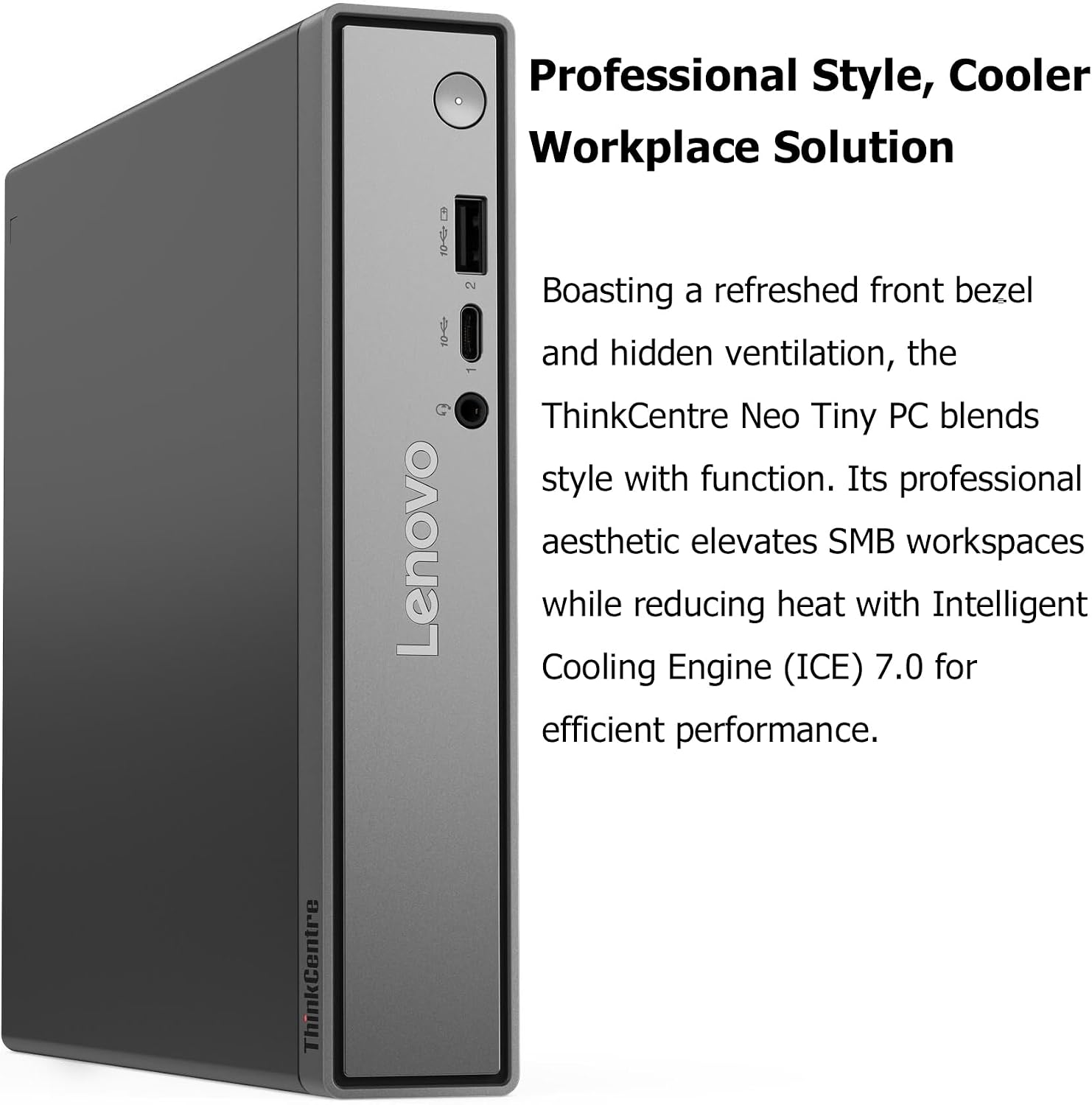
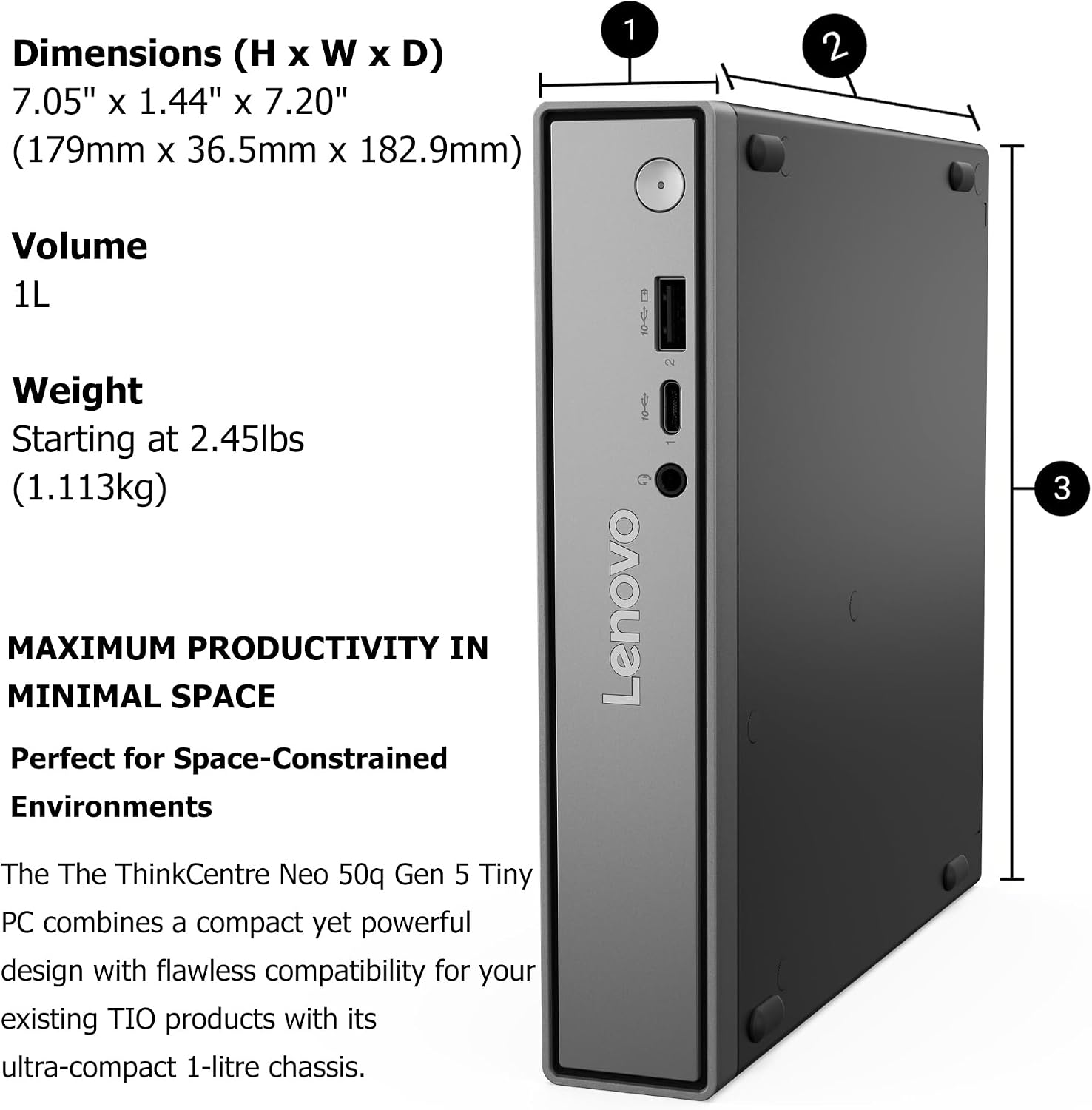
Its compact 7.05 × 7.20 × 1.42-inch case is the ThinkCentre neo 50q Gen 5’s clearest advantage: it can free up desk space in an office or home workspace without giving up the core hardware for everyday business tasks. The listing also says it can be mounted behind a monitor with a VESA mount, though the mount’s inclusion is not specified.
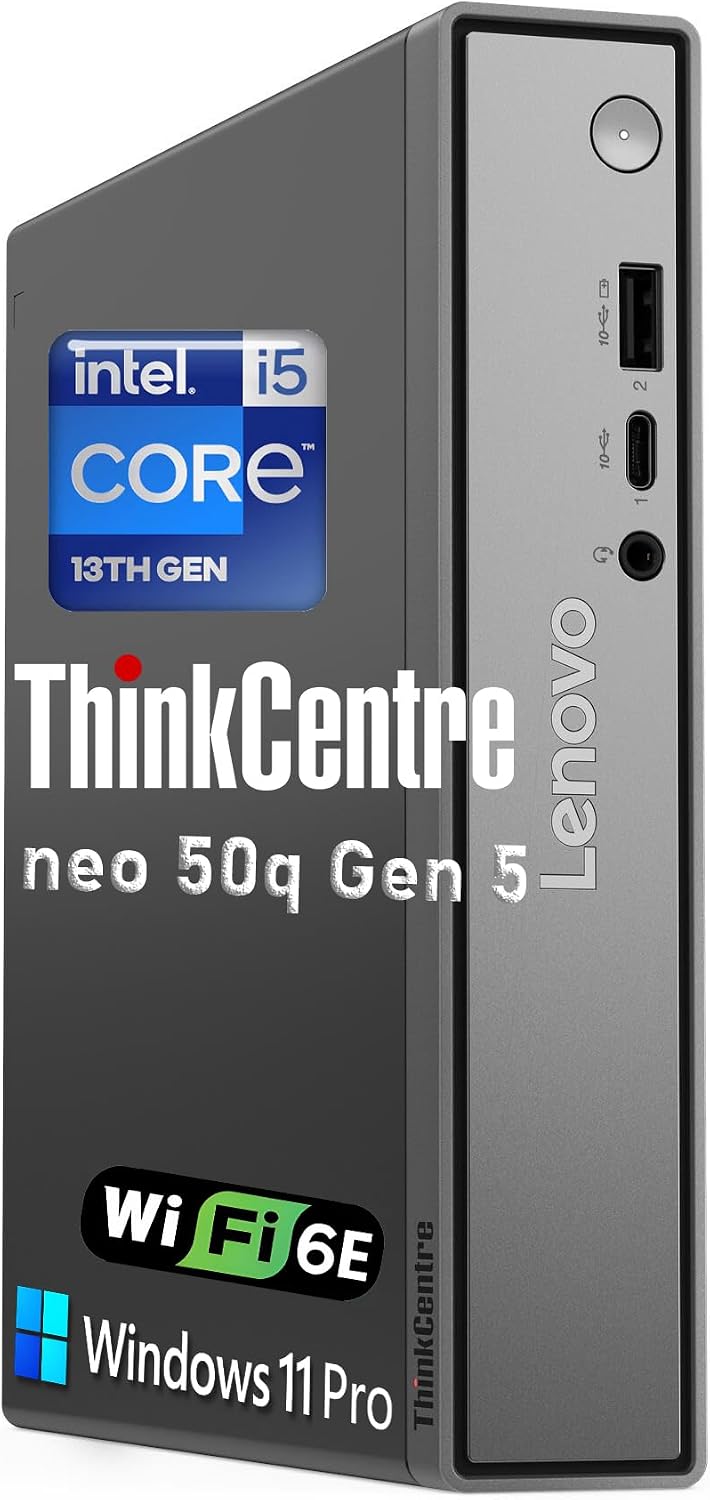
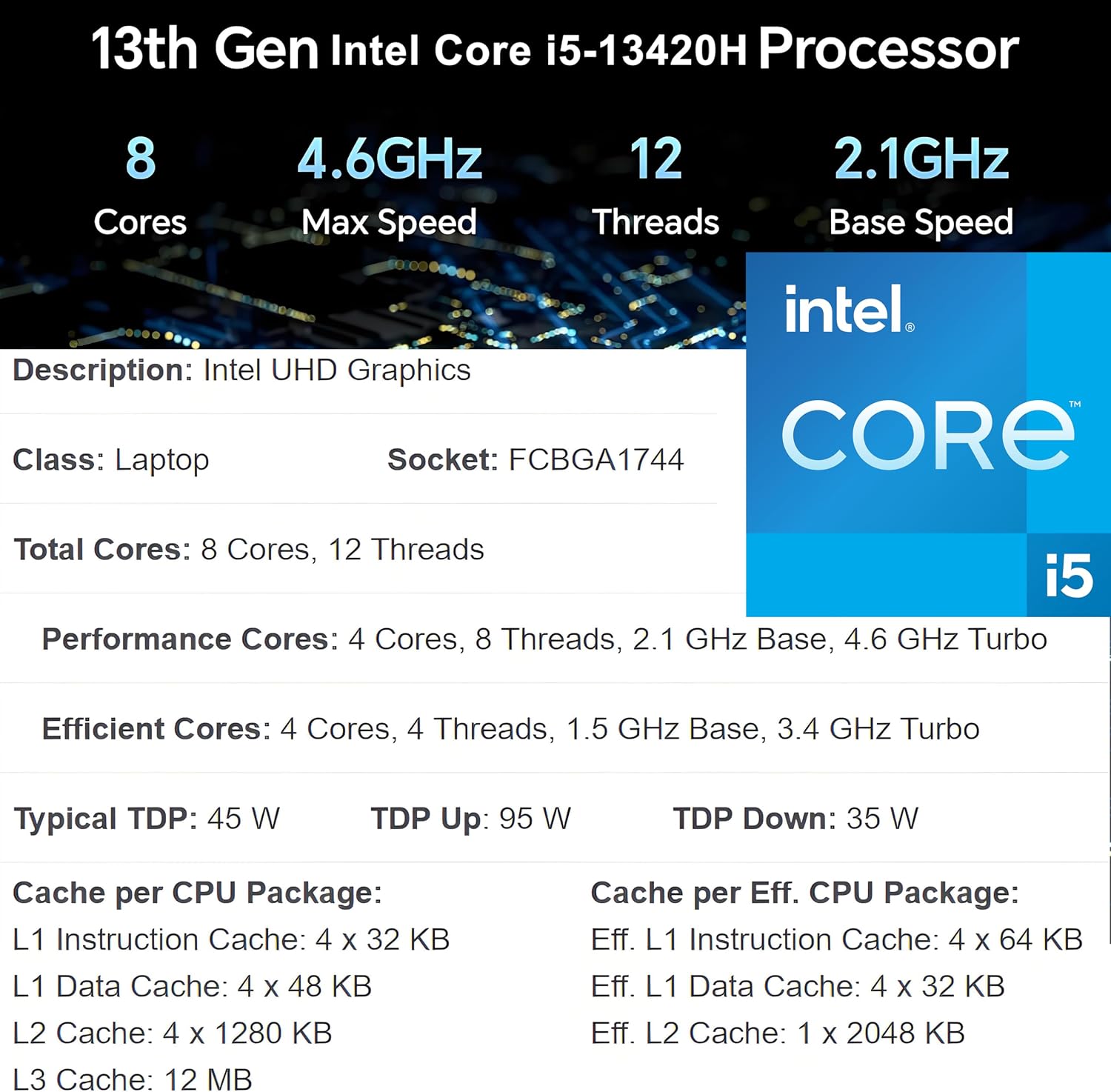
Inside, the Intel Core i5-13420H, 16GB of DDR5 memory, and 512GB PCIe SSD are aimed at office apps, web browsing, video calls, and multitasking. That makes this a small Windows 11 Pro desktop, not a laptop replacement.
What to know
This configuration puts a current-generation Intel processor and solid-state storage in a desktop designed to take up little room. For a typical workday—opening documents, keeping email and a browser available, then joining a video call—the listed memory and processor are relevant strengths. The 512GB SSD provides storage for work files and applications, although the listing does not say how much space is available after Windows and preinstalled software.
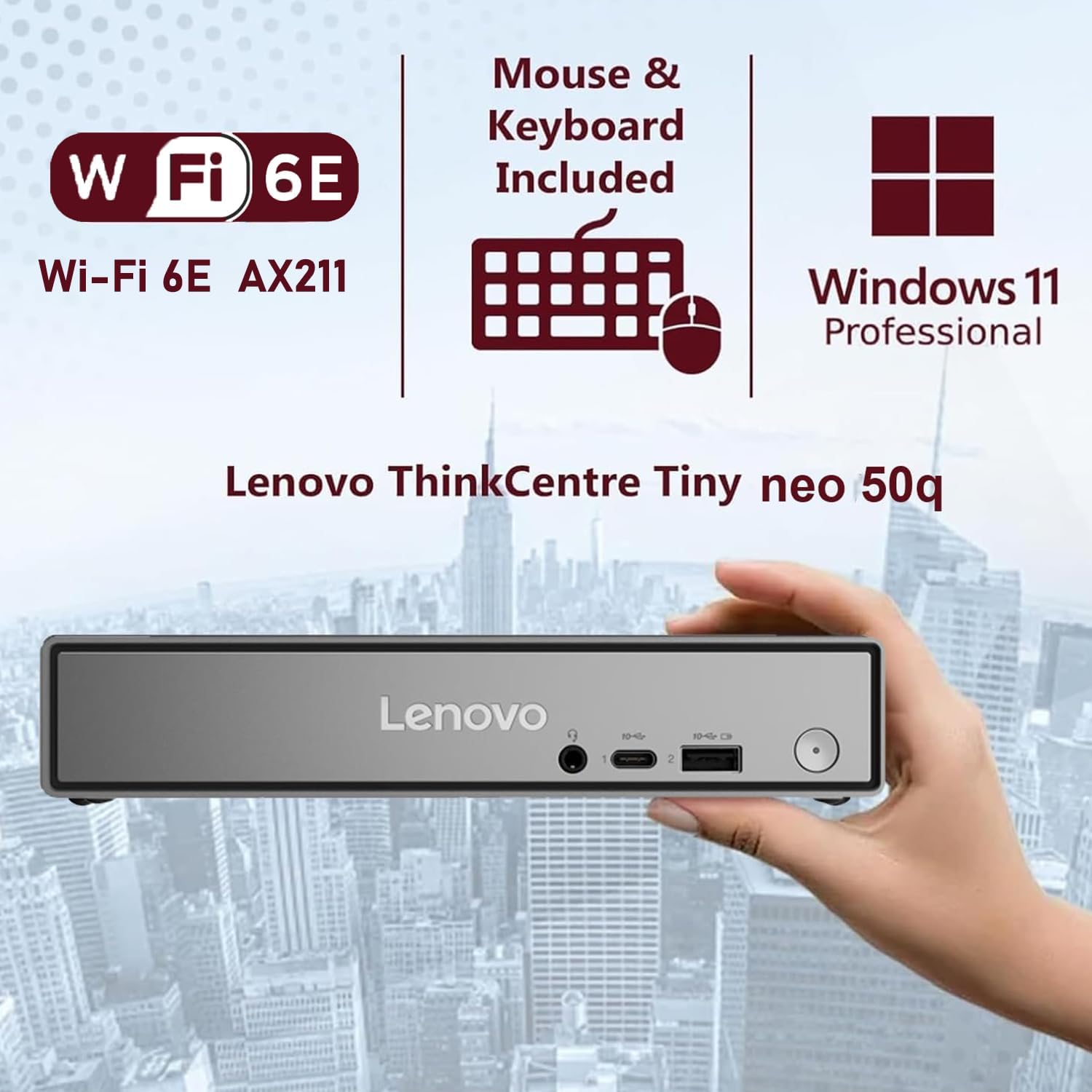
Windows 11 Pro adds features such as BitLocker, Remote Desktop, domain join, and Hyper-V. Those may matter in a business environment, for someone who only needs basic home computing, Pro’s management and security tools may be less important than the small footprint. The listing names Intel UHD Graphics, so keep in mind that this is not presented as a dedicated-graphics workstation for demanding visual workloads.
Size & fit
At 7.05 × 7.20 × 1.42 inches, the case is suited to a crowded desk, reception counter, or home office where a standard tower would take up more room. It can also be positioned behind a monitor using VESA mounting, which could leave only the display and input devices on the work surface. Check your planned placement and mounting setup first, the product details do not specify whether a VESA bracket is included.
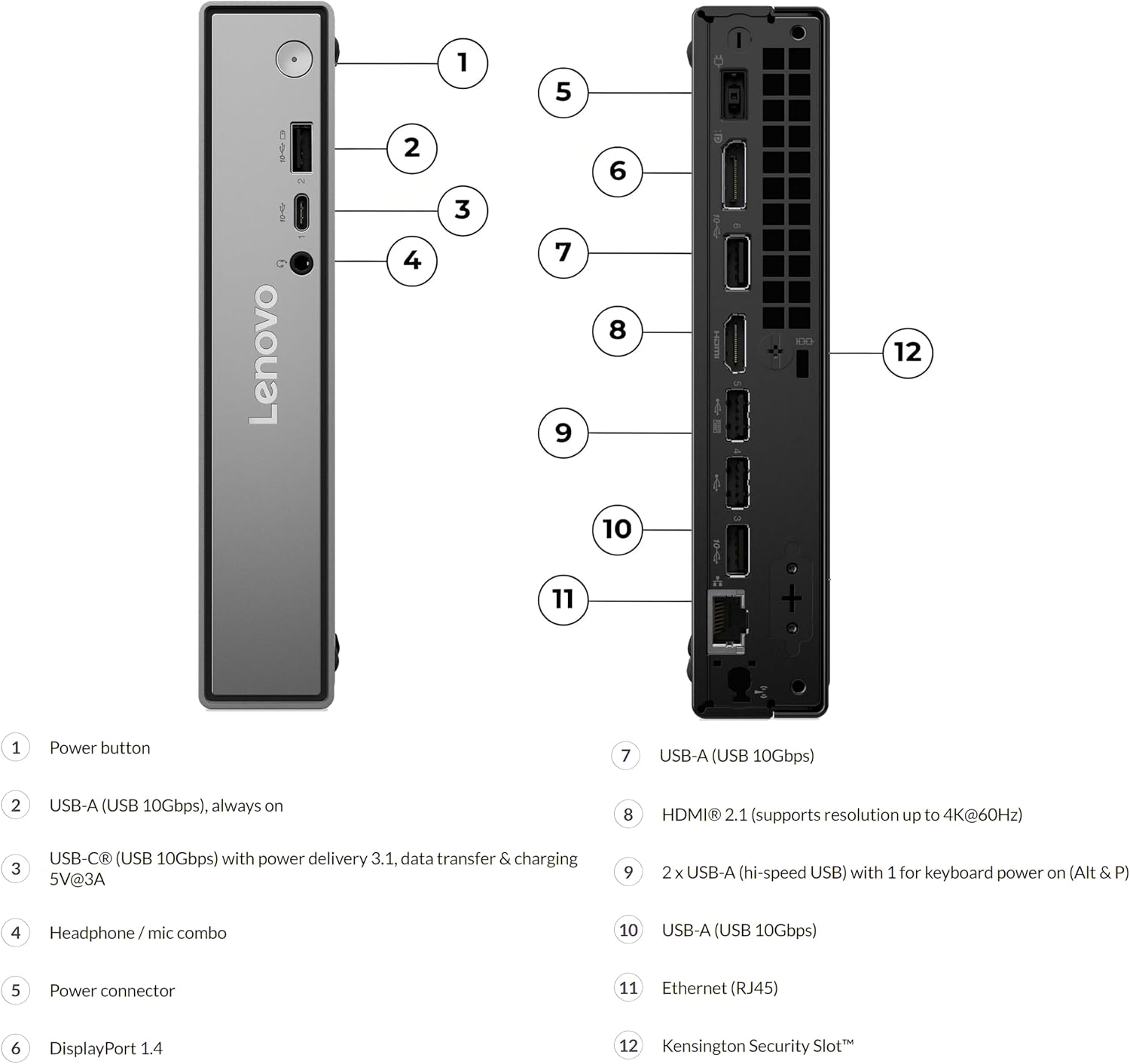
The display connections are HDMI 2.1 and DisplayPort 1.4, with support for up to two simultaneous displays. That layout can help when you want a spreadsheet open beside email or reference documents. It makes sense if you want a fixed, space-saving work computer with room for a dual-display setup. You may want to skip it if your priority is a graphics-focused machine or a system whose physical size and mounting accessories are fully specified.
Tips for day-to-day use
For a tidy setup, place the desktop where its ports remain accessible, then connect the displays through HDMI and DisplayPort as needed. The listed front connections include USB-A, USB-C, and a headphone/mic combo jack, the rear has additional USB-A ports and wired Ethernet. That gives you options for connecting common desk peripherals or using a wired network connection. Wi-Fi is also listed, but the product name and description differ on the exact Wi-Fi version, so avoid buying based on a particular wireless generation alone.
For office tasks, the practical question is less about the compact case and more about your workload: documents, browsing, calls, and business software match the stated use. The product description does not establish performance for specialized or graphics-intensive applications.
Before you decide
Can it run two monitors? Yes. The listing specifies support for two displays through HDMI 2.1 and DisplayPort 1.4.
Does it include Windows 11 Pro? Yes, Windows 11 Pro is listed, along with features including BitLocker and Remote Desktop.
Is there a wired network connection? Yes. Gigabit Ethernet is listed alongside wireless connectivity.
Buying verdict
Choose the ThinkCentre neo 50q Gen 5 if you want a compact Windows desktop for routine business or remote-work tasks, especially when desk space and dual-display connections matter. Its 16GB DDR5 memory and 512GB PCIe SSD give the configuration a useful foundation for everyday productivity. From the way it is set up, the trade-off is focus: this is a space-saving office PC, while a larger desktop with dedicated graphics would be a more suitable direction for demanding visual work.