

TMKB 60% Mechanical Gaming Keyboard (Red Linear Switches) — 61 Keys, Detachable USB-C, LED Backlight, Anti-Ghosting
Product description
If you want a keyboard that clears desk space but still feels like a real gaming board, a 60% layout like this TMKB is a strong place to start. It’s compact, wired, and built around linear Red switches for fast, smooth keystrokes—then backs that up with features you actually notice during play.
The essentials (and why a 60% layout matters)
A 60% mechanical keyboard focuses on the keys that you use most, cutting out the long stretches of function and navigation keys. On paper, that translates into more room for your mouse and a cleaner setup—especially if you game on a smaller desk or you’re moving your gear between home and elsewhere.
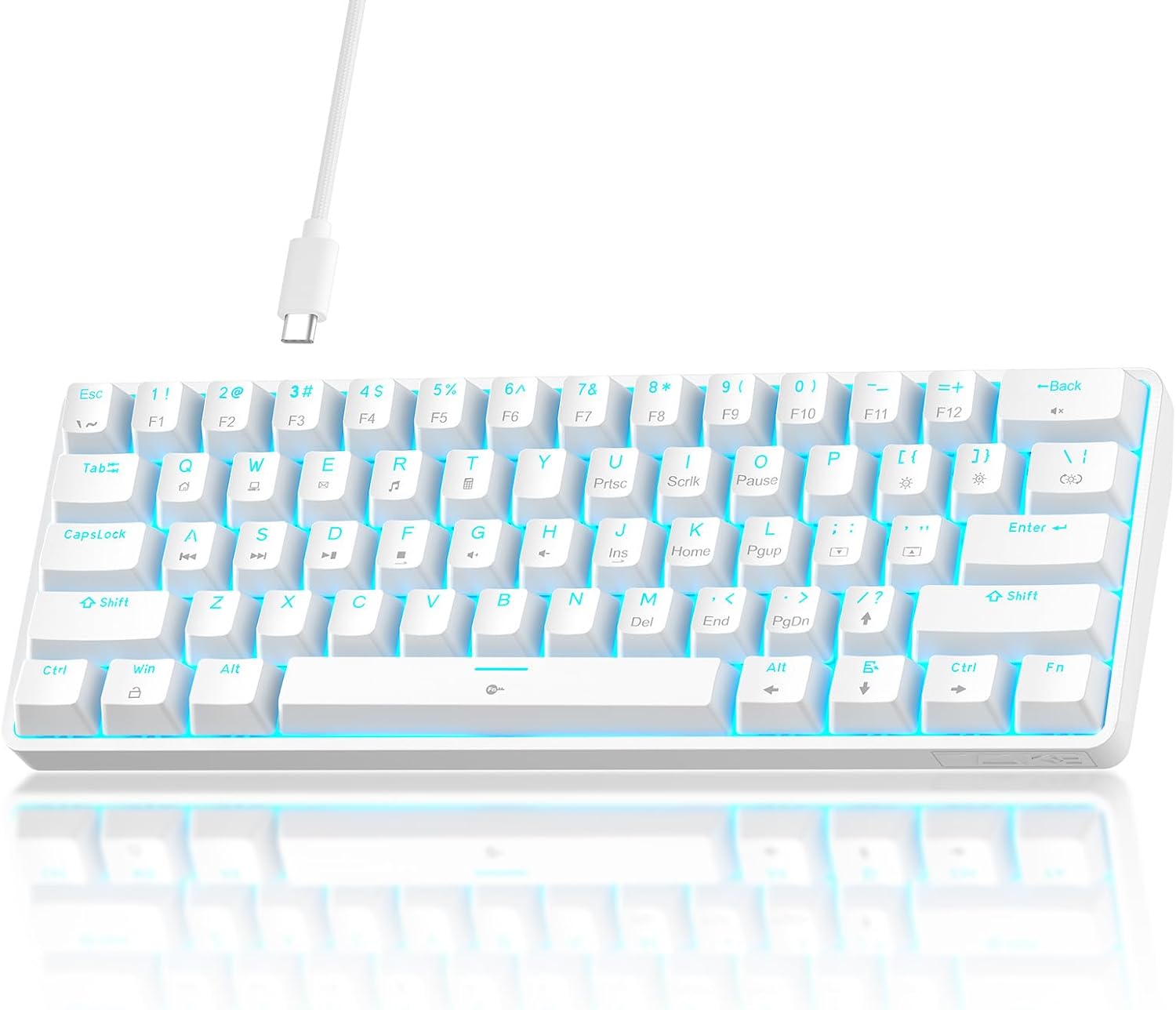
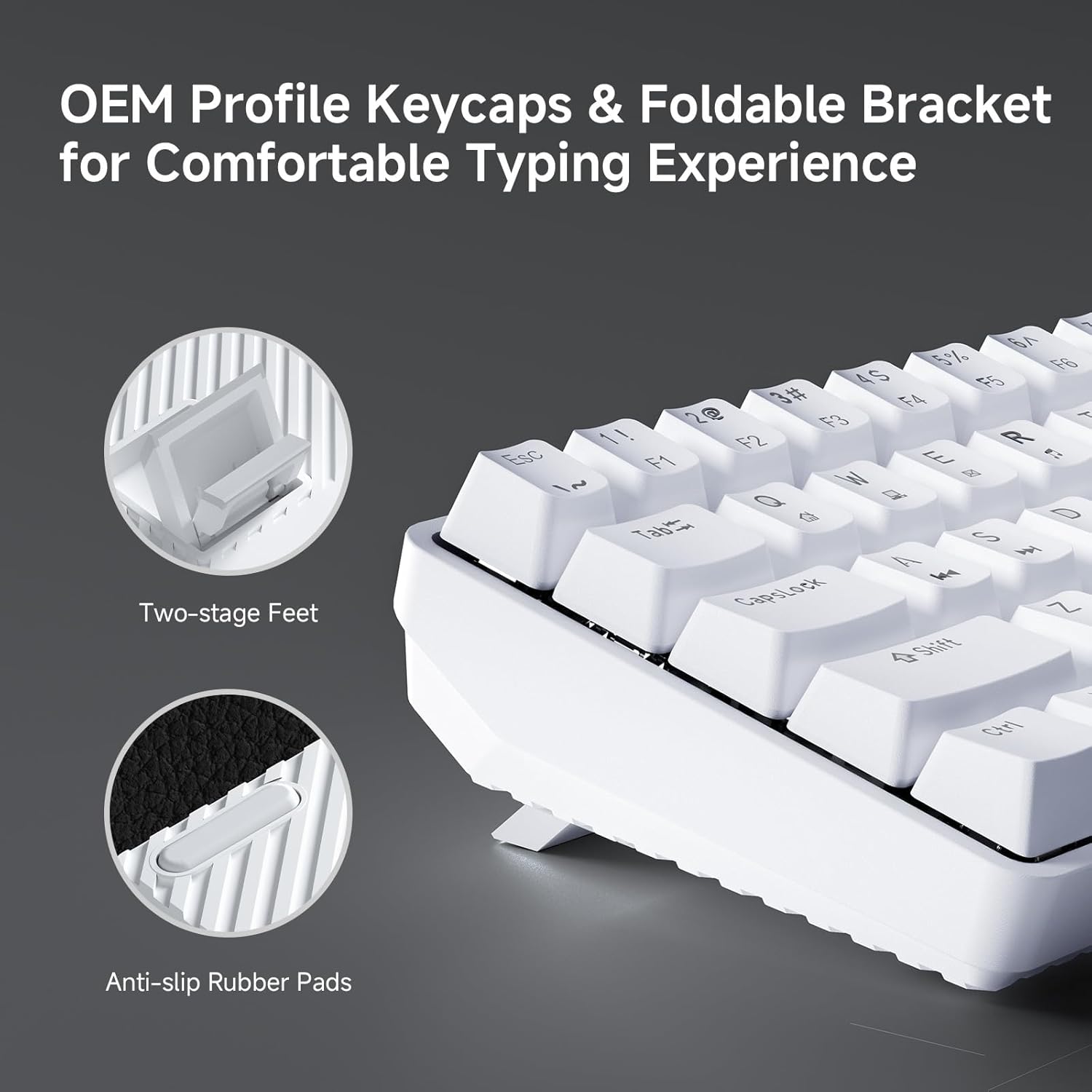
This TMKB uses an ANSI-style 60% layout and includes foldable feet for an adjustable ergonomic tilt. The idea is simple: you get a comfortable angle for longer sessions without needing an external stand. It’s not a full-size keyboard, so if you rely on dedicated arrow keys, a numpad, or a lot of navigation clusters, you’ll need to adapt.
What you’ll notice in typing and gaming
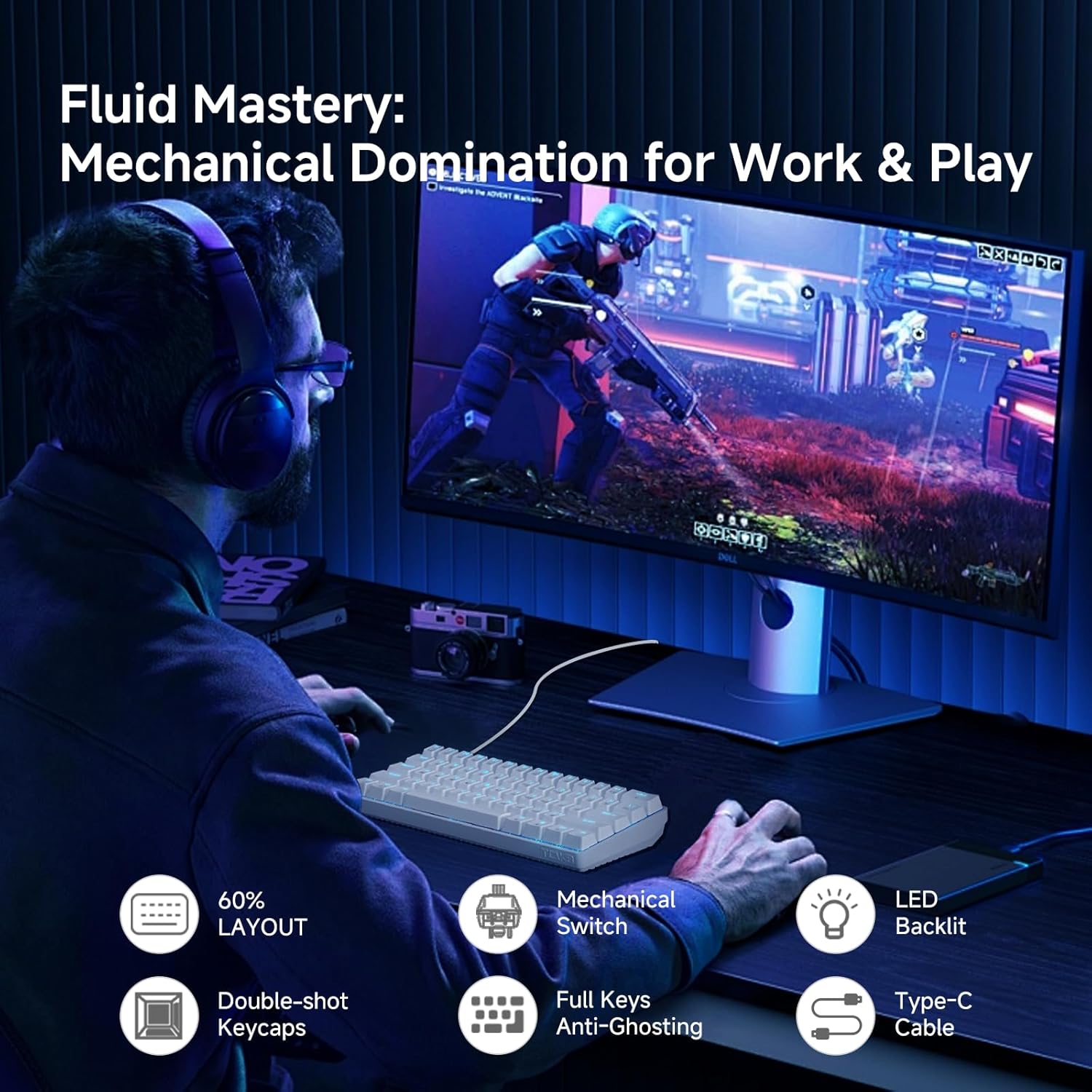
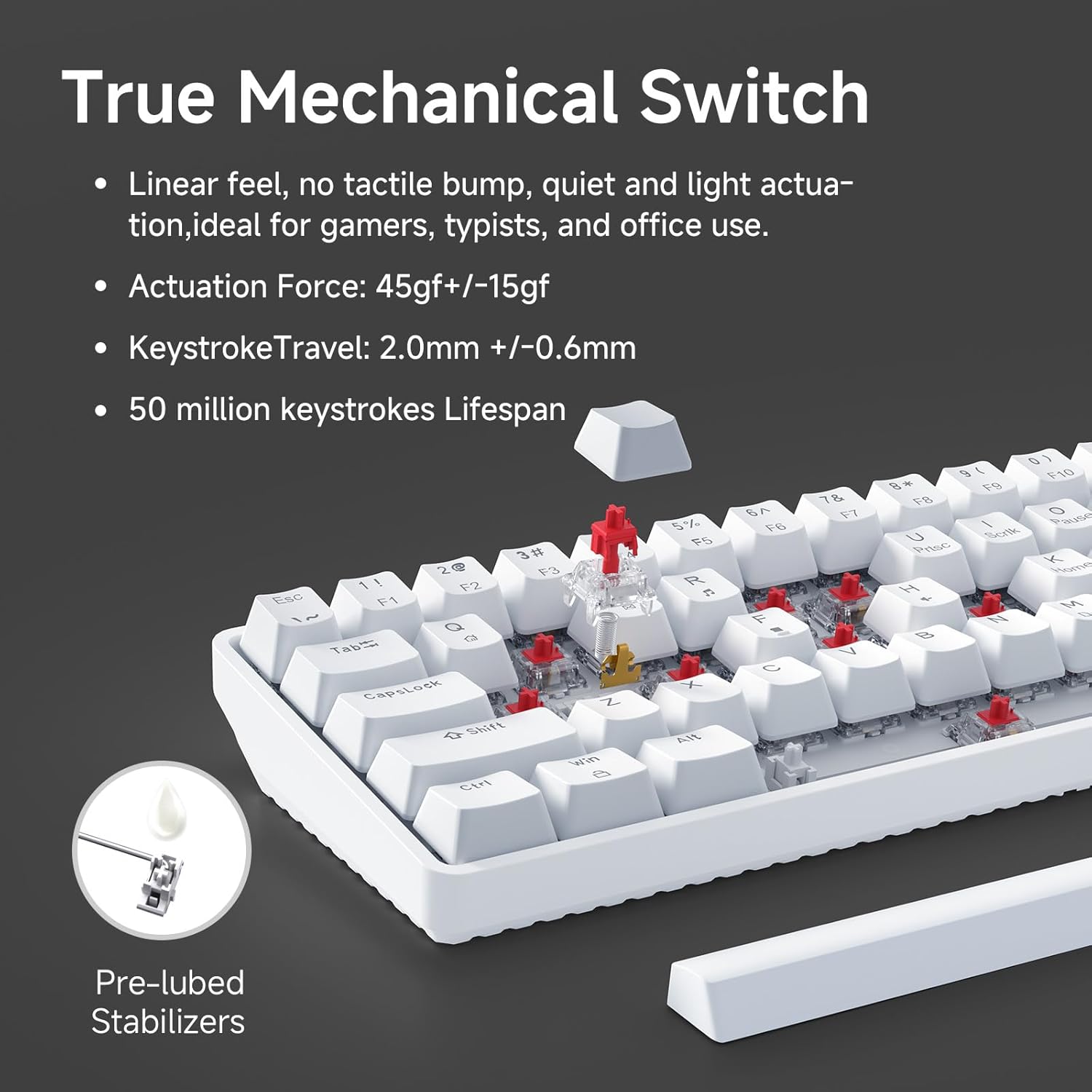
The heart of this model is its linear Red switch feel. The switches are described as smooth and low-resistance, with 45g actuation, and tuned for rapid keystrokes. In practice, that usually means less finger effort compared to heavier switches and a response style that can suit both gaming and everyday typing.
It also claims 50 million keystroke durability. That’s the kind of spec you look for when you want something that won’t feel “temporary.” The board is also said to support anti-ghosting with 61-key rollover, aimed at competitive play where clean input matters.
A quick micro-scenario: if you’re doing fast movement + ability combos in a shooter, the combination of anti-ghosting and rollover is what helps ensure your key presses register the way you intend. No, it won’t magically fix poor game settings or your muscle memory—but it’s the right category of feature for fast gameplay.
LED backlighting: decent customization without overcomplicating it
The TMKB includes LED backlighting with 15 dynamic lighting modes. You can adjust brightness and also control brightness/speed depending on the lighting behavior (the listing frames it as adjustable brightness/speed).
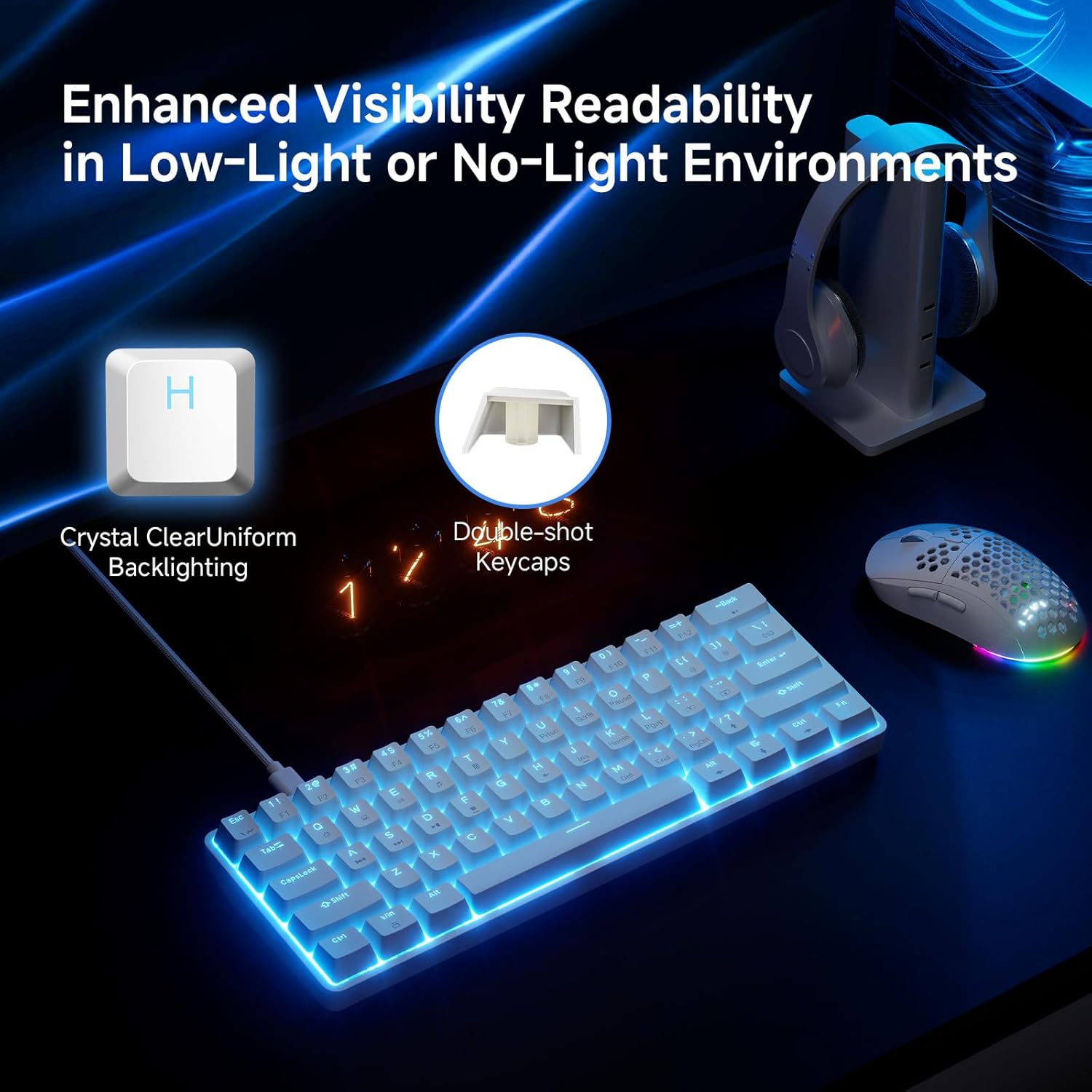
Double-shot keycaps are part of the package as well, and the main point there is longevity: they’re designed to resist fading and keep backlight visibility. If you care about lighting effects, that’s the sort of durability detail that tends to matter more over time than flashy specs.
Connectivity and setup: detachable USB-C is the practical win
This keyboard uses a detachable USB-C cable, with a reversible connector meant for easier storage and replacement. That sounds small, but it’s genuinely helpful if you travel with your setup or you like to keep cables manageable.
For the rest, it’s described as plug-and-play for Windows, Linux, and macOS. Depending on your software setup, you may still want to confirm how your operating system handles any lighting or keyboard-level behavior, but the baseline expectation is straightforward.
Tech summary (the key specs you should check)
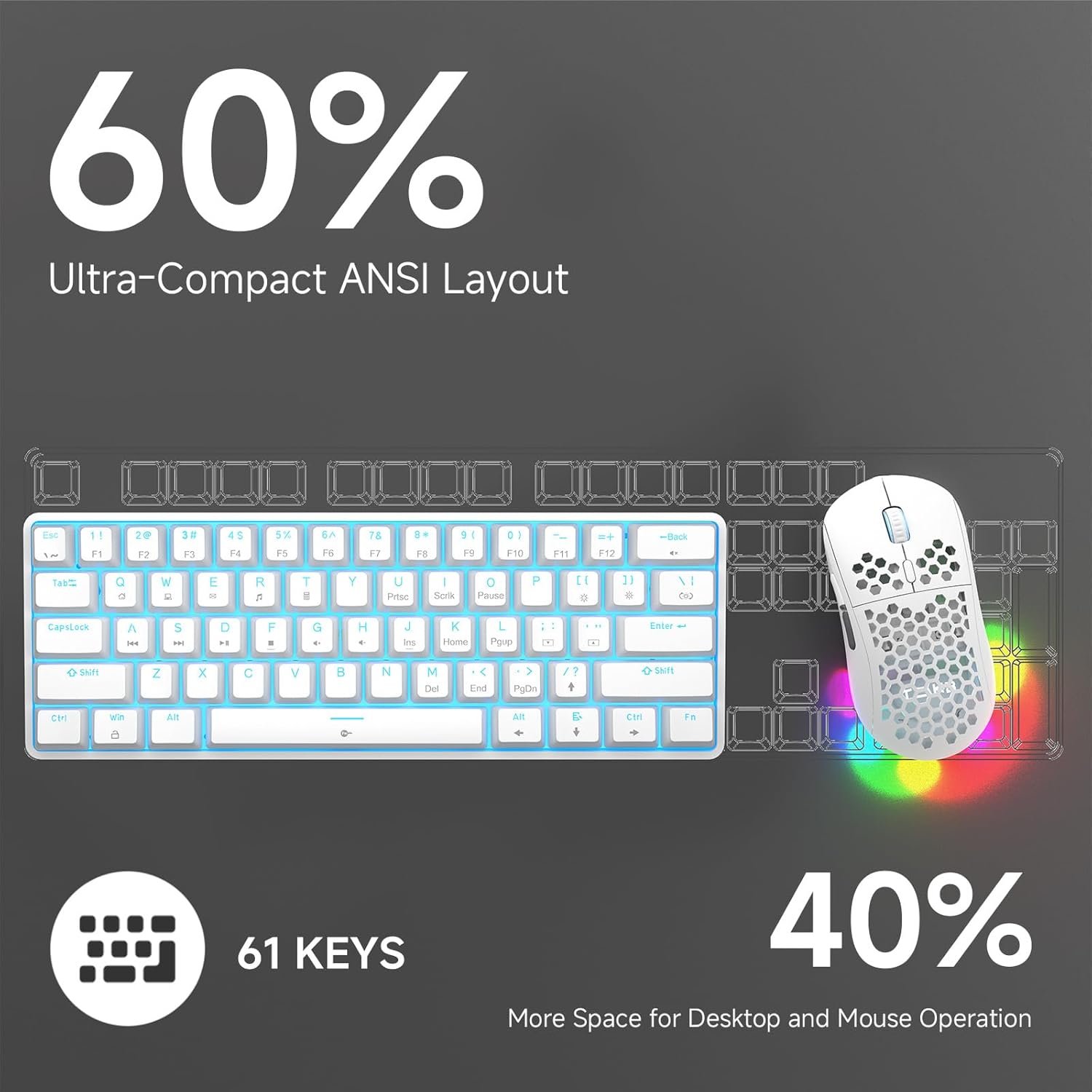
Here’s what the listing clearly supports: - Type: Wired mechanical gaming keyboard - Layout / size: 60% layout, 61 keys - Switches: Red linear switches - Actuation: 45g actuation - Anti-ghosting: supports 61-key rollover - Durability: 50 million keystrokes - Keycaps: Double-shot keycaps - Backlight: LED backlight with 15 dynamic modes - Connection: Detachable USB-C, reversible cable - Color/finish: White
Who it’s for (and who should pass)
It makes sense if you want a compact gaming keyboard that saves desk space, includes anti-ghosting for multi-key play, and offers LED effects you can tweak without needing a deep customization rabbit hole.
It may not suit you if you strongly prefer full-size layouts with dedicated navigation cluster and a numpad, because this is explicitly a 60%/61-key design. Also, if you want the broadest switch ecosystem or highly advanced software tuning (the listing doesn’t mention it), you may find this sits more in the “feature set you can feel” category than in “max control” territory.
Worth considering if you’re building a gaming setup on a tighter desk, or if you want a portable board that doesn’t require a lot of setup drama. Better avoided if your workflow depends on keys this layout removes.
Is it worth it?
Buy the TMKB 60% Mechanical Gaming Keyboard if you’re shopping for a compact, wired 60% mechanical board with Red linear switches, anti-ghosting aimed at fast inputs, and LED backlighting with multiple modes and adjustable behavior. The detachable USB-C cable and double-shot keycaps also align with the kind of everyday reliability people expect from a keyboard they plan to keep.
Skip it if you need a full-size layout, or if you’re expecting advanced software customization details beyond what’s mentioned. In other words: it’s built for mainstream gaming + typing convenience, not for someone who wants the biggest keyboard possible.