

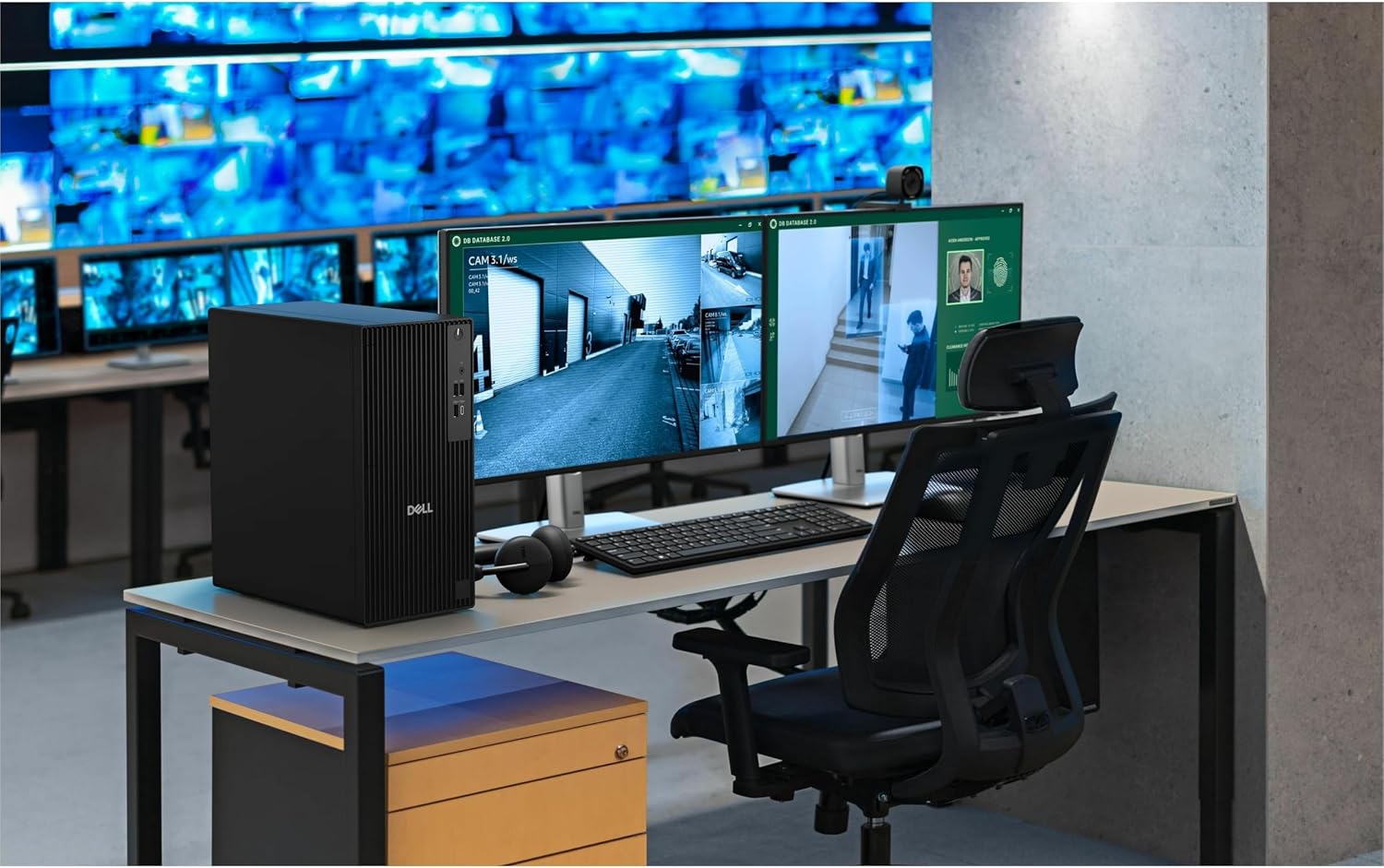
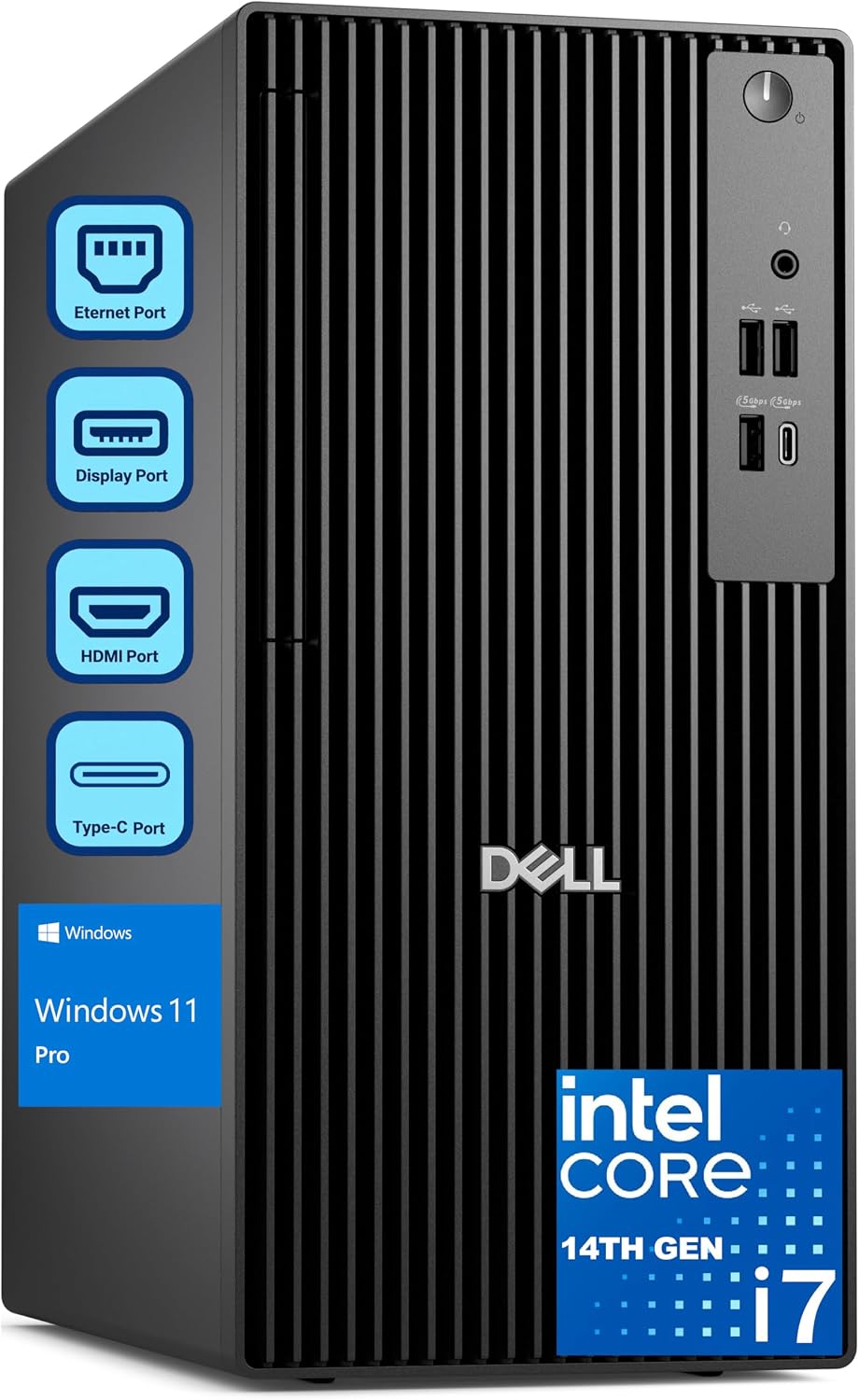
Dell Pro Tower Desktop with Intel Core i7-14700
Product description
When a workday means keeping development tools, spreadsheets, and meetings open at once, a tower desktop gives you a fixed workstation built around that kind of multitasking. The Dell Pro Tower pairs an Intel Core i7-14700 with Windows 11 Pro and a 1TB SSD, making it relevant to business users who want desktop storage and a broad selection of connections.
Picture switching from a video call to a large project build while reference files and a spreadsheet stay open. The 20-core processor is aimed at workloads like that, though memory needs still depend on what you run.
Best use cases
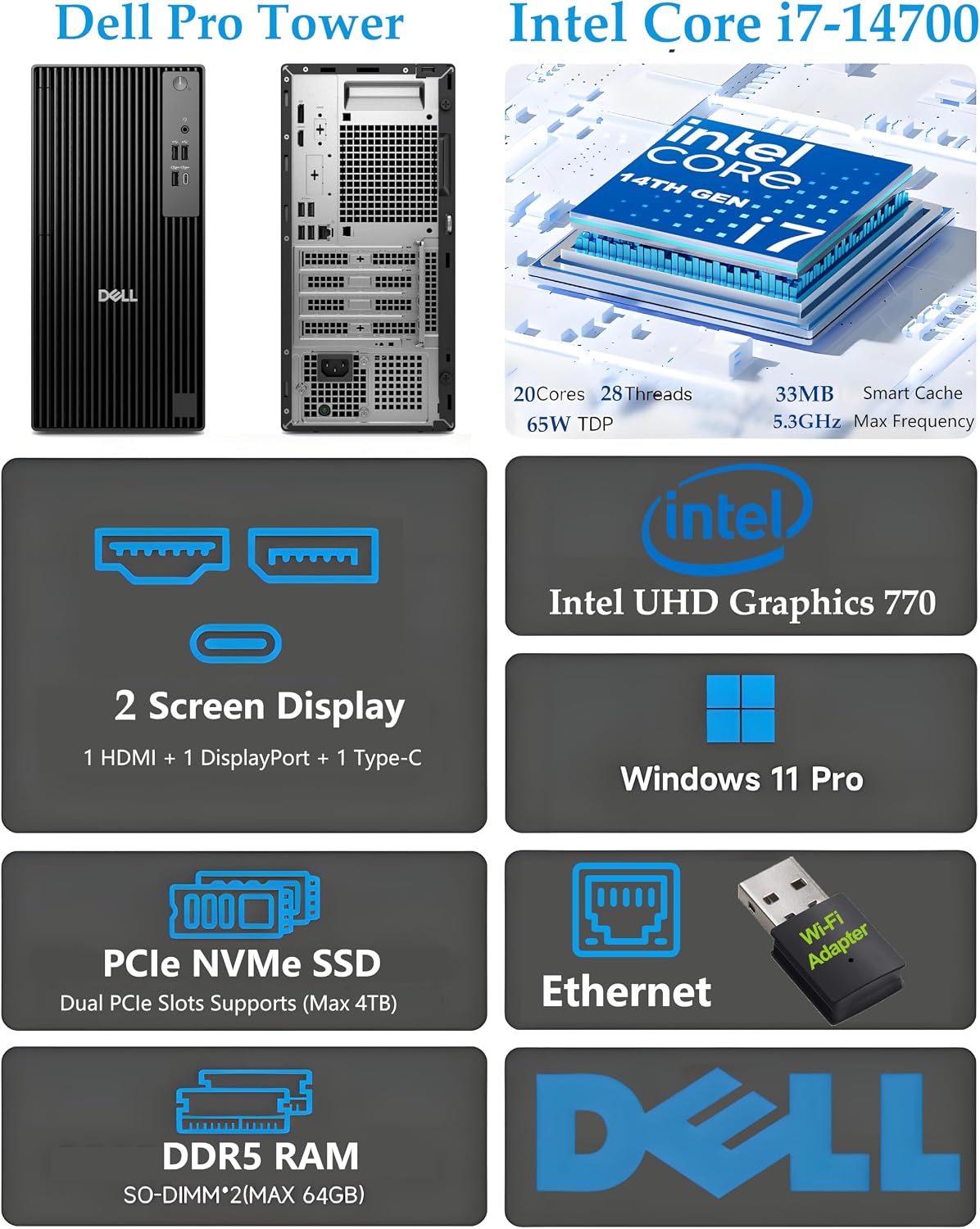
This desktop is presented for business and professional work, including software development, data analysis, financial modeling, and everyday office applications. The processor has 20 cores and 28 threads, and the listing describes it as suitable for multiple IDEs, virtual machines, Docker containers, and large code builds. That points to a more demanding workload than basic web browsing and document editing.
For a home office, the 1TB PCIe SSD offers room for applications and project files, while the tower format suits a desk-based setup with separate peripherals. Dual 4K monitor support is also listed, which could help when you want a call on one screen and documents or spreadsheets on another. You’ll appreciate it if your priority is a stationary Windows workstation for several active tasks, rather than a portable computer.
Product specs
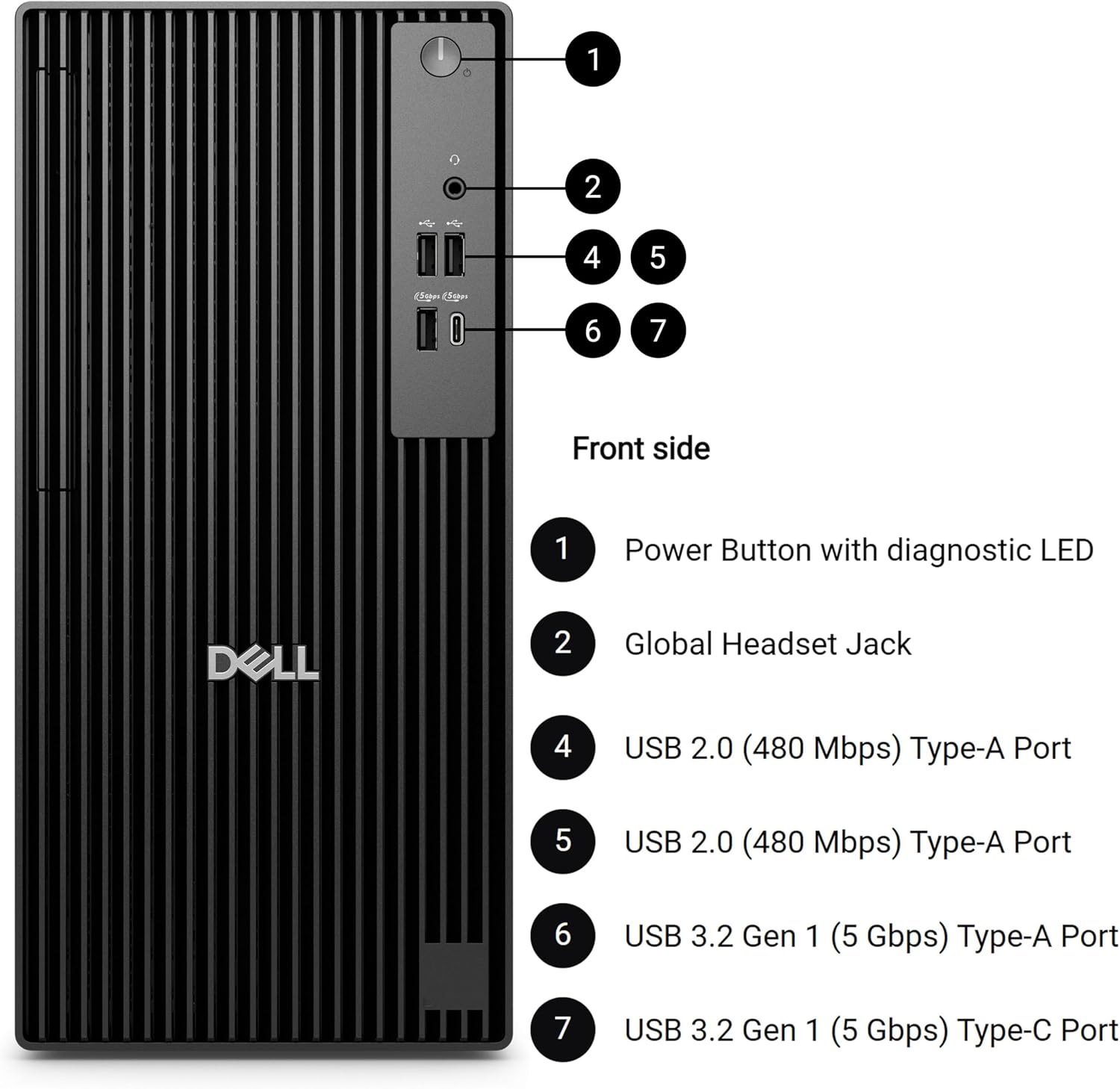
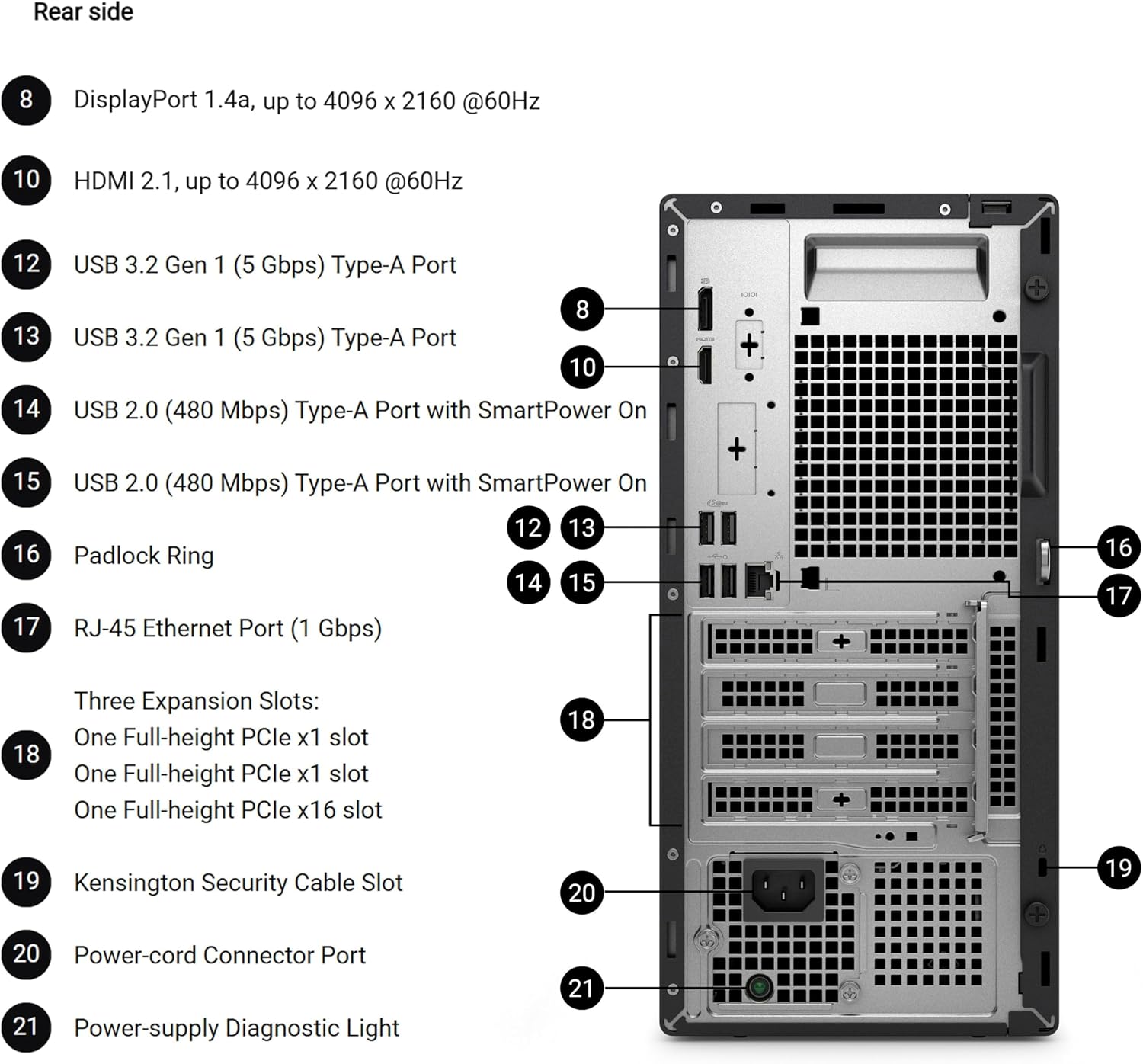
The listed configuration includes an Intel Core i7-14700 processor with a stated maximum speed of up to 5.4GHz, 16GB of DDR5 RAM, and a 1TB PCIe SSD. It runs Windows 11 Pro. For connecting displays and accessories, the product name specifies HDMI, DisplayPort, and USB-C, the description also mentions a comprehensive port selection, but does not detail every port.
One important omission for a desk setup: this system does not include built-in Wi-Fi. Plan around a wired network connection or a separate wireless solution if Ethernet is not practical. The listing gives no memory upgrade details, either. If your workload regularly uses a lot of memory, compare that need with your usual usage, without that measurement, it’s hard to judge whether 16GB will leave enough room.
Where it shines

The main draw is the combination of a high-core-count processor, an SSD, and Windows 11 Pro in a desktop intended for business tasks. Windows 11 Pro includes features such as BitLocker encryption and Remote Desktop, according to the product description. Those may matter in a managed work environment, but their usefulness depends on how your organization handles security and remote access.
Compared with a simpler desktop for email and light office work, this configuration is aimed at more simultaneous applications and heavier computing tasks. In a real desk routine, that might mean reviewing a video meeting, keeping a database tool open, and compiling code without constantly closing other work. Still, 16GB of RAM may be the constraint for users running especially memory-intensive workloads alongside virtual machines.
When it makes sense
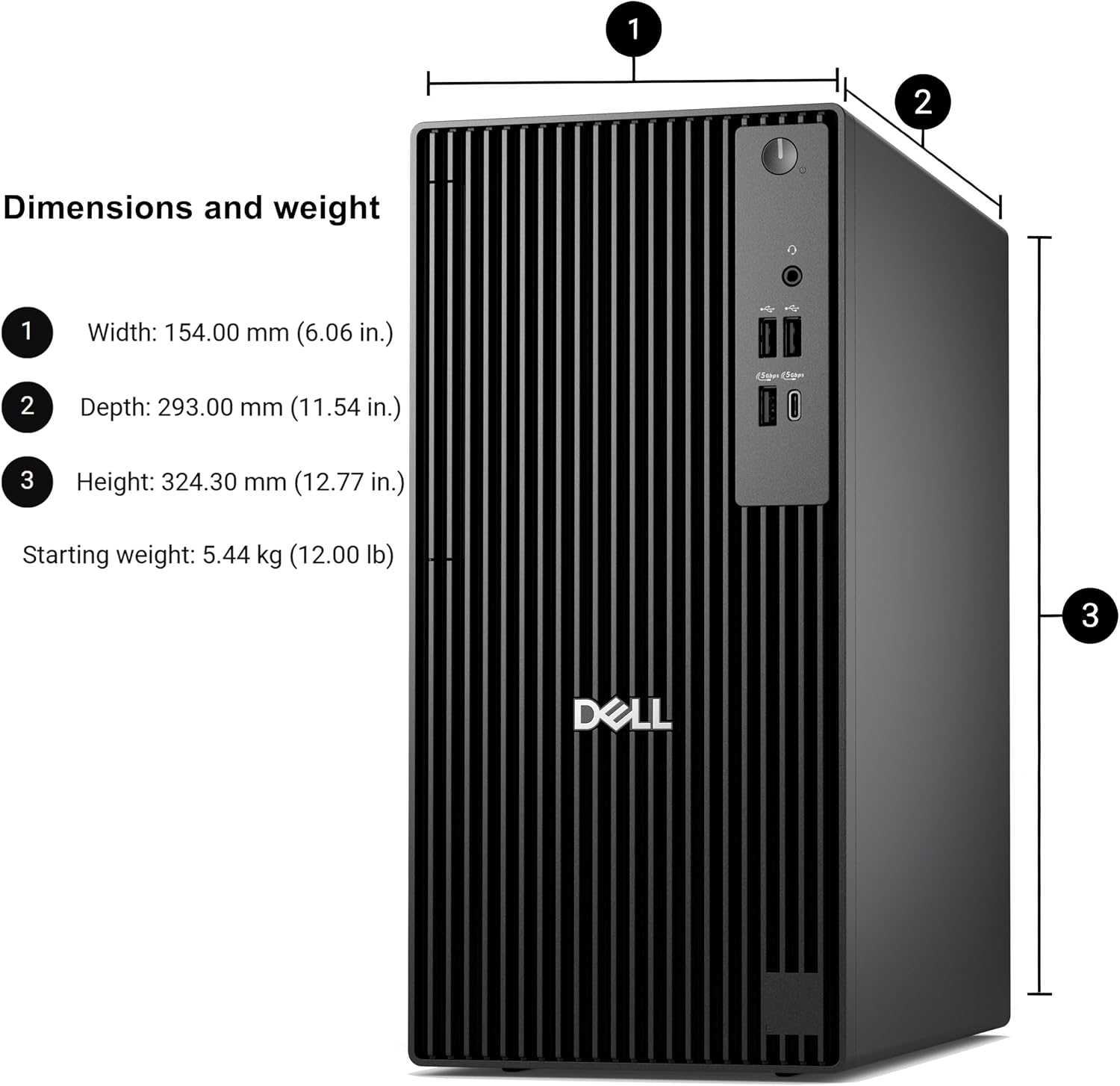
It’s not for you if built-in Wi-Fi is a must, or if you need a portable system you can move between workspaces. It may also be more desktop than you need for basic browsing and documents, where a less performance-focused setup could be a better fit. The listing does not provide details about upgrade options, so don’t choose it on the assumption that memory or other components can be expanded later.
Choose this Dell when you want a fixed Windows 11 Pro workstation, value the stated i7-14700 processor and 1TB SSD, and can connect it to your network without onboard Wi-Fi. If your work depends on very large active projects or several virtual machines, make sure the 16GB RAM configuration matches that workload before deciding.