

Hexgears Low-Profile Mechanical Keyboard A3
Product description
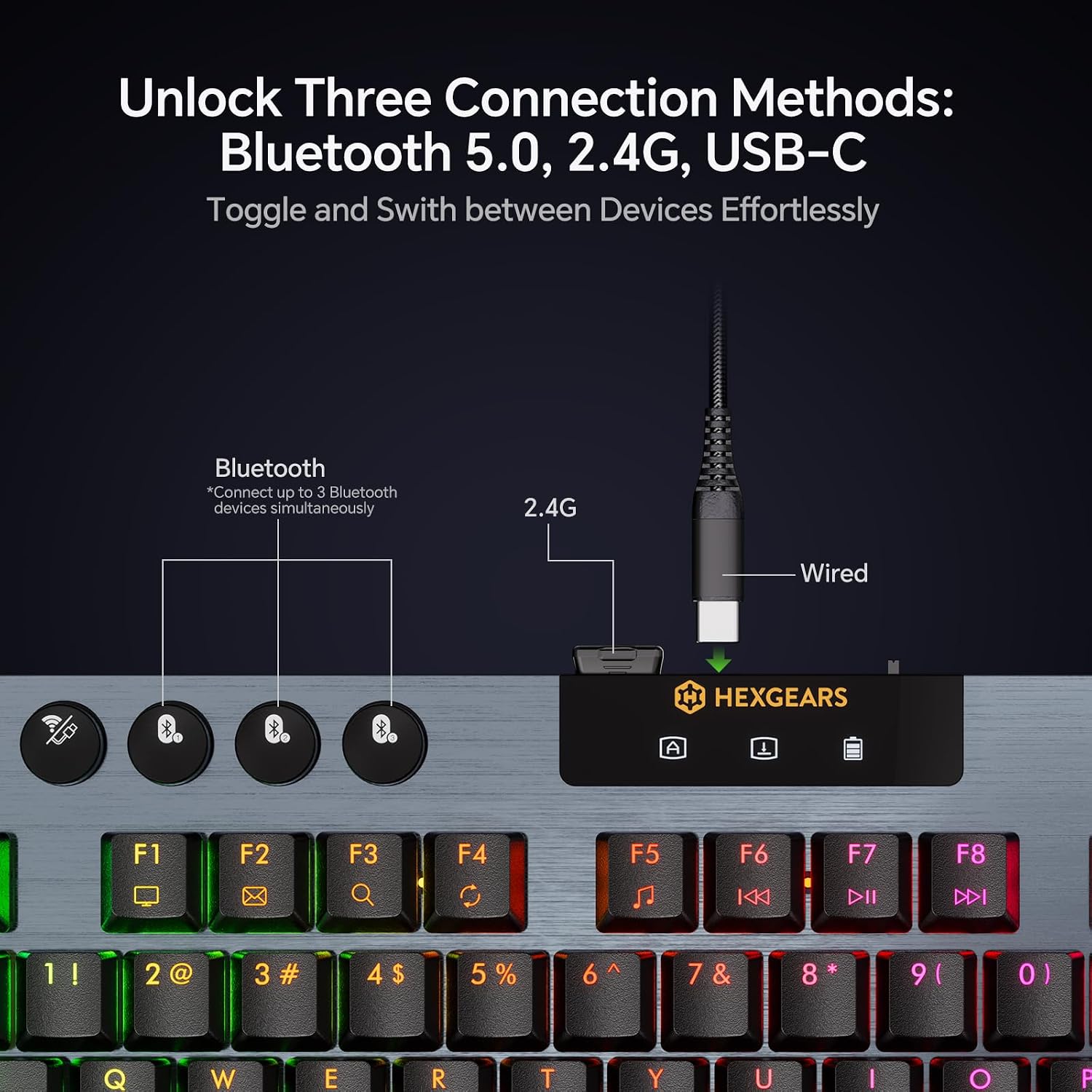
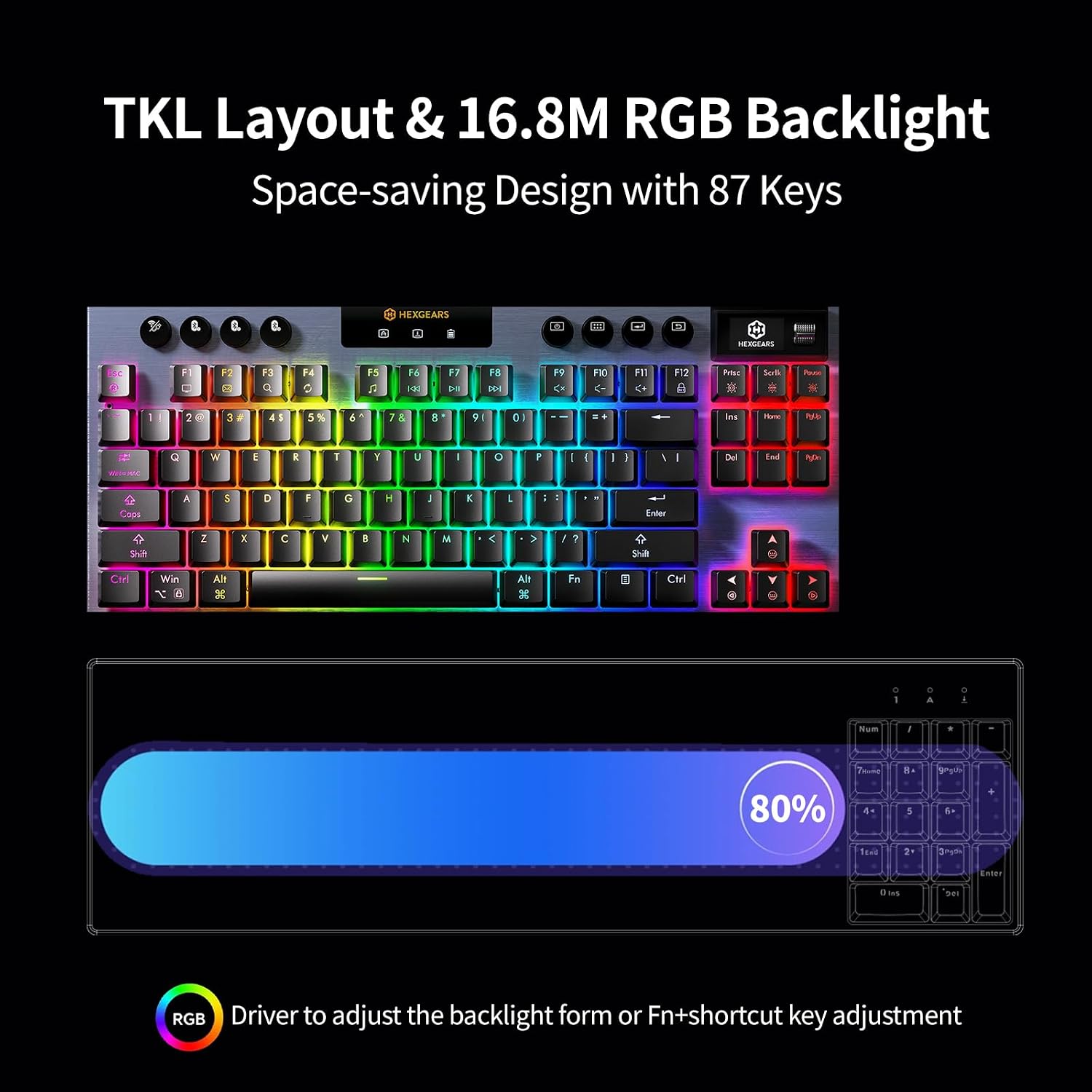
If you want a keyboard that leaves room for mouse movement and still offers mechanical switches, the Hexgears Immersion A3 takes a compact, feature-heavy approach. Its 87-key tenkeyless layout keeps the main keys while leaving out the number pad, and its low-profile design measures 27.7mm. You can connect over Bluetooth 5.0, 2.4GHz wireless, or USB-C, so it can suit a desk setup that shifts between devices or wired and wireless use.
Key points
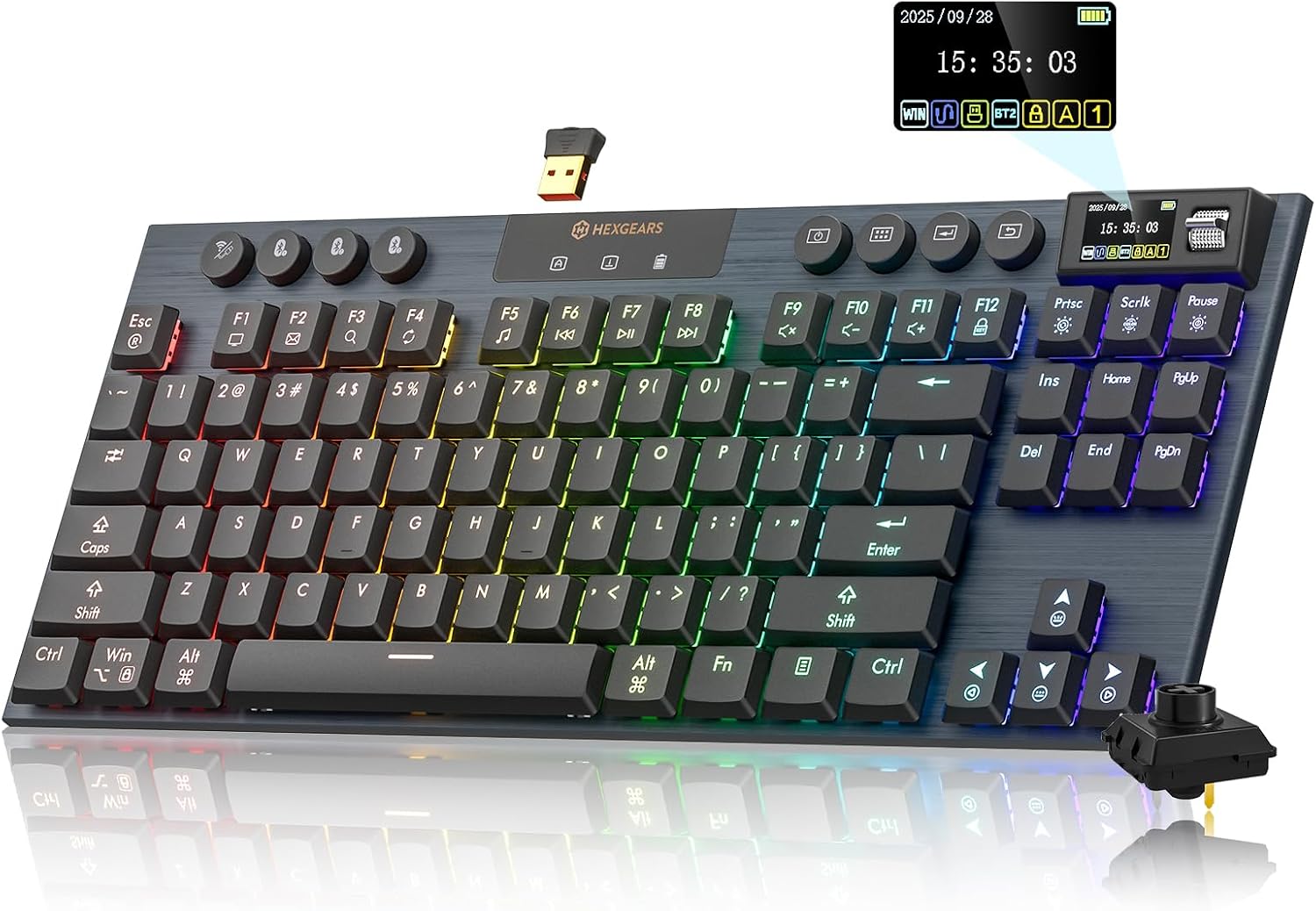
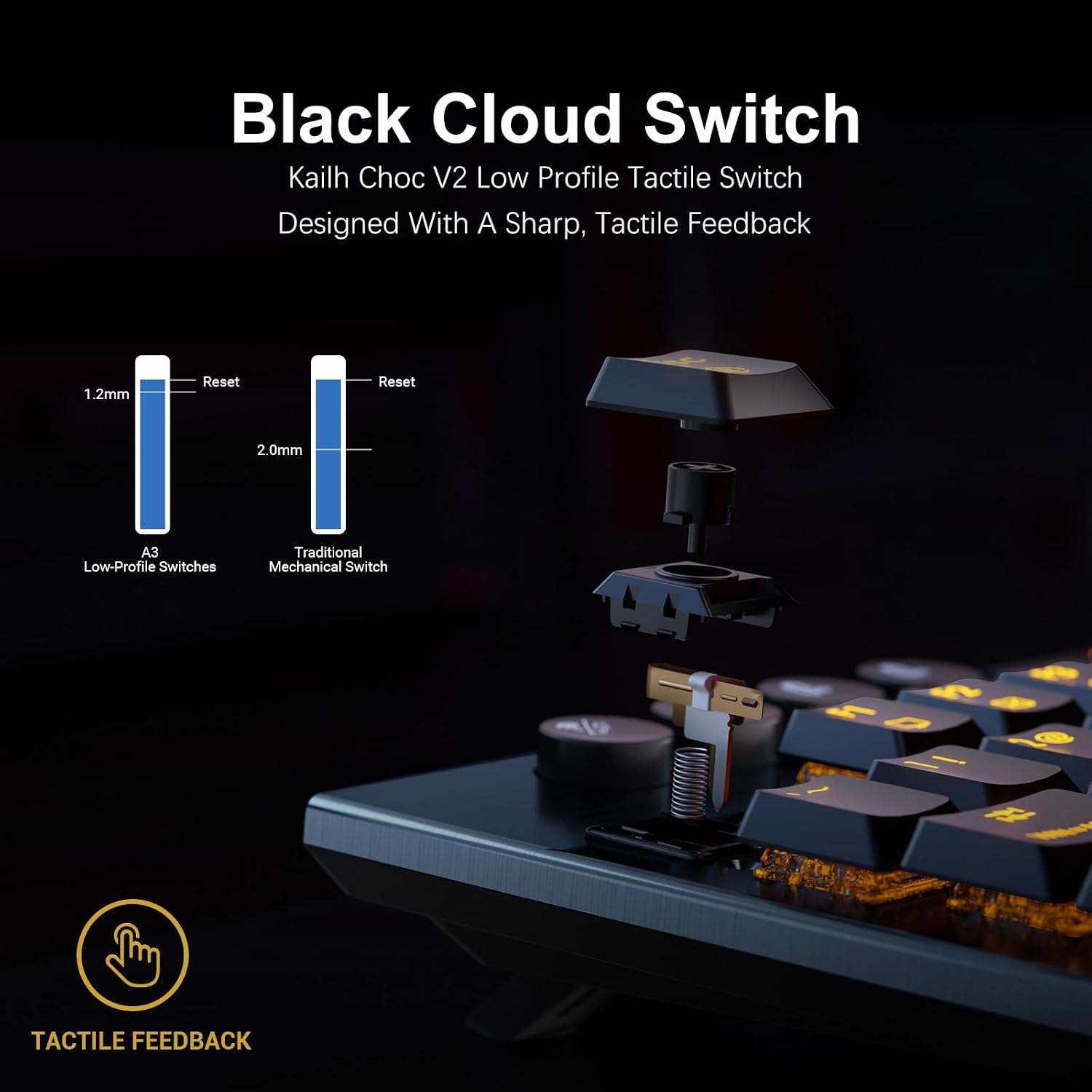
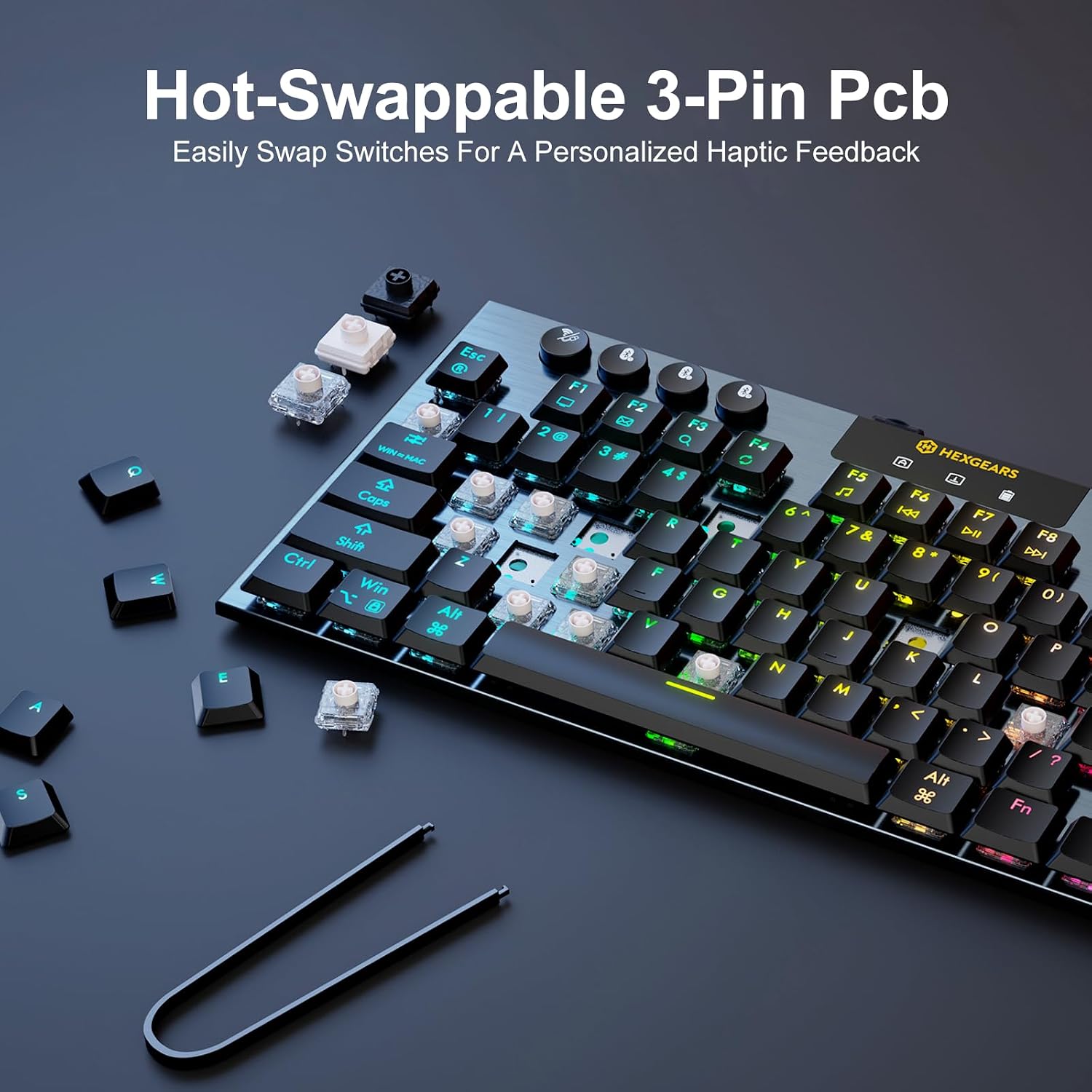
The A3 pairs tactile Kailh low-profile switches with an aluminum frame and hot-swappable 3-pin sockets. That lets you change compatible switches without soldering if you want to adjust the feel later. The listed switch rating is 50 million keystrokes, treat that as a specification, not a guarantee of how long the whole keyboard will last.
For a workday, the compact layout can free up space beside the keyboard for a mouse or notebook. For gaming, that extra room may be useful when you make broad mouse movements. The tradeoff is straightforward: there’s no dedicated number pad, so frequent spreadsheet entry may feel less convenient than on a full-size keyboard.
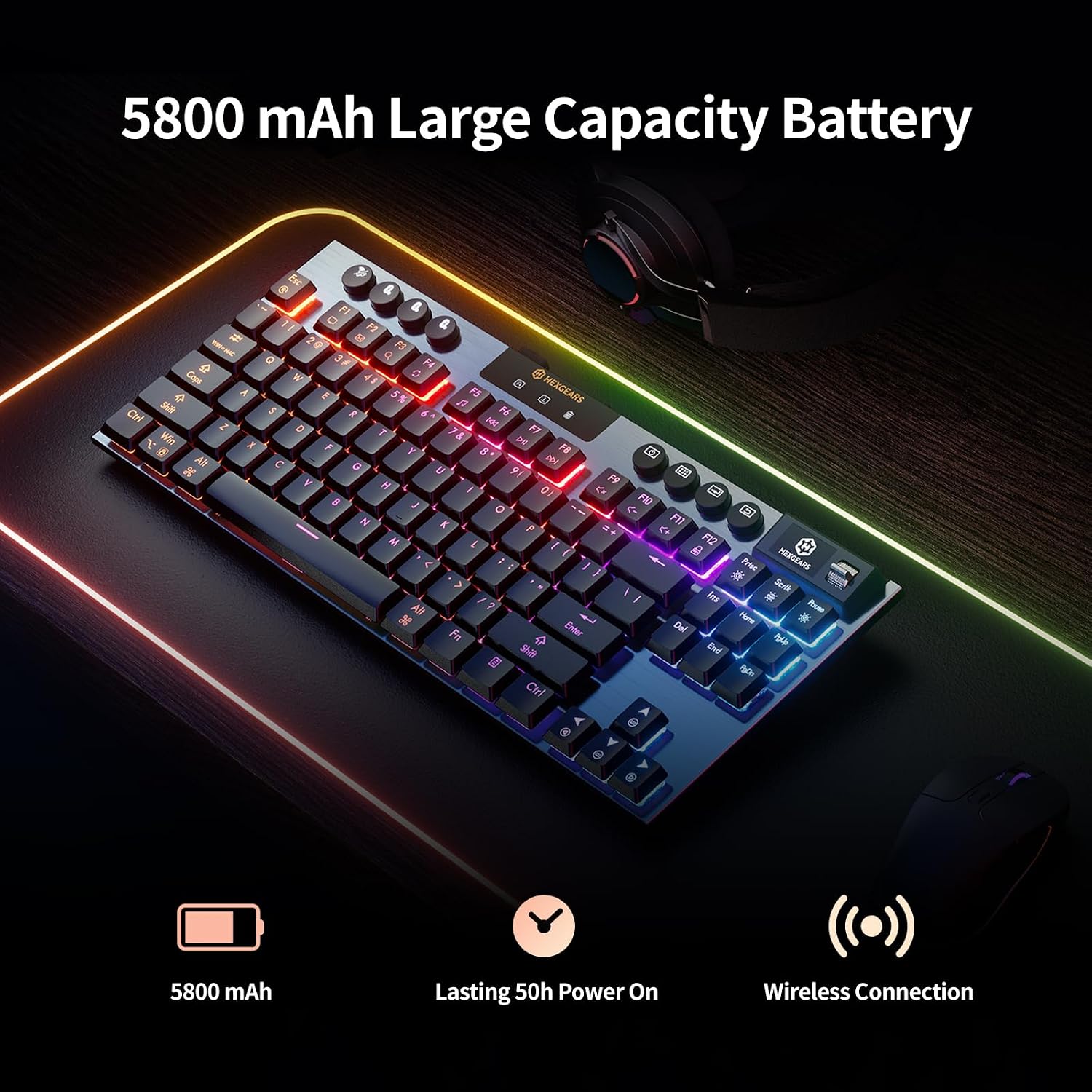
RGB backlighting offers multiple effects and 16.8 million colors. A built-in TFT screen can show keyboard status, including battery level and connection mode, and supports custom GIFs and wallpapers. The 5800mAh battery is specified, but the listing does not state how long it lasts per charge, so don’t choose it based on an assumed runtime.
Size & fit
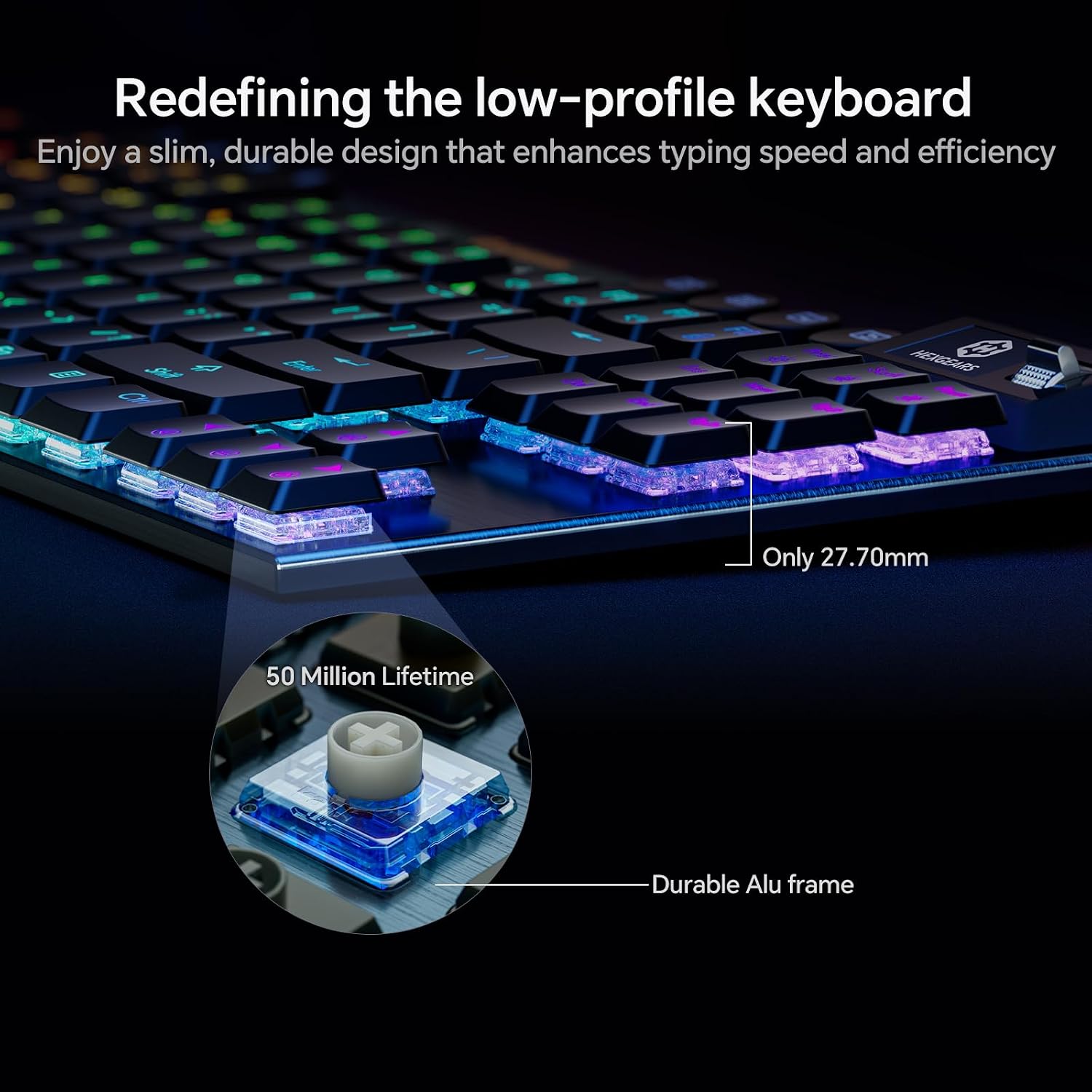
This is an 87-key TKL keyboard, not a full-size board. It suits a setup where reclaiming desk space matters more than having a number pad close at hand. Its 27.7mm profile gives it a slimmer shape than a conventional tall mechanical keyboard, though the product details don’t provide a full footprint for judging exactly how much desk space it will take. Keep in mind that the compact layout changes where you’ll reach for number-entry keys.
It makes sense if you want tactile typing, a smaller layout, and the flexibility to switch between up to five devices. Not the best choice if you rely on a dedicated number pad or need a stated battery runtime before buying.
Tips for day-to-day use
Use Bluetooth 5.0 when you want to pair without a cable, 2.4GHz wireless for another wireless connection option, or USB-C when you prefer a wired setup. For example, you could keep the keyboard connected to a computer during a desk session, then use a wireless mode when moving to another supported device. The listing names Windows PCs, Macs, laptops, and tablets as compatible device types.
HexDrive software is described as supporting key remapping, FN shortcuts, macros, lighting changes, and GIF uploads. That gives you room to tailor the keyboard for different tasks, but software setup is an extra step if you only want a basic plug-in typing device. The 3-pin hot-swap sockets also make switch changes possible without soldering, check the switch pin format before choosing replacements.
Questions before you buy
Can you use it without a wireless connection? Yes. USB-C wired mode is listed alongside Bluetooth 5.0 and 2.4GHz wireless.
Can you change the switches? The keyboard has hot-swappable 3-pin sockets, allowing switch changes without soldering.
What does the TFT screen show? It can display keyboard status such as battery level and connection mode, and it supports custom GIFs and wallpapers.
Should you buy it?
Choose the Immersion A3 if you want a compact mechanical keyboard with tactile low-profile switches, several connection options, and room to personalize the feel and lighting. Its screen and hot-swap sockets add flexibility beyond a basic TKL board. Skip it if the number pad is part of your daily workflow, or if you need a published full footprint or battery runtime to make your decision.