

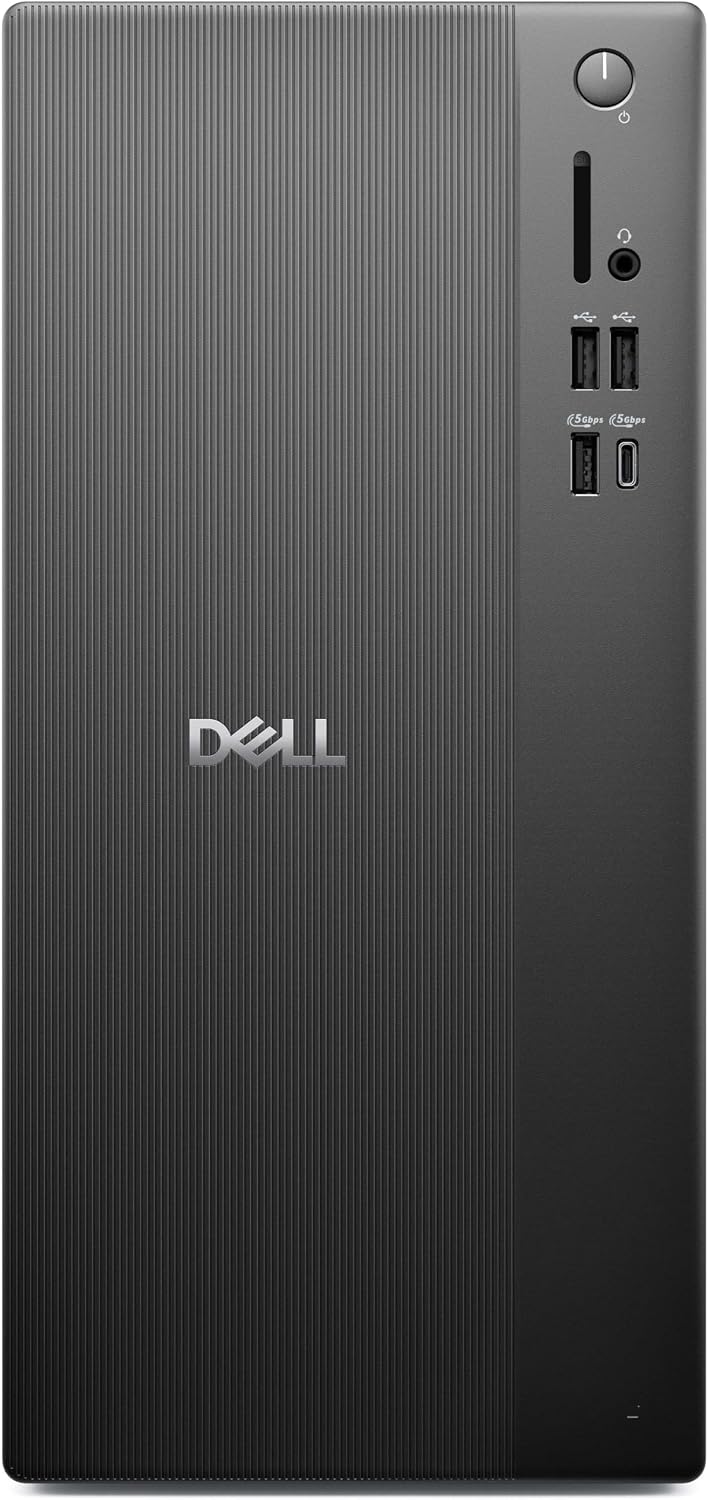
Dell tower desktop with 512GB SSD
Product description
Highlights
For home users and small offices that need a Windows desktop for everyday work, this Dell Vostro tower puts a useful set of essentials in one system. It has 8GB of DDR5 memory and a 512GB PCIe SSD, so everyday documents, browser tabs, and installed apps have local storage to work with.
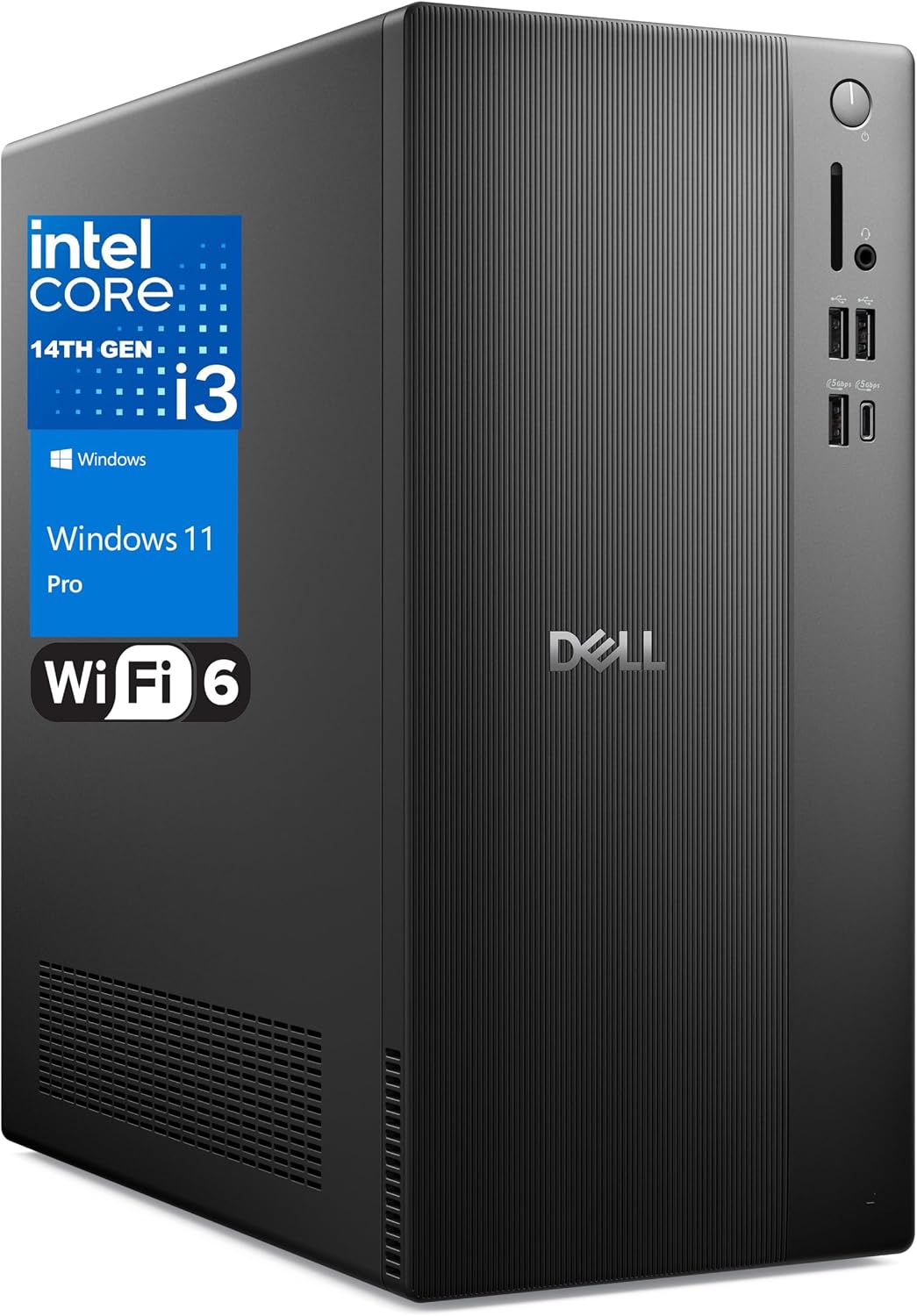
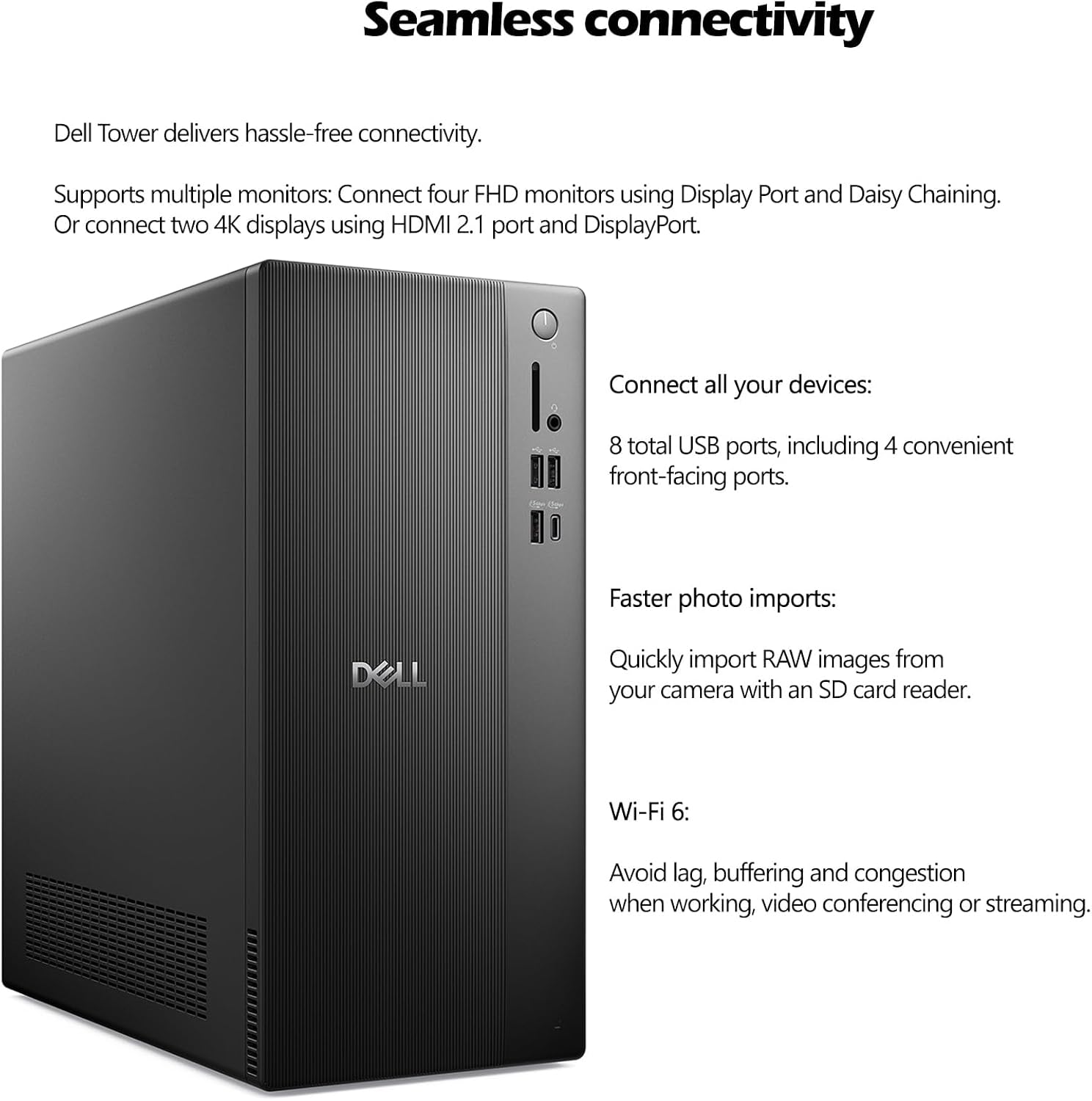
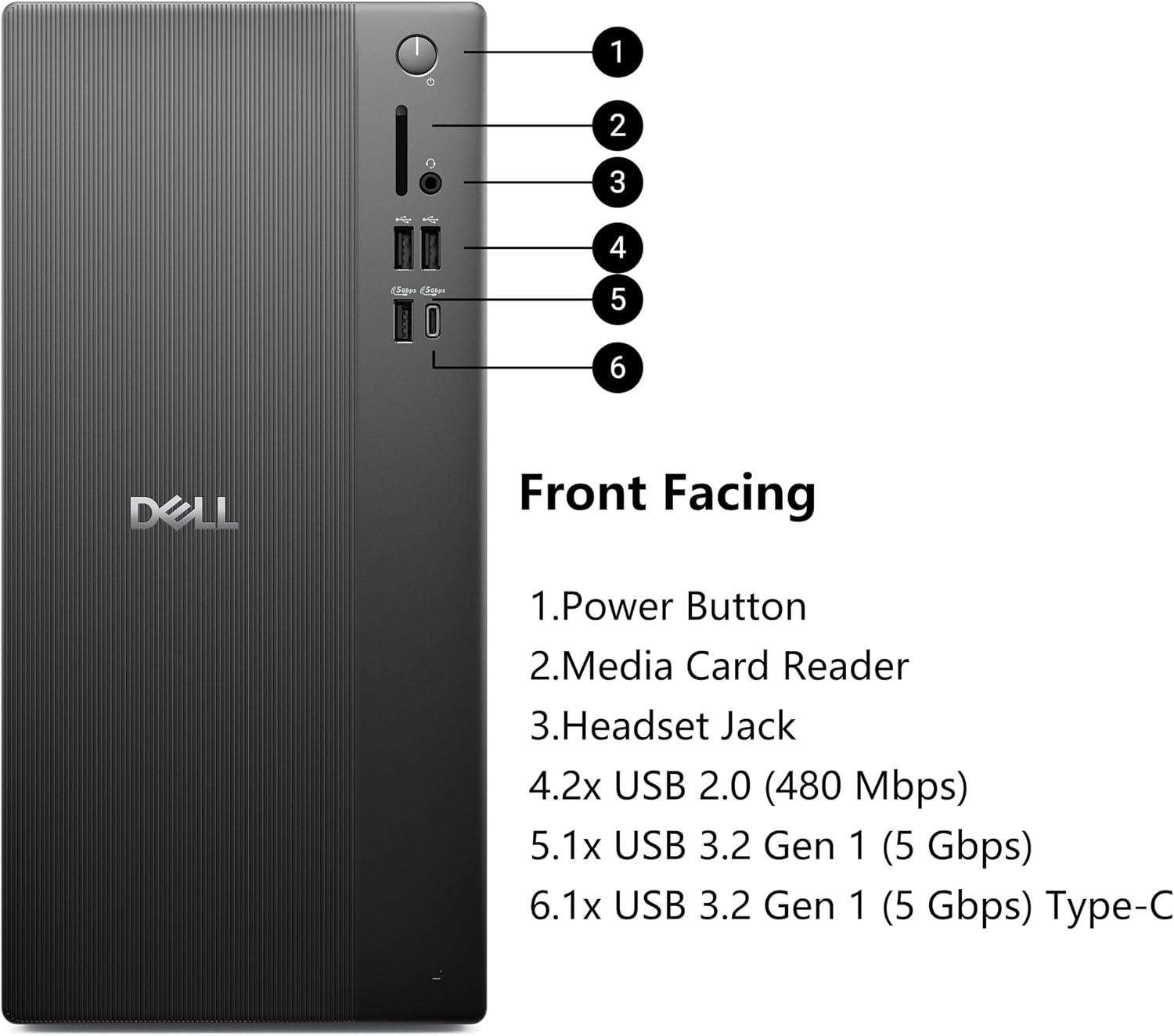
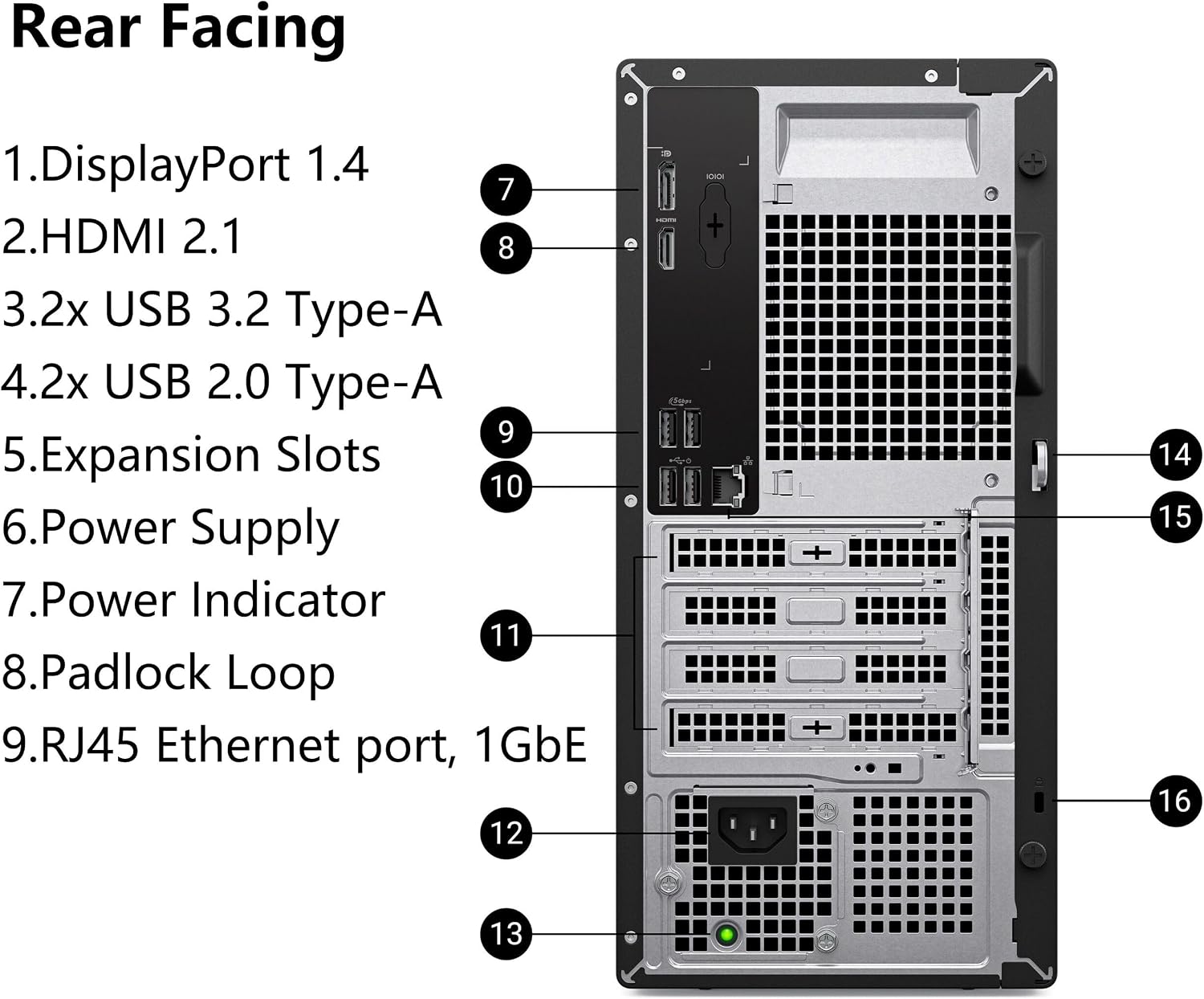
Windows 11 Pro is included, along with Wi-Fi 6 and Bluetooth. HDMI, DisplayPort, and USB-C give you several ways to connect devices and displays, the product description also lists support for dual 4K displays. That can suit a desk setup where you keep work on one screen and reference material on another.
One detail to check before ordering: the product name identifies an i3-14100T, while the description names an i3-14100. The processor information is inconsistent, so confirm which configuration is actually being offered.
Fit and sizing
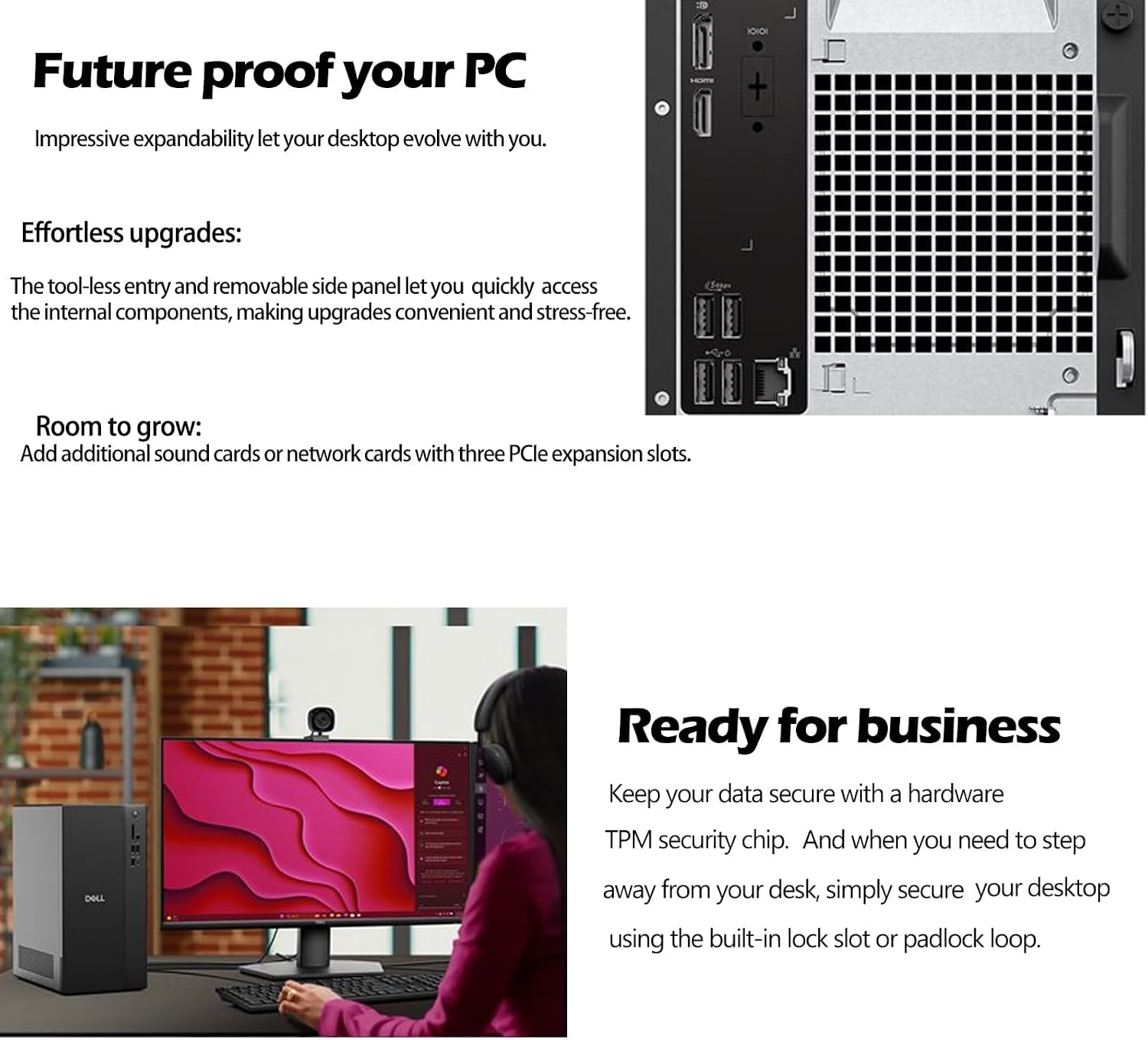
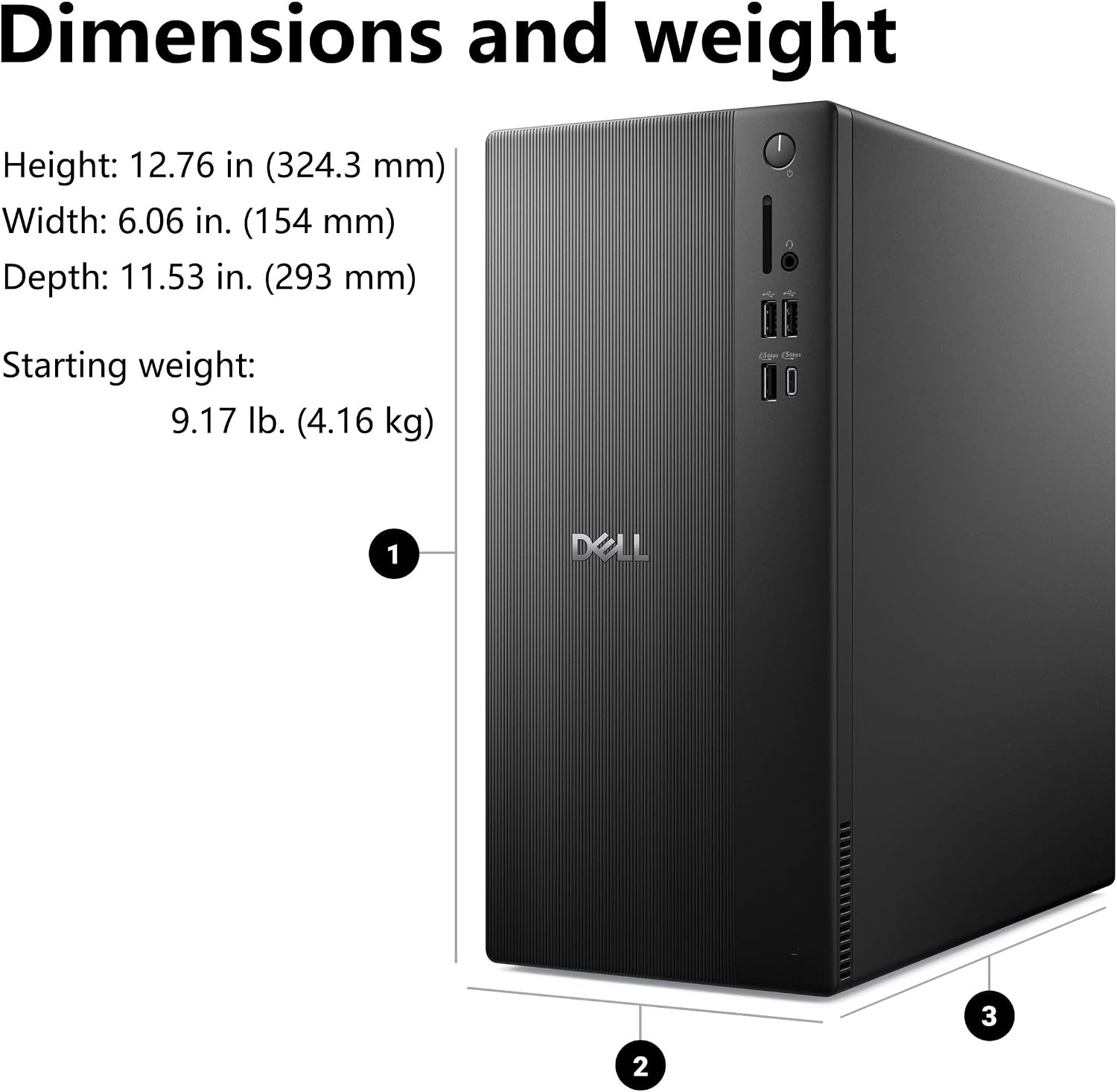
The tower measures 12.76 × 6.06 × 11.53 inches. That gives you a concrete sense of its footprint, but it still needs a spot with enough room for the case and access to its ports. It’s a traditional desktop setup, not a compact mini PC you can tuck away behind a monitor.
For a home office, you might place it beside a desk, connect a monitor over HDMI or DisplayPort, then use Wi-Fi 6 if running an Ethernet cable isn’t convenient. The listed connections also include USB-C, though the description doesn’t specify its speed or charging capabilities.
Tips for day-to-day use
The 512GB PCIe SSD is a practical fit for frequently used apps and work files, while the 8GB of DDR5 RAM is the more important constraint to weigh against your workload. Keep in mind that lots of demanding apps or browser tabs at once may call for more memory than this configuration provides, no upgrade details are given here, so don’t assume an easy expansion path.
For routine office tasks, video calls, web browsing, and document work, this configuration has the kind of components that can keep a general-purpose desk running without relying on a laptop. It’s a different buying approach from choosing a bare-bones computer with less storage, but it isn’t described as a workstation for intensive creative or compute-heavy jobs. If those are your regular tasks, prioritize a configuration with specifications suited to them.
Before you decide
Which operating system does it include? Windows 11 Pro is listed. The description highlights security and remote-management features, but doesn’t detail specific settings or support terms.
What display connections are listed? HDMI and DisplayPort are included. The description says the system supports dual 4K displays, though it doesn’t specify monitor requirements.
Does it support wireless connections? Wi-Fi 6 and Bluetooth are listed. The description also mentions Gigabit Ethernet, but doesn’t identify the exact port count for each connection.
Is it worth it?
It makes sense if you want a conventional tower for everyday home or business computing, value Windows 11 Pro, and expect your workload to fit within the listed 8GB of RAM. The SSD capacity and mix of display and wireless connections make it easier to picture as a ready-to-connect office desktop than a minimal system that needs storage or networking added immediately.
You may want to skip it if your work regularly pushes memory limits, you need a smaller case, or you require a confirmed processor specification before choosing. The conflicting CPU names are a real reason to verify the exact configuration, if that checks out and your tasks are routine, the rest of the listed setup is straightforward to assess.