

Beelink Mini PC SER3
Product description
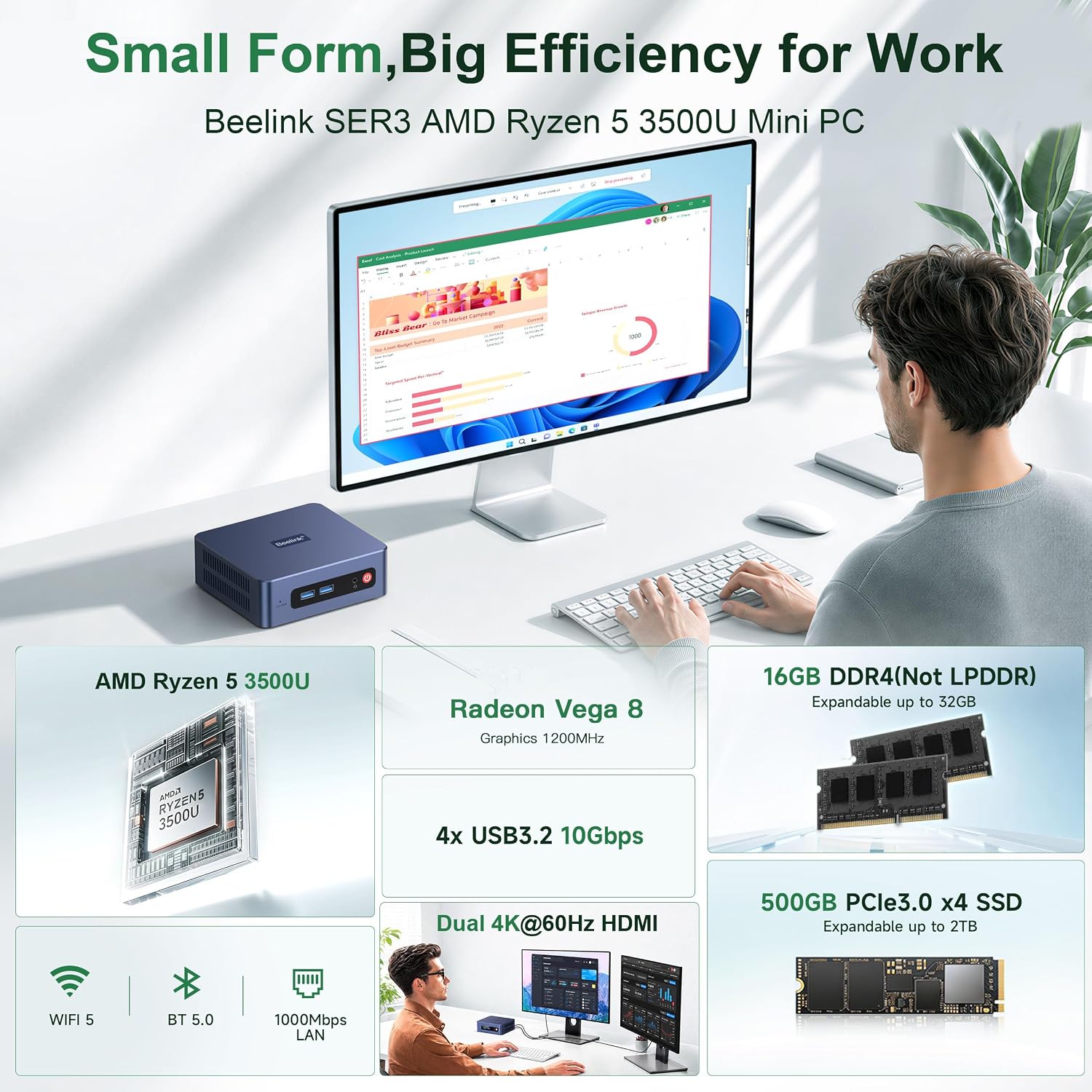
A cramped desk or a laptop that struggles with several everyday tasks can make a home office feel harder to manage than it needs to be. The Beelink SER3 puts a Ryzen 5 3500U, 16GB of RAM, and a 500GB SSD in a compact desktop, with two HDMI outputs for a dual-monitor workspace.
It’s aimed at office work, browsing, video calls, and 4K media—not demanding graphics work. The small 4.9 x 4.4 x 1.7-inch body also takes up less desk space than a conventional desktop tower.
Technical details
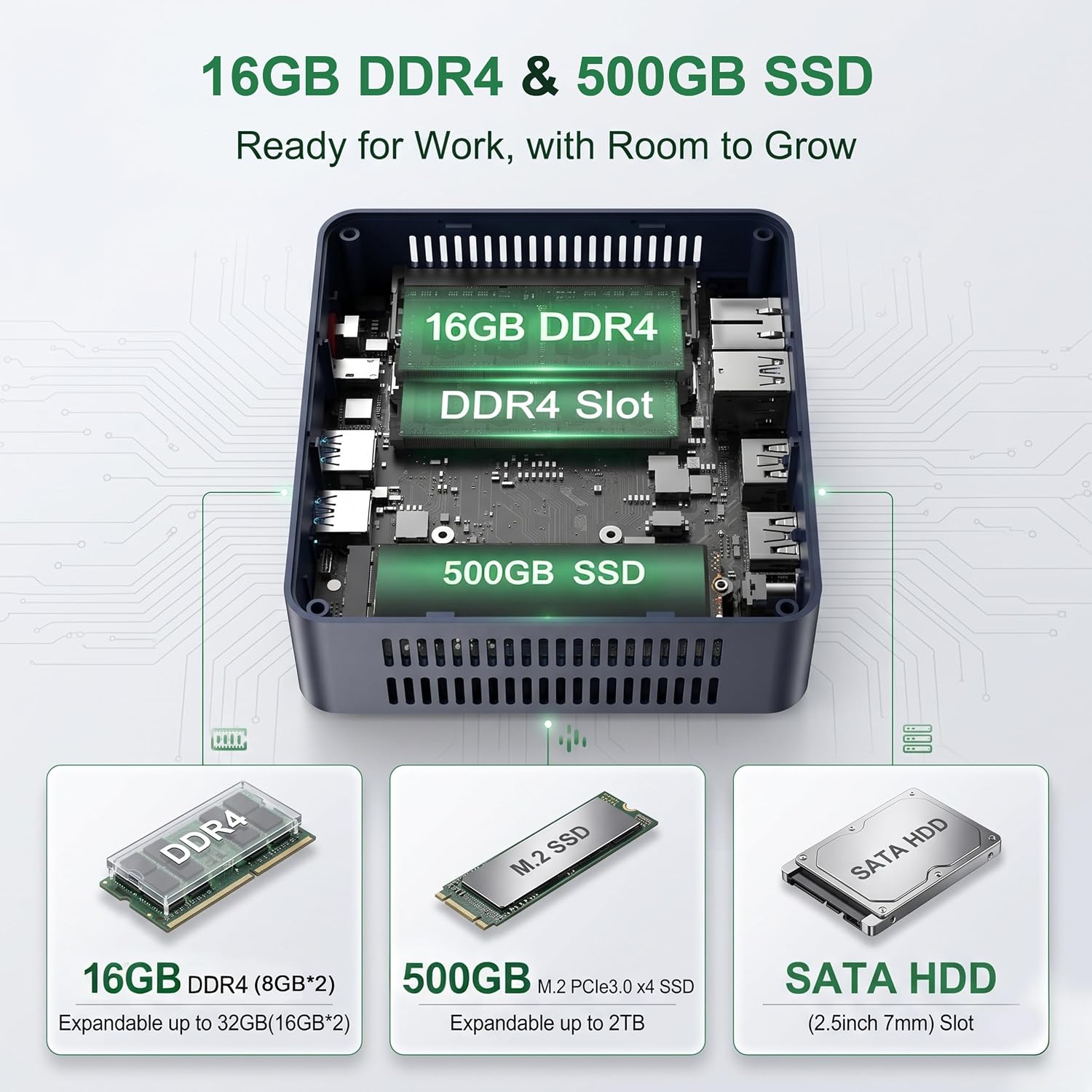
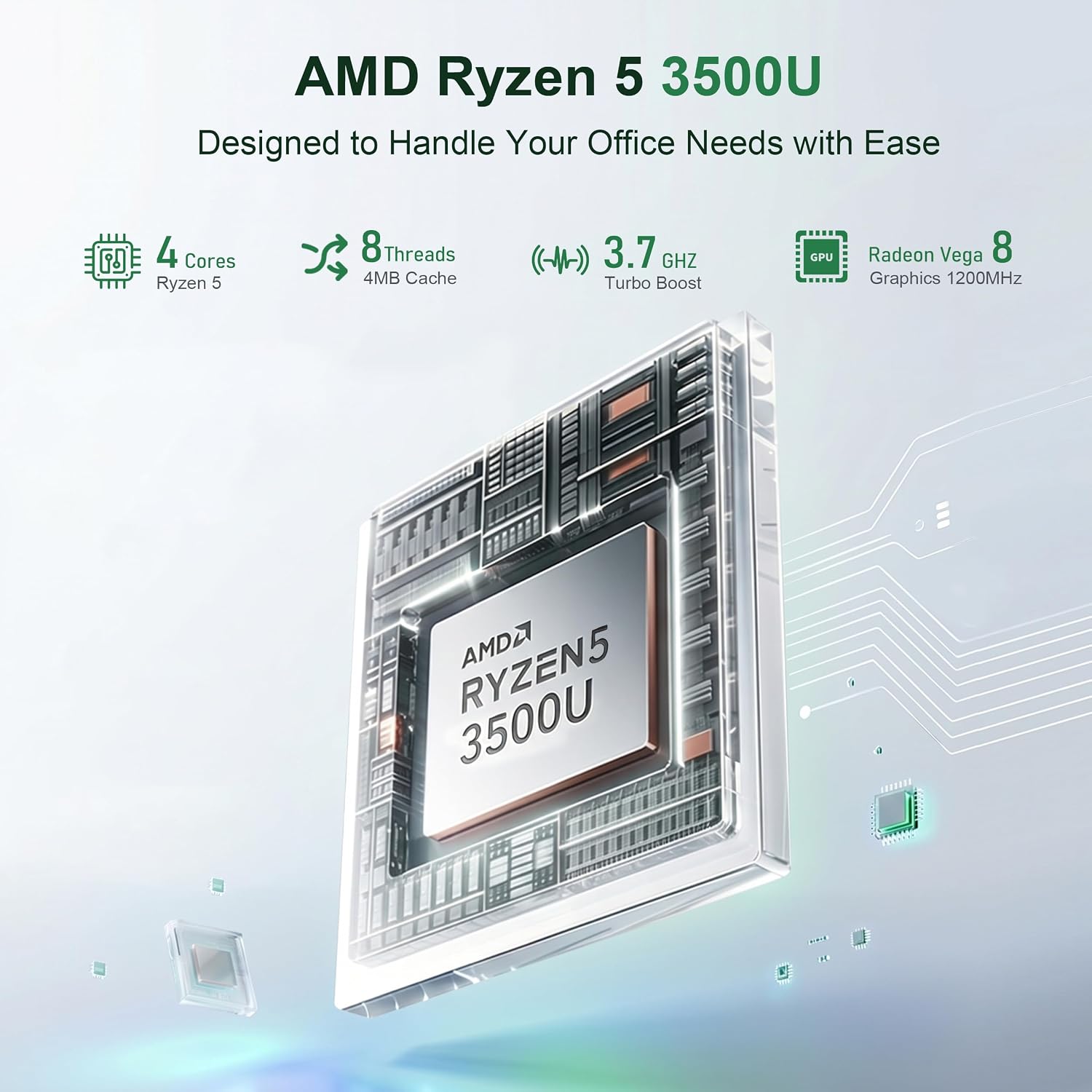
The SER3 uses an AMD Ryzen 5 3500U processor with 4 cores and 8 threads, paired with AMD Radeon Vega 8 graphics. Its 16GB of DDR4 RAM and 500GB PCIe 3.0 x4 SSD give you a ready-to-use setup for documents, browser tabs, business apps, and everyday multitasking. The listing says the memory can be upgraded to 32GB and storage expanded up to 2TB using the M.2 2280 and 2.5-inch drive slots.
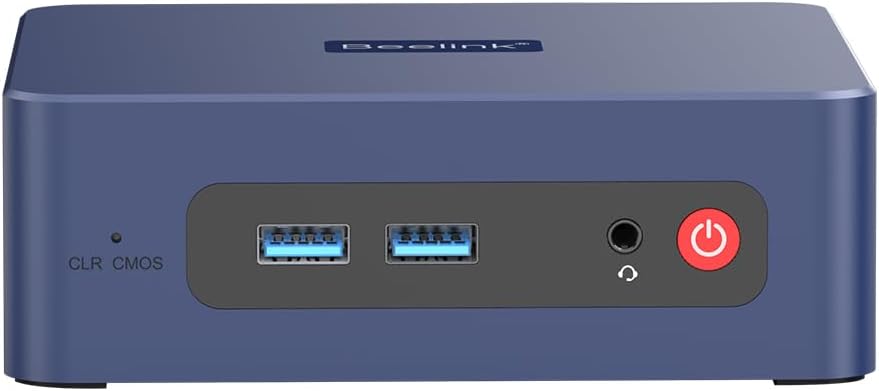
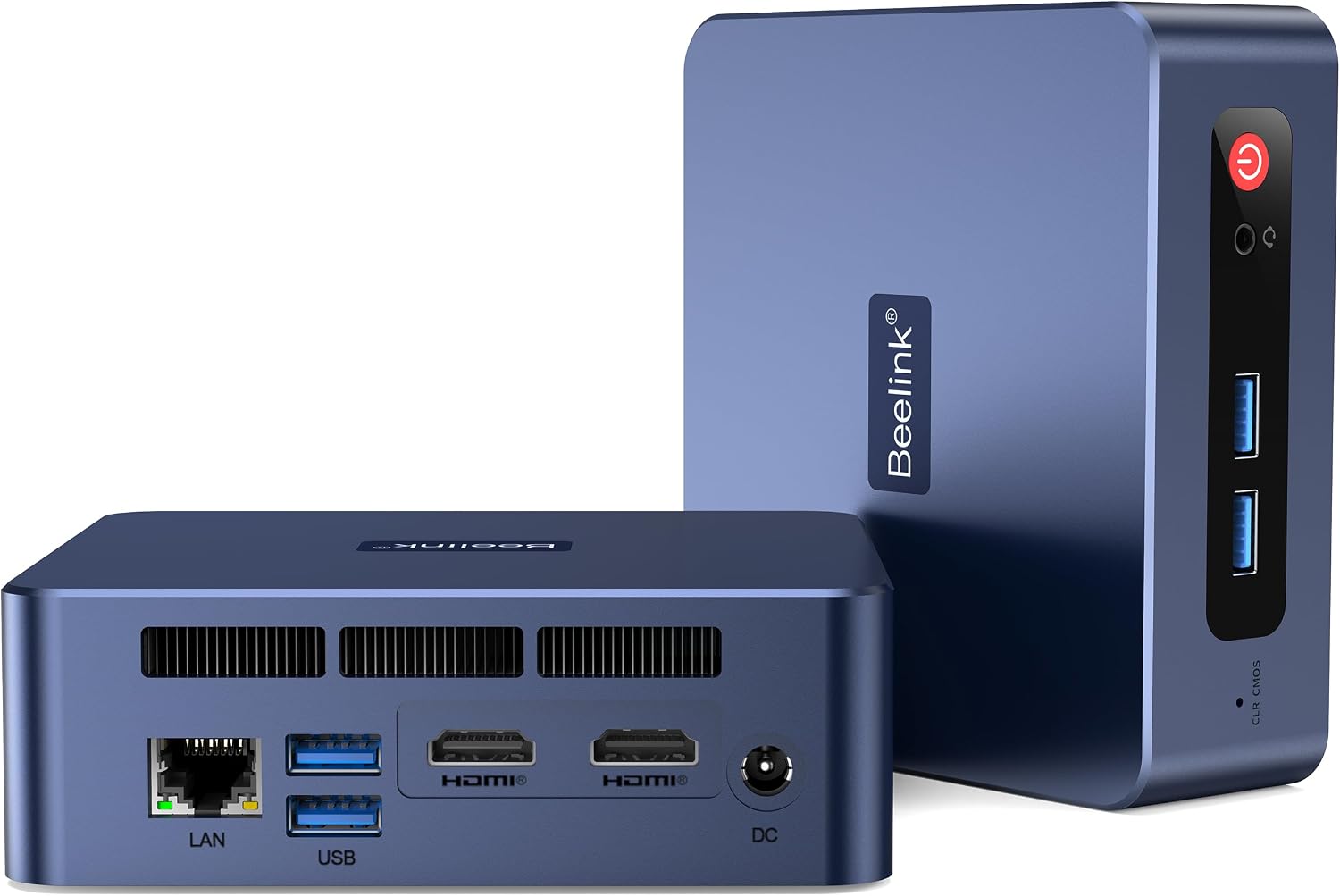
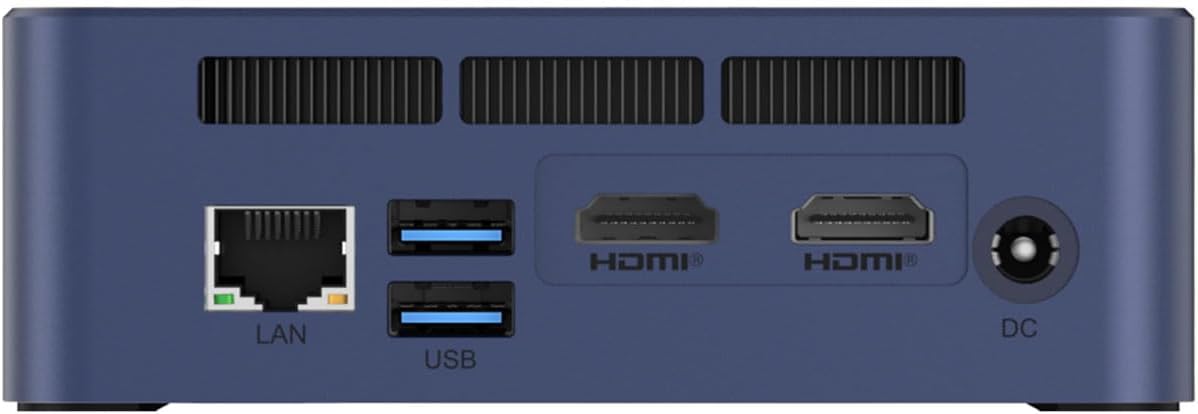
Two HDMI ports support dual 4K displays at 60Hz. For peripherals and networking, there are four USB 3.2 ports, an audio jack, Gigabit Ethernet, Wi-Fi 5, and Bluetooth 5.0. Those connections make it practical to leave a keyboard, mouse, and monitors in place rather than continually moving accessories between devices.
Compatibility & requirements
The dual-monitor setup is a clear fit if your screens connect through HDMI, the included information doesn’t specify other display outputs. Wired networking is available through Gigabit Ethernet, while Wi-Fi 5 and Bluetooth 5.0 cover wireless connections. The listing also describes the SER3 as supporting a VESA mount, useful if you want to keep the computer off the desktop, though it doesn’t provide mounting details.
One limit to keep in mind: Vega 8 graphics and the stated use cases point to everyday visuals and light editing, not a machine for graphics-intensive workloads. It suits you if you want a compact office computer with room to add storage or memory later. You may want to skip it if your main goal is demanding video editing or graphics performance.
Usage tips
For a home-office setup, connect two HDMI monitors, then keep video calls or reference material on one screen while working on a document on the other. The SSD is intended to help with booting and opening files, while Ethernet offers a wired option if you prefer a direct network connection. Wi-Fi 5 and Bluetooth 5.0 provide alternatives when cables would clutter a small desk.
The built-in fan is described as intelligently controlled for quieter cooling, but the listing doesn’t give a measured noise level. If you’re placing the mini PC close to your workspace, that’s a detail worth bearing in mind rather than assuming it will be inaudible under load. On the spec sheet, its strongest case is space-saving everyday computing with two displays, not specialized high-performance work.
Before you decide
Can it run two monitors at once? Yes. The two HDMI ports are listed for simultaneous dual-display output up to 4K at 60Hz.
Can you add more memory or storage? The listing says RAM can be upgraded to 32GB and storage to 2TB through the built-in M.2 2280 and 2.5-inch slots.
Does it include wireless connections? Yes. It lists Wi-Fi 5 and Bluetooth 5.0, alongside Gigabit Ethernet for wired networking.
Is it worth it?
The SER3 makes sense when you need a compact Windows-style desktop setup for office tasks, browsing, calls, and media, especially if two HDMI displays are part of your routine. Its 16GB of RAM and 500GB SSD give you a useful starting configuration, and the stated upgrade options leave some room to grow. Compared with a basic single-display mini computer, the dual HDMI outputs are a practical advantage, compared with a system chosen for demanding creative or graphics workloads, the Vega 8 platform is the more modest choice. Buy it for desk-friendly everyday computing, not as a substitute for a high-performance workstation.