

GMKtec Nucbox G3S Mini PC with Intel N95 – 8GB/256GB, Dual 4K HDMI, WiFi 5 & BT 5.0
Product description
What it is
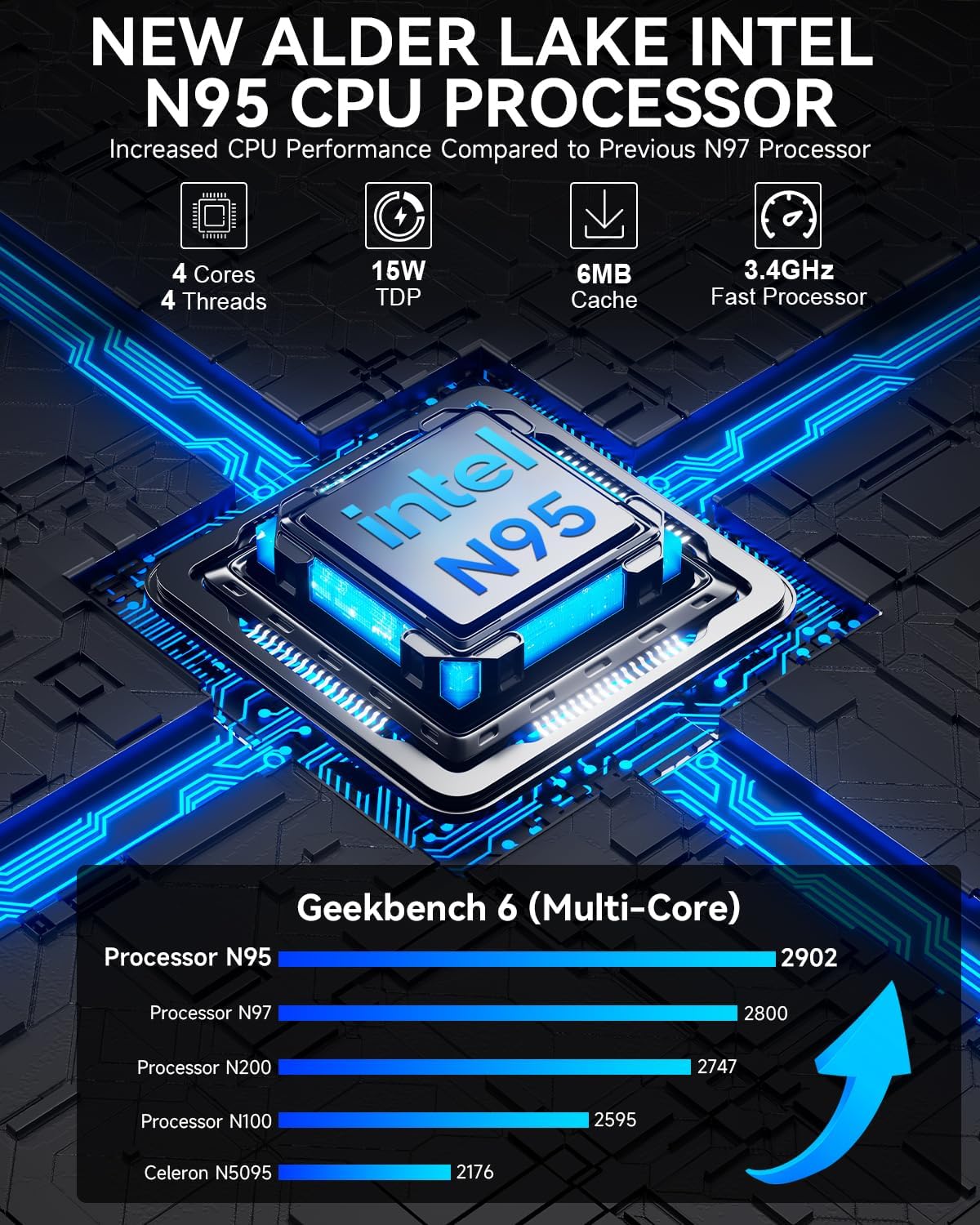
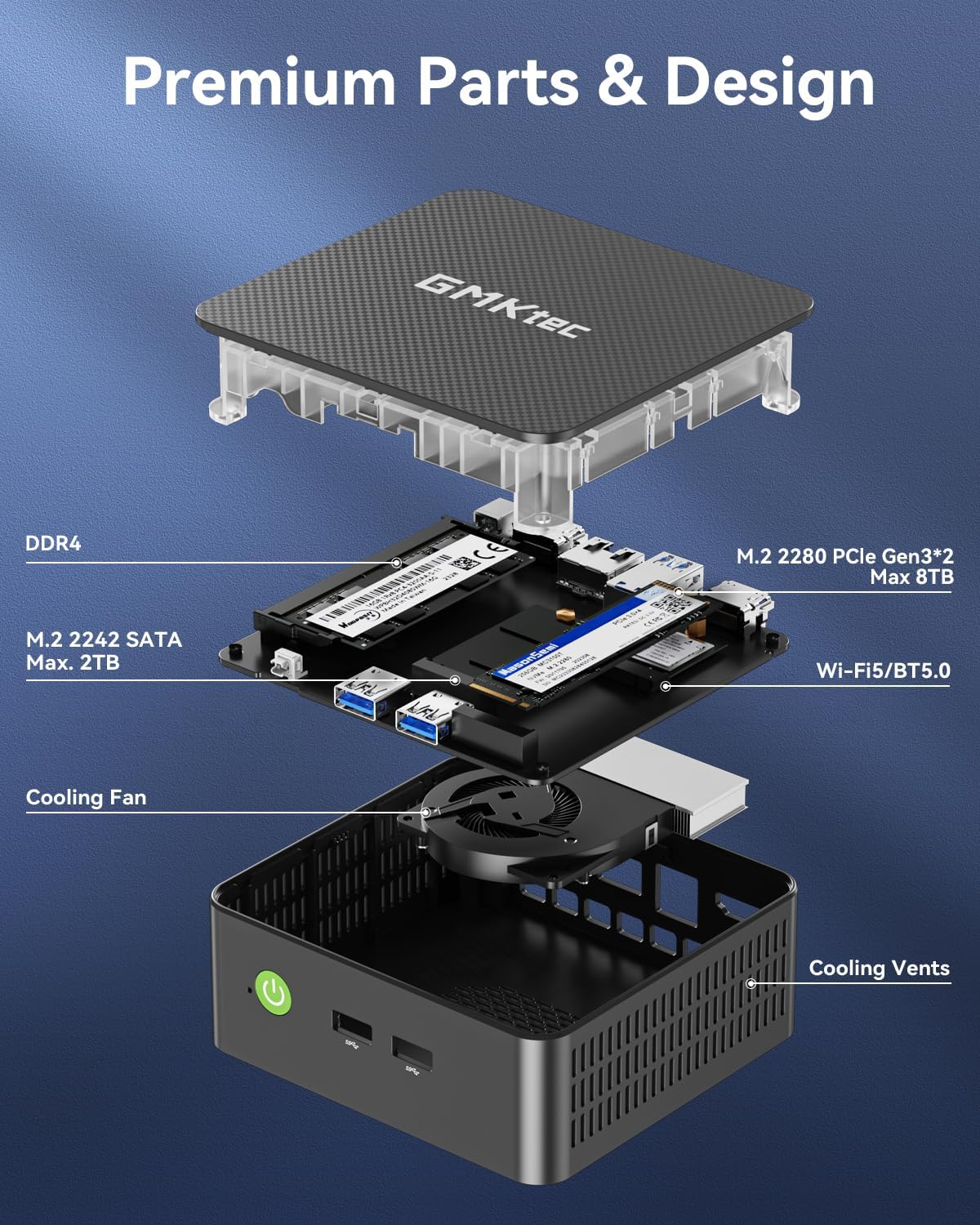
The GMKtec Nucbox G3S is a compact desktop computer powered by the 12th Intel Alder Lake N95 processor. It packs 8GB of DDR4 RAM and a 256GB M.2 SSD, delivering a compact, quiet, and energy-efficient option for everyday tasks, light office work, and home entertainment. On paper, the N95 offers a notable performance boost over several lower-end chips, and the dual HDMI 4K-capable output gives you flexible display options without needing a separate graphics card.
How it’s designed to help
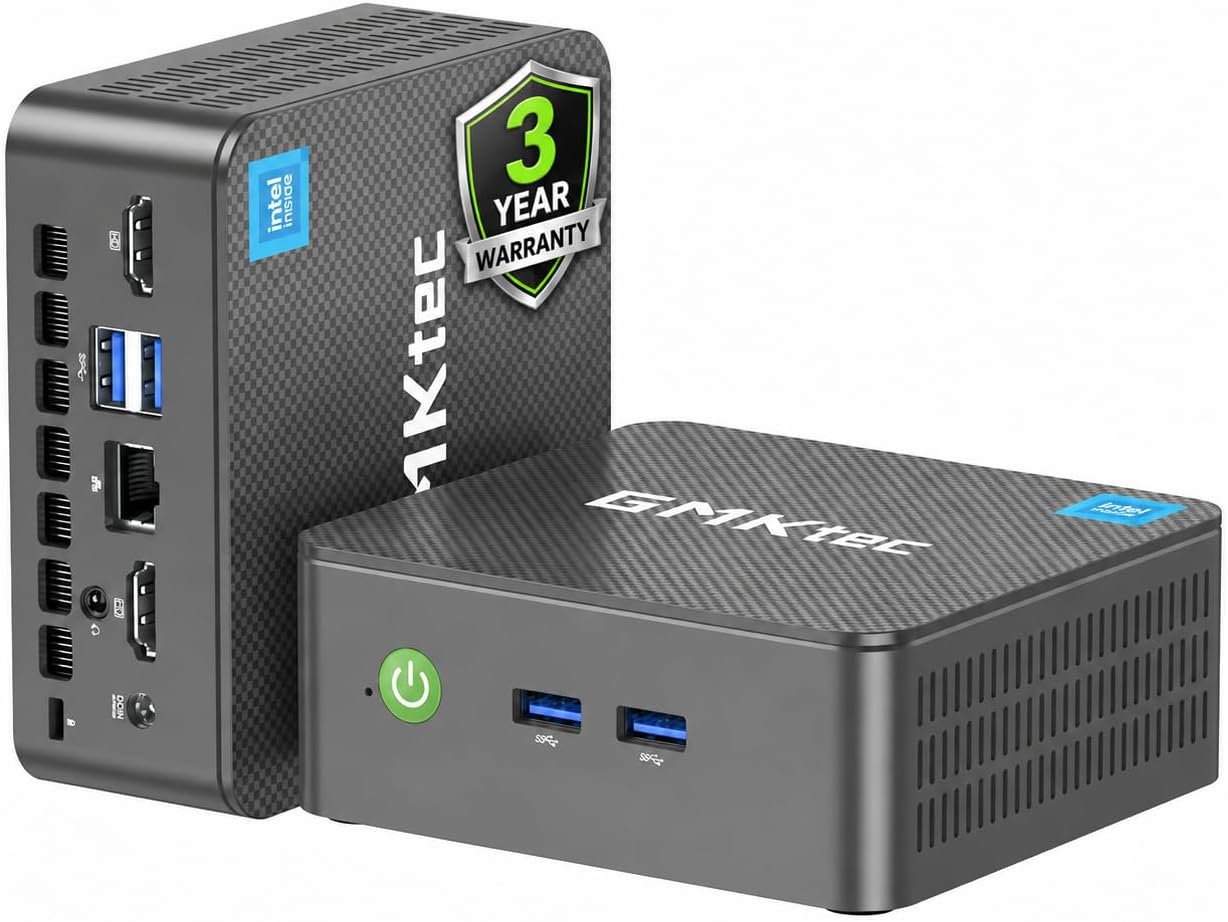
If you want a small footprint PC that can handle multiple browser tabs, streaming in 4K, and typical productivity apps, the G3S is positioned as a convenient alternative to a traditional desktop. Features like WiFi 5, Bluetooth 5.0, and Gigabit Ethernet broaden connectivity, while Wake On LAN and PXE Boot readiness hint at simple deployment in a small home office or as a lightweight home server.
What stands out in use
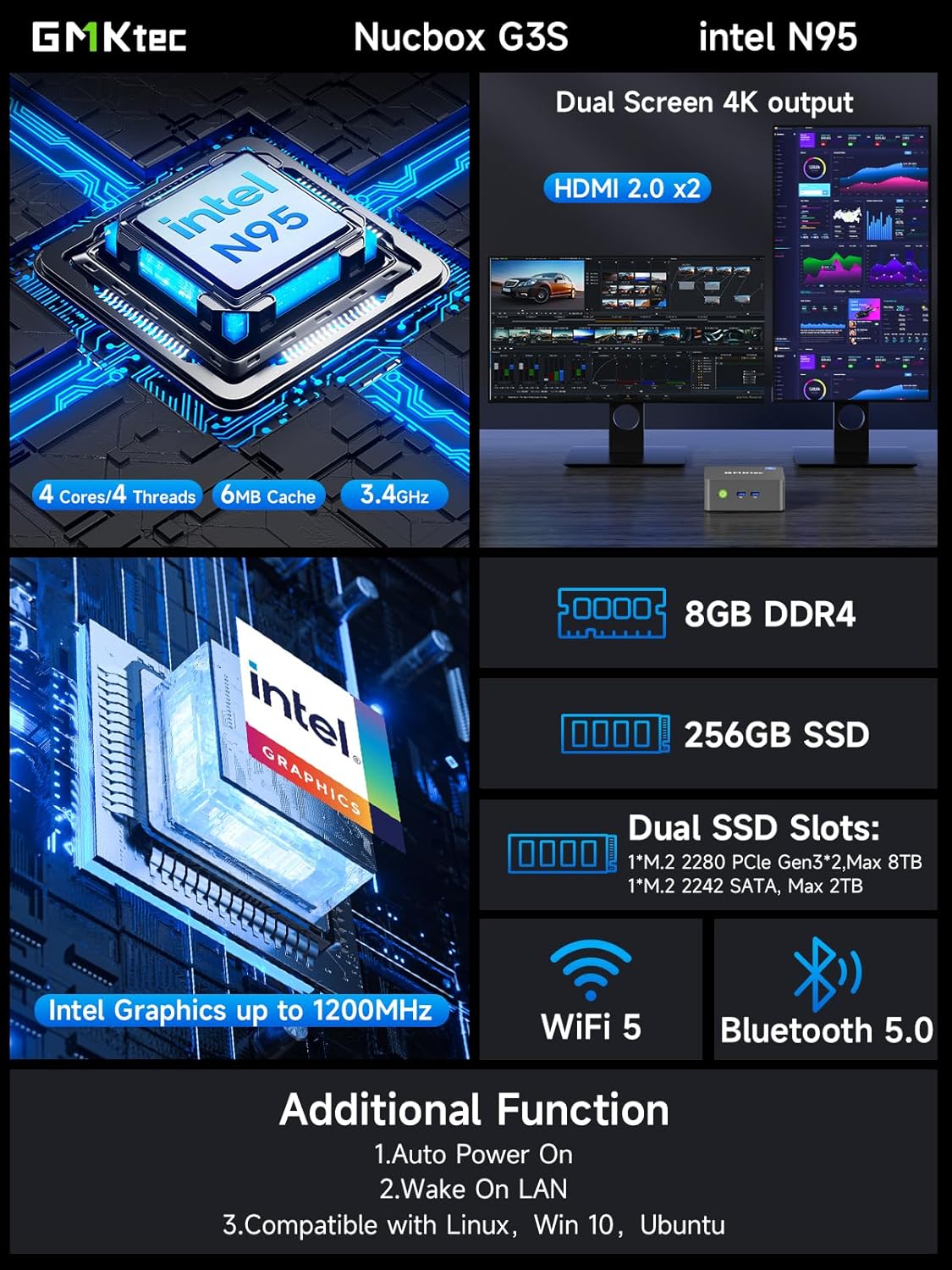
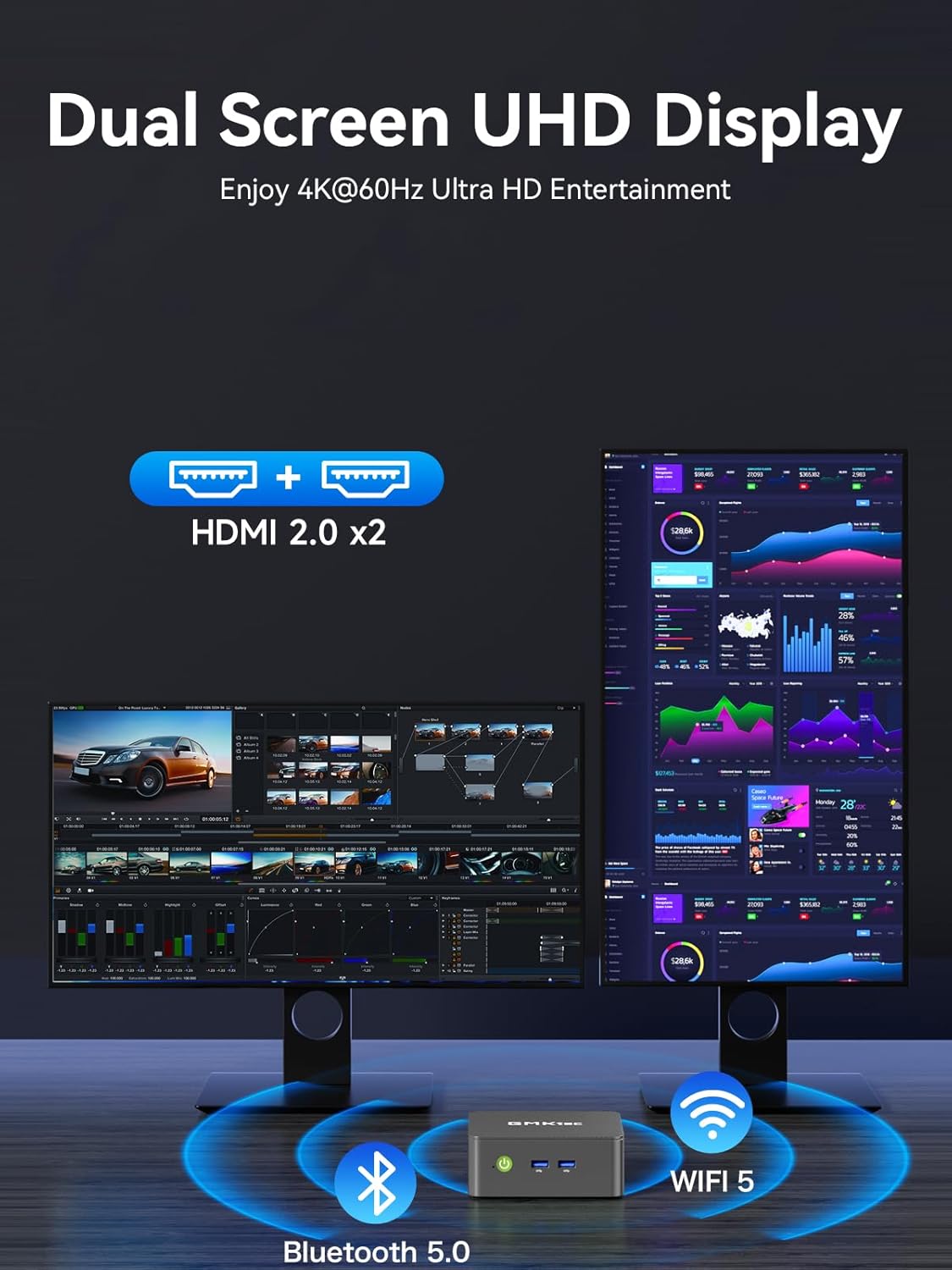
The two HDMI outputs enable true dual 4K at 60Hz, which is useful for multitasking on two displays or using a projector for media playback. The internal storage is modest by gaming or pro workstation standards, but for general use it boots quickly and handles everyday software without a hitch. The device also includes practical basics like a micro- or standard-sized footprint, easy placement, and a straightforward setup for someone upgrading from an older PC or moving from a laptop to a fixed workstation.
Potential limitations
It might not satisfy power users who run demanding tasks, heavy rendering, or modern AAA gaming. With 8GB RAM included, heavy multitasking with large datasets or numerous virtualization tasks could push the system toward swap usage, affecting responsiveness. Also, 256GB SSD, while fast, may fill up quickly if you store a lot of media or large datasets locally.
Who this is for
This mini PC suits someone seeking a compact, affordable alternative for web browsing, office software, streaming, and light productivity. It can work well as a family PC, a media-center companion, or a small home server due to its networking features and wake capabilities. If your setup relies on putting a full-size workstation on a desk, this is a good space-saving option.
When it makes sense to buy
Consider this if you need a low-profile PC with 4K dual-display support and straightforward connectivity without a larger desktop footprint. It’s a sensible choice for a secondary workstation, a media PC, or a compact office computer where speed and efficiency matter more than raw horsepower.
When it may not be the best fit
If you anticipate frequent multitasking with many large software suites, professional-grade video editing, or modern gaming at high settings, you might outgrow the 8GB RAM and 256GB SSD quickly. In those scenarios, you could look for higher RAM capacity or larger internal storage, alternatively, plan for external storage expansion.
What to review before buying
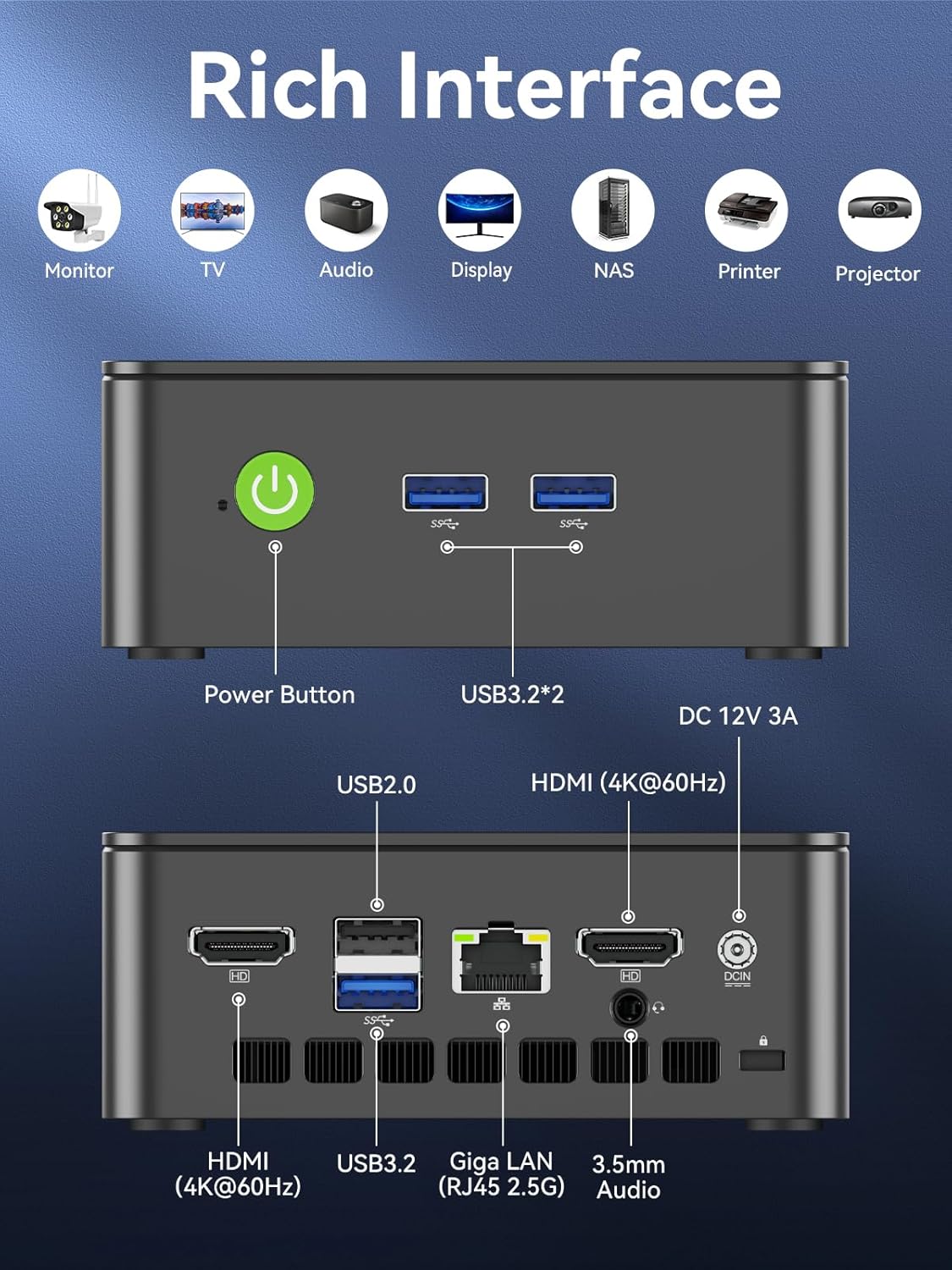
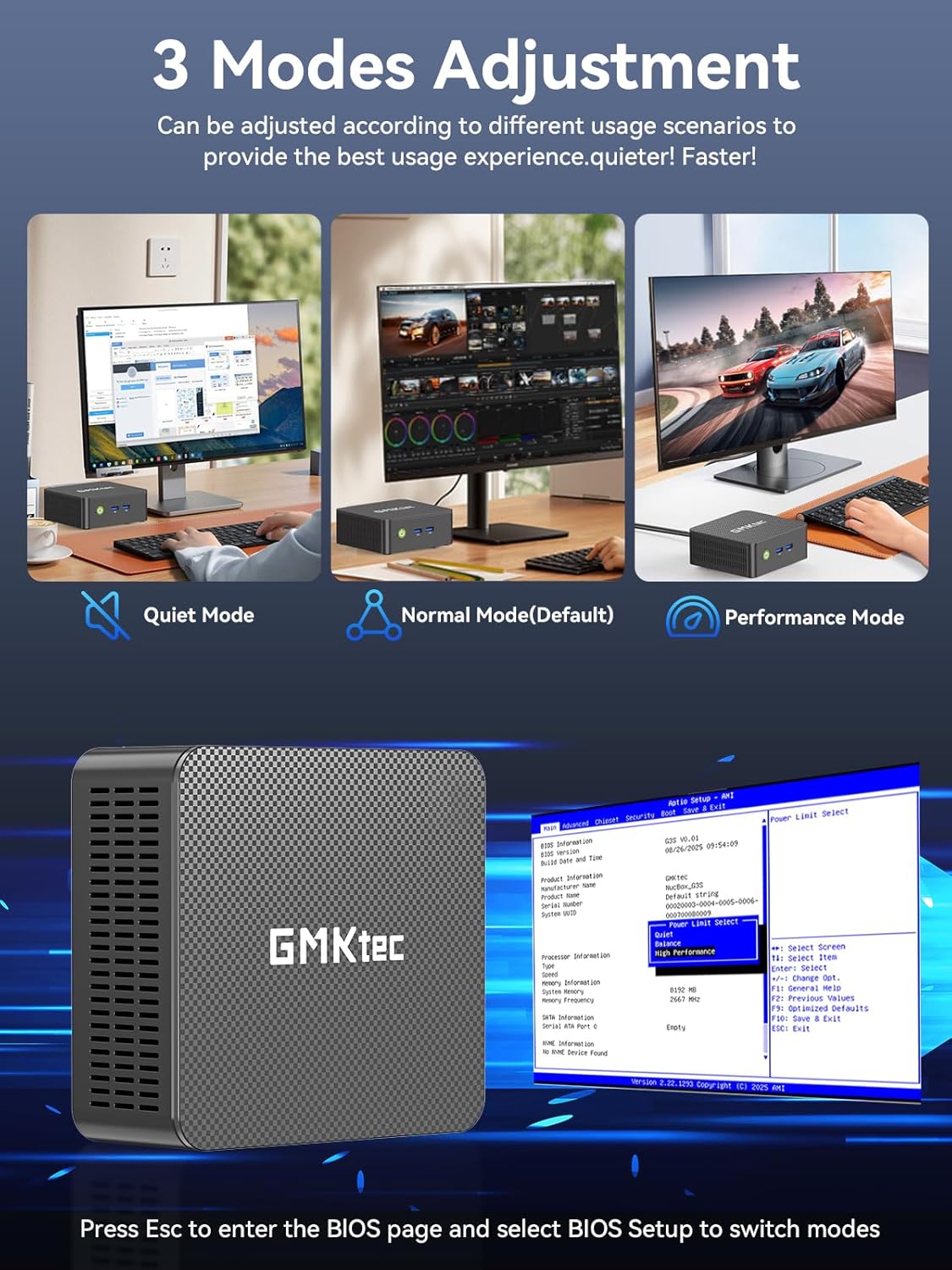
Check your display needs and ensure your monitor setup aligns with the dual 4K HDMI outputs. Consider your storage expectations and whether you’ll rely on external drives or cloud storage to supplement the 256GB SSD. Confirm network requirements if you depend on LAN or wireless performance in your workspace, and verify whether the included features like Wake On LAN fit your deployment plan.
Practical usage example
Imagine a small home office where you open a web-based CRM, a couple of office apps, and a streaming tab at the same time. With the dual 4K displays, you could keep your database on one screen and reference material on the other, while the system quietly handles background tasks. It’s not a gaming rig, but for everyday productivity and media playback, it stays responsive and easy to manage.
Final decision
Is it worth it? Worth considering if you prioritize a compact design, easy setup, dual 4K output, and up-to-date connectivity in a budget-friendly package for light tasks and media use.
FAQ
- How much RAM does it have and can I upgrade it later? The model ships with 8GB DDR4 RAM, information about upgrading is not provided here. If upgrade flexibility matters, verify RAM compatibility with GMKtec’s official specs before purchase.
- Does it support a 4K 60Hz output on both HDMI ports simultaneously? Yes, the setup advertises dual HDMI outputs with 4K@60Hz support, which is ideal for dual-display workflows.
- Is there any mention of bundled software or OS? The provided details focus on hardware specs and connectivity, there is no explicit note about an operating system or pre-installed software.
- Can this act as a small server? Wake On LAN and PXE Boot are supported, which are common indicators that it can function in lightweight server-like roles for basic tasks.
- What type of user should avoid this model? If you need high-end multitasking, large local storage, or top-tier gaming performance, this mini PC may fall short relative to higher-spec options.