

Lenovo all-in-one desktop with 16GB RAM
Product description
Quick overview
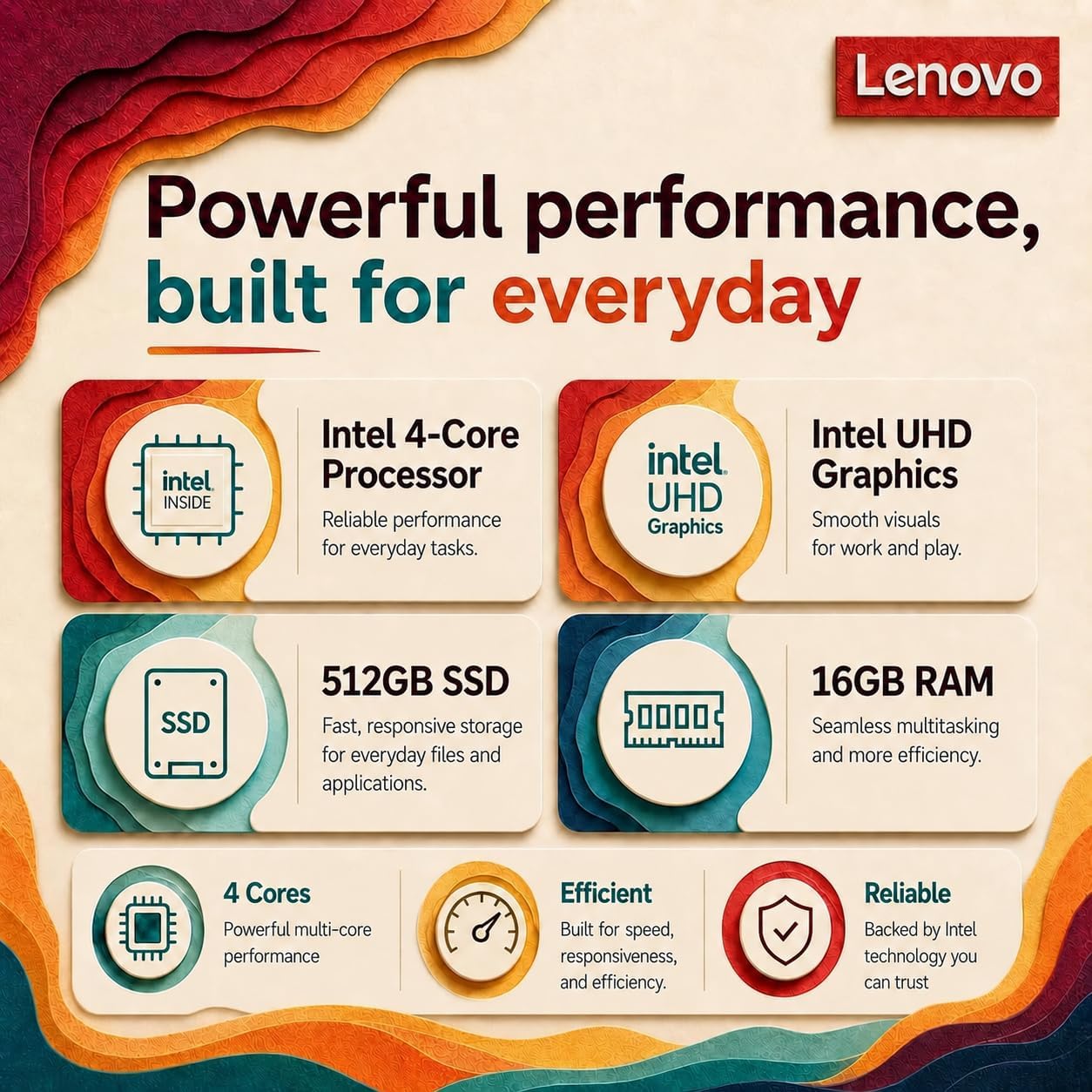
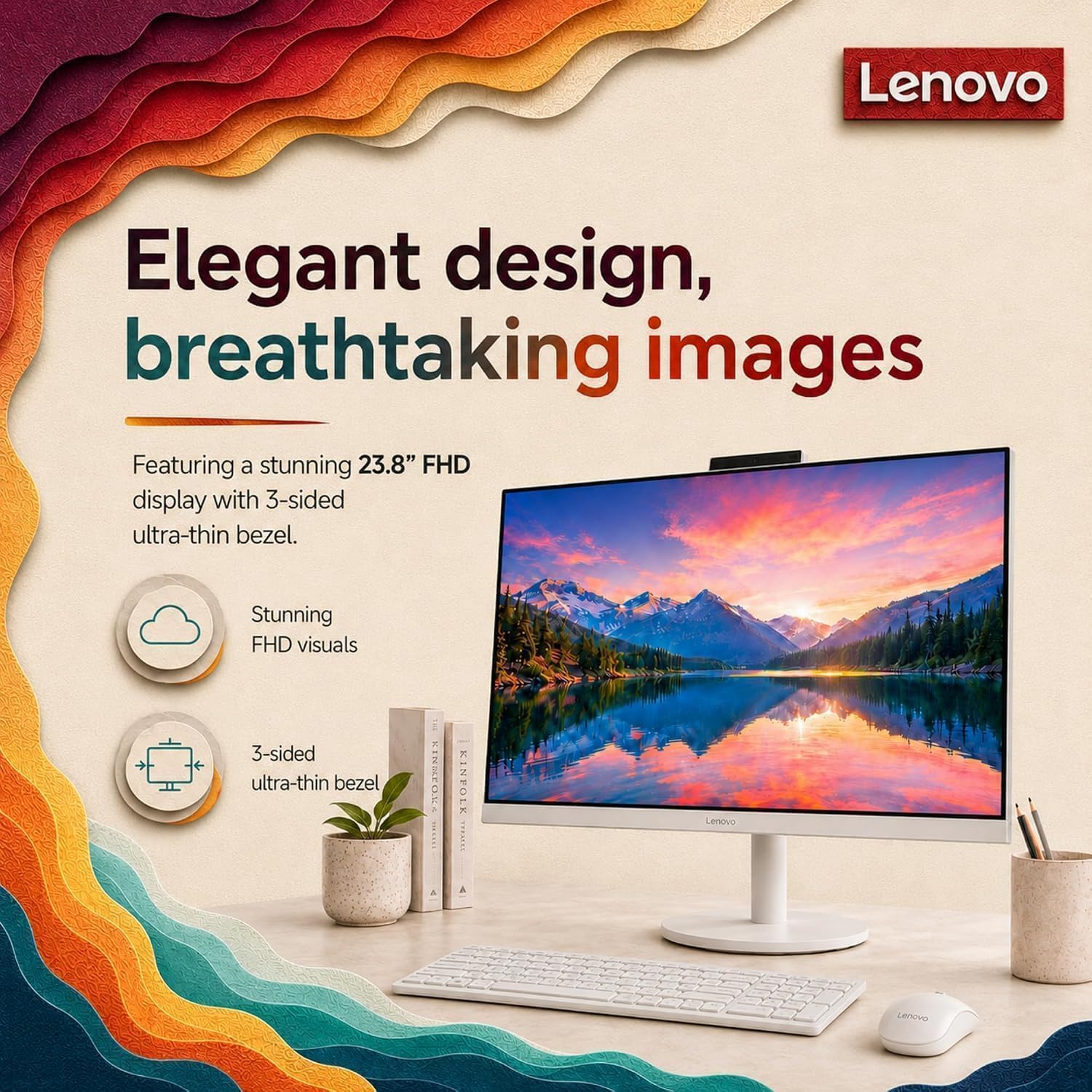
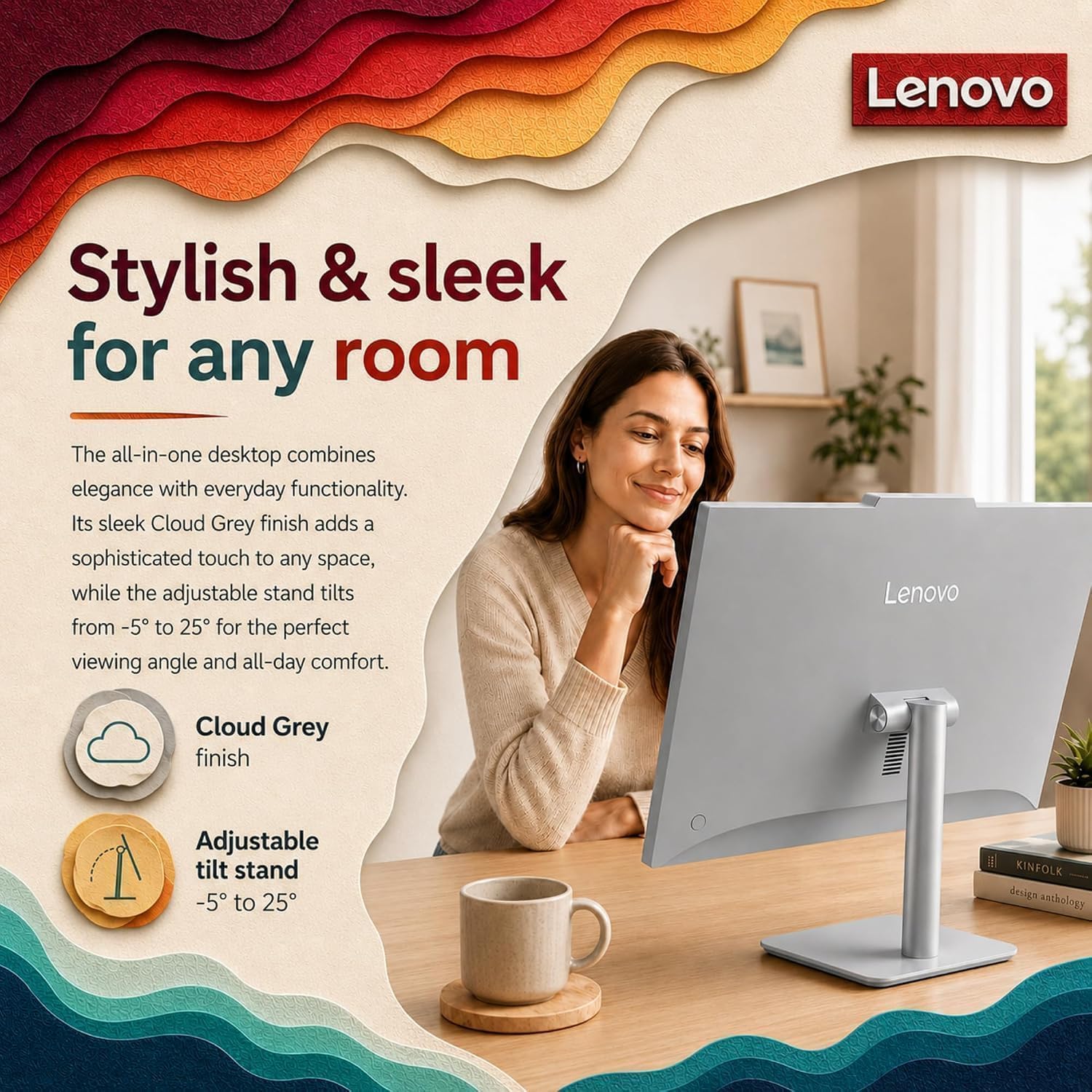
For students, home-office users, and anyone handling everyday computer tasks at a desk, the Lenovo IdeaCentre all-in-one combines its display and computer in one space-saving setup. It comes with Windows 11 Home, a wired keyboard and mouse, and an Intel N100 processor with 4 cores and 4 threads, reaching up to 3.4GHz.
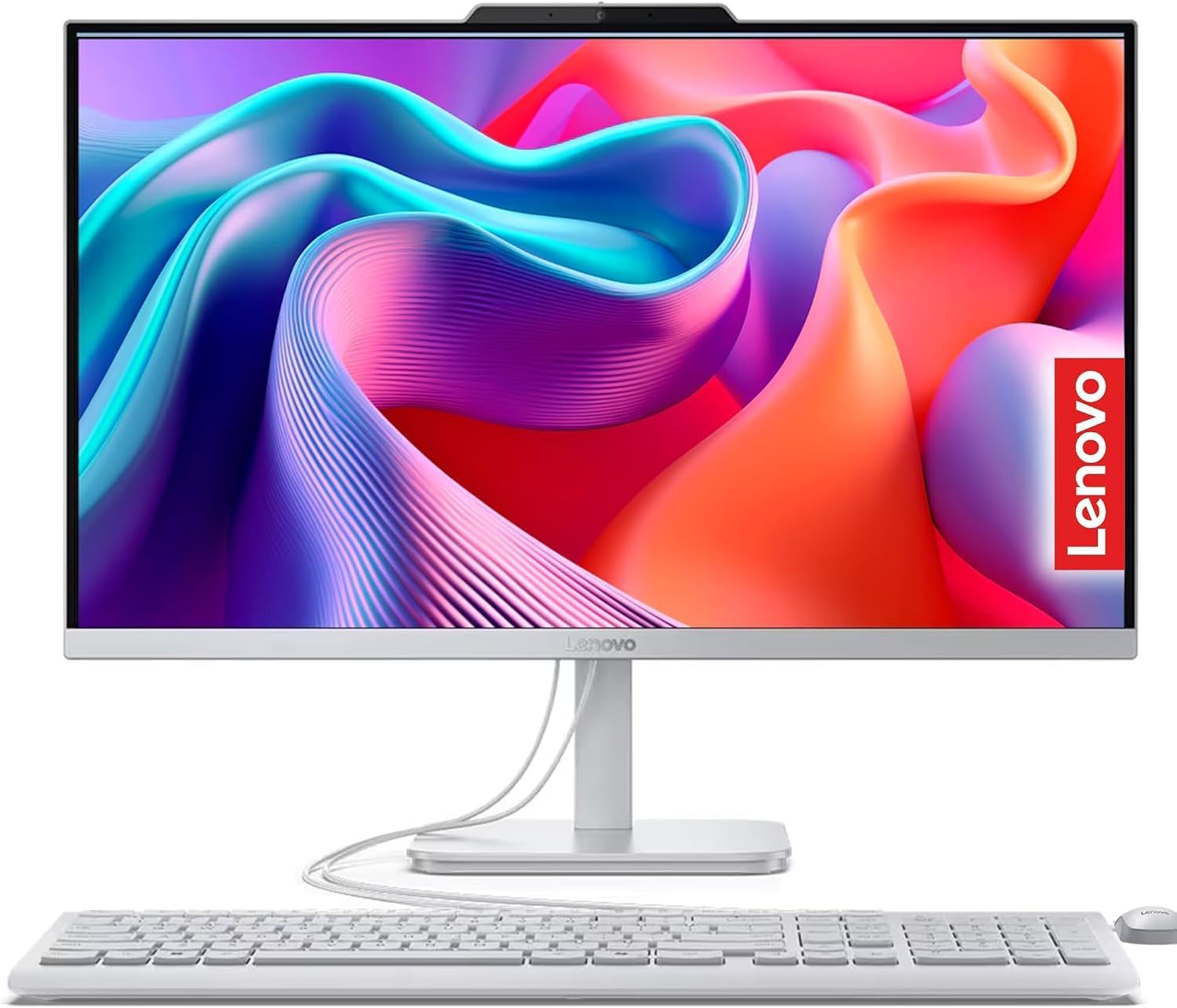
The 23.8-inch Full HD IPS anti-glare screen, 16GB of memory, and 512GB SSD give it a practical brief: documents, browser tabs, video calls, and routine productivity. A solid pick if you want a ready-to-use desktop without setting up a separate tower and monitor.
How to use it
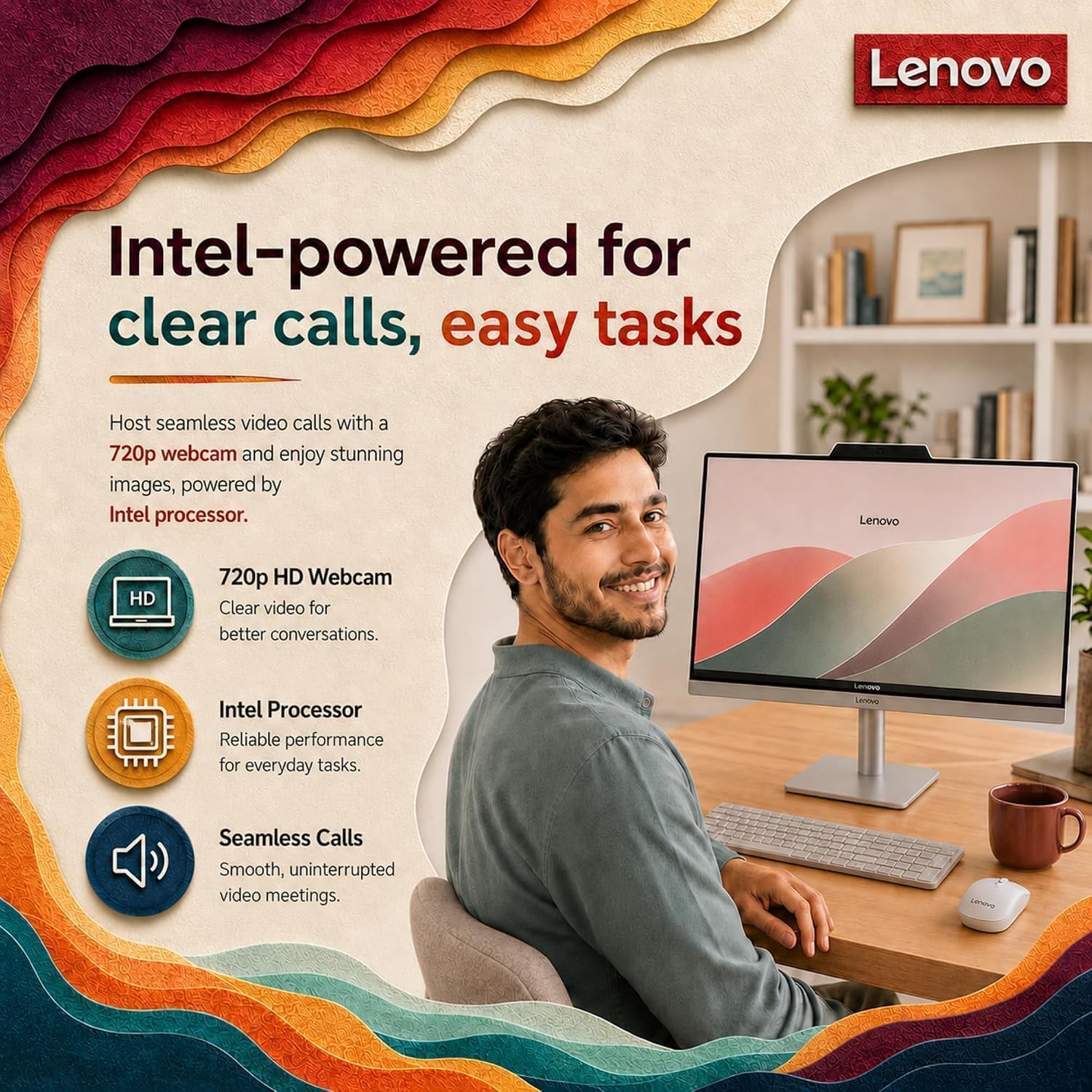
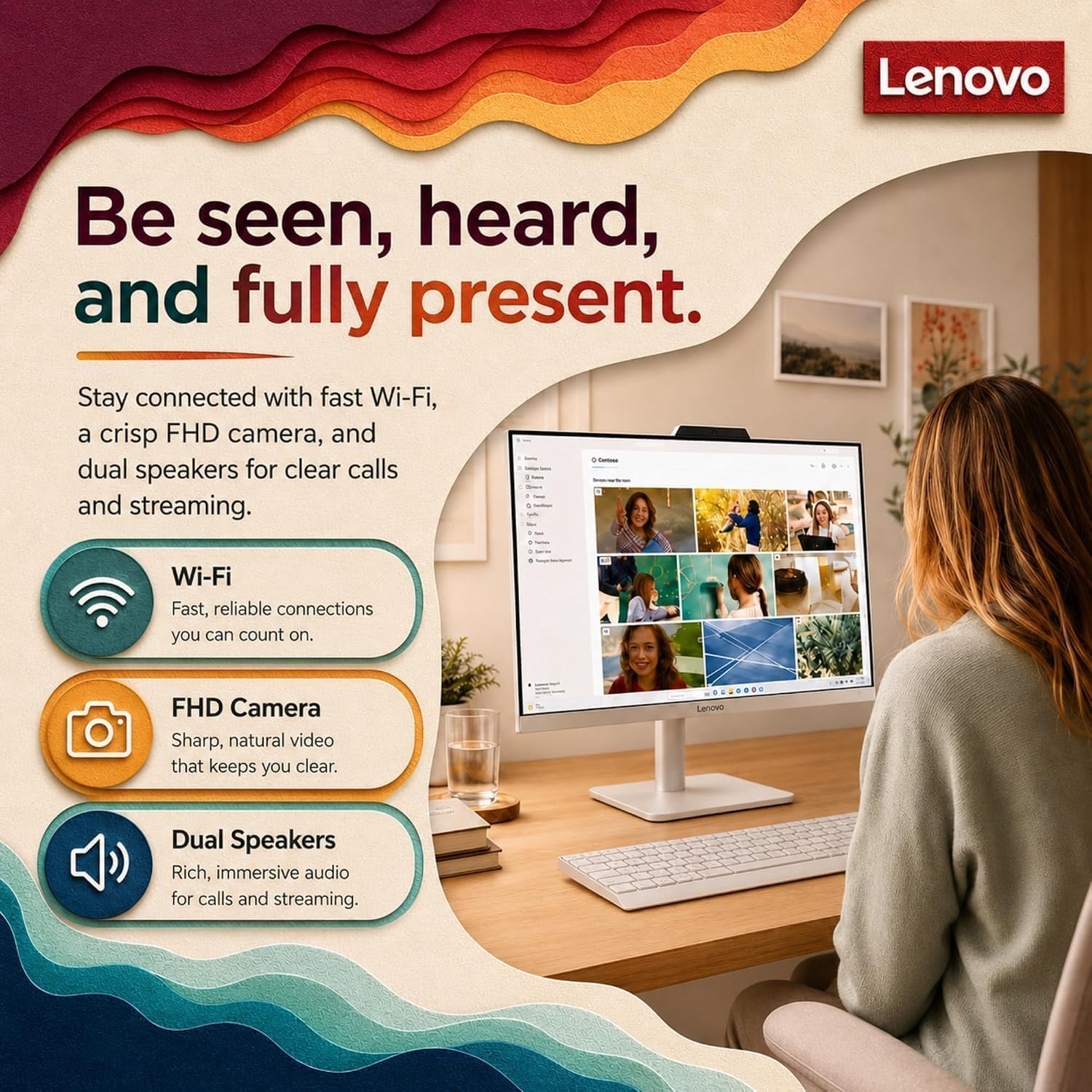
Set it up as a fixed workstation for school assignments, email, office apps, and web browsing. For example, you can keep a document open while switching between browser tabs, then join a video call using the built-in HD camera, microphone, and dual 2W speakers. Windows 11 Home is preinstalled, and the included wired keyboard and mouse let you get started without shopping for those basics separately.
Keep in mind that the keyboard and mouse are wired, so the desk will still need room for their cables. The screen is rated at 250 nits, if your workspace gets strong direct light, that brightness is worth considering when choosing where to place it. The anti-glare finish may help with reflections, but it doesn’t change the stated brightness.
Practical tips
The 512GB PCIe SSD provides space for everyday documents, media, and apps, while 16GB DDR4-3200 memory is suited to juggling common work tasks and multiple browser tabs. This is a more integrated approach than buying a separate desktop tower and monitor, which may suit a compact desk, in return, you’re choosing an all-in-one rather than a setup built from individually selected components.
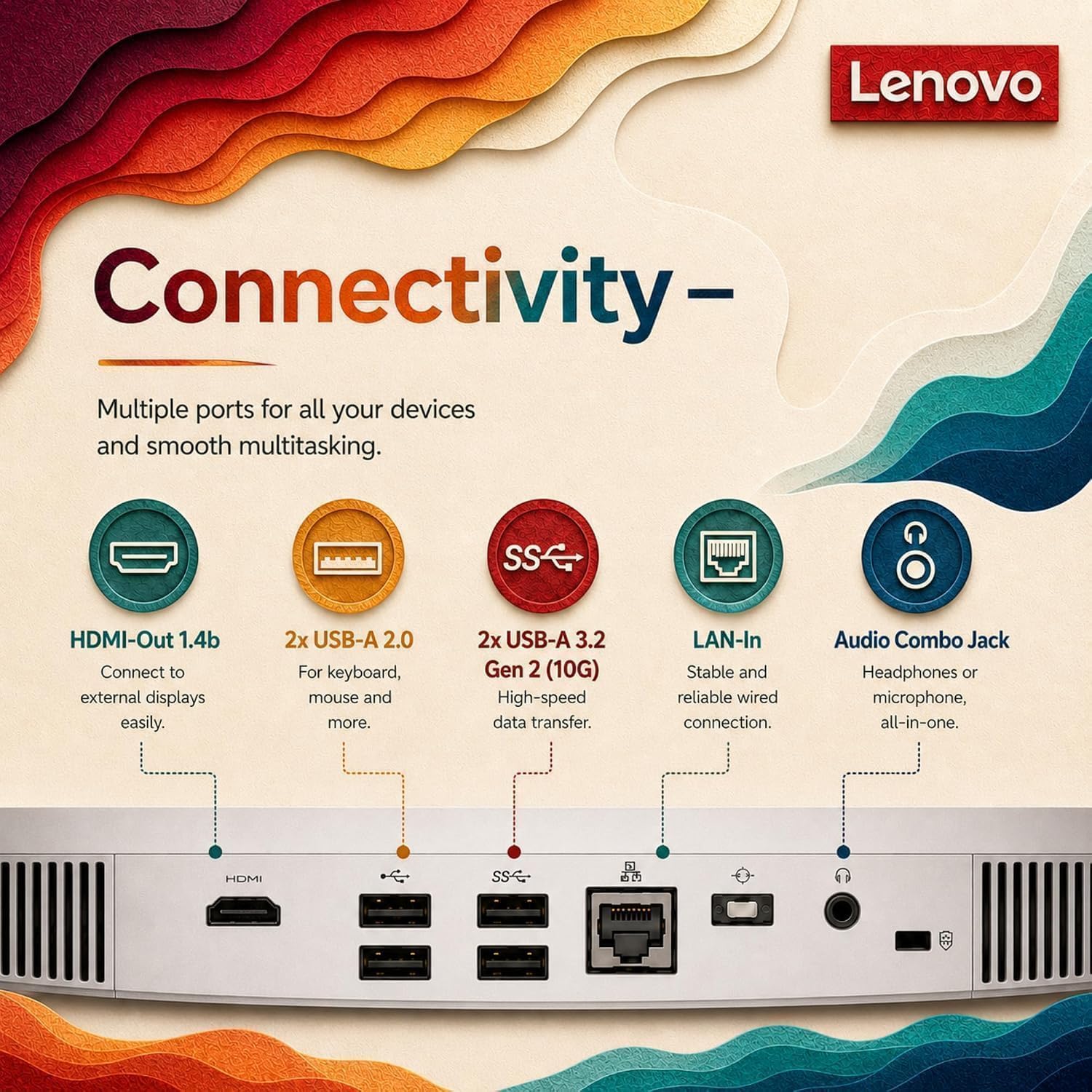
For a larger workspace, the listed HDMI-out supports up to two displays total, counting the built-in screen. There’s also HDMI-in, four USB ports, Gigabit Ethernet, and a headphone/microphone combo jack. The Intel UHD Graphics and everyday-use positioning point toward routine computing and multimedia, not a promise of performance for demanding graphics work.
Before you decide
Does it include a keyboard and mouse? Yes. The package description lists a Lenovo white wired keyboard and mouse.
Can it connect to another display? The HDMI-out supports up to two displays total, including the built-in screen. The description also lists a separate HDMI-in port.
Is Windows included? Yes. It comes with Windows 11 Home, 64-bit, in English preinstalled.
Is it worth it?
This Lenovo makes sense if you want a straightforward home or study computer with its screen, 16GB RAM, and 512GB SSD together, plus common wired and wireless networking options including Wi-Fi 6 and Gigabit Ethernet. It’s less compelling for someone who wants a portable computer, a highly configurable component-by-component setup, or a machine specified for demanding graphics tasks. You may want to skip it if a wired desk setup or the stated screen brightness doesn’t fit your workspace, for everyday documents, browsing, and calls, its included essentials make the case clearer.