

CRUA 27'' Gaming Monitor: 360Hz, 1440p IPS, FreeSync, Built-in Speakers
Product description
Overview
The CRUA 27" Gaming Monitor is designed for fast-paced play and multimedia use, combining a 27-inch 1440p IPS panel with a 360Hz refresh rate. On paper, the setup aims to minimize tearing, stutter, and input lag, while delivering wide viewing angles and vibrant color. If your priority is smooth motion in shooters and competitive titles, this model positions itself as a compelling option in the mid-to-high end of gaming displays.
Visual performance and color
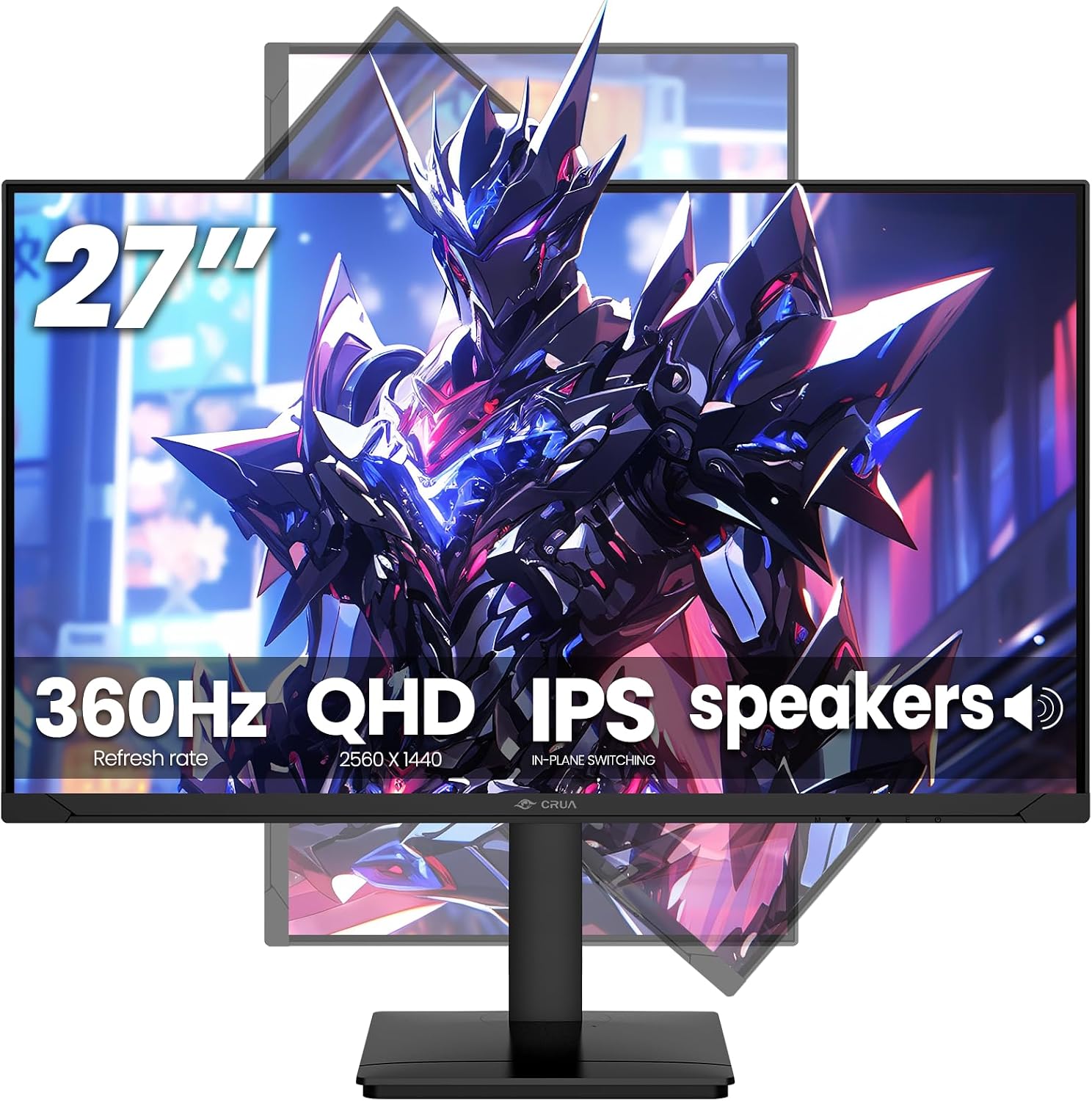
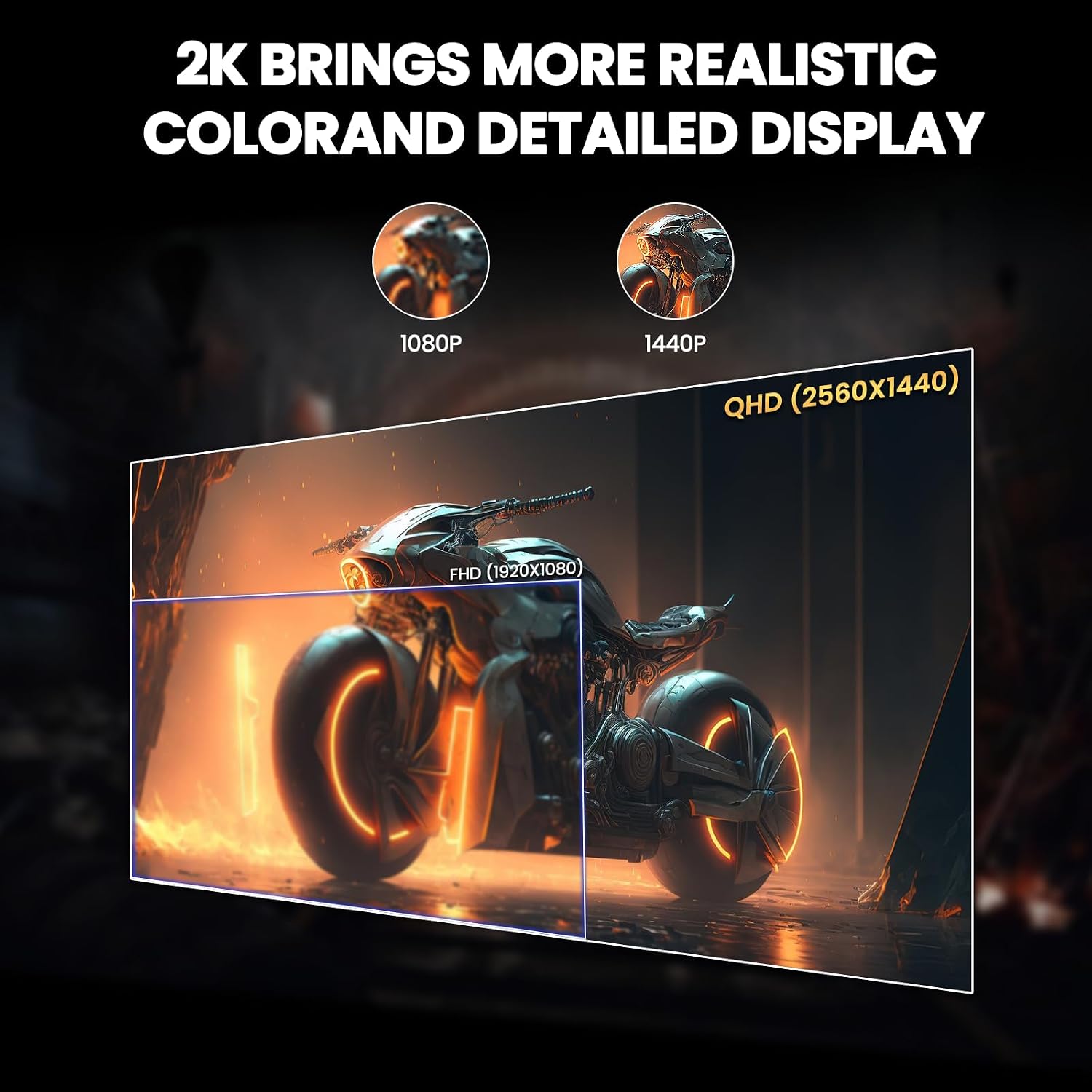
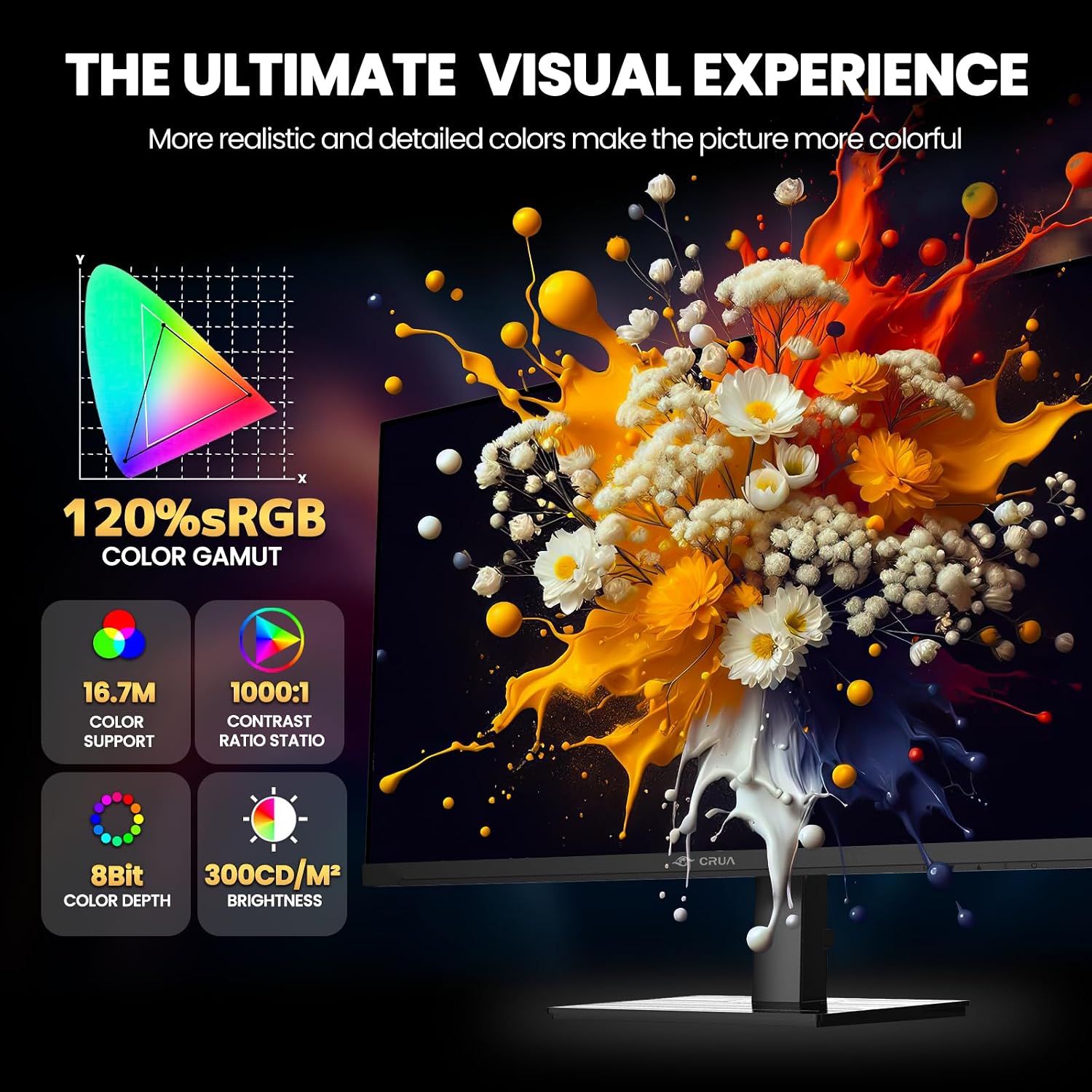
With a QHD (2560×1440) resolution on an IPS panel, you can expect crisp images and accurate colors across a broad 178° viewing angle. The display touts a 120% sRGB color gamut and 16.7 million colors, which helps content creators and casual viewers alike enjoy vivid scenes. A Low Blue Light mode is included to reduce eye strain during longer sessions, though real-world comfort will still depend on ambient lighting and screen brightness preferences.
Refresh rate and adaptive sync
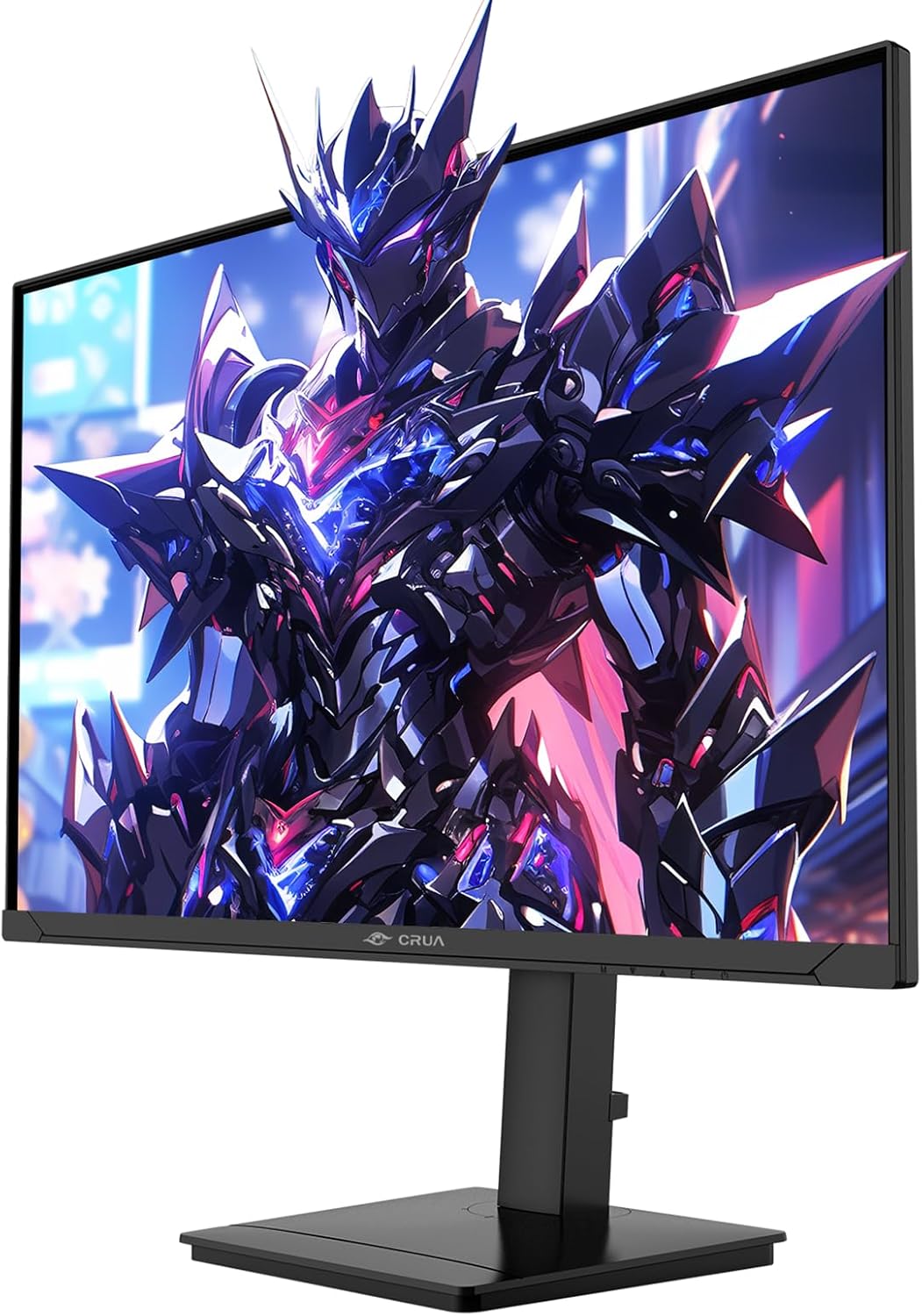
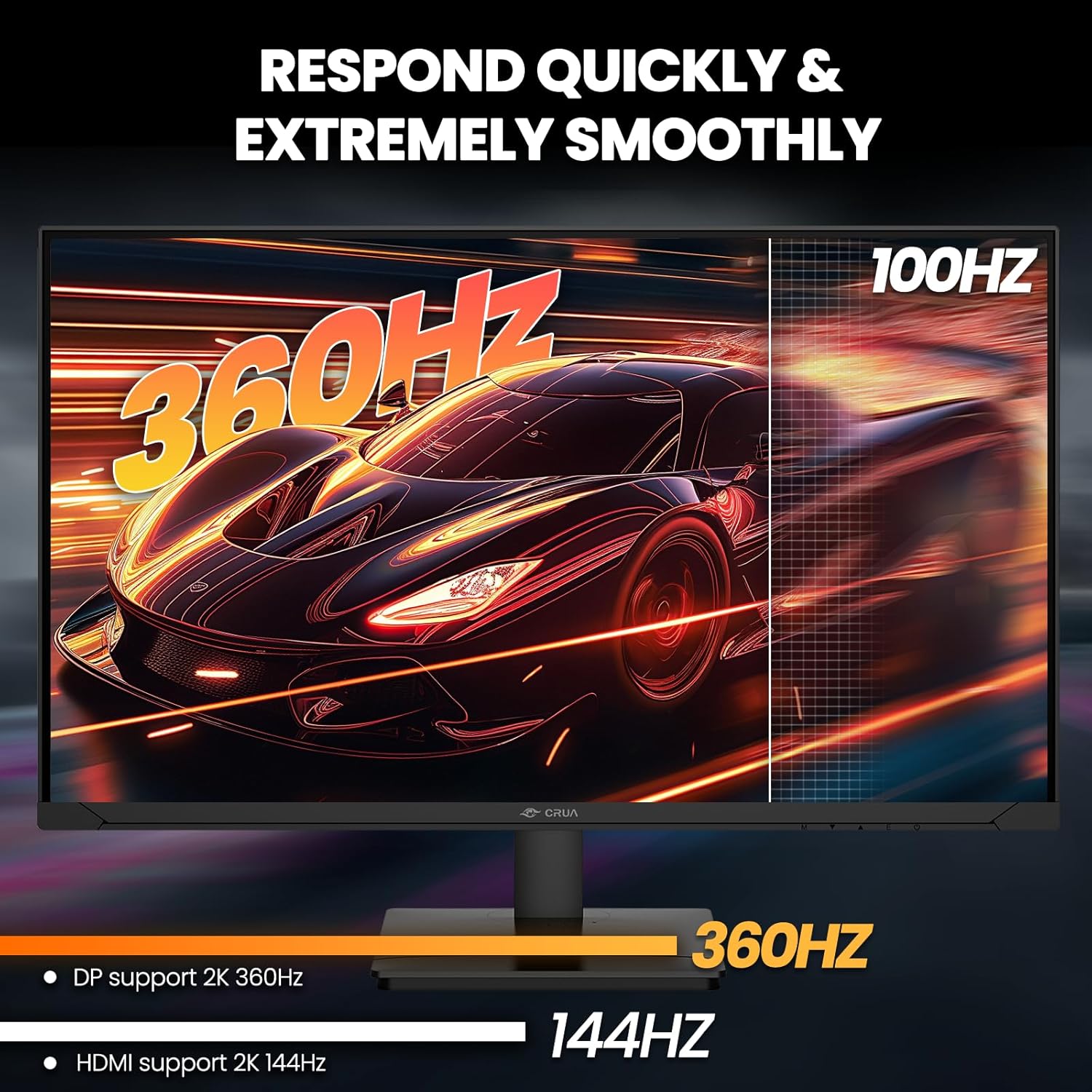
The standout feature is the 360Hz refresh capability, paired with AMD FreeSync technology to reduce tearing and stutter in fast-action games. Note that HDMI connections typically cap at higher-than-typical but still lower refresh rates on many setups, while DP1.4 is positioned to support higher frame rates—check your GPU outputs to maximize the intended 360Hz potential.
Ergonomics and versatility
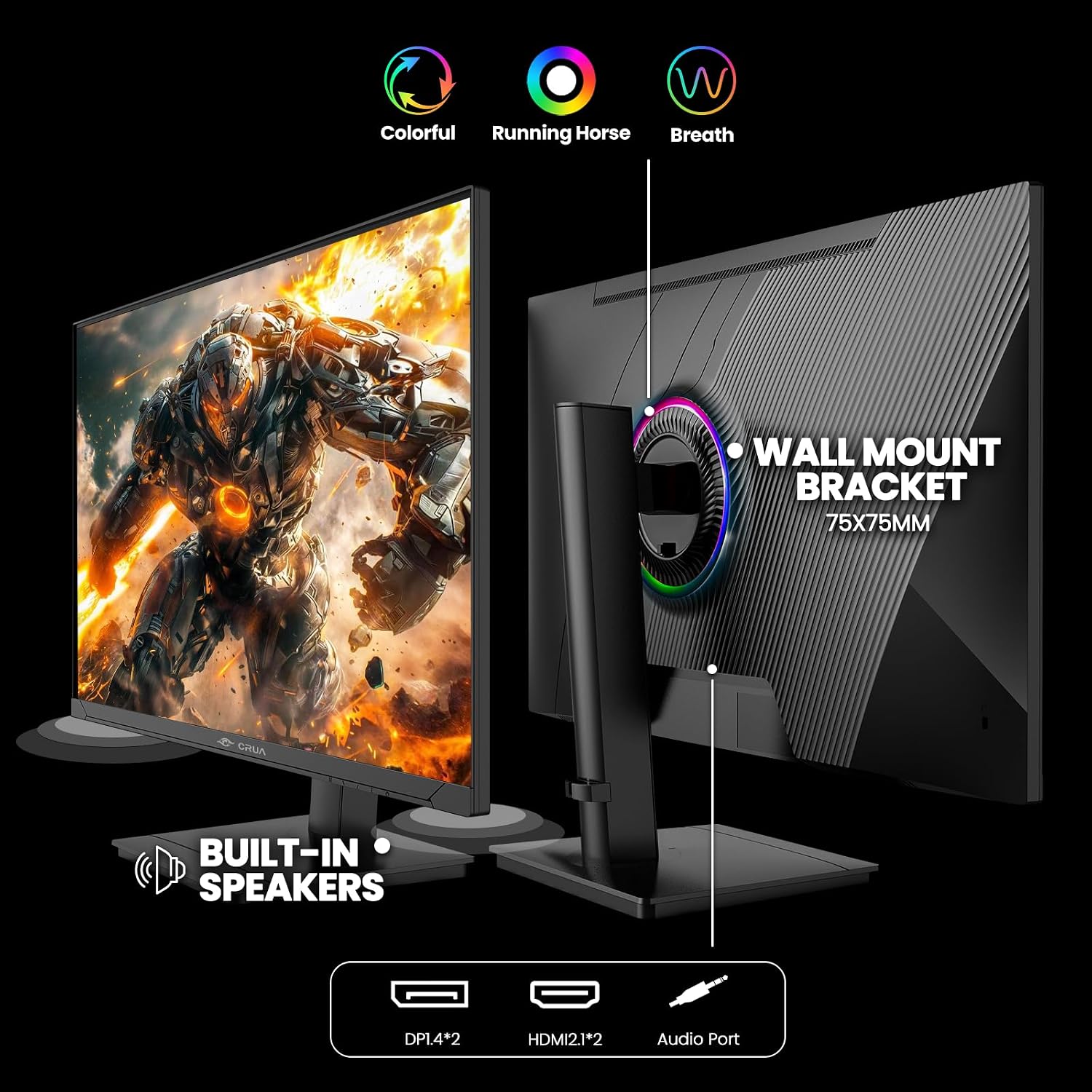
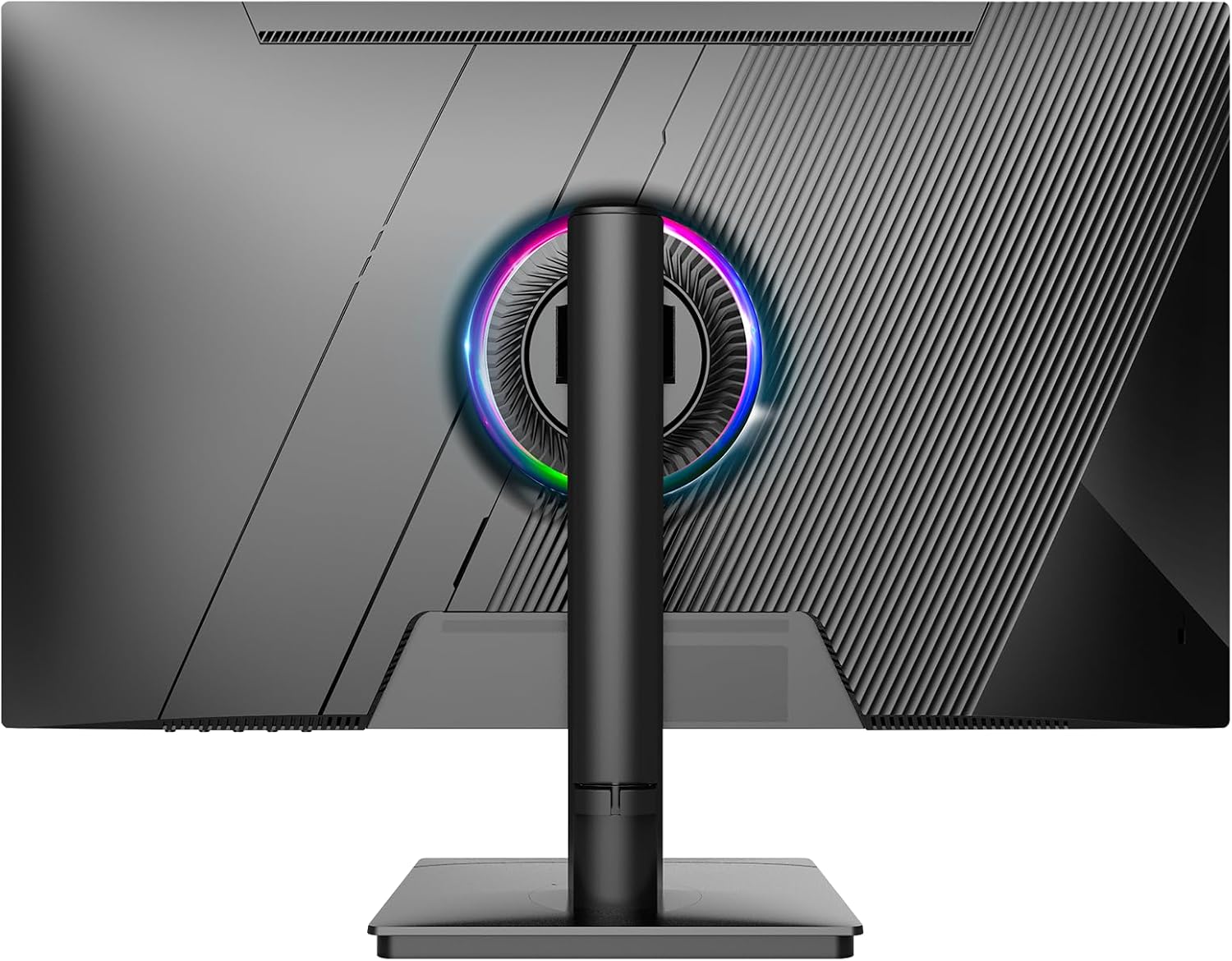
Installation is designed to be tool-free with a snap-on bracket for height adjustment (up to 105 mm), tilt (-5° to 20°), swivel (-45° to 45°), and 90° rotation for portrait use. This makes it easier to adapt to long coding sessions, document work, or multi-monitor layouts. The monitor also supports wall mounting via a 75×75 mm pattern, offering flexible placement in compact or dedicated gaming setups.
connectivity and audio
For connectivity, you get HDMI 2.1 and DP1.4, plus a 3.5mm audio jack and built-in speakers. That combination makes it straightforward to connect to PCs, laptops, or consoles (PS5, Xbox Series, Switch) without needing extra adapters. Keep in mind speaker sound quality on monitor speakers is usually modest, for more immersive audio, external speakers or a headset may still be preferable.
who it’s for and where it shines
This monitor is aimed at gamers who want a high-refresh, low-lag experience and a capable all-around display for both play and content consumption. Its IPS panel and color accuracy also suit creators who don’t want to compromise color for speed. If your priority is ultra-high resolution at a lower refresh rate or you don’t plan to push to 360Hz, this may feel like overkill.
considerations and potential limitations
A few caveats to consider: achieving true 360Hz at QHD may require compatible hardware and cables, ensure your GPU and connection (preferably DP1.4) can sustain the target frame rates. PWM or flicker details aren’t specified in the available data, so eye comfort can vary by user. The built-in speakers are convenient, but not a substitute for dedicated audio. If you prefer a plug-and-play, wall-mounted, high-speed gaming monitor with strong color accuracy, this model is a reasonable fit, otherwise, you might want to compare your options based on your specific use case (competitive gaming vs. content creation).
practical usage example
Imagine starting a ranked shooter session where every frame counts. You sit down, swivel the screen to portrait for coding or documents between rounds, then swap back to landscape for the next match. The keyboard-and-m mouse cable stay clean, and you can switch between PC, console, or laptop via visible ports without hunting for adapters.
what to check before buying
- Confirm GPU capability for 360Hz at QHD and the preferred connection (DP1.4 is the most likely route to high refresh).
- Consider if you’ll benefit from the height/tile/rotation flexibility for your desk layout and multitasking needs.
- If color-critical work is common, assess whether the 120% sRGB meets your color-work expectations or if you require wider gamut coverage.
decision and final thoughts
Is it worth it?
Worth considering if you prioritize extreme refresh rates for competitive play and want a versatile, adjustable screen with solid color performance. It may not be the best choice if you don’t plan to leverage 360Hz regularly or if external audio is a higher priority.
FAQ
- What sets this monitor apart for gaming? The combination of 360Hz with an IPS panel and FreeSync aims to deliver smooth motion, accurate color, and flexible mounting options.
- Can I use this monitor with a variety of devices? Yes, it offers HDMI 2.1 and DP1.4, suitable for PC, laptops, and current-gen consoles with compatible outputs.
- Are built-in speakers sufficient for gaming audio? They’re convenient, but often modest in quality, for immersive sound, consider external speakers or headphones.