

LG 27UP850K-W 27" 4K Monitor with USB‑C
Product description
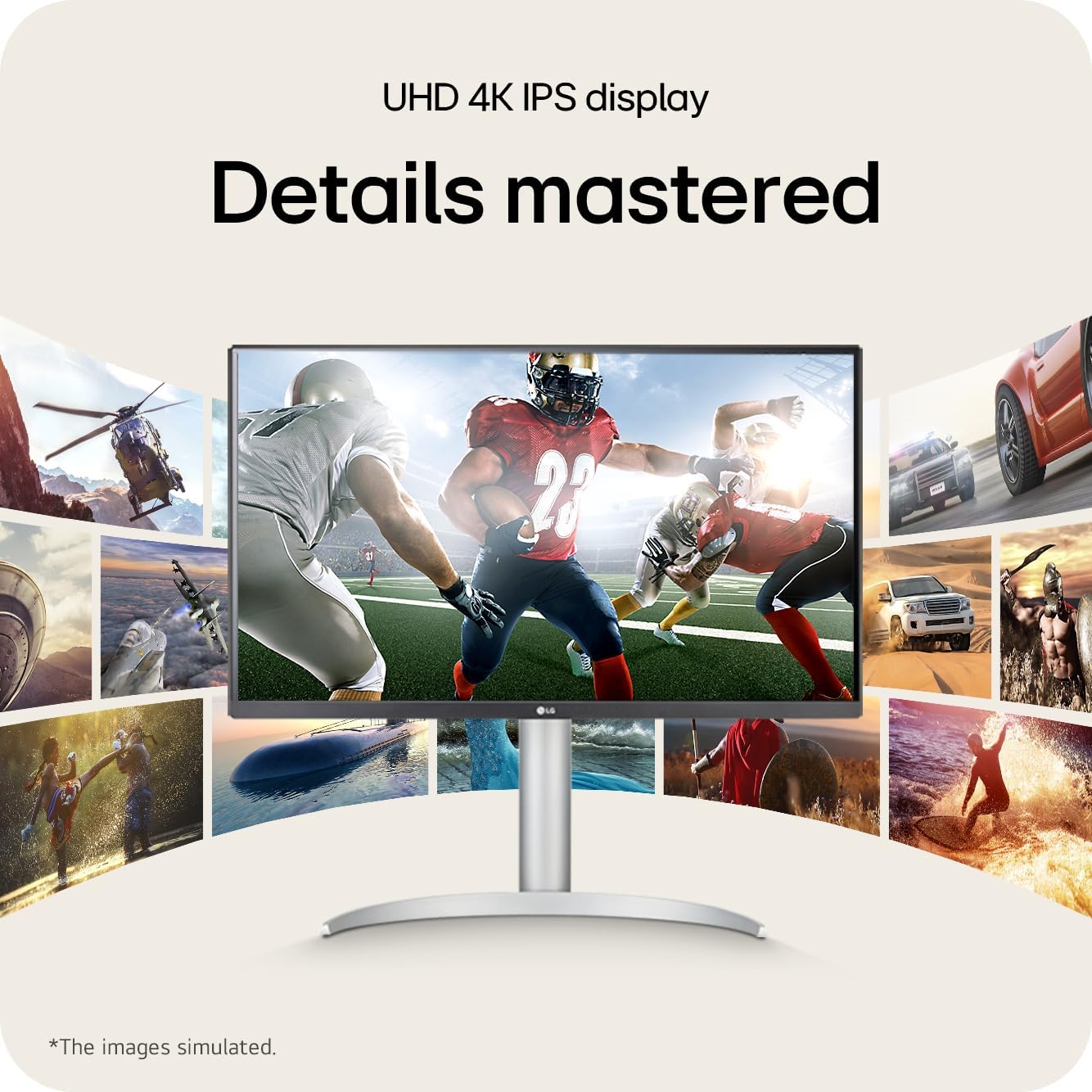
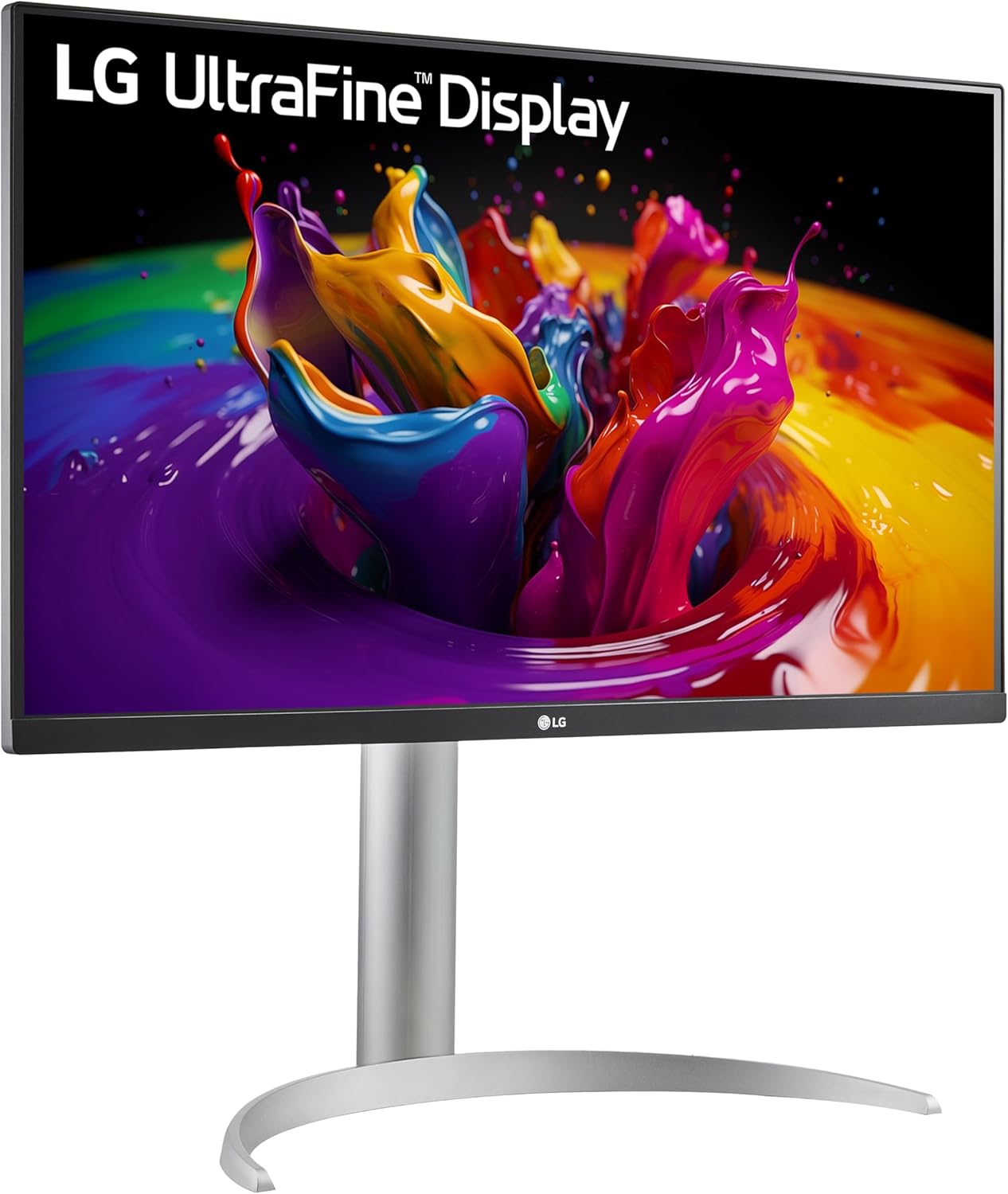
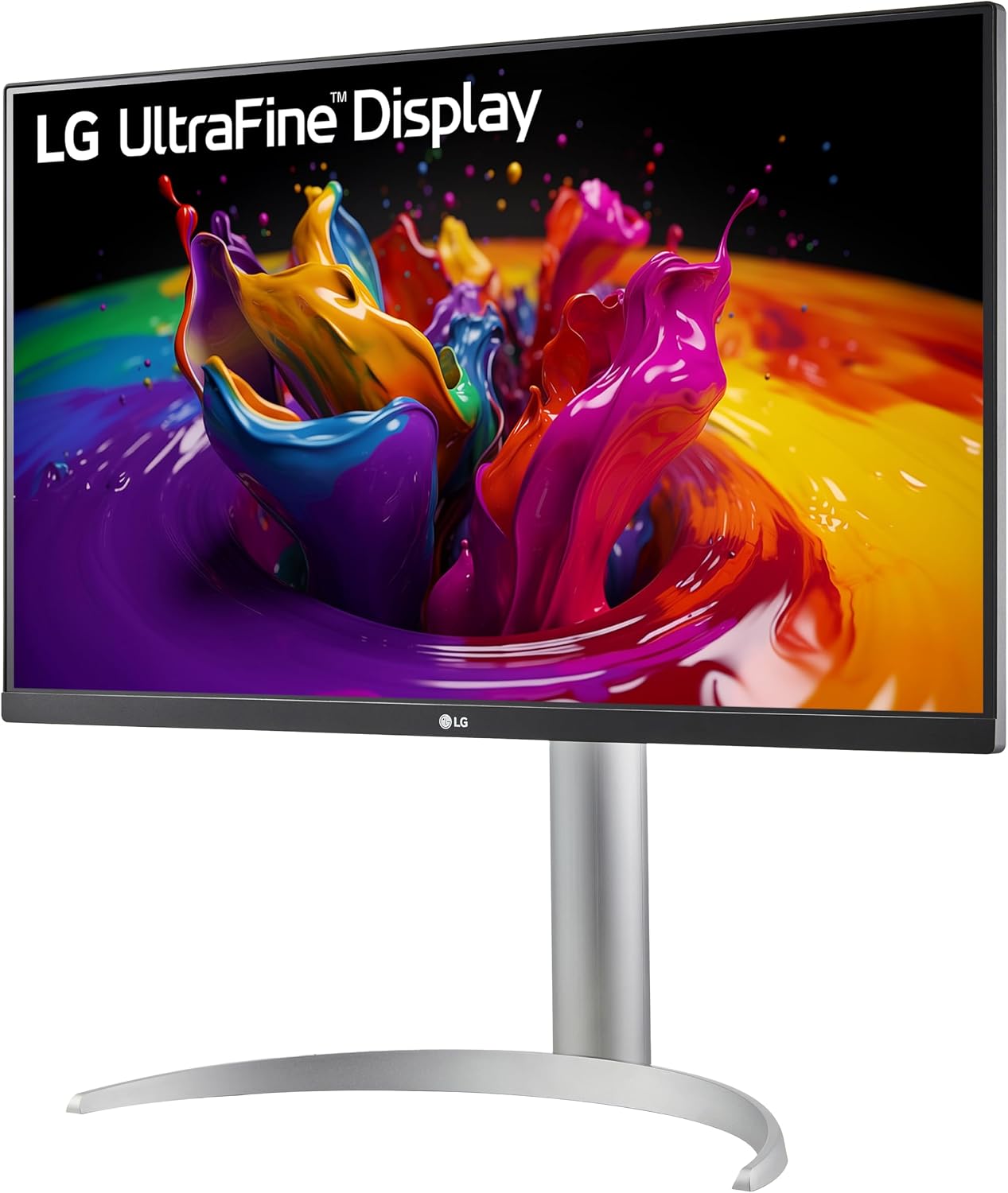
This 27-inch ultrafine IPS monitor delivers 4K UHD (3840 x 2160) clarity for creators, professionals and multimedia users who need accurate color and detailed imagery. The LG 27UP850K-W combines DisplayHDR 400 compatibility and up to 95% DCI-P3 color gamut coverage to reproduce vibrant tones and better highlight subtle gradations in photos, video and HDR content.
Key Points
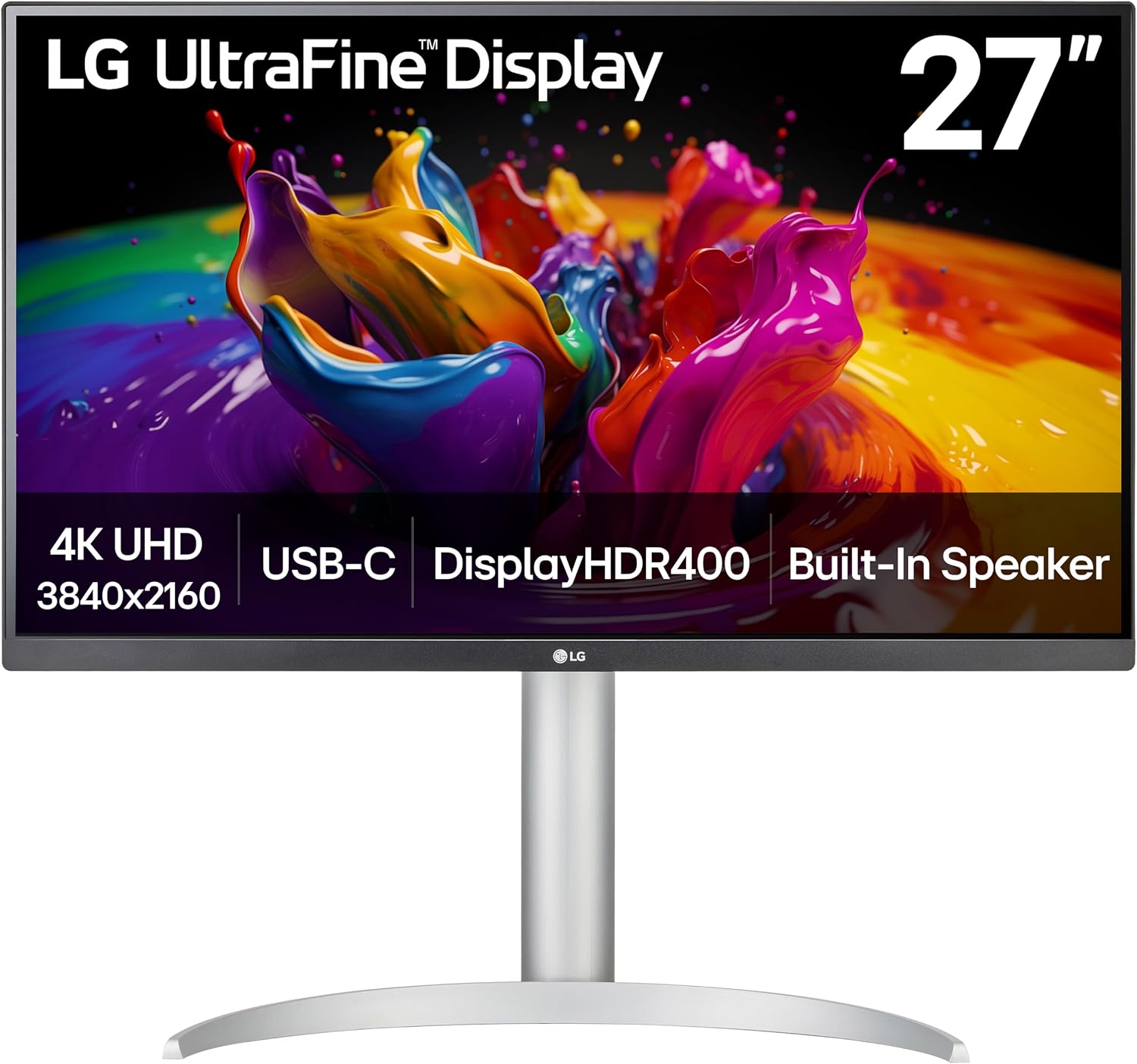
The screen’s 4K resolution sharpens text and fine detail for editing and multitasking, while the IPS panel maintains wide viewing angles and consistent colors across the surface. Built-in stereo speakers with Waves MaxxAudio add usable sound without external speakers, and features like Black Stabilizer and Dynamic Action Sync bring practical benefits for casual gaming and fast-paced video. The integrated USB-C port supports up to 90W power delivery which streamlines laptop connectivity and reduces cable clutter.
Technical Specifications
- Name: LG 27UP850K-W
- Screen size: 27 inches
- Resolution: 3840 x 2160 (4K UHD)
- Refresh rate: 60 Hz
- Response time: 5 ms
- Color gamut: up to 95% DCI-P3
- HDR: VESA DisplayHDR 400
Benefits
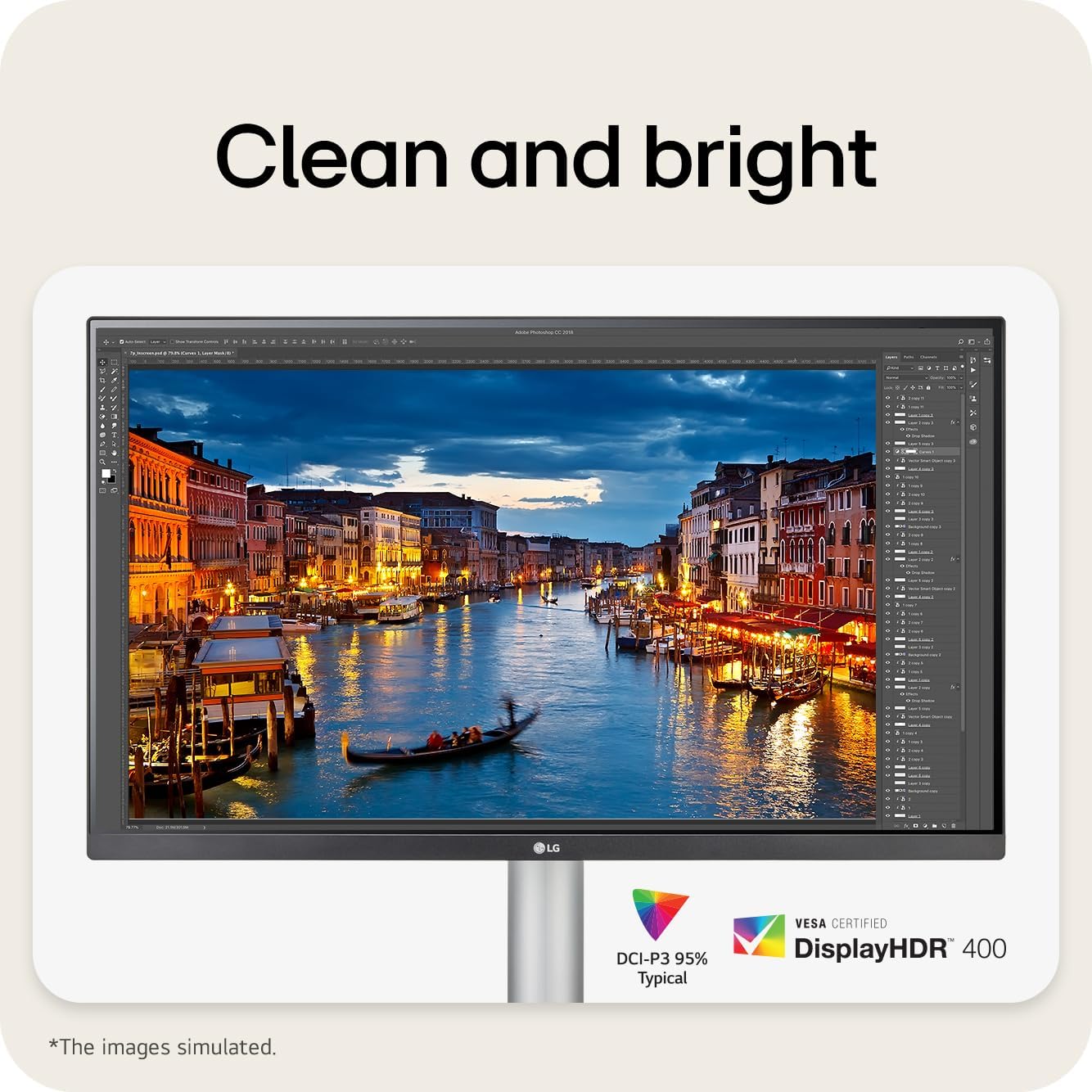
Color-critical workflows gain from the wide color coverage and HDR support, which help ensure that edits translate more reliably between devices. The USB-C power delivery up to 90W makes this monitor a practical docking alternative for compatible laptops, allowing you to charge and transmit video with a single cable. For everyday productivity, the high pixel density increases workspace for side-by-side windows without sacrificing legibility.
Usage Recommendations
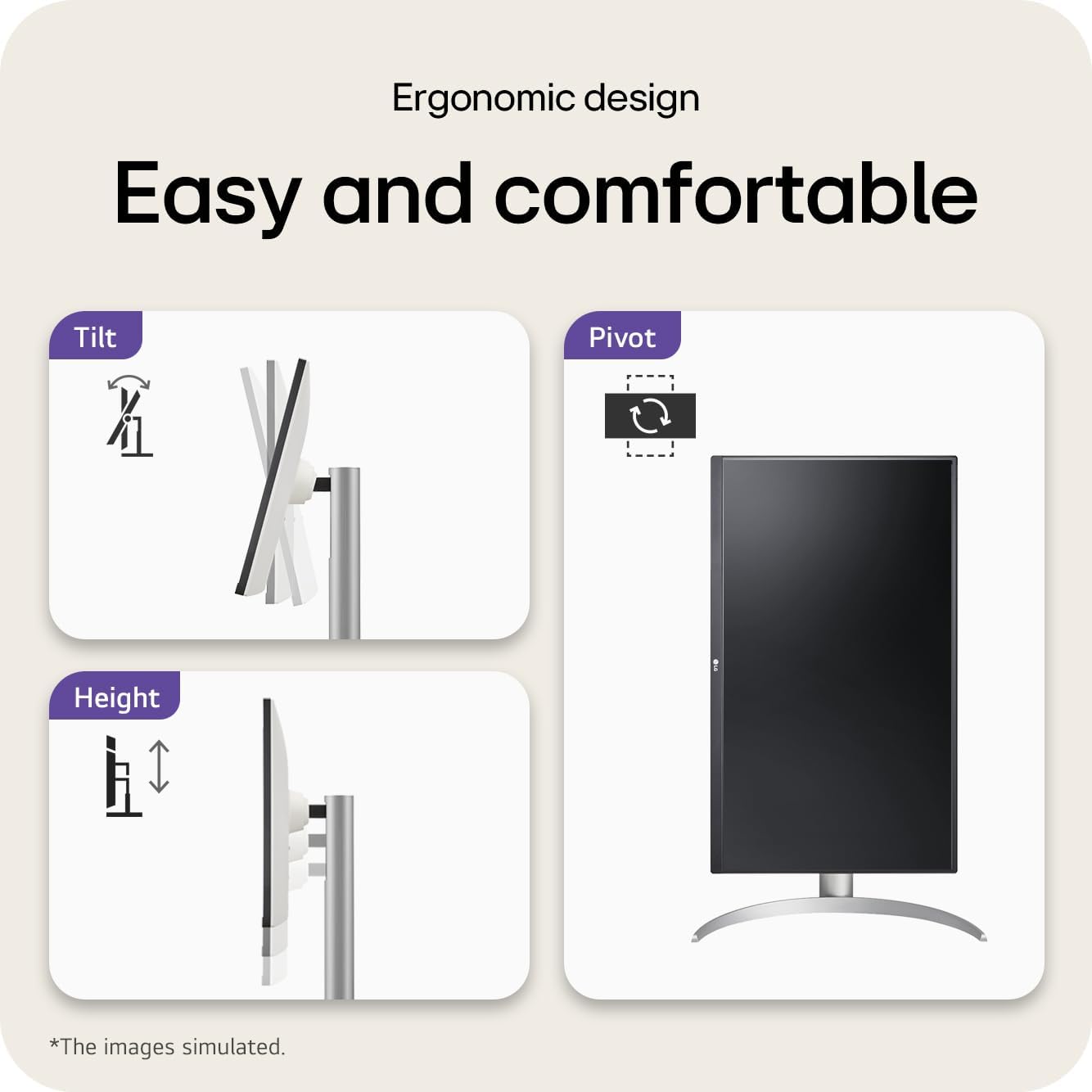
Place the monitor at eye level and use the adjustable stand to minimize neck strain during long sessions. When working with HDR footage or color grading, view content in a dimmer room to better perceive the extended dynamic range. Consider connecting via DisplayPort or HDMI for simpler multi-monitor setups, and use the built-in speakers for video conferencing or casual media when a dedicated audio system is not available.
Note that the 60 Hz refresh rate and 5 ms response time are well suited to most office and creative tasks but may not meet the preferences of high-frame-rate competitive gamers seeking higher refresh panels, according to the manufacturer.