

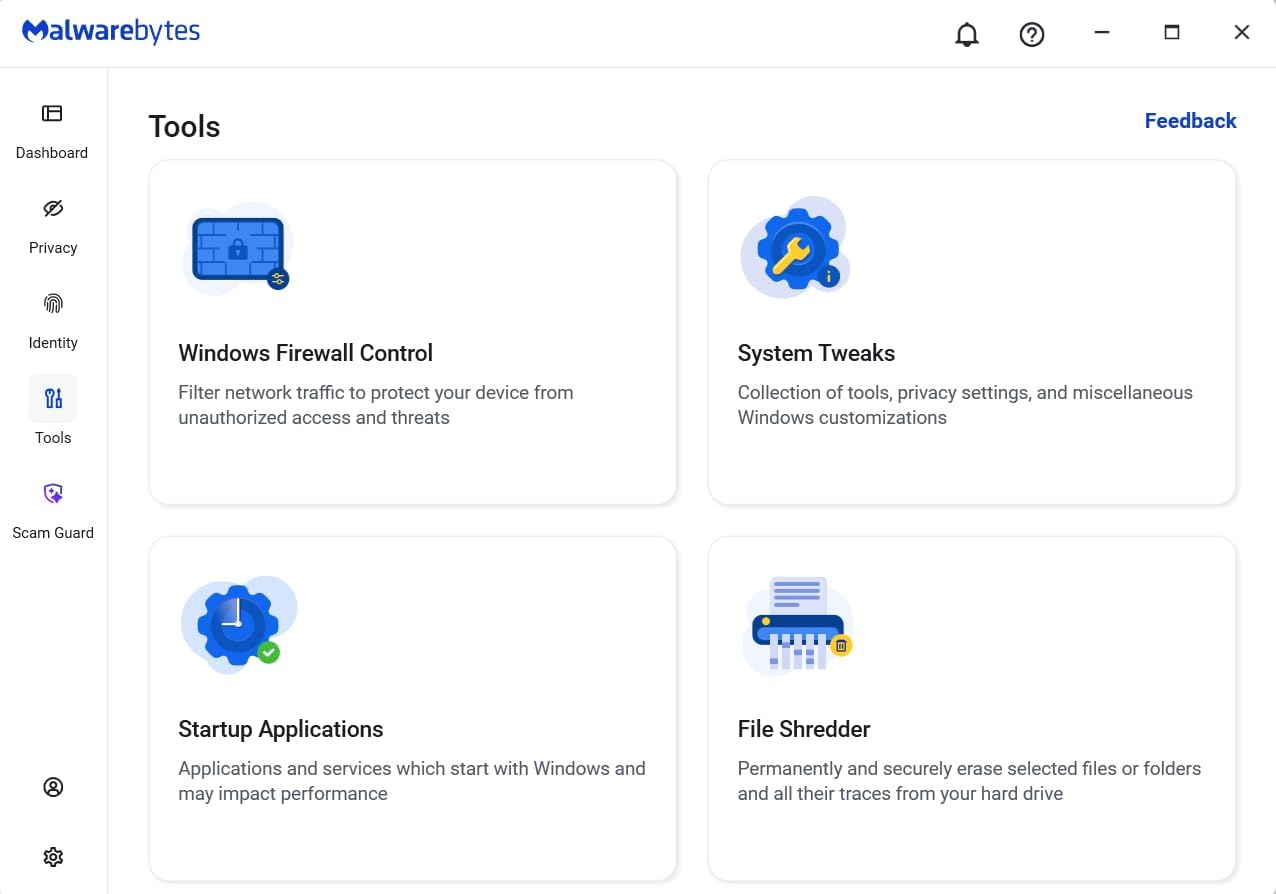
Malwarebytes Standard, Premium Security + VPN (1 Year, 4 Devices) – Comprehensive Threat Protection with Privacy
Reviews
Price
Product description
What it is and what it’s for
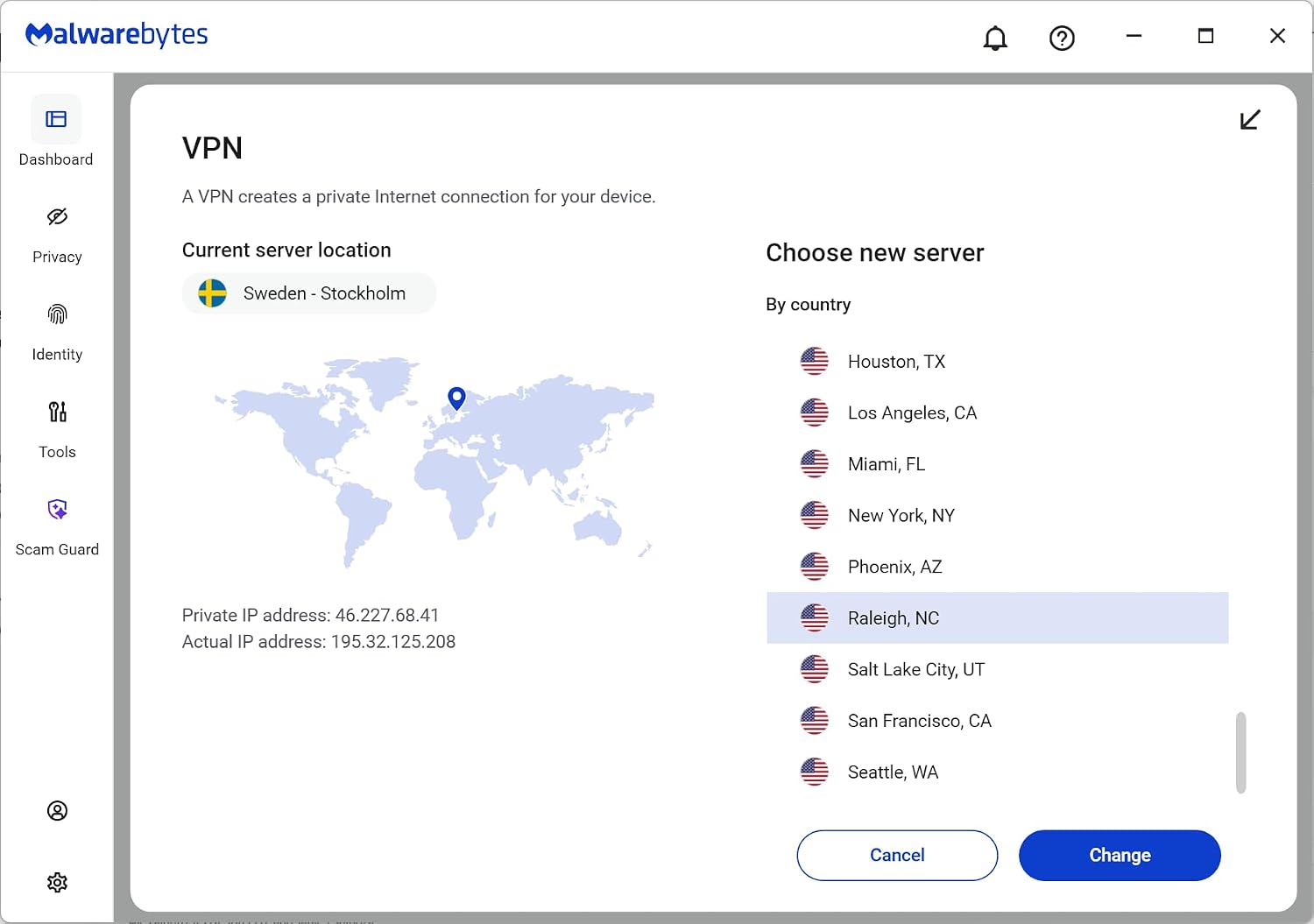
Malwarebytes Premium with Premium Security + VPN is a bundled software offering intended to defend multiple devices across Windows, Mac, iOS, Android, and Chrome environments. On paper, you get real-time protection against emerging threats, plus browser guard features to block ads, trackers, and certain scams. The package also includes Malwarebytes Privacy, a no-log VPN with a broad server network designed to help protect your online footprint on public Wi-Fi and during general browsing. If you’re evaluating a single-license, multi-device security setup that covers everyday protection and privacy, this bundle positions itself as a convenient, all-in-one solution.
How the components hang together
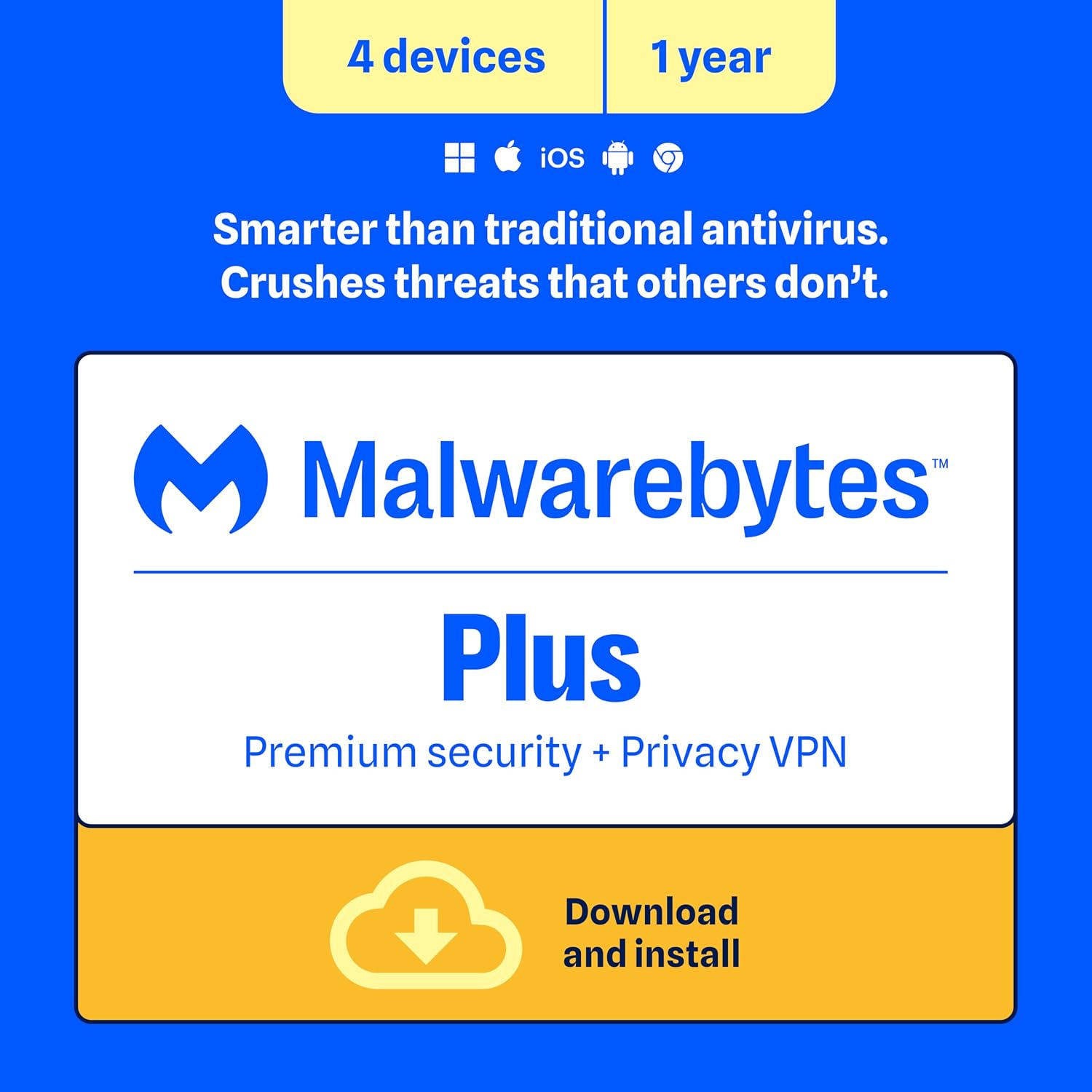
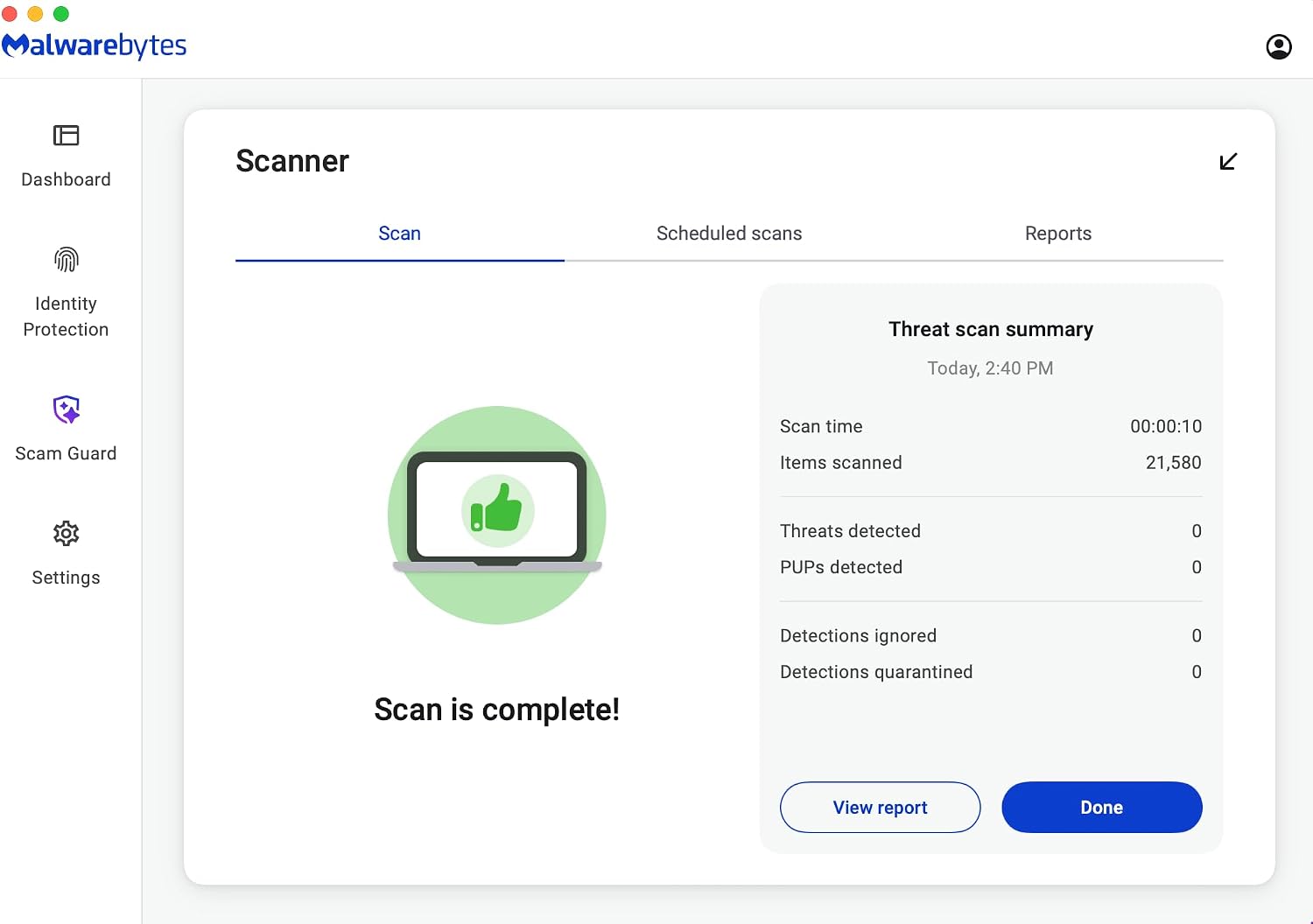
This offer combines three components. First, Malwarebytes Premium provides ongoing real-time defense against threats that slip past traditional antivirus, second, Malwarebytes Browser Guard claims to block malicious pages, cryptojackers, and trackers in supported browsers, and third, Malwarebytes Privacy aims to mask online activity via a no-log VPN. While the entry describes availability across major platforms, the exact user experience can vary by device and OS. In practice, you’ll want to consider whether you need real-time protection on all four devices or if your setup is more lightweight.
What stands out and what may fall short
On the upside, the combination of real-time defense, browser-level protections, and a privacy-focused VPN can simplify buying decisions for households or small teams needing broad coverage. The multi-device license is a tangible convenience when multiple people rely on different devices. On the downside, the VPN component’s value depends on how you judge VPN features (server spread, speed, logging policy—insights aren’t detailed here). If you already have an alternative VPN you trust or if you don’t frequently use public Wi‑Fi, the VPN part may be less compelling. Also, as with many security bundles, the claimed protection relies on timely updates and proper configuration, skipping updates or misconfiguring settings can undercut the benefits.
Who it’s for
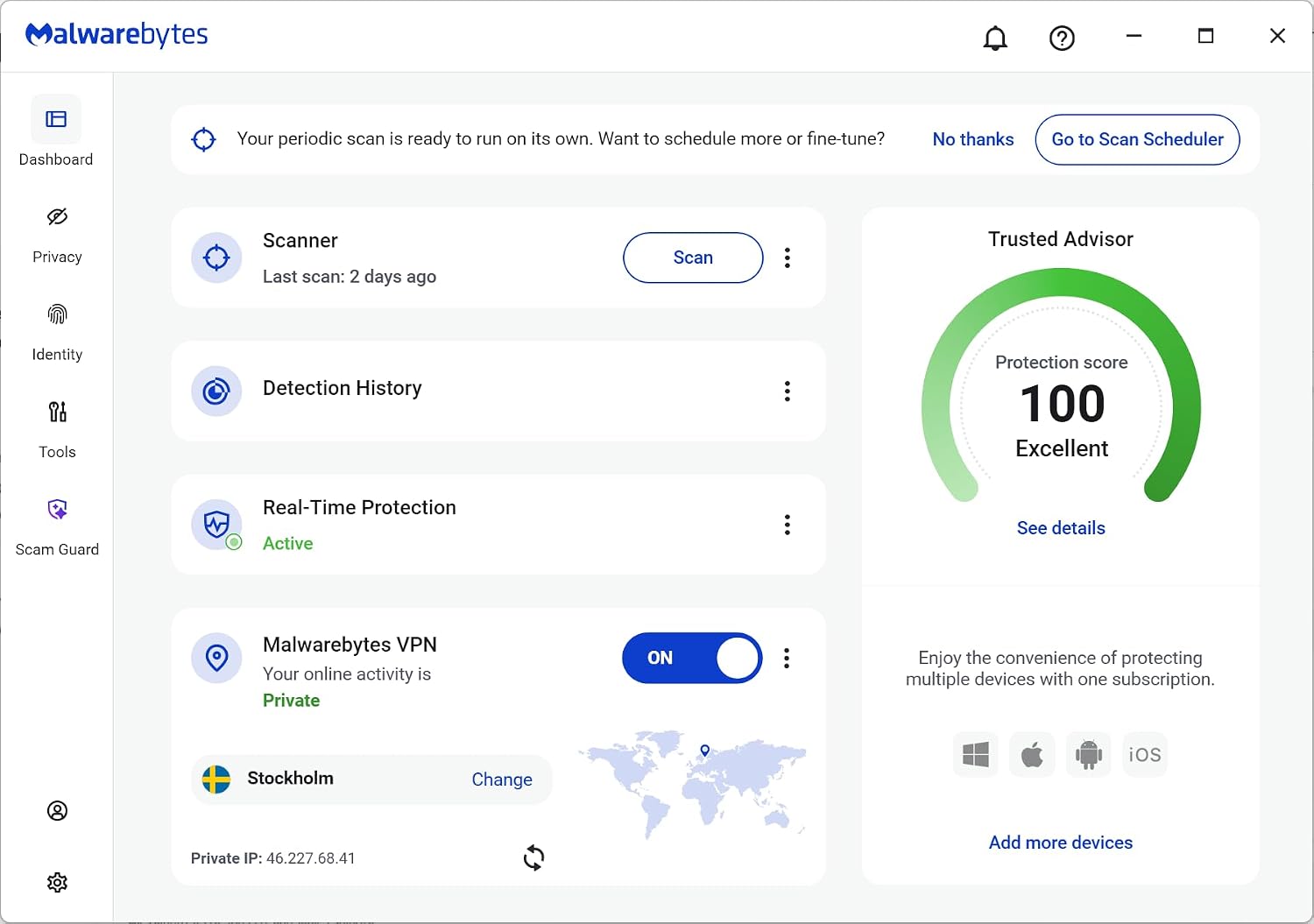
This bundle is a reasonable fit for households or small workgroups needing broad cross-platform coverage without juggling several separate licenses. If you want a single vendor for antivirus-like protection, ad-tracking controls in browsers, and online privacy, this can be appealing. It may suit users who value an integrated approach and don’t want to manage multiple tools. If your priority is a top-tier VPN with extensive streaming workarounds or a VPN with a longer security feature list, you may want to compare the VPN offering more closely with standalone options.
Who it isn’t for
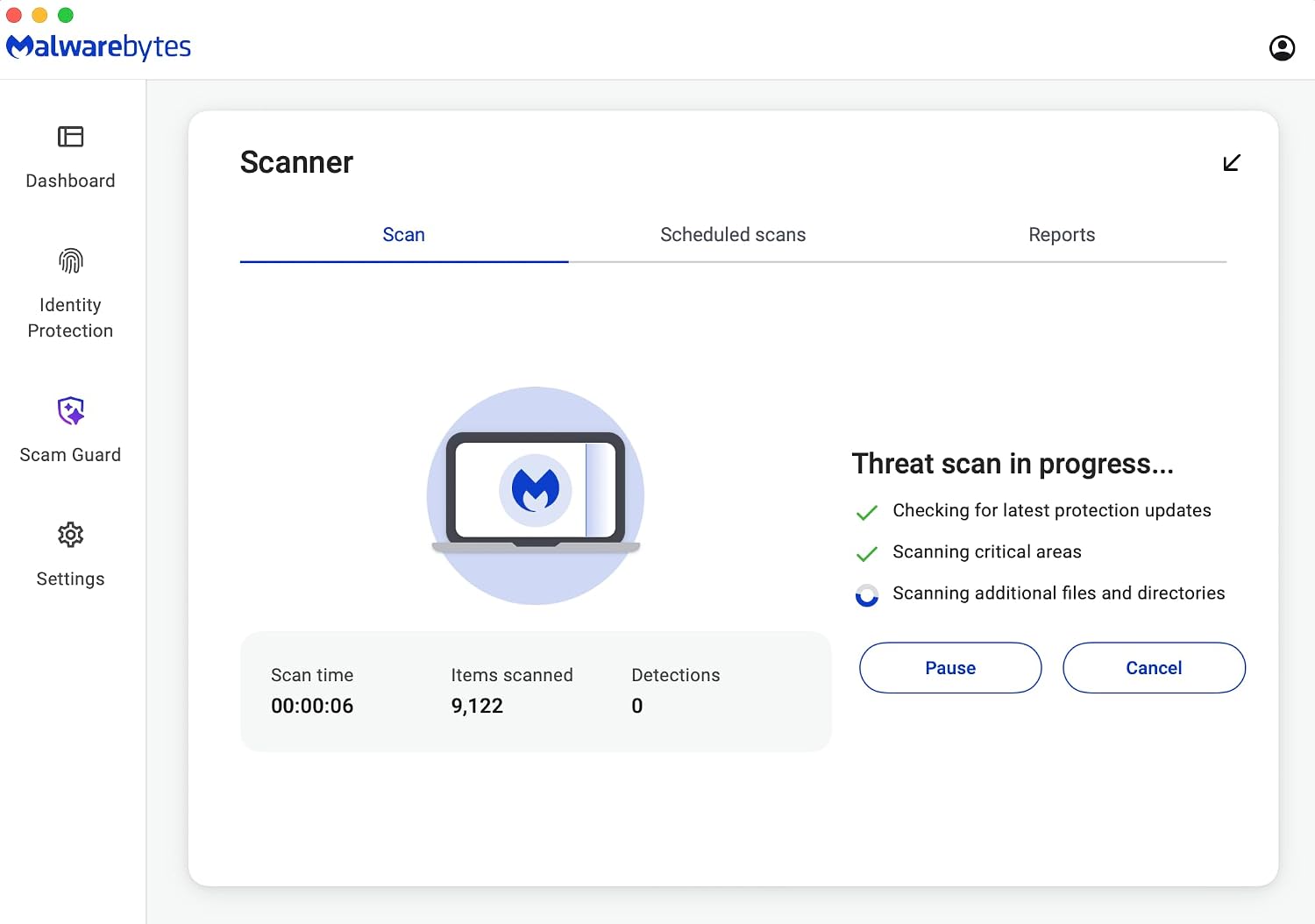
If you already have robust endpoint security from another provider, or you don’t need VPN coverage, this bundle could feel redundant. It’s also not ideal if you expect the VPN to mirror premium standalone services in terms of speed, advanced features (like split tunneling, specialty servers), or strict privacy guarantees beyond what’s described. For users who prefer lean setups on a single OS (e.g., strictly Windows or macOS only), a more focused solution could be a better fit.
When it makes sense to buy
Consider this bundle when you need multi‑device coverage with a single purchase, and you want basic privacy protections across networks, including public Wi‑Fi. It’s sensible if you want simple management across Windows, Mac, Android, iOS, and Chromebook environments, and you value in-browser protection plus a straightforward privacy option without layering multiple subscriptions.
When you might want to pass
If you’re a power VPN user who needs high-speed connections, advanced VPN features, or access to a broad set of streaming-friendly servers, you may find this VPN component insufficient on its own. If you prefer minimizing software footprint or strongly prefer standalone, best-in-class components for antivirus, browser protection, and VPN, a different combination could better align with your needs.
What to check before buying
- Confirm device coverage (Windows, Mac, Android, iOS, Chrome OS) matches the devices you plan to protect.
- Consider how you balance real-time security with browser protection and privacy features, check whether the browser guard supports your preferred browsers.
- If VPN is a priority, look for details on server locations, speeds, and logging policies not fully detailed in the base description.
- Review how updates are delivered and how easy it is to manage licenses across devices and users.
- Think about your typical threat model: casual browsing vs. sensitive work tasks, this helps judge if the bundle’s protection layers meet your needs.
Practical usage example
Imagine a family with a mix of laptops, tablets, and a few smartphones. You install Malwarebytes Premium on every PC and Mac, enable Browser Guard in Chrome and Firefox for a cleaner, ad-free browsing experience with fewer scam pages, and turn on Malwarebytes Privacy to secure public Wi‑Fi connections when someone works remotely from a cafe. In daily use, you’ll notice fewer intrusive ads and trackers while keeping the machines protected in real-time as you browse and download. The VPN adds peace of mind when on the go, though streaming or heavy gaming might rely on the VPN’s performance.
Quick take: how this compares to other approaches
If you prefer a single vendor for multiple layers of protection, this bundle offers a straightforward path without ping-pong between tools. However, if you want to optimize performance for streaming or want deeper VPN capabilities, you might compare with standalone VPNs or security suites that emphasize speed, privacy policies, or feature breadth.
FAQ (high level)
- Does Malwarebytes Premium cover all four devices simultaneously? Yes, the package is described as a 4-device license.
- Is the VPN no-logs by default? The description states no-log VPN, but you should review policy details for comprehensive privacy guarantees.
- Can I use the browser guard with any browser? It’s described as compatible with Chrome, Edge, Firefox, and Safari, though feature availability may vary by browser.
Is it worth it?
Final verdict: if you value a unified, cross-device protection package with real-time defense, browser protection, and basic privacy features, this bundle can be a sensible starting point. It is more about convenience and broad coverage than top-tier performance in any single area. If your needs skew toward high-speed VPN use or advanced privacy controls, you may want to compare with alternatives or add-on solutions before committing.