

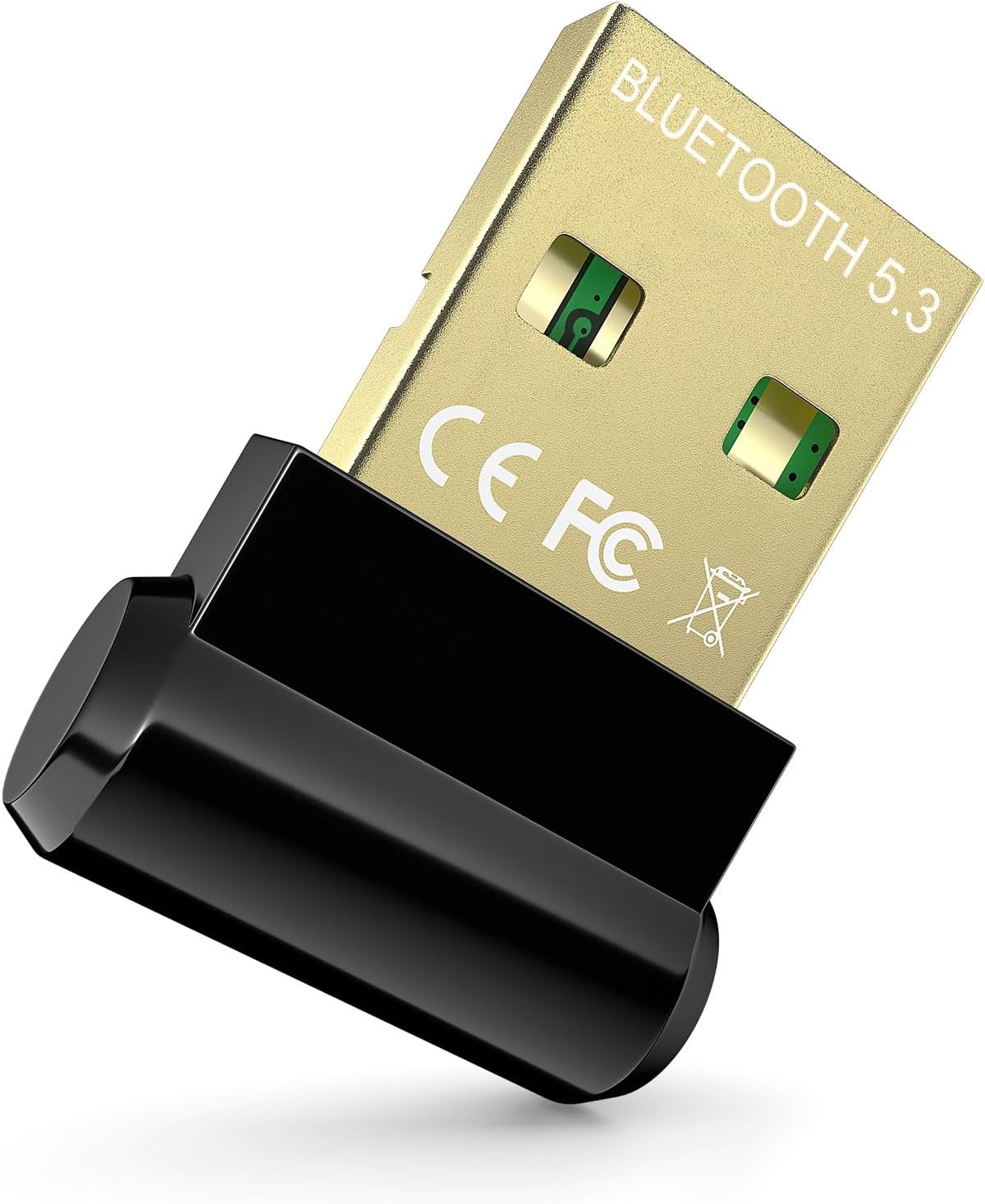
Bluetooth 5.3 USB Adapter
Product description
Key points
If you only need to add Bluetooth to a desktop or laptop, a small USB dongle is a simpler fix than replacing hardware or choosing a larger adapter with features you may not use. This one uses Bluetooth 5.3 with EDR and is designed to connect peripherals such as headphones, speakers, keyboards, and mice.
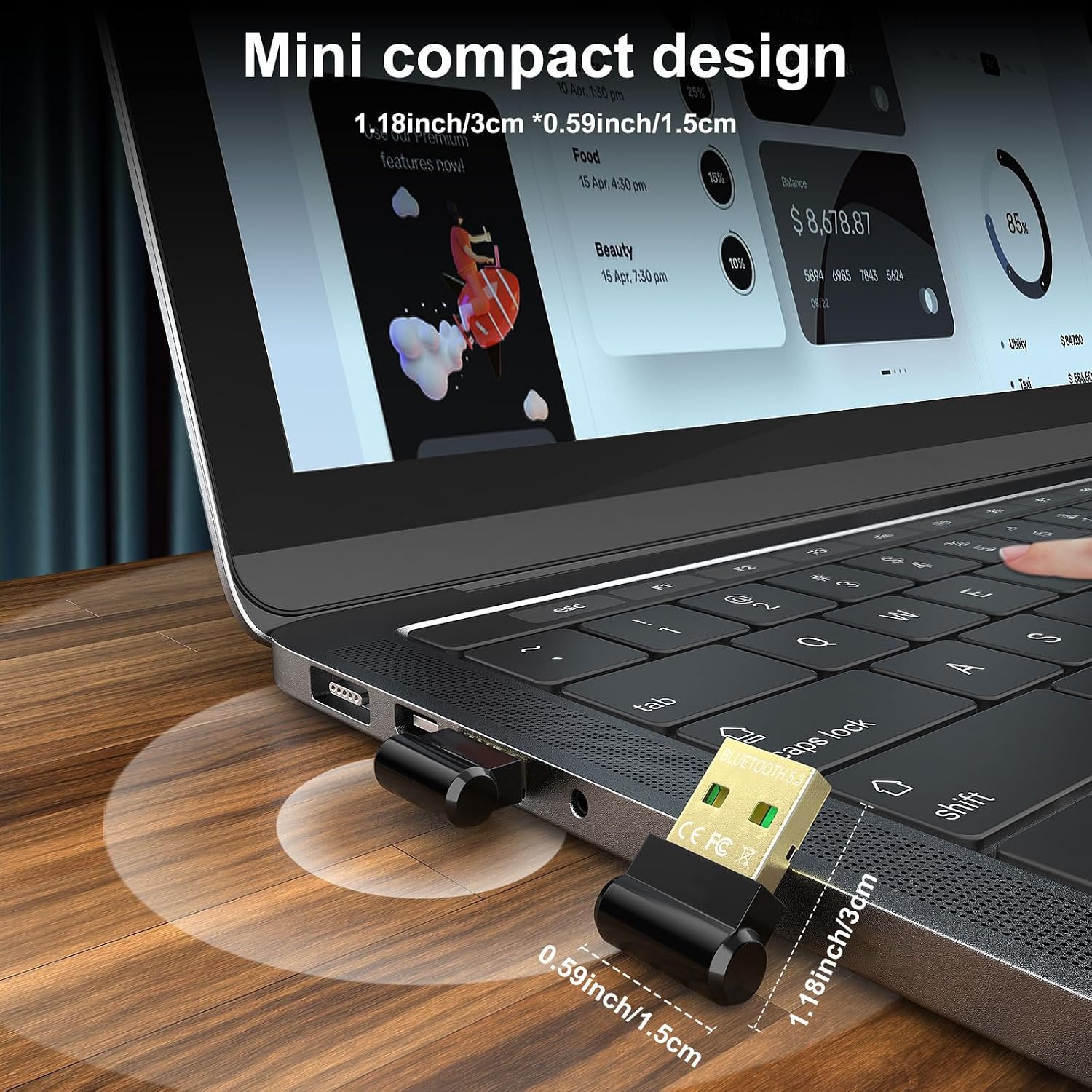
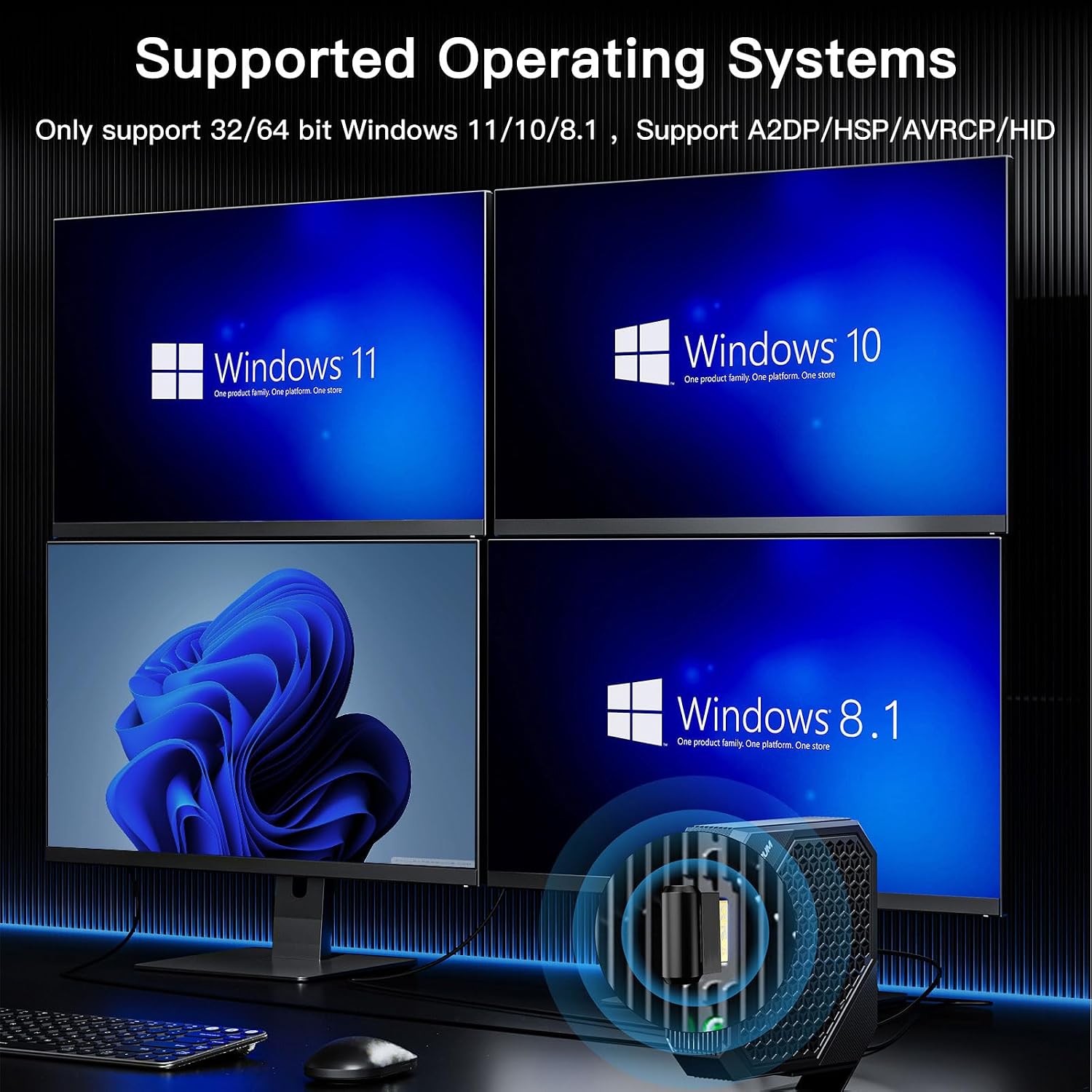
Its compact format should be easy to leave in a USB port or carry with a laptop. Keep in mind that support is limited to Windows 11, Windows 10, and Windows 8.1, it is not listed for Mac, Linux, TVs, car stereos, PS4, or Xbox.
How it fits
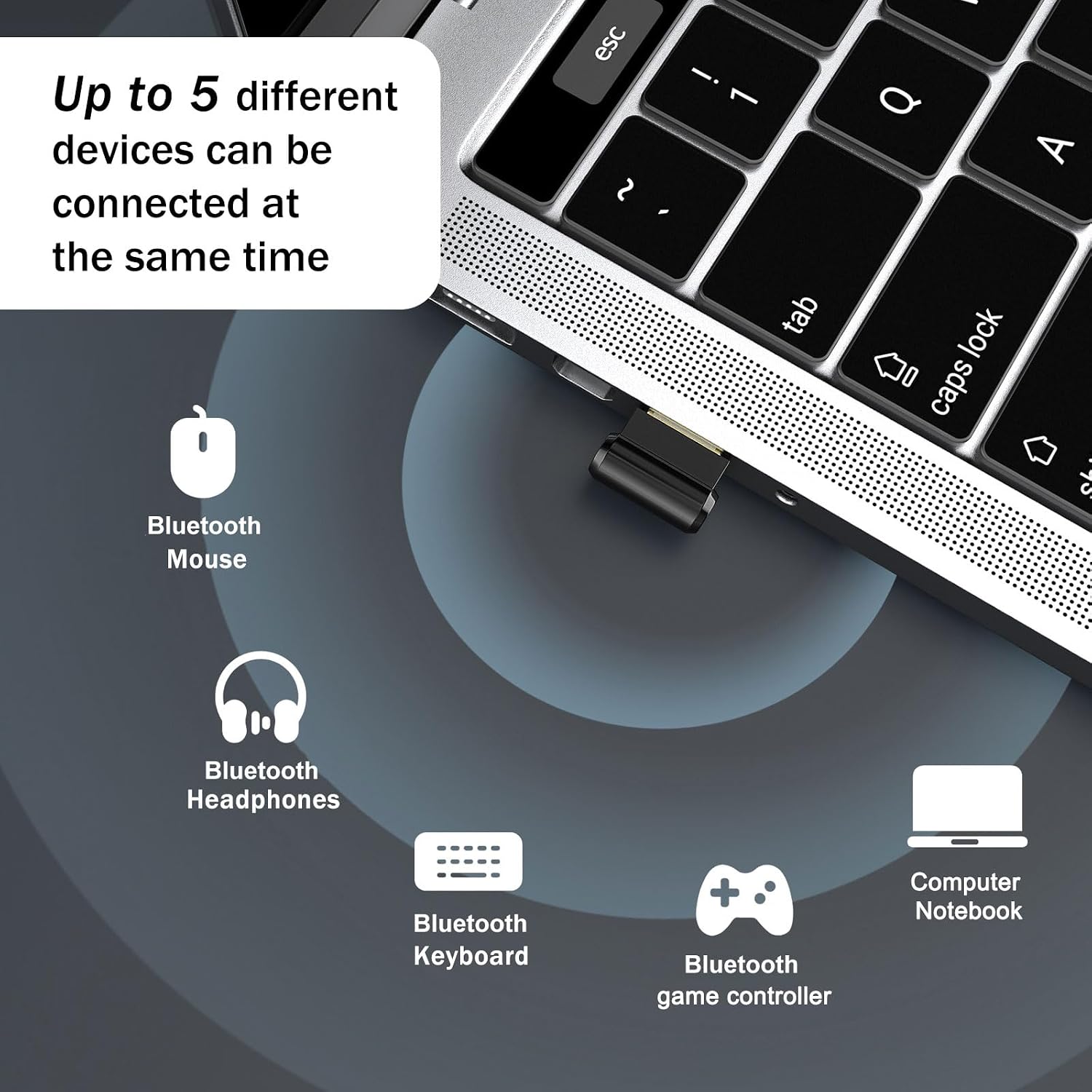
This adapter is aimed at Windows computers that lack Bluetooth or need a way to connect compatible wireless accessories. It can suit a desk setup with a Bluetooth keyboard and mouse, or a laptop where you want to use headphones without adding a bulky accessory. The product information also lists backward compatibility with Bluetooth 5.2, 4.2, 4.0, 3.0, and 2.1.
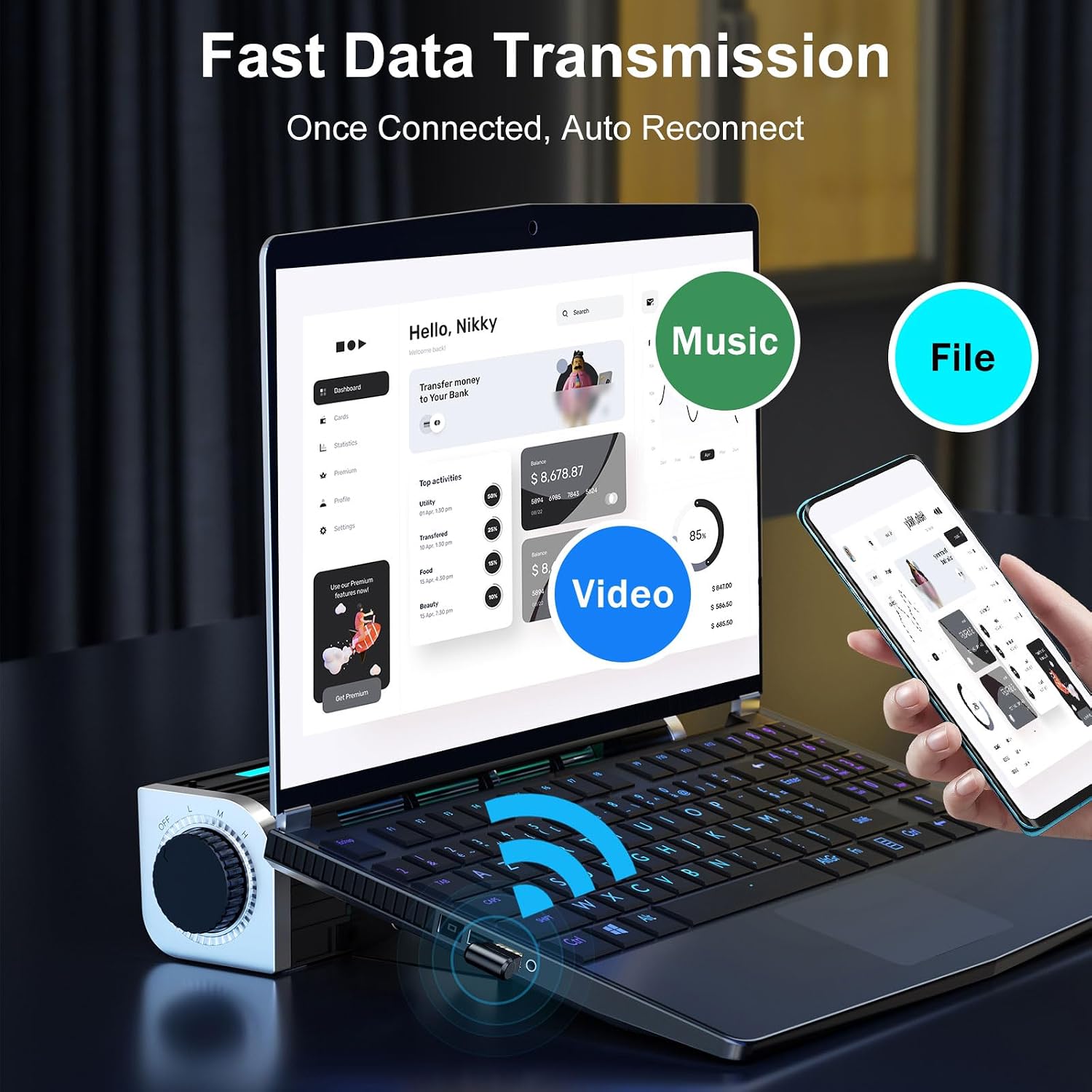
For example, you could plug it into a Windows desktop, pair a wireless keyboard, then use Bluetooth headphones for music. The listing describes plug-and-play operation, so a separate driver installation should not be needed on supported versions of Windows. It also claims a transmission rate of up to 3 Mbps and a range of up to 30 m in an open area, according to the maker. That distance is a stated maximum for open space, not a promise of the same reach through walls or around interference.
A basic adapter may be enough if you only need one simple connection, while this model’s appeal is its newer Bluetooth version and support for several kinds of peripherals. The description does not specify how many devices can stay connected at the same time, so don’t assume that “multiple devices” means simultaneous connections.
Tips for day-to-day use
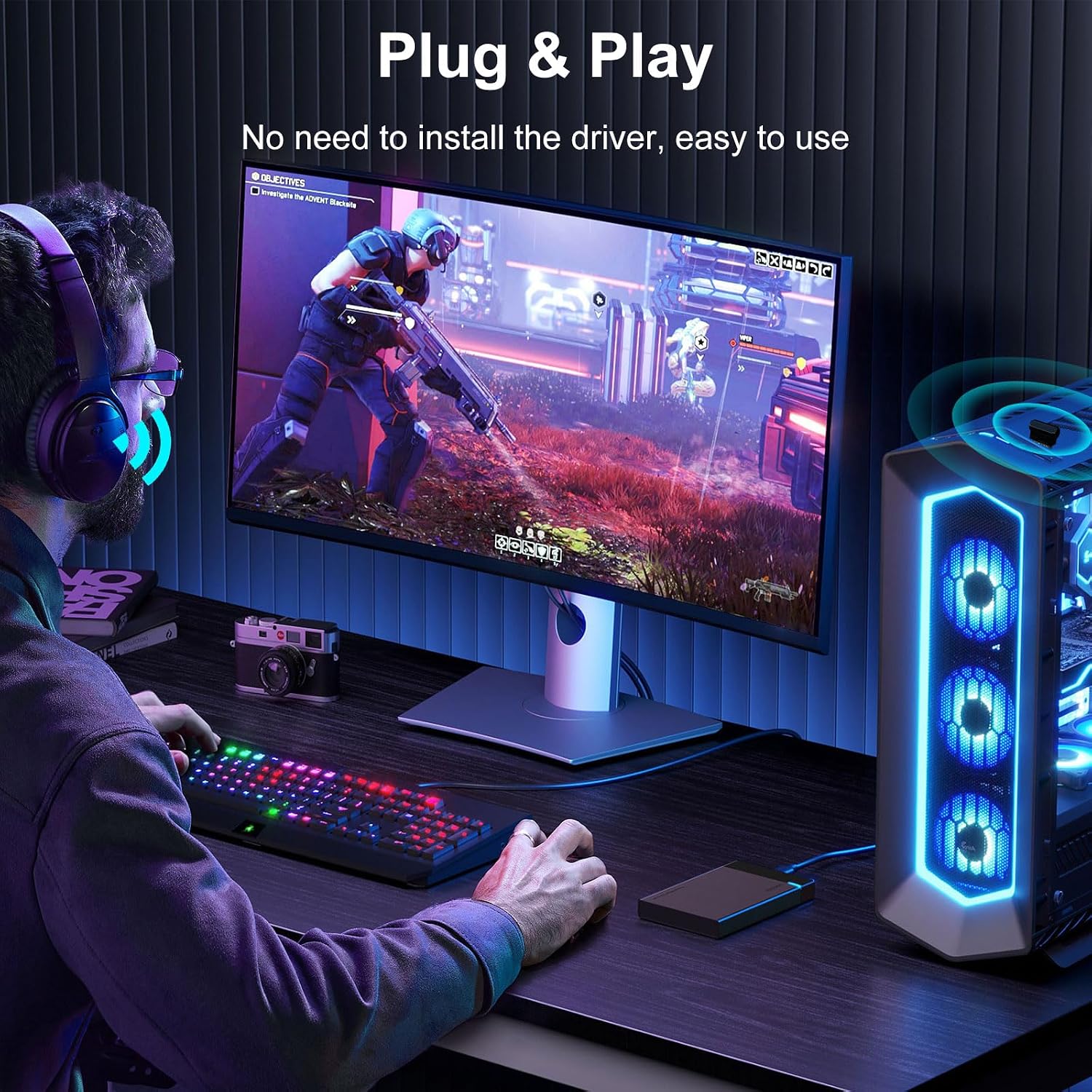
Plug the dongle into an available USB port on a supported Windows computer, then pair it with the accessory you want to use. For a keyboard or mouse, check that the accessory itself uses Bluetooth rather than a separate proprietary USB receiver. If you’re setting up headphones, keep the computer and headset within a practical distance, especially if there are walls or other sources of 2.4 GHz interference between them.
The small body is useful when you want to leave the adapter in a laptop, but its compact size also means it may be easy to overlook when packing or moving between computers. If you regularly switch between operating systems, its Windows-only support is a more important buying factor than the Bluetooth version.
Questions before you buy
Does it work with Mac or Linux? The listed support is Windows 11, Windows 10, and Windows 8.1. Mac and Linux are specifically excluded.
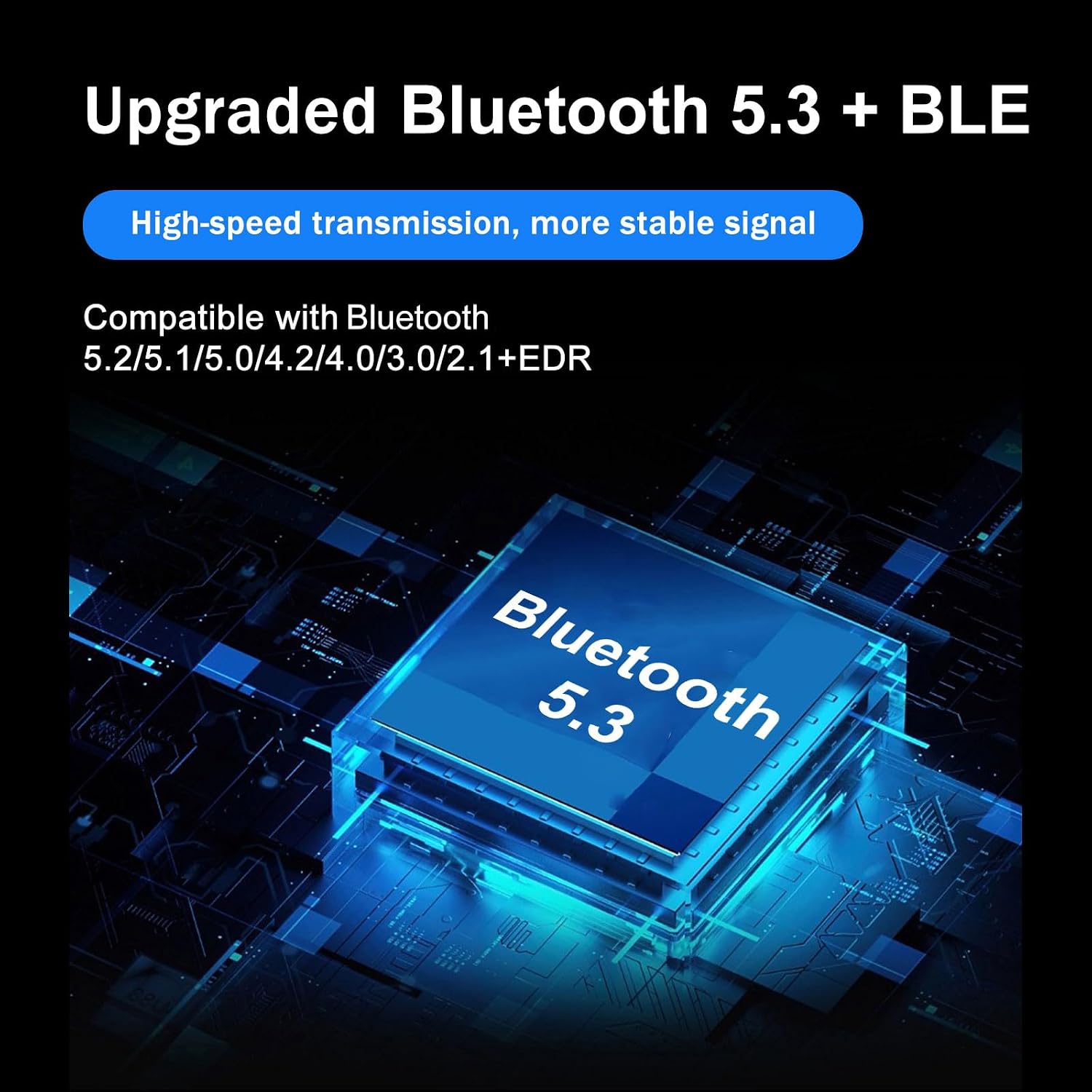
Can it connect headphones and input devices? The product information names headphones, speakers, keyboards, and mice as compatible device types. It does not provide a complete compatibility list for individual accessories.
Is the stated range guaranteed indoors? No. The listed distance is up to 30 m in an open area, so walls and interference can affect the actual connection.
Should you buy it?
It makes sense if you want a compact way to add Bluetooth to a supported Windows PC for everyday accessories, and you’re comfortable with a USB dongle rather than a more involved hardware upgrade. The plug-and-play claim and broad range of listed peripheral types make it convenient for a straightforward desk or laptop setup.
It might not be a great match if you need Mac or Linux support, want to use it with a TV or game console, or need confirmed details about simultaneous connections. Those limits matter more than the advertised range if your setup depends on a specific operating system or several devices working at once.