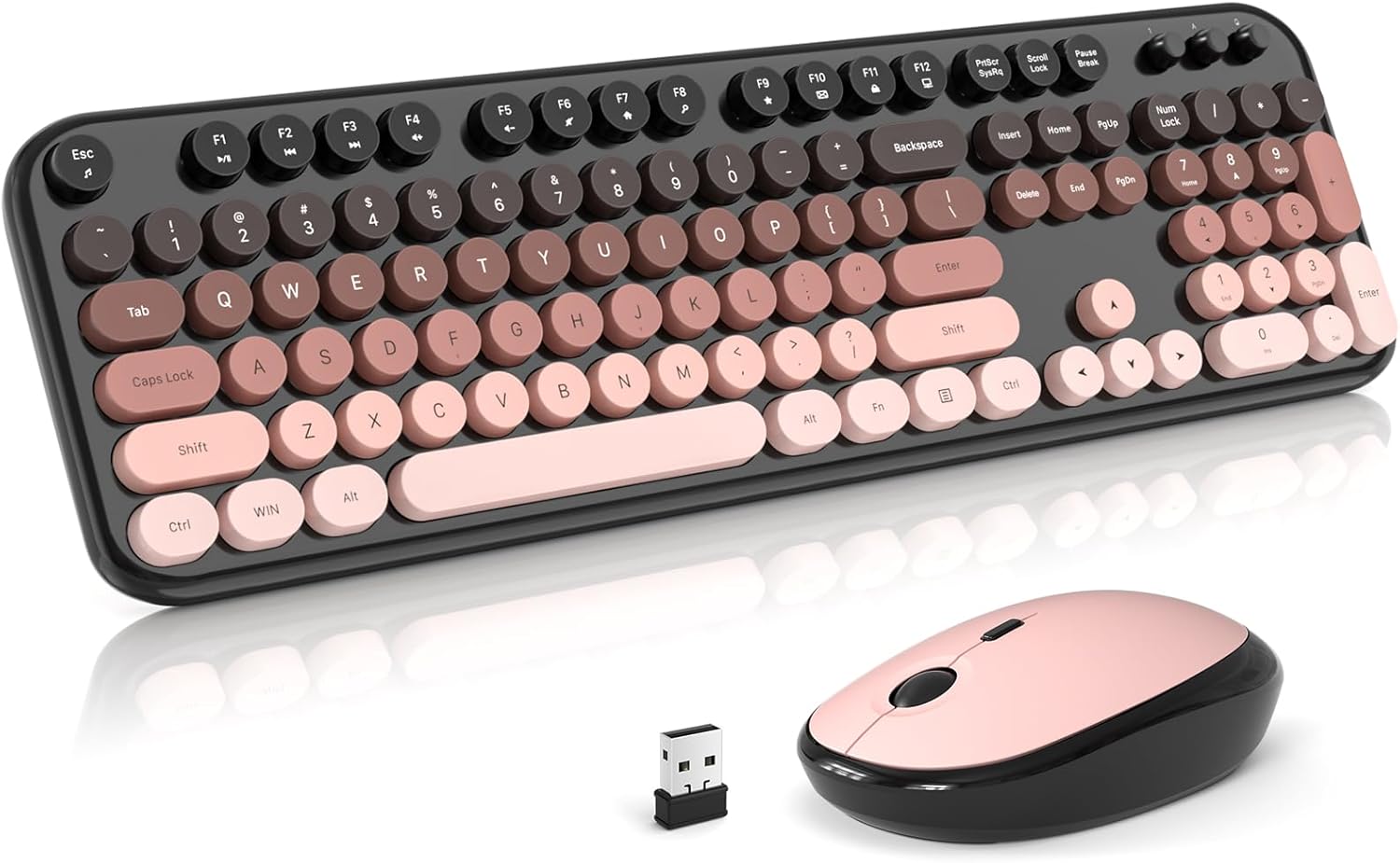
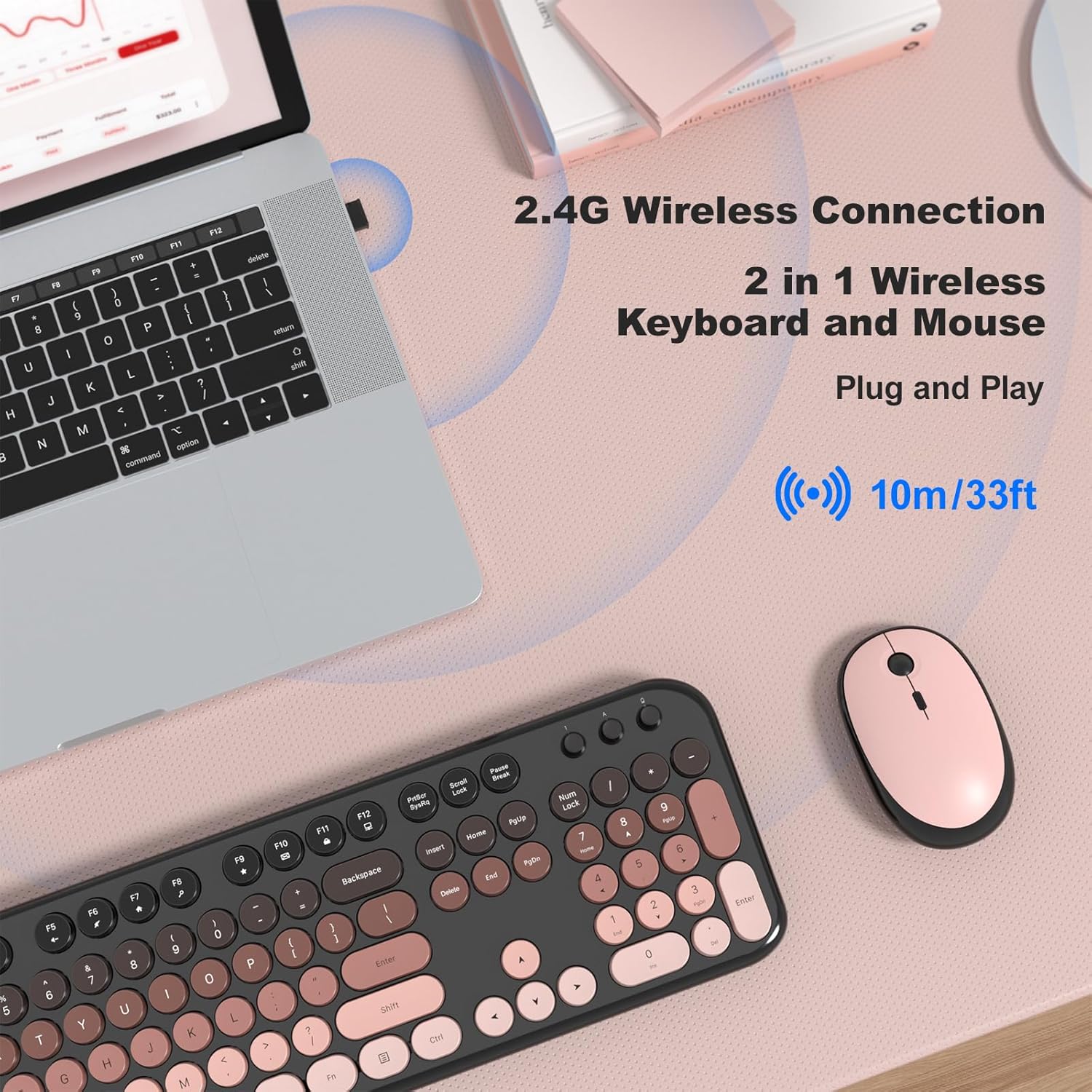
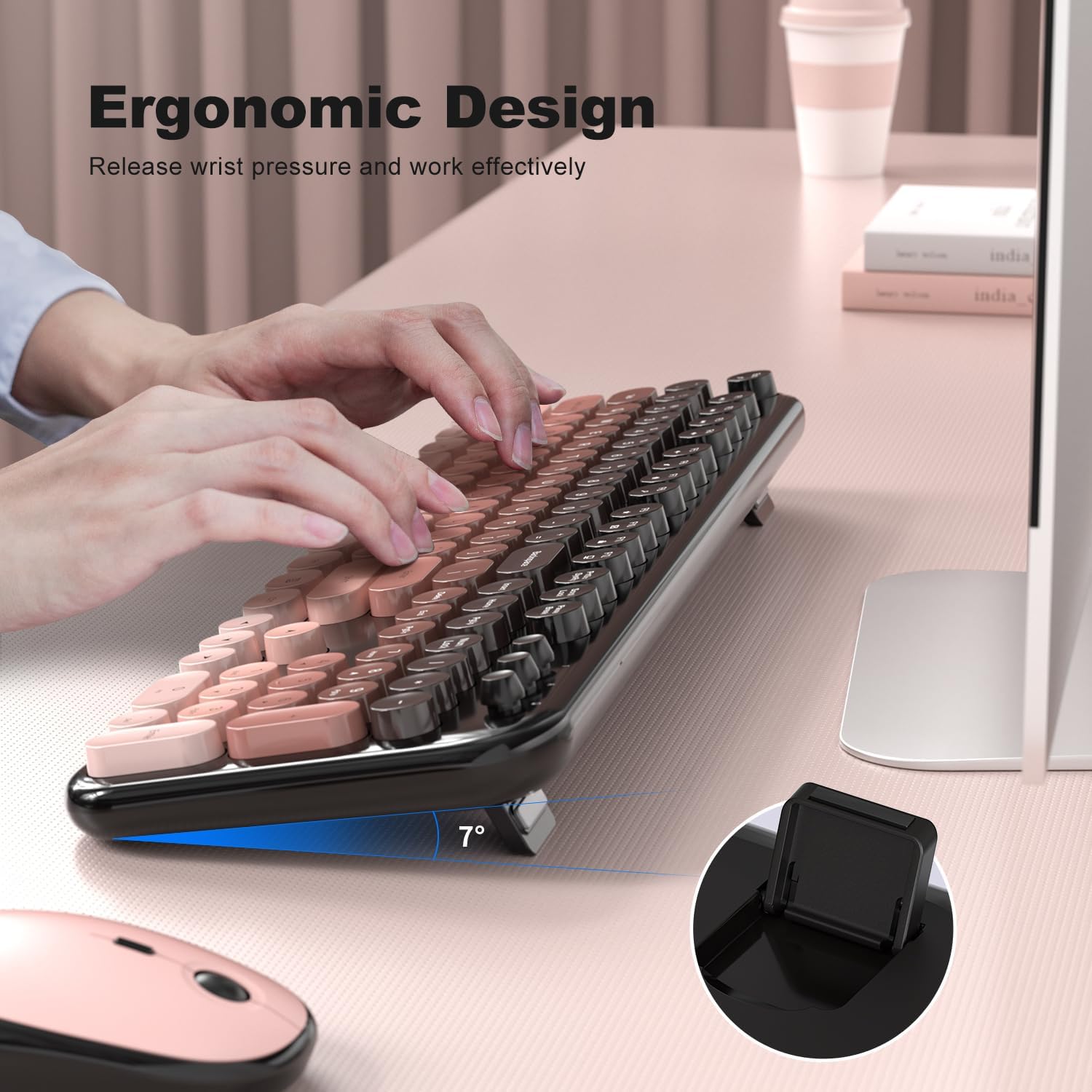
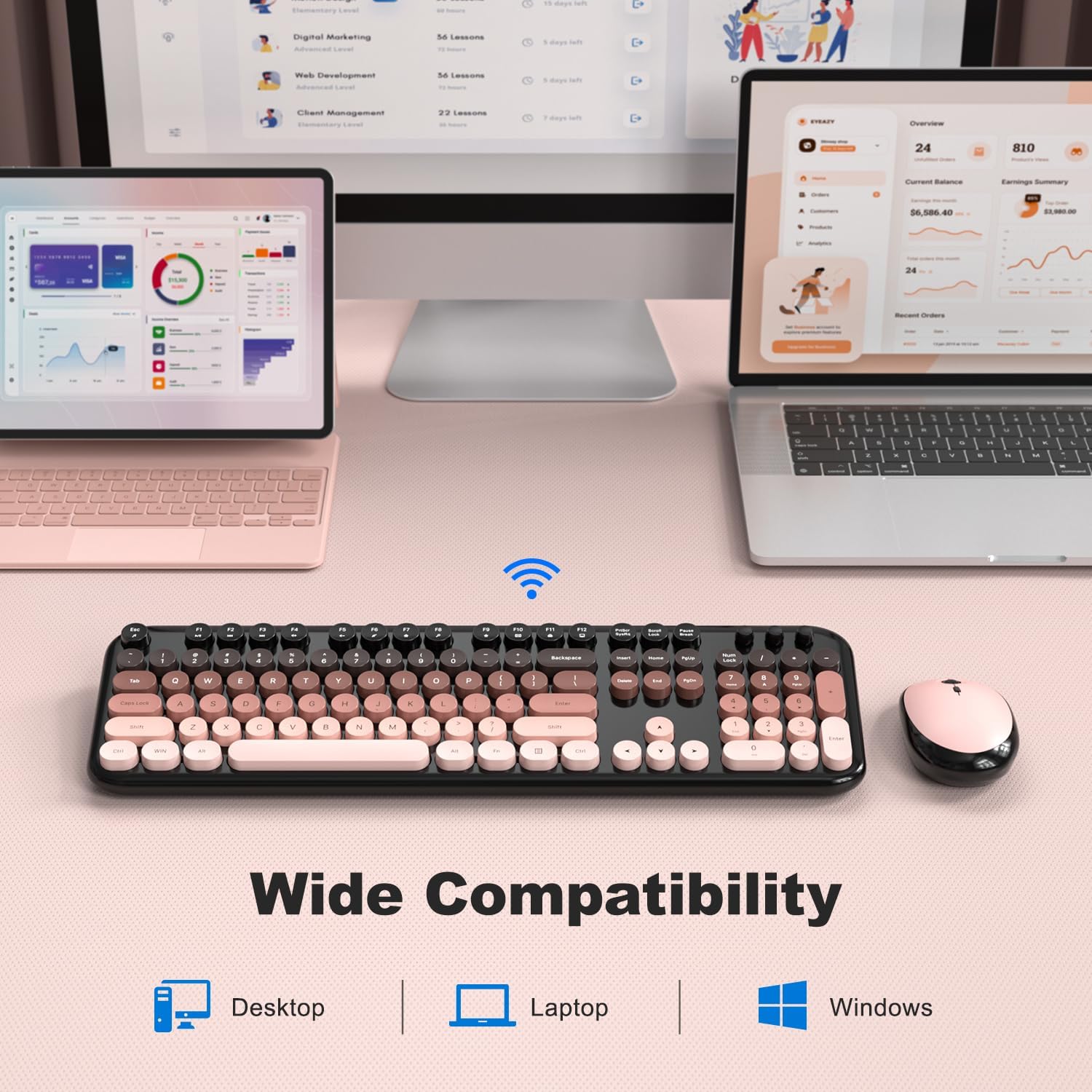
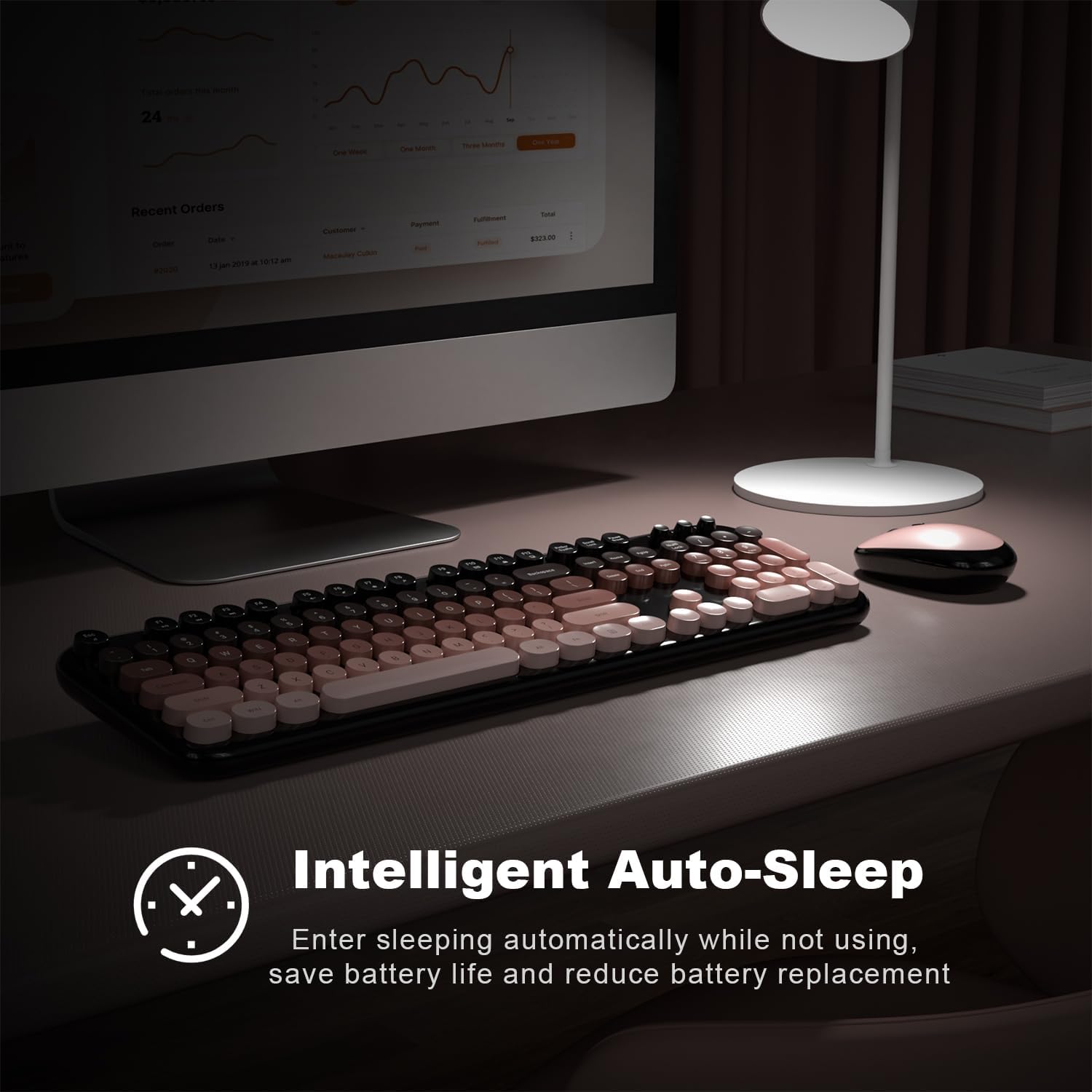
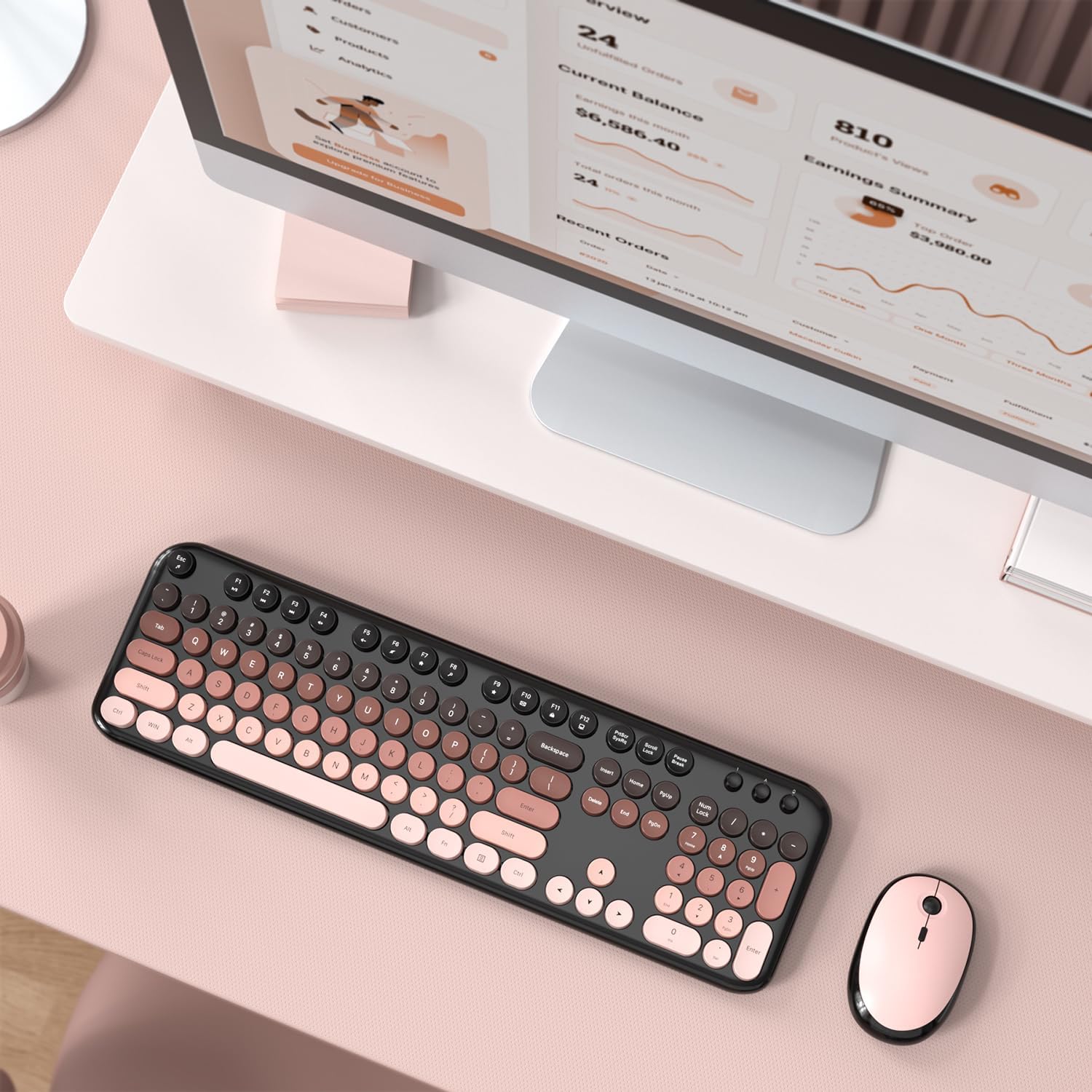
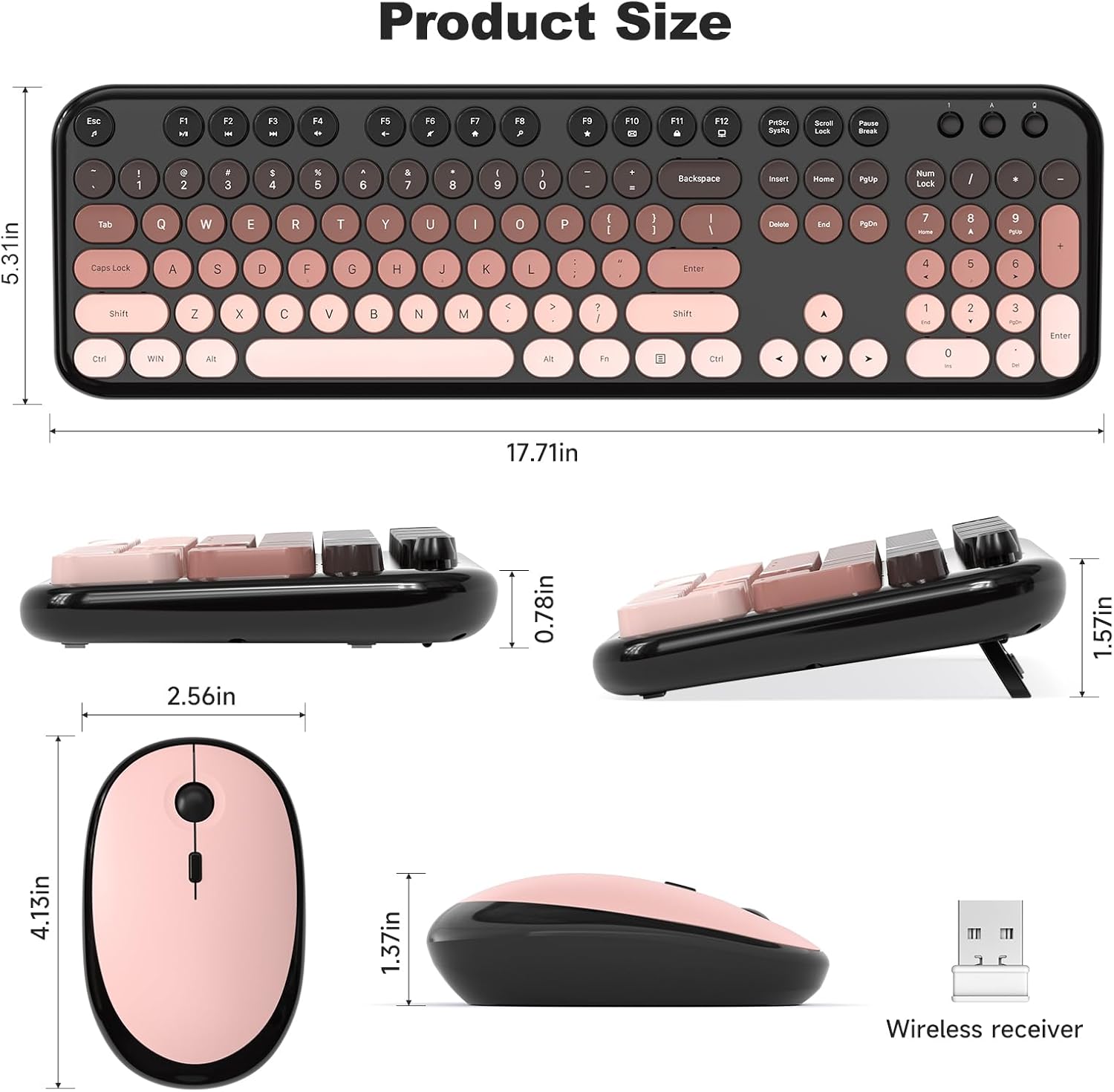
What this set is and the need it aims to satisfy\nThe Atelus Wireless Keyboard and Mouse Combo pairs a full-size, typewriter-inspired keyboard with a high-sensitivity mouse for everyday PC, laptop, or desktop use. It’s designed to brighten up a workspace while offering a practical, plug-and-play wireless experience. If you’re looking to replace a tired wired setup, this duo promises a simple USB receiver connection and a layout that mimics a classic typewriter feel, which can feel more familiar during long work sessions. On the surface, it targets general home and office tasks—from typing emails and documents to navigating spreadsheets.\n\n## What to know on paper\nThis combo uses 2.4G wireless plug-and-play technology, with a USB receiver that eliminates software installs and keeps the connection stable up to 10 meters (33 ft). The keycaps are made from ABS plastic and feature an ergonomic design intended to provide a comfortable typing feel. A foldable stand at the back of the keyboard is a thoughtful touch to help reduce wrist and hand fatigue during extended typing. The mouse is described as high-sensitivity and paired to the keyboard to maintain a coherent user experience. The setup is advertised as broadly compatible with Windows 7, 8, 10, and 11, PC, laptop, and even some smart TVs. However, it notes limited compatibility with Apple systems.\n\n## Where it stands out in use\n- Aesthetic and mood: the rounded keys and glossy edges bring a playful, retro vibe that can liven up a dull desk.\n- Convenience: no software required, straightforward pairing, and a long-range wireless connection.\n- Ergonomics: the keyboard includes a foldable stand, which can help with typing posture.\n- Practicality: the package includes a full-size keyboard with number pad and a standard mouse, aiming for a plug-and-play replacement for traditional setups.\n\n## Potential drawbacks to consider\n- Compatibility caveat: while it works well with Windows systems, it isn’t fully compatible with Apple/macOS, so it may not be the best choice if you primarily use Apple devices.\n- Material and durability: the keycaps are ABS, while common, this material can wear over time and may show shine or wear on heavy use. If you rely on heavy gaming or extremely long typing days, feel the difference between a typing niche style and more premium mechanical or office keyboards.\n- Aesthetics vs. function: the retro design prioritizes look and feel, it may not appeal to users who prioritize ultrathin, low-profile or highly tactile mechanical keyboards.\n\n## Who it’s for\nIf you want a visually distinct, easy-to-use wireless set for a Windows-based desk—home office, student workspace, or casual office—the Atelus combo can offer a convenient upgrade with minimal setup. It’s sensible for someone who values a full-size keyboard with a number pad and appreciates a simple, plug-and-play connection without software fiddling. It’s also a lighter, friendlier option for someone who wants a cheerful desk aesthetic without committing to a premium accessory.\n\n## Who it’s not ideal for\nPower users who crave high-end mechanical switches, or Mac users who need full macOS compatibility, may want to look elsewhere. If you rely on ultra-low latency for competitive gaming or require a keyboard with a specific switch feel, this setup may feel average at best.\n\n## When it makes sense to buy\nOpt for this combo when you want a quick, affordable upgrade from a wired or older wireless setup, with a focus on Windows compatibility and a retro design that adds personality to your desk. If you value a large, full-layout keyboard and a matching mouse with a no-fuss wireless solution, this pair could fit well in a home or small office.\n\n## What to review before buying\n- Check whether your devices run Windows 7–11 and can pair easily via USB receiver, confirm no Apple compatibility issues for your setup.\n- Consider whether ABS keycaps will meet your long-term wear expectations, if you type heavily every day, you might notice glossy keywear over time.\n- Think about desk space: a full-size keyboard with a number pad adds footprint—ensure your workspace accommodates it comfortably.\n\n## Practical use example\nImagine typing a week’s worth of emails with a friendlier typing vibe and a reliable wireless link that doesn’t demand software installation. The foldable stand on the keyboard lets you raise or tilt the typing angle, which can help reduce fatigue during extended writing sessions. The bundled mouse keeps pace with typical office tasks, and the 10-meter range means you’re not glued to the computer while presenting or taking notes from a distance.\n\n## FAQ (based on available data)\n- Q: Will it work with my Windows PC? A: It’s advertised as compatible with Windows 7, 8, 10, and 11.\n- Q: Is the keyboard fully Mac compatible? A: Not fully, it’s not described as Apple-friendly.\n- Q: Do I need to install software to use it? A: No software is required, it’s plug-and-play with the USB receiver.\n\n## What matters most\nFor users seeking a simple, cheerful, full-size wireless set that’s easy to set up and use on Windows, this Atelus combo delivers a straightforward experience with practical ergonomic touches. It may not be the best fit for those chasing premium materials or macOS-wide compatibility, but it fills a clear need for a low-friction upgrade to a desk setup.\n\n## Final considerations\nIf you prioritize quick setup, a full-size layout, and a touch of retro charm, this combo can be worth trying. If your workflow really hinges on Apple devices or you want a premium keyboard feel, you’ll likely want to consider other options.