

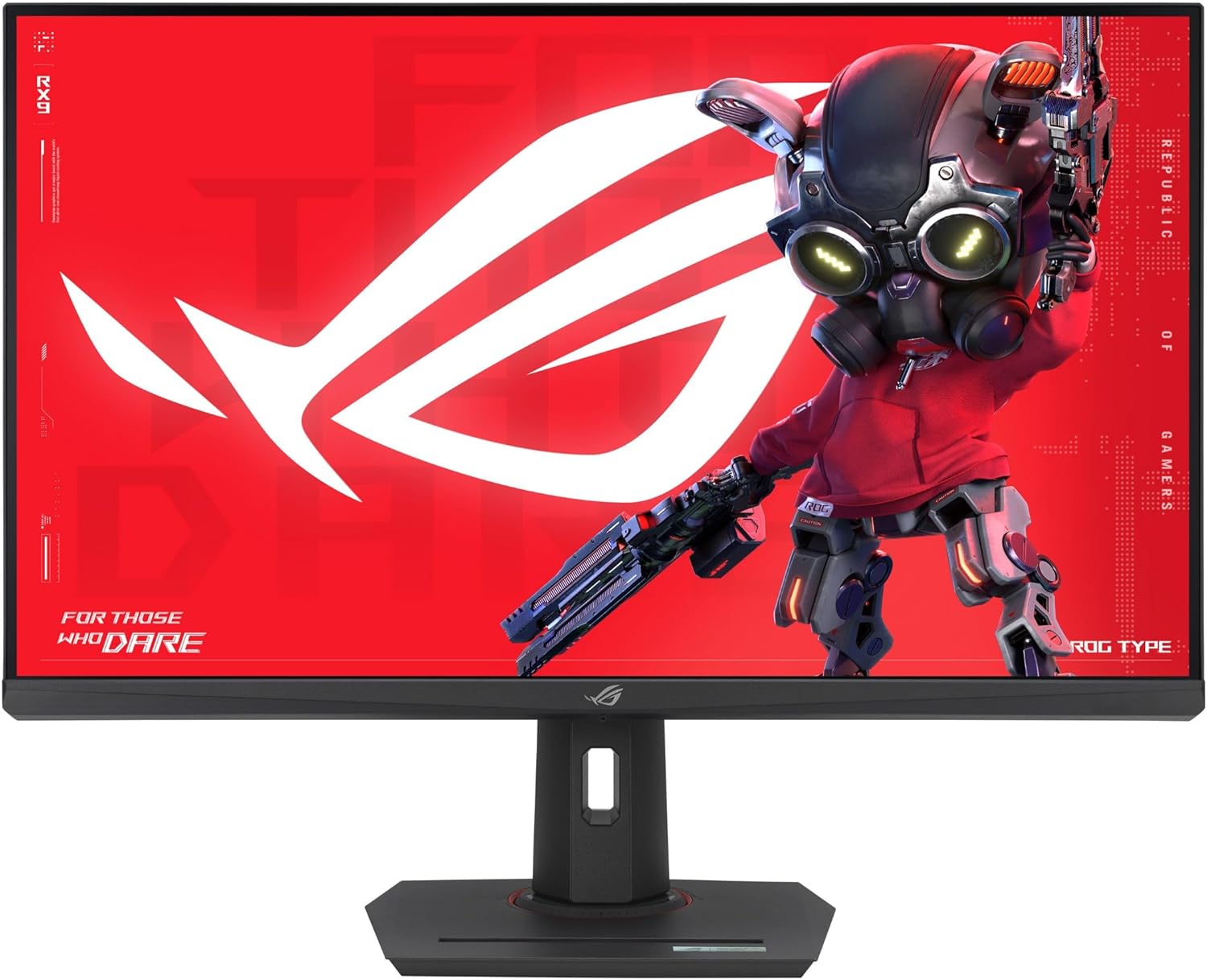
ASUS ROG Strix XG32UCG 32" 4K HDR Gaming Monitor
Product description
What matters most
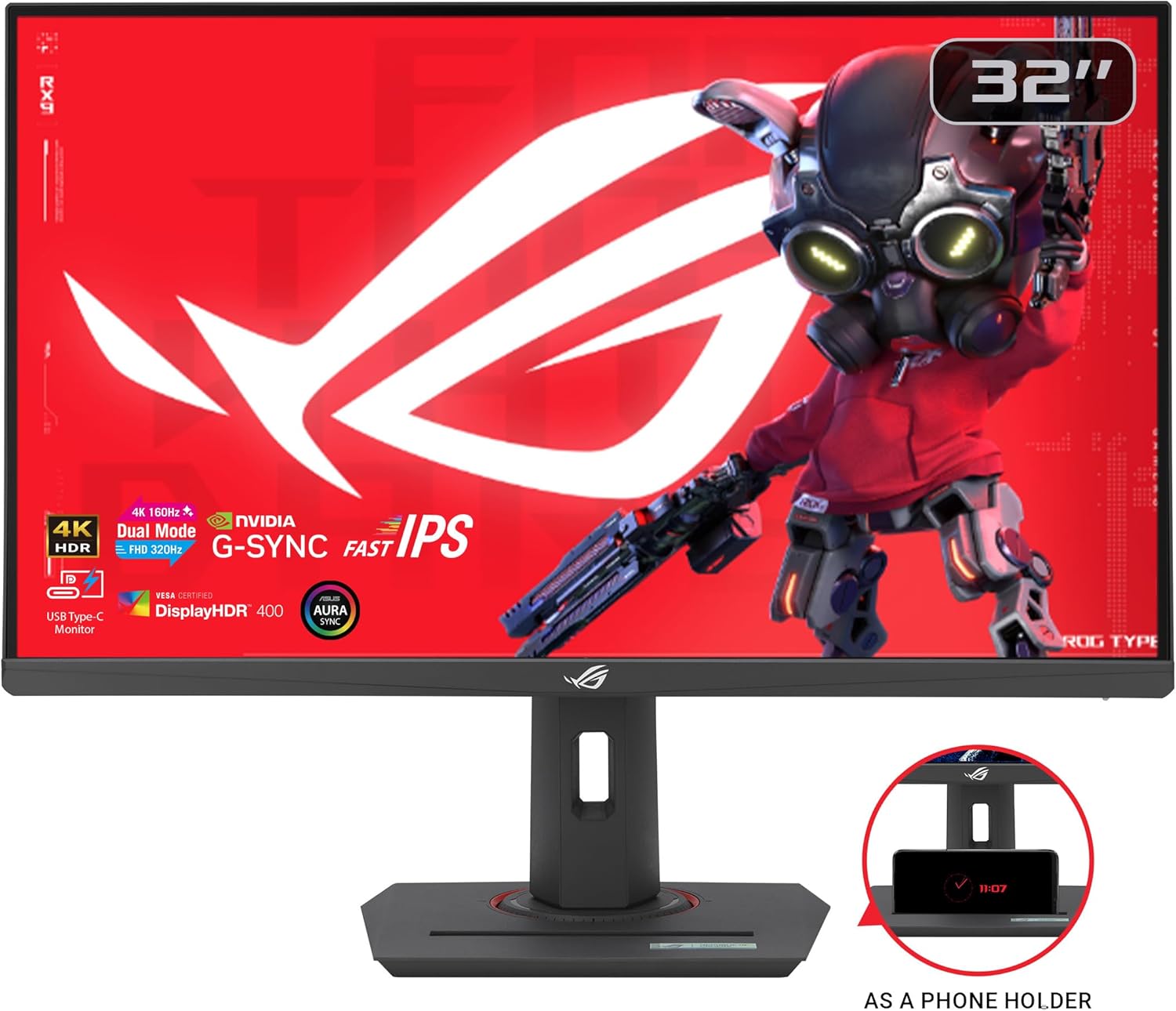
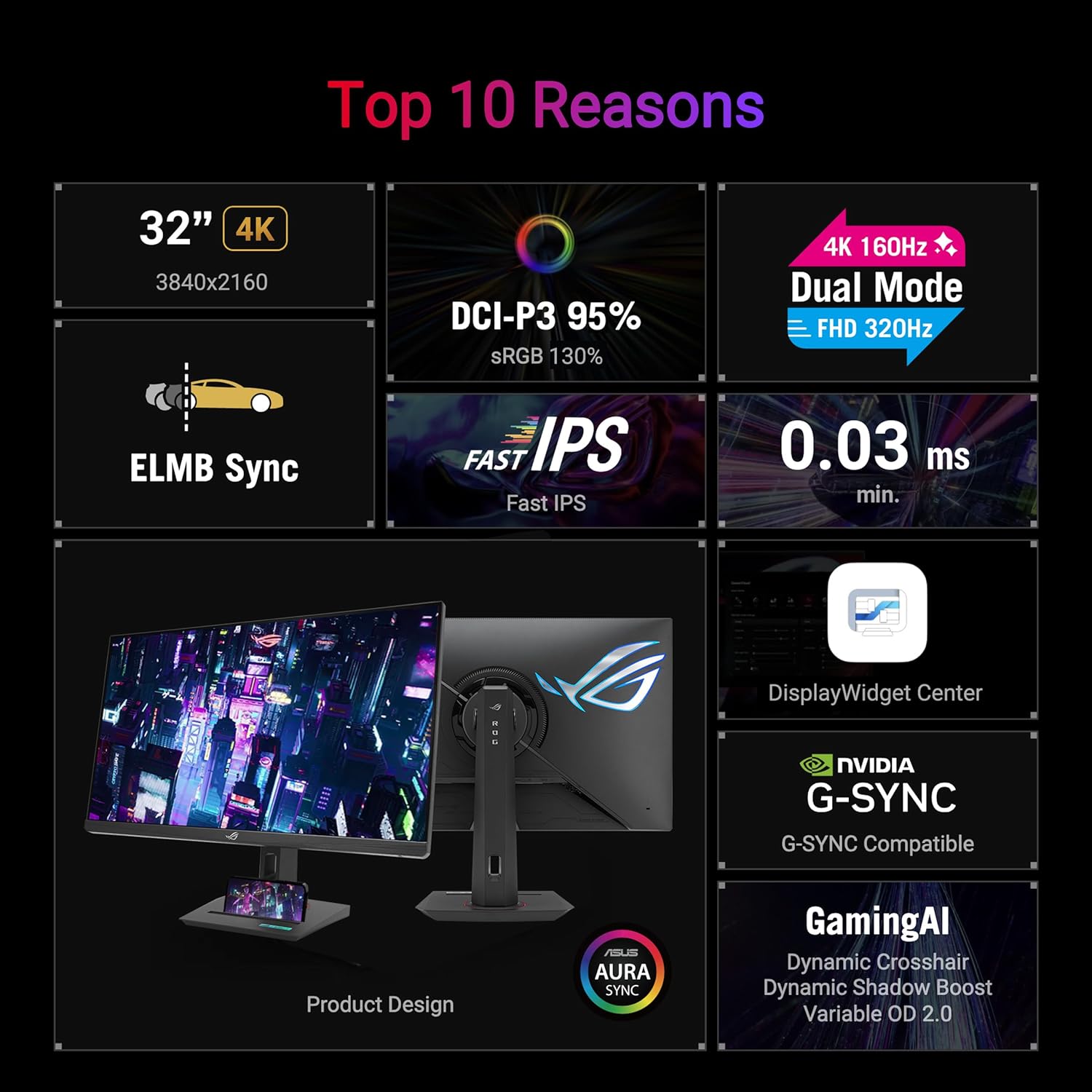
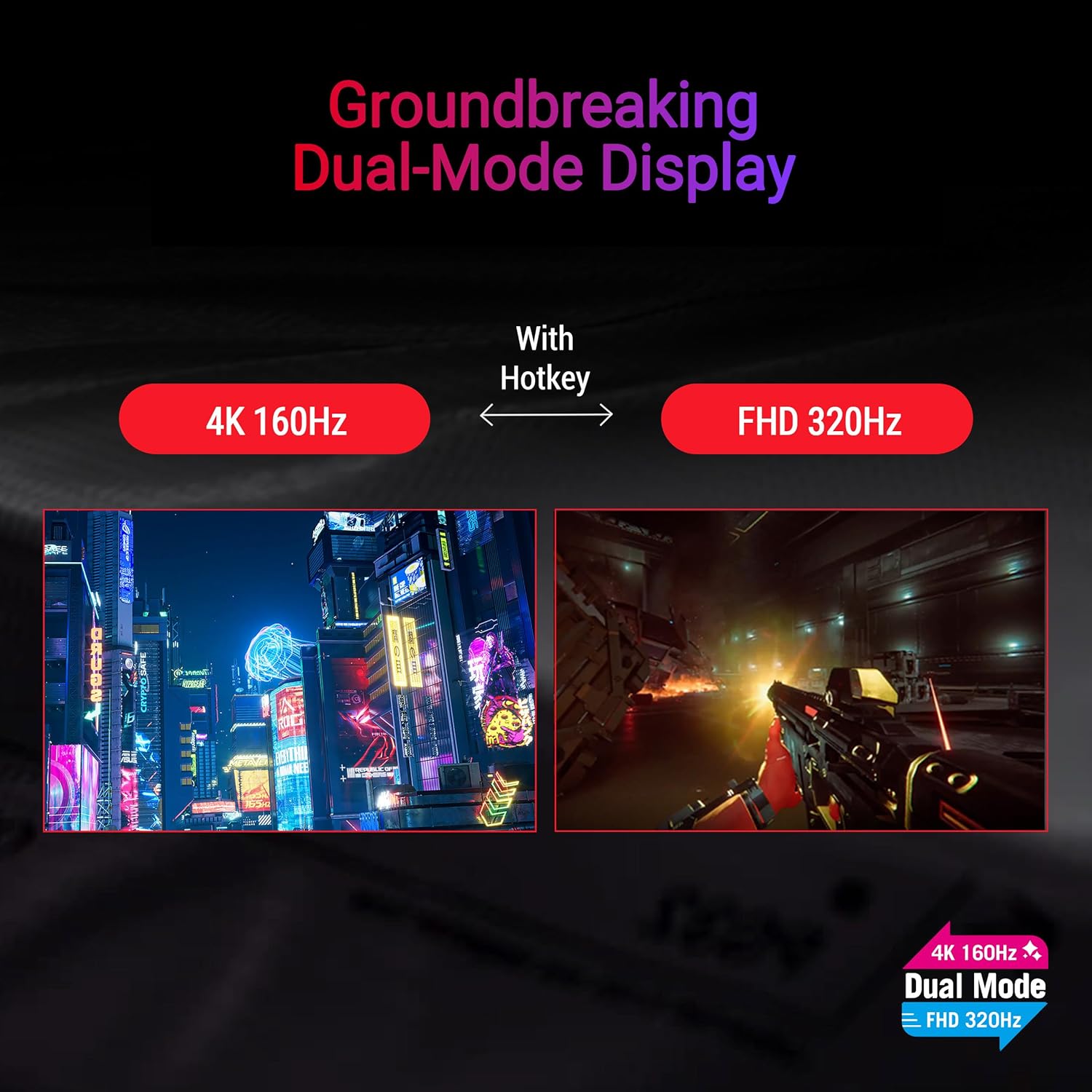
This is a 32-inch 4K HDR gaming monitor designed to bridge high-resolution visuals with high refresh rates through its dual-mode operation. It can run up to 4K at 160 Hz or switch to FHD at 320 Hz, aiming to satisfy both cinematic detail and ultra-fast reaction times. On paper, this combination targets gamers who want sharp tower-level image clarity without sacrificing responsiveness.
The essentials
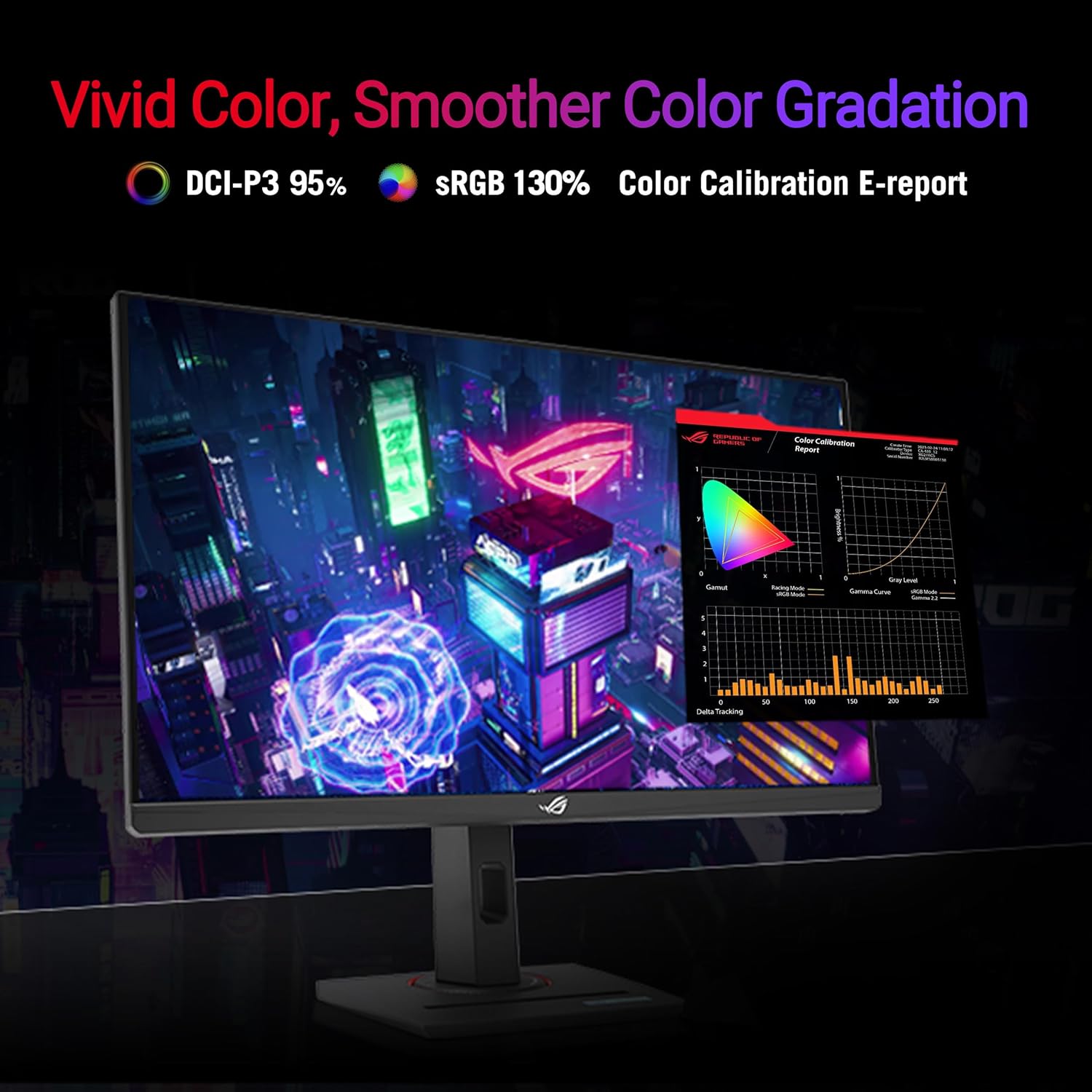
Powered by ASUS Fast IPS, the panel is aimed at reducing motion blur with a claimed 0.3 ms response time (minimum). ELMB SYNC combines Extreme Low Motion Blur with variable refresh to keep fast-paced scenes clear. The 95% DCI-P3 color space and precise gray-scale tracking promise smoother color gradation and better consistency across scenes. A handy center display widget lets you tweak settings with a mouse—reducing the need to hunt through on-screen menus.
What stands out (pros)
The dual-mode approach is notable: you can choose detailed 4K at 160 Hz for single-player campaigns or switch to a blistering 320 Hz in FHD for competitive shooters. ELMB SYNC provides motion clarity without tearing by coordinating with VRR. USB-C with DP Alt Mode simplifies setup when you’re connecting modern laptops or devices. G-SYNC compatibility helps with a smoother experience on supported GPUs. A tripod socket adds mounting flexibility for desk setups that demand adaptable positioning.
Practical use and tips
If you prioritize resolution and visual fidelity, use 4K@160 Hz to enjoy expansive textures and cinematic scenes. If your focus is esports or fast-twitch gameplay, switch to FHD@320 Hz to maximize frame responsiveness. Consider a mounting option that benefits from the tripod socket when you frequently adjust height or angle. Remember that moving between modes may affect input latency and edge artifacts, so test in your typical games.
Who it’s for
This monitor is well-suited for players who want a balance of high-detail 4K imaging and strong motion handling, as well as gamers who value USB-C connectivity and adaptive sync. It may appeal to creators who appreciate color accuracy and wide color gamut for content review. If your setup leans toward HDMI-only devices, note that USB-C with DP Alt Mode can reduce cable clutter and support easier docking.
When it makes sense to buy
Buying makes sense if you want future-proof 32-inch 4K visuals with a competitive edge in fast games, and you appreciate a flexible dual-mode design. The inclusion of ELMB SYNC and VRR is helpful for eliminating ghosting in high-frame scenarios, which can be appealing for both story-driven and action-heavy titles.
What to check before you buy
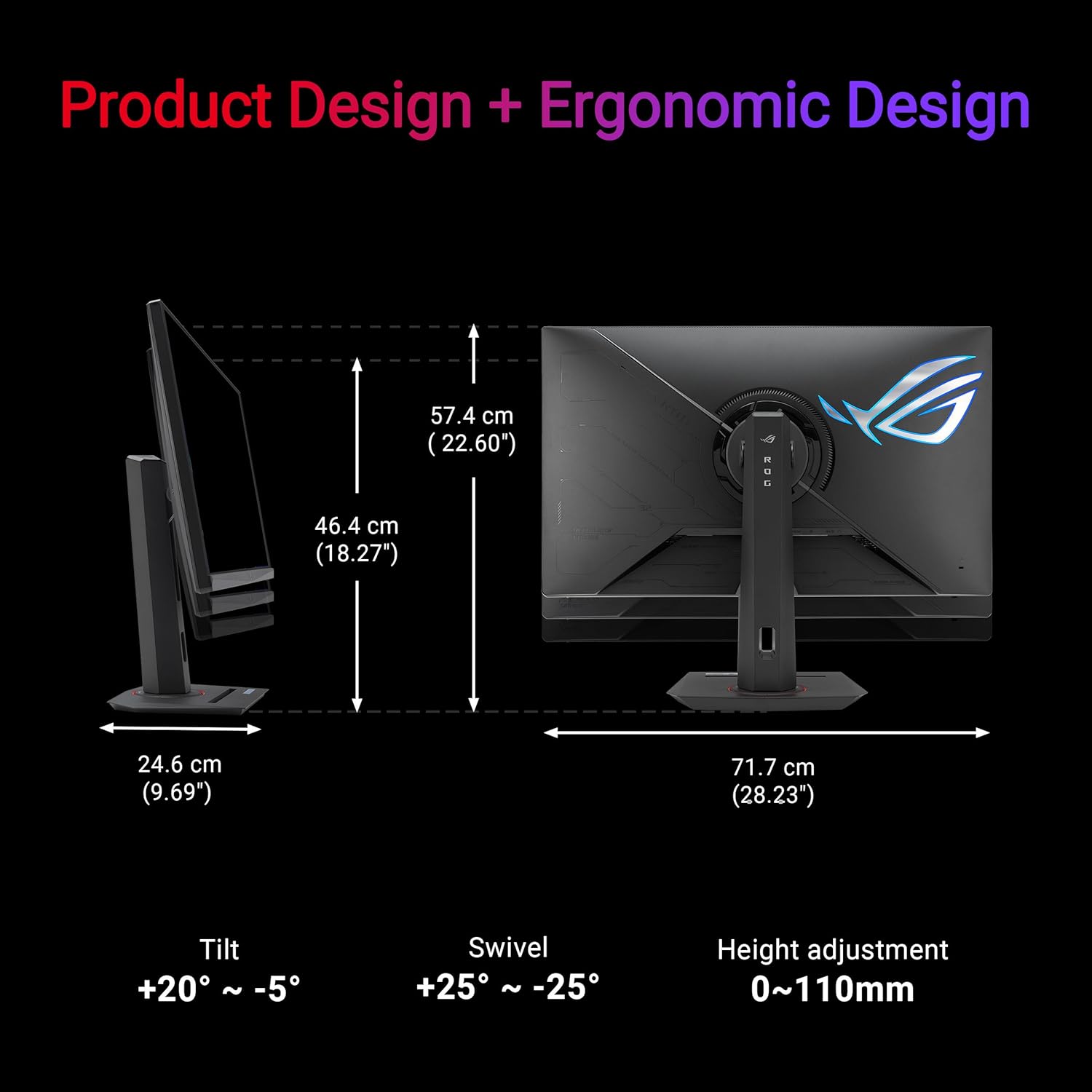
Verify that your GPU can comfortably drive 4K at 160 Hz or that you’re comfortable switching to 1080p at 320 Hz when needed. Consider whether your desk can accommodate the size and whether you’ll use the USB-C connection for dongle-free setups. Also confirm that you’re prepared to manage color calibration to exploit the 95% DCI-P3 gamut and gray-scale tracking.
Real-world comparison (implicit)
In practice, this monitor sits between a high-end 4K panel and a fast TN/IPS alternative—offering a more nuanced balance of resolution, color, and refresh than some pure 4K displays, while avoiding the most aggressive trade-offs of ultra-fast gaming panels. If your priority is raw 4K visual fidelity over lightning-fast refresh, you might lean toward other 4K options, if you want maximum frame rates for competitive play, the FHD 320 Hz mode is a strong differentiator here.
FAQ
- How does ELMB SYNC work with VRR on this model? It blends motion blur reduction with variable refresh to minimize ghosting across supported frame rates.
- Is USB-C primarily for display or data? USB-C with DP Alt Mode is provided to simplify connections to compatible devices, reducing cable clutter.
- Can I game at 4K with 160 Hz and still have low latency? Yes, the design supports that combination, though latency perception varies by game and system configuration.
Is it worth it?
Worth considering if you want a versatile, large-format screen that toggles between high-resolution cinematic play and ultra-fast esports modes, with modern connectivity and color accuracy baked in. If you’re chasing the absolute highest 4K motion clarity without mode switching, or if you don’t need USB-C, you may want to compare other options. Overall, this model targets players who value a balanced approach to detail, speed, and flexibility.