

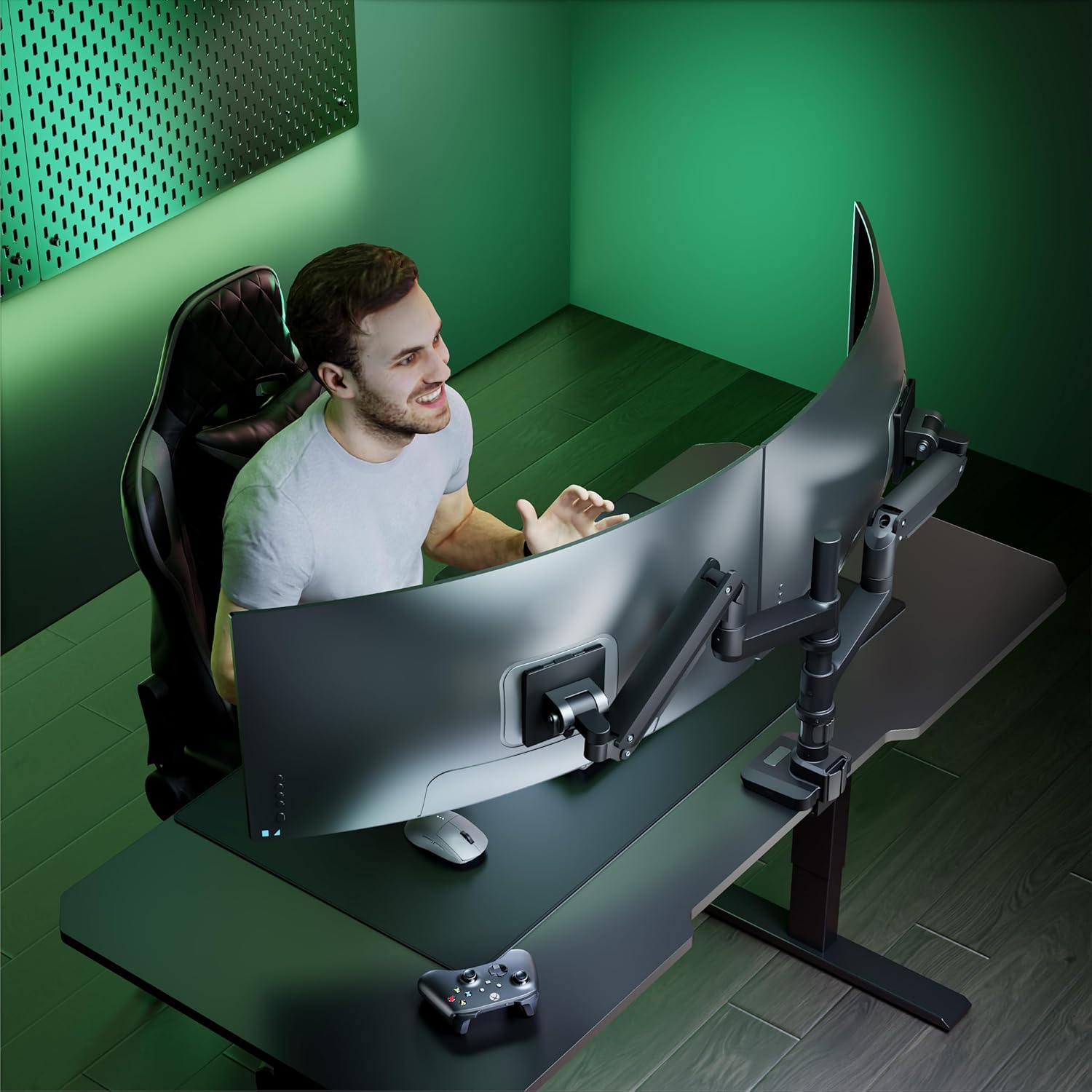
WALI Dual Monitor Arm Desk Mount (GSDM002XL) for 17–49 inch Ultrawide Screens
Product description
What it is and who it’s for
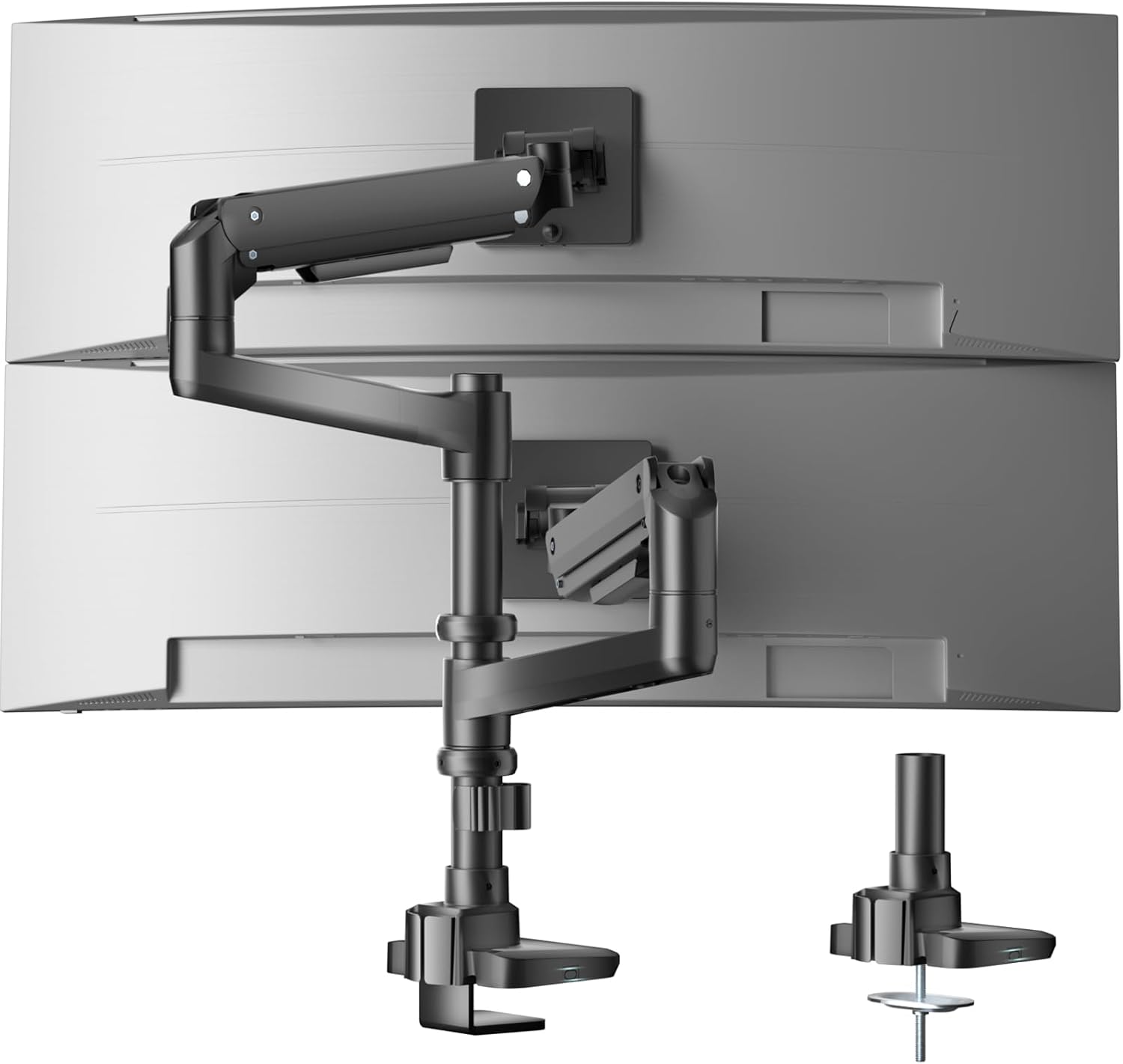
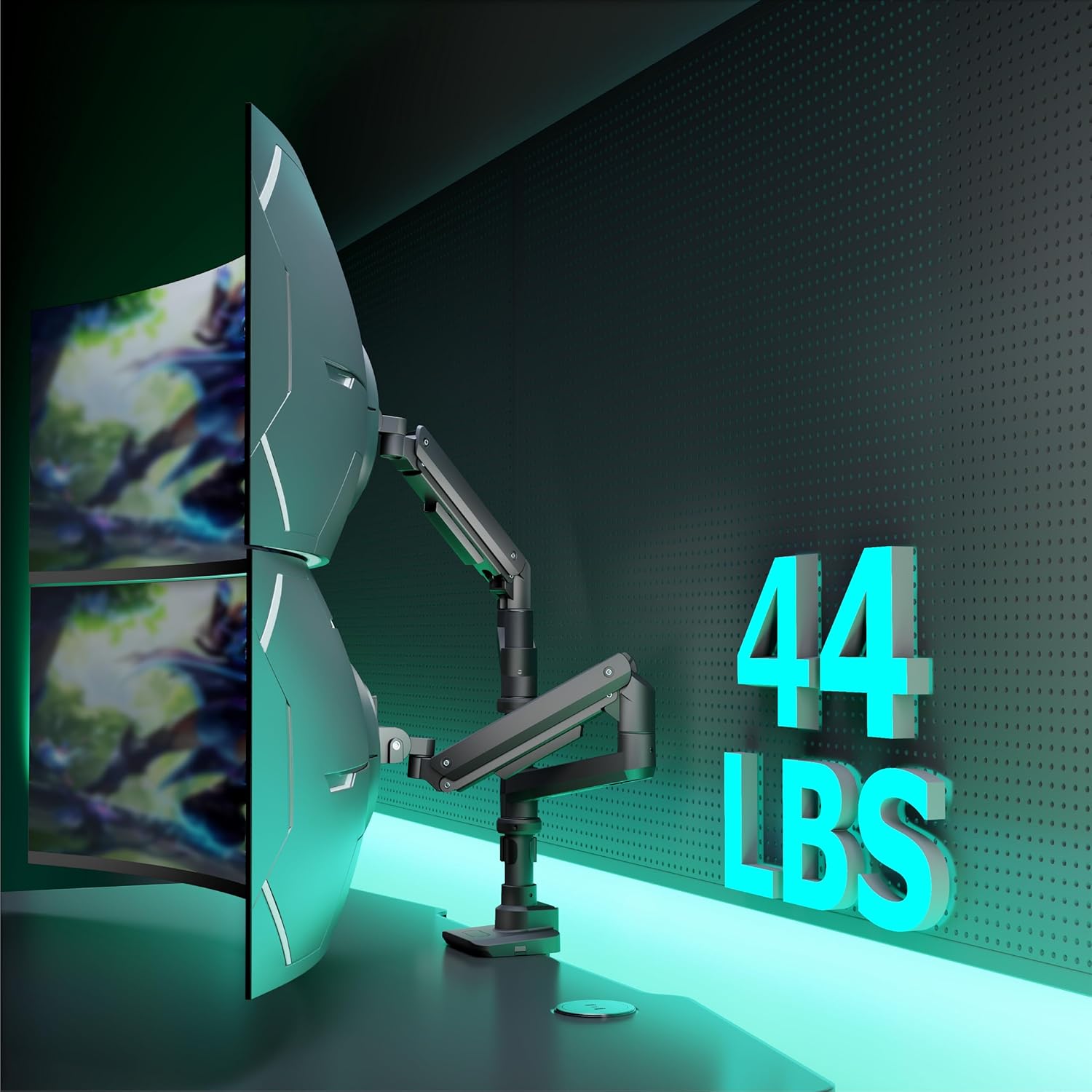
This WALI dual monitor arm is a desk-mounted solution for people who want a cleaner workspace and more control over how two screens sit. It’s designed for ultrawide and curved heavy-duty monitors within a 17–49 inch range, and it’s set up as a gas-spring arm system (so you can adjust tilt, swivel and height without fighting the desk).
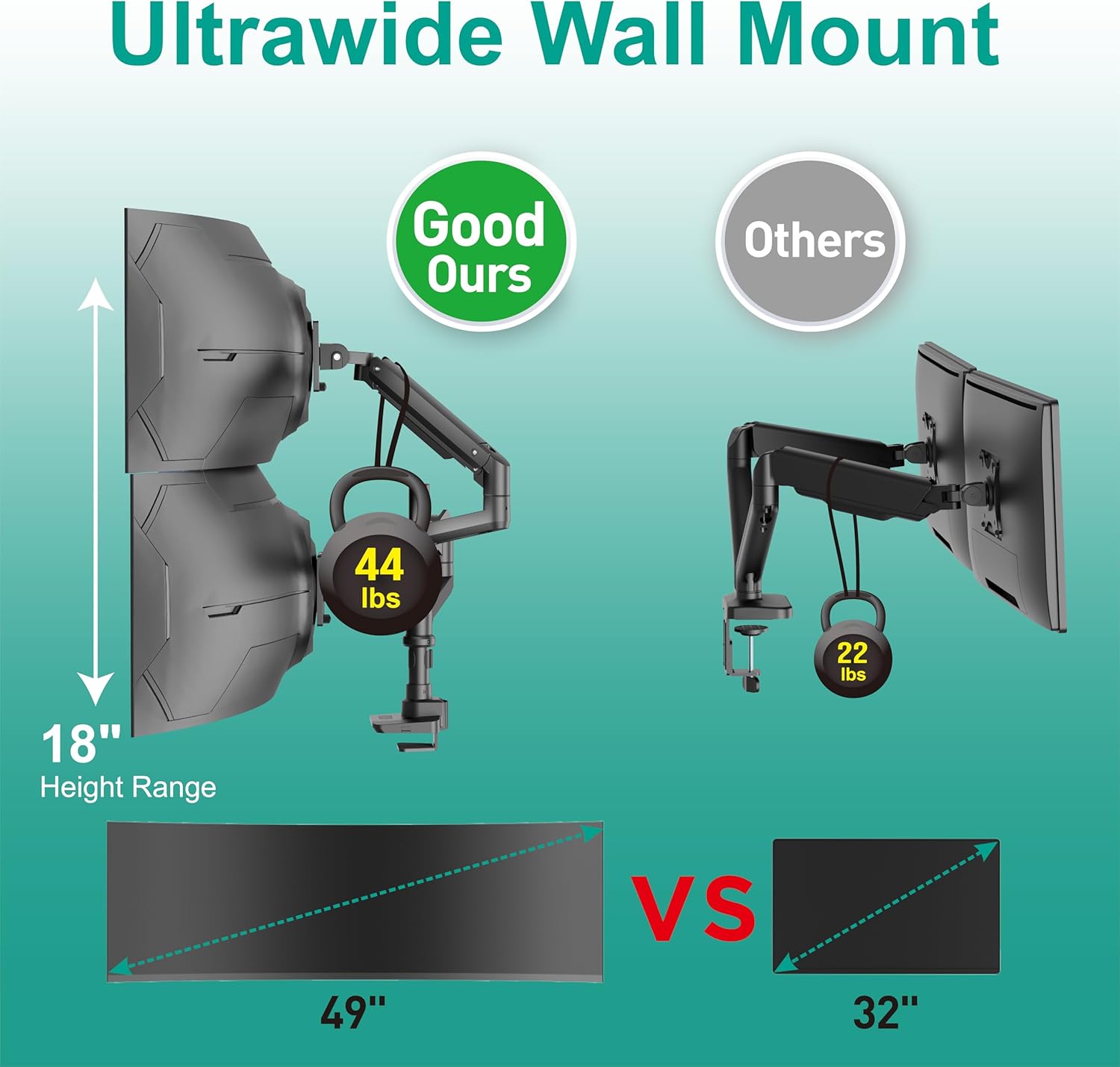
On paper, it’s aimed at fairly serious setups: each arm is rated to hold up to 20 kg, and the arm supports multiple rotation options. If you’re currently using fixed VESA mounts or a basic stand that doesn’t let you fine-tune angles, this is the kind of upgrade that can make the day-to-day feel less cramped.
Key takeaways on usability (what you’ll notice)
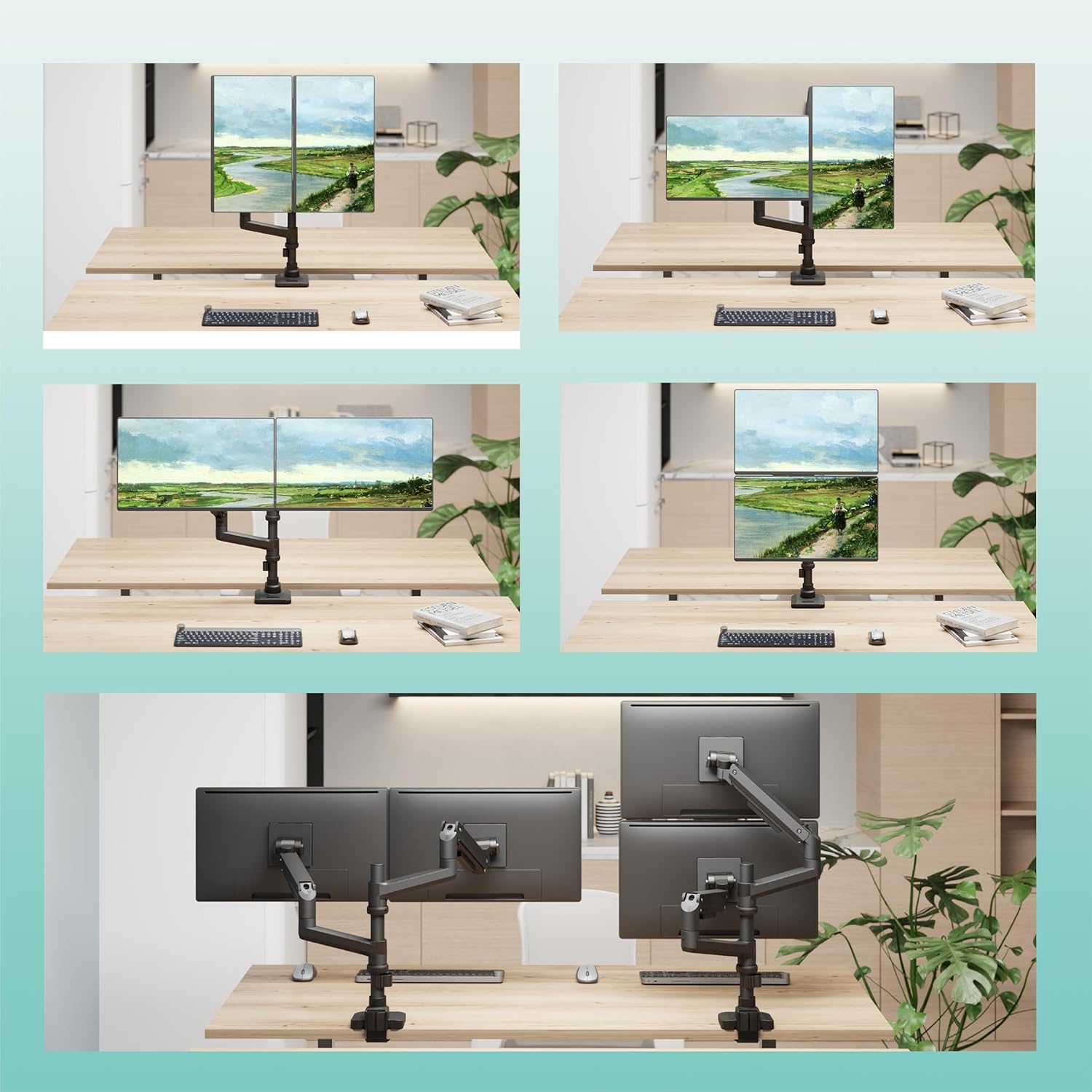
The big day-to-day difference with a dual arm is flexibility. Here, the arm uses gas spring support for smooth height adjustment, plus a fairly generous movement range: tilt is listed at -50° to +20°, swivel at +/-90°, and rotation up to 360°. That combination matters if you switch between tasks—say, video calls on one screen, and spreadsheet work on the other—or if you regularly change seating position.
There’s also a practical install detail worth knowing: the mounting holes are described with centres that sit between 1.2 cm and 5 cm away from the desktop, and the mounting holes can be dismantled for installation. That sounds small, but it can be the difference between a straightforward setup and one where you’re constantly trying to squeeze components into place.
The mounting side of things (compatibility and fit)
This dual monitor mount works with mounting hole patterns of 75 x 75 mm and 100 x 100 mm, and it’s positioned for most QLED, OLED, LED flat and ultrawide heavy-duty curved monitors within the 17–49 inch range mentioned.
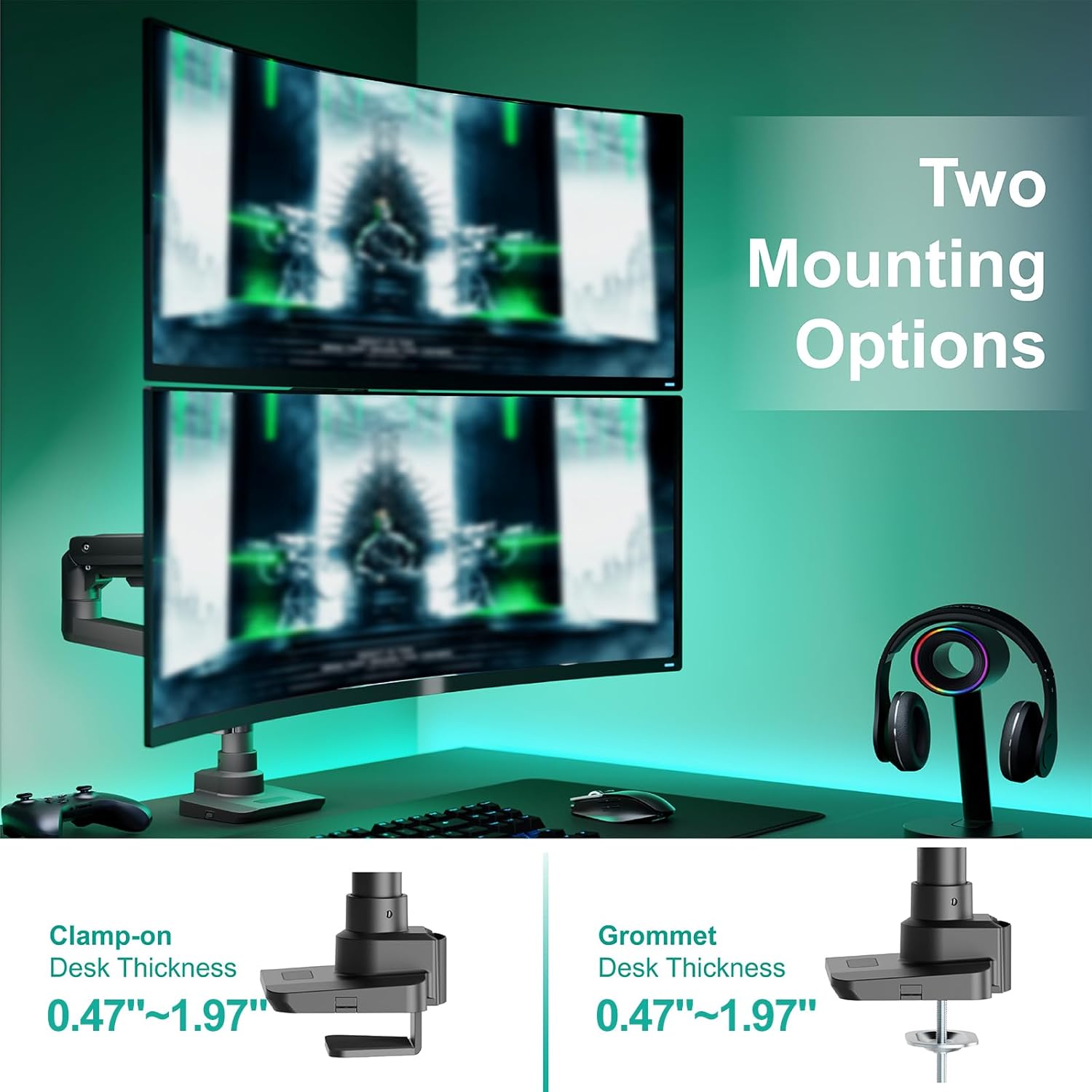
It uses a desk mount approach with either a C-clamp or a grommet mount, and the desk thickness range is listed as 1.2–5 cm. So before you buy, it’s sensible to check two things: that your monitor’s mounting pattern matches 75/100, and that your desk thickness sits within that clamp/grommet window.
It may not suit you if you have a desk that’s unusually thick, unusually shaped, or you can’t use a clamp/grommet mounting method.
Adjustments and stability: how it’s built to behave
The spec highlights industrial-grade gas springs designed to eliminate the rebound problem common with some adjustable arms. In plain terms, that’s about making adjustments feel controlled and repeatable, rather than springing back at inconvenient moments.
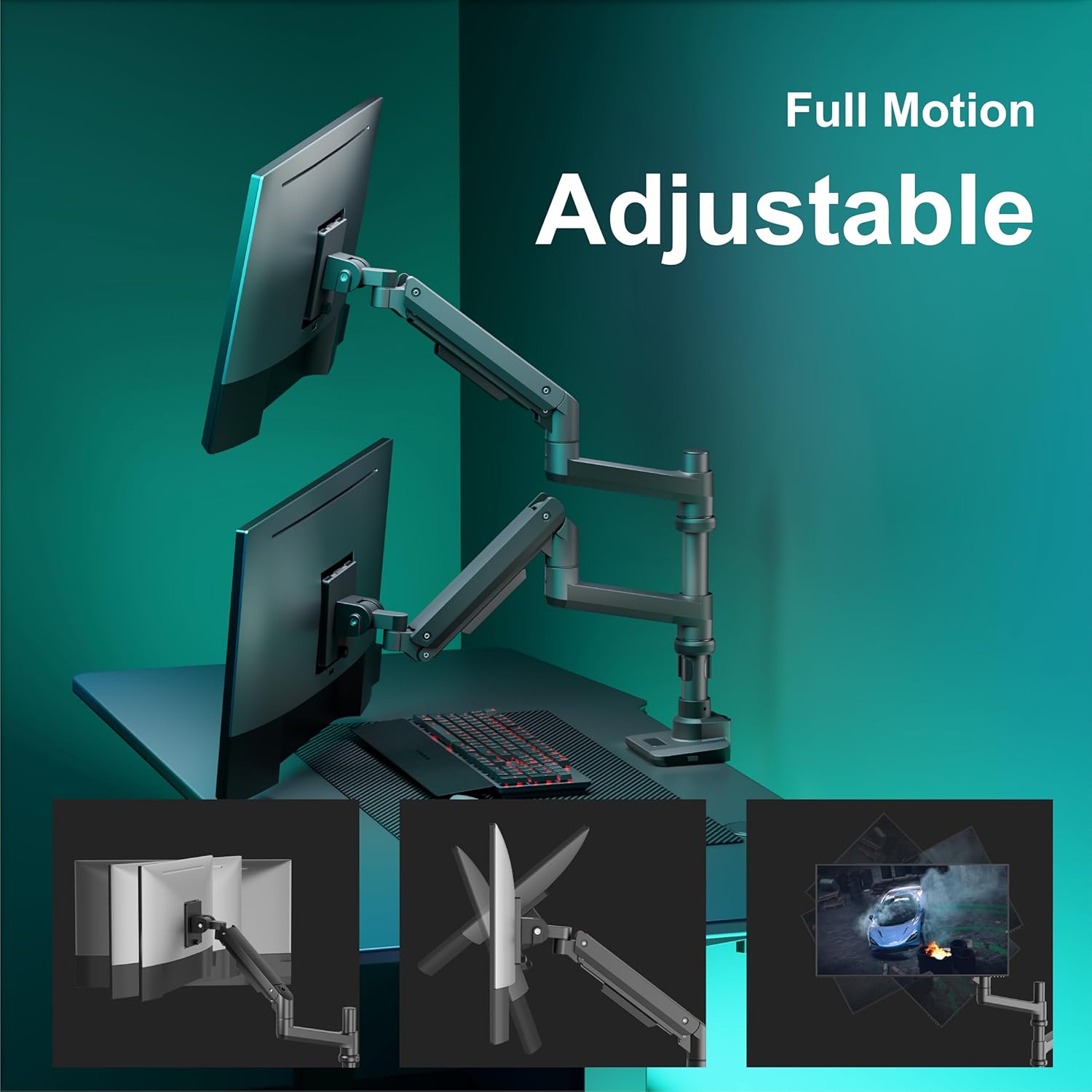
You also get a named height adjustment figure: 48 cm of height adjustment with gas spring lift. That’s a meaningful range if you want to raise monitors to reduce neck strain, or if your keyboard tray sits lower than your natural eye line.
One limitation to keep in mind: even with good adjustment ranges, dual arms only work well when the monitor weight is within spec and the mounting points align cleanly. If your screens are heavy at the top end, you’ll want to be extra careful with alignment during installation.
What’s in the box and support
The package is described as including 1 x WALI ultrawide monitor arm, a mounting hardware kit, and a user manual. It also mentions US-based customer support available 7 days a week.
Not every setup is plug-and-play, so having the manual and the hardware kit matters. If you’re installing on a desk where cable management is tight, you may also want to take a moment to plan cable routing before fully tightening everything.
Mini FAQ
Is this suitable for ultrawide curved monitors?
Yes, the description explicitly includes ultrawide heavy-duty curved monitors within the 17–49 inch range.
What tilt, swivel and rotation can I expect?
Tilt is listed as -50° to +20°, swivel as +/-90°, and rotation as 360°.
What monitor weight does it support?
Each arm is rated to hold up to 20 kg.
What VESA mounting sizes does it support?
The listed mounting hole patterns are 75 x 75 mm and 100 x 100 mm.
How does the arm attach to the desk?
It uses a C-clamp and grommet mount, with a desk thickness range of 1.2–5 cm.
Is it worth it?
It’s worth considering if you want a dual monitor setup with lots of positioning options, and your ultrawide (or curved) screens fall within the 17–49 inch range. It also makes sense if you’ll actually use the fine control—height, tilt, swivel and rotation—rather than leaving monitors in one fixed position.
Buyers should be cautious if you’re not confident your desk thickness works for the clamp/grommet method, or if your monitor doesn’t match the 75 x 75 mm / 100 x 100 mm mounting hole patterns. And if your main priority is the simplest possible mount with minimal adjustment, a more basic fixed arm could be less hassle—though you’d give up some of the flexibility this one is built around.