

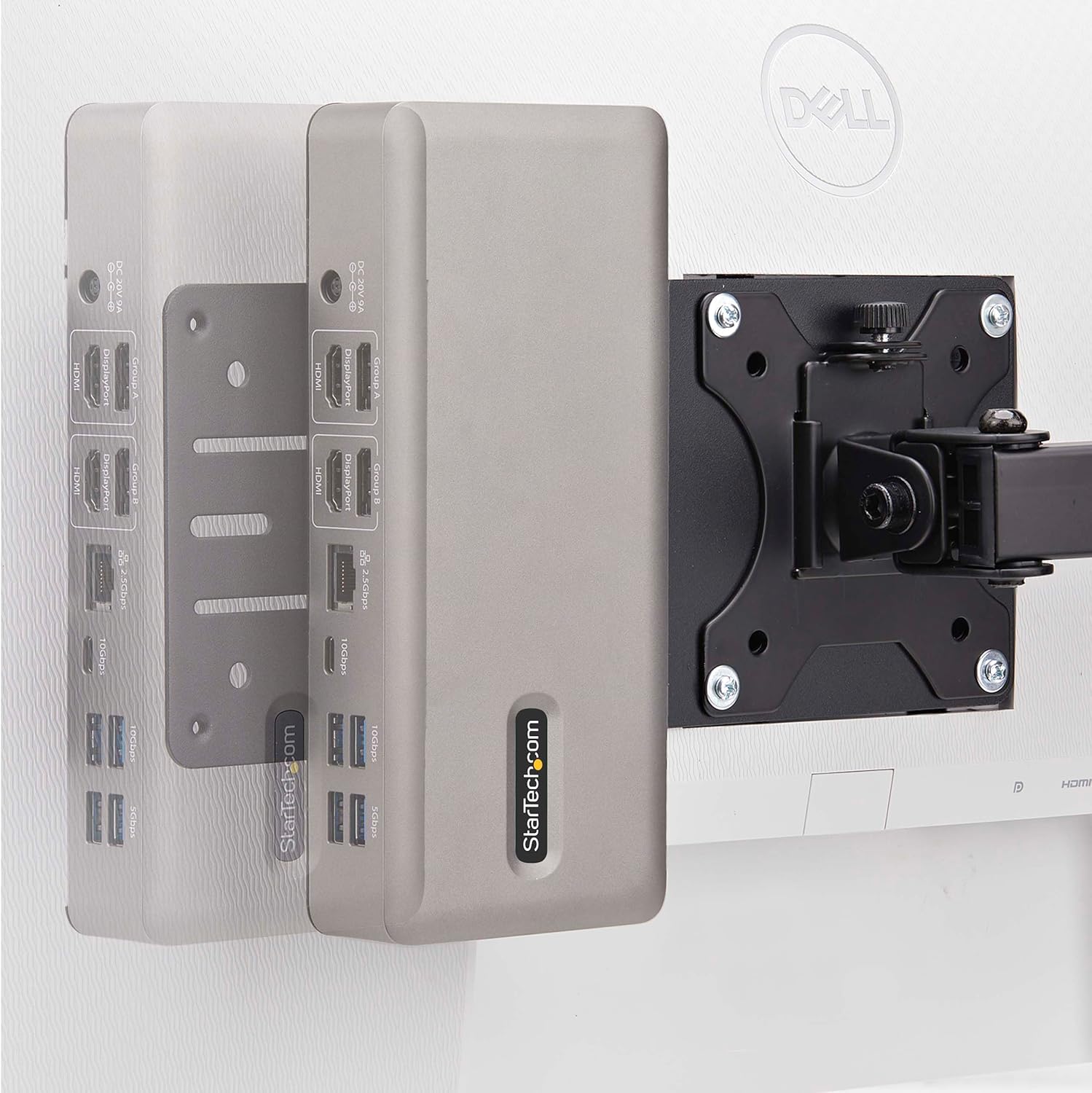
StarTech.com VESA 75x75/100x100 mounting bracket for Intel NUC, thin clients and laptop docking stations
Product description
If you’re trying to keep a desk tidy (and stop small PCs living on the worktop), a VESA mounting bracket like this one can make a surprising difference. The idea is simple: mount your compatible NUC, thin client, or laptop docking station to the back of a VESA-enabled monitor, so the cables and hardware stay out of sight.
Where it gets interesting is the flexibility in mounting patterns. It’s built around VESA 75x75 and 100x100 for the monitor side, while the bracket itself uses different slot configurations depending on what you’re mounting. That means fewer external brackets on your desk, and a cleaner setup for shared spaces.
What this mount is for
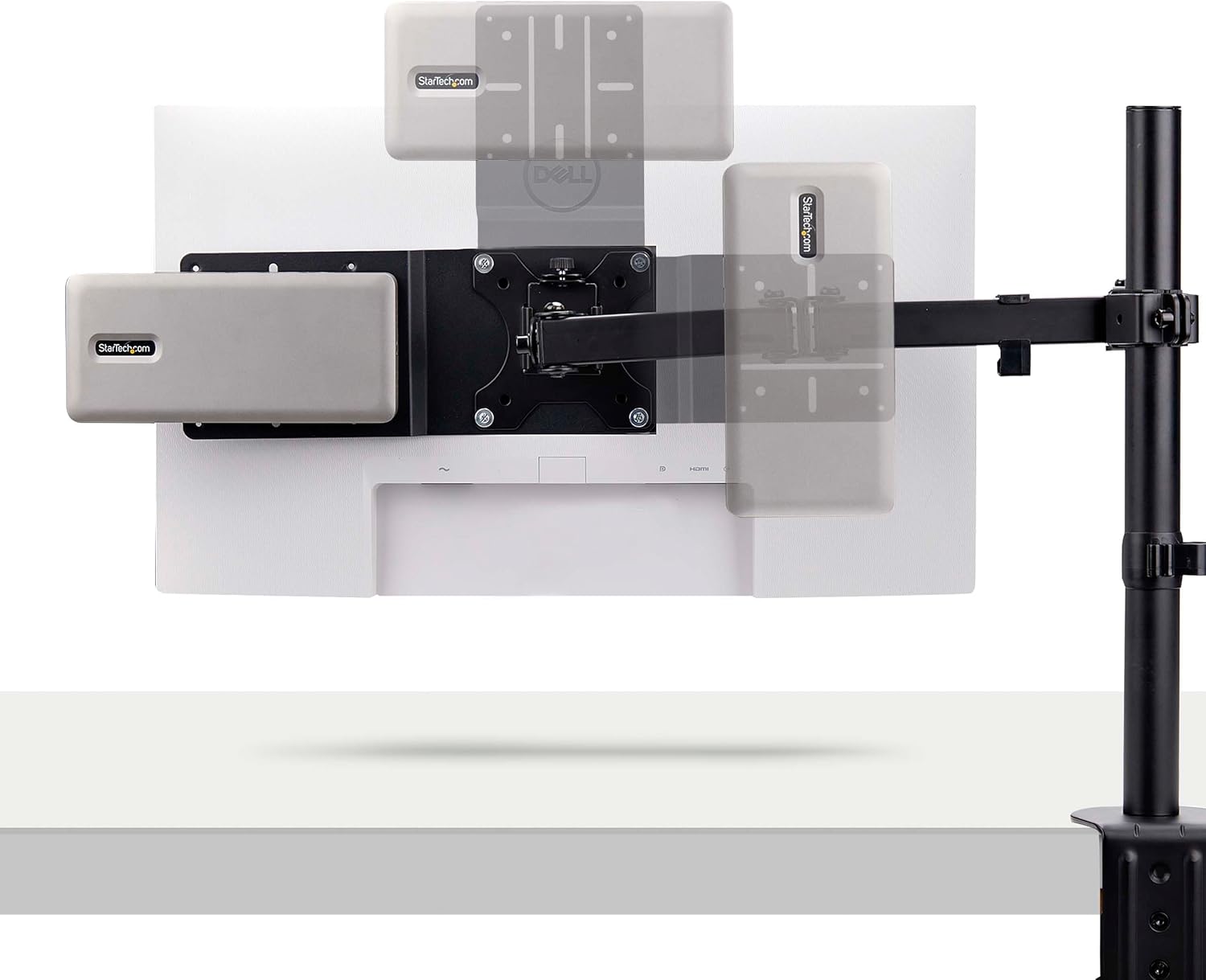
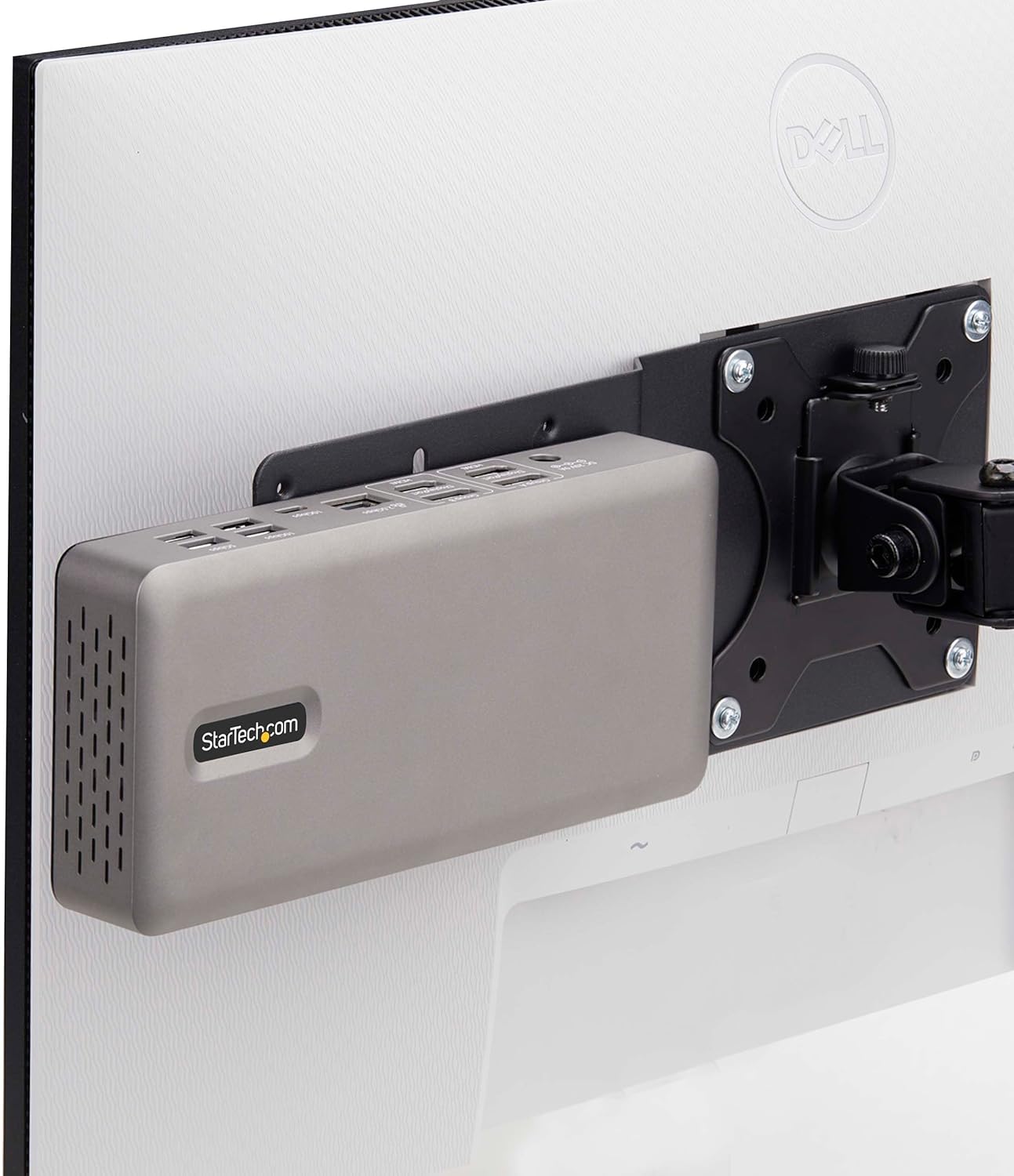
This StarTech.com VESA mounting bracket is designed to let you attach compatible Intel NUCs, industrial thin clients, or certain laptop docking stations behind a monitor with VESA 75x75/100x100. On paper, that’s exactly what you’d want when you’re running a hot desk, classroom PC area, library workstation, or any shared/public environment where you’d rather reduce clutter and keep the device less accessible.
A practical way to picture it: you mount the adapter behind the screen, slide the NUC or thin client into the bracket’s cross slots (where supported), and route your cables neatly from the back. The hardware effectively disappears from the desk surface while still staying mounted and organised.
Where it stands out in day-to-day use
The biggest advantage here is the “out of sight” factor. Once installed, the mounted device is hidden behind the monitor rather than sitting on the desk. That not only clears space, it can also help reduce the chance of casual tampering in shared settings.
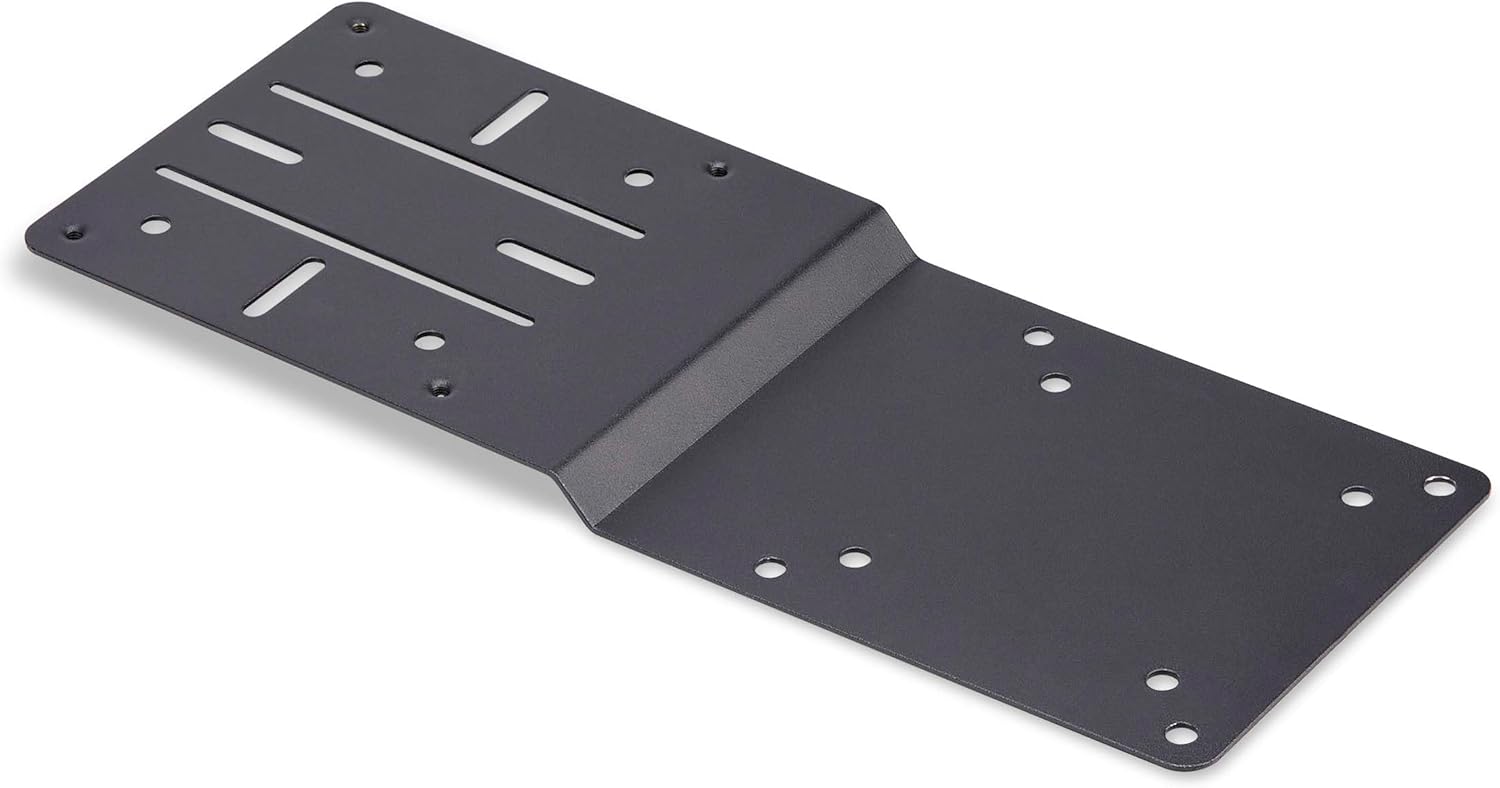
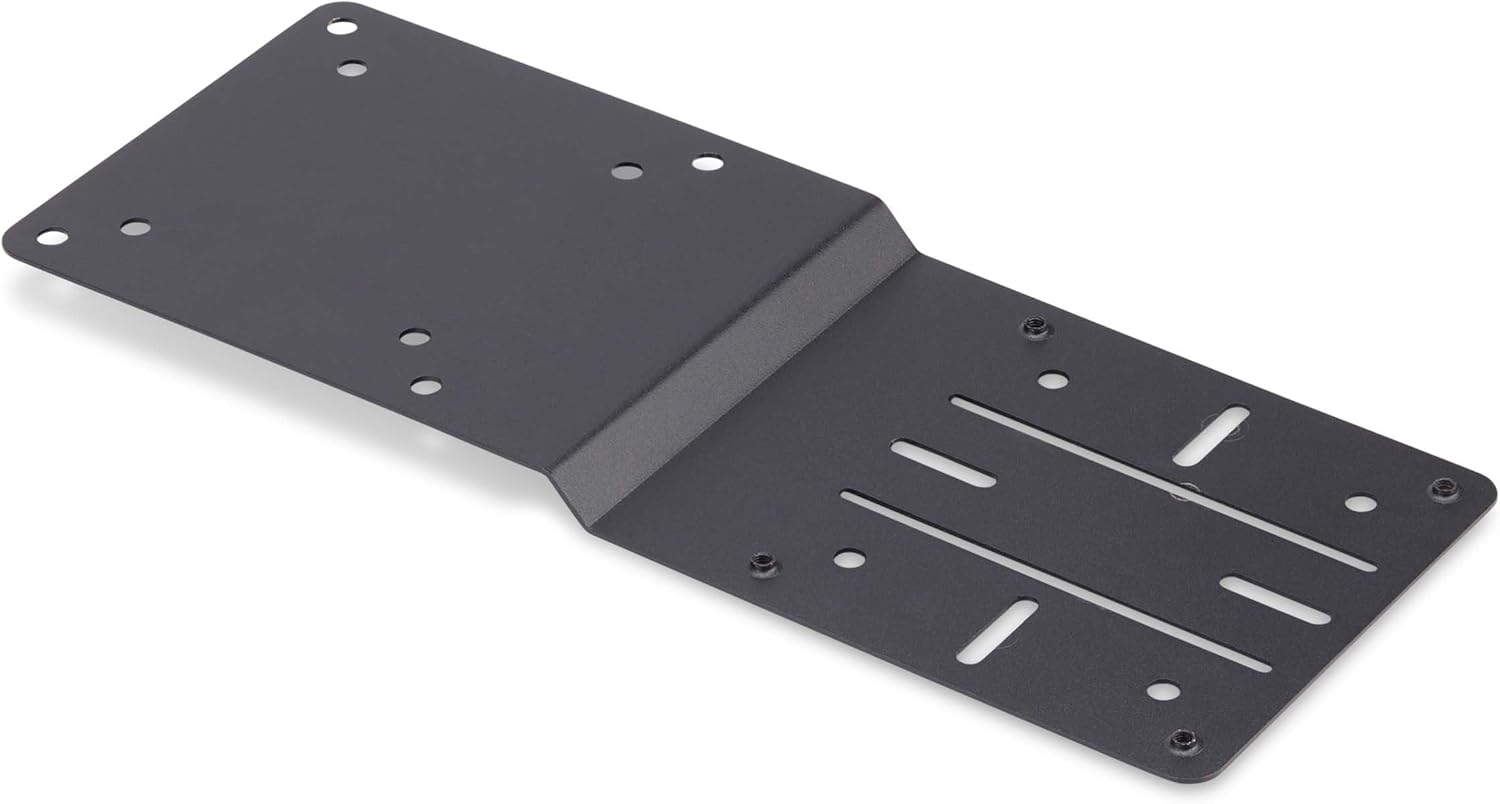
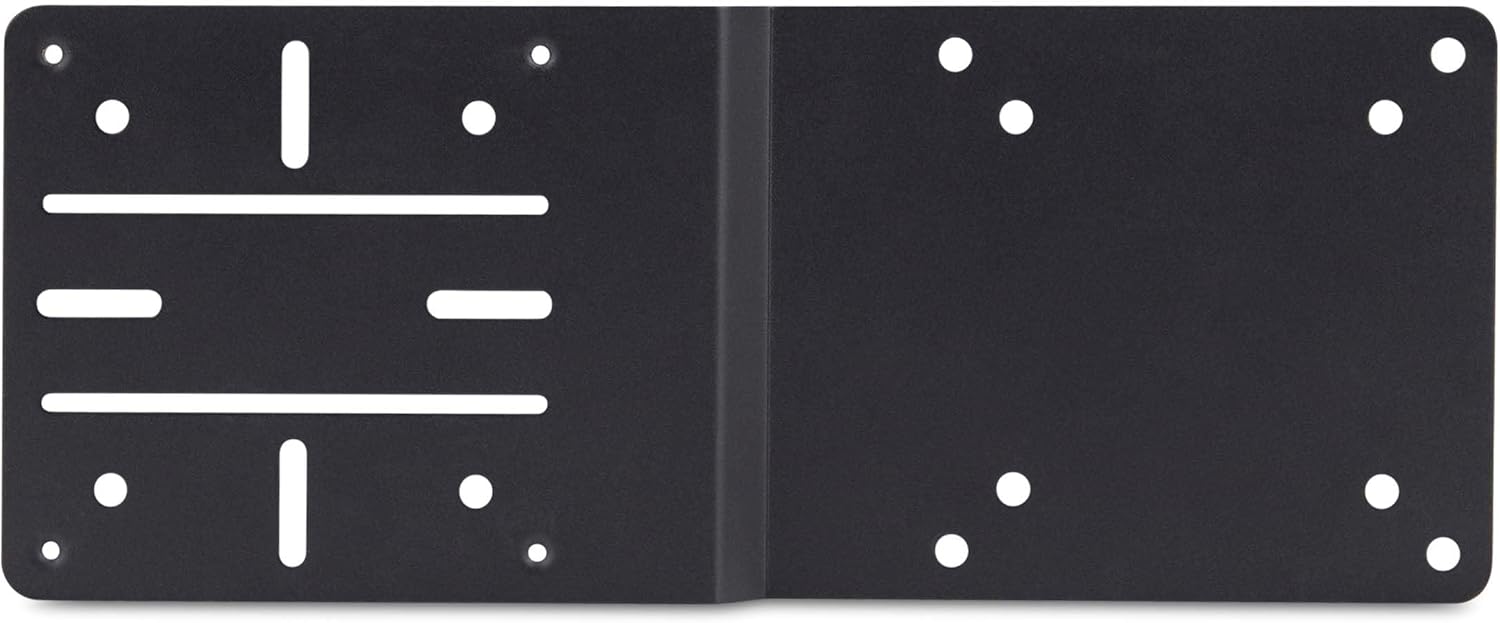
The other standout is the slot approach. The bracket includes different mounting configurations:
- Four cross slots for mounting Intel NUCs or industrial thin clients without their included mounting brackets
- Two parallel slots for docking stations that use a 40x40 mounting pattern
It’s the sort of setup that suits workplaces where you want the same basic workflow across multiple stations, rather than a one-off desk build.
Mounting configurations and what to check first
Before you buy, it’s worth taking a careful look at your hardware, because the bracket’s compatibility depends on fit rather than brand magic.
For the monitor side, you need a VESA-enabled monitor supporting 75x75 or 100x100. If your monitor uses a different VESA pattern, this bracket won’t be a straightforward match.
For the device side, check which slot style applies: - If you’re mounting a compatible NUC or industrial thin client, the bracket’s cross slots are intended to work without using the device’s own included mounting brackets. - If you’re mounting a laptop docking station, the bracket is aimed at docks with a 40x40 mounting pattern.
There’s also a small-but-important limitation: the docking station angle is more about pattern compatibility than universal “works with any dock”. If your dock’s mounting pattern doesn’t align with that 40x40 description, you may find it doesn’t line up cleanly.
Included hardware kit (and why it matters)
Installation is supported by a comprehensive mounting hardware kit. The kit includes a variety of screw sizes and lengths for mounting NUCs, thin clients, and docking stations directly to the VESA bracket adapter, plus hardware for attaching the VESA bracket to the monitor.
That’s genuinely useful because small differences in screw length can make the difference between a secure fit and a frustrating half-install. It’s still on you to match the right screw size for your device, but having a range included reduces the “you might need to source extra parts” worry.

Pros and cons in plain terms
This type of bracket is usually bought for two reasons: desk space and organised deployments.
What you’ll like: - A cleaner, clutter-free setup by keeping NUCs/thin clients/docks behind the monitor - A more secure mounting position in shared or public environments (less exposed to everyday fiddling) - A hardware kit with multiple screw sizes and lengths to simplify installation - Slot-based mounting options for different device types (cross slots vs 40x40 parallel slot pattern)
What could frustrate you: - If your monitor isn’t VESA 75x75 or 100x100 compatible, you’ll be stuck - If your docking station doesn’t fit the 40x40 mounting pattern requirement, it may not suit your setup - It’s a behind-monitor solution, so if you often need frequent physical access to the device, it may feel a bit more fiddly than keeping it on the desk
Compatibility: examples and the bigger picture
StarTech.com states it works with a variety of compatible laptop docking stations and mentions examples such as 155NA-USB4-DOCK/155UE-USB4-DOCK, TB4CDOCK, HB31C2A1CGS, and 129N-USBC-KVM-DOCK/129UE-USBC-KVM-DOCK, plus 155NA-USB4-DOCK/155UE-USB4-DOCK style references.
Still, treat those names as guidance rather than a guarantee for every variant. For best results, base your decision on: - Your monitor’s VESA 75x75/100x100 support - The device side mounting pattern (cross slots for compatible NUC/thin clients, 40x40 for docks)
Is it worth it?
It makes sense if you want a tidier, more controlled workstation setup and you have a VESA 75x75/100x100 monitor that can host a compatible NUC, thin client, or docking station behind it. It’s particularly sensible for shared environments where you care about reducing desk clutter and limiting easy access.
You may want to skip it if your monitor uses a different VESA pattern, or if your docking station doesn’t match the described 40x40 mounting pattern requirement. Also, if you need frequent hands-on access to the device during daily use, mounting it behind the screen might feel less convenient.
Quick FAQ
Is this bracket only for Intel NUCs?
No. It’s also aimed at compatible thin clients and certain laptop docking stations, depending on the mounting pattern (cross slots for NUC/thin clients, 40x40 for docks).
Does my monitor need VESA 75x75 or 100x100?
Yes. This bracket is intended for monitors with VESA 75x75 or 100x100 support.
Are screws included for installation?
Yes. A comprehensive hardware kit with a variety of screw sizes and lengths is included for mounting both the device side and attaching the bracket to the monitor.
Can it help reduce tampering in shared environments?
That’s one of the reasons it’s described as a better fit for office hot desks, classrooms, and libraries—mounting behind the monitor keeps the hardware more hidden.
What should I double-check before ordering?
Confirm your monitor is VESA 75x75/100x100, and confirm your device or docking station mounting pattern aligns with the bracket’s cross-slot or 40x40 requirements.