

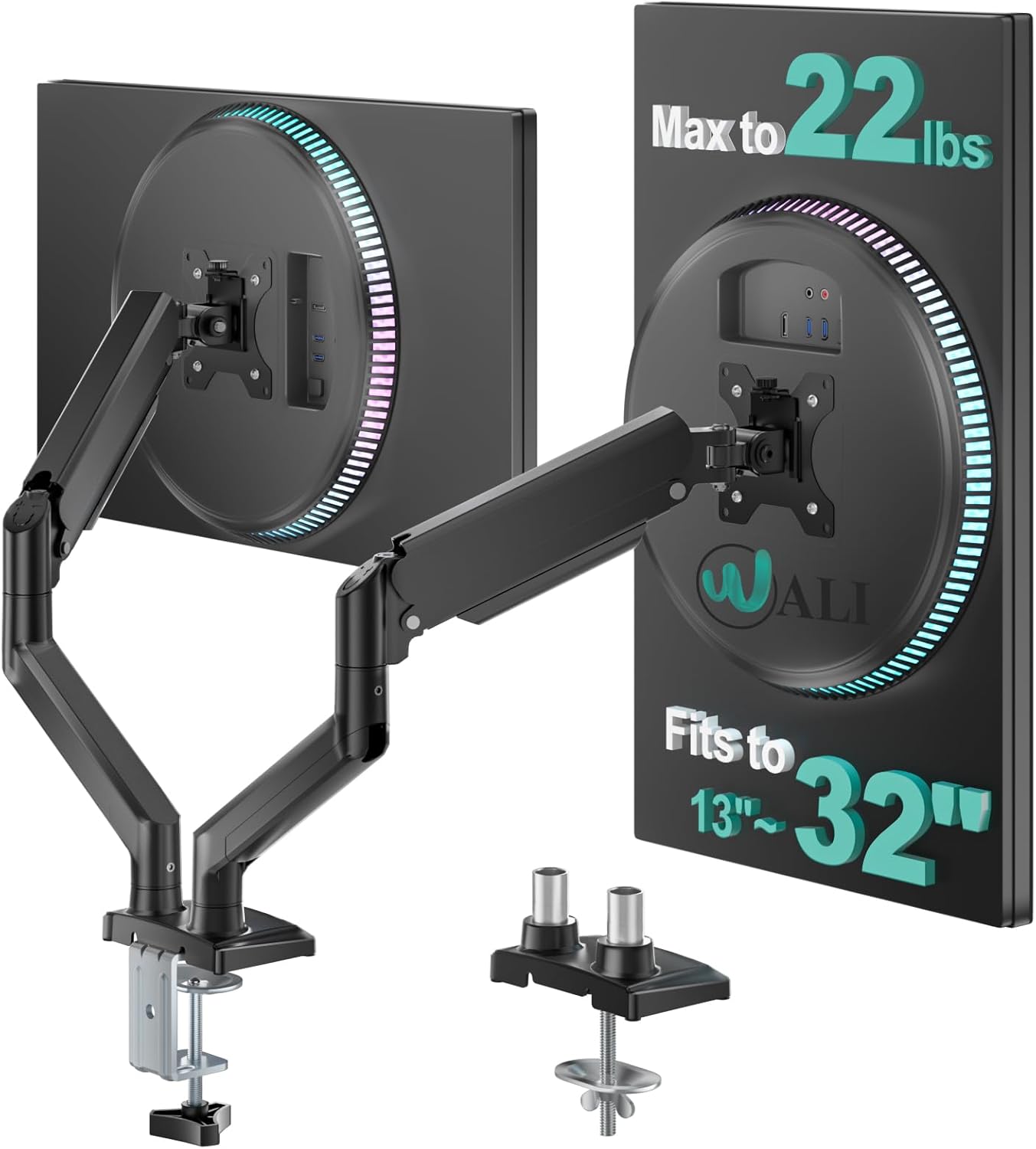
WALI triple monitor mount for 13–32 inch screens (GSDM003XL) with gas spring arms, black
Product description
What this is, and why people buy it
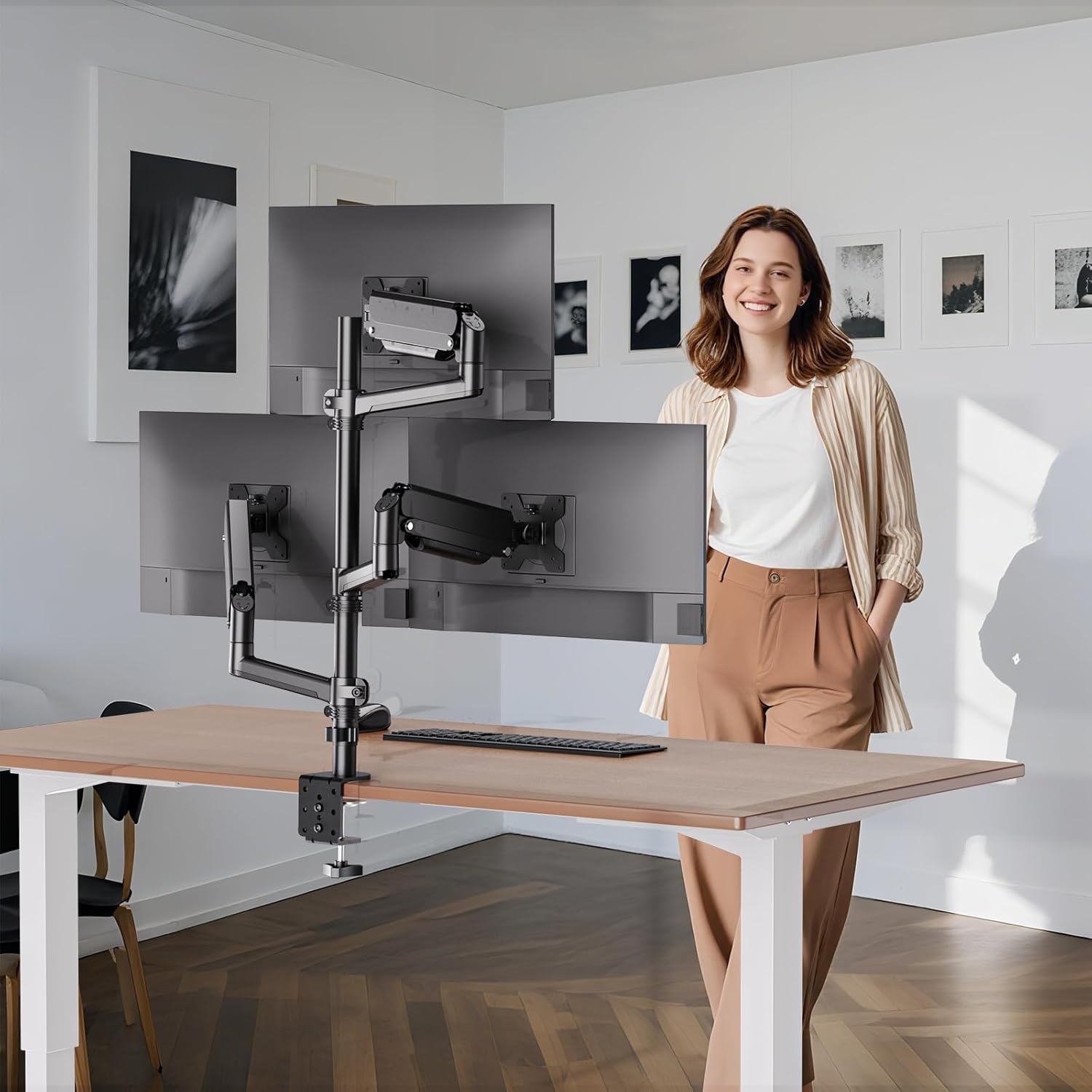
A triple monitor mount is one of those upgrades that can either feel like a luxury… or like the thing you should have done sooner. The WALI GSDM003XL is designed for three flat and curved screens between 13 and 32 inches, letting you mount them on a desk while keeping cables and footprint tidier than stand-alone bases.
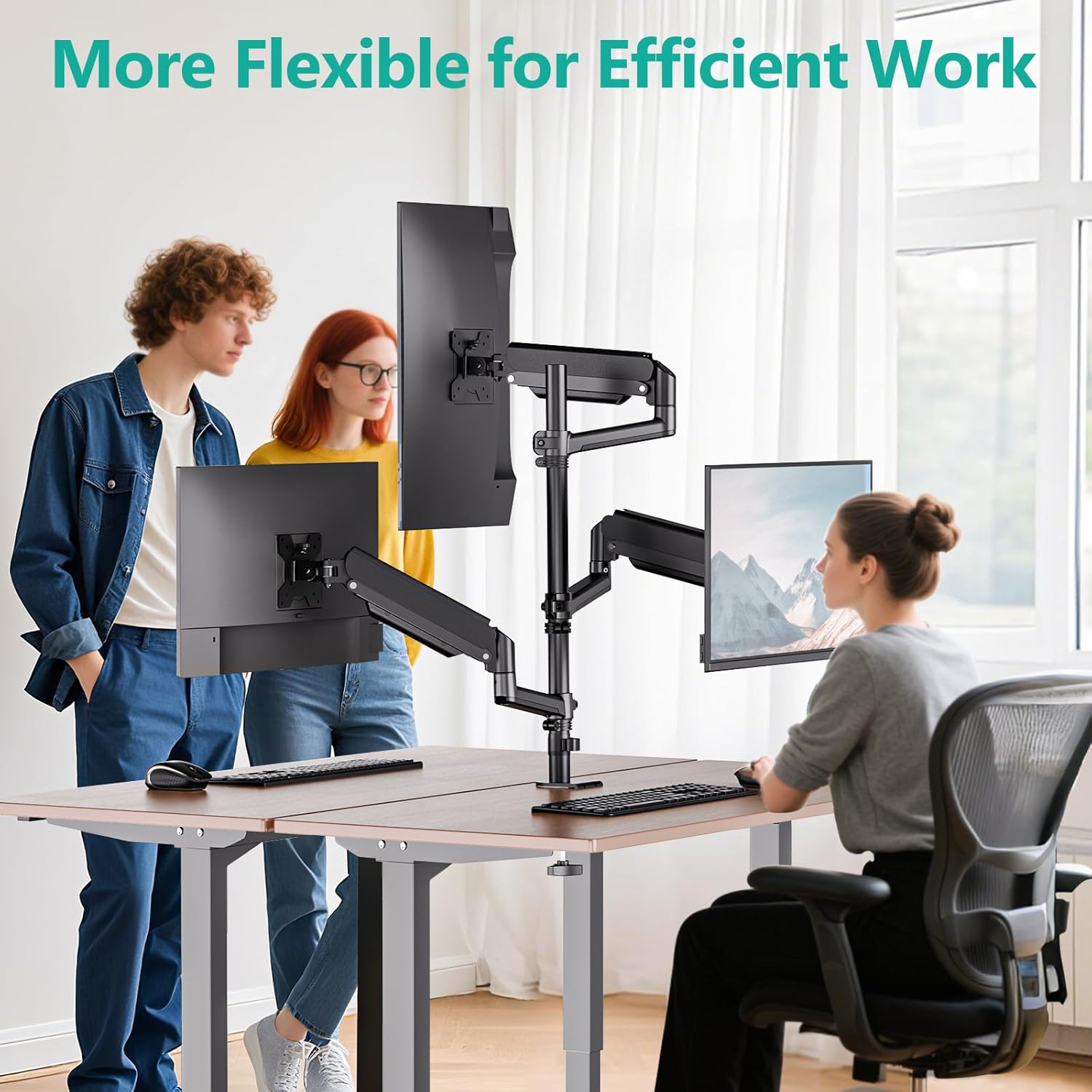
On paper, it ticks a lot of practical boxes: full-motion gas spring arms, support for both VESA 75×75 and 100×100, and a sturdier base than some entry-level kits. The main idea is ergonomic viewing comfort—so you can tilt, swivel and rotate each screen and adjust the overall viewing height depending on whether you sit or stand.
Key takeaways at a glance
This mount is built around three things: compatibility, adjustability, and two mounting methods.
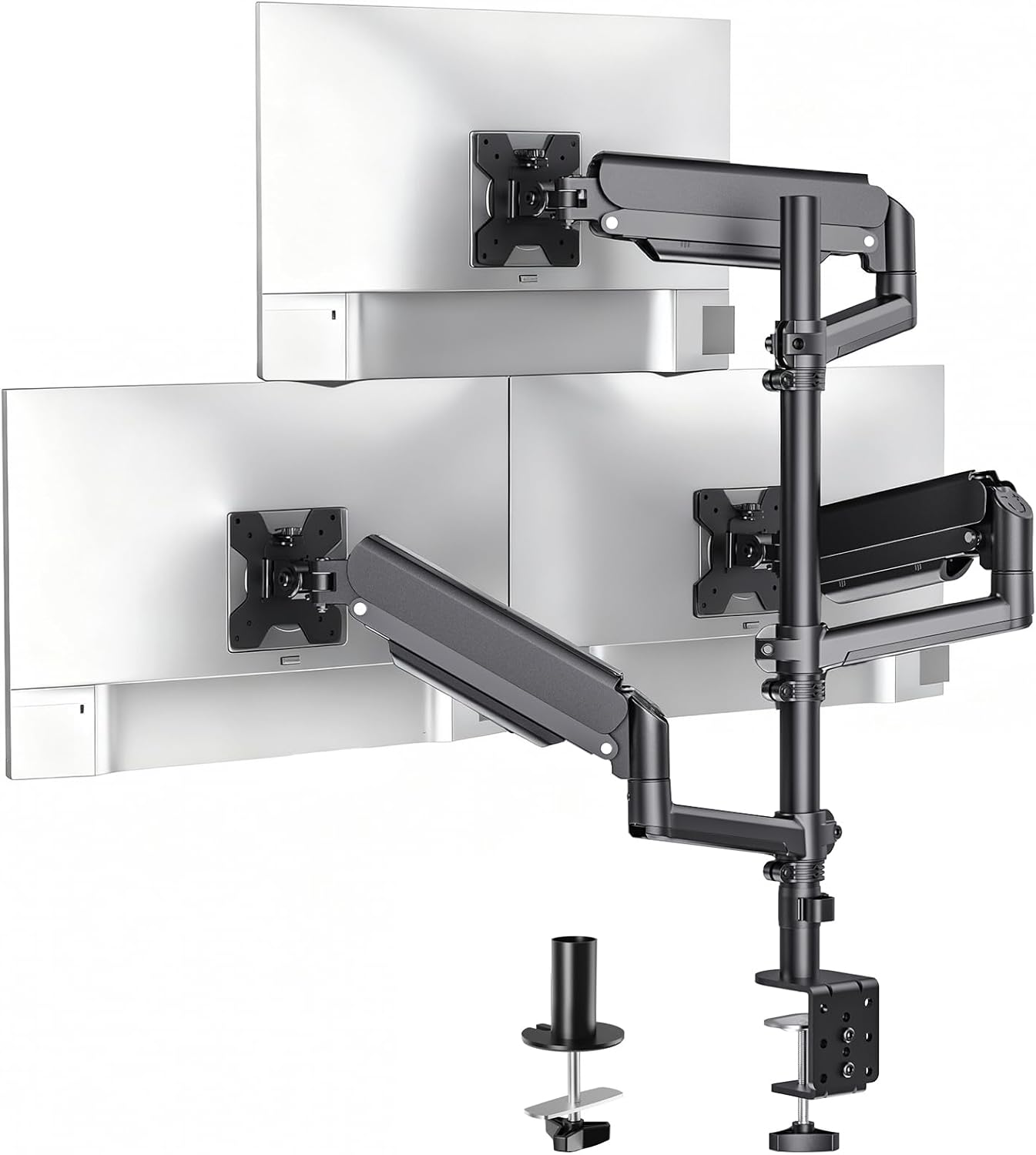
It’s made for 3 monitors, with each arm rated to hold up to 9kg (so long as your screens fall within that weight limit and your VESA pattern matches). Movement-wise, it offers tilt from +70° down to -45°, swivel up to 180°, and rotation through 360° for landscape-to-portrait setups.
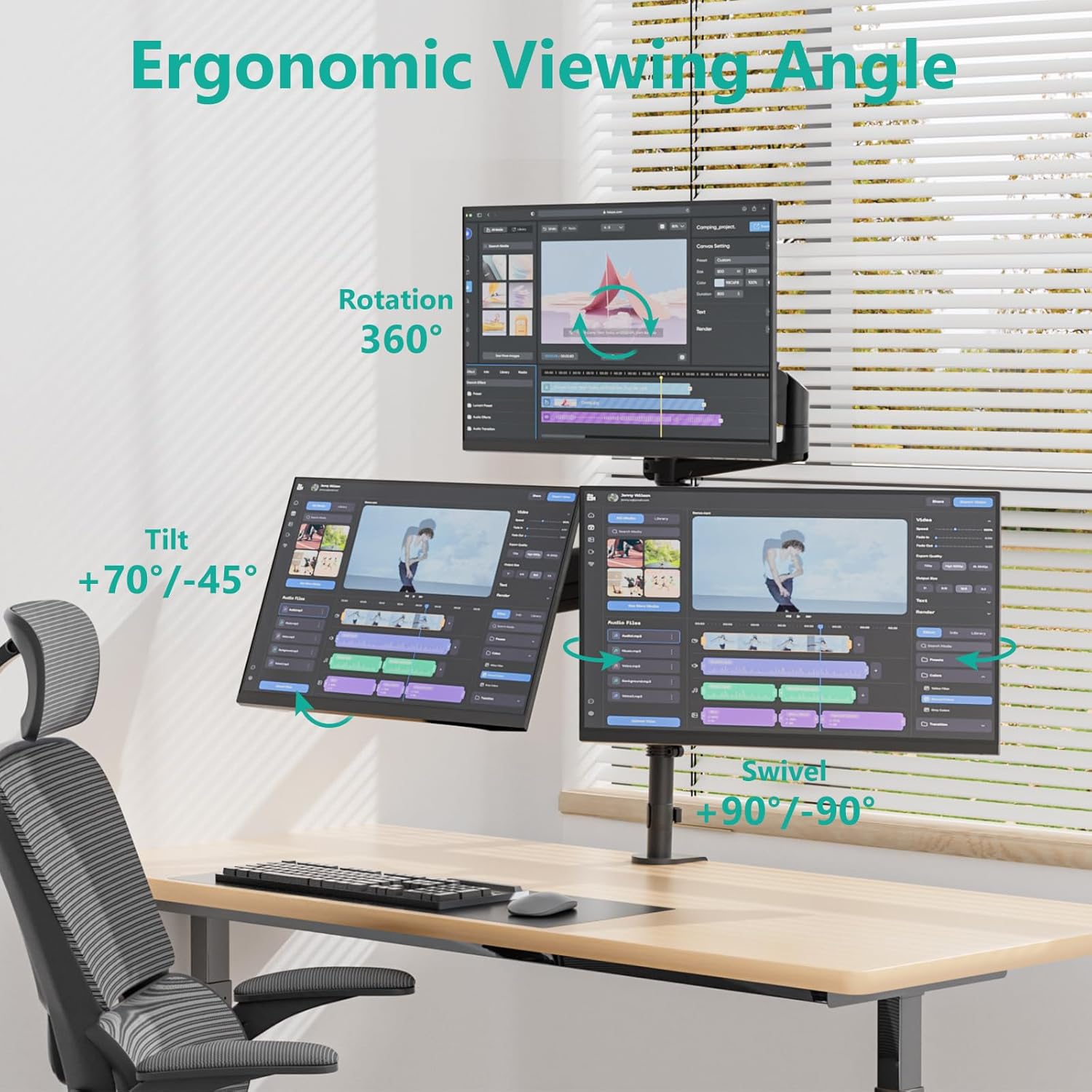
It also supports different desk setups via either a C-clamp (for most desks) or a grommet base mount (for desks with the right cut-out area). That flexibility matters if your workspace is tight, or if you don’t want a clamp solution.
The adjustability you’ll notice day to day
Where this mount can genuinely earn its keep is in how fine you can tune your monitors.
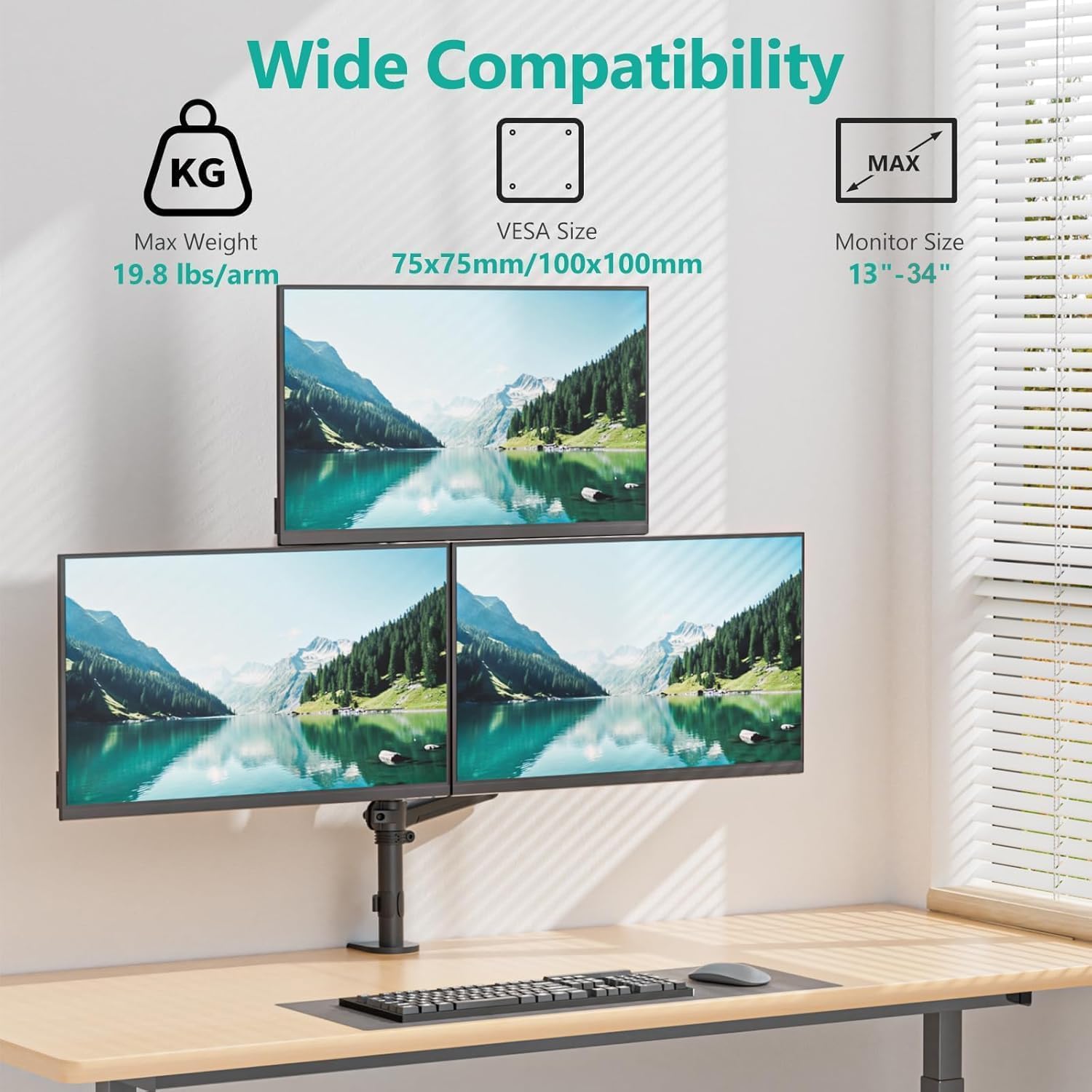
- Tilt gives you control over glare and line-of-sight when you’re using the screens for long stretches.
- Swivel and rotation help when you need one display angled towards you, or when you switch between spreadsheets and reading content in portrait.
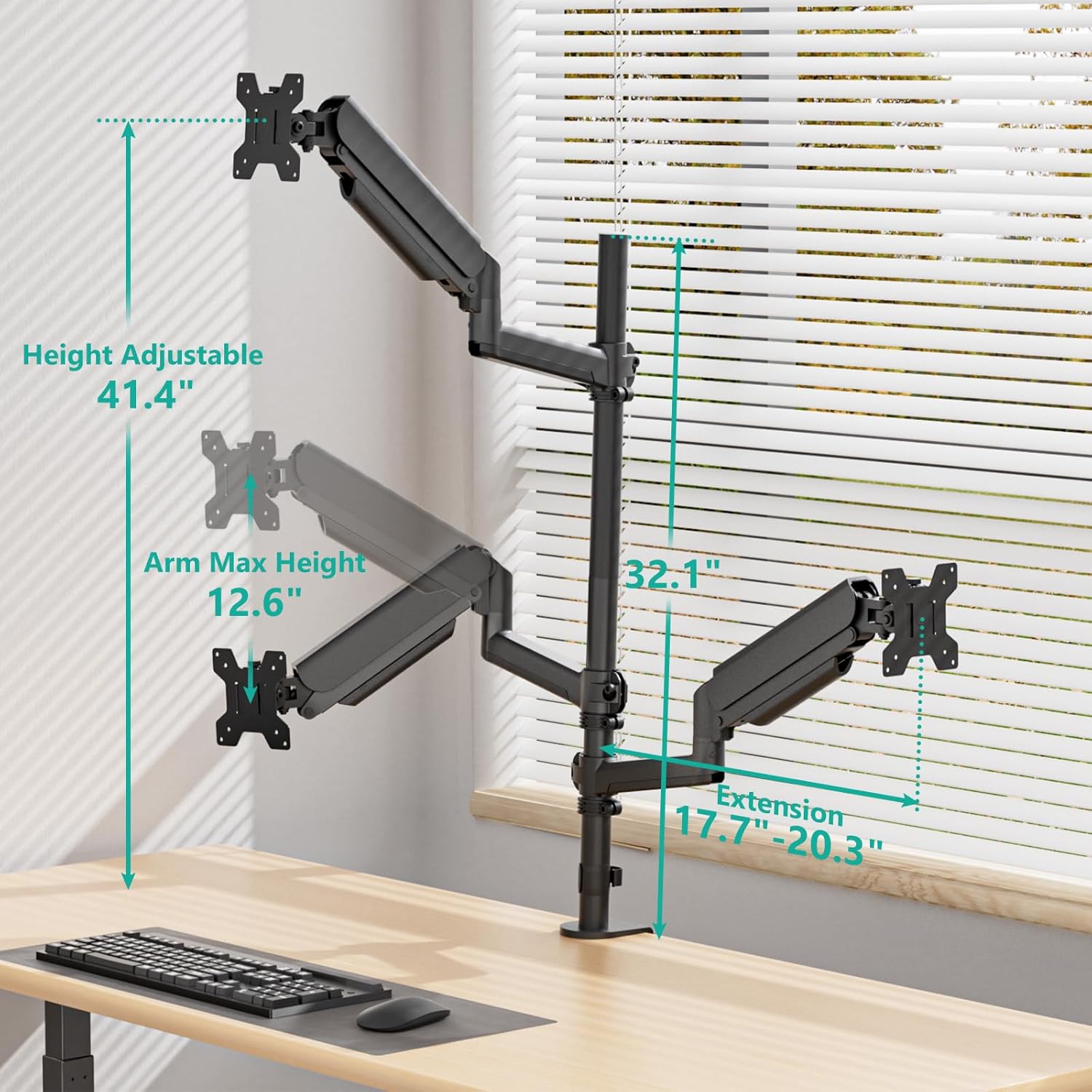
- Height adjustment is also part of the point: the pole is 81.5cm, with a maximum height reaching up to 105.2cm, and it can extend up to 51.6cm.
There’s also a broader ergonomics angle here: depending on your setup, you can position the screens for a more comfortable posture in seated or standing use. It’s not perfect for every desk layout, though—installation still depends on desk thickness and whether you can use the clamp or grommet approach.
Mounting options: clamp or grommet base
This is one of the more down-to-earth features. The WALI triple monitor stand provides:
- C-clamp installation for desk thickness from 0.5cm to 10.9cm.
- Grommet base installation for desk thickness from 0.5cm to 5.6cm.
So, if you’ve got a standard desk, chances are the clamp route will work. If your desk has a suitable pass-through and you prefer a cleaner fixed base, the grommet route is worth considering.
Worth noting: whichever method you choose, you’ll want to check your desk thickness first. If your desk sits outside the stated range, this is the sort of spec that can’t be worked around with “a bit of force”.
What to check before you buy (so it doesn’t become a headache)
Triple mounts are only as good as the compatibility match. Before committing, it’s worth double-checking:
- Screen size and type: the mount is for 13 to 32 inch flat and curved screens.
- Weight: each arm supports up to 9kg—make sure each monitor individually falls under that.
- VESA mounting: it supports VESA 75×75 and 100×100. If your screens use a different pattern, you’ll need a compatible bracket, and the listing doesn’t mention alternatives.
- Desk fit: confirm whether you’ll use the clamp base or grommet base, and verify the desk thickness sits within the ranges.
It’s also sensible to think about your workspace height and viewing distance. The height range is helpful, but it still needs to align with your desk and chair/standing position.
Who it’s for, and who should skip it
It makes sense if you’re trying to get a more organised, ergonomic triple-screen workspace—especially if you move between sitting and standing, or you frequently rotate layouts (landscape/portrait).
It may not be the best match if:
- you have monitors that don’t fit within the 13–32 inch range or exceed the per-arm 9kg limit,
- your monitors don’t use VESA 75×75 or 100×100,
- your desk can’t work with the clamp or grommet installation thickness limits,
- you’re looking for a simple, low-effort stand rather than an adjustable mount.
Also, if you just want a rough “set and forget” angle, a full-motion gas spring setup can be more capability than you need—and the benefits won’t matter as much.
Final verdict: Should you buy it?
If you’ve got three compatible 13–32 inch monitors (within the 9kg per arm rating) and VESA 75×75 or 100×100, this WALI triple monitor mount is a strong fit for a genuinely adjustable triple-screen setup. The tilt/swivel/rotation range is the main reason to consider it, and the height adjustments are useful if you care about posture.
However, you should hold off if you’re not confident about VESA pattern, monitor weight, or desk thickness for the chosen installation method. Triple mounts can be unforgiving when the physical requirements don’t line up.
Mini FAQ
Will this mount fit both flat and curved monitors?
Yes. It’s designed for three 13 to 32 inch flat and curved screens.
What VESA sizes does it support?
It supports VESA 75×75mm and 100×100mm.
How much can each monitor weigh?
Each arm holds up to 9kg.
Can I rotate monitors into portrait mode?
Yes. It supports rotation from landscape to portrait, including a 360° rotation.
How does it attach to the desk?
It offers two options: a C-clamp base and a grommet base, each with stated desk thickness ranges.