

Vretti P83 Portable Inkless Thermal Printer (A4) for Android & iOS via Bluetooth
Product description
At a glance
The Vretti P83 is a portable, inkless thermal printer built for printing documents on the move, at home, study, or in an office where you want something simple and low-maintenance. It uses thermal printing technology (so there’s no ink, toner, or ribbon involved), and it’s designed to be carried around thanks to its compact size and built-in rechargeable battery.
On paper, this is the sort of printer you choose when your main output is text-heavy pages: invoices, contracts, lists, forms, and study materials. If you’re expecting photo-grade detail or crisp tiny fonts, it’s worth tempering expectations—thermal printing can struggle with fine details depending on the content and the paper you use.
What matters most (and where it shines)
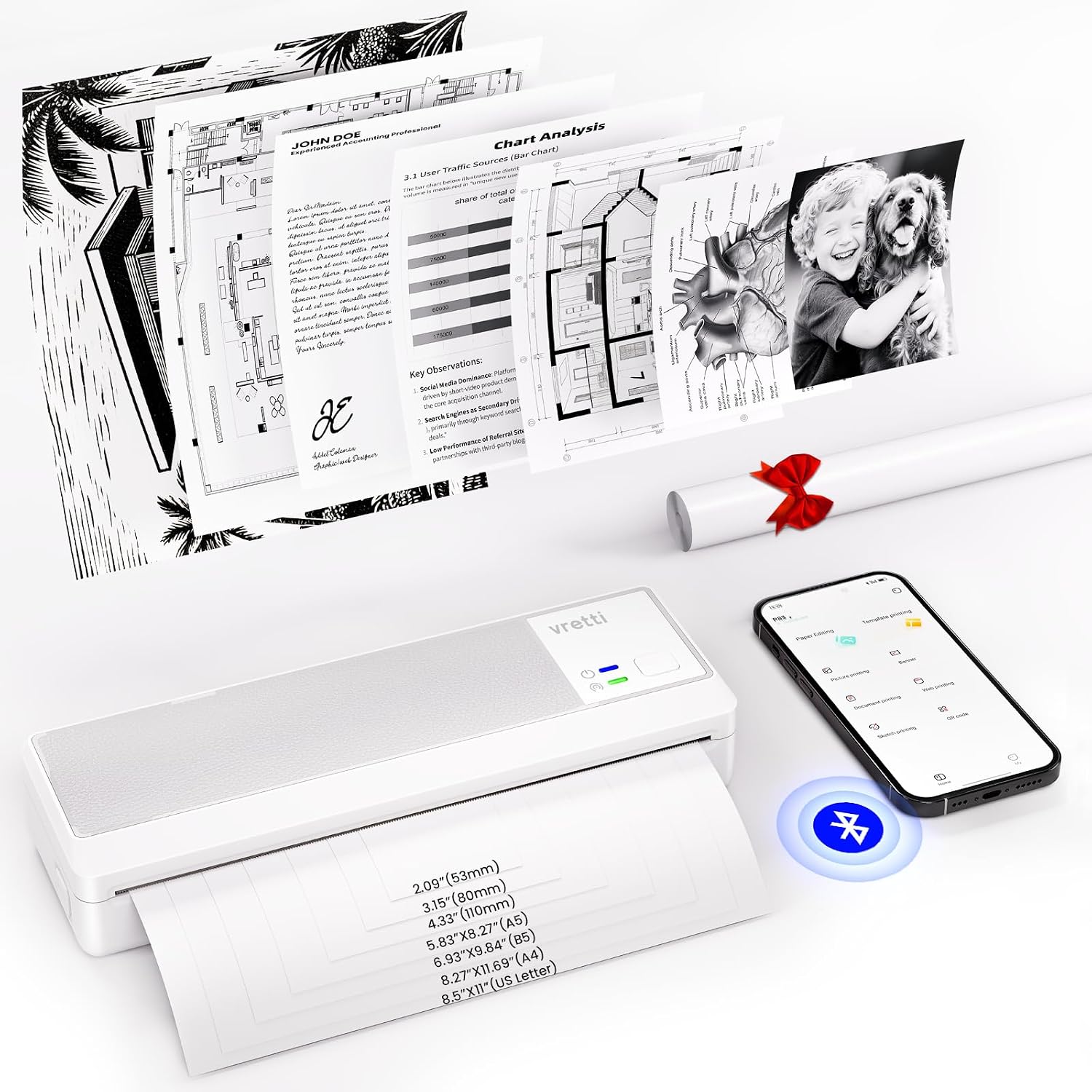
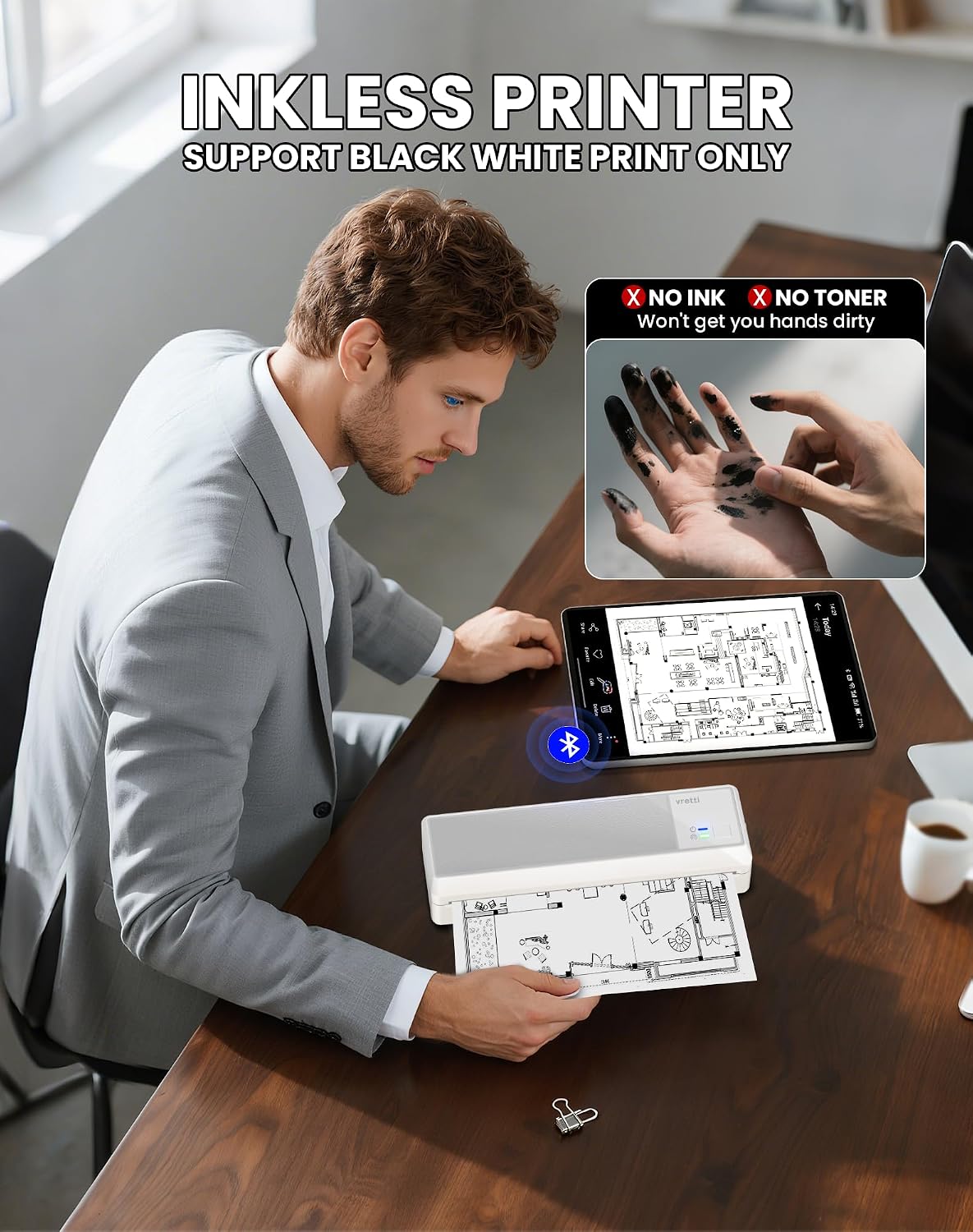
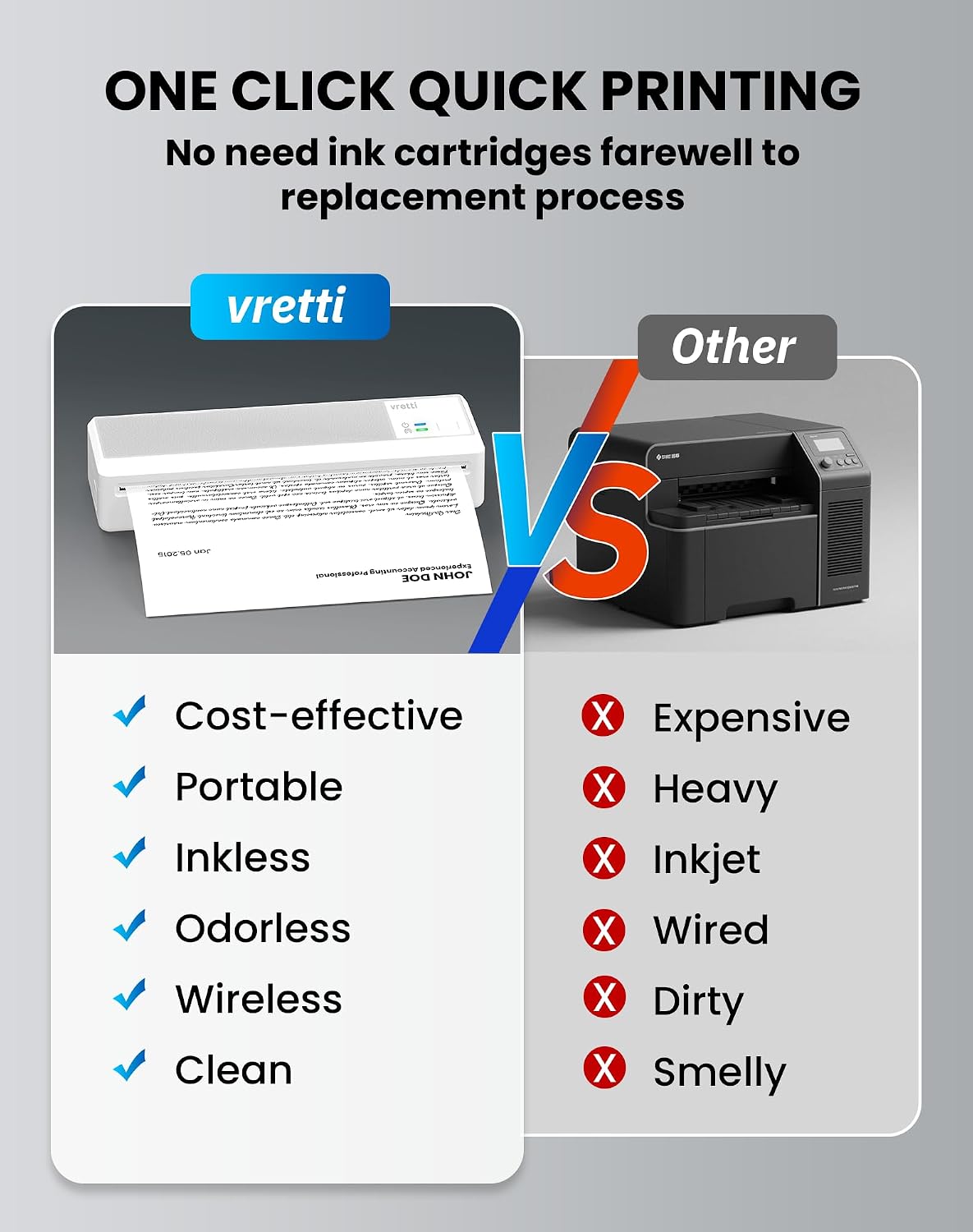
The biggest deciding factor is the thermal, inkless approach. That removes the usual “where’s the cartridge?” problem, and you also avoid the mess that can come with ink-based systems. Instead, you’re buying the right thermal paper rolls and letting the printer do the work.
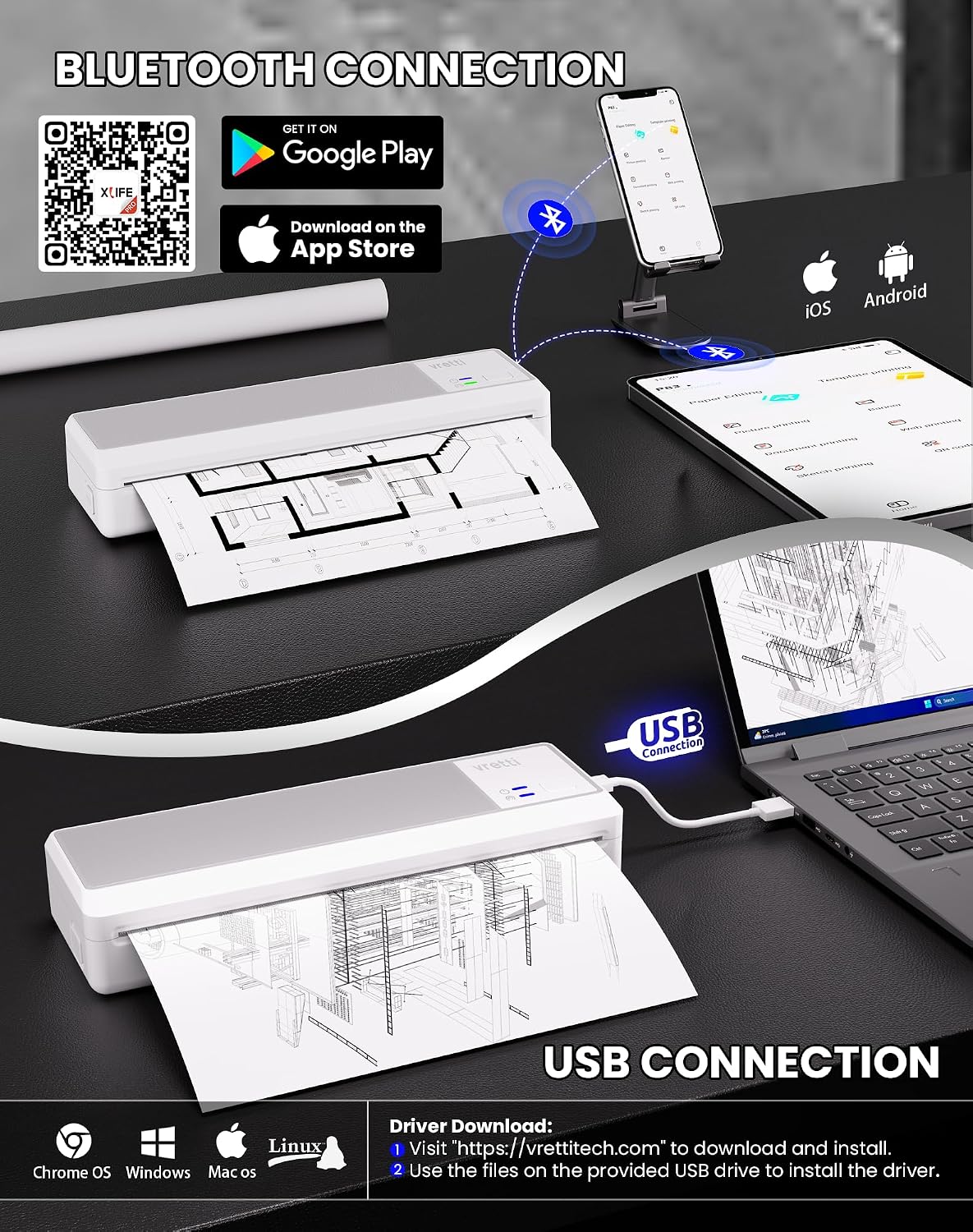
For mobile printing, the P83 leans on Bluetooth via the xlife pro app on iOS and Android. For computer use, it switches to USB connectivity for Windows or Mac OS. That flexibility is handy if you sometimes print from a phone and sometimes from a laptop.
A practical example: if you’re travelling for work and need to print a short set of travel paperwork or a checklist, you can print without being tethered to a charger. It’s also the type of setup that can fit well in a study desk where you print notes or simple diagrams without worrying about ink running out mid-semester.
Key features you’ll notice day to day
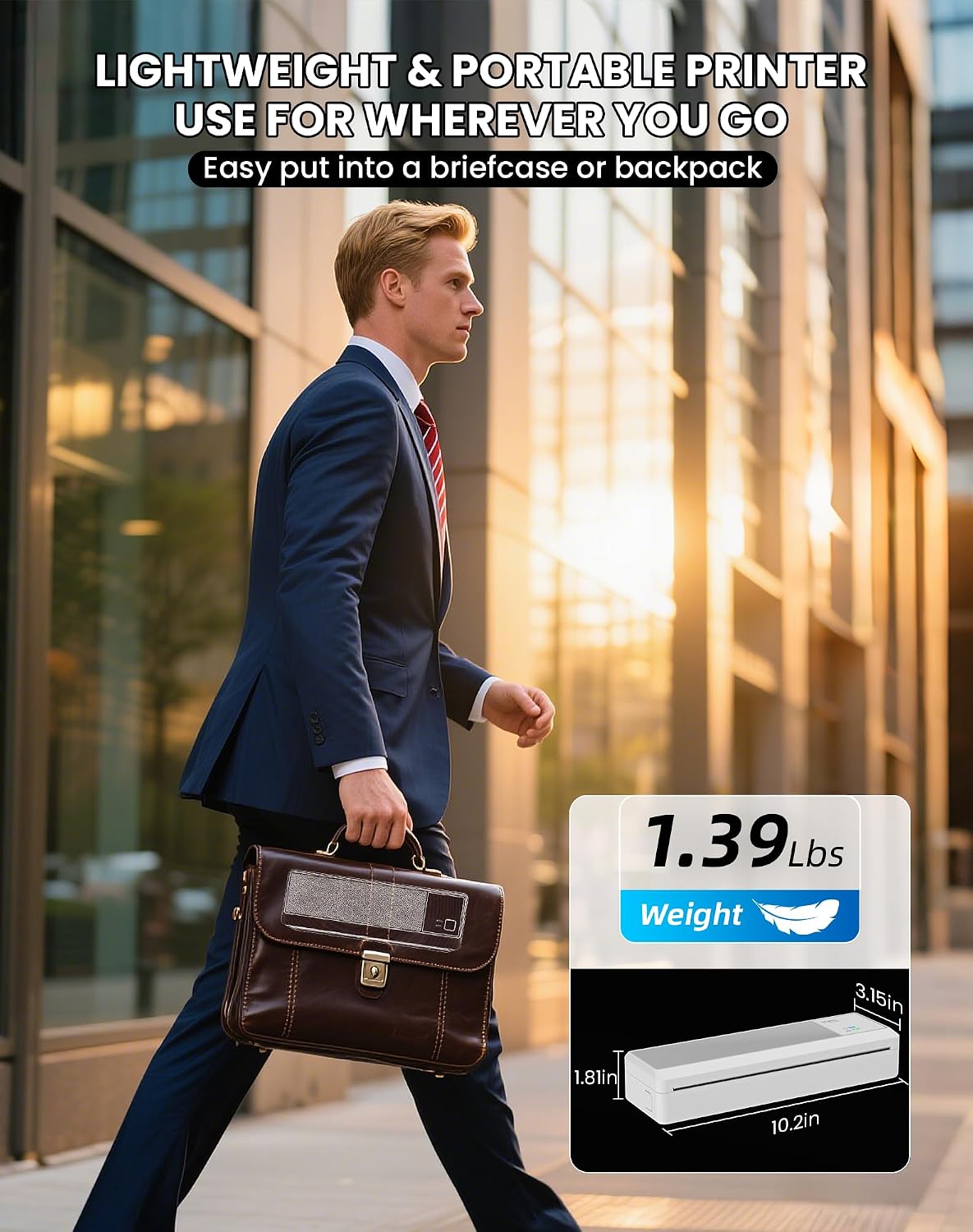
This model is designed around portability and straightforward connectivity. It weighs 0.63kg, which helps when you’re packing it for trips or moving between home and office. It also includes a built-in 2600mAh rechargeable battery, aimed at cord-free printing.
Printing is rated at 203 DPI using thermal printing technology. In practice, that tends to suit clean text and basic layouts rather than high-end graphics. Image quality can vary, and the note about fine details and small fonts is something you should take seriously if your documents rely on very small type.
Connectivity-wise, mobile printing requires the xlife pro app setup first, and connection stability may vary. If you’re the sort of user who values “press button, print instantly” every time, this is the area where you may want to be a bit patient—especially the first time you set things up.
What to check before you buy
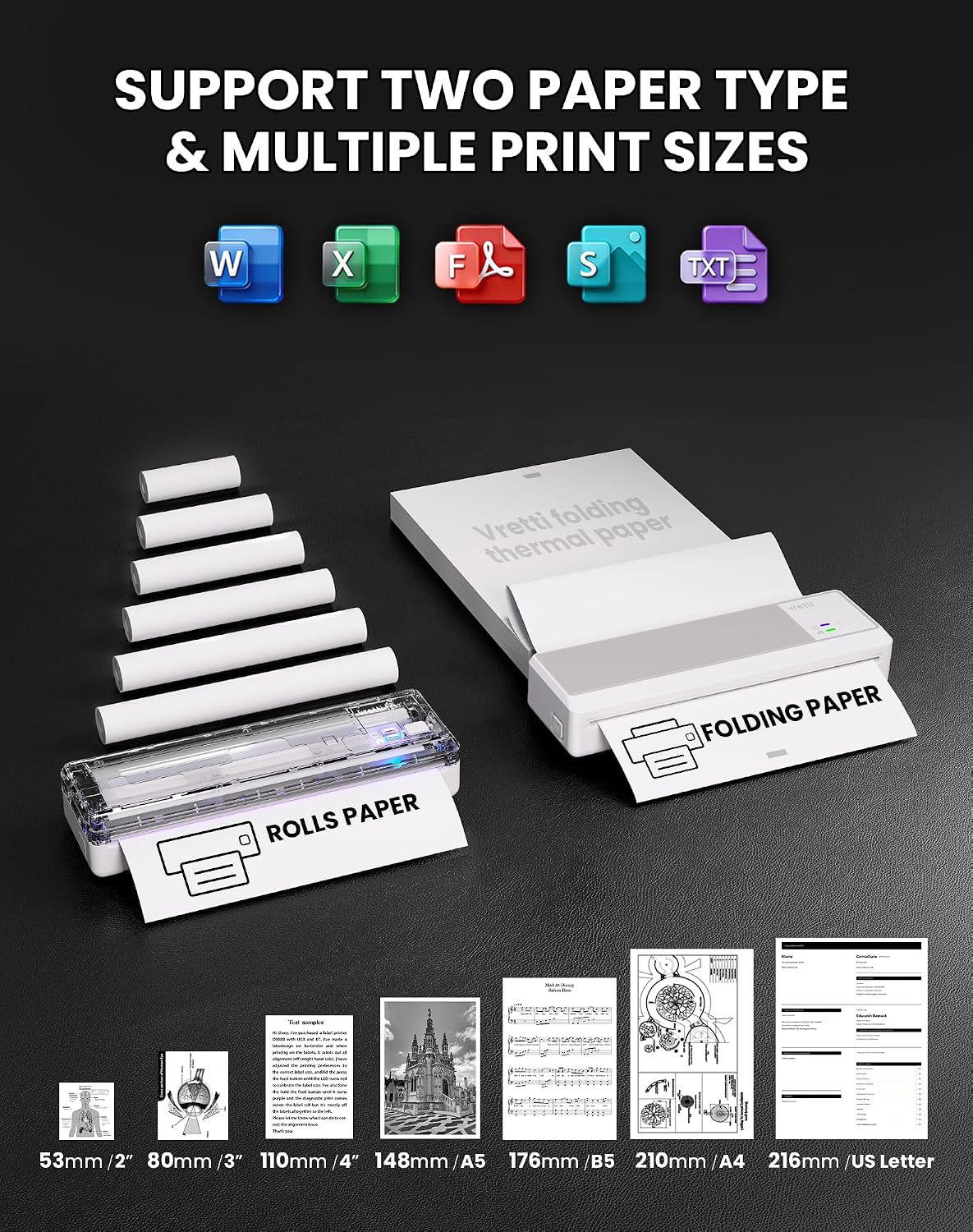
This is the part that can make or break the experience: it requires thermal paper rolls with an A4-size width, and they are not standard paper. If the thermal paper is the wrong size, you won’t get the results you’re expecting.
Also, app setup is required for mobile printing on iOS and Android. The connection is Bluetooth-based, so it’s sensible to expect occasional variability depending on environment and device settings.
Finally, while the printer is “A4 compatible” for documents, thermal printing is still thermal printing. So if you regularly print very detailed images or expect sharp, consistent reproduction for tiny fonts, you may find it’s more of a practical document printer than an everything-printer.
Is it for you?
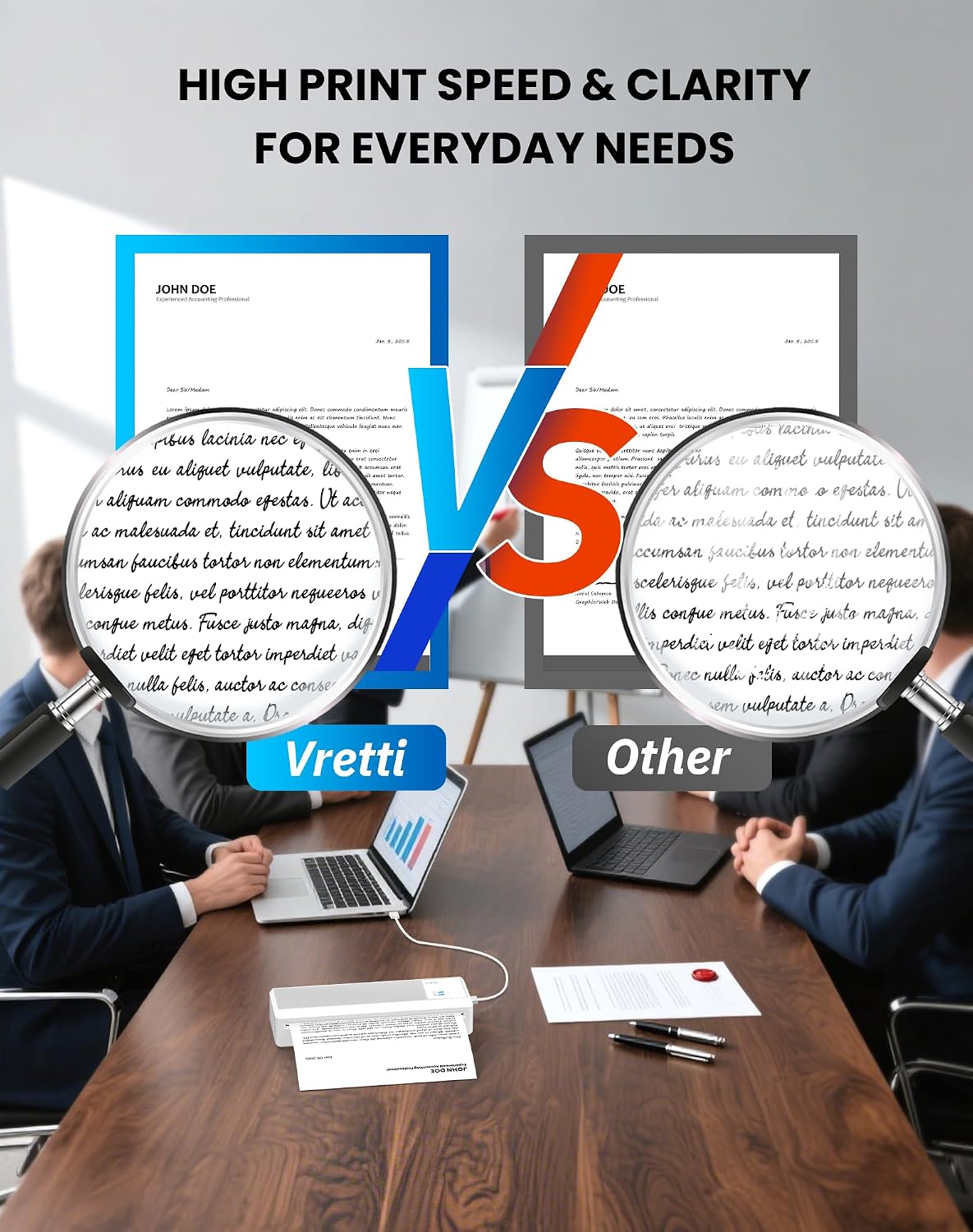
It makes sense if you’re buying a portable printer mainly for text documents and day-to-day paperwork, and you’re happy to stock thermal paper rolls rather than ink cartridges. If you print invoices, contracts, lists, forms, and travel or study documents, the 203 DPI thermal approach is likely to feel aligned with what you need.
It may not suit you if you need reliable high-detail graphics, frequent small-font output, or you want a “normal paper” workflow. Better avoided if you’re not willing to double-check thermal paper compatibility (A4-size width) before ordering.
Worth considering if you want something lightweight for travel and you’ll realistically use the Bluetooth printing route from a phone, or USB from a computer.
FAQs
How does mobile printing work on iPhone and Android?
You can print wirelessly via Bluetooth using the xlife pro app, but app setup is required for mobile printing. Connection stability may vary.
Can you print from a computer?
Yes. For computers, the printer connects via USB to Windows or Mac OS.
Does it need ink or toner?
No. It’s an inkless thermal printer, so it doesn’t use ink, toner, or ribbons—but it does require thermal paper rolls.
What thermal paper do I need?
You need thermal paper rolls with A4-size width (not standard paper). Make sure it’s compatible before purchasing.
Will images look good?
Thermal printing is typically best for clear text and basic documents. Image quality can vary, and fine details or small fonts can be challenging.
Final verdict
Should you buy it? The Vretti P83 is a practical choice if your priorities are portability, ink-free printing, and simple document output from a phone (Bluetooth via the xlife pro app) or a computer (USB). It’s a good fit if you regularly print text-heavy pages such as invoices, contracts, lists, forms, and study notes, and you’re comfortable using the correct A4-width thermal paper rolls.
Don’t rush into it if you expect consistent high-detail image reproduction or tiny-font sharpness, or if you’d rather stick to standard paper. As with any Bluetooth/app-driven setup, it’s also worth being aware that connection stability can vary, especially at first setup.