

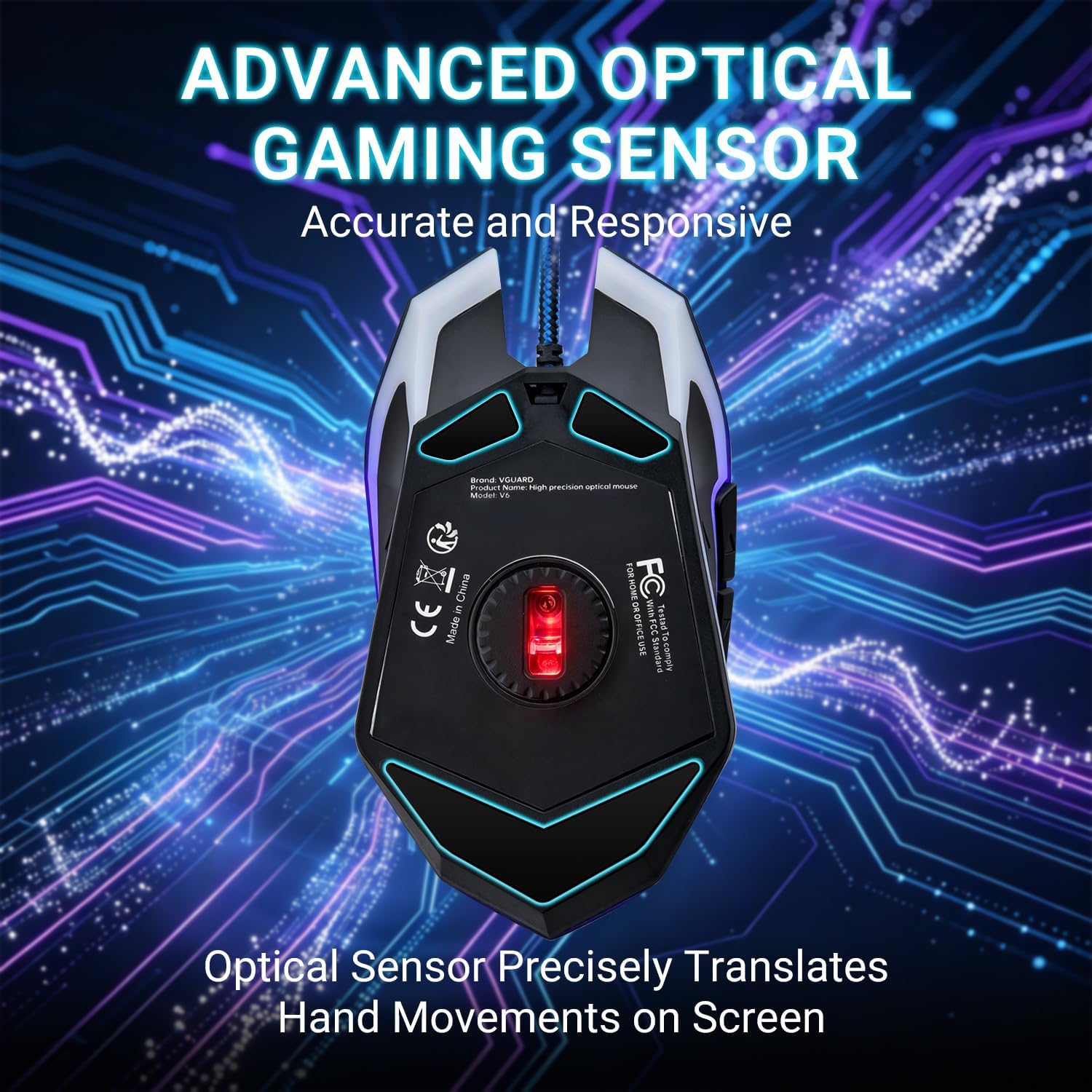
VGUARD Gaming Mouse 6-button wired gaming mouse
Product description
This wired gaming mouse delivers ergonomic comfort for right-handed users and straightforward plug-and-play connectivity for PC and laptop use. It includes adjustable sensitivity and programmable buttons to cover everyday productivity and gaming sessions with fewer interruptions.
Key Points
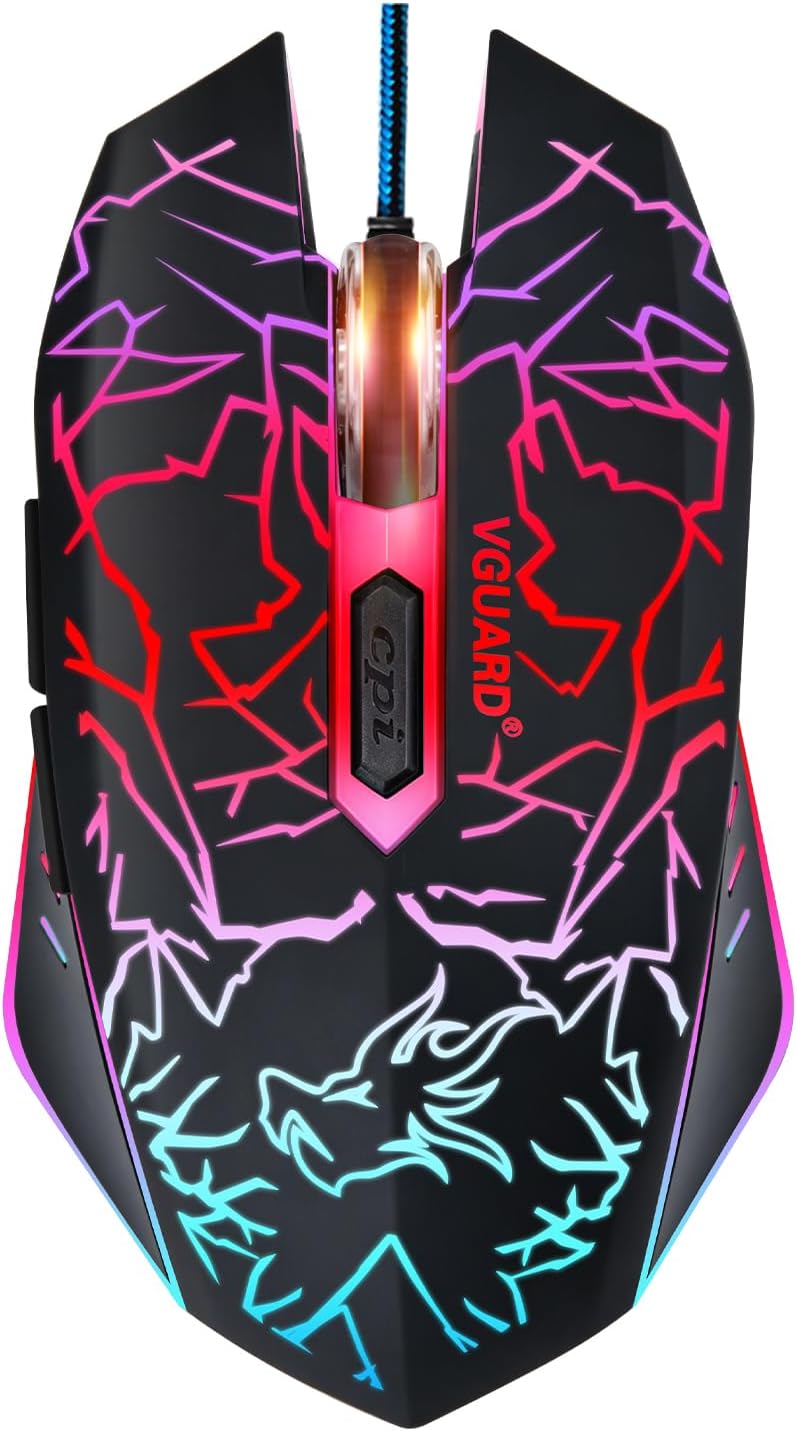
The mouse has a sculpted right-hand shape with a frosted texture that helps maintain grip during longer use. Its mechanical clicks are described as quiet while the body provides a solid tactile feel, making it comfortable for extended play or work. 🖱️
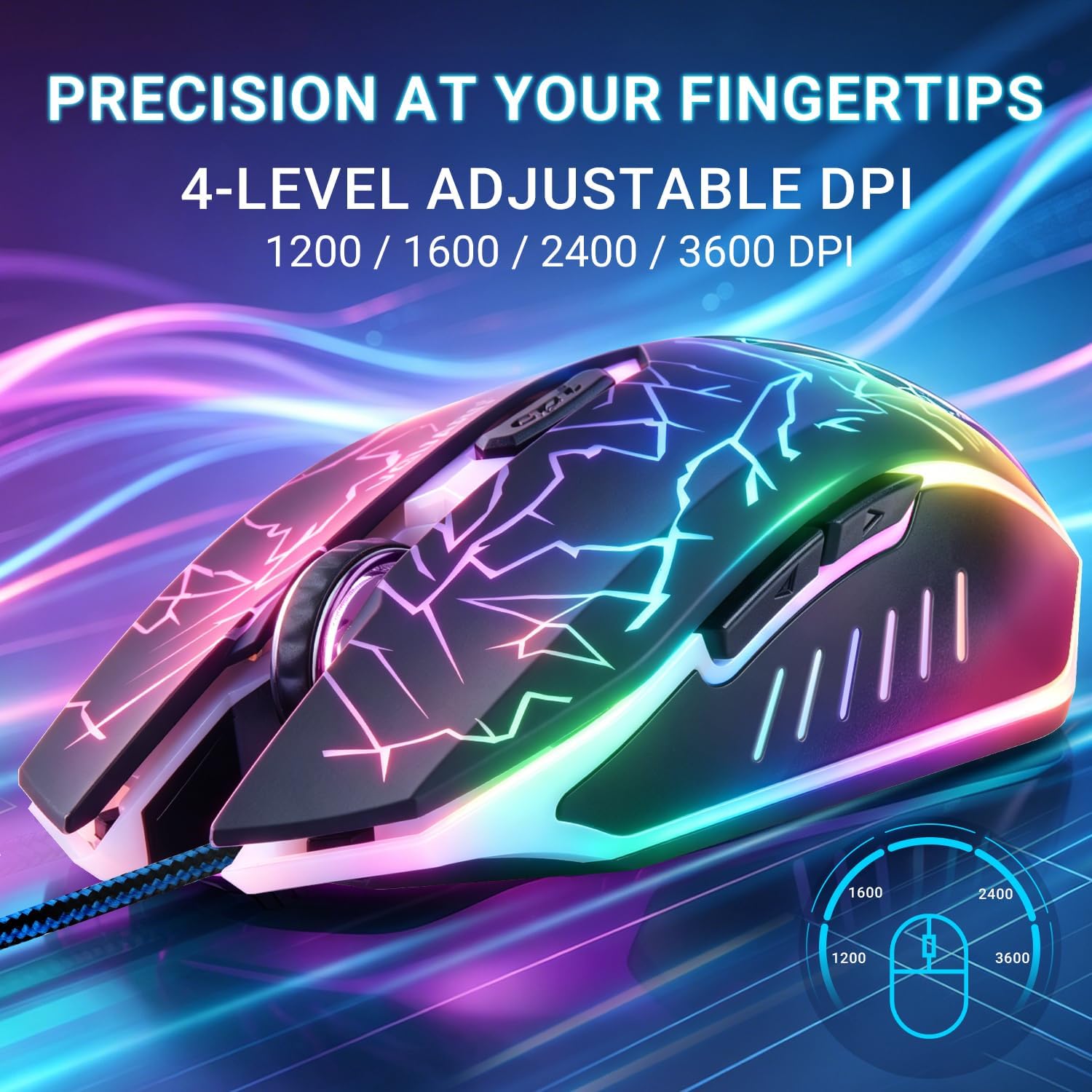
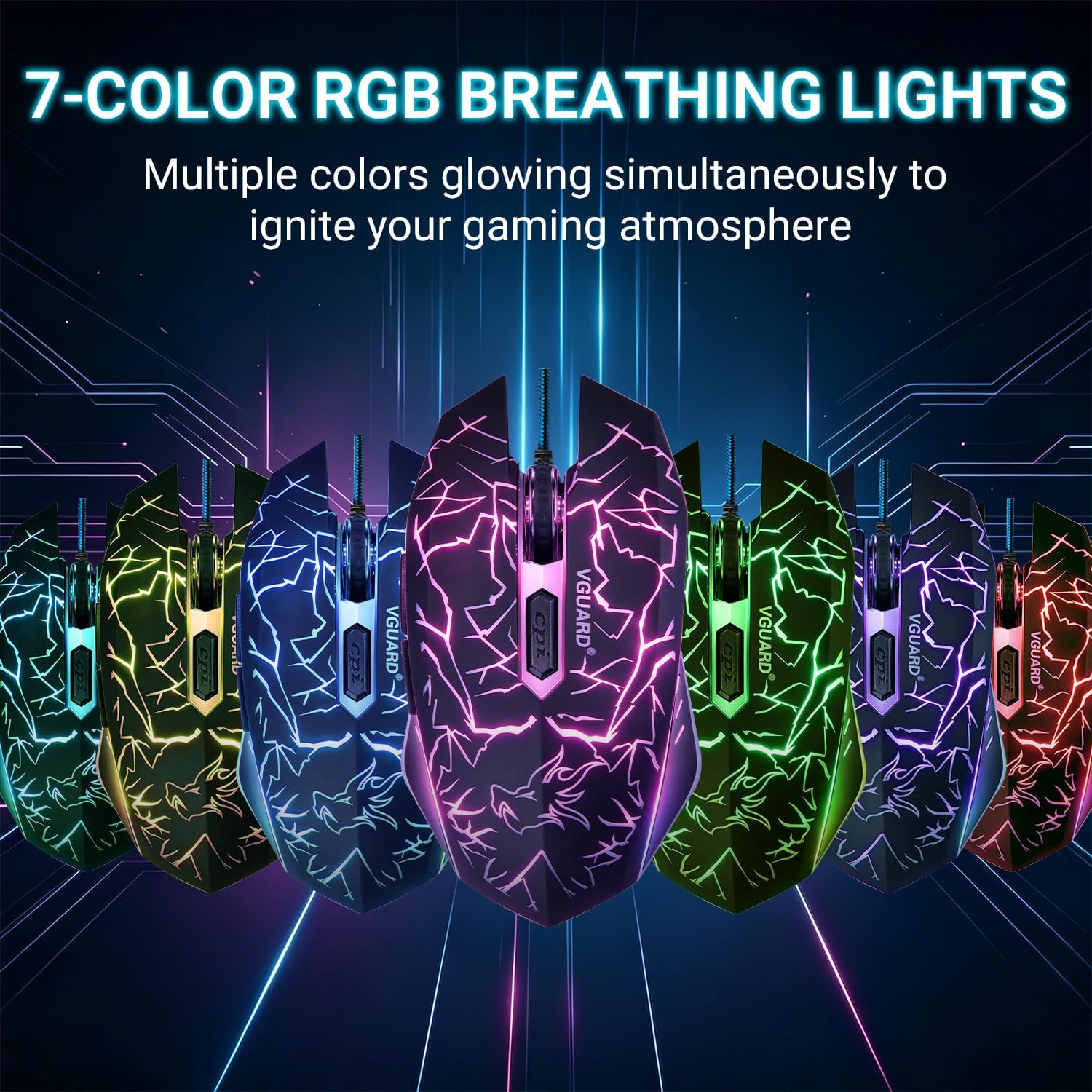
Seven-colour breathing LED lighting adds a decorative, low-profile glow across the unit, with a simple on and off control. The model supports multiple operating systems and installs automatically when connected to a USB port, which makes it easy to switch between devices without driver setup. ✨
Consider that the optical sensor settings are adjusted by stepping through preset DPI levels, which suits most casual and competitive needs. According to the manufacturer, the mouse is CE, FCC and RoHS approved and comes with a 24-month after-sales service.
Benefits
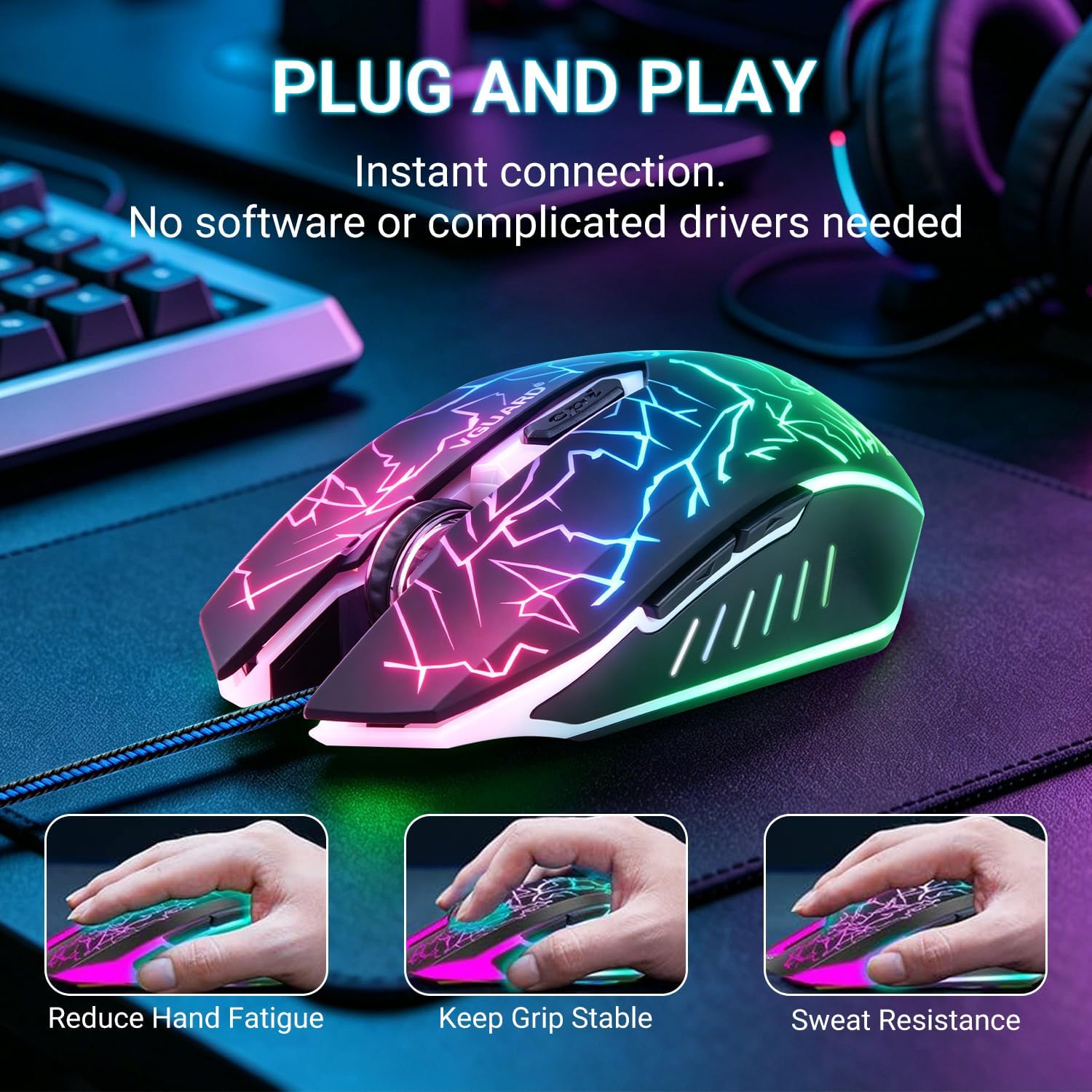
The main advantage is balanced functionality without complex software. Users gain quick access to four sensitivity steps plus a set of programmable buttons for macros or shortcuts, which can speed up workflows and in-game commands. The physical layout helps reduce hand fatigue and allows for quick repositioning of the hand during intense use.
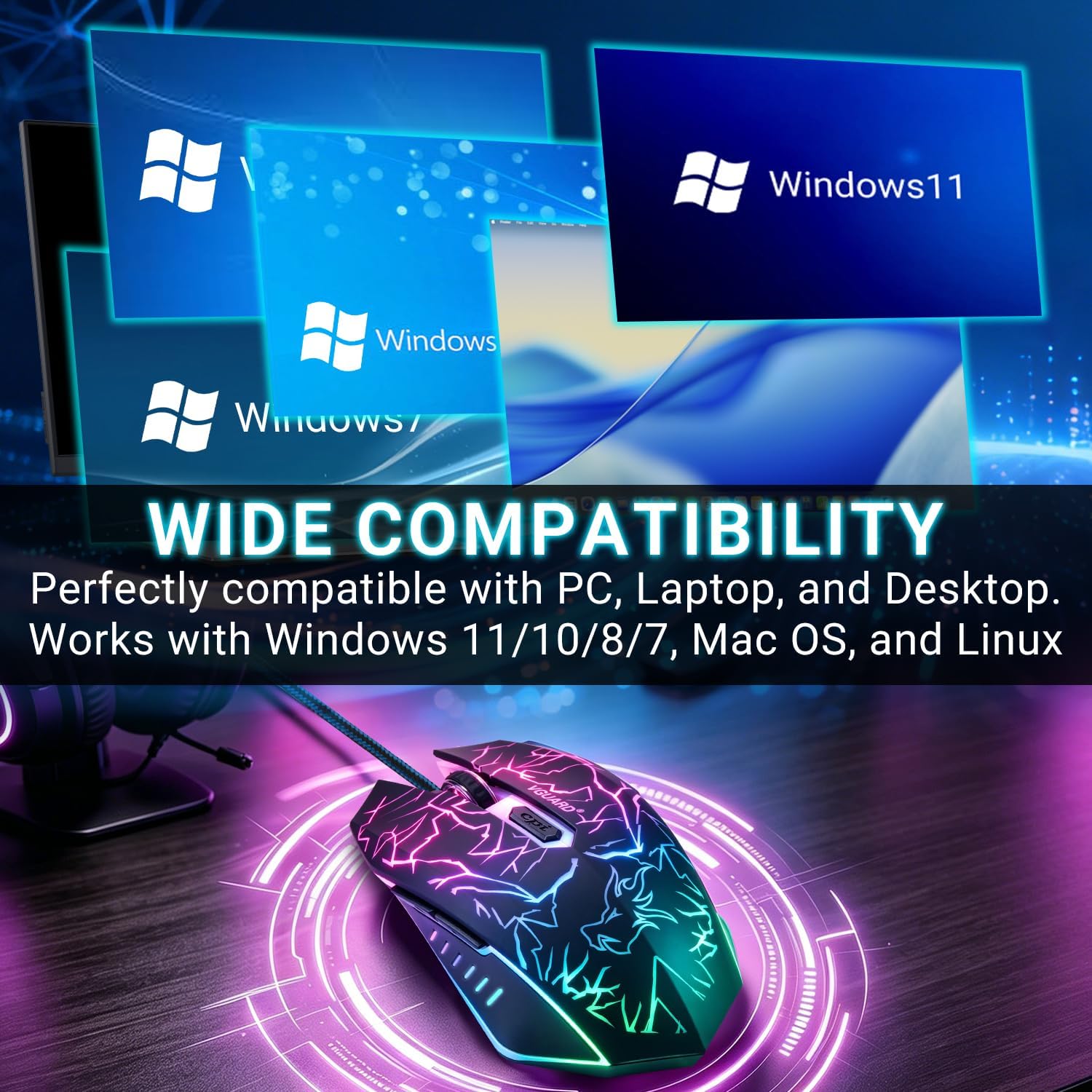
Another benefit is broad compatibility. The mouse works with Windows, Mac OS and Linux distributions as well as older versions like XP and Vista according to the product notes. This makes it a practical addition for mixed-environment setups or older machines where driver support might be limited.
Technical Specifications
- Name: VGUARD Gaming Mouse (Upgraded Version)
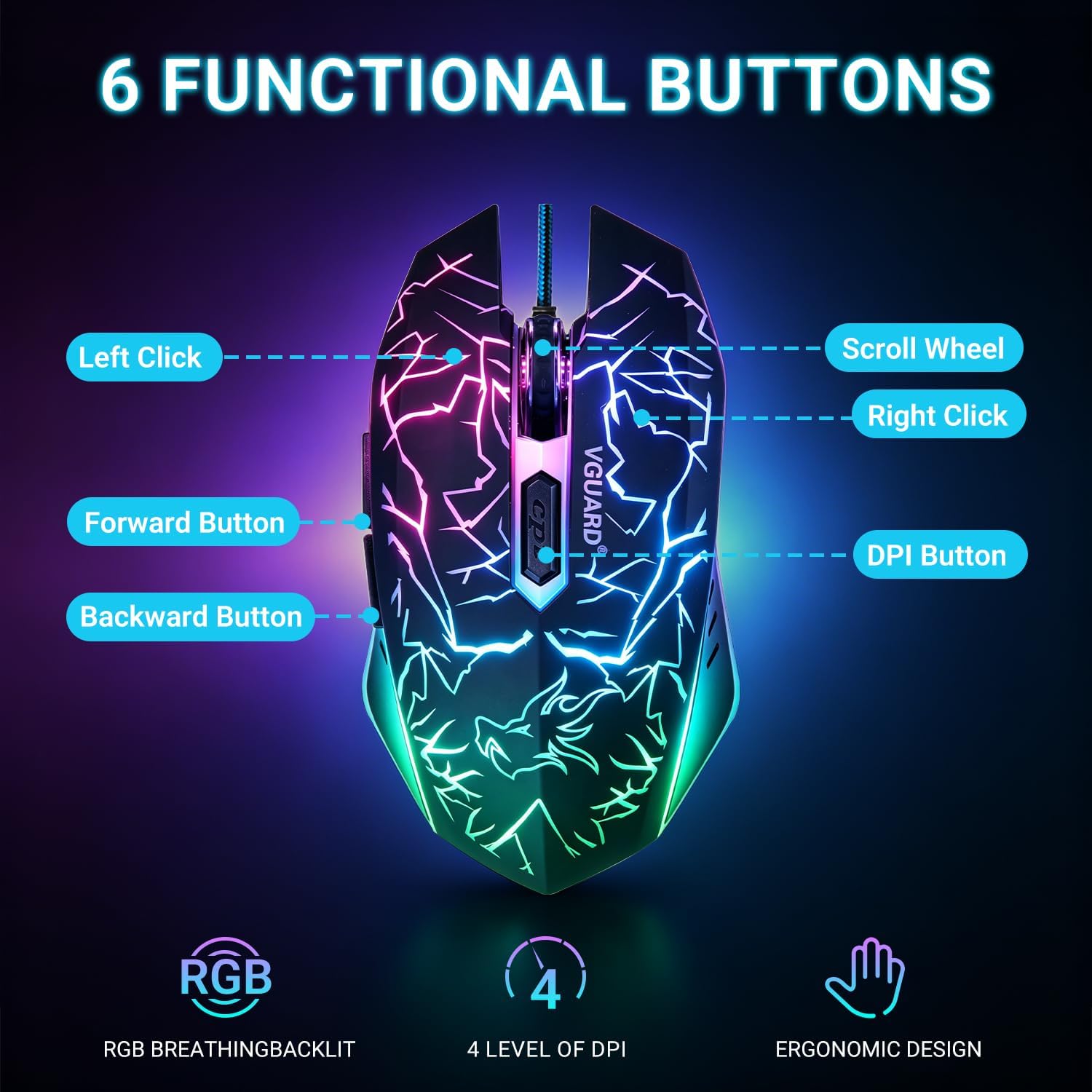
- DPI settings: 800 / 1200 / 1600 / 2400
- Buttons: 6 programmable buttons
- Lighting: 7 colours breathing light
- Connection: Wired USB plug-and-play
- Cable length: 1.4 m
- Certifications: CE, FCC, RoHS
Usage Recommendations
Use the DPI button to cycle sensitivity depending on the task, choosing lower DPI for precise pointer control and higher DPI for rapid tracking. For gaming, map frequently used commands to the programmable buttons to reduce reliance on keyboard combos. Keep the surface clean and use a consistent mousepad to ensure stable tracking and longevity of the optical sensor.