

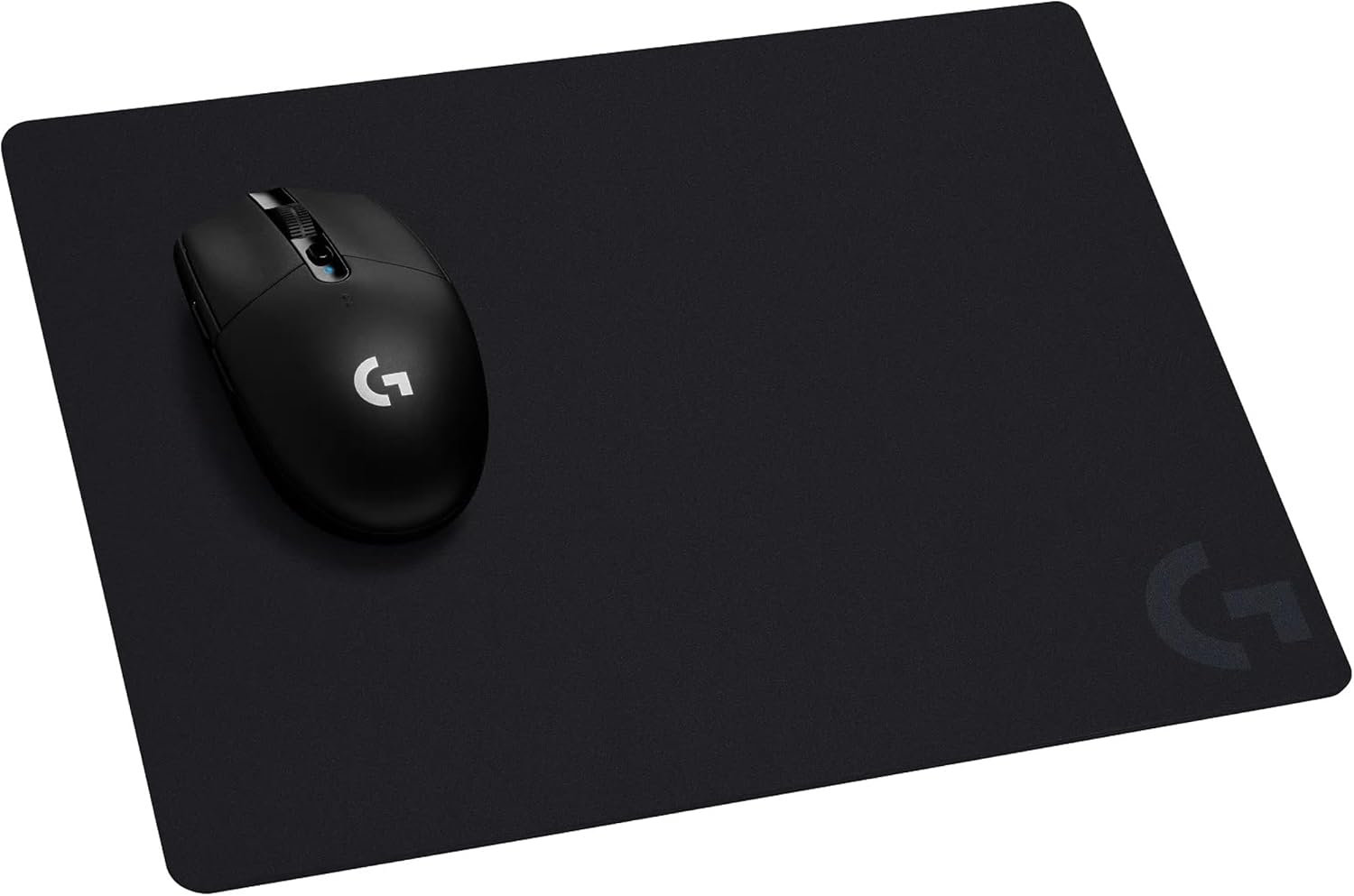
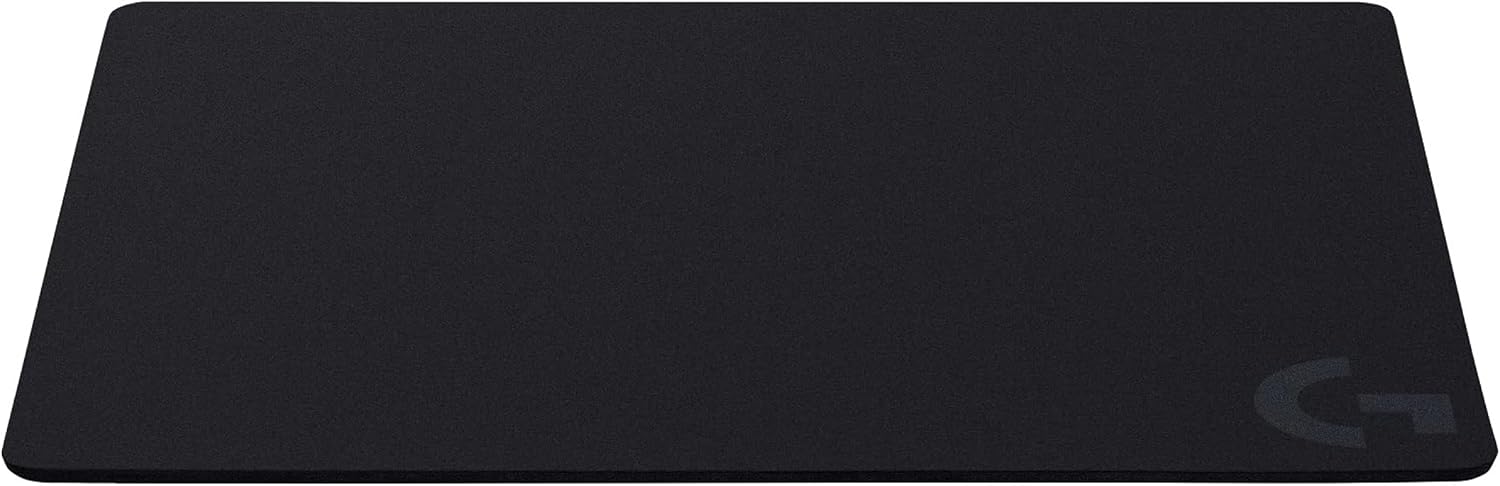
Logitech G G440 Hard Gaming Mouse Pad (340 x 280 x 5 mm) for low-friction control
Product description
The essentials
If you play games with a mouse and want predictable tracking, the Logitech G G440 Hard Gaming Mouse Pad is aimed squarely at that “consistent control” feeling. It’s a hard-surface mat built to keep mouse feet sliding smoothly while still offering enough resistance for quick starts, stops and rapid changes of direction.
This is one of those accessories that doesn’t look flashy on the desk, but can make day-to-day movement feel more dependable. On paper, the G440 is designed to help your sensor translate fast motion into cursor movement with better consistency, which is exactly what you tend to notice in low-DPI and high-speed moments.
What it’s for (and why a hard pad matters)
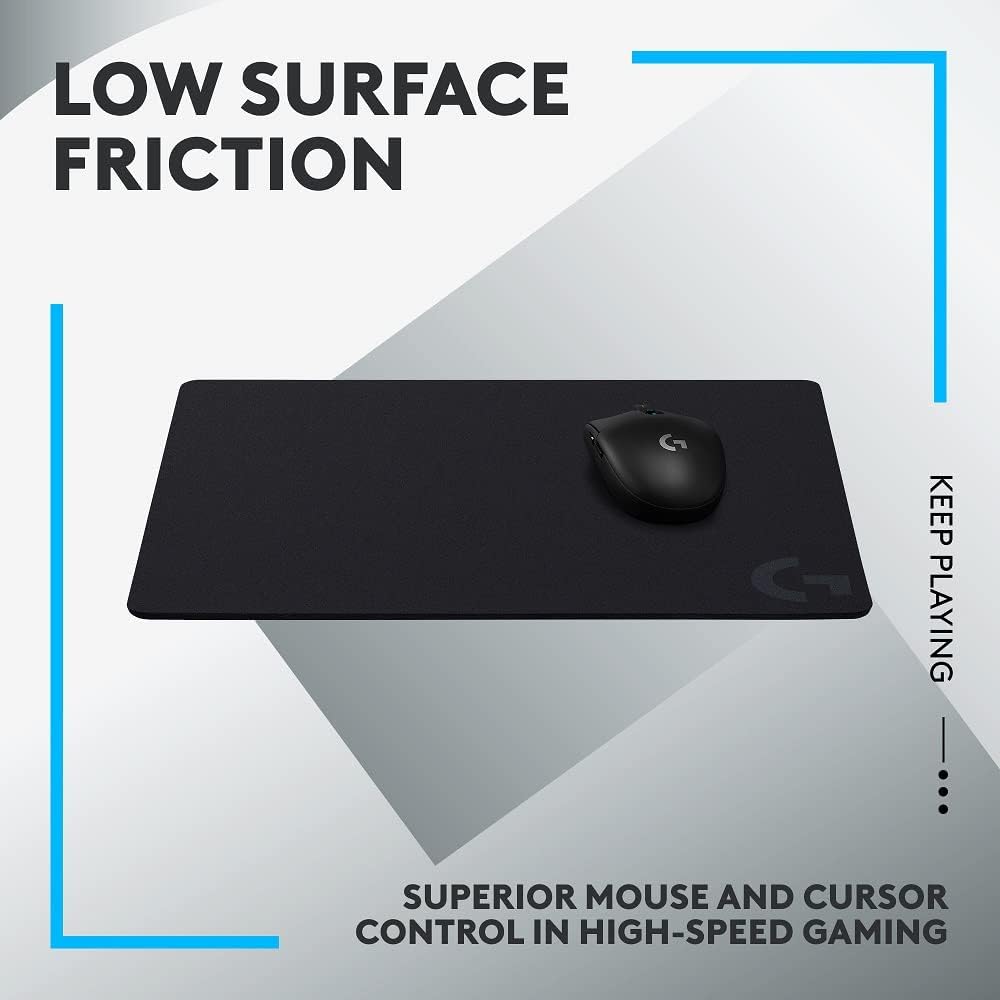
Hard mouse pads are often chosen by players who prefer a more controlled glide compared with softer cloth surfaces. The G440’s “low surface friction” positioning suggests it’s intended to reduce the random micro-drag you can get when cloth wears or when different parts of the mat behave slightly differently.
It also leans into sensor-focused performance. The surface texture is described as being close to an optimal testing environment for Logitech G sensors, with the aim of letting PC gamers access the accuracy and precision those sensors are capable of. In practical terms, that means fewer “why did my cursor act like that?” moments when you’re making fast adjustments.
Key features in plain English
Where the G440 stands out is that it’s presented as a structured, stable surface for gaming rather than a generic desk mat.
Smooth tracking over sudden movements
The hard surface is meant to give the right amount of resistance to mouse feet during quick starts and stops, especially in low-DPI gaming. If you tend to do short, aggressive corrections (think flicks into target areas and immediate re-centering), this kind of surface is the idea.
Consistent texture for high-speed play
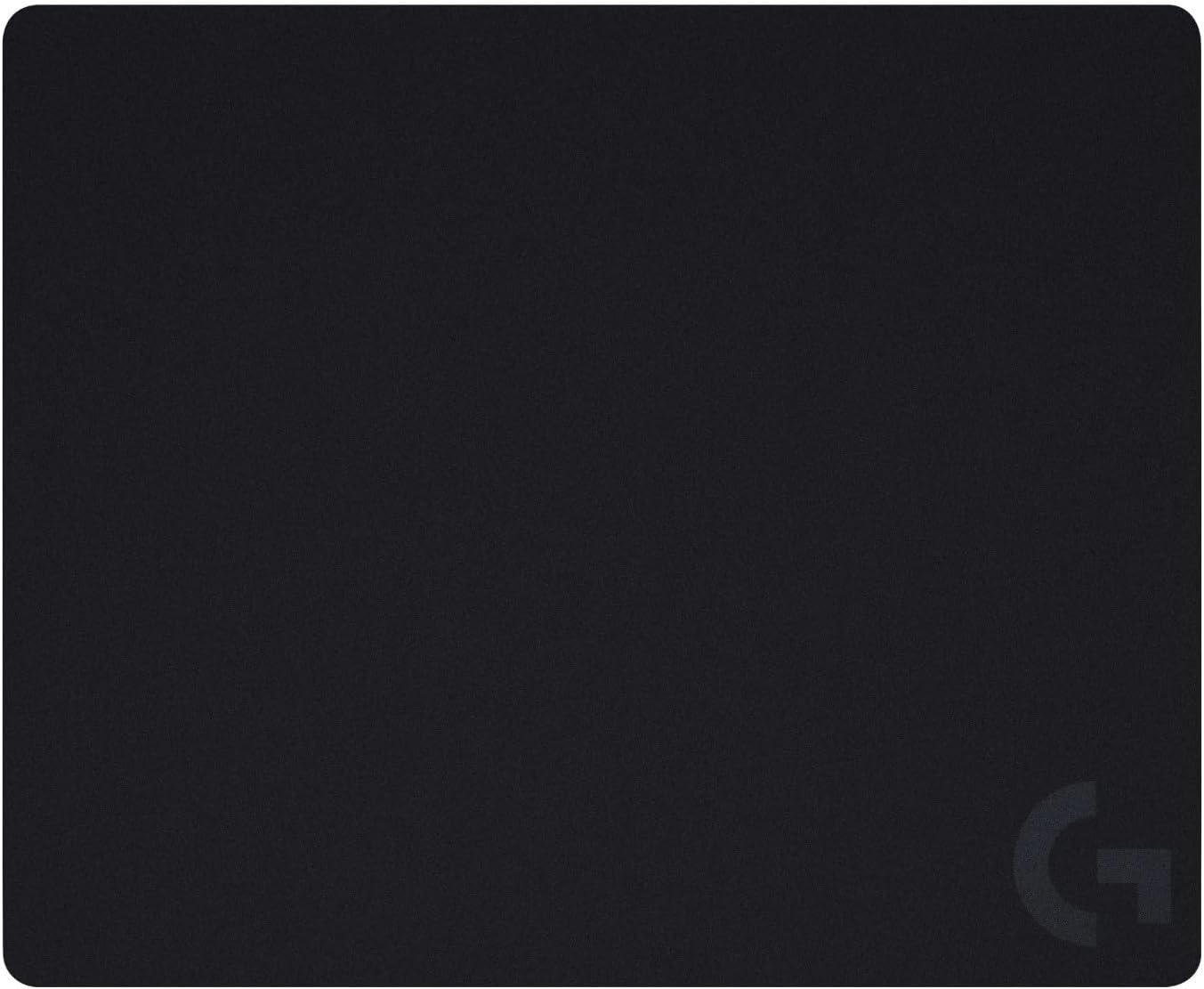
The product description also calls out consistent surface texture for the sensor to translate movement into cursor movement in high-speed gaming. Consistency matters because your aim isn’t just about raw sensitivity—it’s about how reliably your input turns into movement.
Stable, non-slip base
A stable base is often the difference between “feels good” and “feels like it shifts under you”. The G440 is described as having a rigid, no-slip base designed to keep it in place during intense action.
Multi-layer build for longevity
It’s described as durable multi-layer construction, with a hard tracking surface and a strong polymer core. That implies it’s meant to handle regular use without the surface feeling like it breaks down quickly.
Note: a hard pad isn’t automatically the best choice if you prefer the softer, more forgiving glide of cloth. Depending on your mouse feet and how you like to aim, you may find it feels a touch faster or more “direct” than expected.
Tech specs
- Type: Hard gaming mouse pad
- Surface: Low surface friction, hard tracking surface
- Base: Stable, rigid, non-slip
- Construction: Durable multi-layer (hard tracking surface + polymer core)
- Size: 340 x 280 x 5 mm
- Colour: Black
Everyday use: what you’ll notice
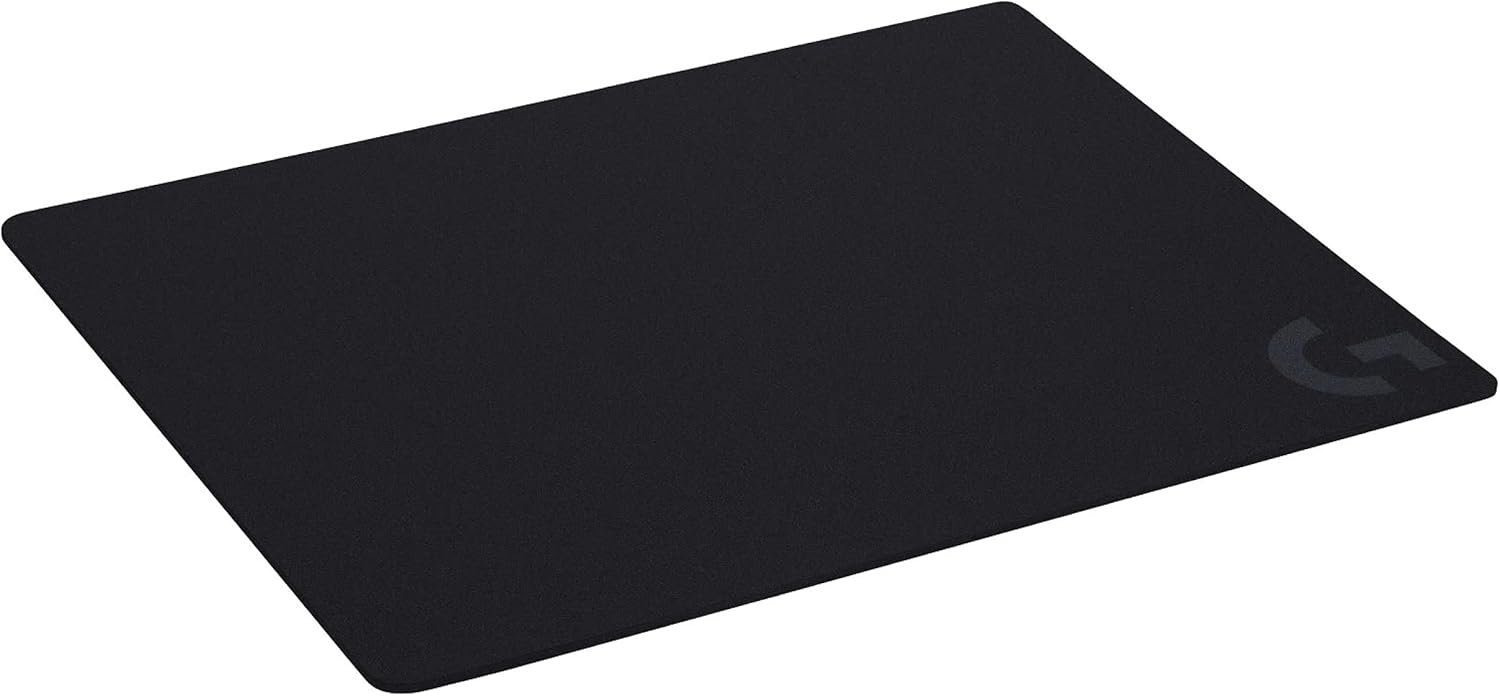
In a typical session, the G440 is the sort of mat you put down once and stop thinking about. The non-slip base should reduce the annoying creep you sometimes get when there’s sweat, quick mouse corrections, or you anchor your wrist/forearm in a consistent spot.
If you’re the kind of player who keeps your sensitivity lower and relies on more controlled movement, a low-friction hard surface can help you maintain that steady control—especially when you’re doing sudden changes rather than slow, smooth tracking.
Where it may not shine as much is if your playstyle is heavily cloth-mat dependent or you’re used to the slight “give” that can help soften micro-corrections. Hard pads tend to be more faithful to the motion you put in.
Who should buy it, and who should avoid it
It’s a good fit if: - You want a stable, hard-surface glide for gaming. - You prefer low-DPI control or you play with frequent starts/stops and rapid repositioning. - You’re prioritising consistent sensor translation rather than a soft, textured cloth feel.
It might not suit you if: - You’re after the softer feel and slight drag of cloth. - Your setup relies on a particular kind of surface “feedback” that hard mats don’t provide.
Care and maintenance
Hard pads are usually simpler to live with than cloth in terms of wear, but they still benefit from basic cleaning. Since the surface is designed to be consistent for tracking, it’s worth keeping it free from dust and grime that could affect how your mouse feet move.
Mini FAQ
Is the Logitech G G440 suitable for both Mac and PC?
The product description positions it as a Mac and PC gaming accessory, so it’s intended to be used across those setups.
Does it help with low-DPI gaming?
The description explicitly calls out improved control in low-DPI gaming by aiming to provide the right amount of resistance for sudden starts, stops and rapid movement.
Will it stay put during intense play?
It’s described as having a rigid, non-slip base designed to keep it in place during intense gaming action.
Is this more for speed or precision?
It’s designed for both, but the emphasis is on consistent tracking and cursor control—particularly in high-speed gaming and low-DPI scenarios.
Is it worth it?
Buying a hard gaming mouse pad like the Logitech G G440 makes most sense if you’re chasing consistent mouse-to-cursor behaviour and you like a low-friction glide. The no-slip base and rigid construction are the practical bits that help during fast, aggressive gameplay, and the “consistent surface texture” goal is exactly what you want when you’re relying on accuracy.
You may want to skip it if you prefer cloth’s softer feel or if your current setup works better with more surface drag and flexibility. Either way, it’s a straightforward choice: for players who value stability and direct tracking, it’s easy to see why this type of hard pad appeals—just be aware it’s not designed to feel forgiving or cushioned like cloth.