

SteelSeries Rival 3 Gen 2 8500 DPI gaming mouse
Product description
This compact gaming mouse brings precision and low latency to fast-paced play, offering a lightweight frame and an accurate optical sensor for controlled aiming in competitive matches. With responsive clicks and customisable RGB lighting, it works well for players who prioritise speed and consistency during extended sessions.
Key Points
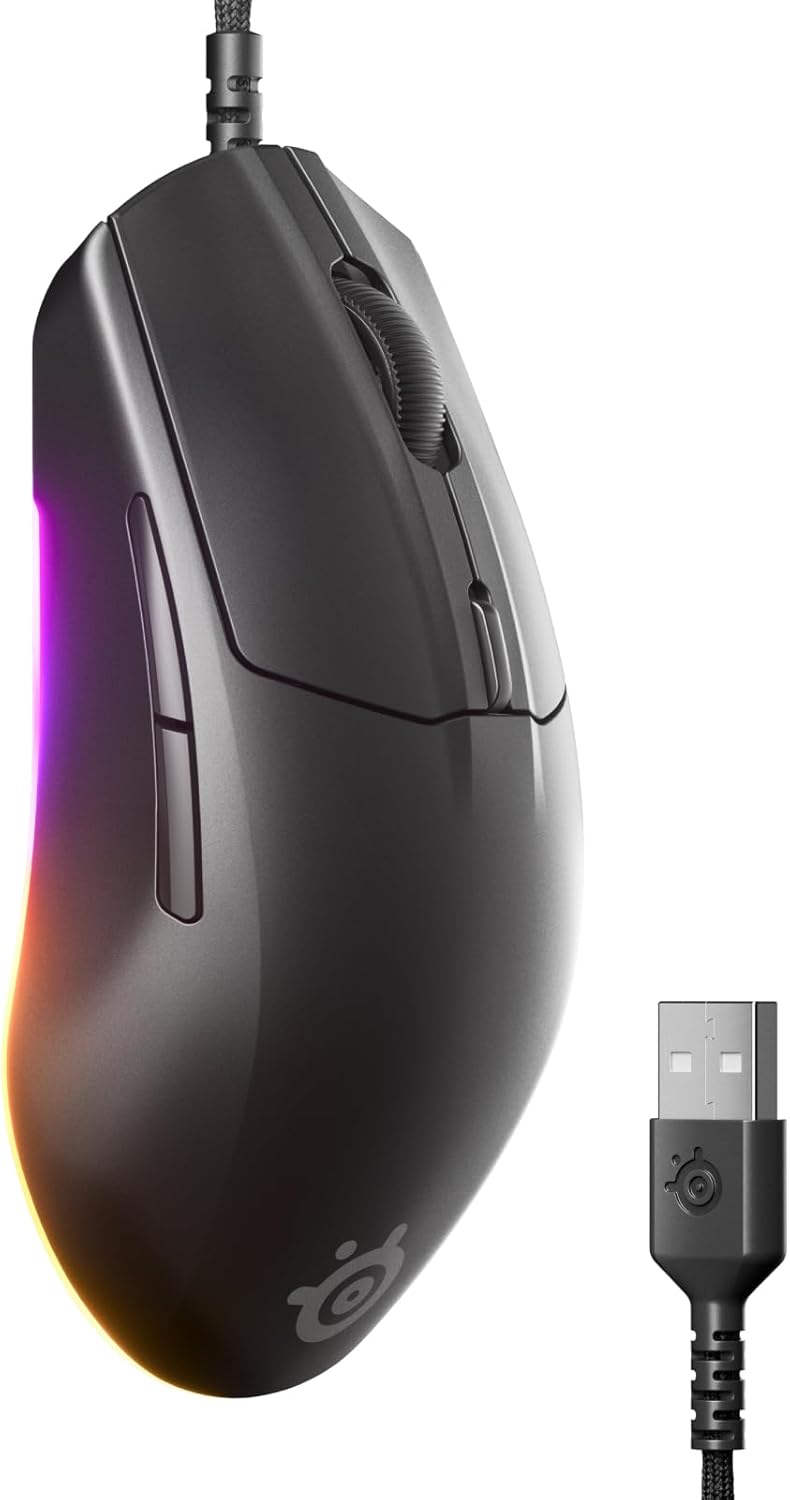
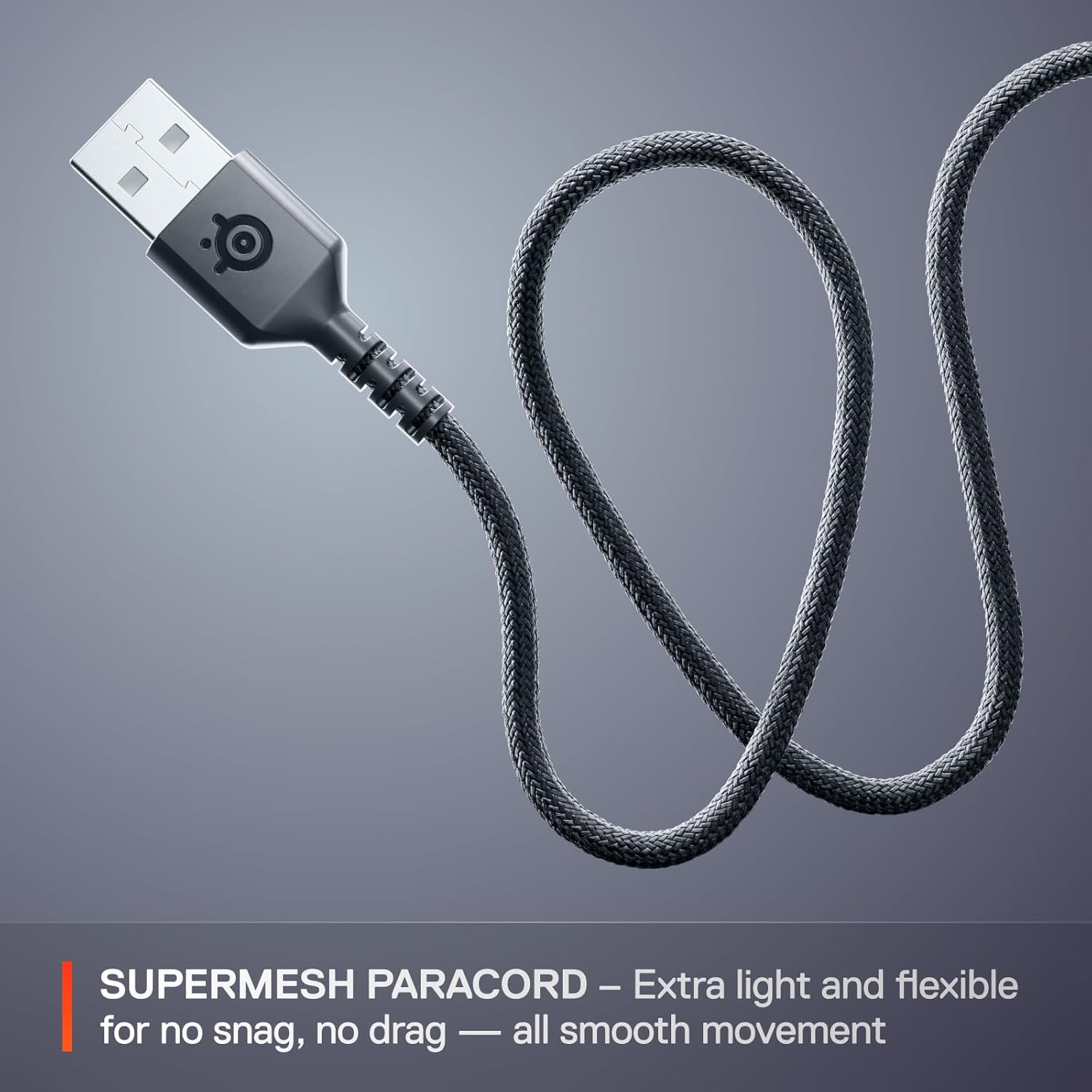
The shape is focused on fingertip and claw grips, keeping weight down at 77 g to reduce hand fatigue in long matches. Response is a key highlight because the mouse features near-instant 1.35 ms click latency, which helps register inputs quickly when milliseconds matter 🕹️. Cable drag is also reduced thanks to the super mesh paracord, which improves flexibility and gives a more free movement feel.
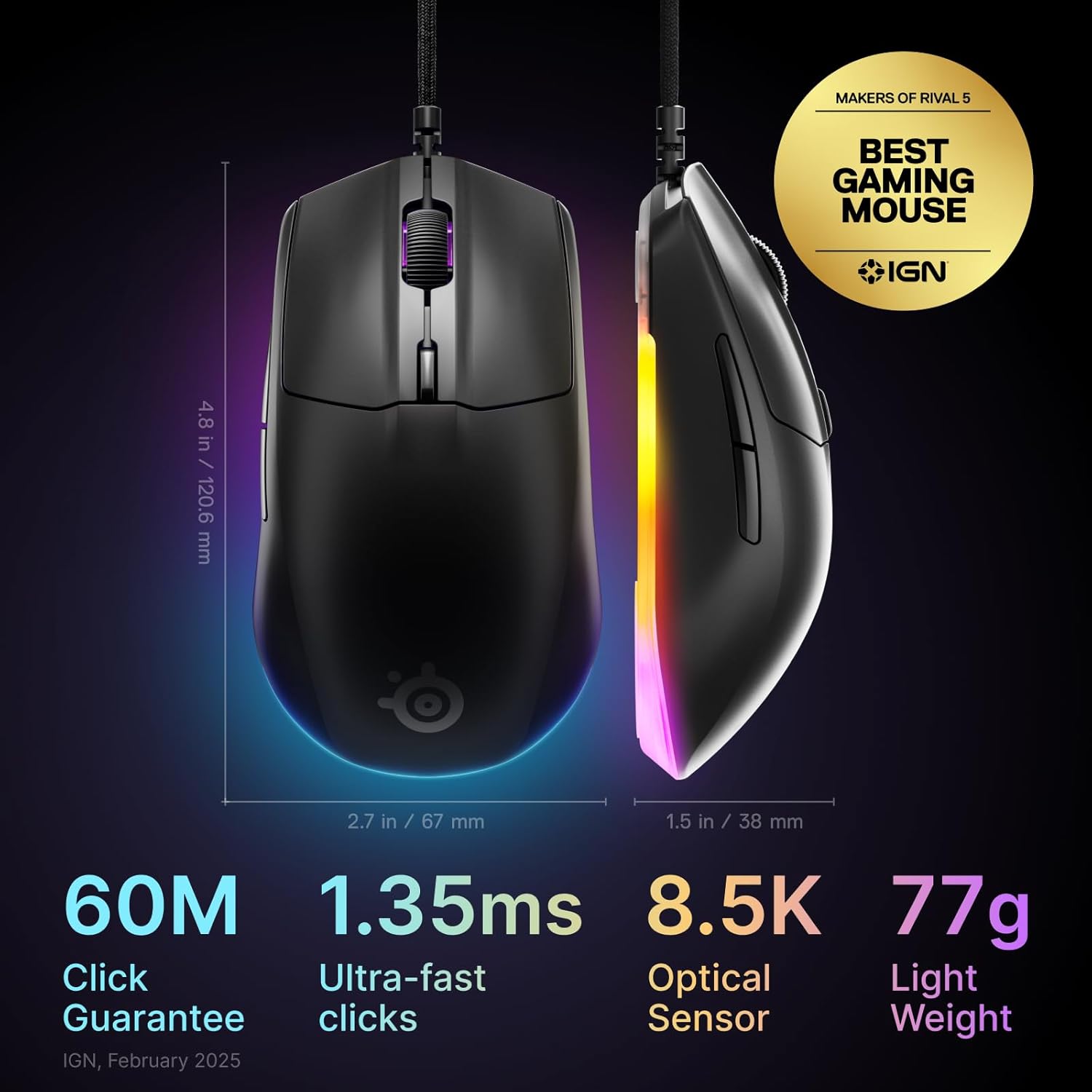
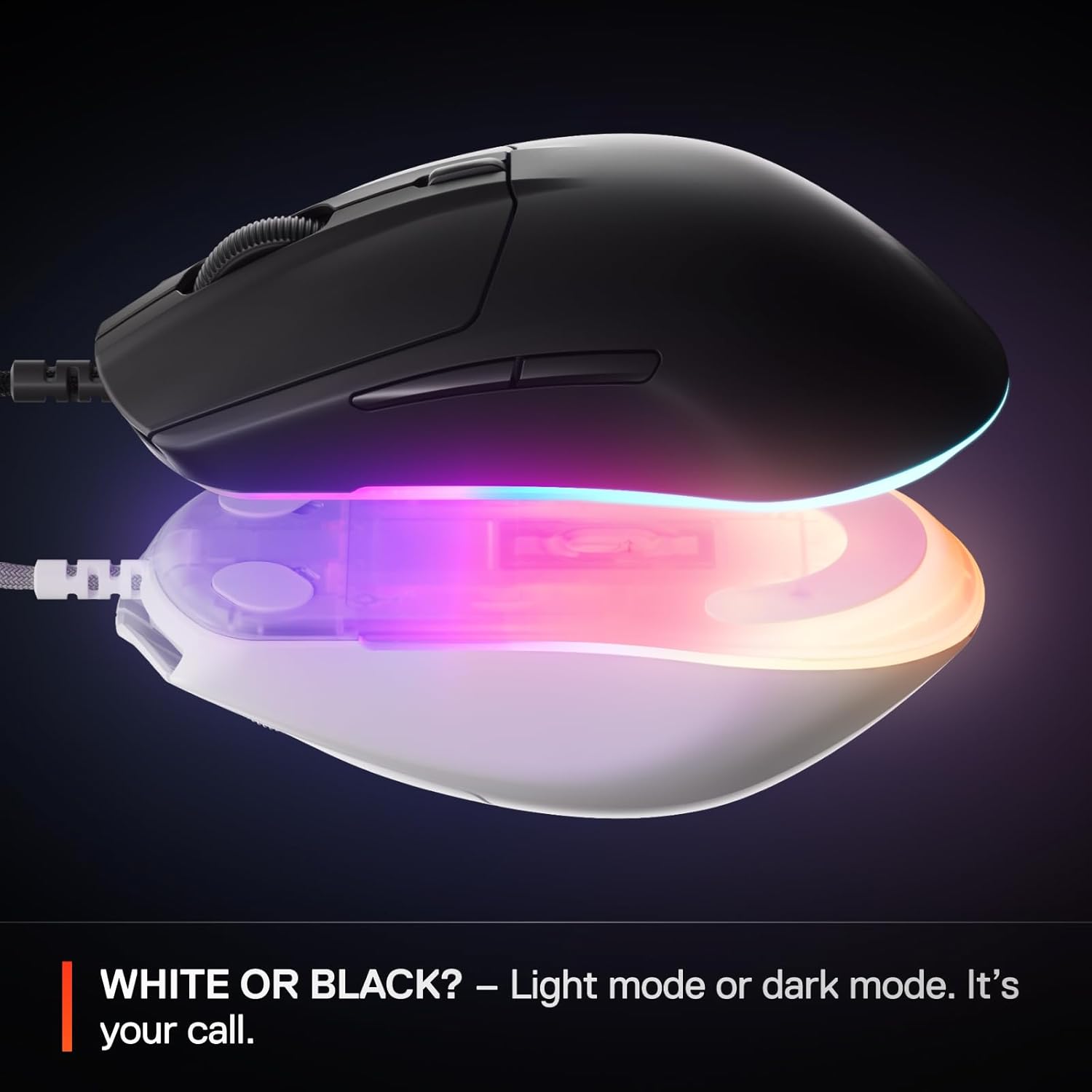
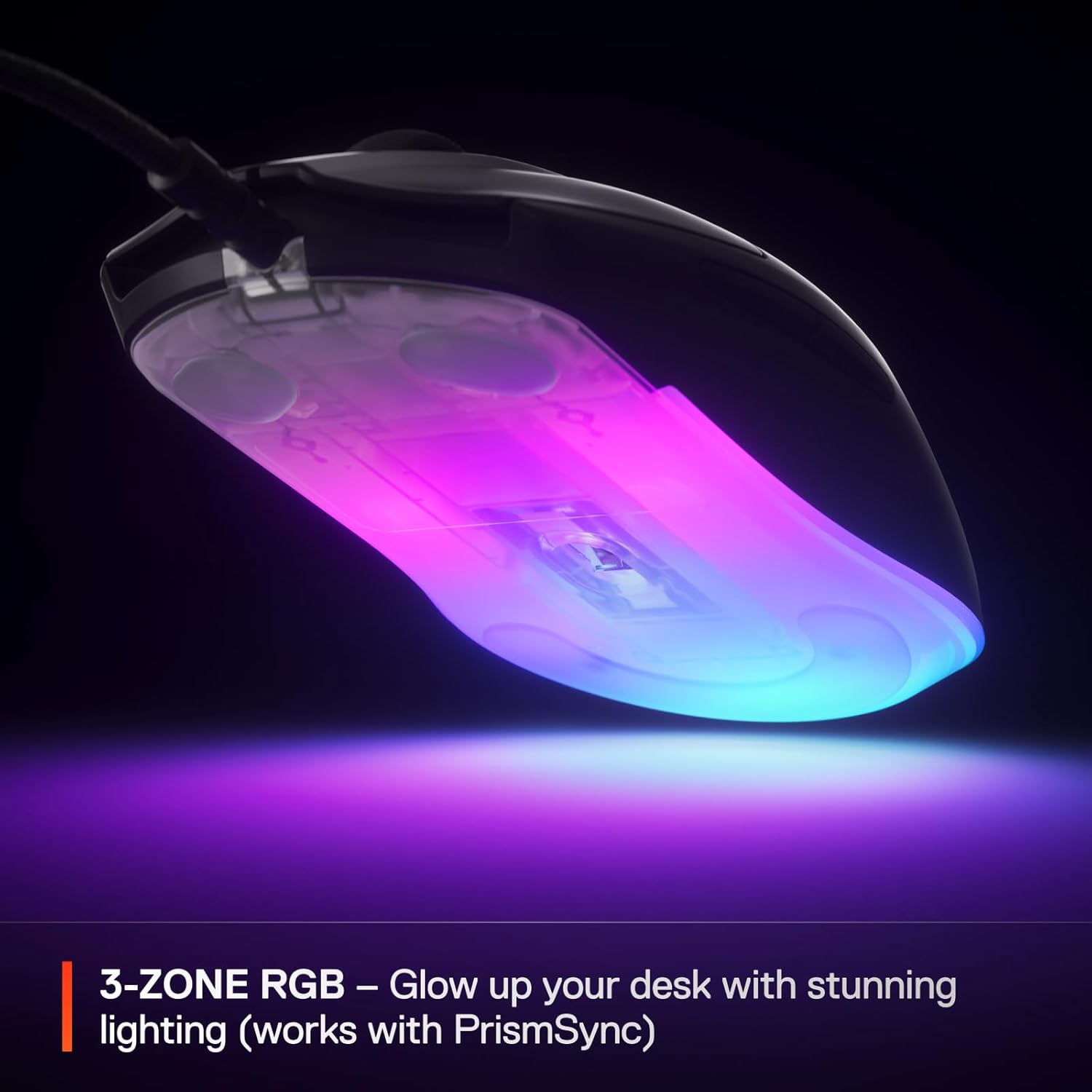
Build quality includes durable switches rated for long lifespans, and the finish balances grip with a smooth glide across pads. RGB lighting covers three zones allowing subtle desk ambience or more vivid effects depending on your setup. Consider that the smaller shell better suits medium to small hands, so larger-handed users may prefer trying the ergonomics before committing.
Technical Specifications
- Name: SteelSeries Rival 3 Gen 2
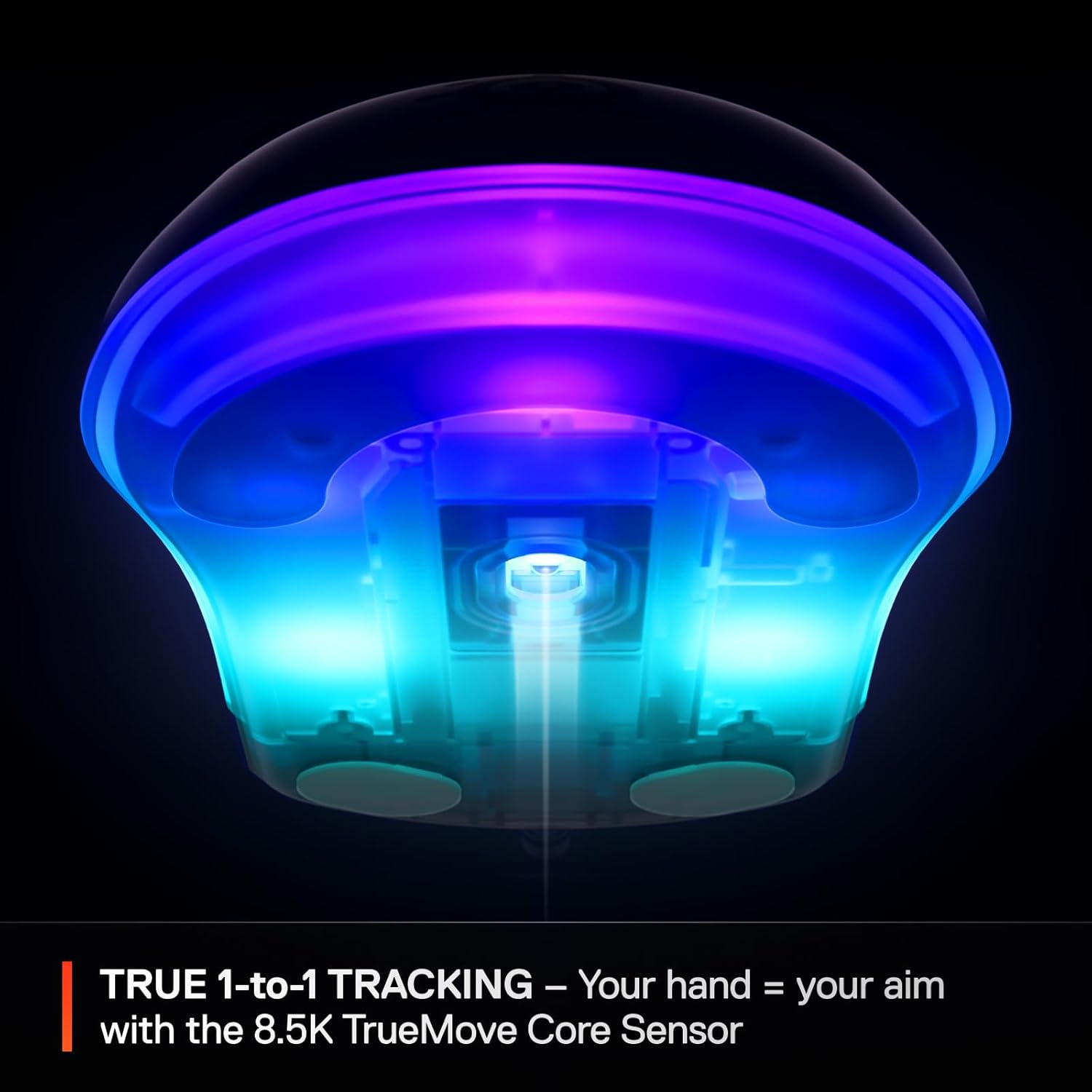
- Sensor: TrueMove Core optical, 8,500 DPI
- Click durability: 60 million clicks
- Weight: 77 g
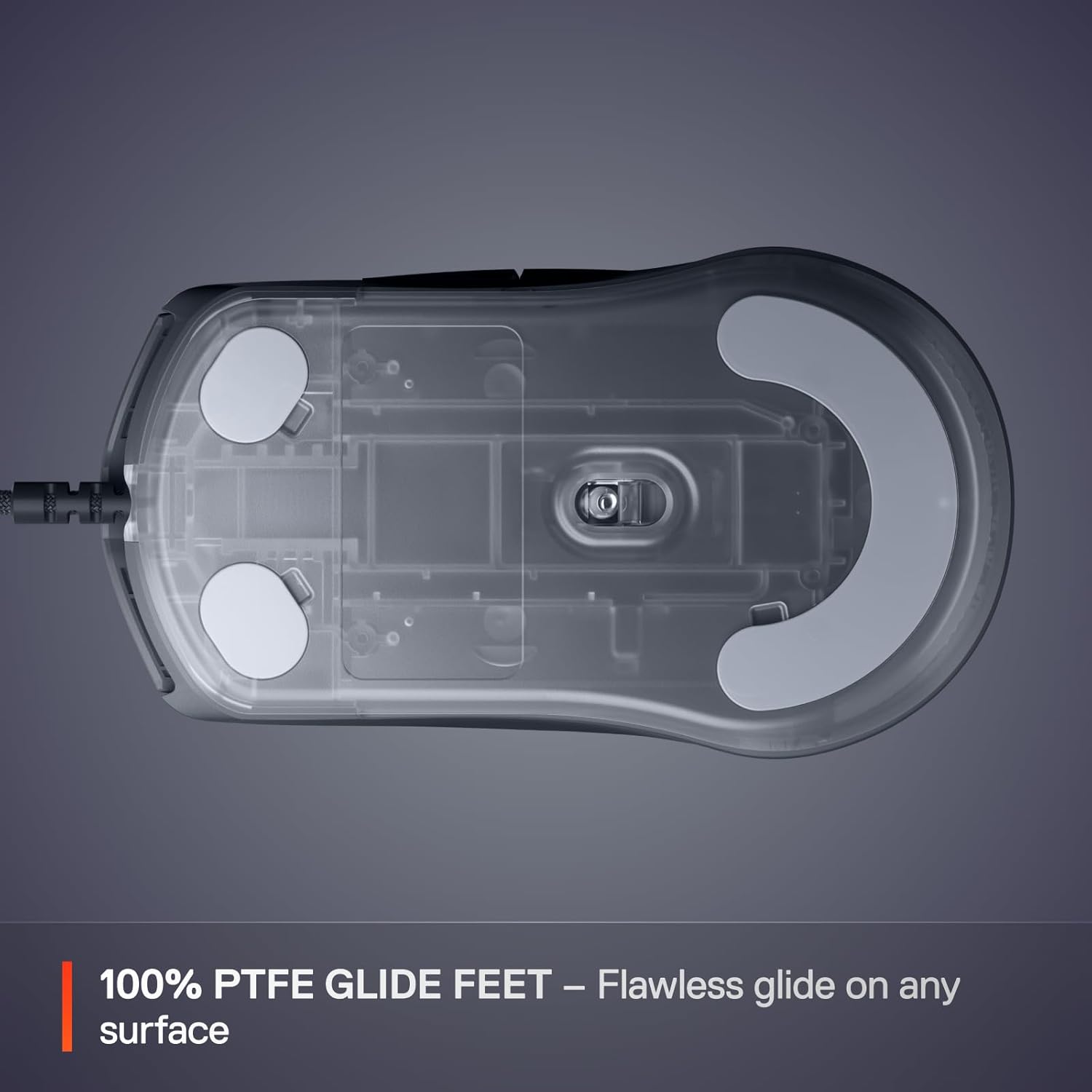
- Feet: 100% PTFE
Benefits
The sensor delivers true 1-to-1 tracking so cursor movement mirrors hand movement with minimal jitter, which can improve aiming in first-person games. The combination of 8500 DPI and a lightweight chassis makes it straightforward to perform both fast swipes and fine adjustments. RGB customisation is flexible, and the three lighting zones are easy to tune for a coordinated desktop aesthetic 🎨.
Low friction PTFE feet maintain a consistent glide that feels predictable across different mousepads. The improved braided cable reduces tugging and lets wrist and arm movements remain smooth. Durability is another advantage since the switch lifespan is specified at a high figure, providing confidence for heavy daily use.
Usage Recommendations
For competitive FPS play, use a lower DPI paired with higher in-game sensitivity for precise shots, then fine-tune the CPI to match your preferred aiming style. For general productivity, slightly higher DPI settings help with rapid cursor travel across ultrawide or multi-monitor setups. Adjust RGB and polling settings through available software to balance battery usage and visual appearance.⚙️.