

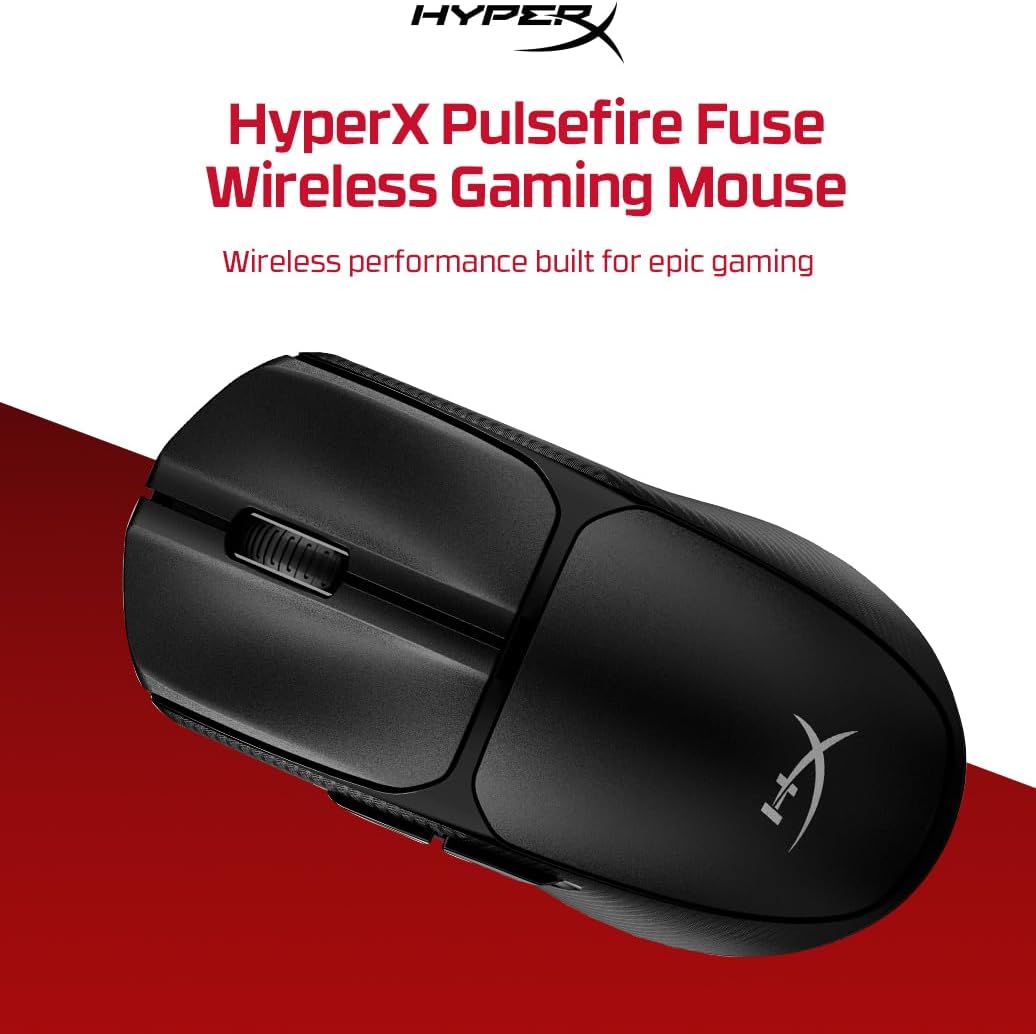
HyperX Pulsefire Fuse Wireless Gaming Mouse (AAA, up to 85 hours, up to 12,000 DPI, NGENUITY RGB & button remapping)
Product description
Key points
The HyperX Pulsefire Fuse is a wireless gaming mouse aimed at people who want a lighter feel without giving up control. On paper, it focuses on comfort first: an ambidextrous shape with Microline grip textured panels, plus a lightweight frame meant to reduce fatigue during longer sessions.
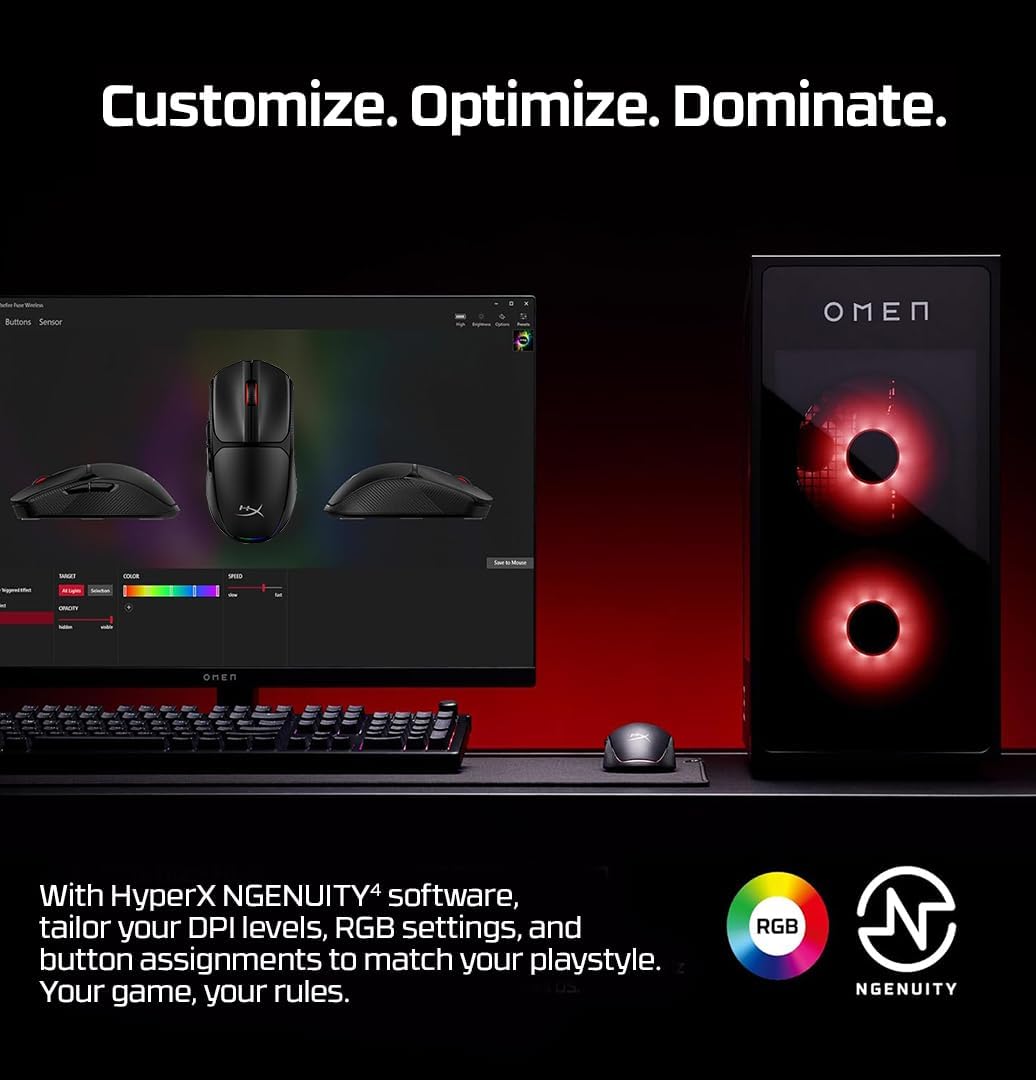
It also leans into flexibility. You get dual wireless connectivity (2.4GHz dongle or Bluetooth with compatible devices), a convenient DPI switch, and NGENUITY software for DPI presets, RGB settings, and mouse button reassignment. It’s the sort of mouse that can fit multiple setups—PC at home one day, a compatible device the next.
That said, it may not be the best match if you’re extremely sensitive to weight distribution and prefer heavier “planted” mice. And because it uses a single AAA alkaline battery, you’ll want to be comfortable with battery changes and the fact that battery life figures are always conditional on use.
The essentials
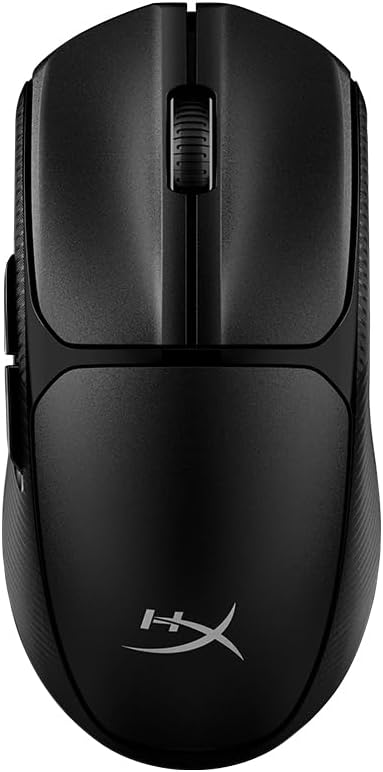
What matters most here is the combo of low weight, textured grip, and wireless convenience. The Pulsefire Fuse is described as weighing 75 grams with the AAA battery installed, which is low enough to feel nimble for many players. If you like quick, controlled movements (rather than dragging heavier hardware around), this is clearly built for that style.
The comfort angle is also pretty direct: the frame is ambidextrous and the sides use Microline grip textured panels to support control while staying comfortable. In day-to-day use, that kind of textured paneling can make a difference when your hands warm up, because it gives you something consistent to “hold” onto.
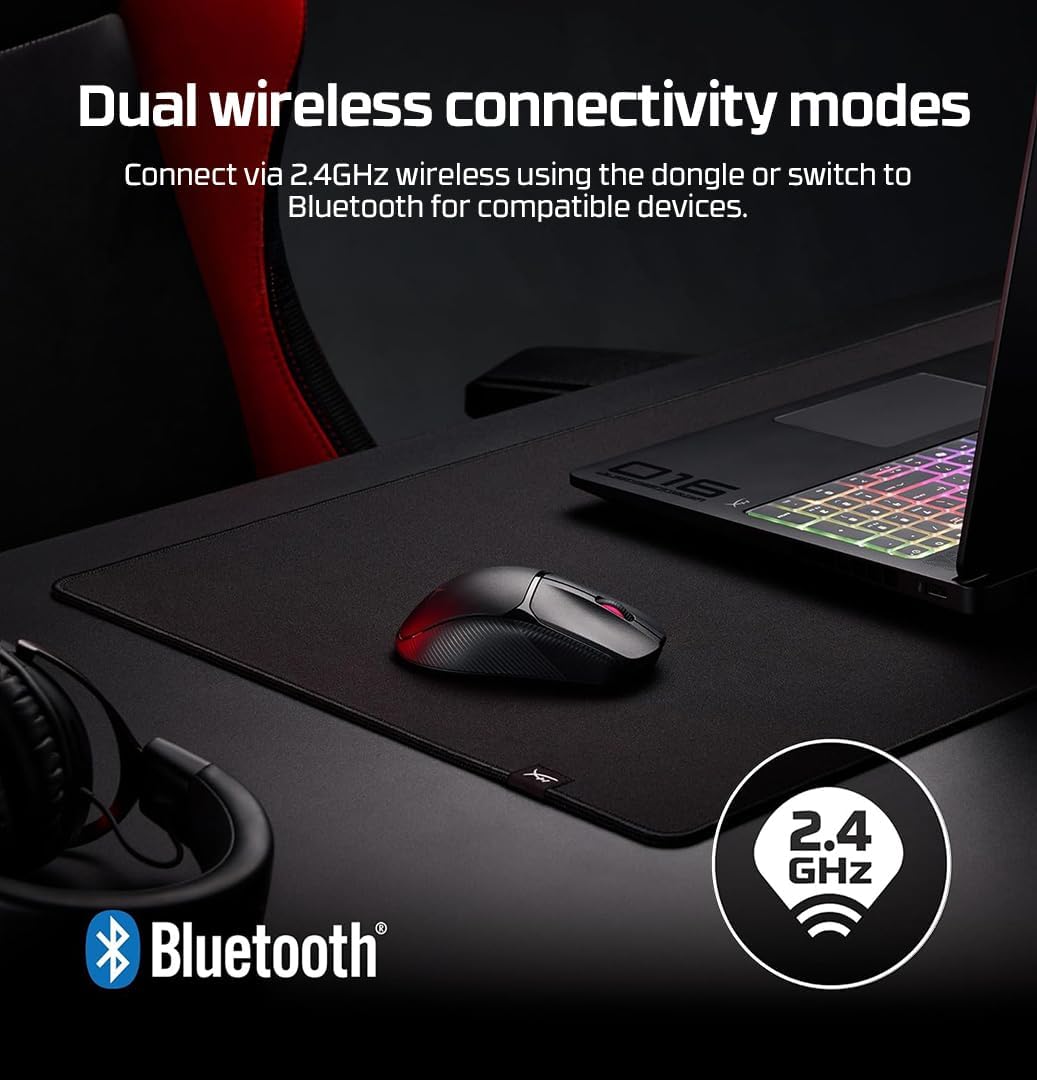
For the wireless side, the mouse offers two approaches. You can use the high-speed 2.4GHz wireless dongle, or switch to Bluetooth mode for compatible devices. Whether you’re gaming at a desk or using a setup where cables are a hassle, it’s a practical way to avoid committing to one single connection type.
Where it shines (and where it might not)
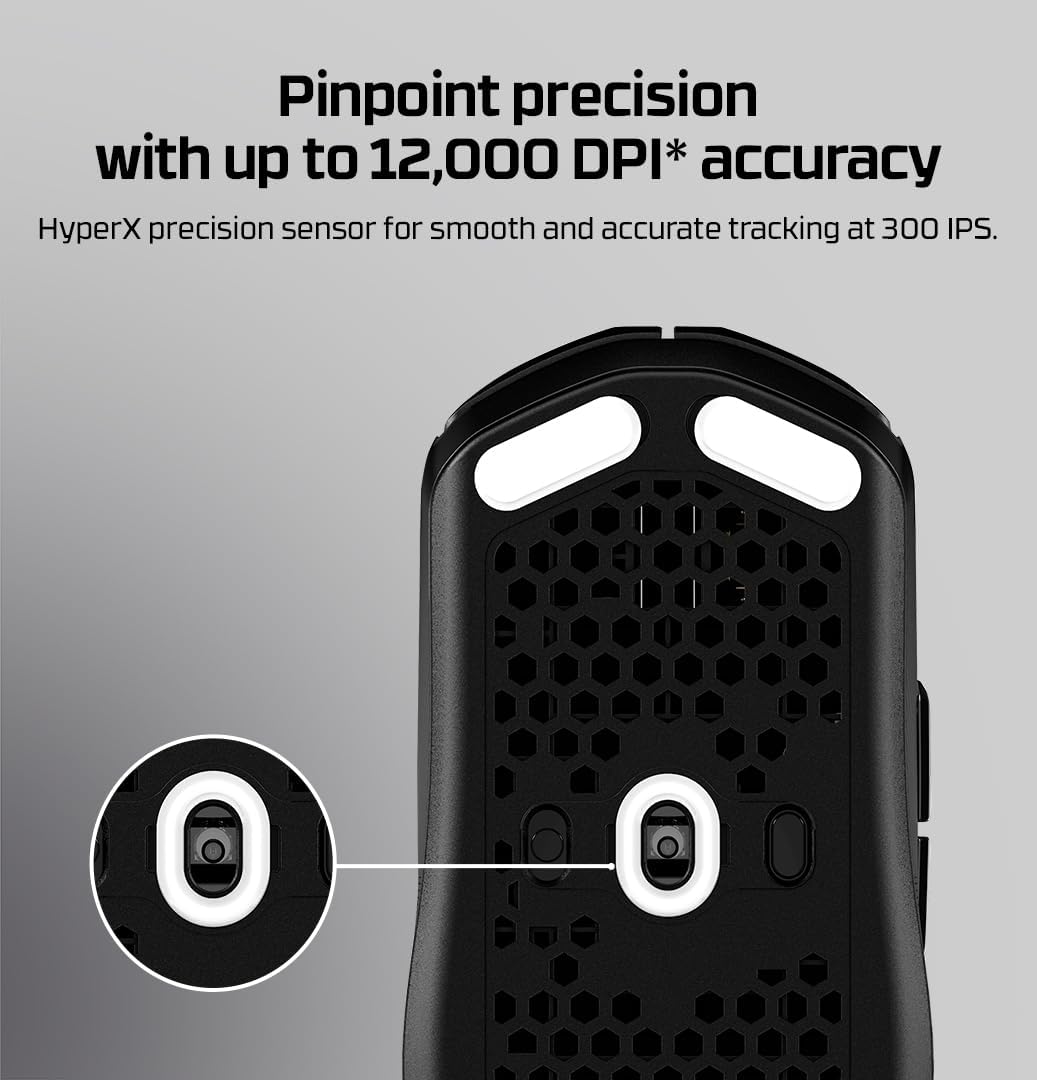
Where it shines is flexibility with sensible tuning options. You can change DPI using the on-mouse switch and set precise custom levels “up to 12,000 DPI” via NGENUITY. If you’re the kind of player who likes a few known DPI steps for different games or in-game situations, that can be genuinely useful.
The RGB side is there too, with NGENUITY supporting RGB colours and patterns. It won’t change how the mouse aims, but if you enjoy matching your gear or keeping a consistent aesthetic across devices, it’s included rather than being treated like an afterthought.
However, it’s not a guarantee of “premium” feel for everyone. Lightweight designs are a personal preference—some people love the airy movement, while others want more mass and stability. Also, while software features are listed, you’ll still want to check what matters to you (like remapping up to five buttons) because that’s a specific constraint compared with mice that offer more controls.
Tech specs
- Name: HyperX Pulsefire Fuse Wireless Gaming Mouse
- Type: Gaming mouse
- Weight: 75 grams (with the AAA battery installed)
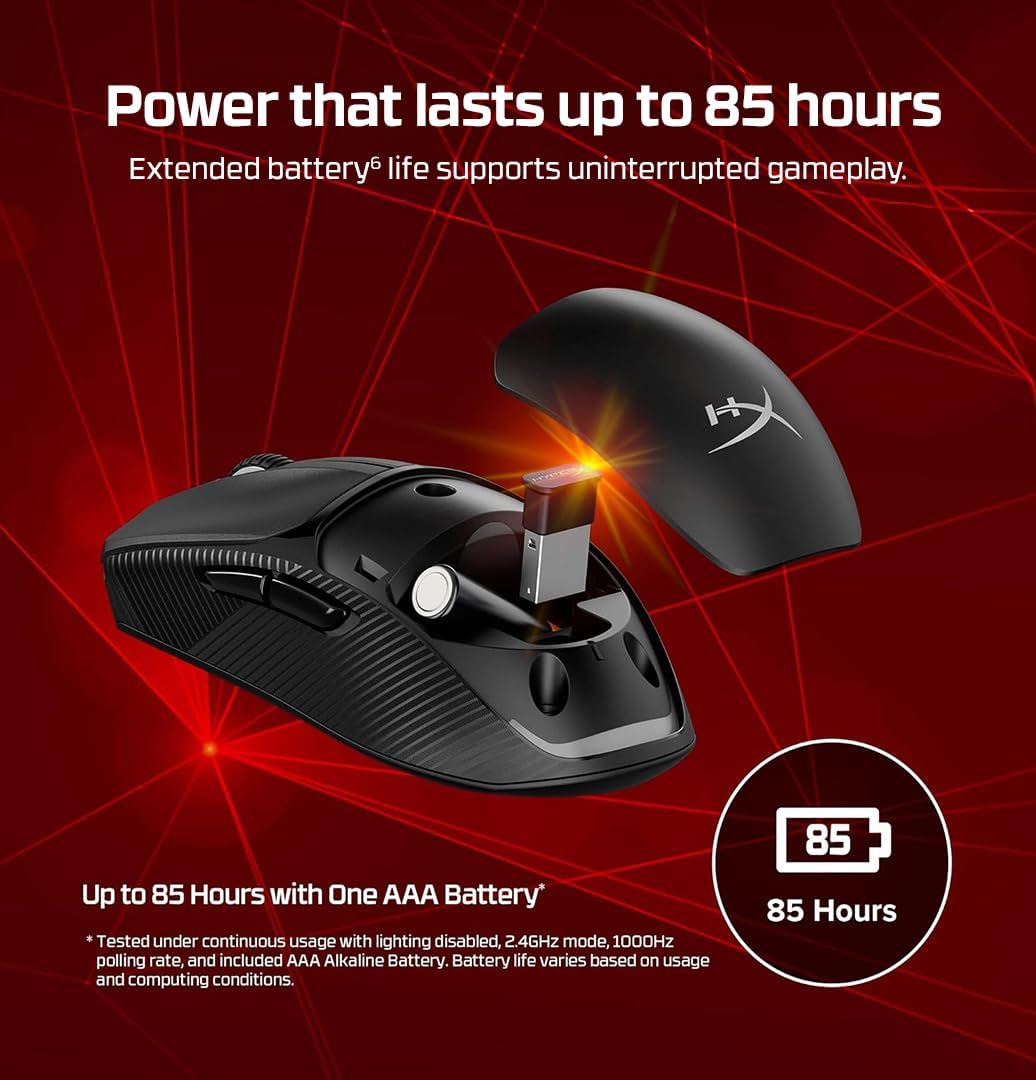
- Battery: one AAA alkaline battery
- Battery life (claim): up to 85 hours of play
- DPI switching: convenient on-mouse DPI switch
- Custom DPI via software: up to 12,000 DPI
- Wireless connectivity: 2.4GHz wireless dongle
- Wireless connectivity (alternate): Bluetooth mode with compatible devices
- Software: NGENUITY
- Software features: set custom DPI levels (up to 12k), adjust RGB colours and patterns, reassign up to 5 mouse buttons
- Body: ambidextrous frame with Microline grip textured panels
Practical tips for getting the most from it
If you’re buying for wireless gaming, treat setup as part of the experience rather than an afterthought. For example, if you switch between 2.4GHz and Bluetooth depending on what you’re using, it helps to pre-set your DPI steps in NGENUITY so your movement feels consistent when you jump devices.
A simple use case: imagine you start a session of an FPS at the desk. You set your preferred DPI and assign the most used action(s) to the available remappable buttons in NGENUITY, then you take the mouse to a different compatible device for a more casual game—Bluetooth mode can keep things straightforward without hunting for dongles.
Also, because it relies on one AAA battery, it’s worth keeping a spare to avoid “surprise downtime”. The mouse is clearly marketed for long sessions, but in real life battery performance can vary with settings and usage patterns.
What to consider before you buy
A couple of points are worth checking against your own habits. First, the ambidextrous shape and textured side panels are designed to help comfort and control, but grip preference is personal—if you already know you prefer a different side contour or smoother textures, you may want to be cautious.
Second, the listed features are focused on software-tuned control (DPI presets, RGB, remapping). If you don’t plan to use NGENUITY much, you may feel like you’re paying for capabilities you won’t use.
Finally, it’s not positioned as a “heavy, planted” mouse. If you’re after maximum stability through weight alone, a lightweight frame like this might feel too light, depending on your playstyle.
Is it worth it?
Worth considering if you want a wireless gaming mouse that’s light for long sessions, comfortable to grip, and offers dual connectivity (2.4GHz dongle and Bluetooth with compatible devices). It also makes sense if you like having a few DPI options and want NGENUITY support for RGB and button reassignment (up to five buttons), so your mouse can be tuned for different games.
It’s not for you if you strongly prefer heavier mice for stability, or if you’d rather avoid software-based tuning altogether. You may want to skip it if your priority is more extensive button layouts than “up to 5” remappable options, or if you’re not comfortable managing a single AAA battery.
Mini FAQ
FAQ
Does it use a rechargeable battery?
The information provided states it runs on one AAA alkaline battery, so it’s not described as rechargeable.
How do I change DPI?
You can change operating resolution using the conveniently located DPI switch, and you can set custom levels through NGENUITY up to 12,000 DPI.
Can it connect in more than one way?
Yes—there are two wireless modes: a 2.4GHz dongle connection and Bluetooth mode with compatible devices.
What can NGENUITY do on this mouse?
NGENUITY is described as letting you set custom DPI levels (up to 12k), adjust RGB colours and patterns, and reassign up to five mouse buttons.
Is the grip textured?
Yes, the mouse is described as having Microline grip textured panels designed to support control while staying comfortable.