

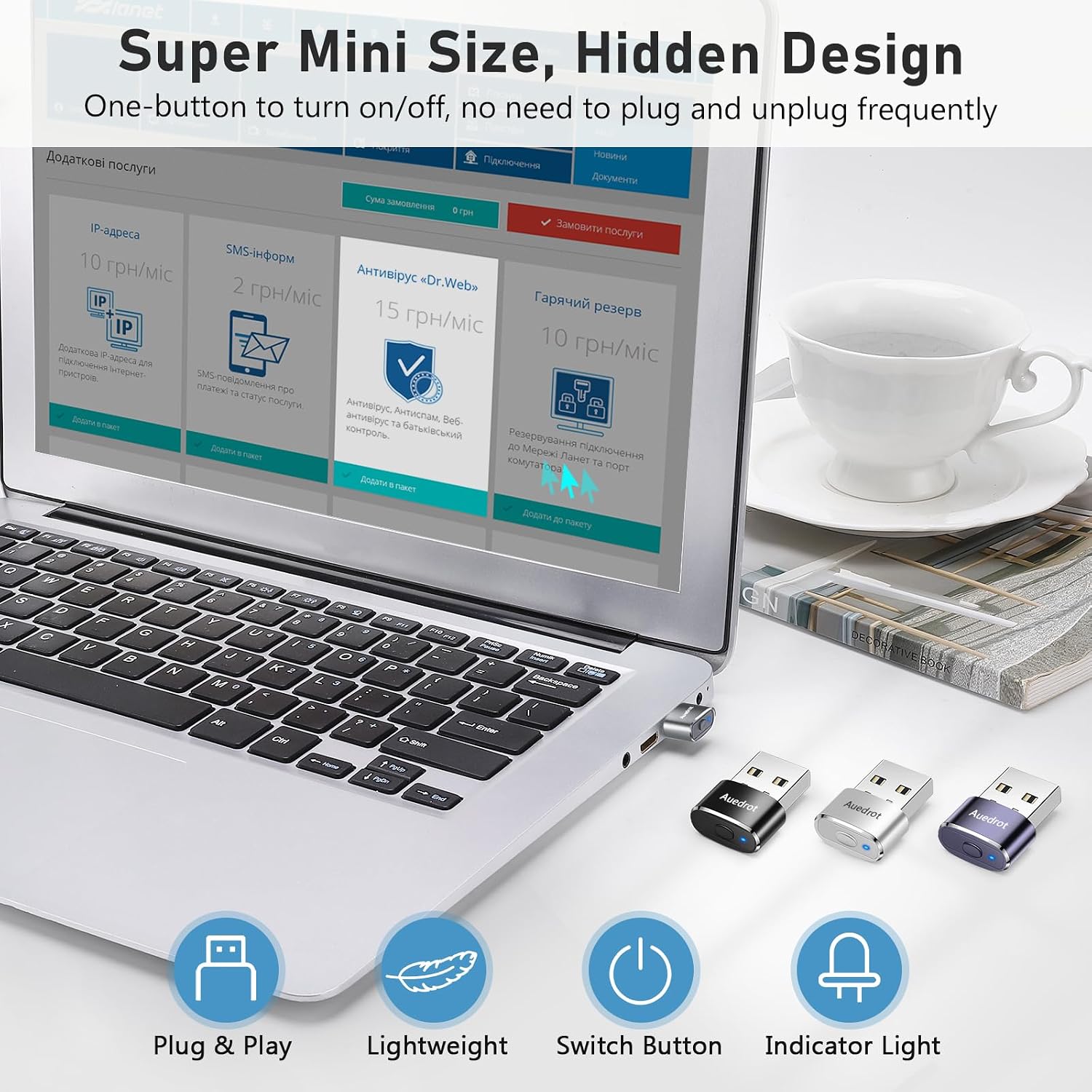
AUEDROT mouse jiggler USB, 2 modes
Reviews
Price
Product description
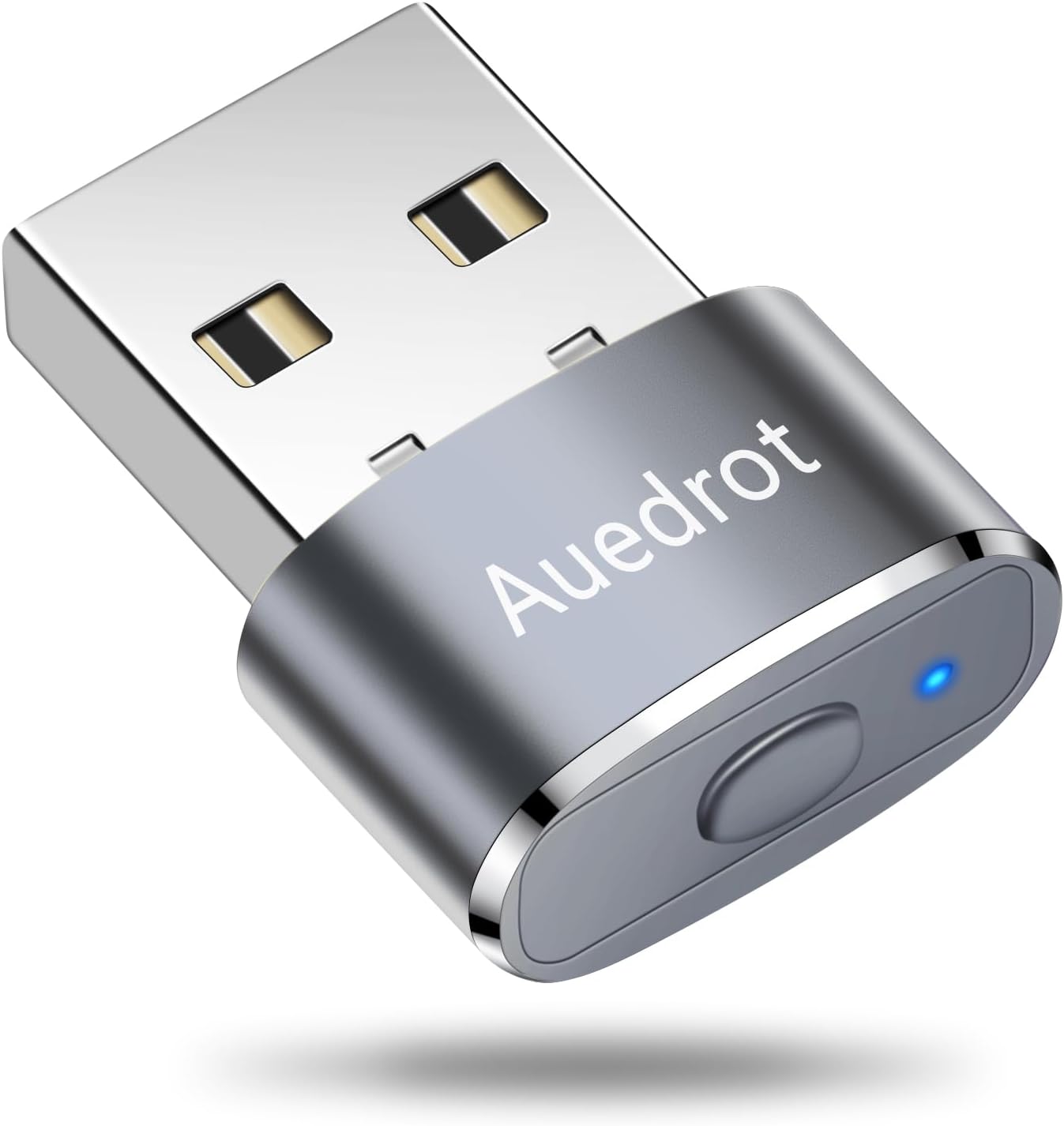
If you need your laptop or computer to stay active during long sessions, the AUEDROT Mouse Jiggler Undetectable USB Mouse gives you a simple, driver free way to keep a mouse from appearing inactive. It plugs into a USB port, then helps maintain computer uptime with two jiggle behaviours, so you can choose how subtle or how irregular the movement should be. 🖱️
Built around a small USB mouse wiggler form factor, this model is designed to be straightforward to use for everyday workflows like online meetings and remote access. It also aims to avoid unnecessary alerts from software by presenting itself to the computer as a USB device similar to an external mouse, which can reduce the chance of it being treated as an unknown peripheral. 🔌
Key points
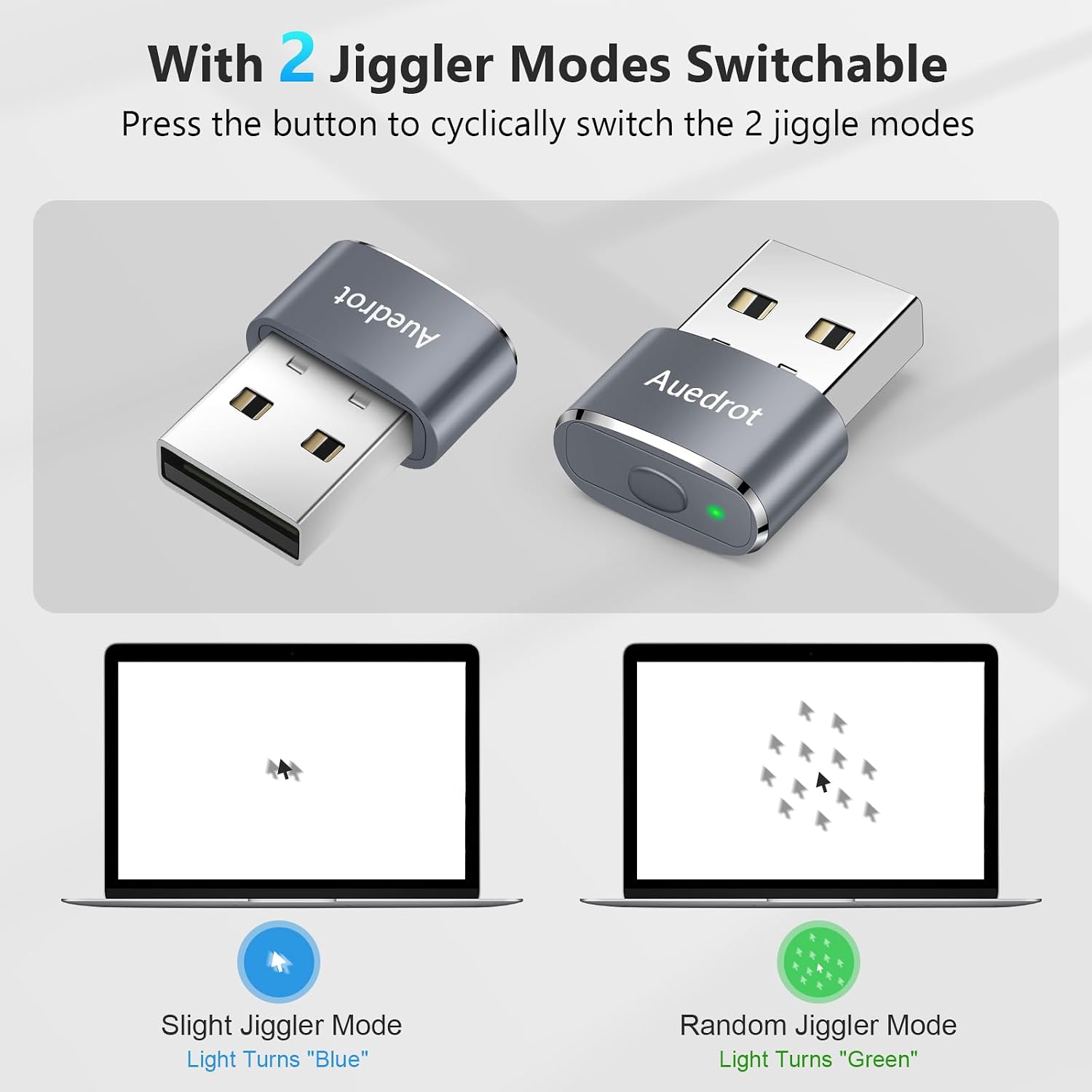
The standout feature here is control over movement patterns. You can switch between a light jiggle mode that nudges the pointer back and forth by a small amount, and a random jiggle mode that varies the pointer movement so it is less predictable. 🟦 That makes it easier to match what you need, especially when you still want normal computer use to feel natural in the lighter setting.
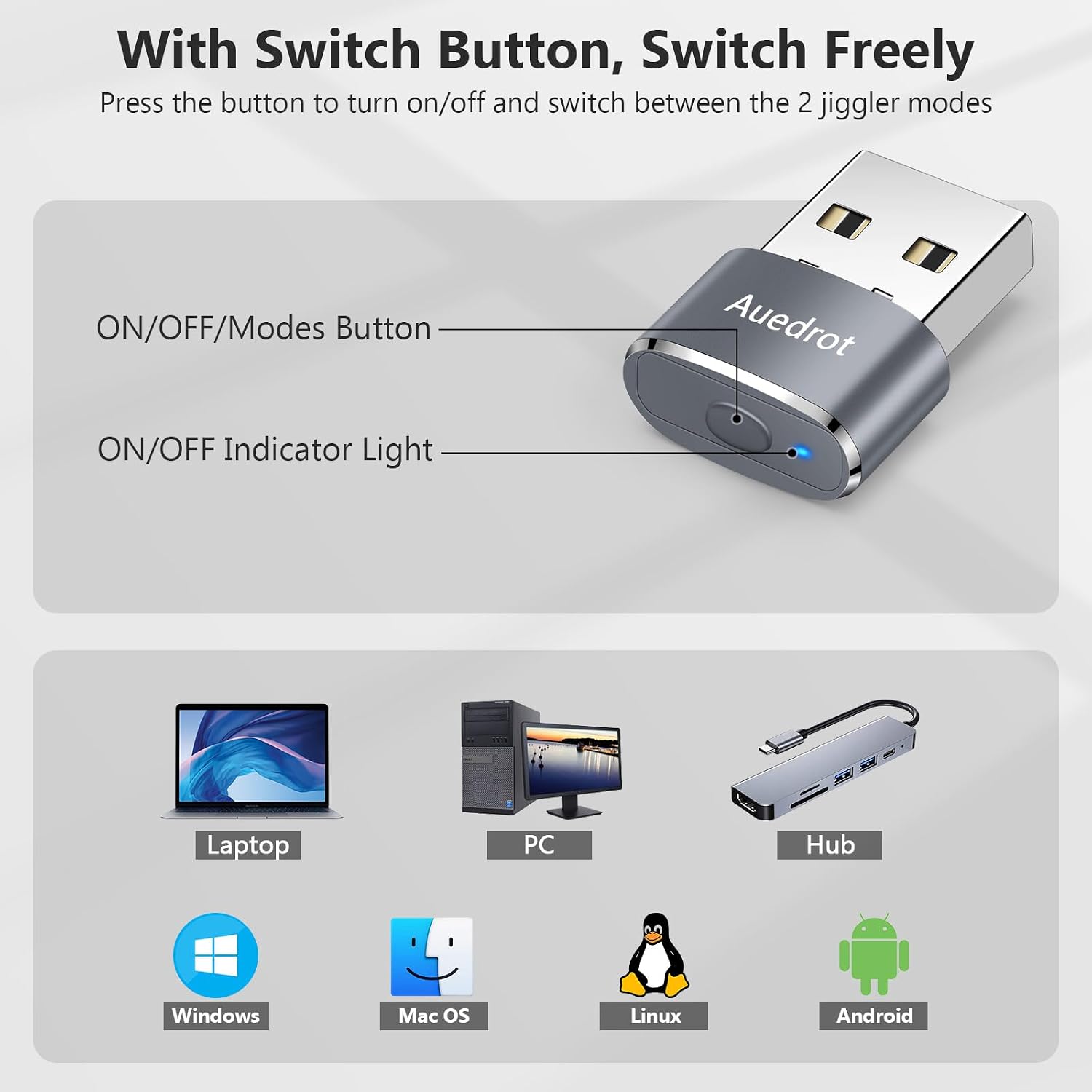
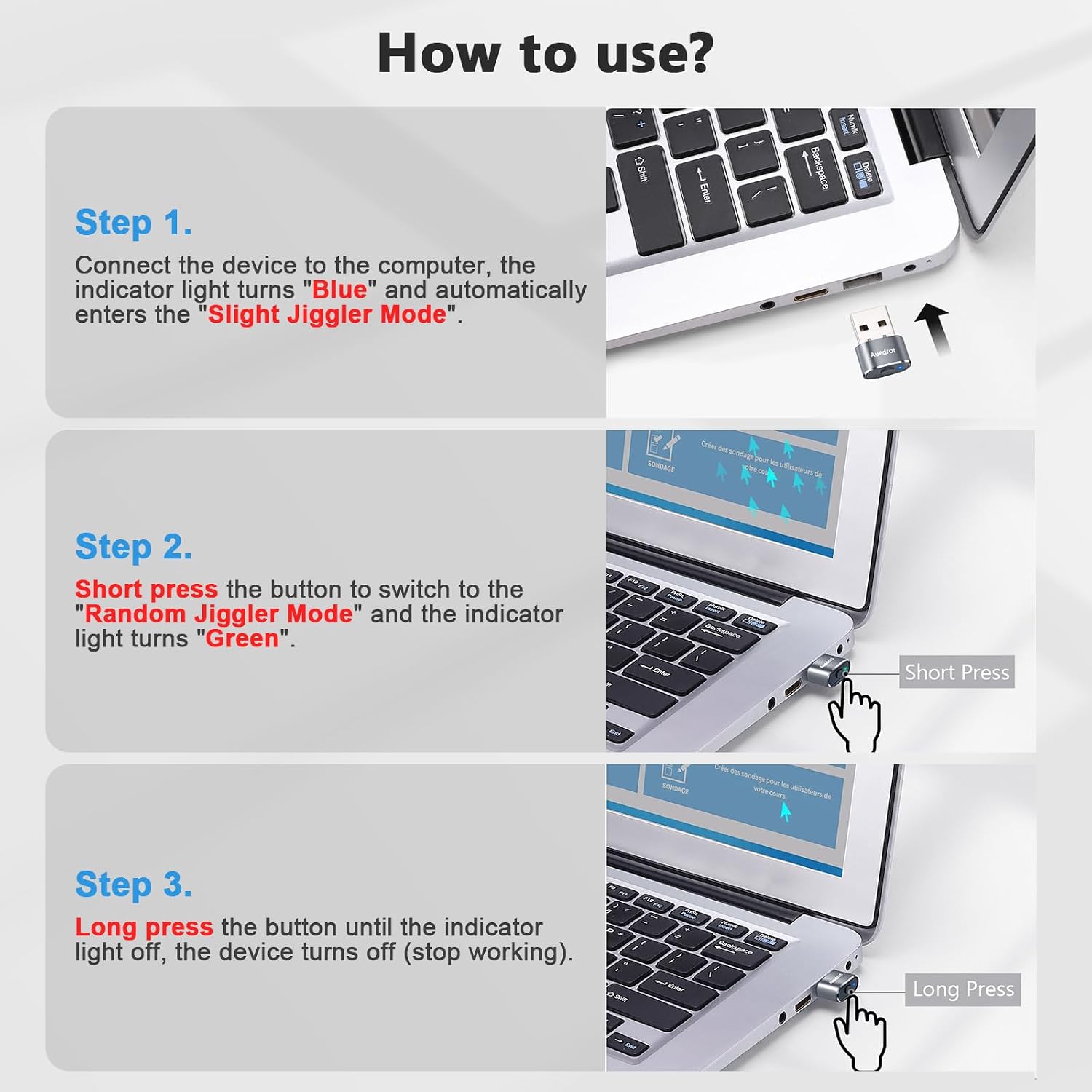
You also get a driver free setup. Instead of installing software, you connect the AUEDROT device to a USB port and use the built in switch to power it and change between modes. This reduces friction and helps if you are setting up multiple devices for work, study, or travel. It is a practical option when you want a dependable add on that anyone can operate without technical steps.
Another reason people pick a mouse mover jiggler is everyday convenience. The intended uses mentioned include online meetings, online gaming, online reading, and remote connections. By helping keep the computer awake, it can support tools such as Microsoft Teams, Skype, and Webex so sessions are less likely to interrupt. If you are working from home or managing recurring calls, that kind of reliability matters. ✅
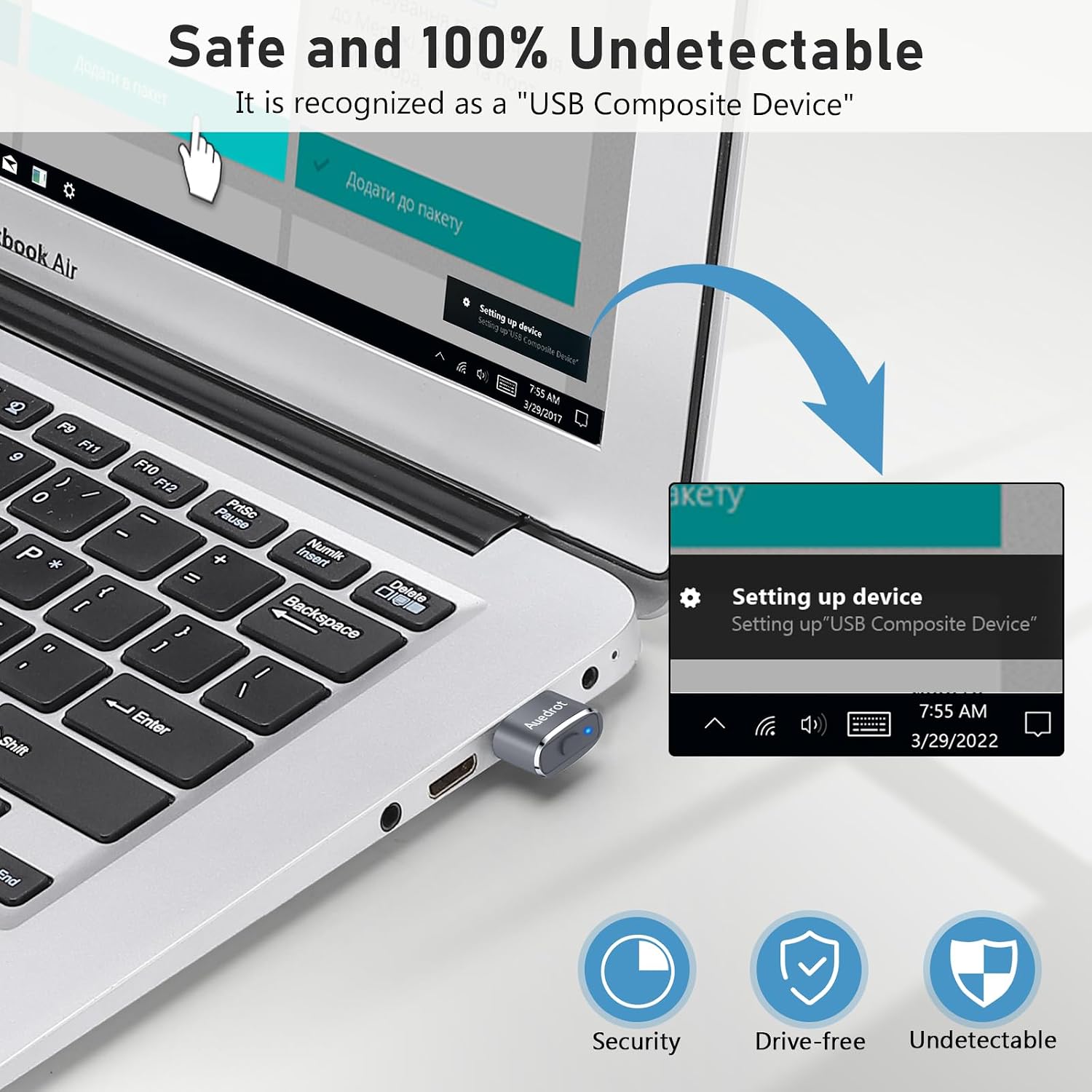
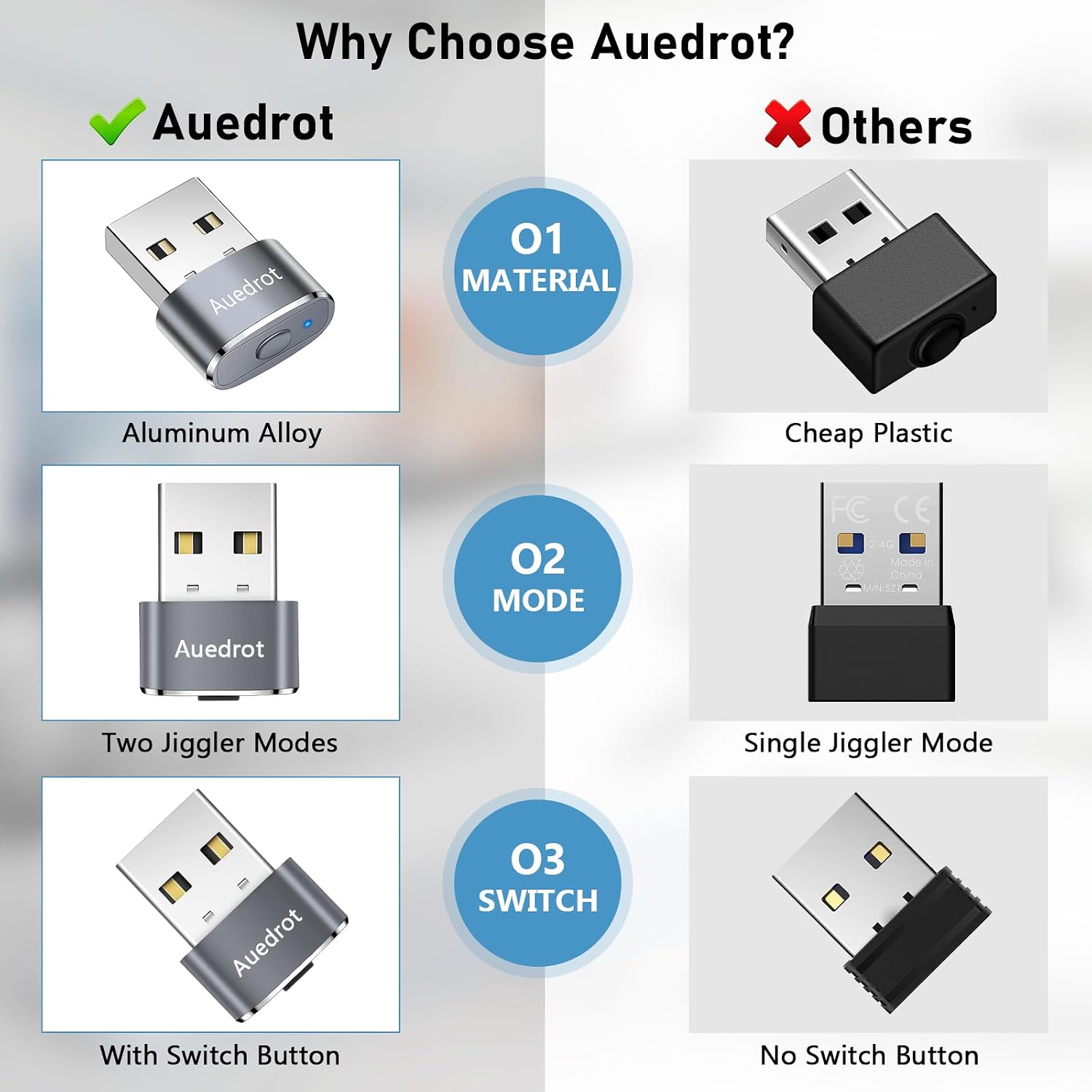
Worth noting, the unit provides movement while it is switched on, so it is best used when you truly want to prevent sleep or idle behaviour. If your device is set to power down aggressively, you may still need to check your system settings alongside using the jiggler. 🙂
Tech specs
- Name: AUEDROT Mouse Jiggler Undetectable USB Mouse
- Type: USB mouse mover jiggler
- Material: Aluminium alloy
- Colour: Grey
- Modes: Light jiggle mode and random jiggle mode
- Connection: USB plug and play, driver free
- Power control: On off switch with short press and long press
What’s included
You get the AUEDROT USB mouse jiggler device itself, in a grey finish with a built in power and mode switch. The setup is based on simply plugging it into a computer or laptop USB port and using the switch to select either the light jiggle or random jiggle behaviour. No extra software installation is required according to the manufacturer, which keeps the initial setup quick.
The indicator light mentioned in the product description shows when the jiggler is on or off, so you can tell at a glance whether the device is currently active. This is helpful for day to day use, particularly if you swap between work devices or need to quickly confirm the device state before a call.
Who it’s for
It’s a good fit if you regularly join online meetings and want your computer to remain awake during longer sessions. It may also suit people who use remote connections and need sessions to stay active so they do not pause unexpectedly when the system would normally go idle. The two jiggle modes give you options for subtle pointer movement or more irregular movement depending on your preference.
It may not be a great match if your main goal is performance or accuracy of mouse control, because this is a dedicated jiggler rather than a traditional mouse replacement. It also matters that your computer allows access to the mouse, as described in the product behaviour. You may want to skip it if you prefer to rely purely on built in sleep and power settings without adding extra peripherals.