




Logitech MX Master 3S Wireless mouse, 8K DPI 🖱
Product description
This ergonomic wireless mouse brings precision and quiet control to long desktop sessions, combining a sculpted shape with advanced tracking and customisable buttons for productive workflows. It suits tasks from editing and coding to multitasking across several computers, while offering near-silent clicks and ultra-fast scrolling for less distraction.
Key Points
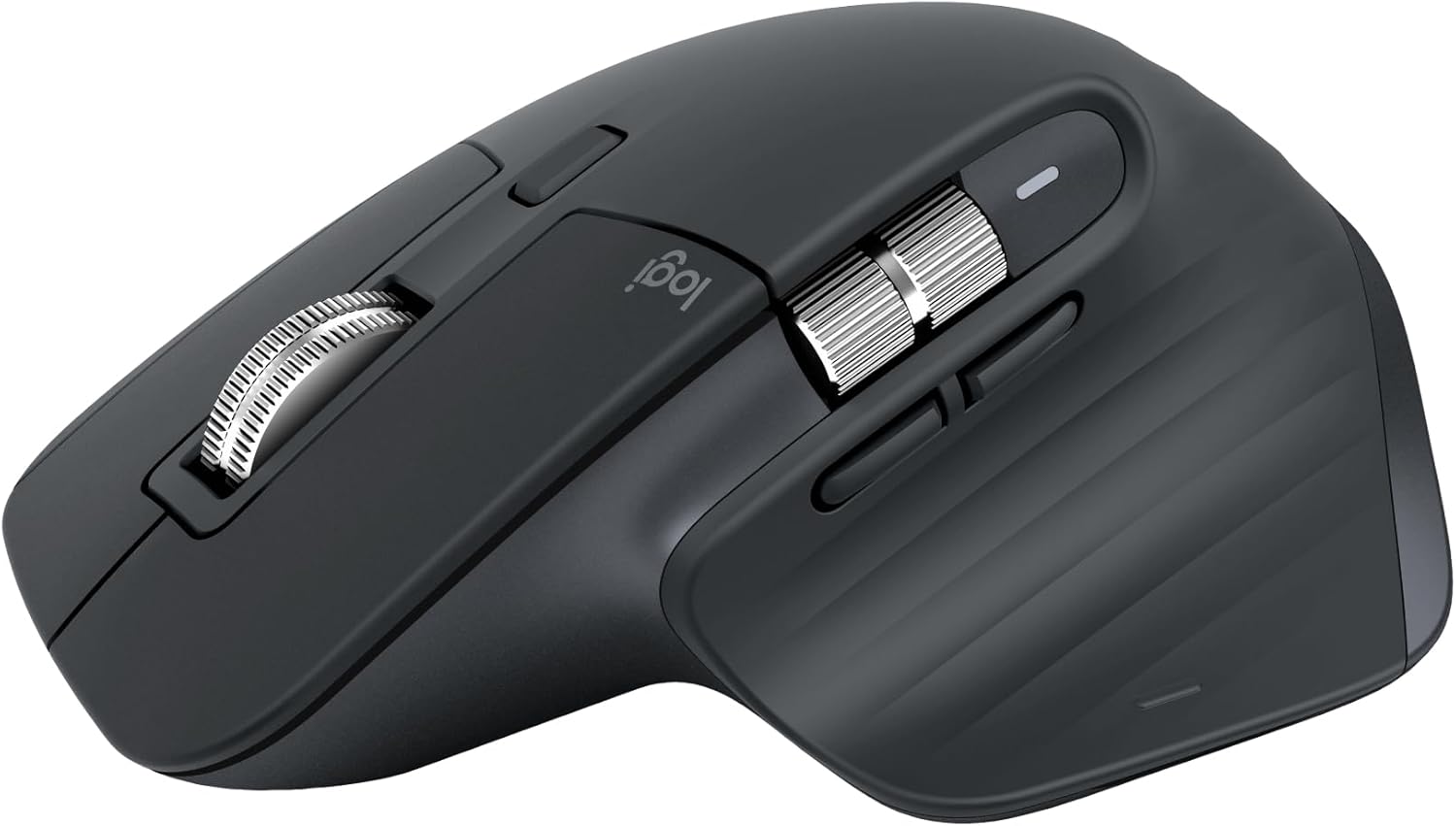
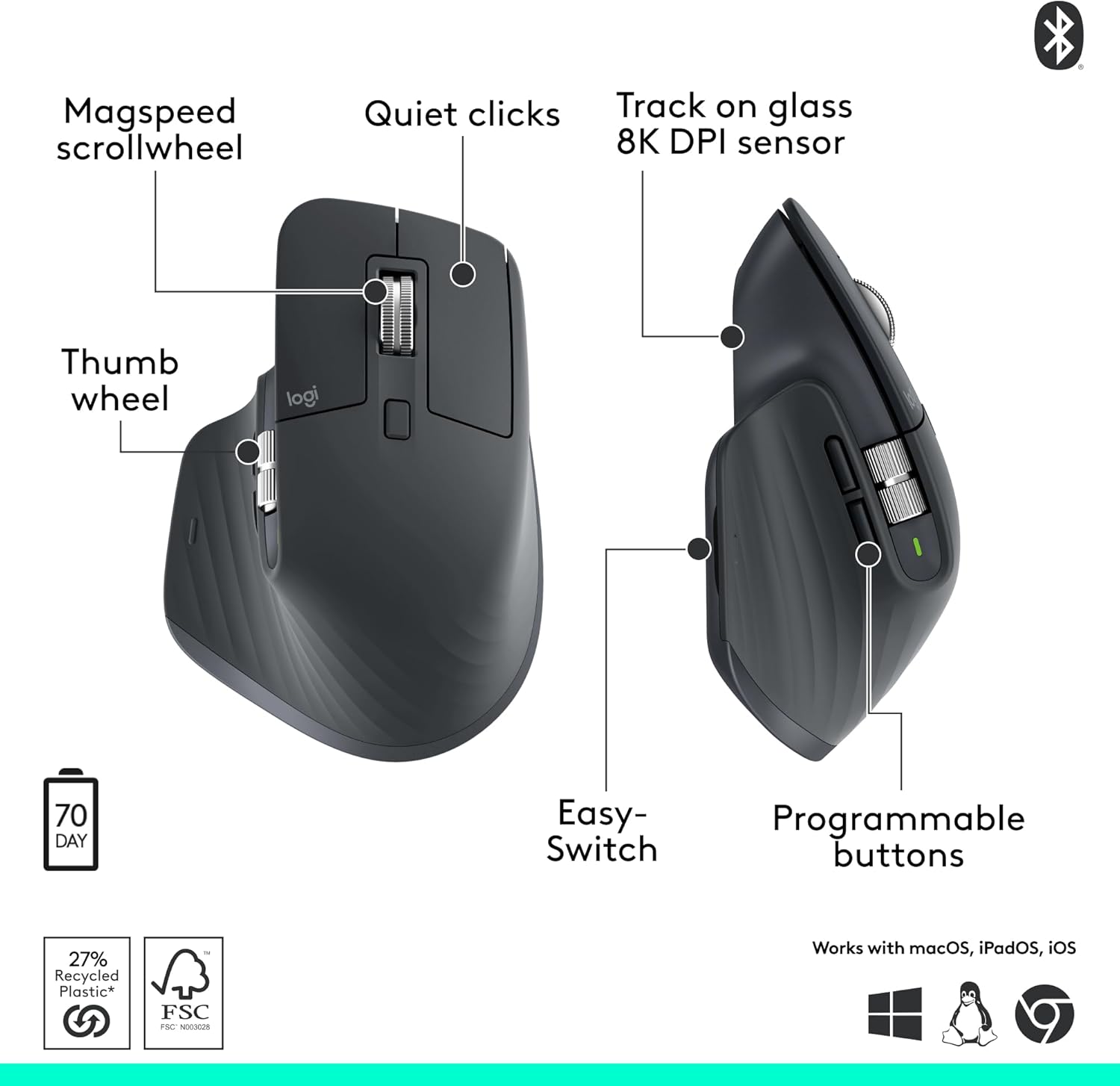
The MX Master 3S prioritises comfort with a silhouette crafted to encourage a more natural wrist posture and thumb placement for common shortcuts. Its Quiet Clicks reduce noise by around 90% according to the manufacturer, which helps maintain focus in shared or quiet environments. MagSpeed scrolling delivers rapid, precise navigation through long documents and web pages, and it operates with very low audible noise for smoother handling. The mouse supports multi-device connectivity, allowing quick switching between up to three Bluetooth devices, and includes cross-computer FLOW control to transfer text, images and files between Windows and macOS systems. Note that the Logi Bolt USB receiver is not included and some features depend on the Logi Options+ app and the operating system used.

Technical Specifications
- Name: Logitech MX Master 3S
- Sensor DPI: 8000 DPI Any-surface tracking, including tracking on glass according to the manufacturer
- Connectivity: Bluetooth and USB-C, multi-device pairing up to 3 devices
- Scrolling: MagSpeed scrolling with increased speed and precision over previous models
- Buttons and customisation: App-specific profiles available via Logi Options+ for button mapping and workflow optimisation
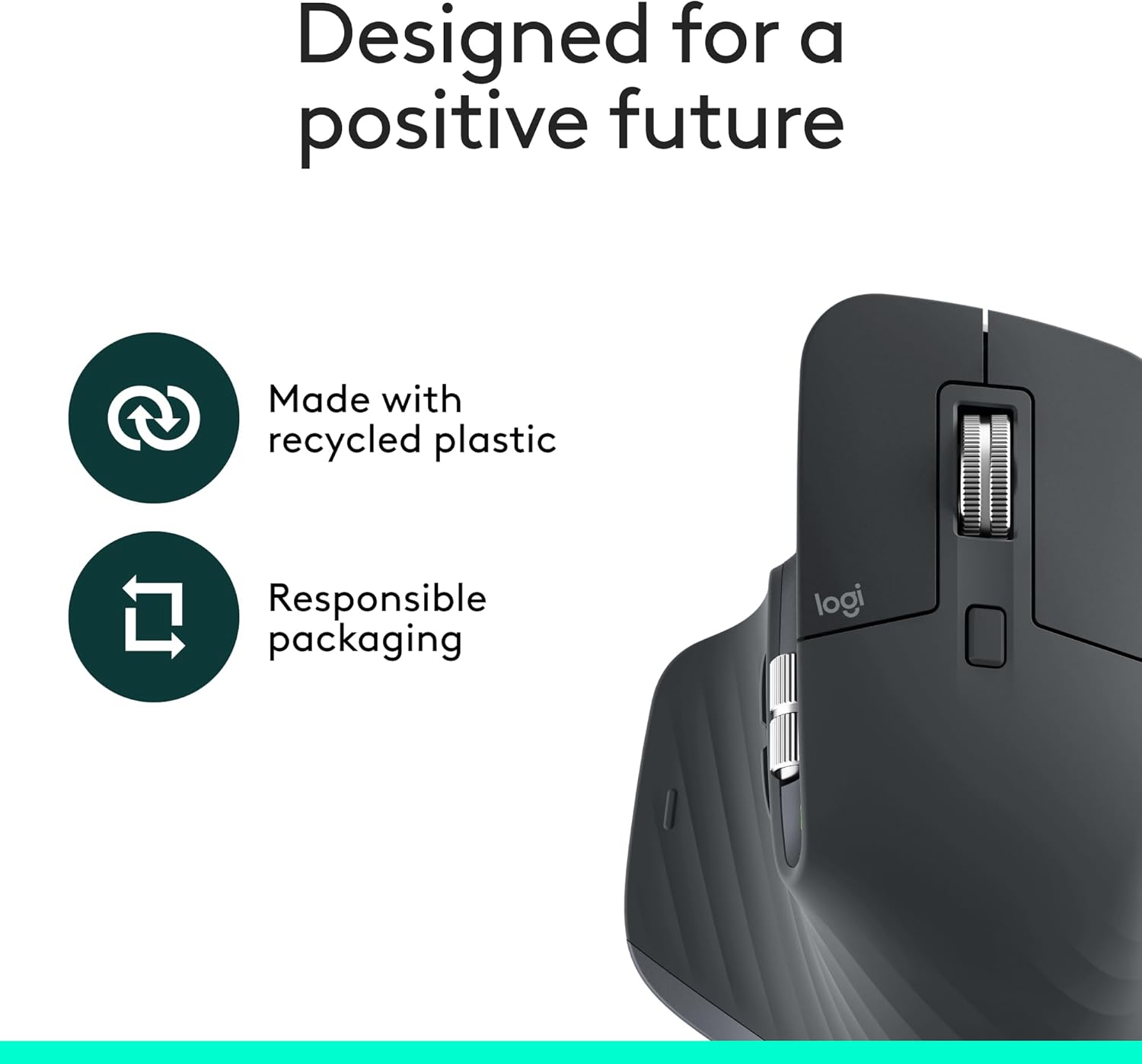
- Materials: Plastic parts include certified post-consumer recycled plastic, 27% in Graphite and Black models
- Compatibility: Works with Windows, macOS, Chrome OS and Linux for basic functions; FLOW features support Windows and macOS
Usage Recommendations
For desk-heavy users who copy, paste or move files between computers, enable FLOW to streamline cross-device workflows. Use the Logi Options+ app to assign application-specific shortcuts and reduce repetitive keyboard use, which can speed up editing and creative tasks. If you often work on glass surfaces, try the MX Master 3S on your mousepad and then without it to confirm tracking behaviour in your setup. Consider that some advanced features and the Logi Bolt receiver may require separate software or hardware, and that the exact noise reduction and tracking performance figures are those reported by the manufacturer. 🖱️⚙️