

Nulea M501 rechargeable trackball mouse — ergonomic thumb control 🖱
Reviews
Price
Product description
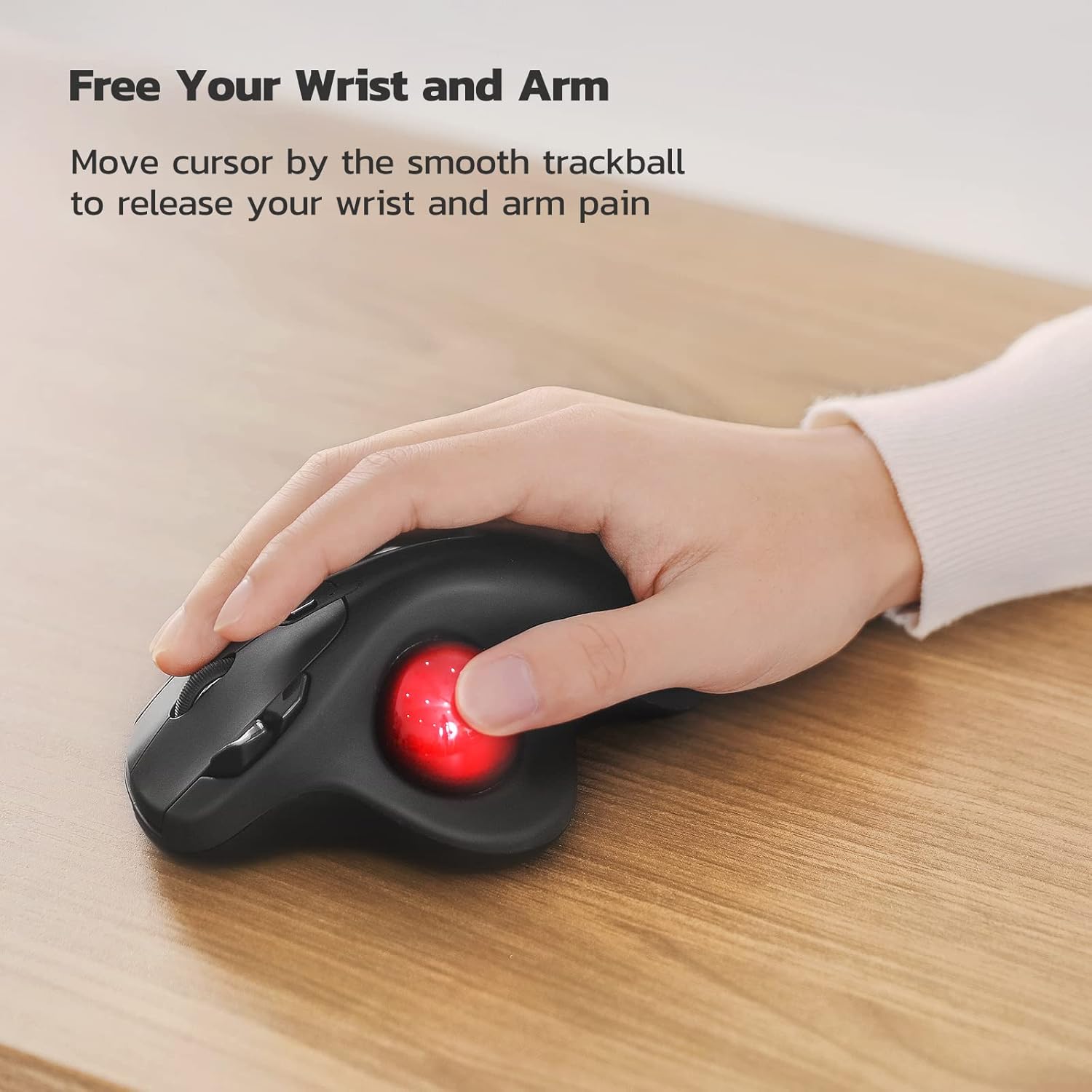
This rechargeable ergonomic trackball mouse puts thumb control at the centre, helping to reduce wrist and forearm movement while you work on a laptop, desktop or tablet. It connects to up to three devices via Bluetooth or the supplied USB dongle, making it useful for multitasking across PC, Mac and Android setups, and it aims to keep cursor movements smooth and precise with adjustable sensitivity.
Key Points
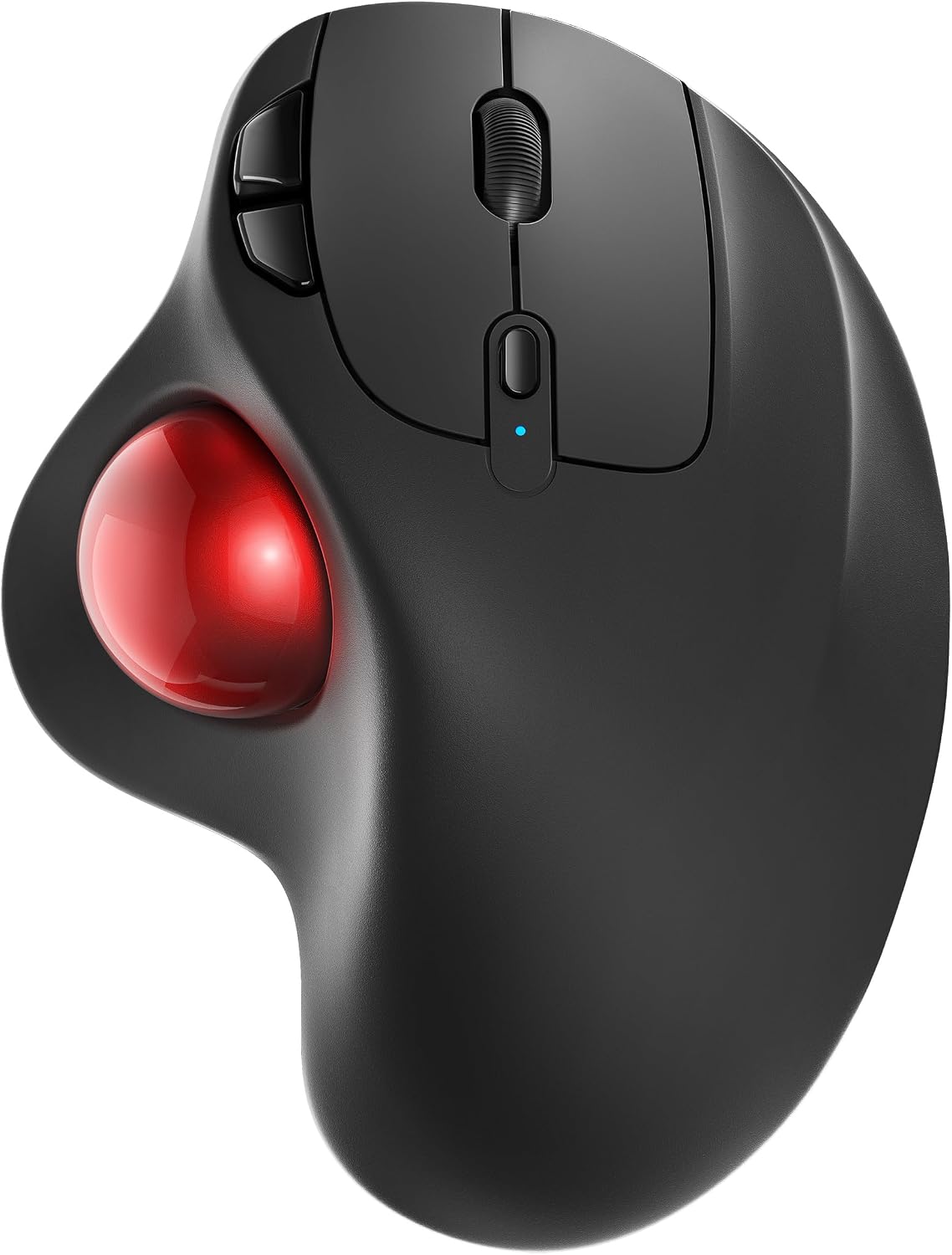
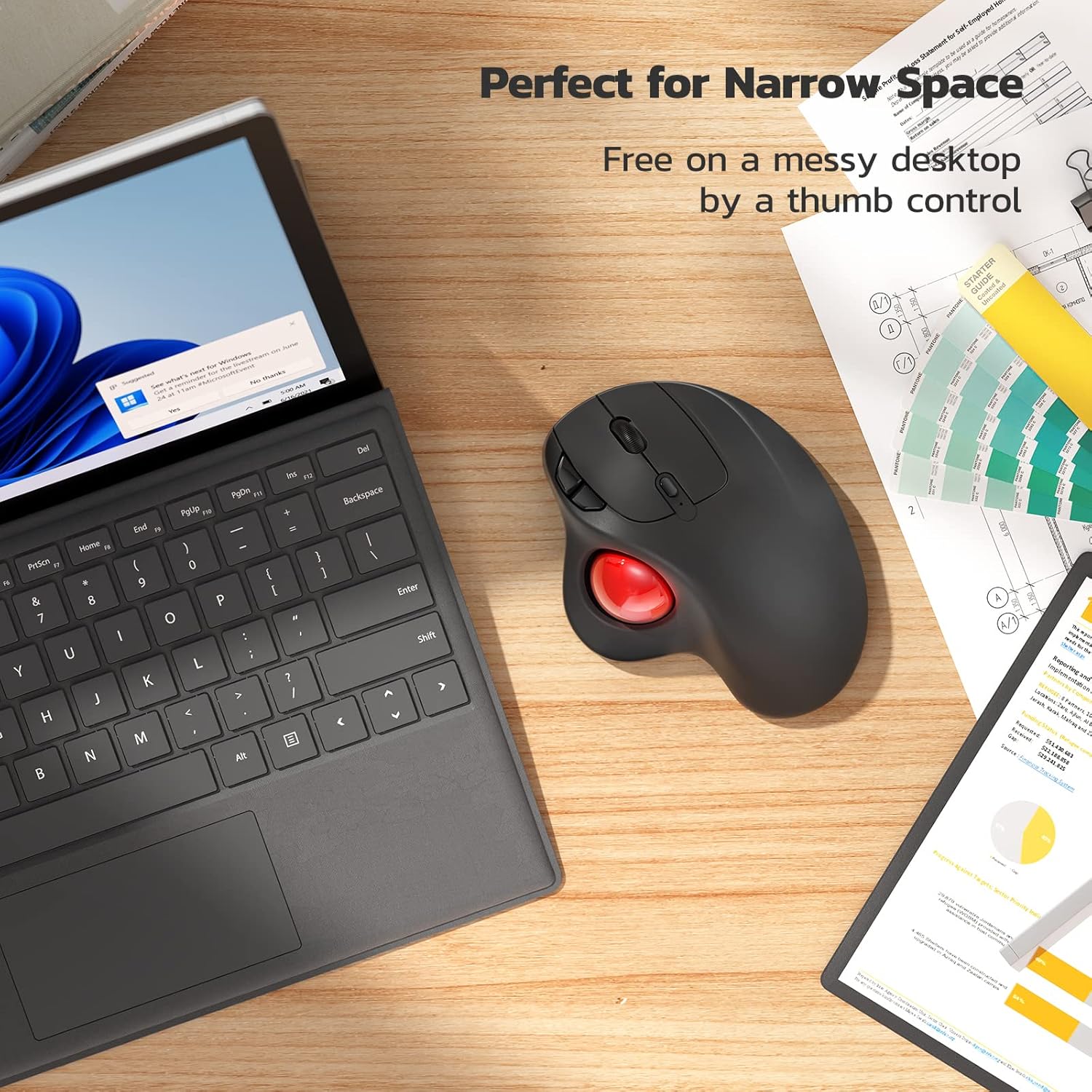
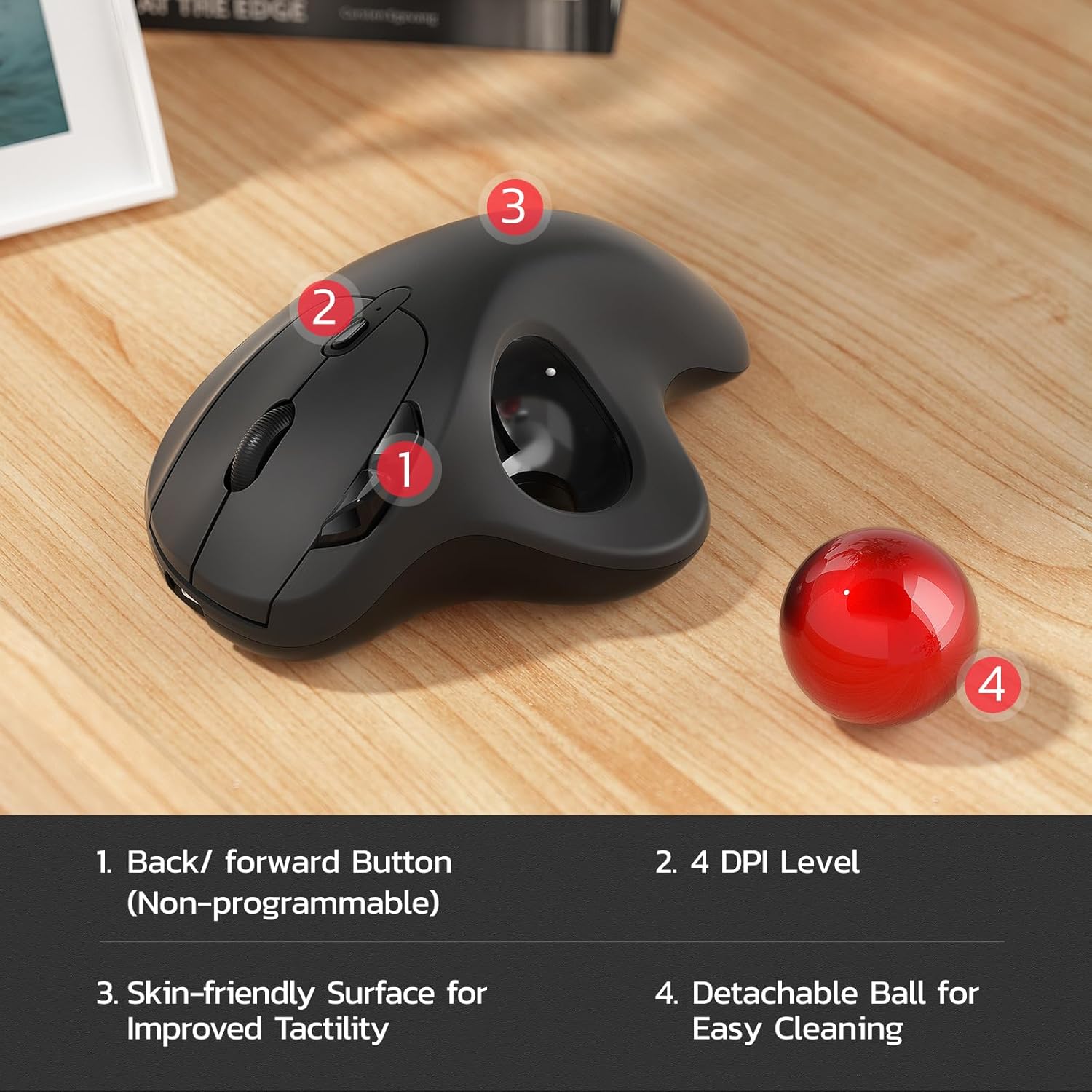
The design places the trackball under the thumb so the hand can remain in a natural, relaxed position. This reduces repeated wrist motions and can ease muscle tension during long sessions. The compact footprint makes it convenient in tight workspaces such as cluttered desks, sofas or small tables. The integrated rechargeable battery removes the need for disposable cells, and switching between paired devices is done with a dedicated button on the underside. Note that all buttons are non-programmable according to the manufacturer.
Technical Specifications
- Name: Nulea M501 Wireless Trackball Mouse
- Connectivity: Bluetooth (multi-device) and USB dongle
- Buttons: 6 high-performance buttons, forward and back included
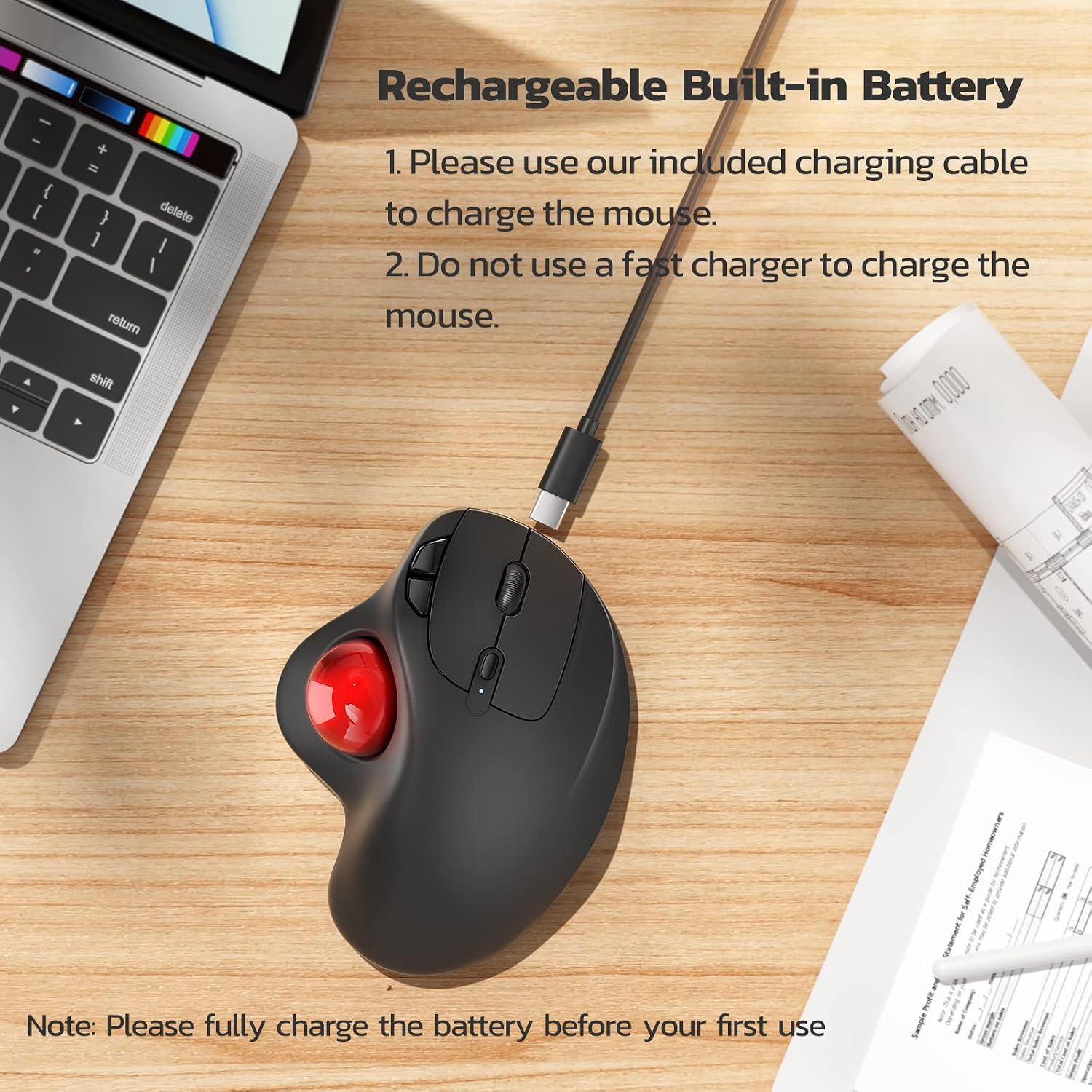
- Power: Built-in rechargeable battery, charge via included cable (use a 5V USB port, avoid fast chargers)
- Compatibility: Windows, Mac, Android
Benefits
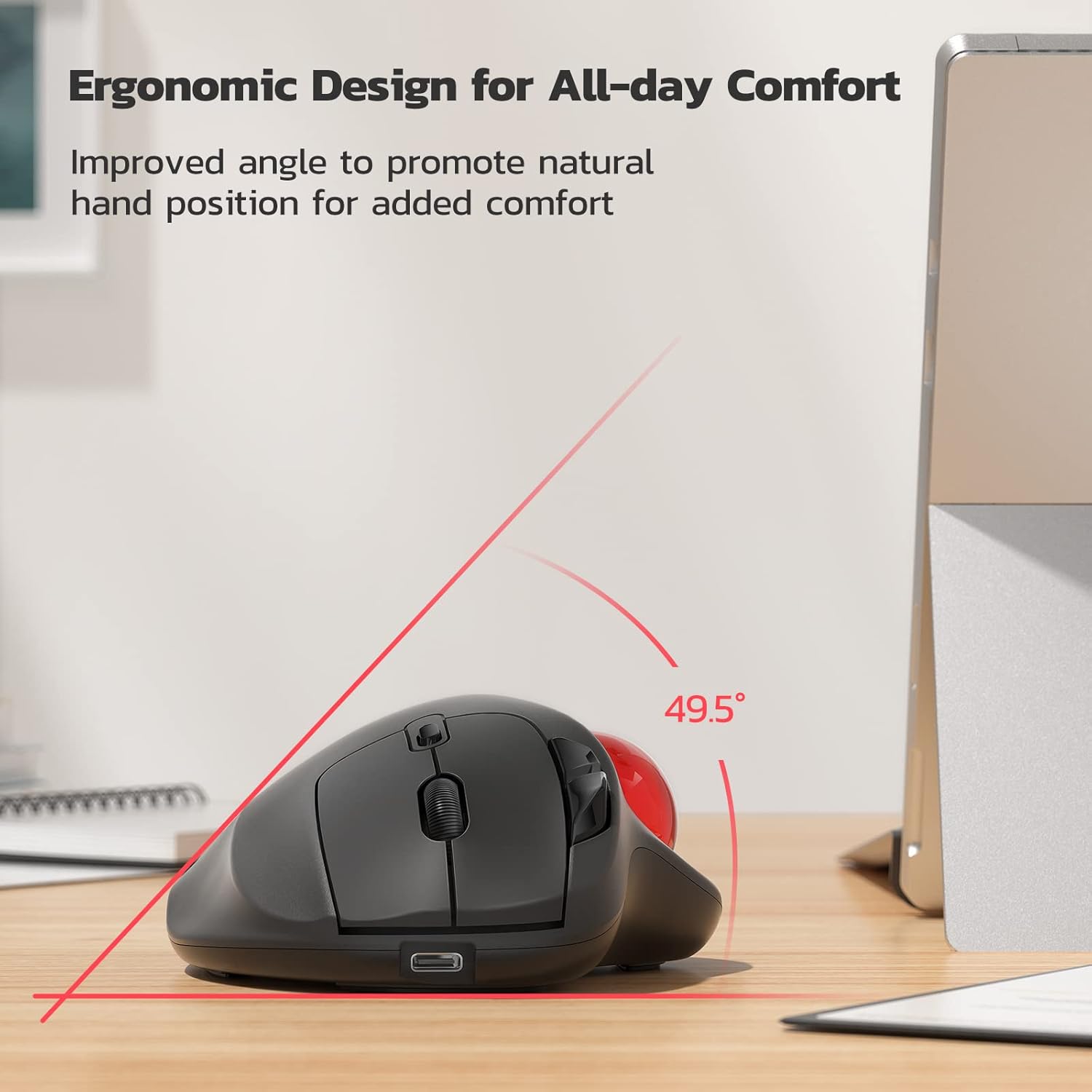
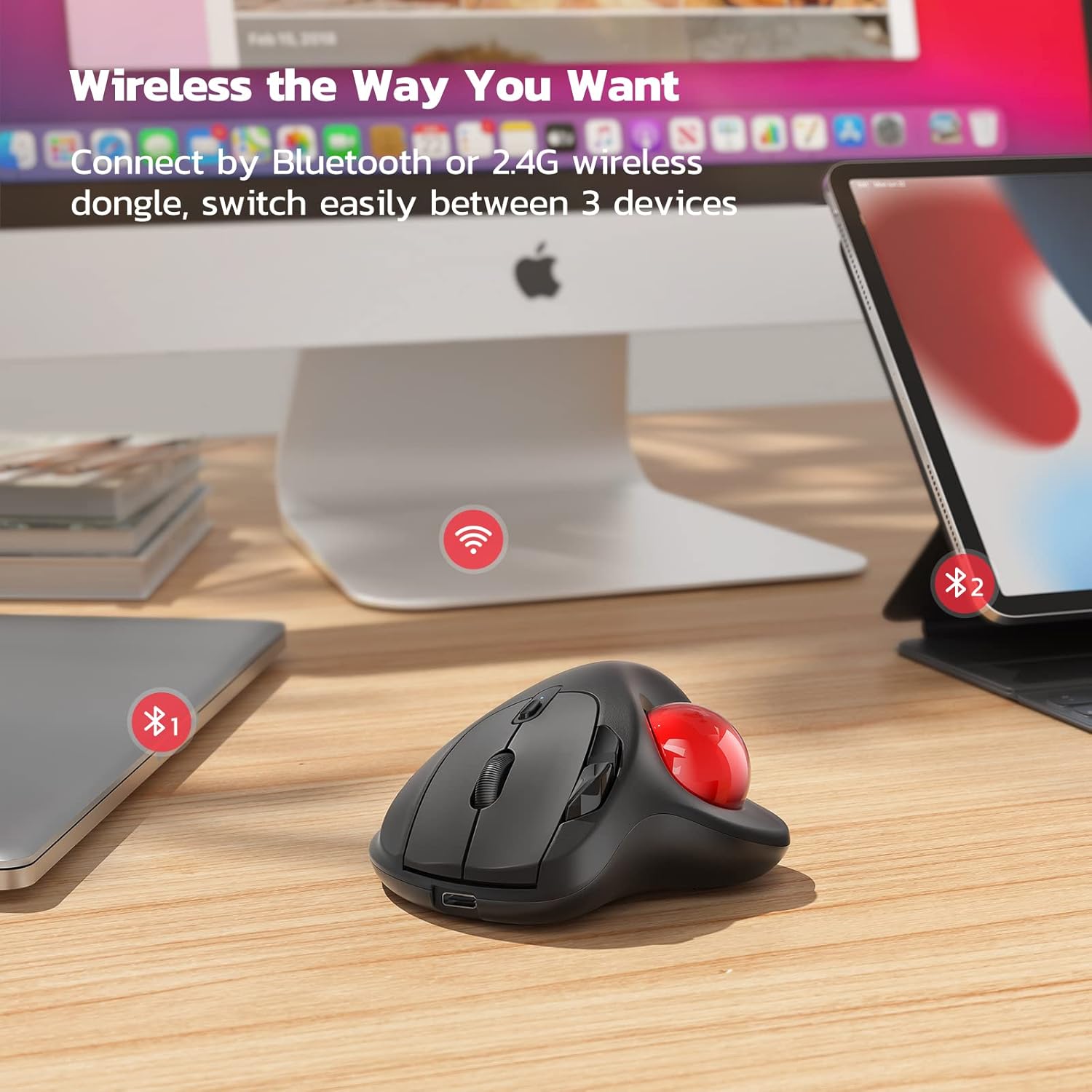
Keeping cursor control in the thumb can lower the amount of arm movement required for pointing tasks, which may feel more comfortable for people who perform many hours of clicking and scrolling. Adjustable DPI lets you fine-tune tracking sensitivity for different tasks such as editing, browsing or navigating crowded screens. The multi-device capability speeds up workflows when you work with several computers or a phone and a laptop, as you can change the active connection without re-pairing.
Usage Recommendations
For the best battery life, fully charge the mouse before first use and connect it to a standard 5V USB port when recharging. Avoid using a fast charger as directed by the manufacturer. If you primarily work in a fixed, spacious area and prefer traditional mouse movement, consider that a stationary trackball may feel different at first and a short adaptation period is normal. Cleaning the trackball and the surrounding housing periodically helps maintain smooth tracking and consistent performance.