

BeWishes Ergonomic Vertical Wireless Mouse (2.4G USB) – Rechargeable 800/1200/1600 DPI, 5 Buttons
Reviews
Price
Product description
The essentials
A vertical mouse is one of those upgrades that sounds a bit niche until you spend a few hours at a desk and realise your wrist wants an easier angle. The BeWishes Ergonomic Vertical Mouse takes that vertical, more neutral approach and pairs it with a simple 2.4G USB setup, rechargeable power, and adjustable sensitivity (800/1200/1600 DPI).
On paper, it’s built for everyday comfort and practical navigation: it’s got extra page-style buttons for moving back and forward while browsing, plus a rechargeable built-in battery so you’re not constantly chasing replacements for single-use cells.
What you’ll notice in daily use
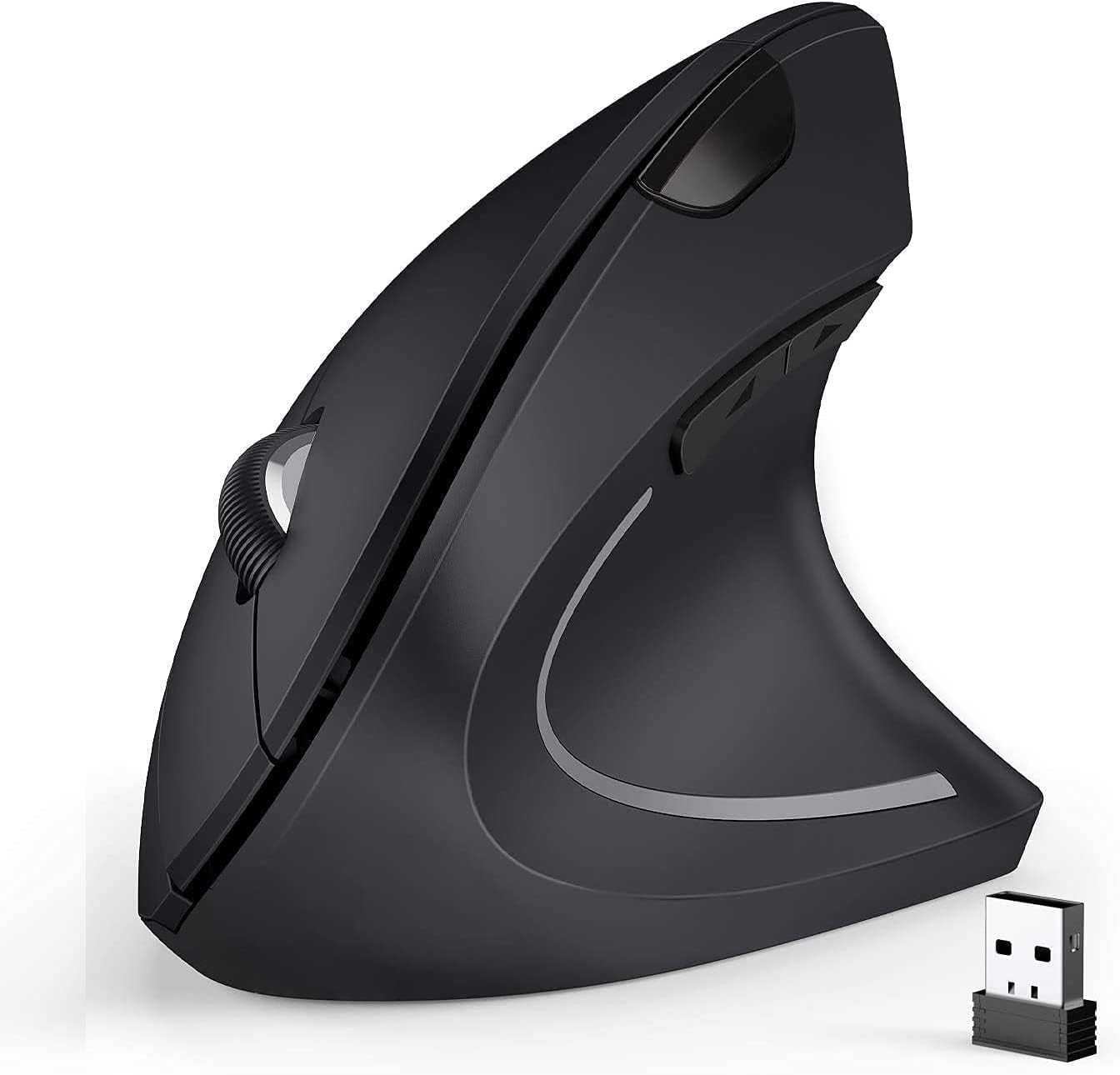
The main idea here is ergonomics. The vertical shape is designed to encourage a more neutral wrist and arm position, with the goal of reducing general tension during computer work. That doesn’t mean it fixes every aching wrist (body comfort is very personal), but if you’ve been looking at alternatives to standard horizontal mice, it’s a sensible direction.
A small real-world detail: the back/forward page buttons are placed for easy use while scrolling and reading. If your routine involves lots of web browsing—opening tabs, jumping back and forth, and moving between pages—those buttons can save effort compared with reaching for keyboard shortcuts.
DPI adjustment: useful, but don’t expect miracles
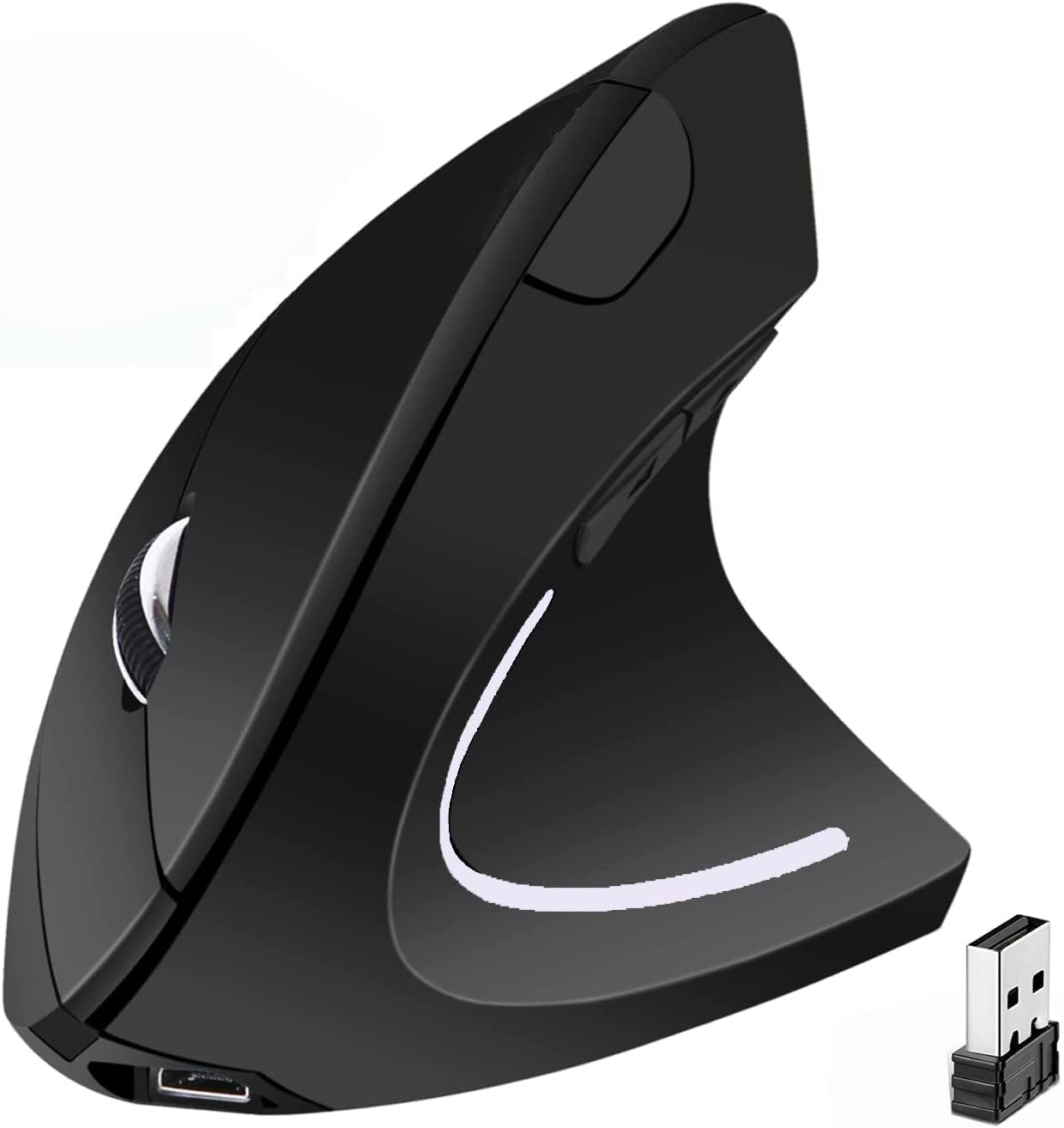
The mouse offers three DPI settings: 800, 1200 and 1600. In practical terms, that means you can nudge how responsive the cursor feels without diving into complicated software. It’s helpful if you swap between tasks (for example, more precise cursor control for reading/small movements, and higher sensitivity for quicker navigation).
Worth noting: the listing doesn’t mention how the DPI changes behave (for example, whether it’s a smooth step or how obvious the change is), so you may need a bit of trial and error to find your preferred level.
Connectivity and setup
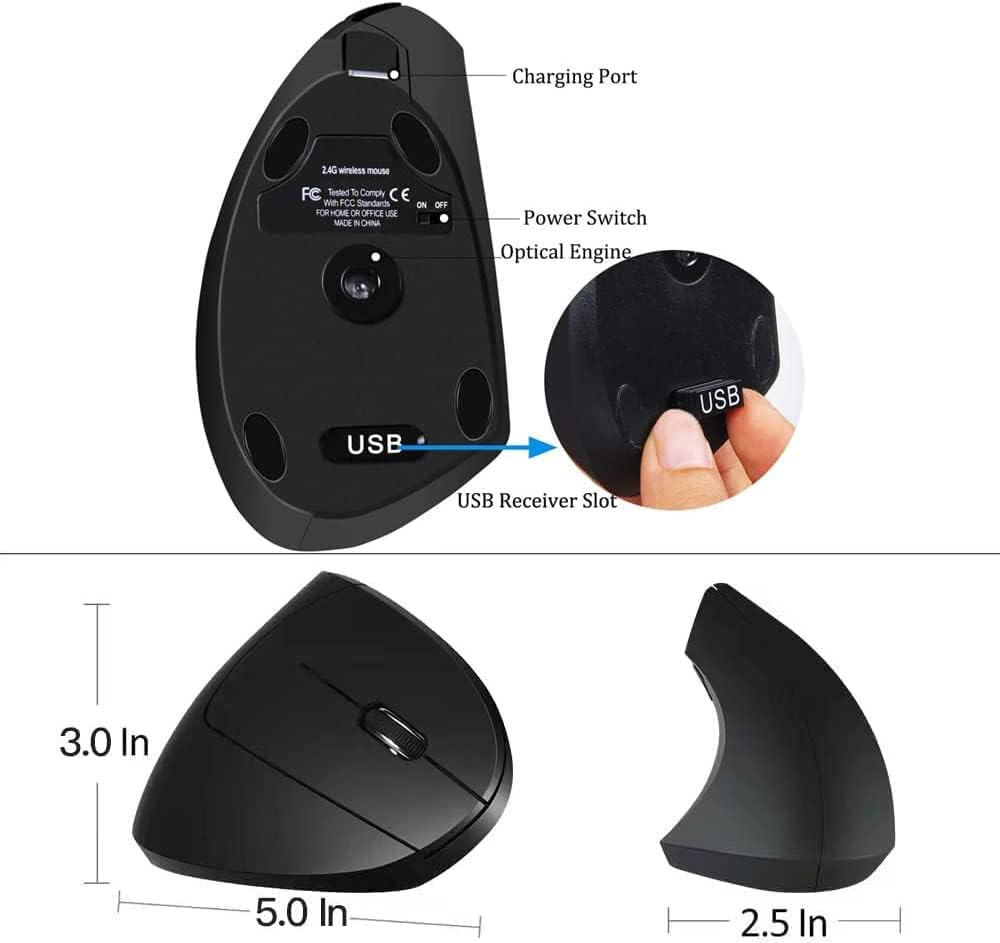
BeWishes uses a 2.4G USB receiver. The setup described is straightforward: plug in the USB receiver and use. The receiver is mentioned as being stored in a small transparent bag inside the box, which is a nice touch if you’re the sort of person who hates digging around for tiny accessories.
If you notice the cursor not moving or behaving as if interrupted, the guidance in the listing points towards battery energy being low—charging fully is the first thing to try.
Buttons and control layout
You’re getting five buttons in total. Two of them are specifically described for “page back” and “page forward”, designed to make web navigation feel more comfortable. The rest of the controls are there for basic cursor actions and standard mouse use.
This layout is the kind you’d expect for someone who wants day-to-day functionality rather than a fully custom gaming-style configuration.
Tech specs (quick, decision-friendly)
- Name: BeWishes Ergonomic Vertical Wireless Mouse
- Type: Ergonomic vertical mouse (wireless 2.4G)
- Format: Rechargeable optical mouse
- Size: Material: plastic
- Display: Not specified
- Resolution: 800/1200/1600 DPI
- Memory: Not specified
Who it’s for (and who should skip it)
It makes sense if you: You spend long stretches at a PC or laptop and want a vertical ergonomic shape aimed at encouraging a more neutral wrist/arm position. You want wireless convenience with a USB receiver and a rechargeable battery, and you prefer adjustable DPI without getting lost in setup steps. You do a fair amount of web browsing and will actually use back/forward page buttons.
It might not be the best match if you: Need highly detailed configuration options or software control (nothing like that is mentioned in the provided info). You’re shopping with the expectation that ergonomics will automatically eliminate discomfort—this is more about improving posture/movement comfort than a medical guarantee.
What to check before you buy
Before committing, it’s worth double-checking your own workflow and comfort preferences. If you’ve never used a vertical mouse before, there can be an adjustment period simply because the grip and movement angle are different.
Also, plan for the simple practical side: if the mouse ever feels unresponsive, the listing suggests charging fully as the first troubleshooting step.
Mini FAQ
Does the mouse work via a USB receiver?
Yes. The listing describes a 2.4G USB receiver that plugs in at the bottom of the mouse, allowing you to use it.
Is it rechargeable, or does it take batteries?
It’s rechargeable with a built-in rechargeable battery, so you shouldn’t need to buy batteries for ongoing use.
What DPI settings are available?
It’s listed as adjustable across 800, 1200 and 1600 DPI.
Which devices and operating systems is it for?
The listing states broad compatibility including Windows 2000 / XP / Vista / 7 / 8 / 10 and Linux, plus “other systems” (exact OS support isn’t itemised beyond that).
Is the vertical design actually meant to help?
The intent is to encourage neutral wrist and arm positions to reduce general tension. It’s a comfort-focused design rather than a promise that everyone will feel benefits immediately.
Is it worth it?
Buying verdict: If you’re after a rechargeable, wireless vertical mouse with adjustable DPI and practical page navigation buttons, the BeWishes looks like a straightforward comfort-led option for everyday PC, laptop and desktop use.
However, it may not suit you if you want advanced software control or you’re expecting instant ergonomic results without an adjustment period. In that case, you may want to think twice and consider whether you’re ready for a vertical mouse’s different feel.