

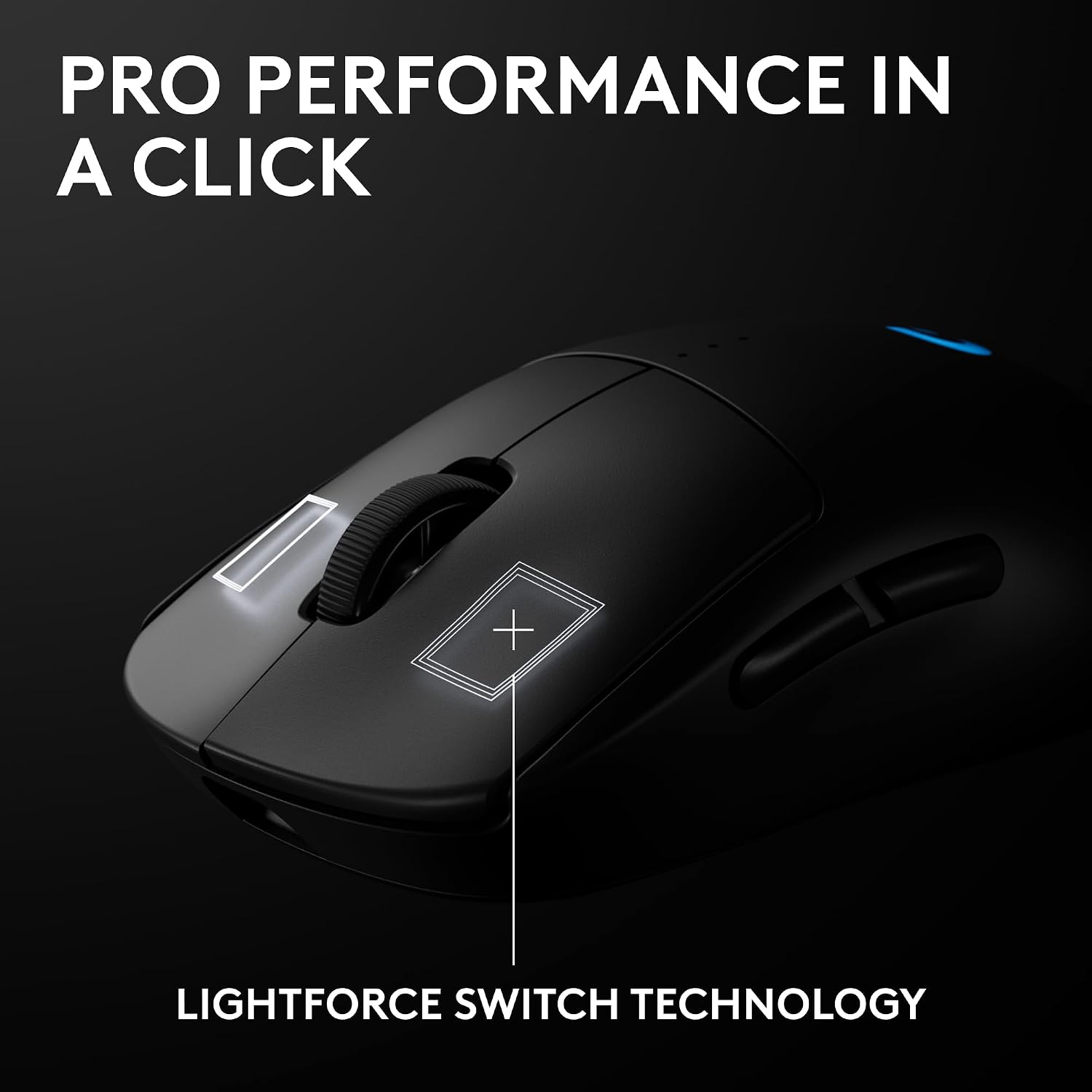
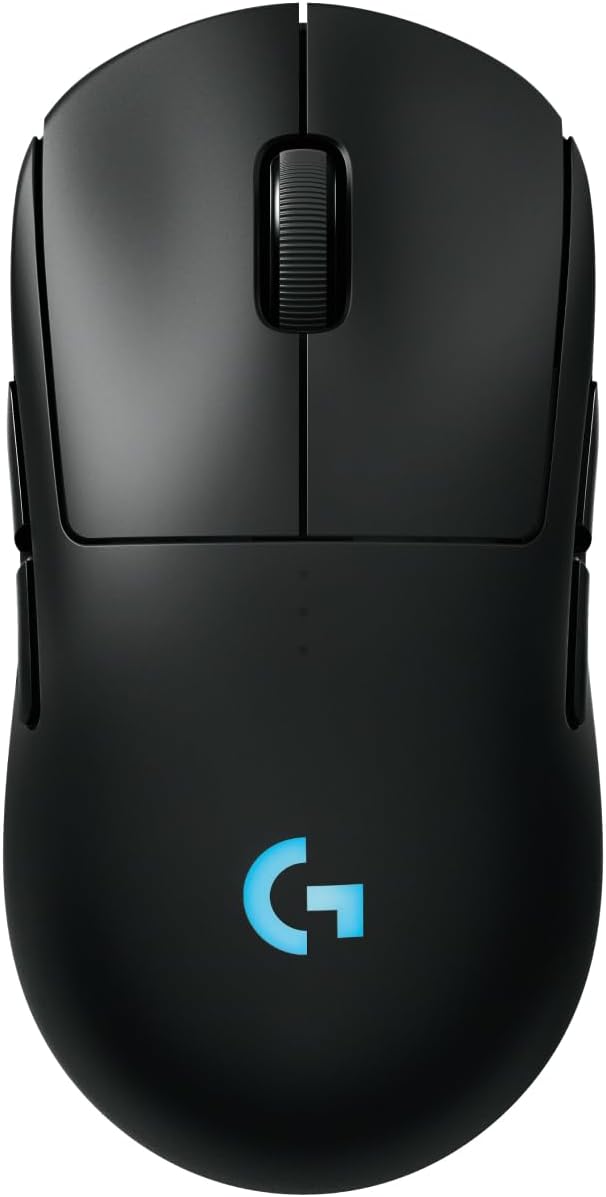
Logitech G PRO 2 Lightspeed Wireless Gaming Mouse review
Product description
What it is and what it’s for
The Logitech G PRO 2 Lightspeed is a wireless gaming mouse designed to appeal to competitive players who want a lightweight, ambidextrous option with highly configurable controls. On the paper, it pairs the precision of a flagship sensor with a fast, tournament-grade wireless connection and a modular design that can be customised to fit either right- or left-handed grips. It’s aimed at PC and Mac users who prioritise accuracy, customisation and reliability in high-intensity play sessions.
Why it matters for gaming accuracy
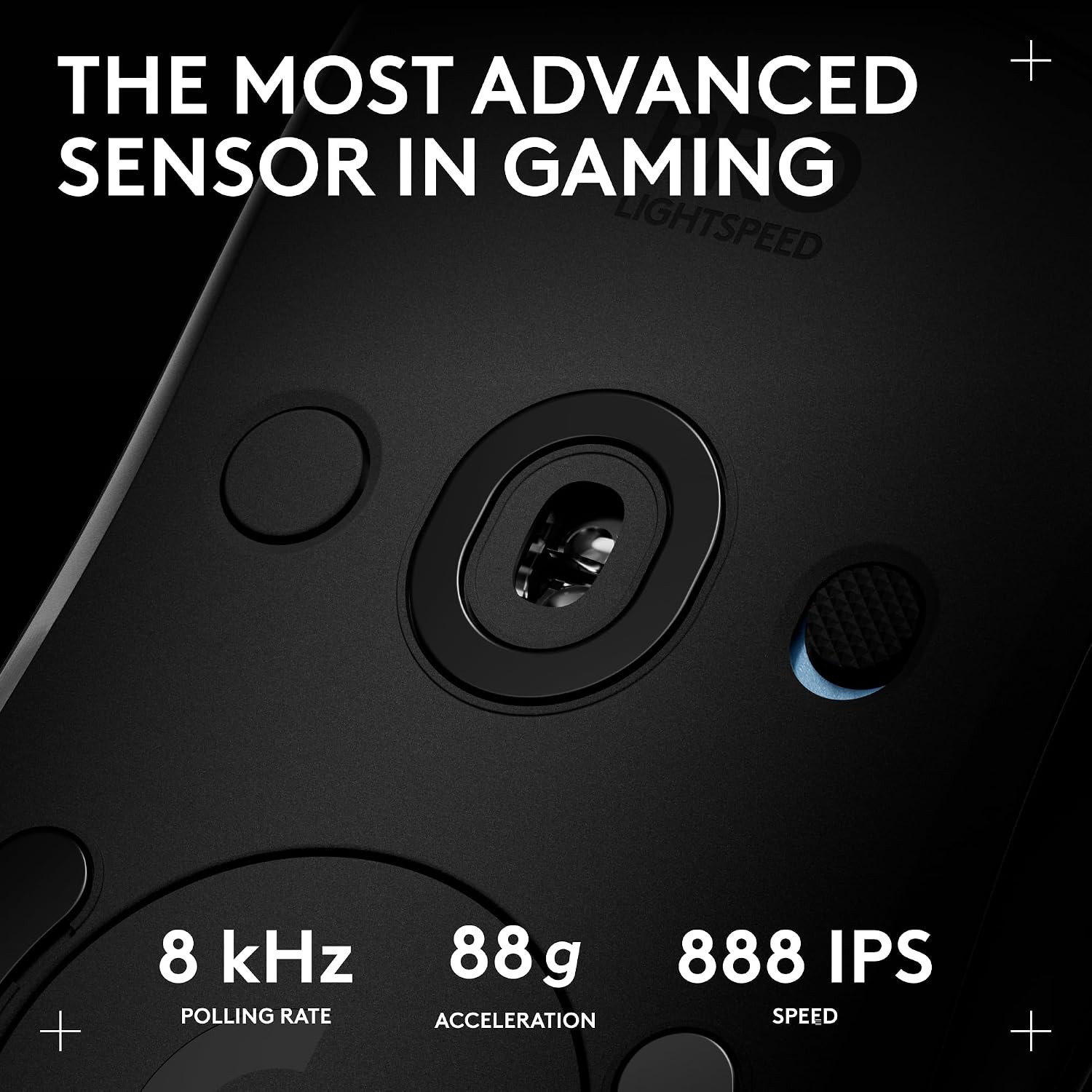
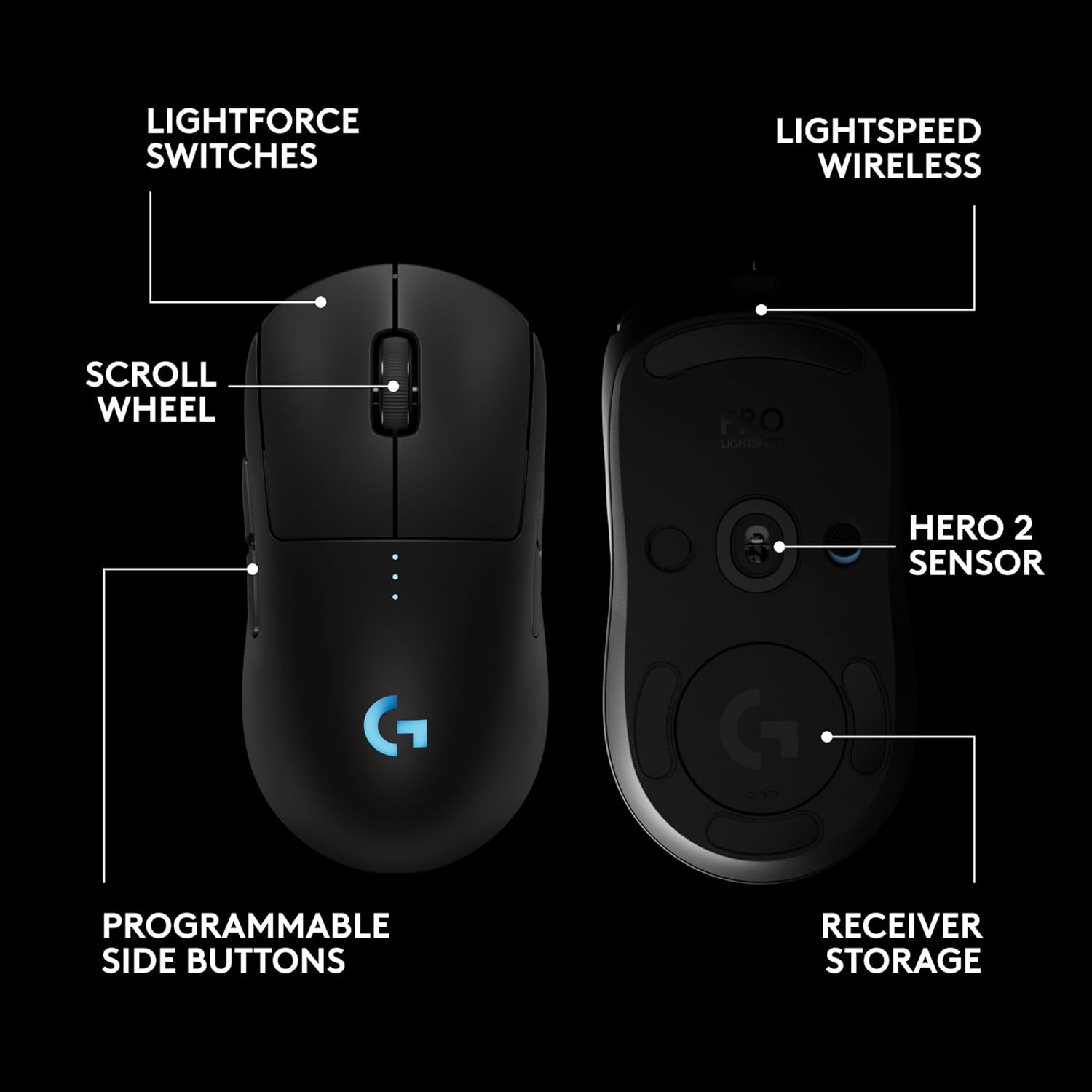
The HERO 2 sensor is positioned as the pinnacle of Logitech’s sensor tech, supporting up to 44K DPI with tracking speeds up to 888+ IPS and acceleration up to 88 g. In practical terms, that translates to fine-grained tracking for precise aiming, and the potential to scale sensitivity without sacrificing control. It’s worth noting that the practical benefit of very high DPI tends to depend on grip, surface, and sensibility, so many players may be perfectly comfortable well below the top end. If you’re chasing pixel-level precision for competitive shooters or MOBA play, this level of spec is a meaningful consideration.
How the wireless experience stacks up
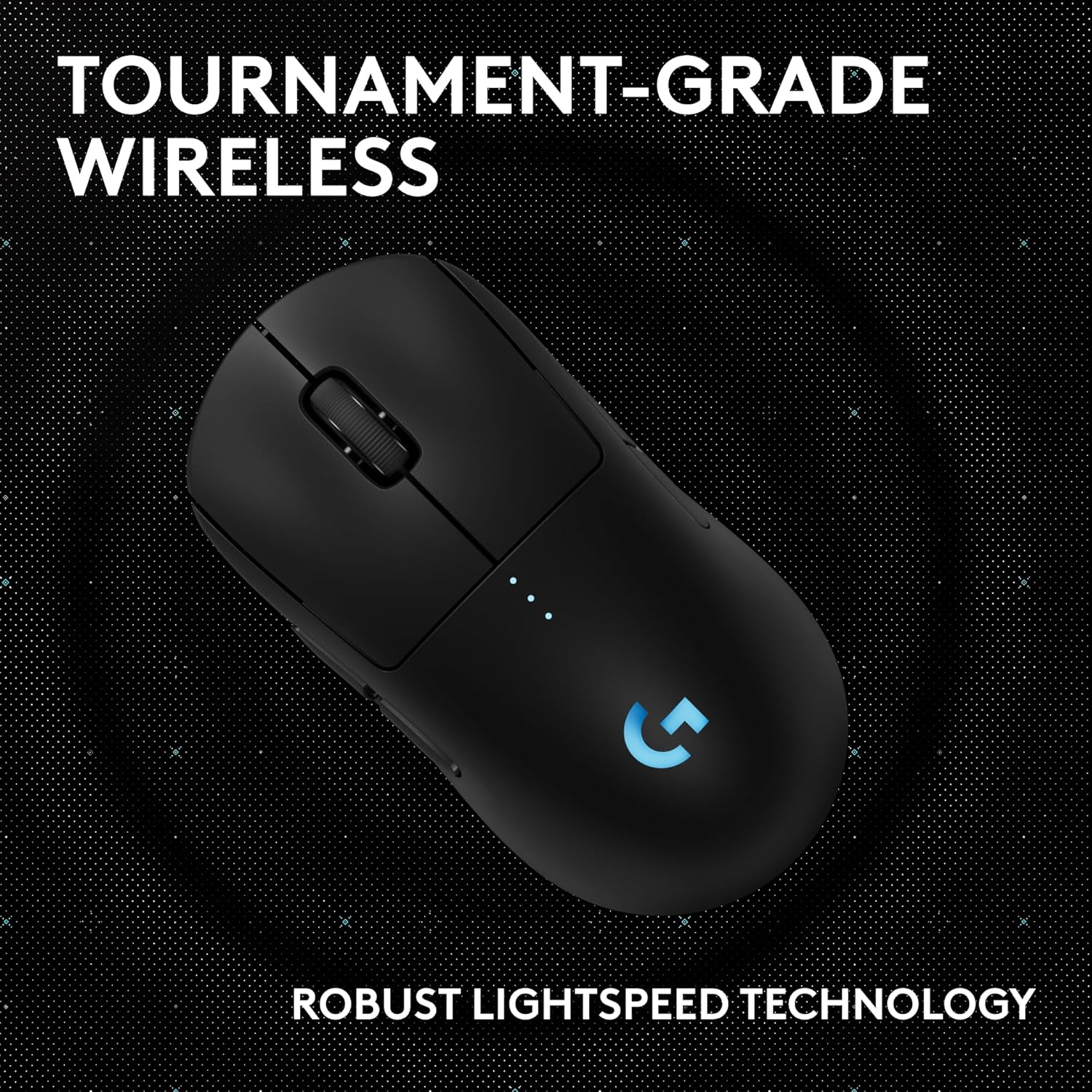
LIGHTSPEED wireless is pitched as tournament-grade, prioritising responsiveness and reliability. For tournament or long practice sessions, the wireless latency and sustained performance matter as much as the sensor. The claim of “undisturbed gaming, wherever you play” is supported by the aim of a responsive connection, though real-world results will vary with your setup, USB port stability and interference.
Design and grip versatility
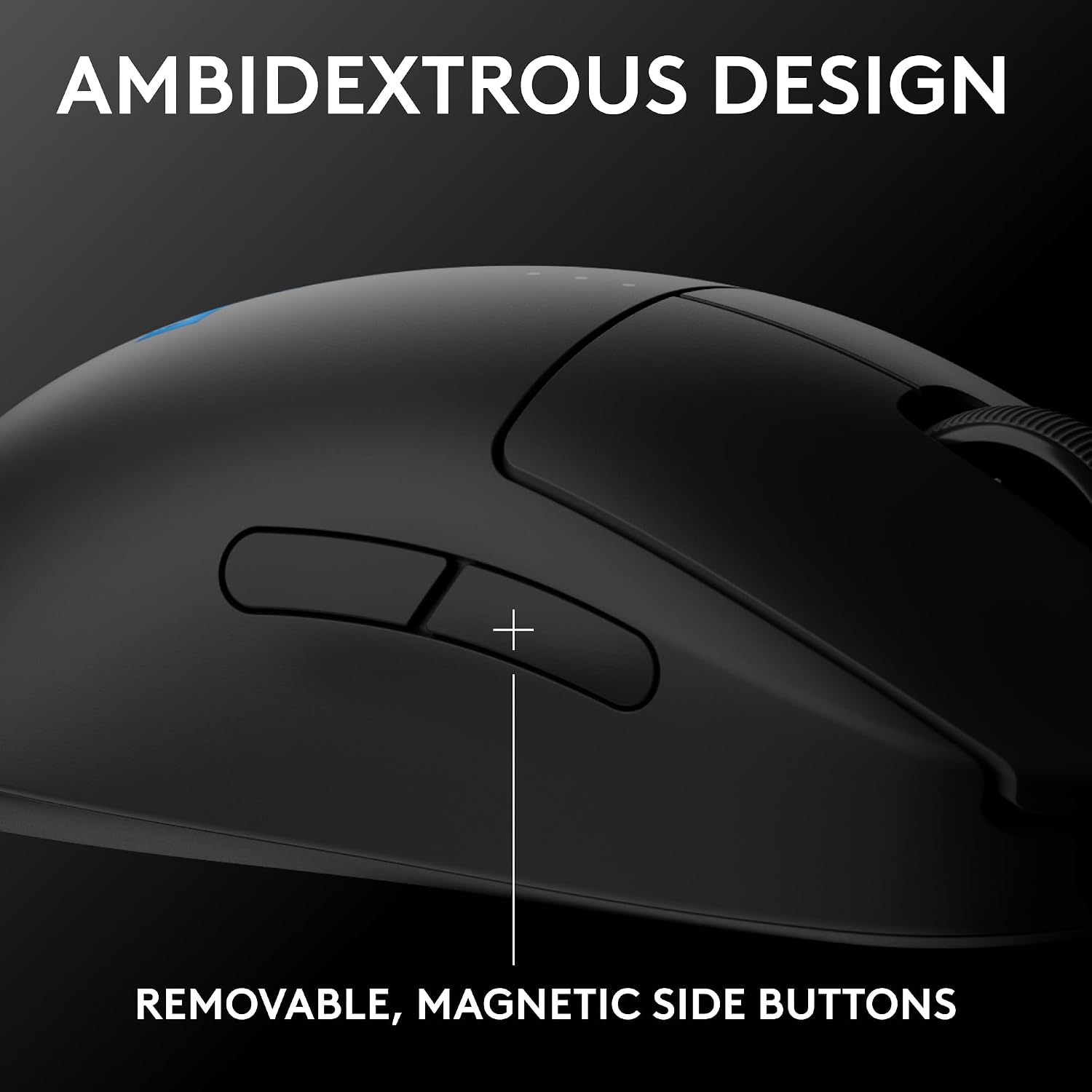
A notable feature is the ambidextrous, modular design with switchable magnetic side buttons. This allows you to configure button layouts for either hand and tailor the placement to your preferred grip style. The magnetic side buttons add convenience, but you’ll want to double-check that the button feel and actuation suit your muscle memory if you’re switching between setups.
Battery life and charging

The mouse promises up to 95 hours of battery life and charges via USB-C. In daily use, battery longevity depends on your DPI, polling rate, lighting, and play cadence. If you tend to play long sessions or tournaments back-to-back, consider charging habits and the potential need for a dedicated charging solution or spare battery routine if you rely heavily on Lightspeed performance.
Software and customisation
Advanced features rely on Logitech G HUB software for configuration, which is standard for this line. If you value per-button macros, custom profiles, and fine-tuned sensitivity steps, you’ll likely appreciate the level of control. For casual users or those who prefer hardware defaults, the out-of-the-box experience remains solid, albeit with fewer personalised options.
What works well in practice
- For players who want a serious, ambidextrous option with professional-grade input and plenty of customisation.
- If you value a strong wireless connection and a durable, modular feel that supports both hands.
- If you’re prepared to invest time in software configuration to unlock the full potential.
What might give you pause
- The emphasis on high-end features means it may sit at the premium end of the spectrum. If you’re on a budget, there are lighter on-paper compromises elsewhere.
- The benefit of very high DPI can be overstated for many players, a lower DPI with solid control often yields better real-world results.
- If you don’t use the G HUB software, you may miss some advanced customisation and profiling features.
Who it’s for and who it isn’t
This mouse suits competitive players who value precision, a flexible grip, and the option to tailor button layouts for either hand. It’s less compelling for casual users seeking a basic, plug-and-play device or for those who aren’t comfortable configuring software profiles.
What to check before you buy
- Confirm your preferred grip and whether the ambidextrous layout aligns with your muscle memory.
- Consider how often you’ll need to rely on custom profiles and whether you’re prepared to use G HUB for full feature access.
- Ensure your PC/Mac setup supports USB-C charging and maintains stable wireless performance with your desk setup.
Practical example in use
Imagine a high-stakes practice session where you frequently swap between long-range precision and quick-flick close-ups. The PRO 2 Lightspeed, with its modular sides and high-precision sensor, can be tuned to suit both tasks. Set one profile for sniper-like accuracy with medium DPI and another for rapid toggling with higher button responsiveness, then switch between grips without fumbling for a different control scheme.
The decision in one glance
Is it worth it? If you prioritise pro-level accuracy, ambidextrous versatility and the ability to tune a large range of inputs for high-intensity play, this mouse makes sense. If you’re on a tighter budget or don’t need tournament-grade wireless responsiveness, you might prefer simpler, more affordable options or a non-ambidextrous layout.
FAQ
- Do I need G HUB to use the PRO 2 effectively? You can use basic functions without it, but advanced features require G HUB for full access.
- How important is the 44K DPI figure? DPI is one factor, most players won’t benefit from maximum DPI. It’s the ability to customise precisely that matters.
- Can it be used as a left-handed mouse? Yes, it’s designed to be ambidextrous with switchable magnetic side buttons.