


Wired PC Gaming Mouse 7-button, Adjustable DPI 🖱
Reviews
Price
Product description
This ONIKUMA gaming mouse brings ergonomic comfort and programmable controls to both office work and gaming sessions, combining RGB lighting with a high precision optical sensor for responsive tracking. With adjustable DPI and seven programmable buttons, it adapts to everyday tasks and faster-paced gameplay without complex setup.
Key Points
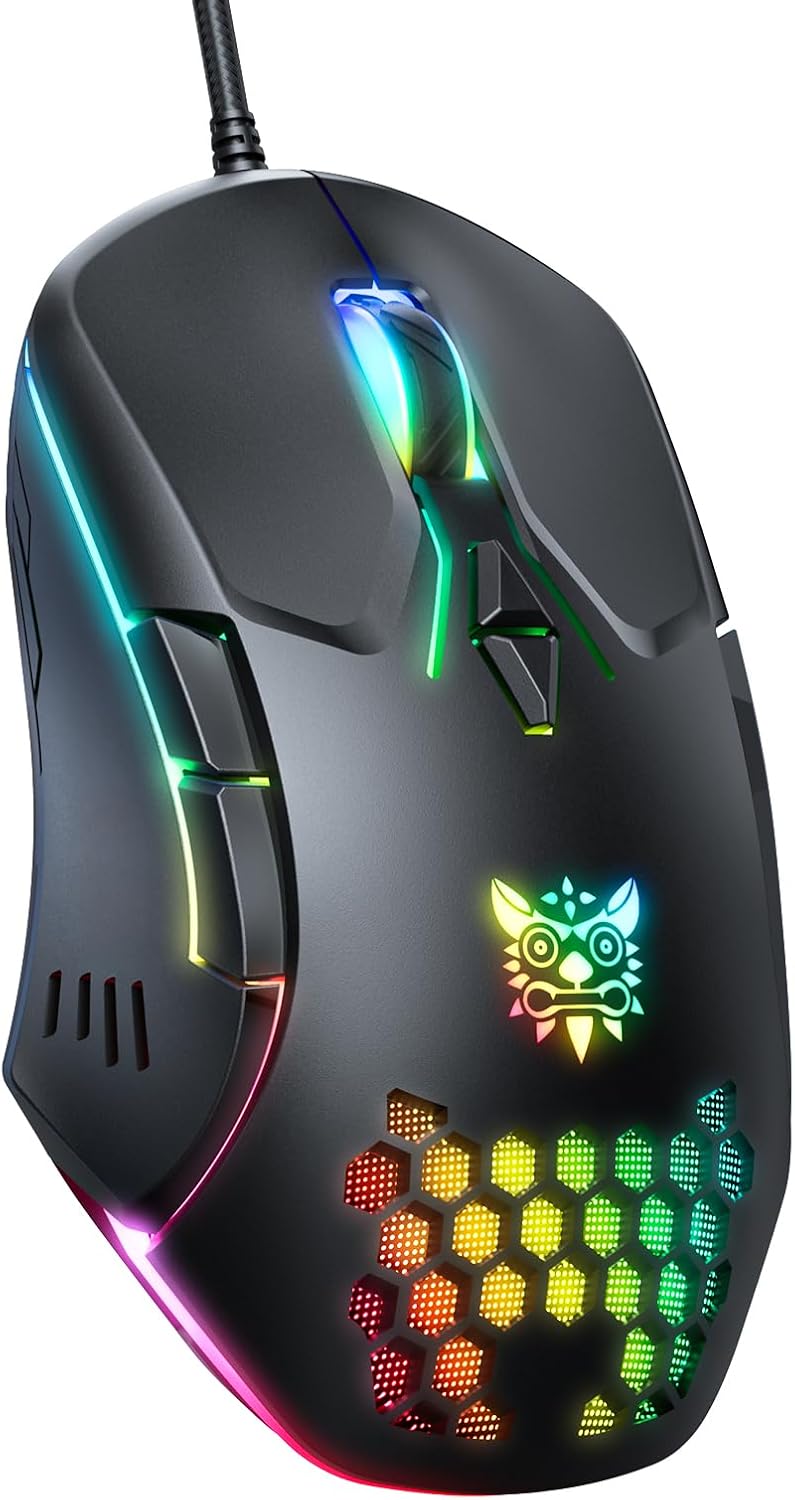
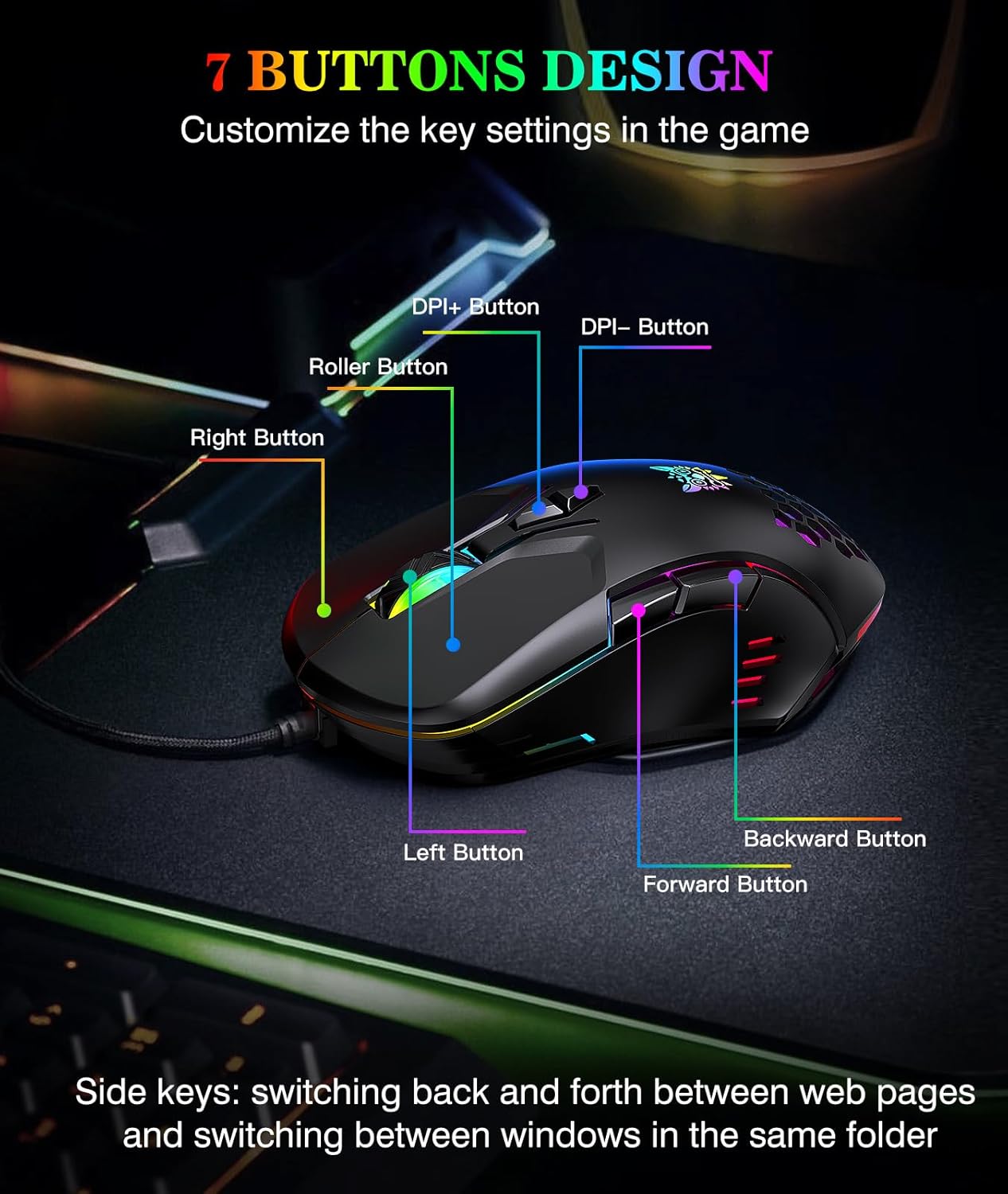
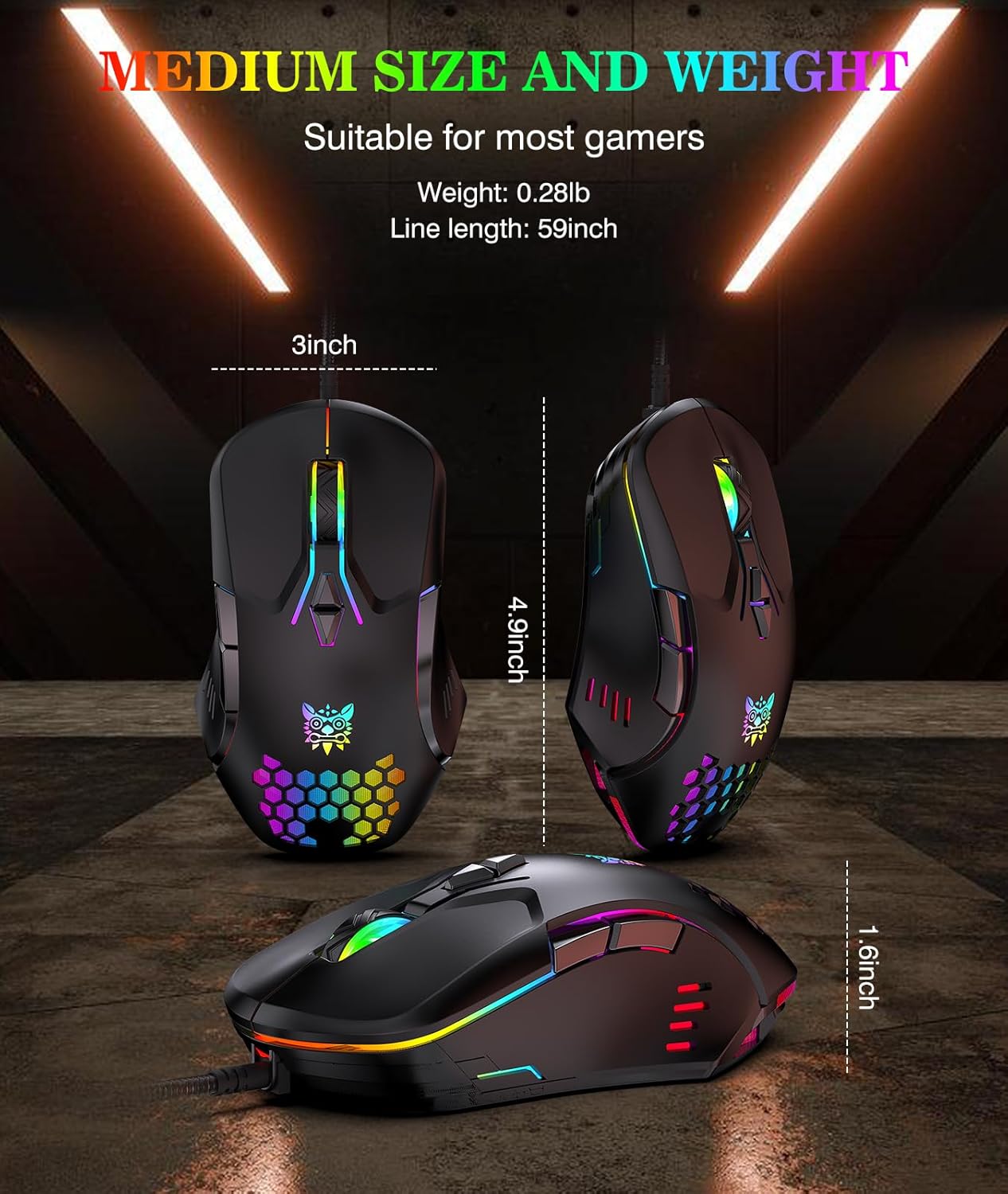
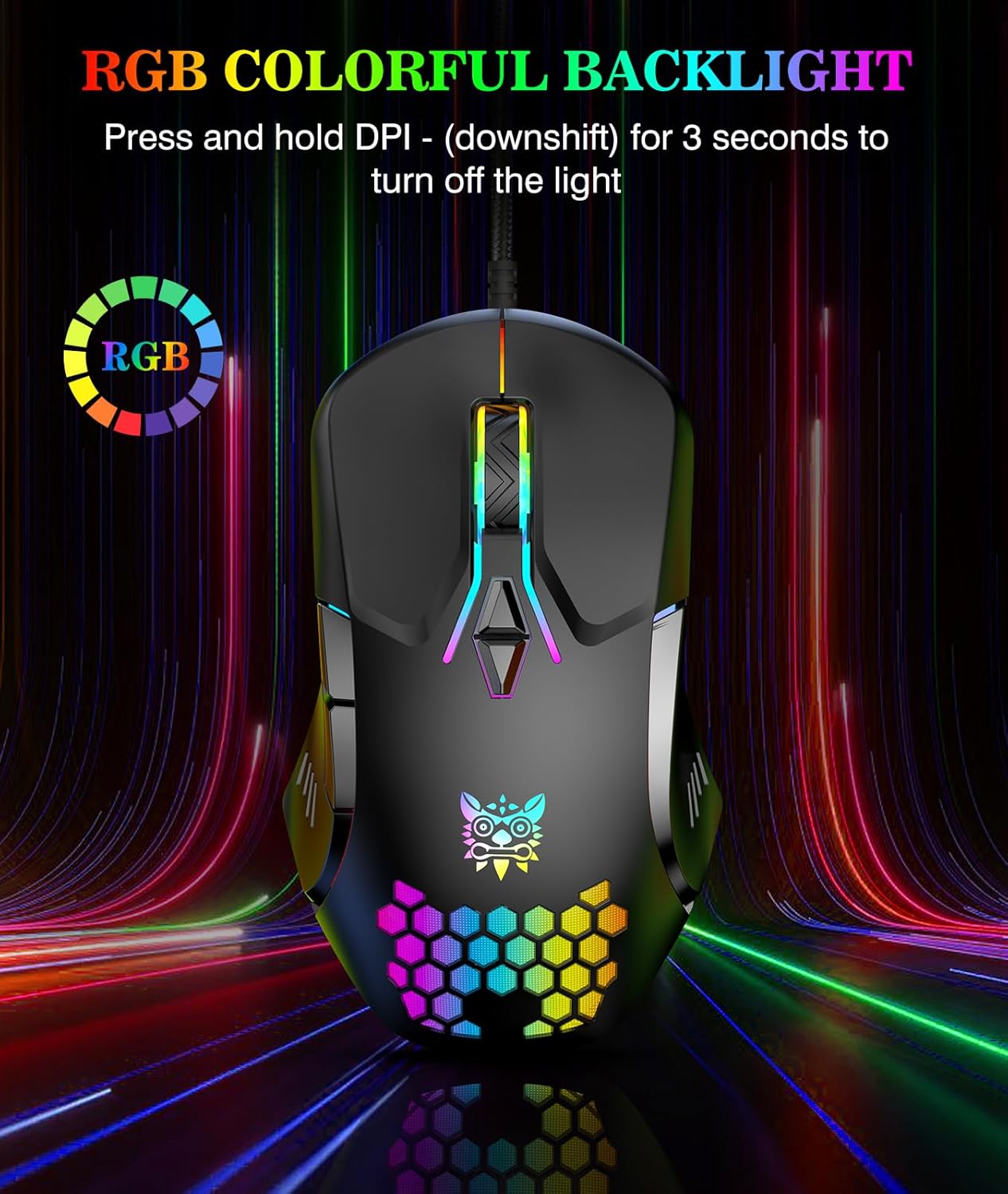
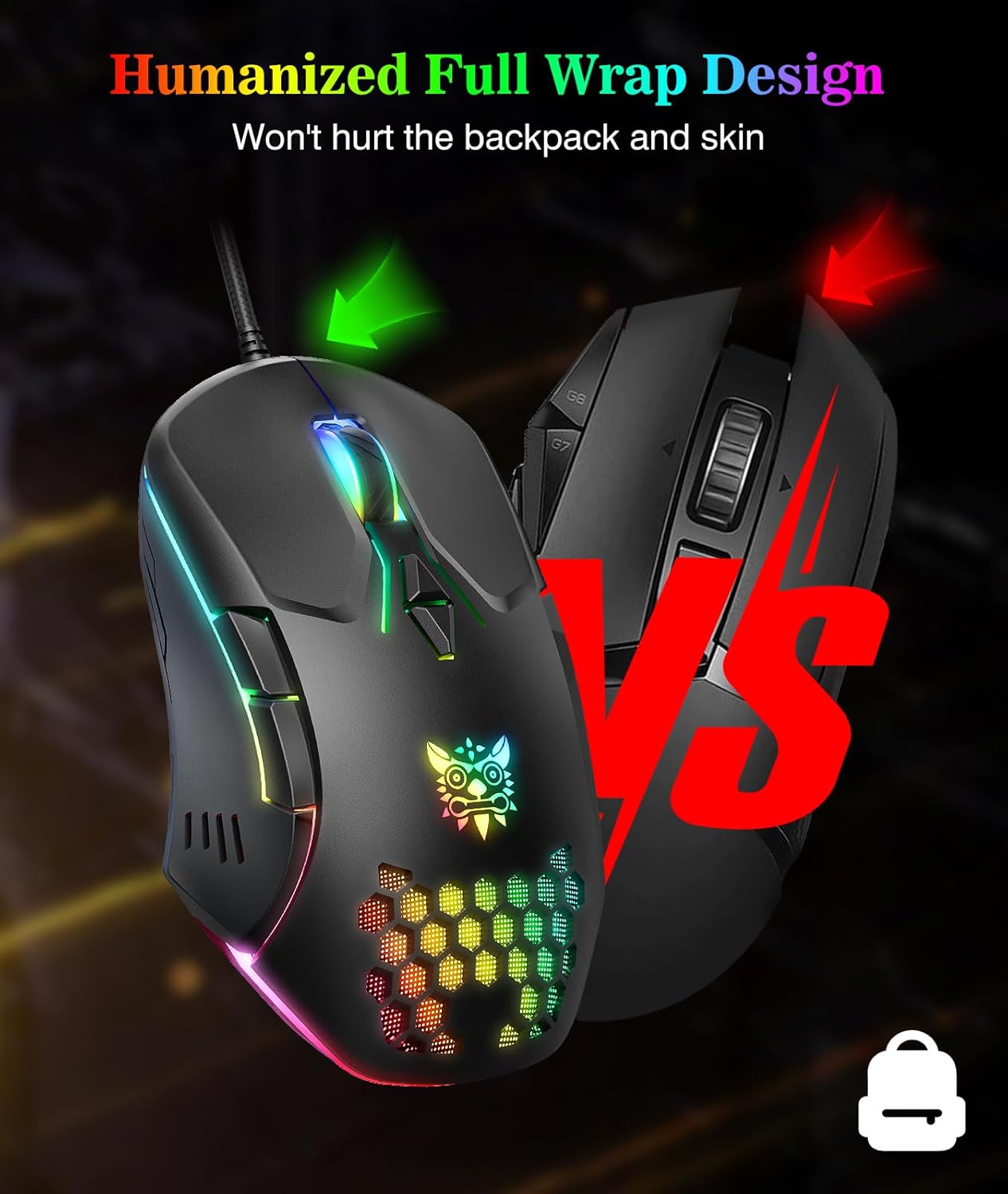
The mouse features dynamic gradient RGB lighting that cycles automatically and can be dimmed by holding the DPI buttons for three seconds, making it easy to match your desk setup or reduce distraction during late sessions. It has an ergonomic matte finish and a contoured shape that fits the palm with a breathable surface for extended use. Plug and Play compatibility covers a wide range of systems, including Windows, Mac and Linux, via a standard USB connection. The seven-button layout includes forward and back buttons plus DPI up and down, letting you map macros or shortcuts for productivity and games alike. Note that DPI resets to 1200 when the device is reconnected, according to the manufacturer.
Benefits
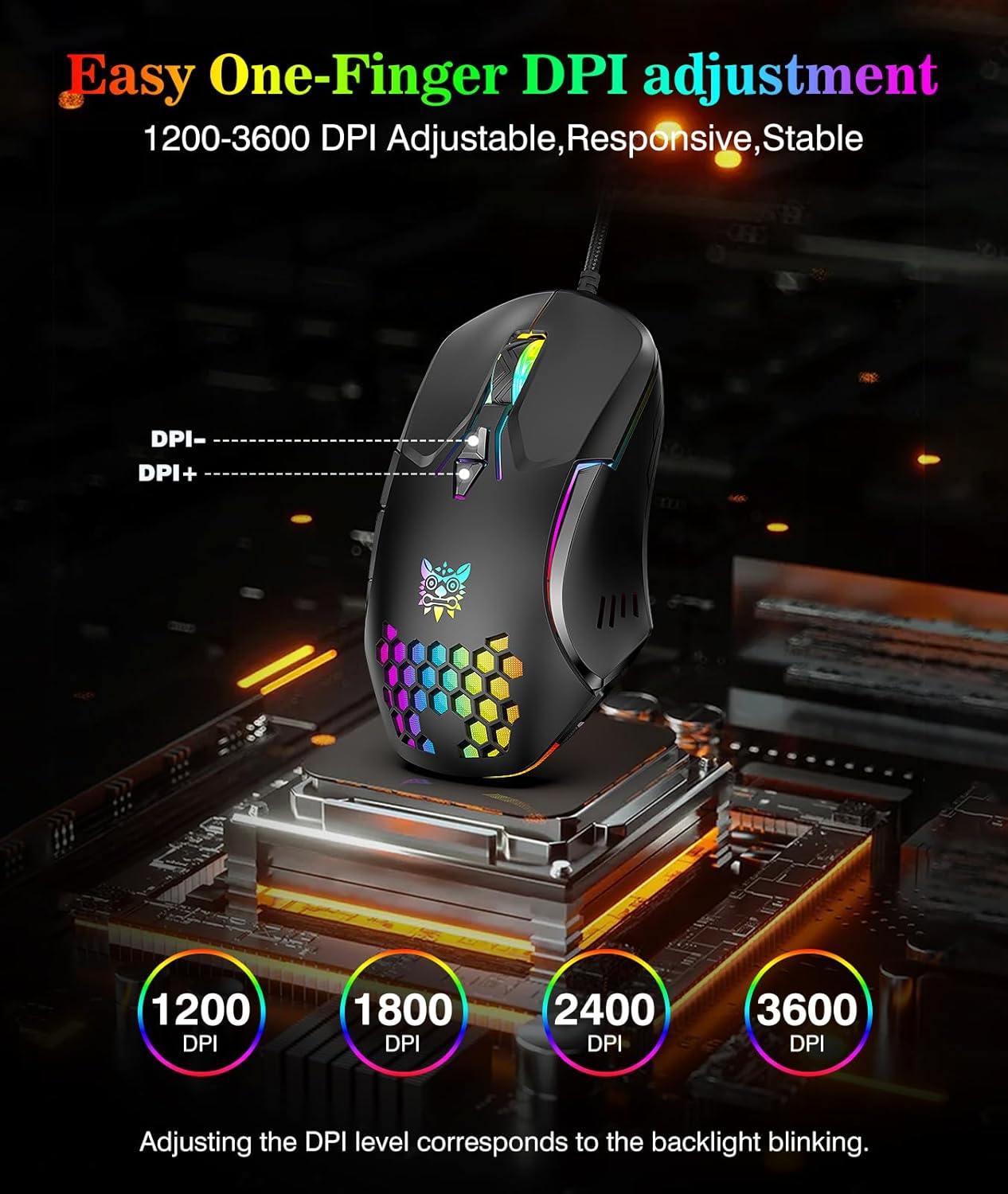
This mouse reduces the need for frequent adjustments thanks to four DPI presets between 1200 and 3600, which let you switch quickly from precise aiming to faster cursor movement. The additional buttons streamline navigation and can speed up repetitive tasks in the office environment. The RGB adds a visual flair but can be switched to low-light mode when you prefer a subtler look, which is helpful for late-night work or streaming. ONIKUMA GAMING Wired PC Gaming Mouse emphasises usability and affordability, offering a straightforward way to upgrade a basic setup without installing extra software. 🎮✨
Technical Specifications
- Name: ONIKUMA GAMING Wired PC Gaming Mouse
- Sensor type: Optical high precision sensor
- DPI: 1200, 1600, 2400, 3600
- Buttons: 7 programmable buttons (left, right, middle, forward, back, DPI+, DPI-)
- Connection: USB, Plug and Play
- Compatibility: Windows 98/2000/ME/NT/XP/7/8/10, Mac, Linux, Chrome
Usage Recommendations
For gaming, start with 2400 or 3600 DPI for faster aim and switch down to 1200 for precision shots. In productivity workflows, assign browser navigation or application shortcuts to the forward and back buttons to save time. If the lighting becomes distracting during streaming or focused tasks, hold the DPI buttons for three seconds to activate low-light mode, which turns the RGB indicators into a gentler glow. Consider that the DPI setting will revert to 1200 after reconnecting the USB, so check the indicator light when you plug it in to ensure your preferred setting is active. 🎯