

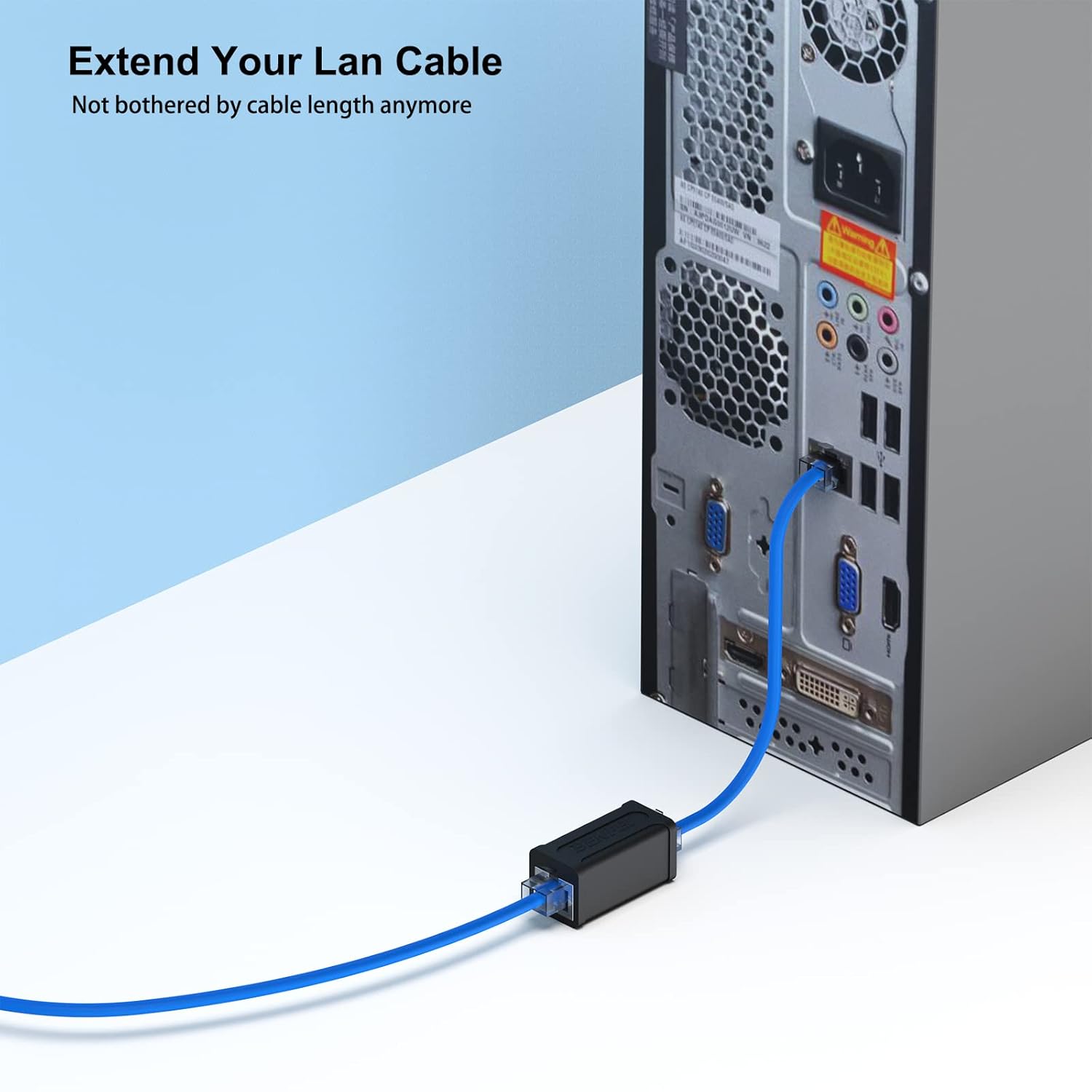
BENFEI RJ45 Inline Coupler (5 Pack) – Female to Female for Cat7/6/5e Ethernet
Product description
What it is
The BENFEI RJ45 Inline Coupler is a 5-pack of female-to-female Ethernet couplers designed to extend network cables by joining two shorter cables. It supports Cat7, Cat6, Cat5e and Cat5 standard Ethernet cables, and it is described as capable of speeds up to 10 Gbps on compatible cabling.
How it works
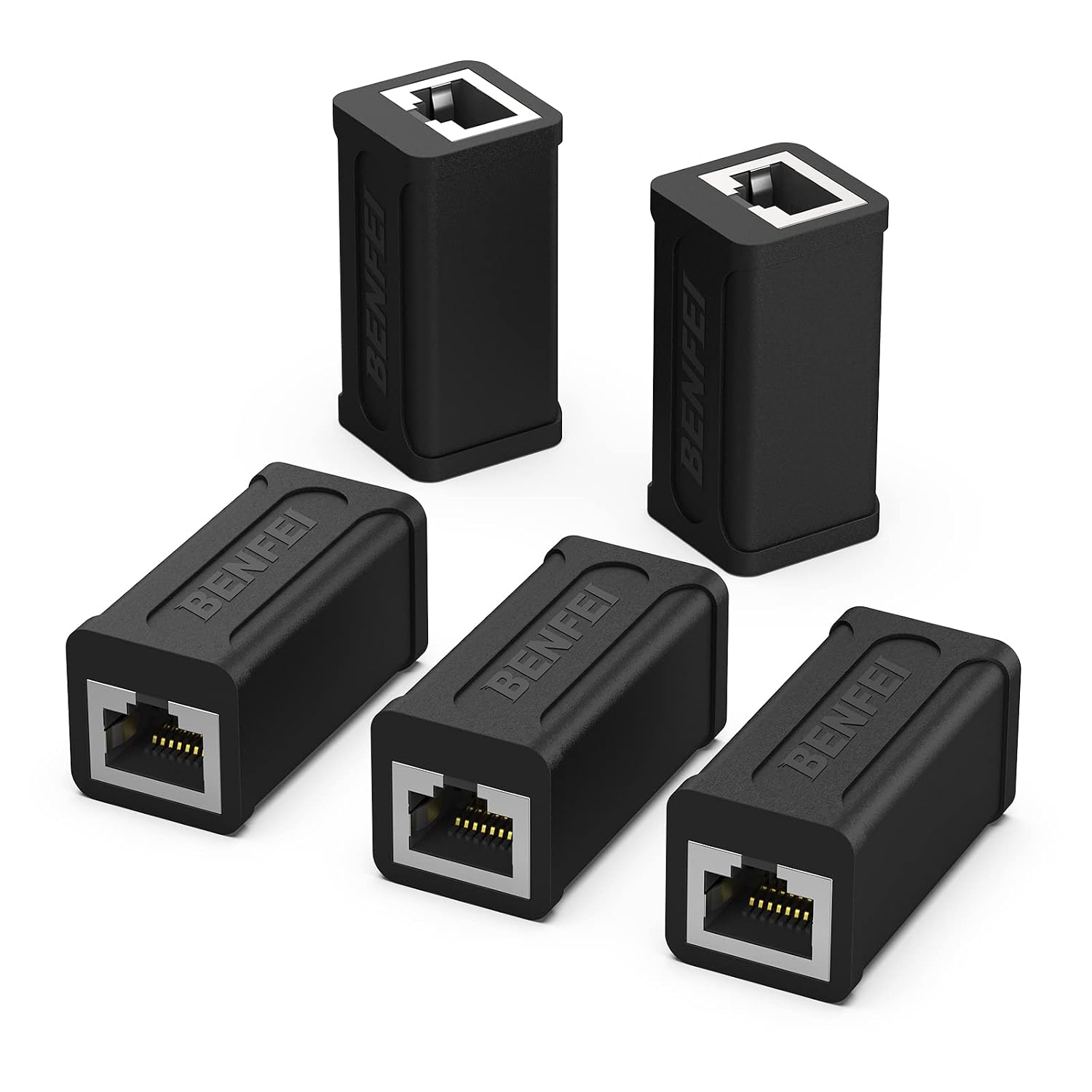
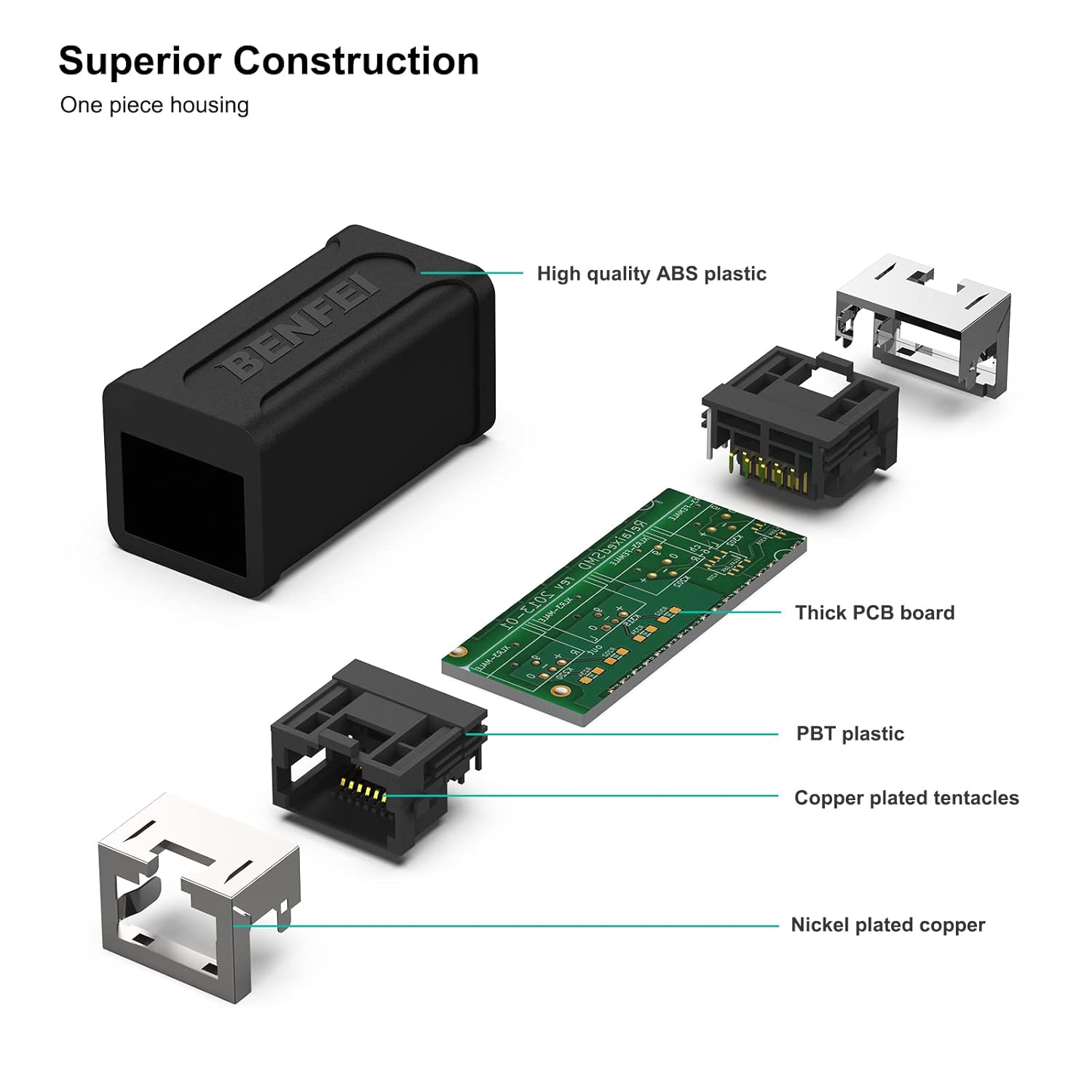
Each coupler is a small inline jack with nickel-plated contacts and a snap-in retaining clip to hold the connection securely. The idea is straightforward: you connect two Ethernet leads end-to-end so you can reach a device or a network point without replacing existing cabling. The unit is designed to be RoHS compliant and to meet Category 6 performance standards in line with the TIA/EIA 568-C.2 specification.
What to like about it
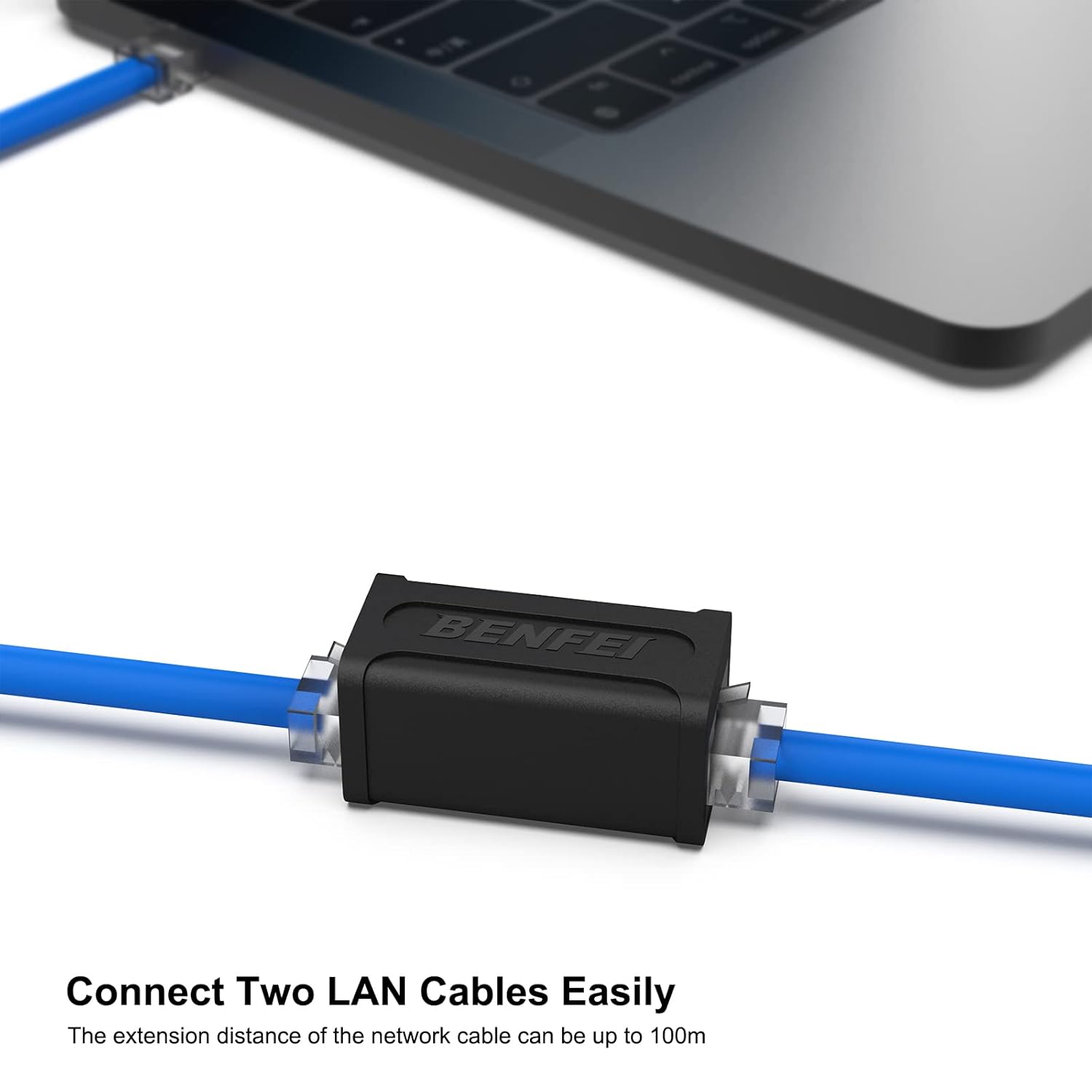
On paper, the appeal is practical: a bulk pack for a tidy, low-cost way to extend runs in home or small office environments. The nickel plating aims to resist corrosion and maintain a reliable contact over time, which helps in maintaining signal integrity in short-to-medium extension scenarios. If you’re working with mixed cable types (Cat5e, Cat6, Cat7), having a single, compatible inline connector can simplify installations where extra length is needed without changing the existing cables.
Potential drawbacks
It isn’t a substitute for longer, purpose-built runs or higher-end infrastructure upgrades. Signal loss and interference can accumulate with any inline extension, especially on longer cables or in areas with EMI. While it is advertised as supporting up to 10 Gbps, real-world performance depends on the whole chain (cable quality, length, and environment). Also, being a generic inline connector, it may not be the best choice for critical or high-uptime networks where every connection matters.
Who it’s for
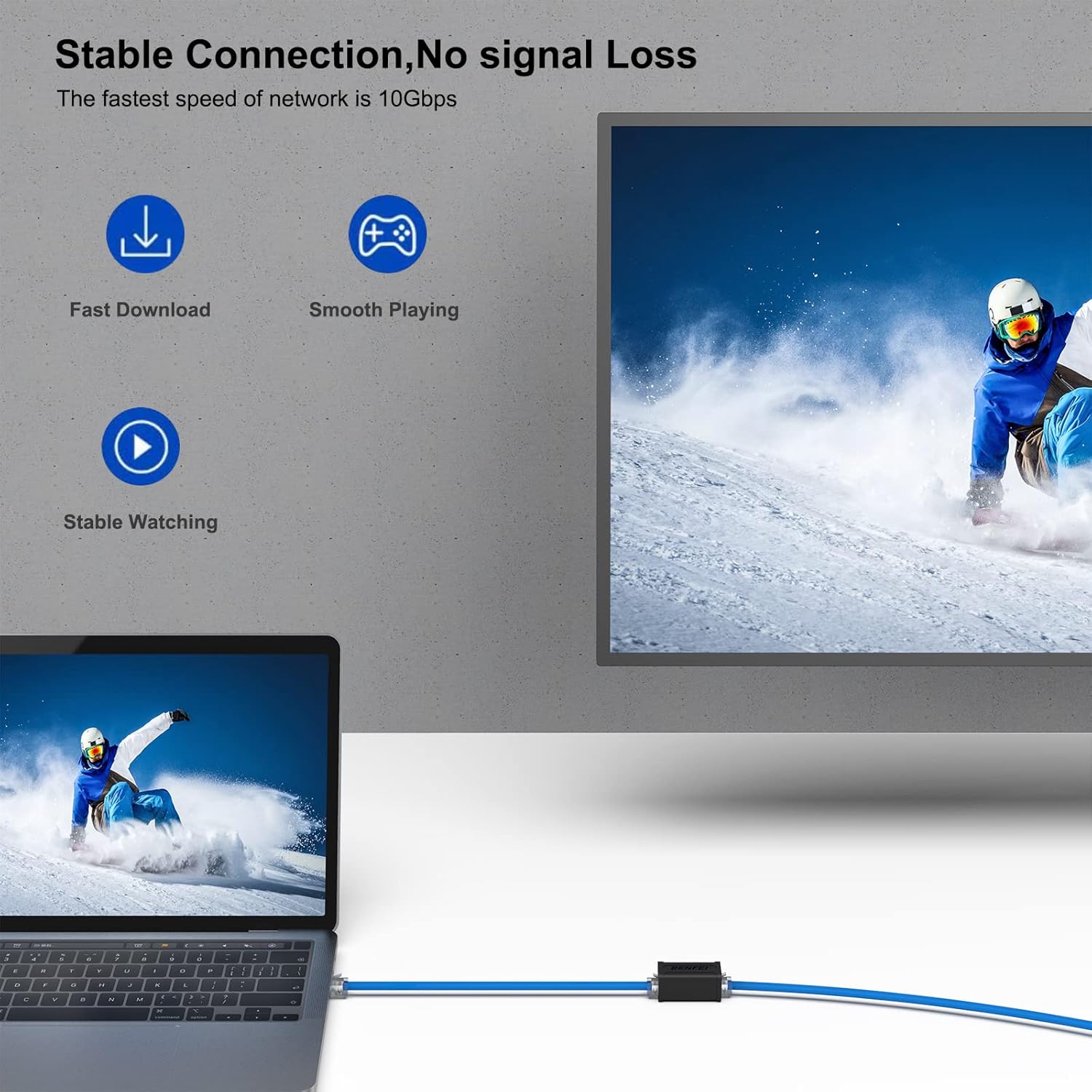
This 5-pack is reasonable for households or small offices needing occasional cable extensions, repairs, or temporary setups. It can be a handy spare in a tech desk drawer for quick fixes or temporary lab setups where you don’t want to re-run cables. If you prioritise simplicity and value, and your network tasks are within standard Ethernet ranges, it could be a sensible option.
When it may not be the best option
If you’re dealing with high-performance or longer network runs, or you require guaranteed low-latency connections for critical tasks, a fixed-length cable with properly terminated connectors or a higher-quality patch panel approach may be preferable. If the environment has significant interference or you rely on peak speeds consistently, you may notice limitations with inline extenders.
What to check before buying
- Confirm compatibility with your existing cables (Cat5e/Cat6/Cat7) and the intended length of the extension.
- Consider the environment: in dusty or humid spaces, ensure the connectors remain clean and secure.
- Think about physical route and ease of use, snap-in clips should hold firmly without excessive force.
- If you rely on gigabit or 10 Gbps performance, test the connection after setup to ensure the chain remains within expected performance.
Practical use case
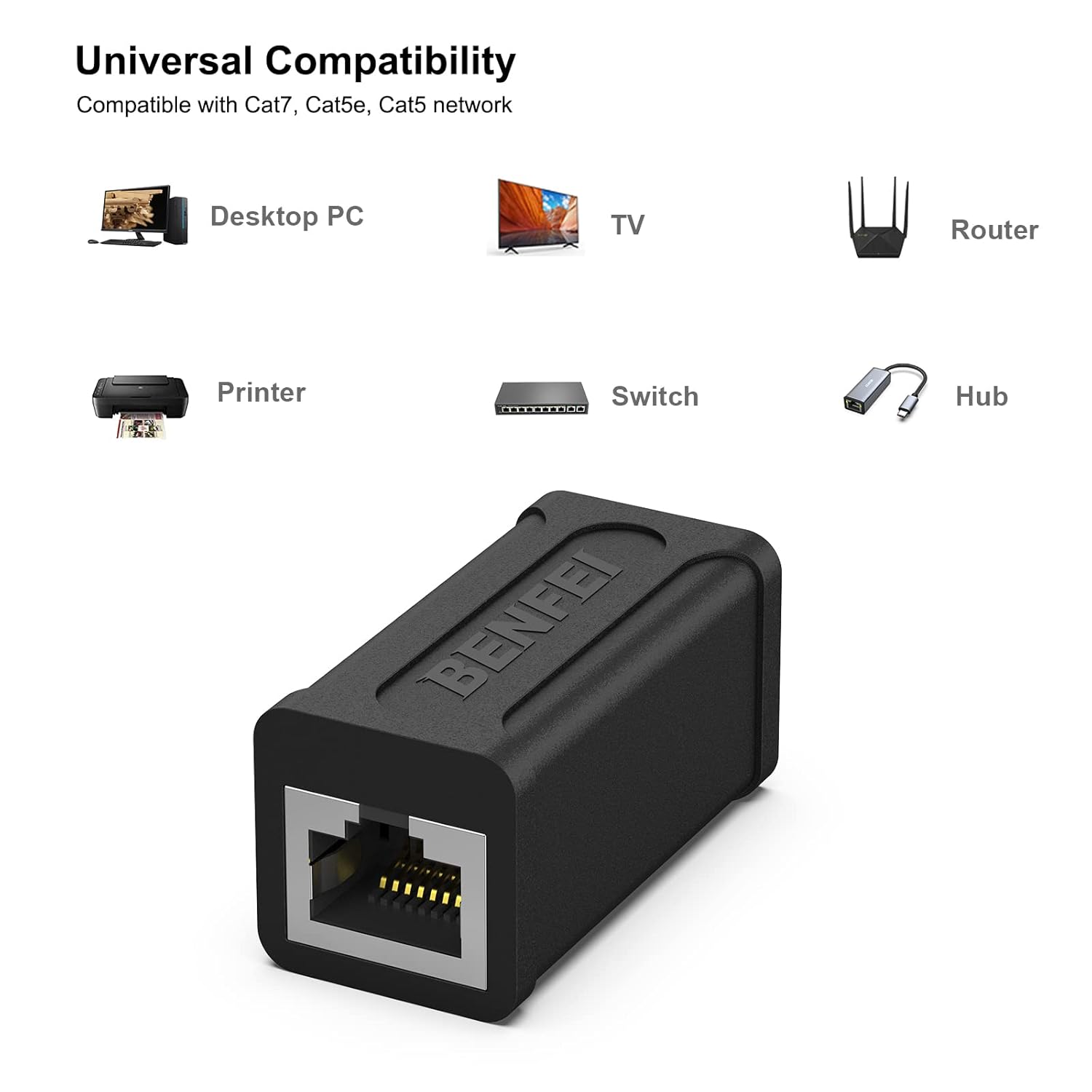
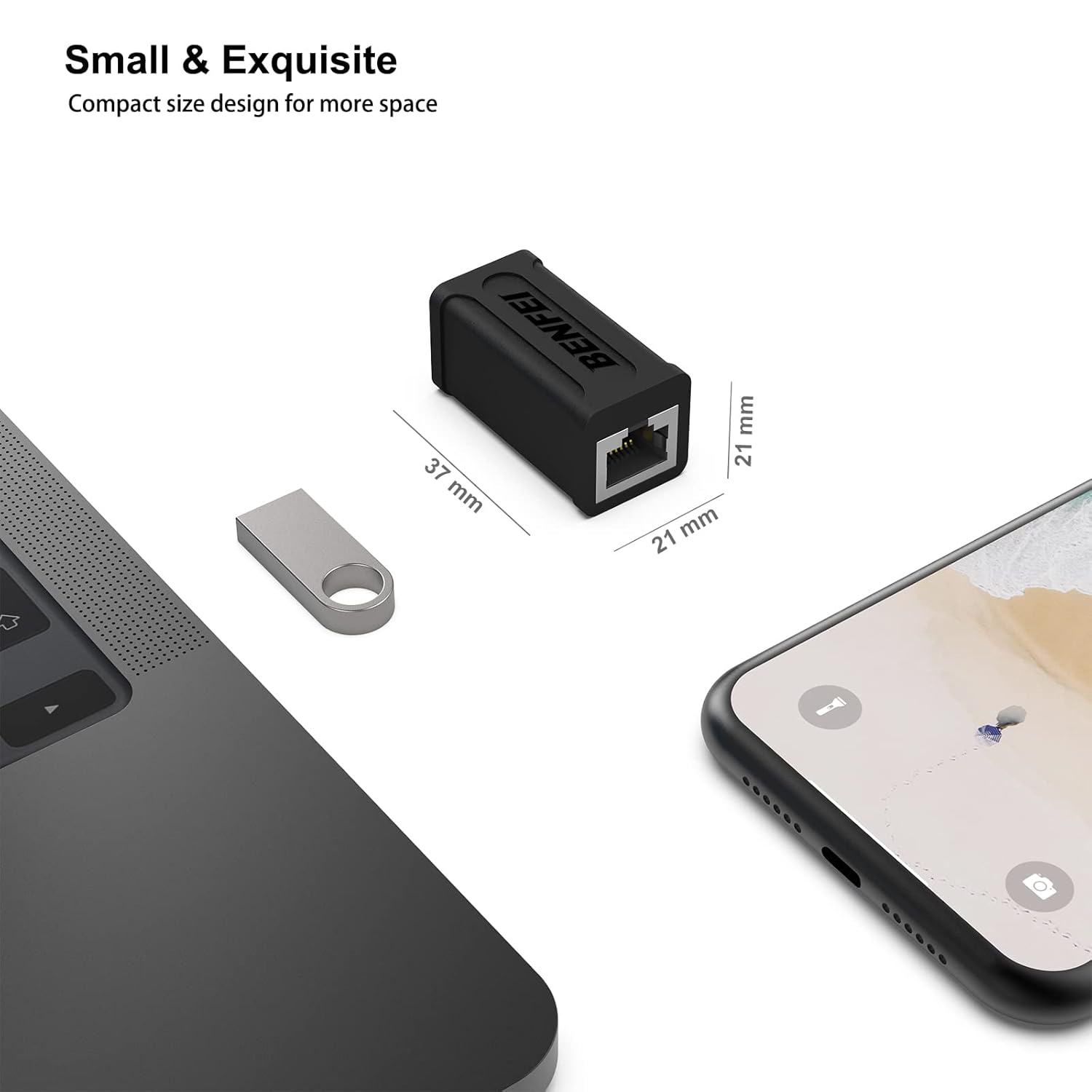
Imagine you’ve got a wall-mounted network outlet but a short run of Ethernet cable between a desk and a printer. Rather than swapping cables or reworking the pathways, you can use one or more couplers from this 5-pack to bridge the gap neatly. It’s not a glamour solution, but it works when a quick extension is all that’s needed and the surrounding cabling is of decent quality.
The essentials
In summary, the BENFEI RJ45 Inline Coupler provides a low-cost, simple extension solution for mixed-category cables with a focus on practical use rather than high-end networking performance. It’s best viewed as a convenient add-on for non-critical connections and occasional extensions rather than a premium networking upgrade.
Final verdict
Is it worth it? Worth considering if you need flexible, affordable extensions for everyday Ethernet use and you’re comfortable with realistic expectations about performance limits. If your priority is reliability under heavy traffic or you require certified high-speed performance in every link, you may want to scrutinise the setup and consider alternatives.
FAQ
- Can I use these to connect Cat7 to Cat5e? Yes, it supports connections between Cat7, Cat6, Cat5e and Cat5 cables.
- Will this improve my Wi‑Fi speed? No—these are wired extensions, they don’t affect wireless speed directly but can be helpful for wired backhaul or devices that use Ethernet.
- Do I need special tools to install? No additional tools are required beyond standard Ethernet cables and devices to connect.