

SYONCON WiFi 6E AX210 NGW laptop WiFi card with Bluetooth 5.3 (M.2 NGFF, tri-band)
Reviews
Price
Product description
Quick overview
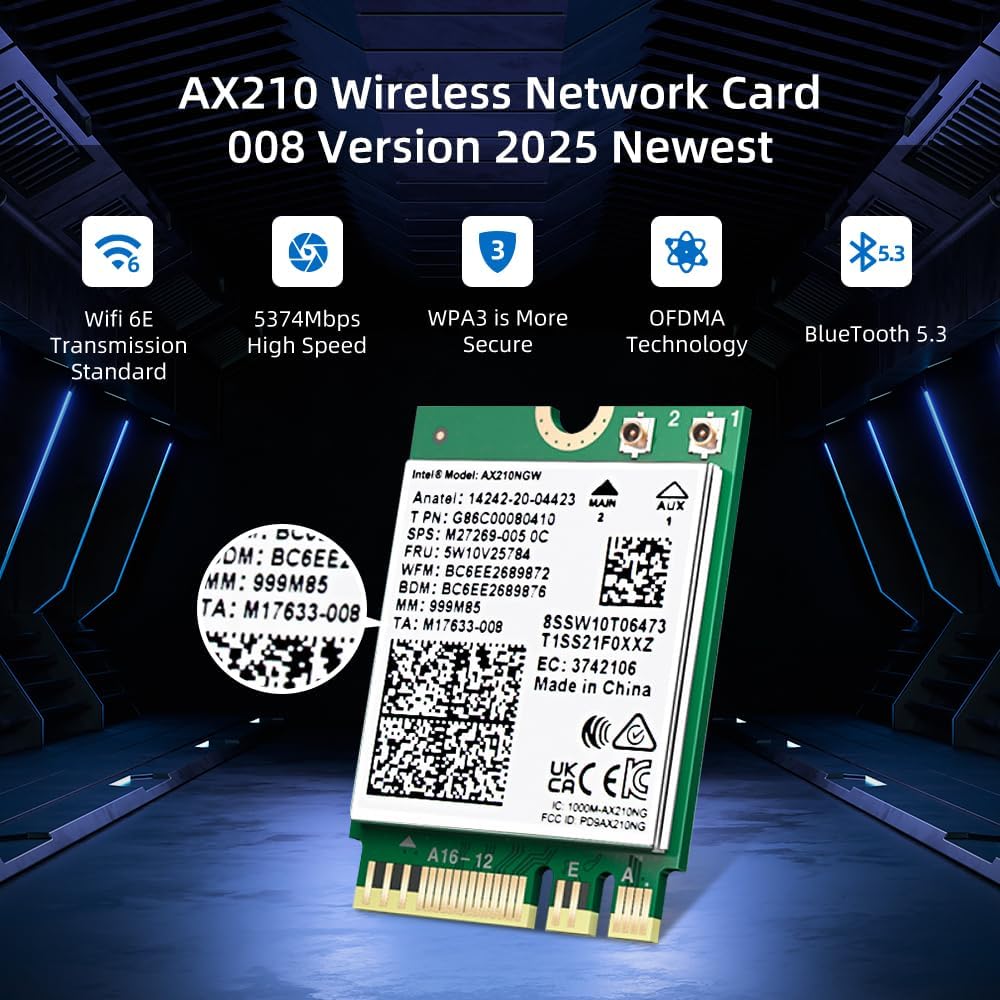
If your laptop’s Wi‑Fi feels a bit dated, a Wi‑Fi 6E upgrade can be a sensible way to freshen things up—especially if you have a router that actually supports the 6GHz band. The SYONCON WiFi 6E AX210 NGW WiFi Card is built around the AX210 chipset, pairing tri‑band 802.11ax (2.4GHz/5GHz/6GHz) with Bluetooth 5.3.
On paper, it’s the kind of module that suits people who want better wireless performance and fewer weak links around crowded networks. That said, it’s not a “works with everything” replacement: you need the right M.2 slot (Key A or Key E) and a compatible Windows setup, and you’ll only get the full 6GHz benefit if your environment supports it.
Key points
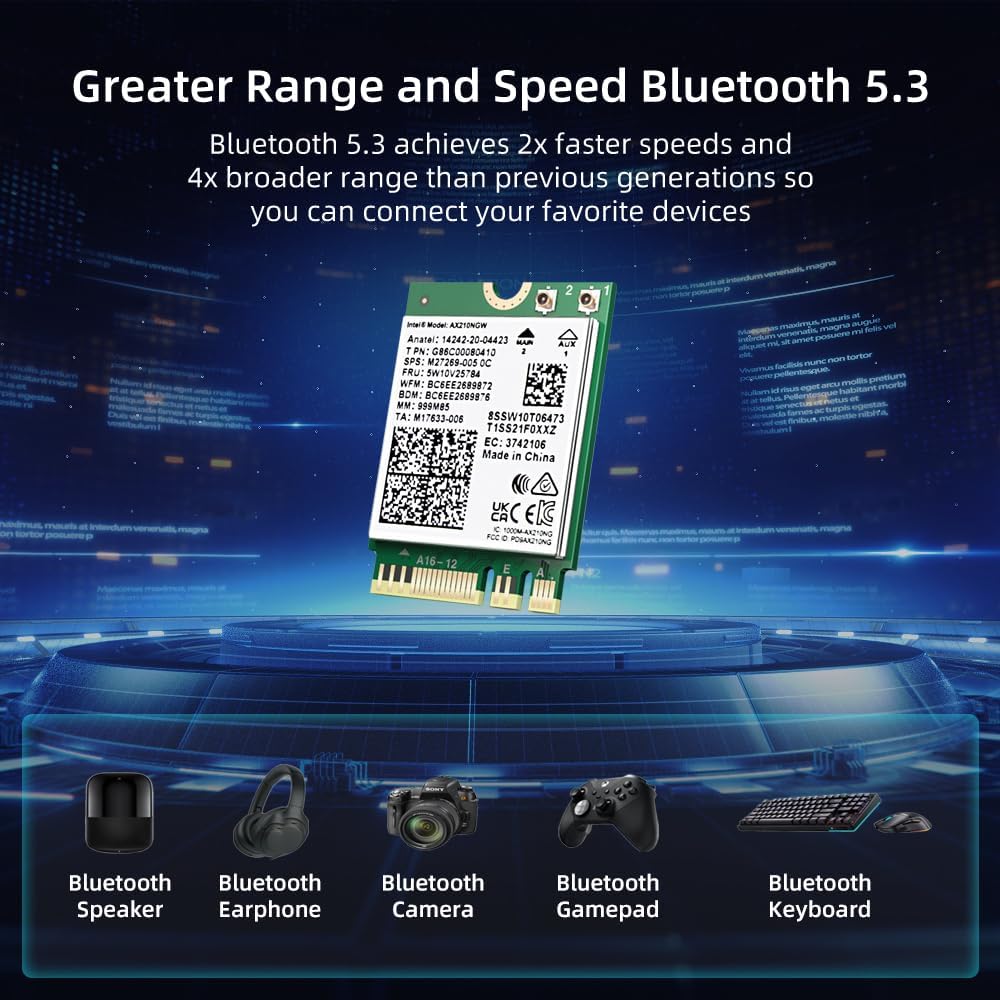
This is a Wi‑Fi 6E M.2 NGFF module designed for laptops with the correct connector. It supports tri‑band wireless for 2.4GHz, 5GHz and 6GHz, and it also includes Bluetooth 5.3 for connecting peripherals.
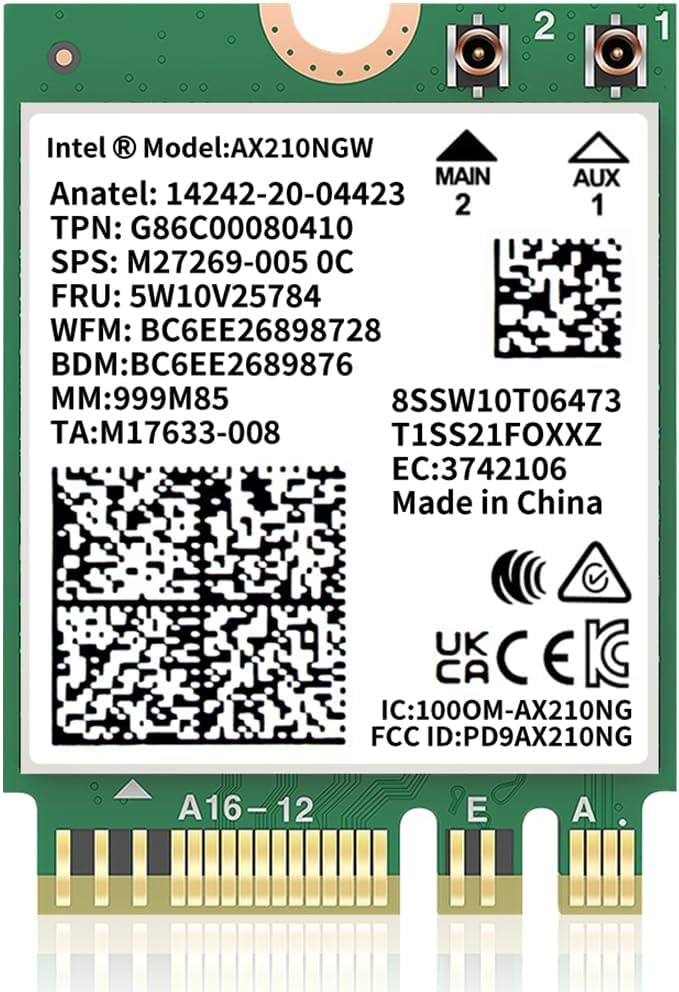
The practical win here is that Wi‑Fi 6E gives you more network “space” to work with in modern households and office setups where multiple devices compete for bandwidth. But the real-world payoff depends quite a lot on your laptop’s slot type and whether your Wi‑Fi router offers 6GHz in the first place.
What to know before you buy
Before you think about speed numbers, check three things: your laptop’s M.2 connector, your OS version, and whether your router supports Wi‑Fi 6E.
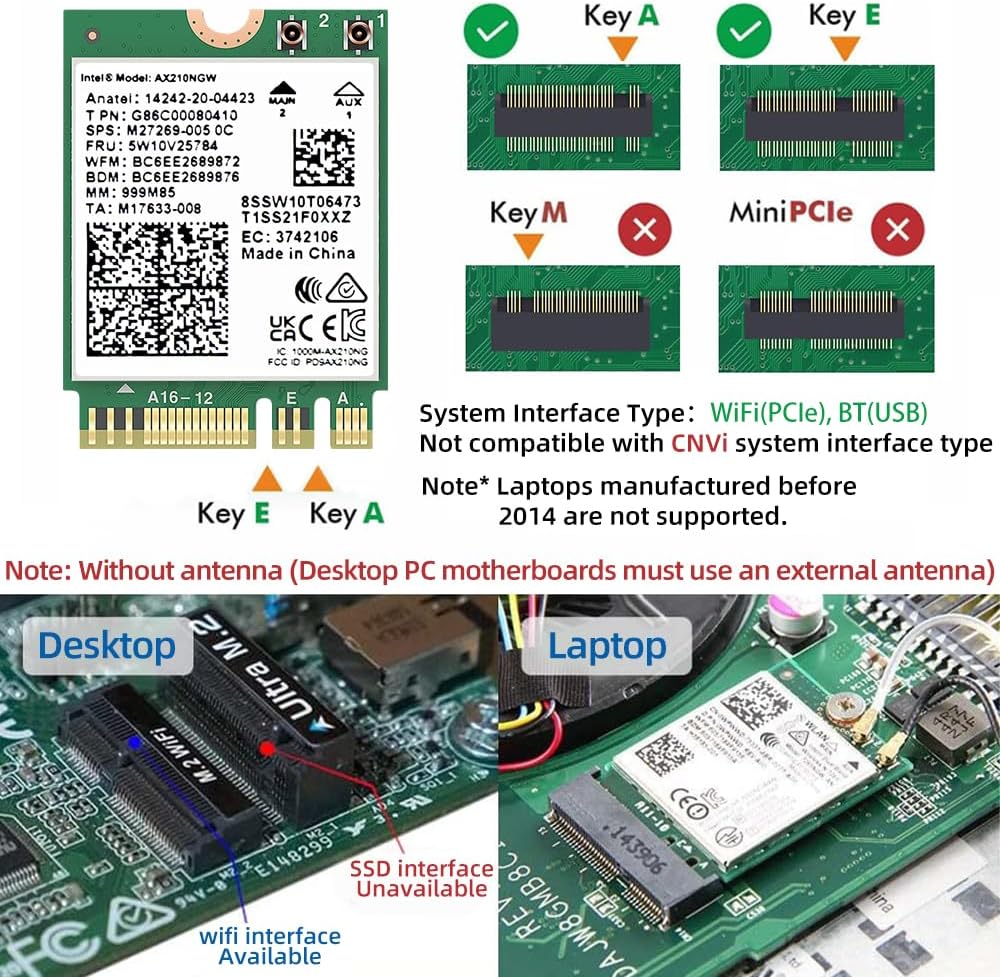
The module is described as using an M.2 2230 interface and enabling Key A or Key E M.2 socket to attach the module. The important limitation is that it is not for Key M and B slots—those are typically used for SSDs—so if your laptop only has the wrong kind of connector, it won’t fit.
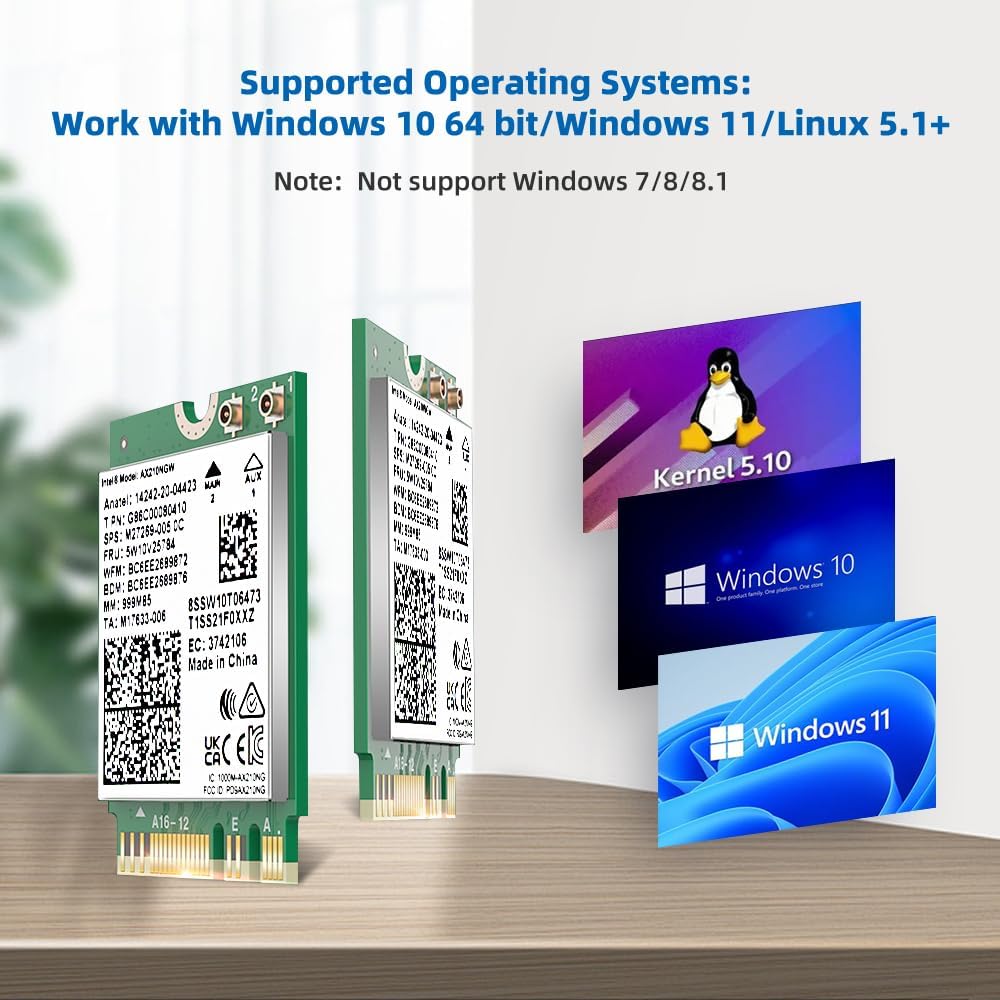
You also need Windows 10 or Windows 11 (64‑bit). It’s explicitly not compatible with Windows 7/8/8.1. And regarding drivers, the guidance is to download the driver from Intel’s website by searching for “AX210”. That usually means a bit of manual setup after installation, rather than everything being plug‑and‑play.
If you prioritise cutting-edge wireless and you already have (or plan to get) a 6GHz‑capable router, this makes more sense. If you’re sticking to older dual‑band Wi‑Fi (2.4/5GHz only), the upgrade may feel more modest.
Tech specs
- Type: Wi‑Fi + Bluetooth 5.3 module (802.11ax / Wi‑Fi 6E)
- Bands: Tri‑band 2.4GHz / 5GHz / 6GHz
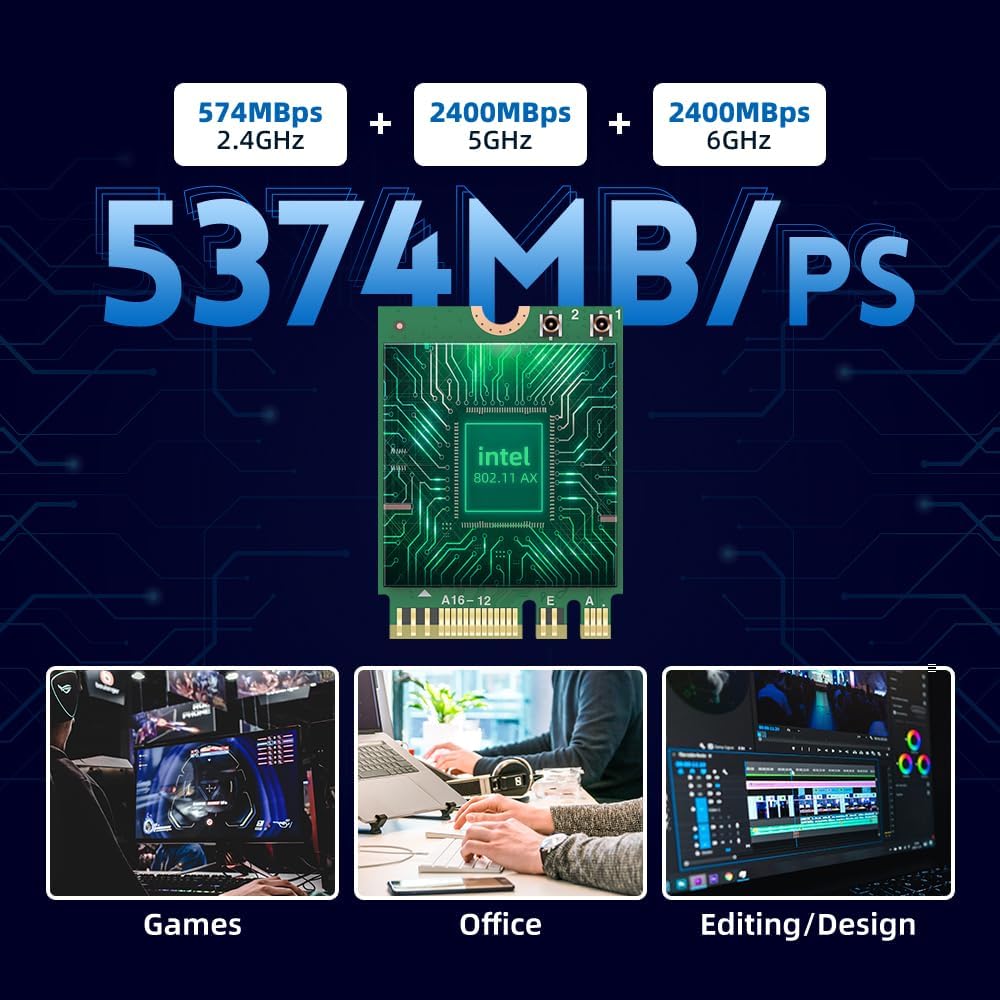
- Max wireless speeds (as stated): up to 574Mbps (2.4GHz) + 2400Mbps (5GHz) + 2400Mbps (6GHz)
- Bluetooth: Bluetooth 5.3
- M.2 interface: NGFF M.2 2230
- Supported M.2 keys/connectors: Key A or Key E
- Not for: Key M and B (those are used in SSD)
- OS support: Windows 10/11 (64‑bit)
- Wi‑Fi security: WPA, WPA2, WPA3
Where it shines (and where it may fall short)
Where it shines: in homes or workplaces where Wi‑Fi is under pressure and you want the option of 6GHz. Wi‑Fi 6E is designed for higher capacity and performance, and the Bluetooth 5.3 addition helps if you regularly use wireless headsets, keyboards, or mice.
Where it may fall short: if your laptop doesn’t have the correct M.2 Key A/Key E slot, you’ll hit a hard stop before you even get to performance. Also, the “6GHz boost” depends on your router and local coverage, without 6GHz support, you won’t really be using that portion of the spec.
It’s not necessarily the best choice if you’re chasing a cheap, guaranteed fix for a laptop that simply can’t take this type of card. In that situation, compatibility research (slot + OS + driver approach) matters more than the headline speed figures.
Everyday use and practical scenarios
Imagine you’ve got a laptop that works fine, but in the evenings the Wi‑Fi becomes temperamental—video calls stutter, downloads crawl, and streaming buffers. With a router that supports Wi‑Fi 6E, switching to a Wi‑Fi 6E AX210‑based card gives your laptop access to the 6GHz band, which can help reduce congestion in the bands your devices already share.
On the Bluetooth side, Bluetooth 5.3 is a neat bonus if you connect peripherals regularly. Even if your Wi‑Fi is the main reason for upgrading, having Bluetooth built into the same module can keep your setup tidy.
Who it’s for (and who should skip it)
It makes sense if: - you have a laptop with an M.2 NGFF 2230 Key A or Key E connector - you use Windows 10/11 (64‑bit) - you have, or plan to use, a Wi‑Fi 6E router with 6GHz coverage - you want a combined Wi‑Fi + Bluetooth upgrade rather than separate solutions
You may want to skip it if: - your laptop uses an M.2 slot that isn’t Key A or Key E - you’re still on Windows 7/8/8.1 (not supported here) - your router environment doesn’t offer 6GHz, so the “Wi‑Fi 6E” part won’t really apply
There’s a certain “depends on compatibility” feel to these laptop Wi‑Fi modules—so it’s worth being cautious before ordering.
In the box / installation expectations
The product description focuses on the module and its interface type, but it doesn’t spell out the full kit contents. From a buying standpoint, assume you’re primarily purchasing the Wi‑Fi card itself.
Installation is likely to involve replacing the existing Wi‑Fi card inside your laptop. You should also plan for driver setup: the guidance given is to download the AX210 driver from Intel by searching “AX210”. That’s a normal approach, but it’s not something you should ignore if you want the upgrade to work smoothly.
Is it worth it?
Worth buying if you can confirm the laptop has an M.2 NGFF 2230 Key A or Key E slot and you’re on Windows 10/11 64‑bit, and especially if your router supports Wi‑Fi 6E so you can actually use the 6GHz band.
Better avoided if the slot type doesn’t match (Key M/B isn’t the intended route here) or if your environment is limited to older Wi‑Fi bands where the extra 6E capability won’t change much.
Mini FAQ
Does this support 6GHz Wi‑Fi?
Yes, it’s described as tri‑band with 2.4GHz, 5GHz and 6GHz support. The real benefit depends on whether your router offers 6GHz.
Which Windows versions does it work with?
It supports Windows 10 and Windows 11 (64‑bit). It’s not compatible with Windows 7/8/8.1.
What M.2 connector does it need?
It enables Key A or Key E M.2 sockets using an NGFF M.2 2230 interface. It is not for Key M and B slots.
Do I need to install drivers?
The description advises downloading the driver from Intel’s site by searching for “AX210”, so it’s sensible to expect some driver setup rather than assuming it’s automatic.
What Wi‑Fi security standards are supported?
It supports WPA, WPA2 and WPA3 network security as stated.